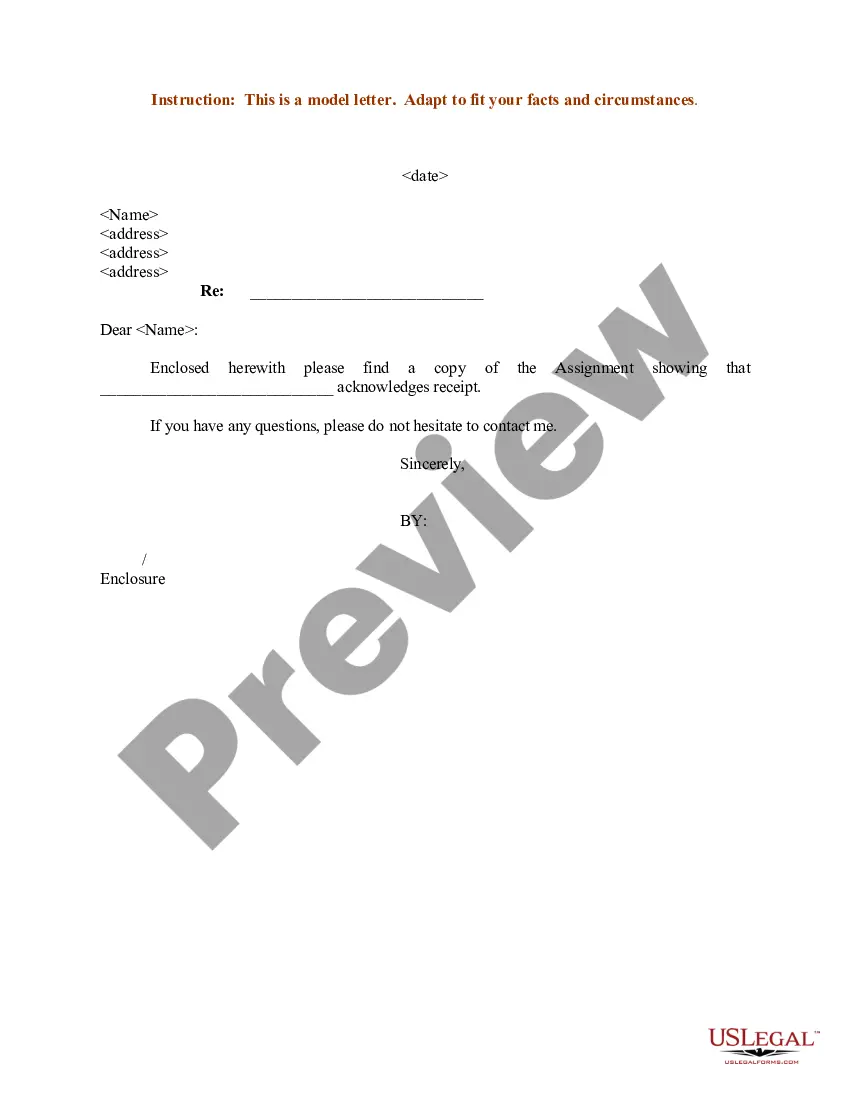
Sample Email For Assignment Submission
Description
Get your form ready online
Our built-in tools help you complete, sign, share, and store your documents in one place.
Make edits, fill in missing information, and update formatting in US Legal Forms—just like you would in MS Word.
Download a copy, print it, send it by email, or mail it via USPS—whatever works best for your next step.
Sign and collect signatures with our SignNow integration. Send to multiple recipients, set reminders, and more. Go Premium to unlock E-Sign.
If this form requires notarization, complete it online through a secure video call—no need to meet a notary in person or wait for an appointment.
We protect your documents and personal data by following strict security and privacy standards.

Make edits, fill in missing information, and update formatting in US Legal Forms—just like you would in MS Word.

Download a copy, print it, send it by email, or mail it via USPS—whatever works best for your next step.

Sign and collect signatures with our SignNow integration. Send to multiple recipients, set reminders, and more. Go Premium to unlock E-Sign.

If this form requires notarization, complete it online through a secure video call—no need to meet a notary in person or wait for an appointment.

We protect your documents and personal data by following strict security and privacy standards.
Looking for another form?
How to fill out Sample Letter For Assignment?
It’s clear that you cannot instantly become a legal expert, nor can you comprehend how to swiftly create Sample Email For Assignment Submission without a specialized skill set.
Drafting legal documents is an extensive endeavor that necessitates particular education and abilities.
So why not entrust the creation of the Sample Email For Assignment Submission to professionals.
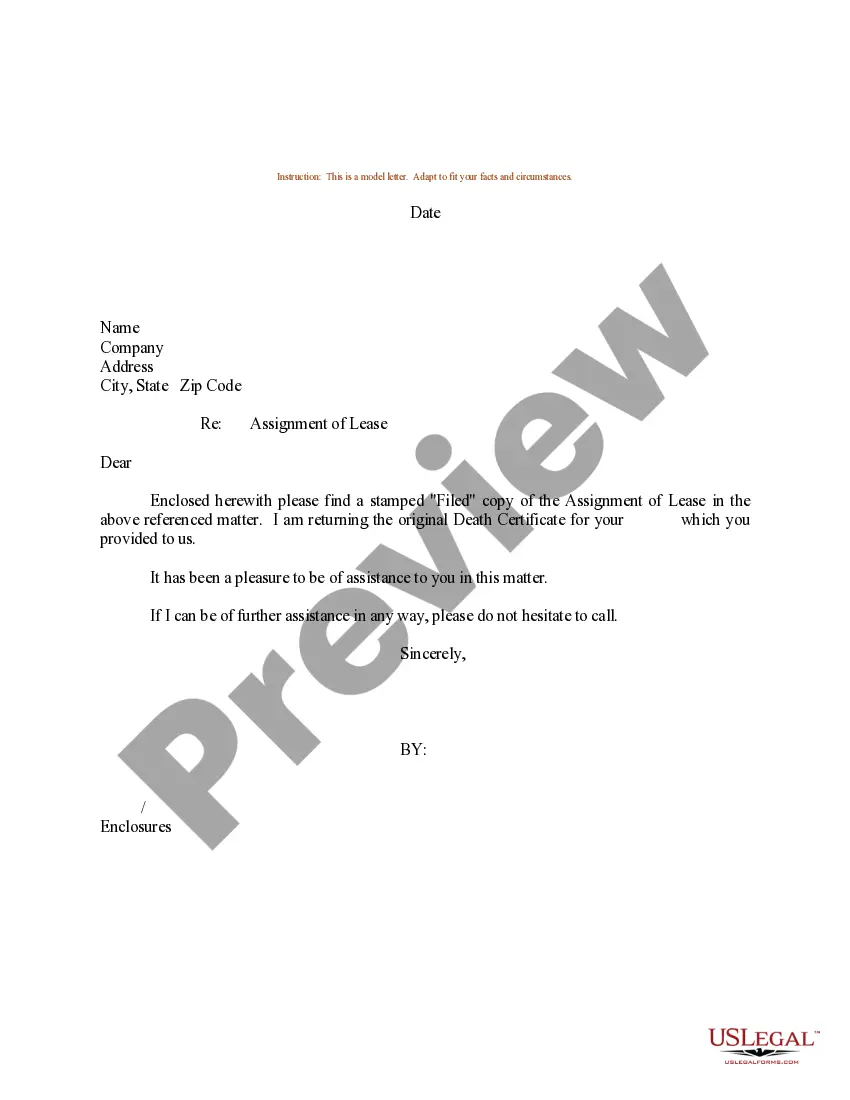
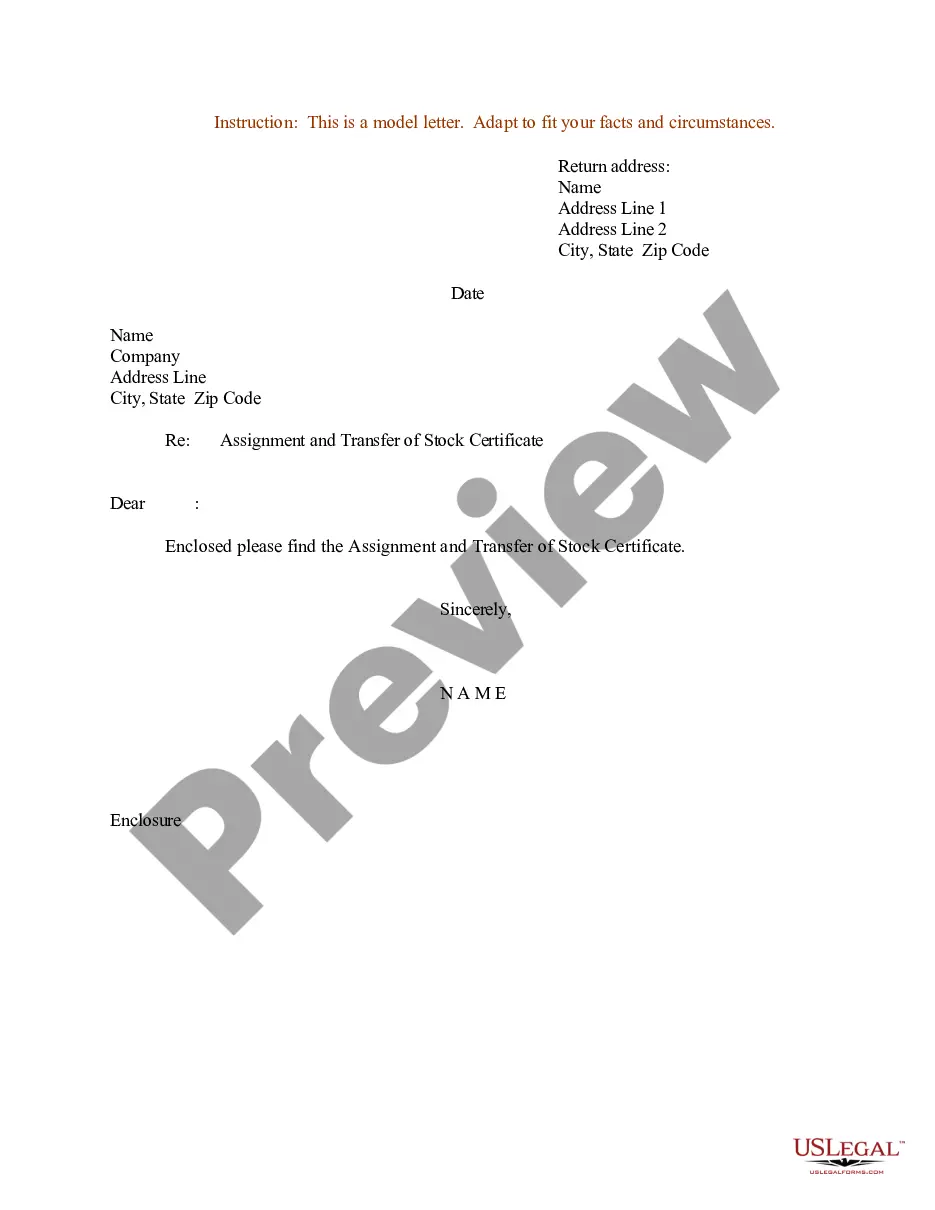
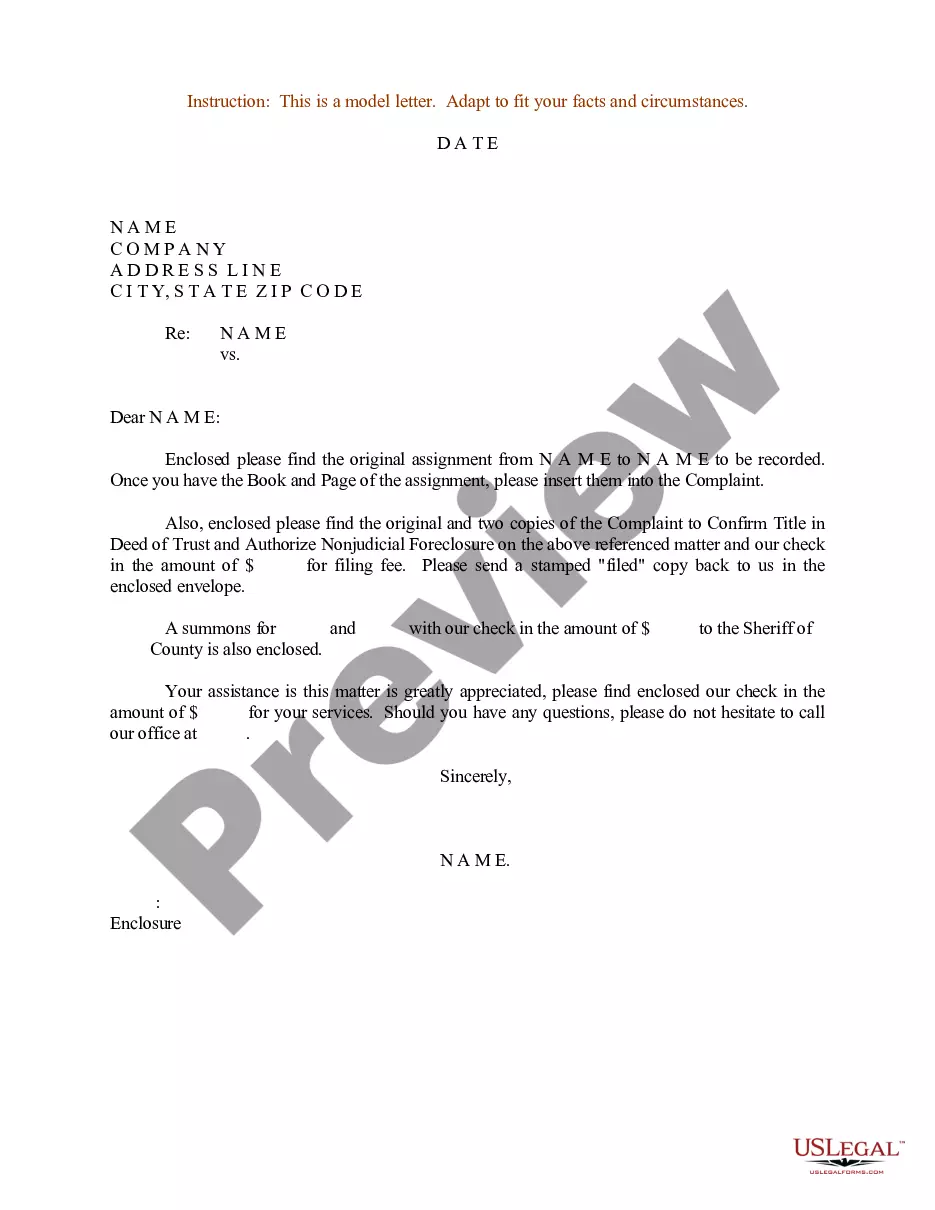
Preview it (if this feature is available) and review the accompanying description to determine if Sample Email For Assignment Submission is what you are looking for.
If you require a different template, restart your search. Sign up for a free account and choose a subscription option to acquire the template. Click Buy now. Once the payment is processed, you can obtain the Sample Email For Assignment Submission, complete it, print it, and send or deliver it by mail to the intended recipients or entities.
- With US Legal Forms, one of the most comprehensive legal document repositories, you can find anything from court filings to templates for workplace correspondence.
- We recognize how vital compliance and adherence to federal and local laws and regulations are.
- That’s why, on our platform, all documents are region-specific and kept current.
- Start with our website to obtain the document you need in just a few minutes.
- Discover the form you require using the search feature at the top of the page.
Form popularity
FAQ
To write an effective email for assignment submission, begin by clearly stating the purpose of the email in your subject line, such as 'Assignment Submission: Your Assignment Title.' Next, address the recipient politely, and briefly introduce your assignment, including details like the course, due date, and any specific guidelines. Finally, attach your completed assignment and express your gratitude for their attention, ensuring all elements of a sample email for assignment submission are present to convey professionalism.
To write an email for submitting an assignment, start with a clear subject that reflects your intention. Greet the recipient politely, and then clearly mention the assignment title, any accompanying details, and state that the assignment is attached. Close with an invitation for feedback or questions, and look for inspiration in a sample email for assignment submission for formatting tips.
When you submit documents via email, use a direct subject line to convey the purpose, such as 'Document Submission.' In the email body, specify the documents you are submitting, provide a brief explanation, and assure the recipient you are available for any questions. Following a sample email for assignment submission can help you ensure your email is professional and clear.
Writing an email for document submission involves being straightforward. Begin with a clear subject line that indicates what documents you are submitting. In the body, briefly describe what the documents are, any relevant context, and how you have attached or linked them. A sample email for assignment submission can guide you in crafting an effective message.
In an email when sending an assignment, start with a proper greeting and a brief introduction. Clearly mention the assignment’s title, due date, and any specific instructions. Remember to express gratitude for the recipient’s attention and offer to provide additional information if required. Using a sample email for assignment submission can help ensure you include all necessary details.
When you assign a task via email, structure the message to include a clear subject line that reflects the task. In the body of the email, describe the task in detail, outline deadlines, and clarify any expectations. Always conclude with a supportive note, inviting questions if needed. You might even look at a sample email for assignment submission to structure your message properly.
To write a submission email, start with a clear and concise subject line that indicates the purpose of your email, such as 'Assignment Submission.' Begin your email with a polite greeting followed by a brief introduction. Clearly state the attached assignment and any necessary details, and conclude with a warm closing. For a perfect format, consider using a sample email for assignment submission as a reference.
When asking a professor for an extension, structure your email thoughtfully. Start with a respectful greeting, then clearly explain your need for the extension while being honest about your circumstances. Offer a brief plan for addressing the assignment and thank them for considering your request. A considerate sample email for assignment submission showcases your commitment and respect for their time.
To write an email for submitting an assignment, include a clear subject line that indicates the assignment title. Start your email with a polite greeting, then express your intent to submit the assignment attached. Briefly summarize the assignment and thank the professor for their guidance. A well-organized sample email for assignment submission demonstrates your professionalism.
When requesting a document sample via email, begin by addressing the recipient respectfully. Specify what document you need and explain why you need it. Providing context helps the recipient understand your request better. A clear and concise sample email for assignment submission can facilitate a quicker response.