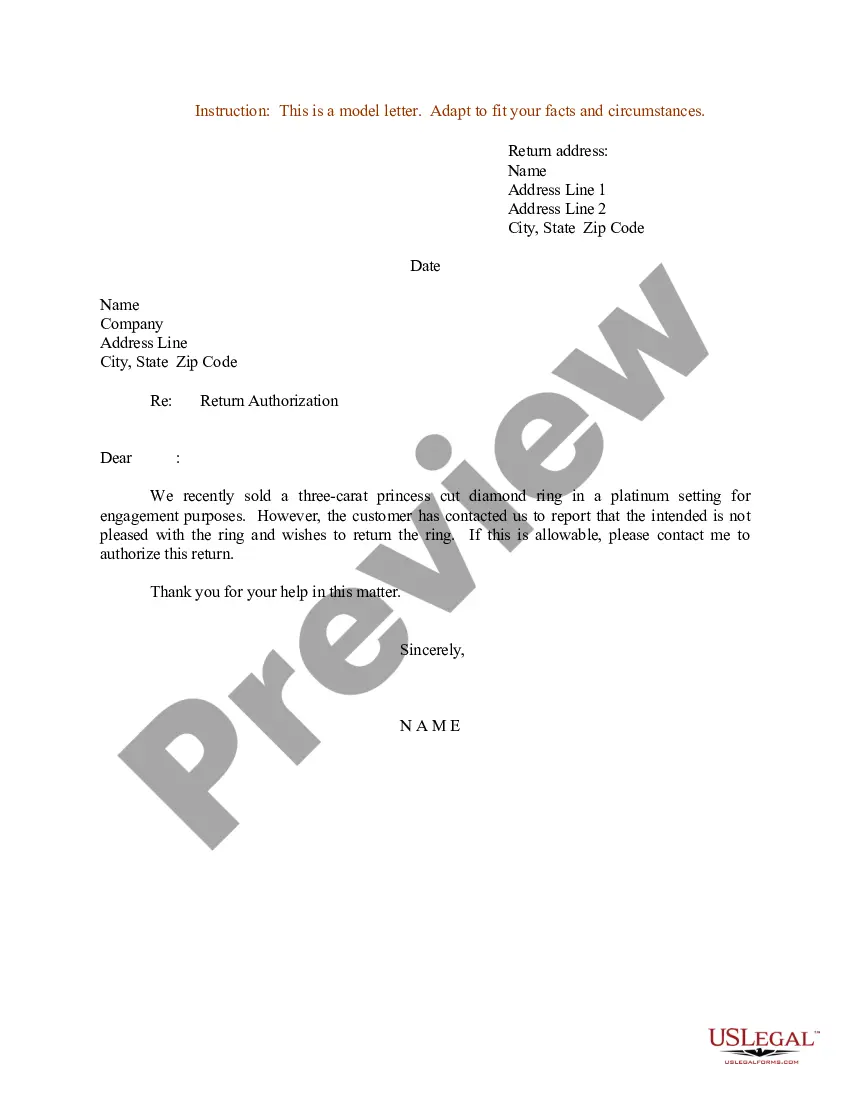
Permission Letter For Medical Treatment
Description
Get your form ready online
Our built-in tools help you complete, sign, share, and store your documents in one place.
Make edits, fill in missing information, and update formatting in US Legal Forms—just like you would in MS Word.
Download a copy, print it, send it by email, or mail it via USPS—whatever works best for your next step.
Sign and collect signatures with our SignNow integration. Send to multiple recipients, set reminders, and more. Go Premium to unlock E-Sign.
If this form requires notarization, complete it online through a secure video call—no need to meet a notary in person or wait for an appointment.
We protect your documents and personal data by following strict security and privacy standards.

Make edits, fill in missing information, and update formatting in US Legal Forms—just like you would in MS Word.

Download a copy, print it, send it by email, or mail it via USPS—whatever works best for your next step.

Sign and collect signatures with our SignNow integration. Send to multiple recipients, set reminders, and more. Go Premium to unlock E-Sign.

If this form requires notarization, complete it online through a secure video call—no need to meet a notary in person or wait for an appointment.

We protect your documents and personal data by following strict security and privacy standards.
Looking for another form?
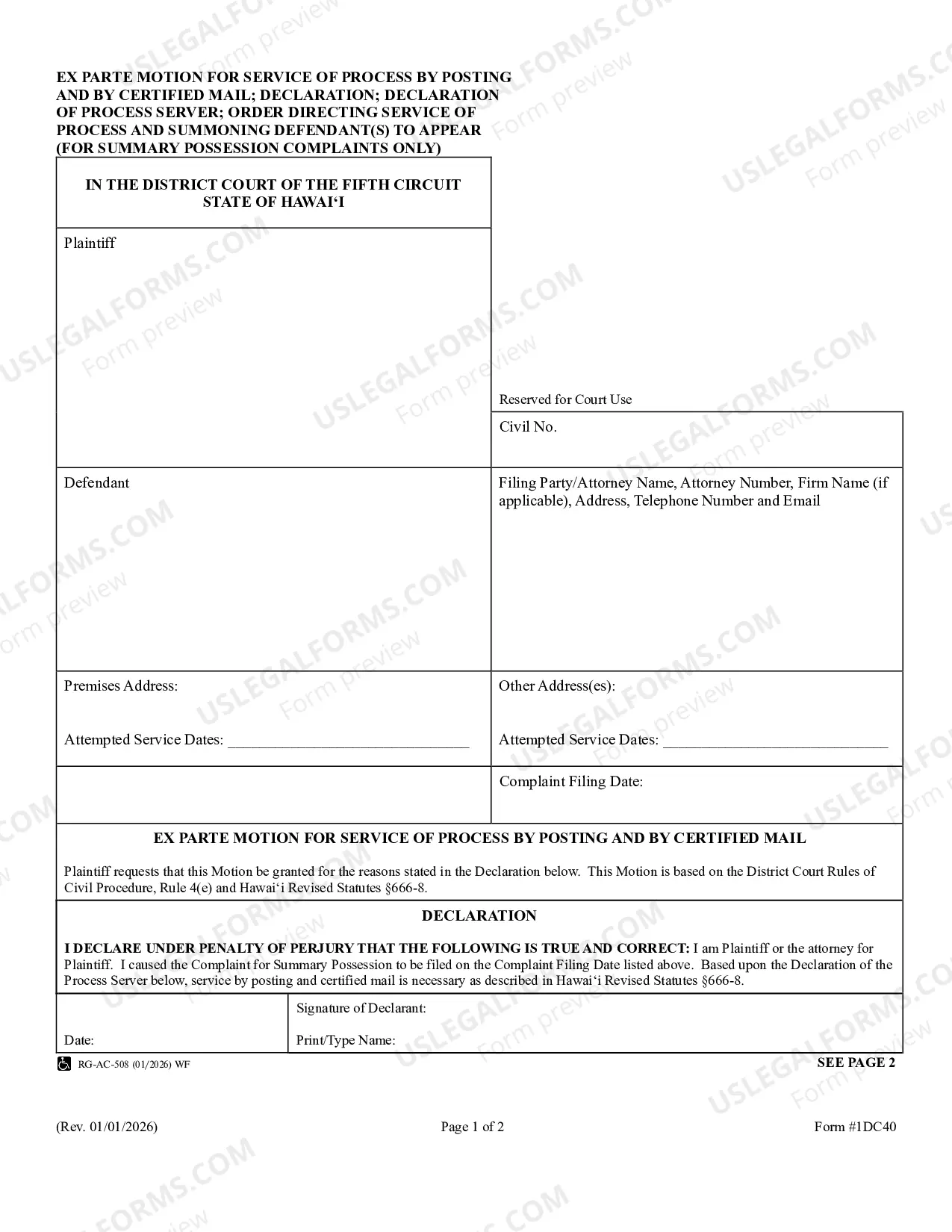
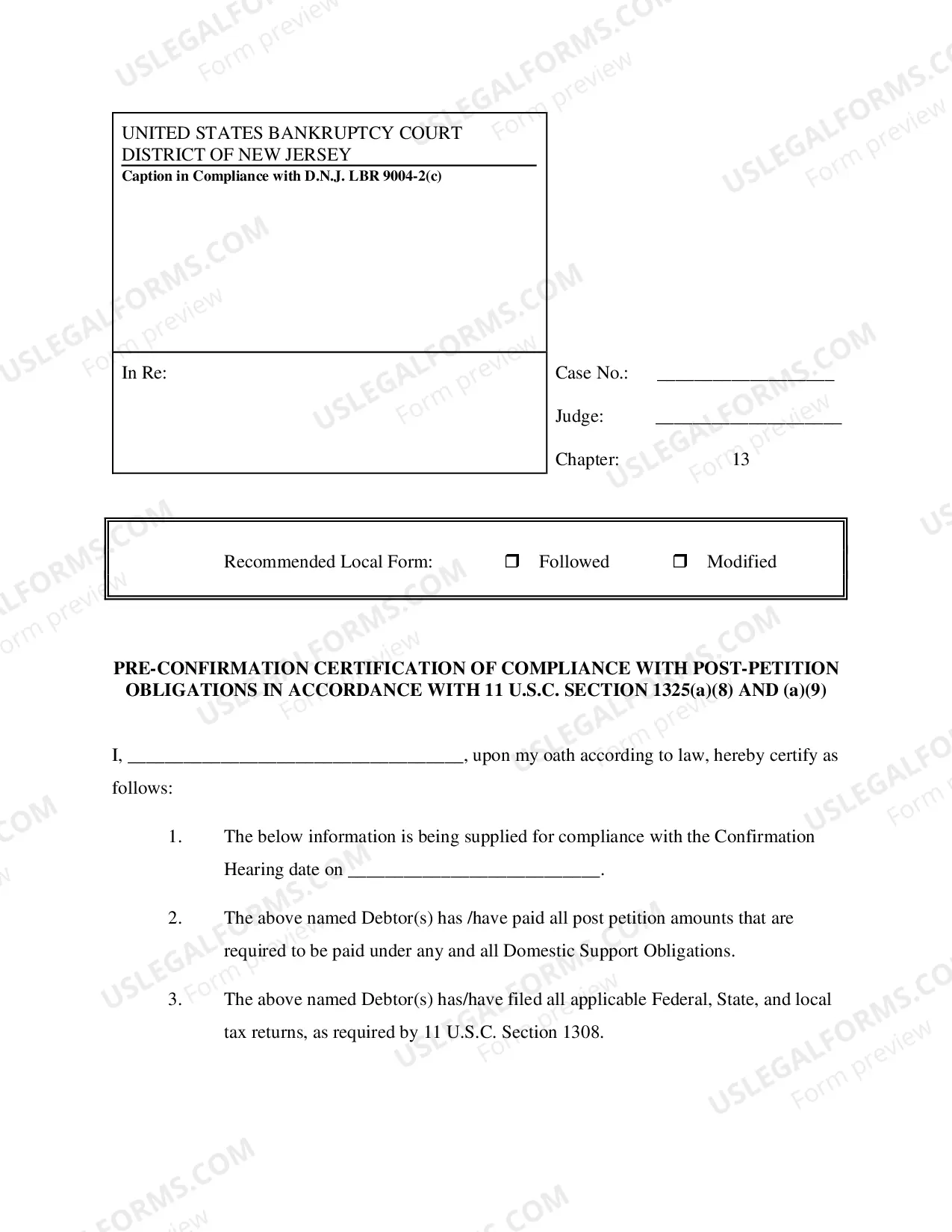

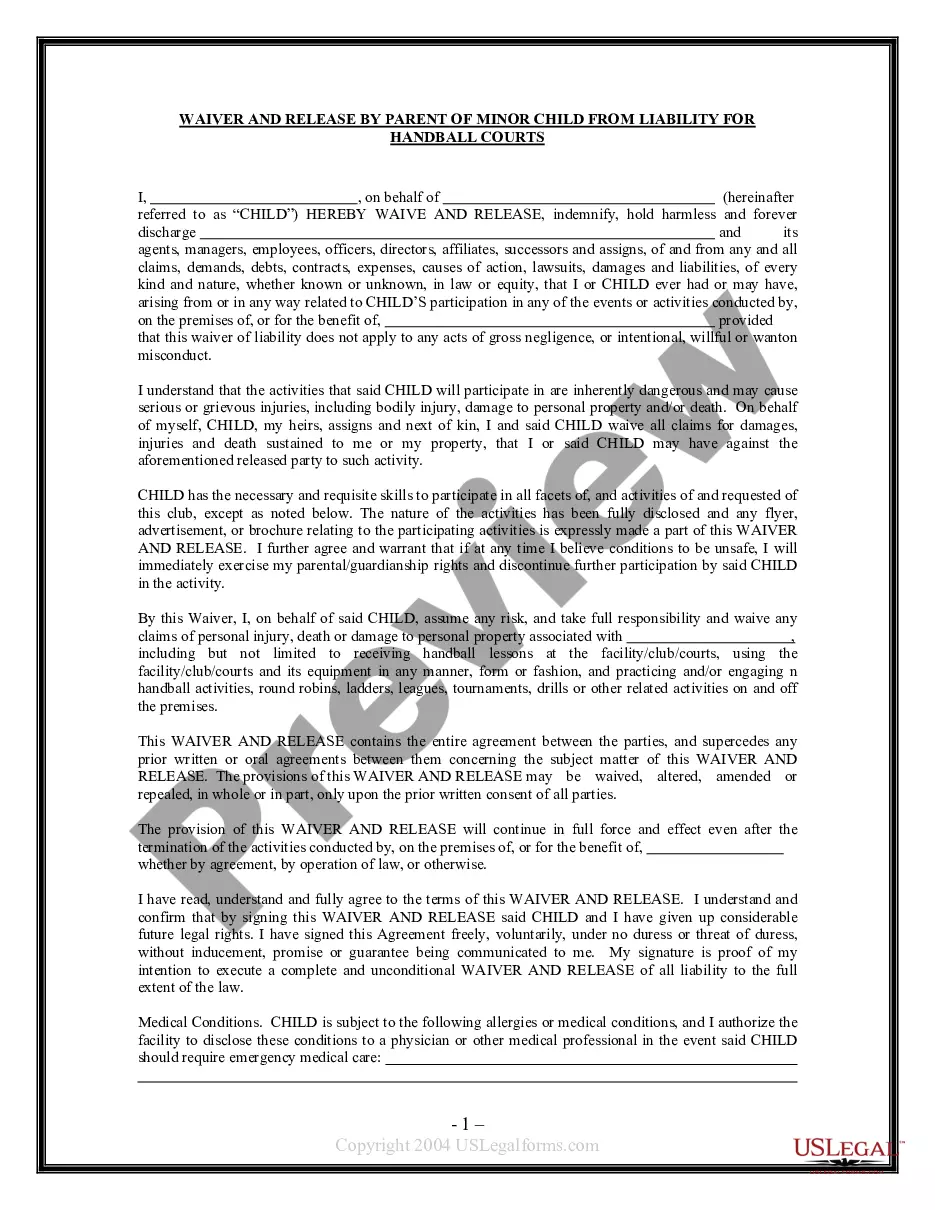
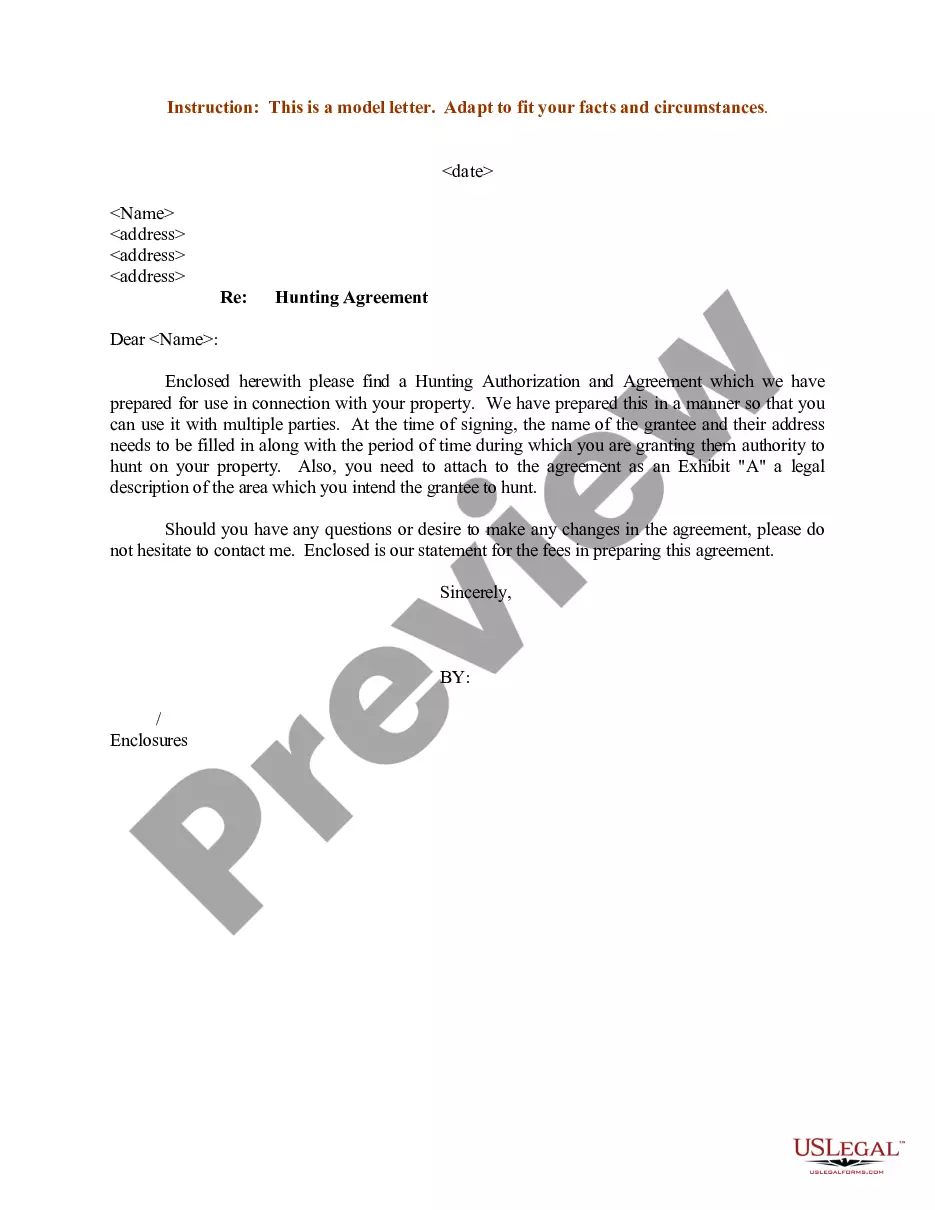
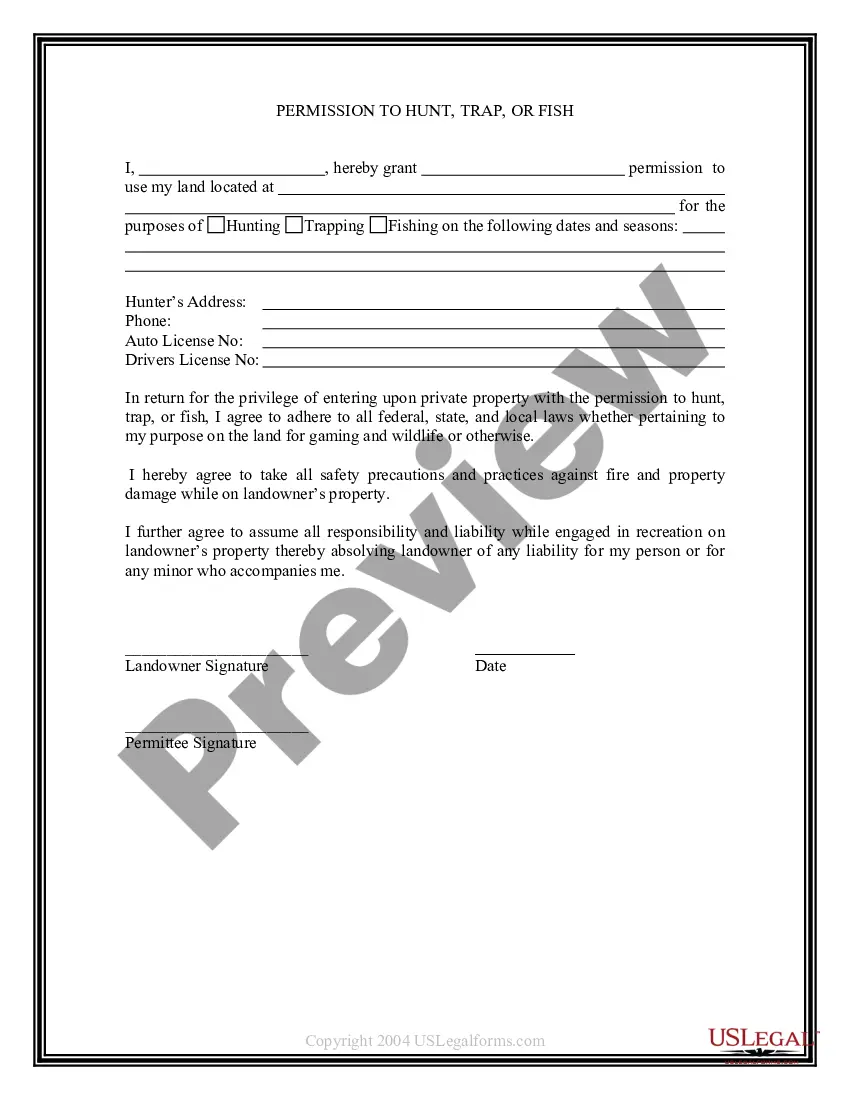
How to fill out Sample Letter Regarding Hunting Authorization And Agreement?
Legal administration can be exasperating, even for seasoned professionals.
When you seek a Permission Letter For Medical Treatment but lack the time to devote to finding the correct and current version, the procedures may become arduous.
US Legal Forms encompasses any needs you may have, ranging from personal to business forms, all in one location.
Utilize sophisticated tools to complete and manage your Permission Letter For Medical Treatment.
Here are the actions to take after entering the required form: Verify that this is the correct document by previewing it and reviewing its details.
- Access a valuable resource collection of articles, guidance, manuals, and materials relevant to your circumstances and needs.
- Conserve time and effort in sourcing the documents you require by employing US Legal Forms’ advanced search and Preview feature to find Permission Letter For Medical Treatment and obtain it.
- If you possess a monthly subscription, Log In to your US Legal Forms profile, locate the form, and retrieve it.
- Visit the My documents tab to examine the documents you've previously downloaded and manage your files as desired.
- If this is your first experience with US Legal Forms, create a complimentary account and gain unrestricted access to all advantages of the library.
- Utilize a comprehensive online form library which can be revolutionary for anyone wanting to manage these matters efficiently.
- US Legal Forms is a frontrunner in the realm of online legal forms, boasting over 85,000 state-specific legal documents accessible at any moment.
- Access state- or county-specific legal and organizational documents.
Form popularity
FAQ
How to Change Your Name (8 steps) Verify Qualification. Complete the Petition. File with the Clerk of Court. Schedule a Hearing. Prepare Notifications. Seek Consent. Publish Notice (If Necessary) Attend Hearing.
Contact the Clerk of the Superior Court for the county in which the divorce was filed in. Divorce decrees filed before 1950 may be held by the Arizona State Archives, depending on the county. Contact the Clerk of the Superior Court for the county they were filed in.
To amend your birth certificate, take or mail a certified copy of the Order to the Bureau of Vital Records, or its equivalent, in the state where you were born. Request that your birth certificate be changed to reflect your new name. There will be a fee for this. In Arizona these records are maintained by the counties.
In addition to a complicated list of documents to fill out and file correctly, a name change requires a $333 filing fee (there is no cost if you change your name during a divorce).
ADDITIONAL INFORMATION ABOUT PROTECTIVE ORDERS: PUBLIC ACCESS: Only the information contained in the served protective order, not the petition, will be entered into the state computer system and will be made public on the internet.
Overview of Process in Arizona for an Adult In Arizona, an adult who wishes, for good cause shown, to change his/her name must present an Application to that effect, verified by affidavit, to the Superior Court in the county of the Petitioner's residence.
In addition to a complicated list of documents to fill out and file correctly, a name change requires a $333 filing fee (there is no cost if you change your name during a divorce).
Name change actions can take anywhere from a day to six (6) months (sometimes even longer). The time it takes for such action to be ordered/decreed varies not only from county to county, but sometimes from courthouse to courthouse as well.