Letter Of Authorization With Notary Template
Description
Get your form ready online
Our built-in tools help you complete, sign, share, and store your documents in one place.
Make edits, fill in missing information, and update formatting in US Legal Forms—just like you would in MS Word.
Download a copy, print it, send it by email, or mail it via USPS—whatever works best for your next step.
Sign and collect signatures with our SignNow integration. Send to multiple recipients, set reminders, and more. Go Premium to unlock E-Sign.
If this form requires notarization, complete it online through a secure video call—no need to meet a notary in person or wait for an appointment.
We protect your documents and personal data by following strict security and privacy standards.

Make edits, fill in missing information, and update formatting in US Legal Forms—just like you would in MS Word.

Download a copy, print it, send it by email, or mail it via USPS—whatever works best for your next step.

Sign and collect signatures with our SignNow integration. Send to multiple recipients, set reminders, and more. Go Premium to unlock E-Sign.

If this form requires notarization, complete it online through a secure video call—no need to meet a notary in person or wait for an appointment.

We protect your documents and personal data by following strict security and privacy standards.
Looking for another form?
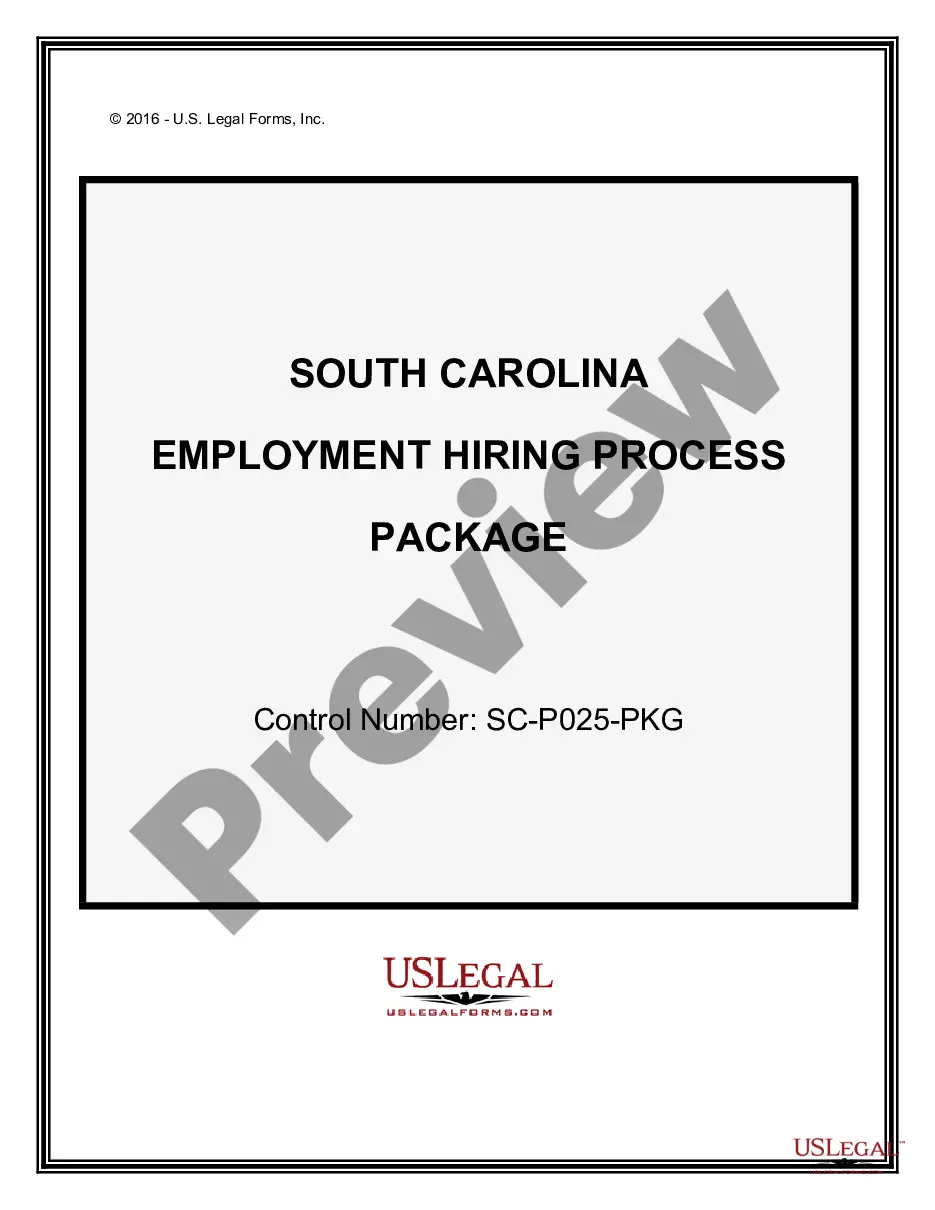
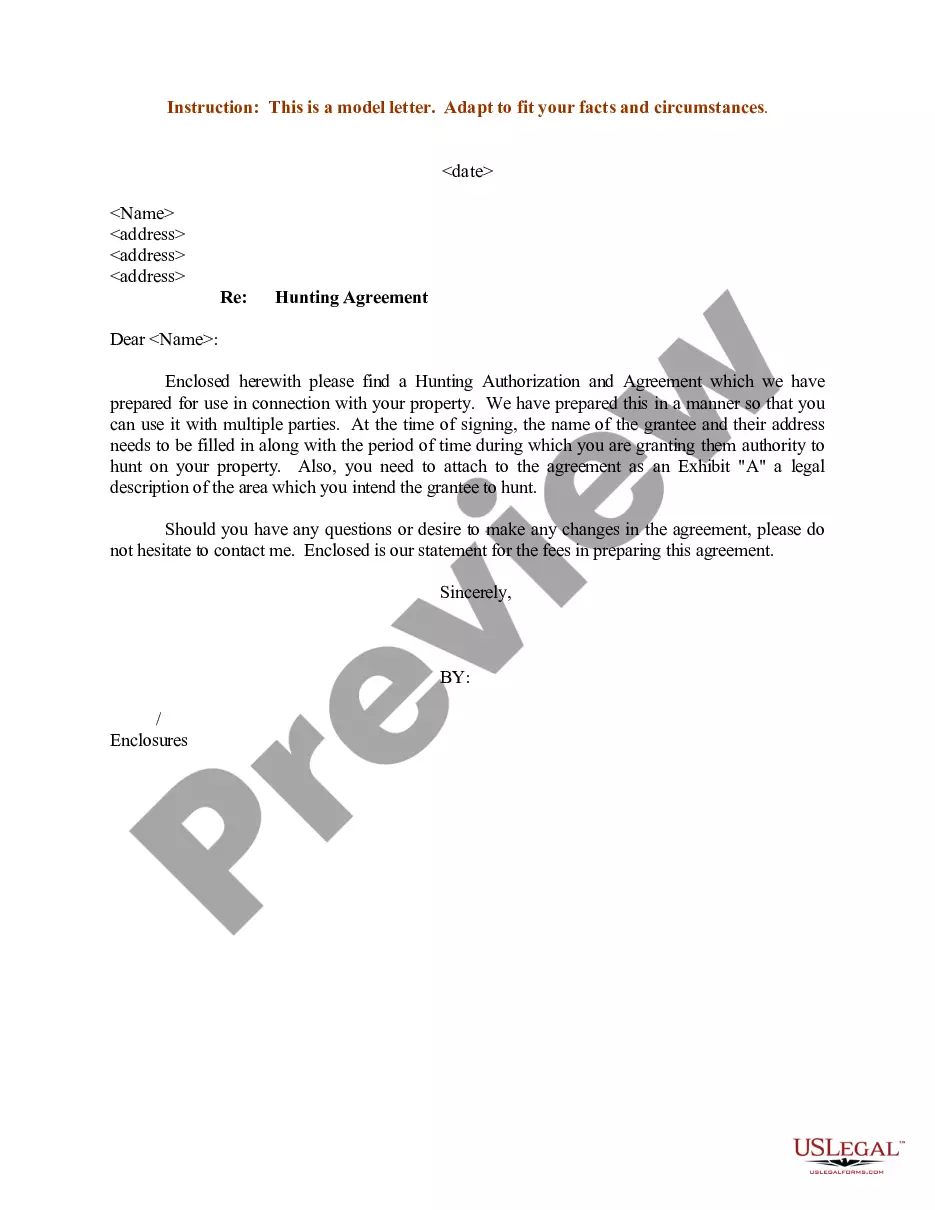
How to fill out Sample Letter Regarding Hunting Authorization And Agreement?
Creating legal documents from the ground up can at times be daunting.
Certain situations may require countless hours of investigation and considerable monetary investment.
If you’re looking for a simpler and more cost-effective method of generating a Letter Of Authorization With Notary Template or any other paperwork without navigating unnecessary obstacles, US Legal Forms is always within your reach.
Our online collection of over 85,000 current legal forms covers nearly every aspect of your financial, legal, and personal matters. With just a few clicks, you can promptly retrieve state- and county-specific documents carefully prepared for you by our legal professionals.
Examine the form preview and descriptions to verify that you’ve identified the document you need. Confirm that the form you select meets the criteria of your state and locality. Choose the appropriate subscription plan to acquire the Letter Of Authorization With Notary Template. Download the document, then complete, sign, and print it out. US Legal Forms enjoys a solid reputation and over 25 years of experience. Join us today and simplify your document preparation process!
- Utilize our platform whenever you need dependable and trustworthy services that allow you to easily find and download the Letter Of Authorization With Notary Template.
- If you’re familiar with our services and have previously established an account with us, simply sign in to your account, locate the form and download it right away or re-download it at any moment in the My documents section.
- Don’t have an account? No problem. Registering takes minimal time and allows you to explore our catalog.
- Before directly proceeding to download the Letter Of Authorization With Notary Template, consider these suggestions.
Form popularity
FAQ
Notarized letter format Dear [Full First and Last Name], Add the relevant content in the letter. I, [add name], can verify that I have lived at [address] in [state, city] for a period [date]. In line with the perjury penalty, I also confirm that the statements and facts in this letter are true.
How do I write a consent letter for my child to travel? List your child's name, birth date/place, and passport details. Provide the parent's/guardian's name, custody information, and passport details. Add contact information for the non-traveling parents/guardians. Detail the child's destination and dates of travel.
The letter should say "I acknowledge that my son/daughter is traveling outside the country with [the name of the adult] with my permission." If one parent has sole custody of the child, a copy of the custody document can take the place of the other parent's letter.
Yes, you may notarize a signature on a document that includes handwritten paragraphs. A document can be typed or handwritten. If the notarial certificate under the signature is not included, be sure to attach a loose certificate chosen by your customer.
In other words, a notary statement can be thought of as a declaration stating that the notary public knows the individual personally, knows a trustworthy witness who has identified the individual in person and that the notary agent has identified the individual on the basis of the identification documents that have ...