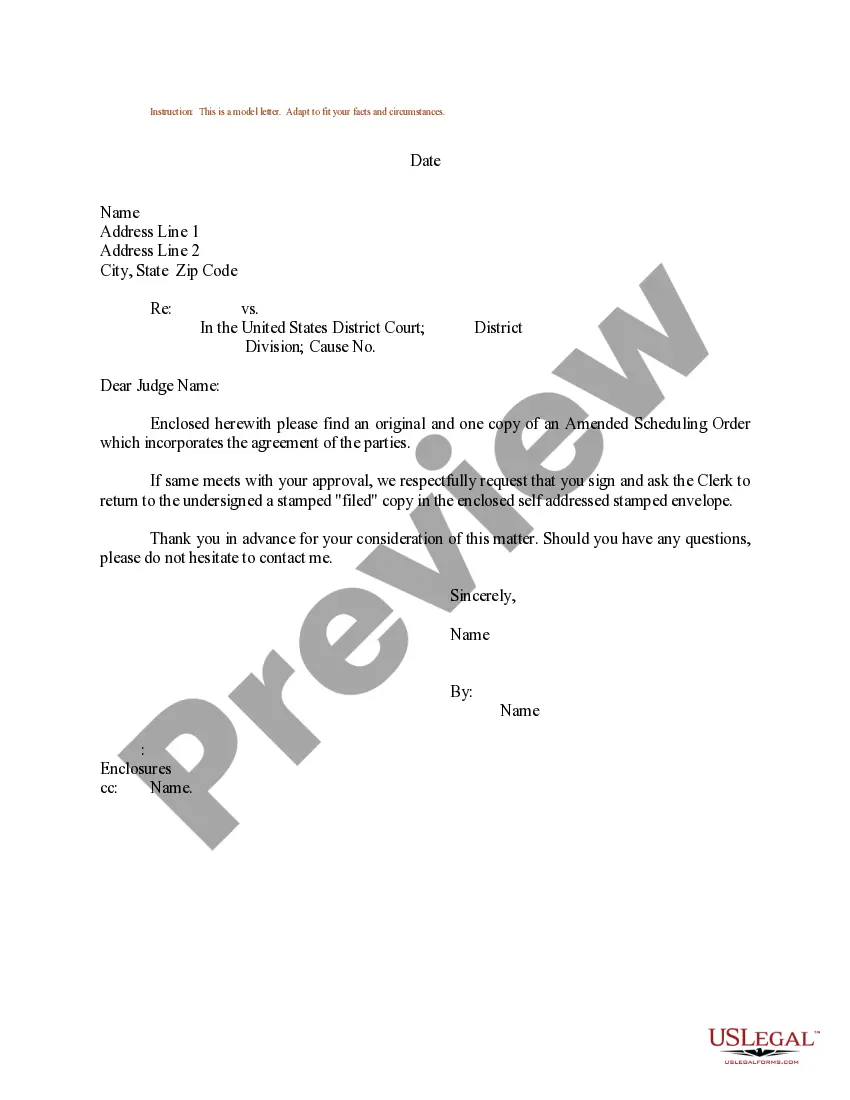
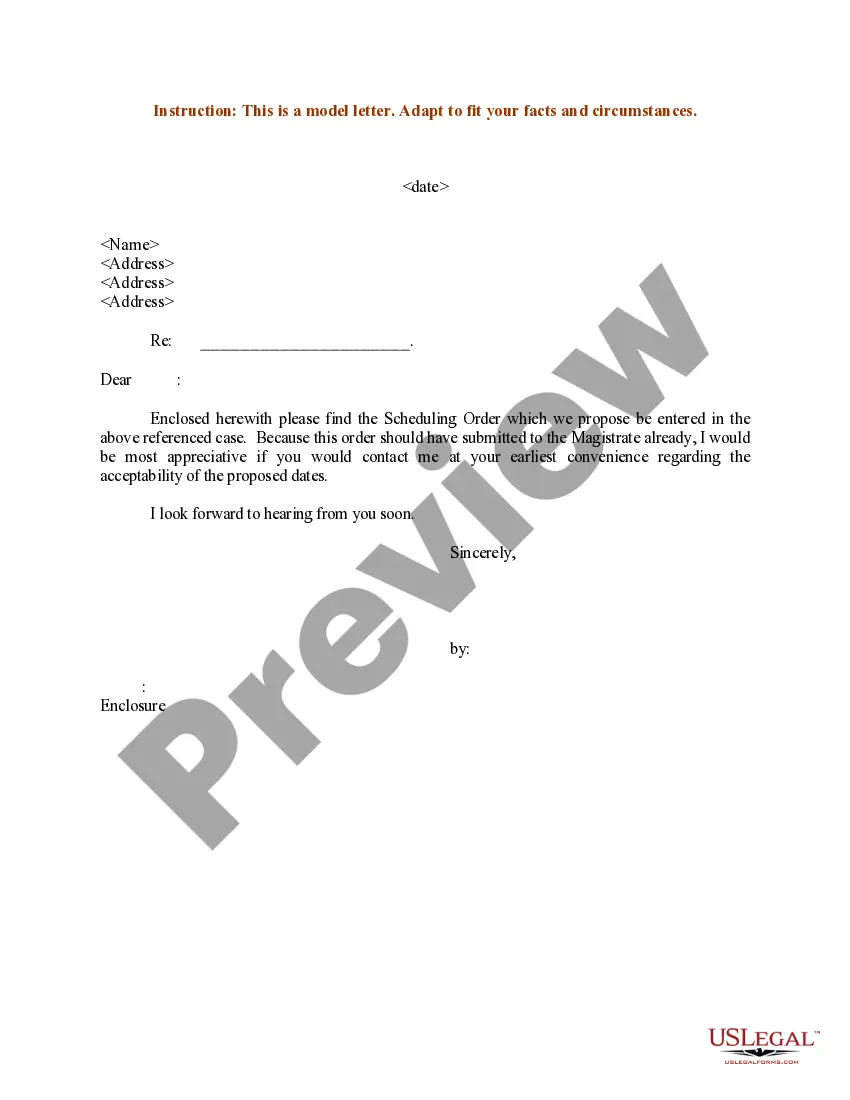
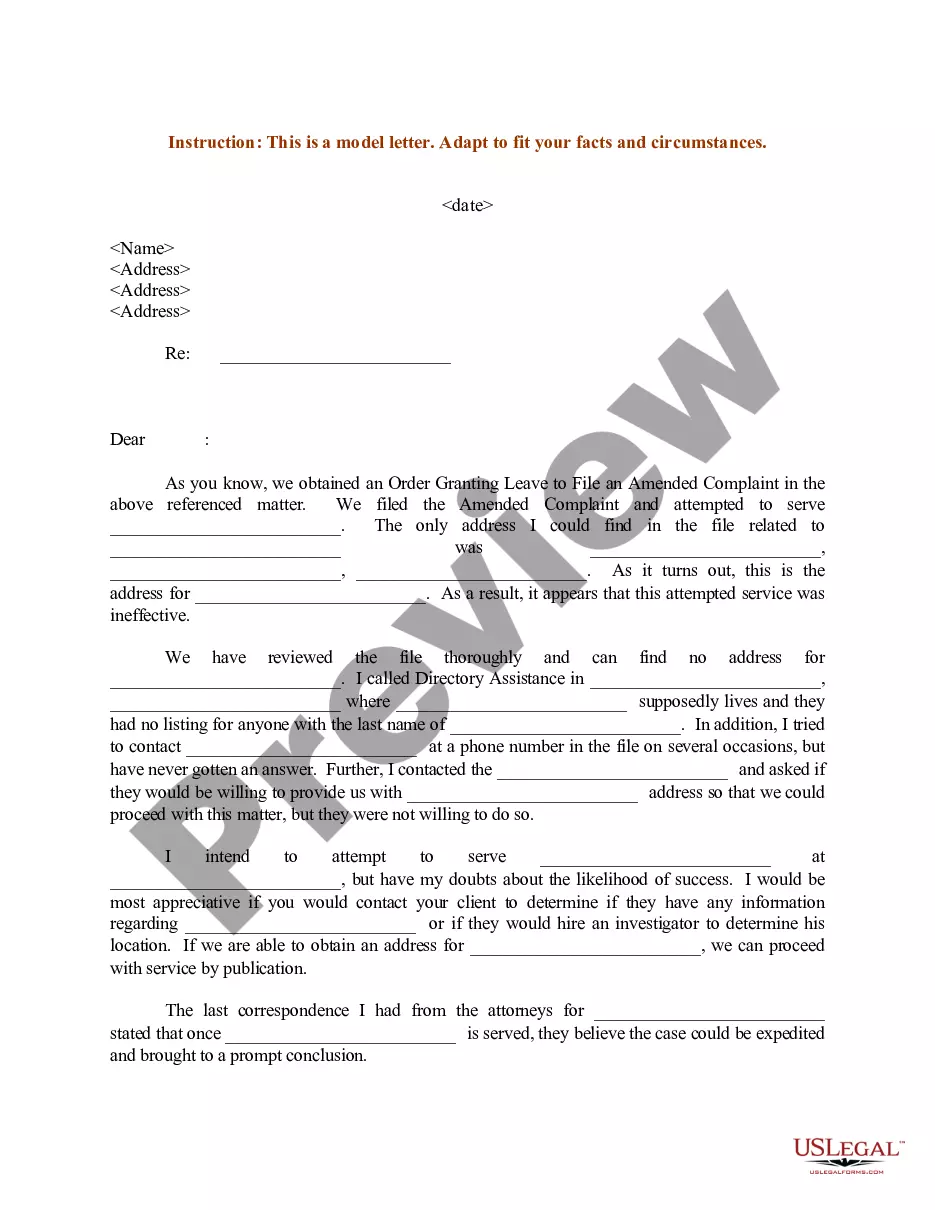
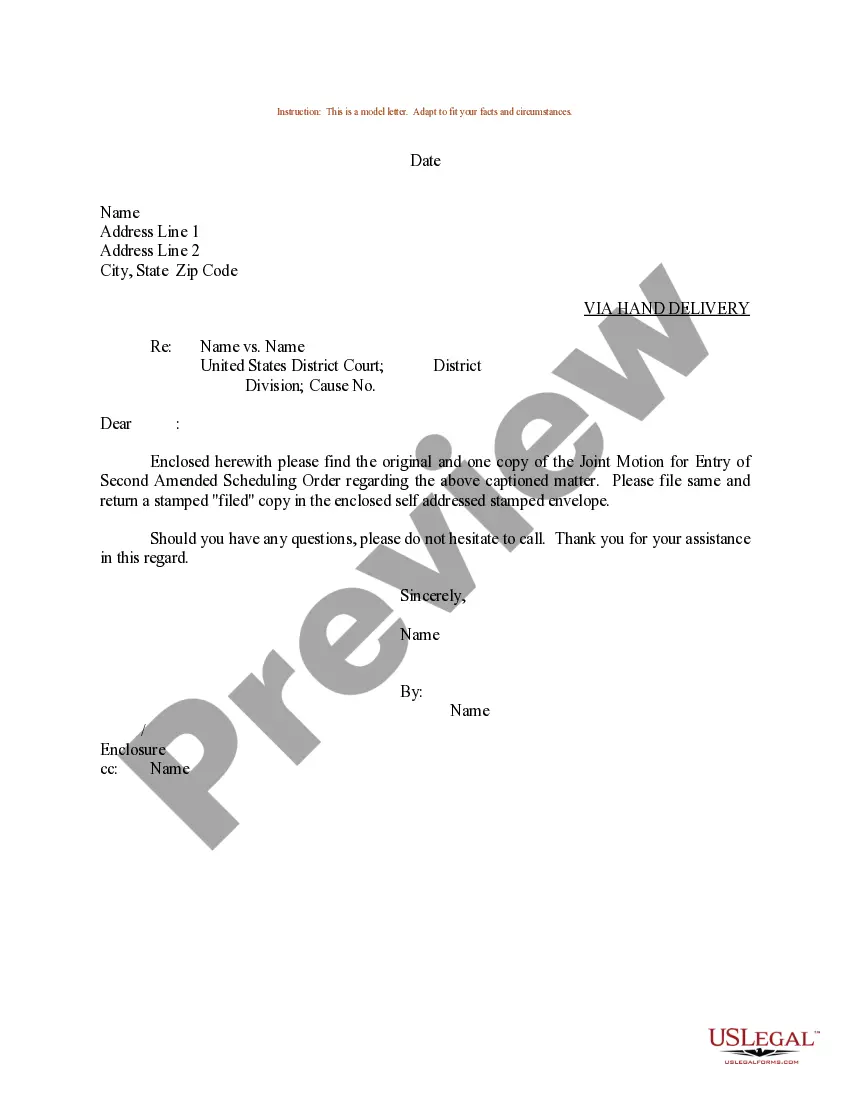
Scheduling Order And Notice Of Intent To Dismiss
Description
Get your form ready online
Our built-in tools help you complete, sign, share, and store your documents in one place.
Make edits, fill in missing information, and update formatting in US Legal Forms—just like you would in MS Word.
Download a copy, print it, send it by email, or mail it via USPS—whatever works best for your next step.
Sign and collect signatures with our SignNow integration. Send to multiple recipients, set reminders, and more. Go Premium to unlock E-Sign.
If this form requires notarization, complete it online through a secure video call—no need to meet a notary in person or wait for an appointment.
We protect your documents and personal data by following strict security and privacy standards.

Make edits, fill in missing information, and update formatting in US Legal Forms—just like you would in MS Word.

Download a copy, print it, send it by email, or mail it via USPS—whatever works best for your next step.

Sign and collect signatures with our SignNow integration. Send to multiple recipients, set reminders, and more. Go Premium to unlock E-Sign.

If this form requires notarization, complete it online through a secure video call—no need to meet a notary in person or wait for an appointment.

We protect your documents and personal data by following strict security and privacy standards.
Looking for another form?

How to fill out Sample Letter For Amended Scheduling Order?
Handling legal paperwork and processes can be a lengthy addition to your daily routine.
Scheduling Order And Notice Of Intent To Dismiss and similar forms typically require you to search for them and find the optimal way to complete them accurately.
For this reason, whether you are managing financial, legal, or personal issues, having a comprehensive and efficient online repository of forms readily available will be immensely beneficial.
US Legal Forms is the leading online platform for legal templates, providing over 85,000 state-specific documents and a range of resources to help you finalize your paperwork effortlessly.
Is this your first time using US Legal Forms? Sign up and create your account in a few minutes, and you'll gain access to the form library and Scheduling Order And Notice Of Intent To Dismiss. Then, follow the steps below to finish your form: Make sure you have located the correct form by using the Review option and reading the form description. Select Buy Now when ready, and choose the subscription plan that suits your requirements. Click Download, then complete, eSign, and print the form. US Legal Forms has 25 years of experience assisting users with their legal documents. Acquire the form you need today and simplify any procedure without breaking a sweat.
- Explore the collection of relevant documents accessible to you with just one click.
- US Legal Forms offers you state- and county-specific forms available for download at any time.
- Safeguard your document management processes with a superior service that enables you to prepare any form in minutes without extra or hidden fees.
- Simply Log In to your account, find Scheduling Order And Notice Of Intent To Dismiss, and obtain it instantly in the My documents section.
- You can also access forms you have downloaded previously.
Form popularity
FAQ
Likewise, a judge can dismiss the case if they find no legal basis for the charge, if the defendant's rights have been violated, or if the state has failed to prove its case. Judges can dismiss a case either on their own motion or on the motion of the defendant.
If the court observes that your divorce case has not had any recent activity, you'll get an intent for dismissal, which is a warning that your case may be closed. If you don't respond to it by the court's deadline?which is usually about 30 days?your case will be dismissed.
If you have received a DWOP notice, it means the court is ready to dismiss your case if you don't take action. You will need to appear in court on the date specified in the notice and be prepared to explain what is being done on the case and why it is taking so long.
The notice means that the court where the lawsuit was pending has dismissed the case against you. Another way of saying dismissed in the context of a court action is to say tossed out. If a creditor's case against you has been dismissed, it's been tossed out by the court.
If your case is dismissed (and not reinstated), it goes away completely. You must file your case again, pay the filing fee again and have the other side served again (if needed). If there was a legal deadline to file your case and it has passed, you may be out of luck.