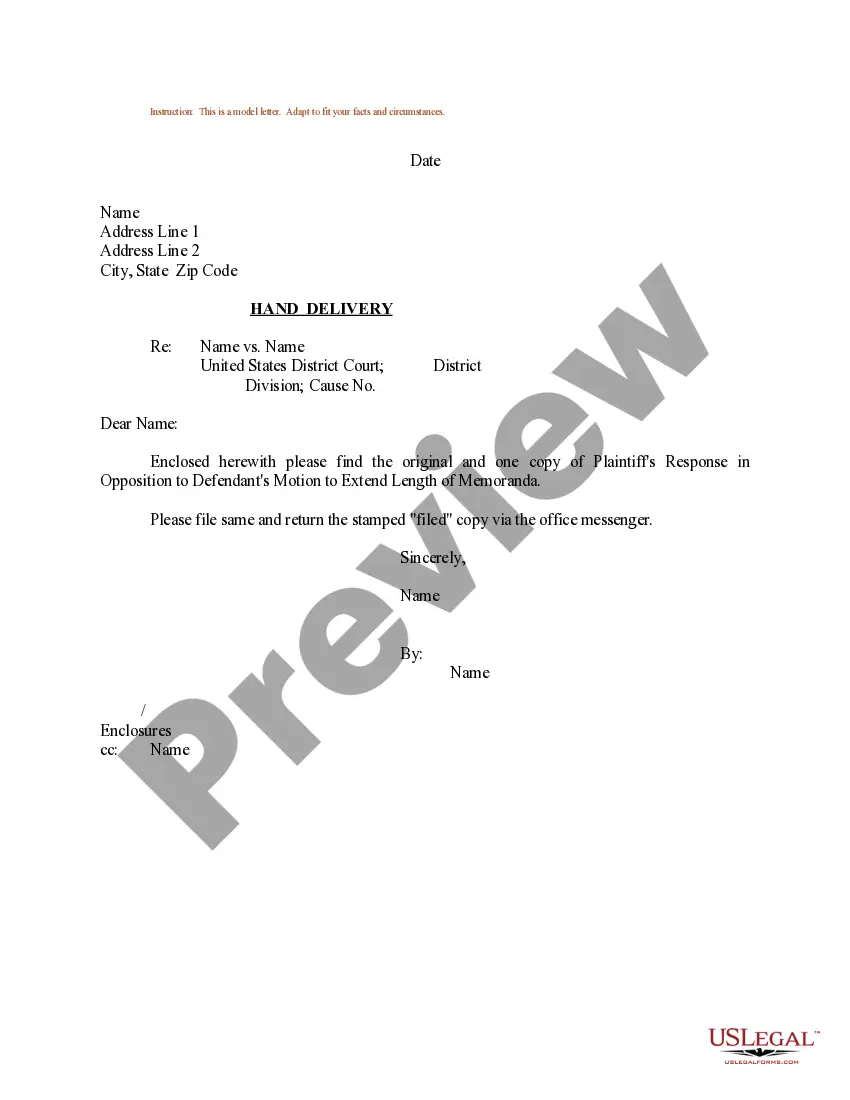
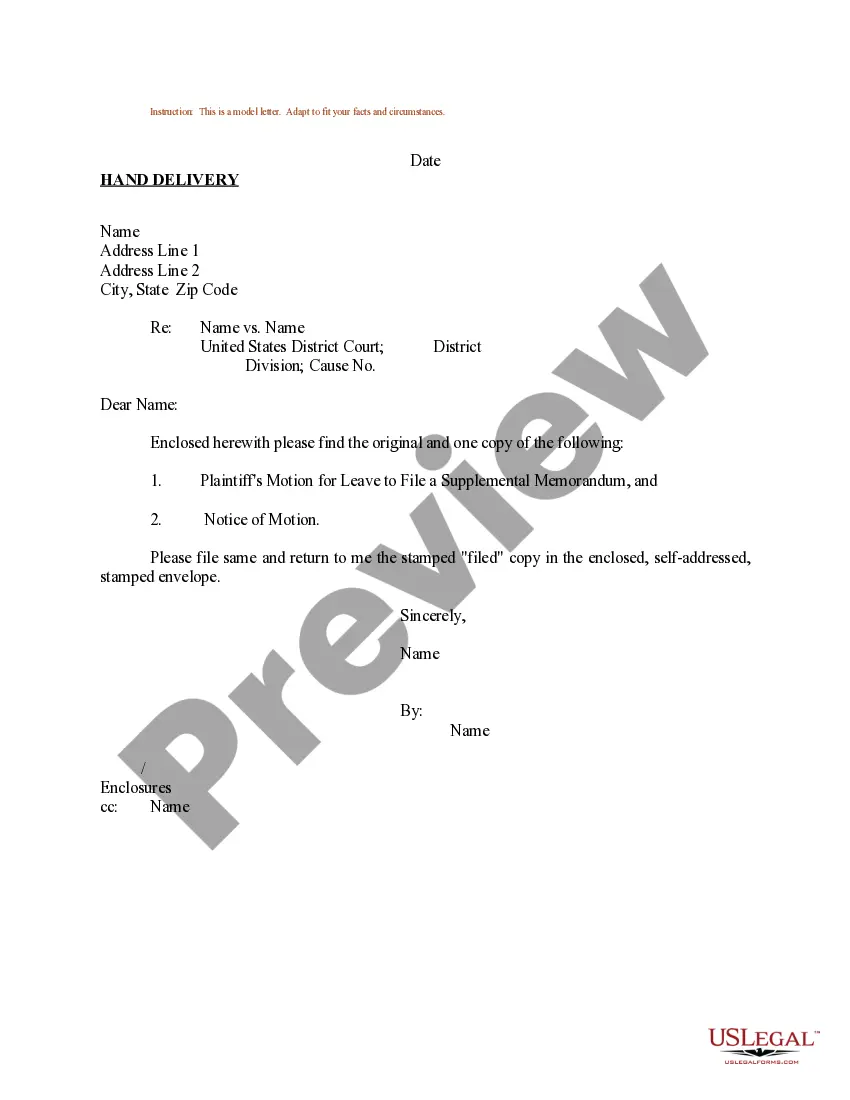
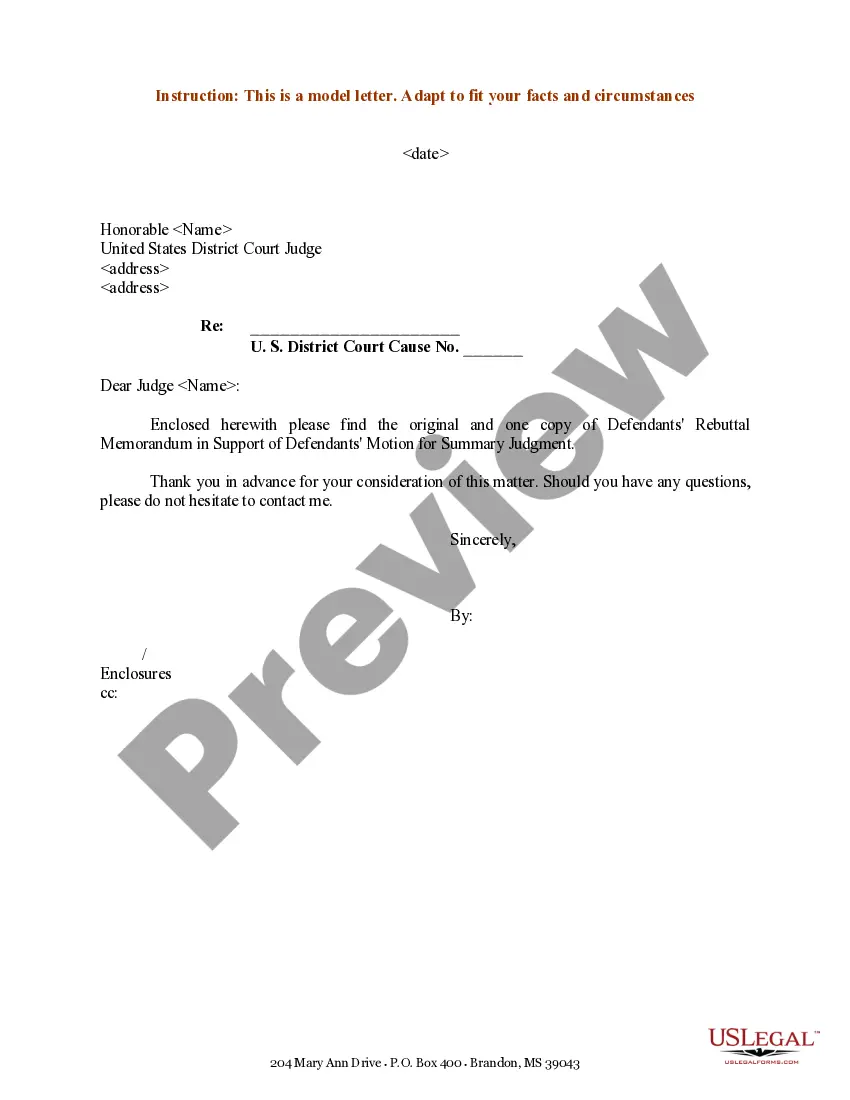
Sample Memorandum Format
Description

Get your form ready online
Our built-in tools help you complete, sign, share, and store your documents in one place.
Make edits, fill in missing information, and update formatting in US Legal Forms—just like you would in MS Word.
Download a copy, print it, send it by email, or mail it via USPS—whatever works best for your next step.
Sign and collect signatures with our SignNow integration. Send to multiple recipients, set reminders, and more. Go Premium to unlock E-Sign.
If this form requires notarization, complete it online through a secure video call—no need to meet a notary in person or wait for an appointment.
We protect your documents and personal data by following strict security and privacy standards.

Make edits, fill in missing information, and update formatting in US Legal Forms—just like you would in MS Word.

Download a copy, print it, send it by email, or mail it via USPS—whatever works best for your next step.

Sign and collect signatures with our SignNow integration. Send to multiple recipients, set reminders, and more. Go Premium to unlock E-Sign.

If this form requires notarization, complete it online through a secure video call—no need to meet a notary in person or wait for an appointment.

We protect your documents and personal data by following strict security and privacy standards.
Looking for another form?
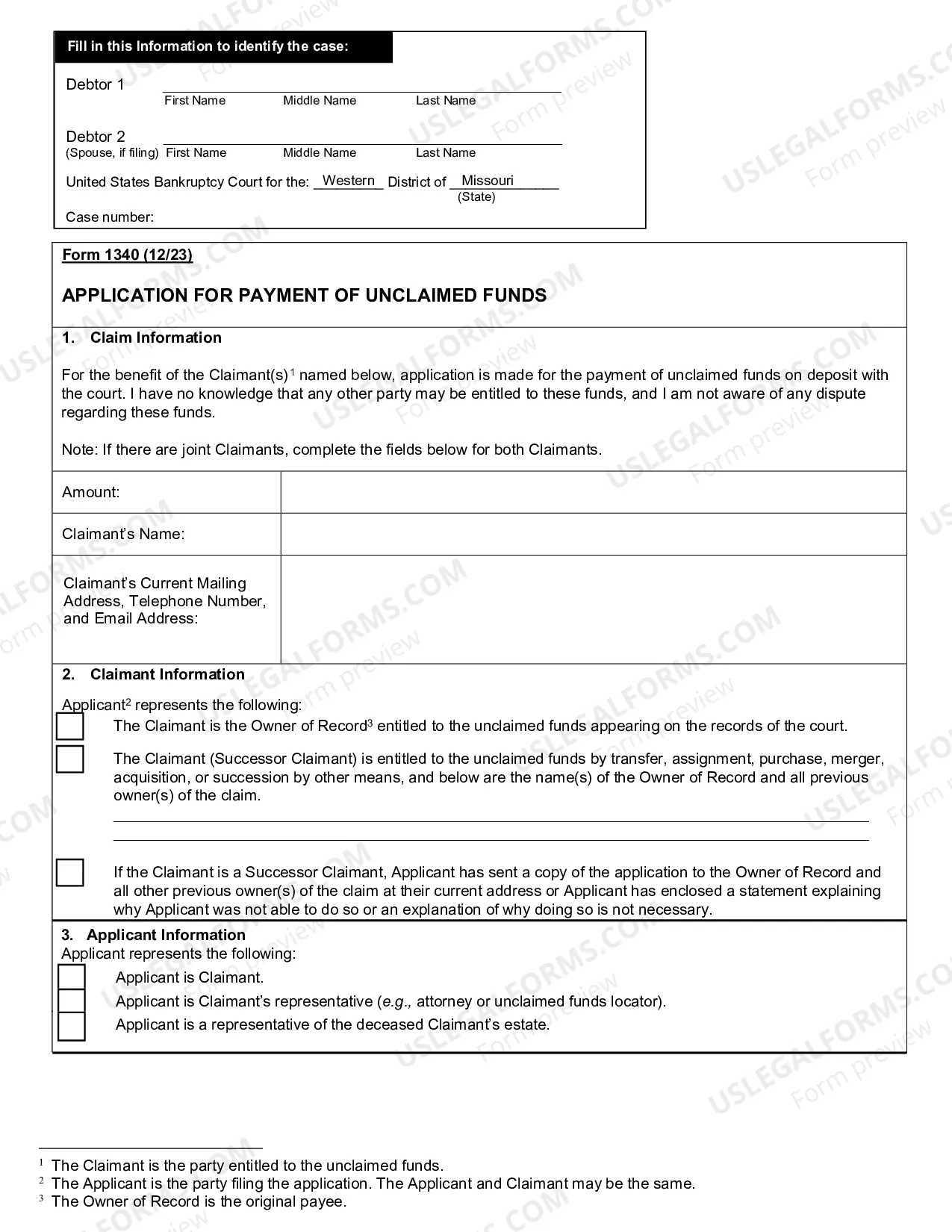
How to fill out Sample Letter For Plaintiff's Response In Opposition To Defendant's Motion To Extend Length Of Memoranda?
Managing legal documents can be daunting, even for the most experienced experts.
If you are looking for a Sample Memorandum Format and lack the time to search for the correct and current version, the process can be stressful.
Leverage cutting-edge tools to create and manage your Sample Memorandum Format.
Gain access to a resource library filled with articles, guides, and materials pertinent to your situation and needs.
Ensure the sample is valid in your state or county, select Buy Now when you're ready, choose a subscription plan, and then select the format you want before downloading, completing, eSigning, printing, and sending your document. Take advantage of the US Legal Forms online repository, supported by 25 years of experience and reliability. Improve your daily document management with a seamless and user-friendly process today.
- Save time and effort searching for the documents you require, and utilize US Legal Forms’ advanced search and Preview tool to find and download your Sample Memorandum Format.
- If you have a monthly membership, Log In to your US Legal Forms account, search for the document, and download it.
- Check your My documents tab to see the documents you have previously downloaded and to manage your folders as desired.
- If you are new to US Legal Forms, create an account to get unlimited access to all the benefits of the library.
- Here are the steps to follow after downloading the desired form: Preview the form to confirm it is the correct one and review its description.
- A robust online form repository can be transformative for anyone wanting to navigate these challenges effectively.
- US Legal Forms stands as a leading provider of online legal forms, offering over 85,000 state-specific legal documents accessible whenever needed.
- With US Legal Forms, you can streamline your document needs from personal to business forms all in one place.
Form popularity
FAQ
However, a memorandum format is much simpler. You write ?Memo? or ?Memorandum? at the top, followed by a To line, a From line, a Date line, a Subject line, and then the actual body of the message.
All memos should include the following: Write a heading. No matter what kind of memo you're writing, you'll need to include a heading. ... Write an introduction. ... Provide background on the issue. ... Outline action items and timeline (Optional). ... Include a closing statement. ... Review and proofread before sending.
How to format a memo Heading. To. From. Date. Subject. Opening statement. Context. Call to action and task statement. Discussion. Closing.
A memo, or memorandum, is a written document that businesses use to communicate an announcement or notification. While memos were once the primary form of written internal communication in a business, they are now commonly sent in the form of an email .
A memo is usually a page or two long, single spaced and left justified. Instead of using indentations to show new paragraphs, skip a line between sentences. Business materials should be concise and easy to read.