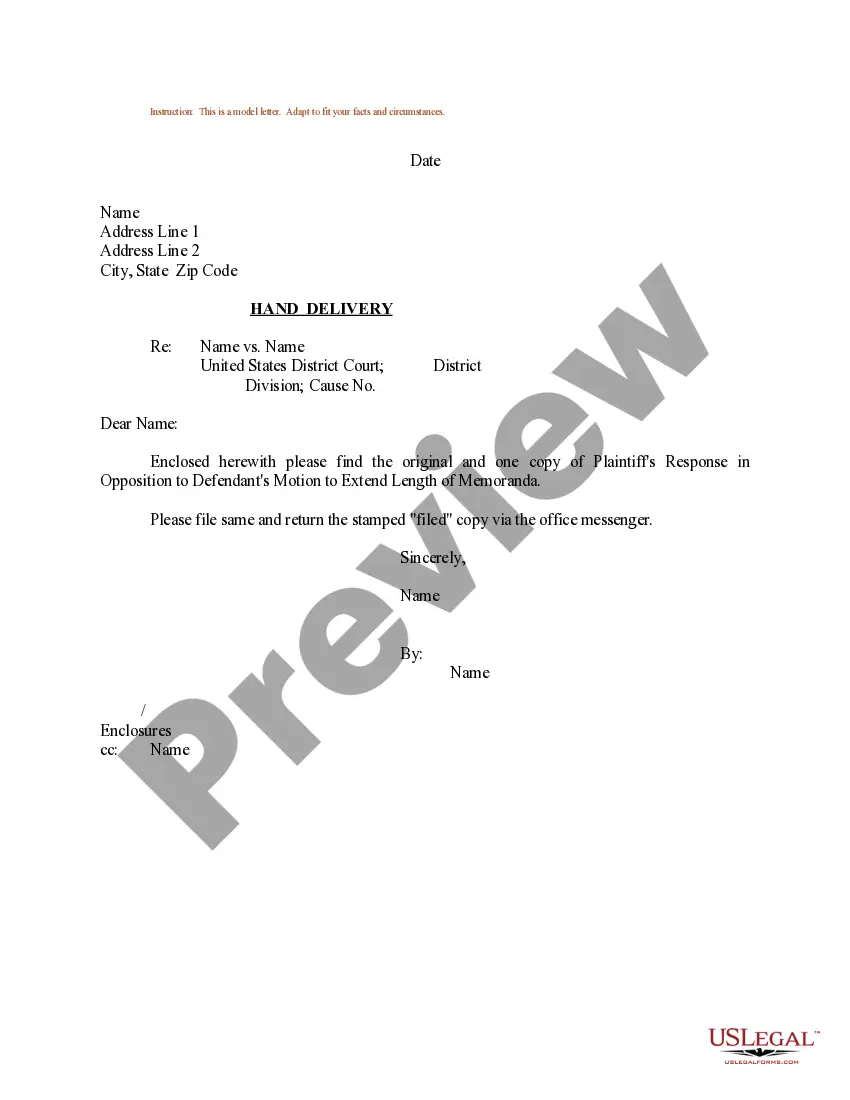
Sample Memo With Cc
Description

Get your form ready online
Our built-in tools help you complete, sign, share, and store your documents in one place.
Make edits, fill in missing information, and update formatting in US Legal Forms—just like you would in MS Word.
Download a copy, print it, send it by email, or mail it via USPS—whatever works best for your next step.
Sign and collect signatures with our SignNow integration. Send to multiple recipients, set reminders, and more. Go Premium to unlock E-Sign.
If this form requires notarization, complete it online through a secure video call—no need to meet a notary in person or wait for an appointment.
We protect your documents and personal data by following strict security and privacy standards.

Make edits, fill in missing information, and update formatting in US Legal Forms—just like you would in MS Word.

Download a copy, print it, send it by email, or mail it via USPS—whatever works best for your next step.

Sign and collect signatures with our SignNow integration. Send to multiple recipients, set reminders, and more. Go Premium to unlock E-Sign.

If this form requires notarization, complete it online through a secure video call—no need to meet a notary in person or wait for an appointment.

We protect your documents and personal data by following strict security and privacy standards.
Looking for another form?
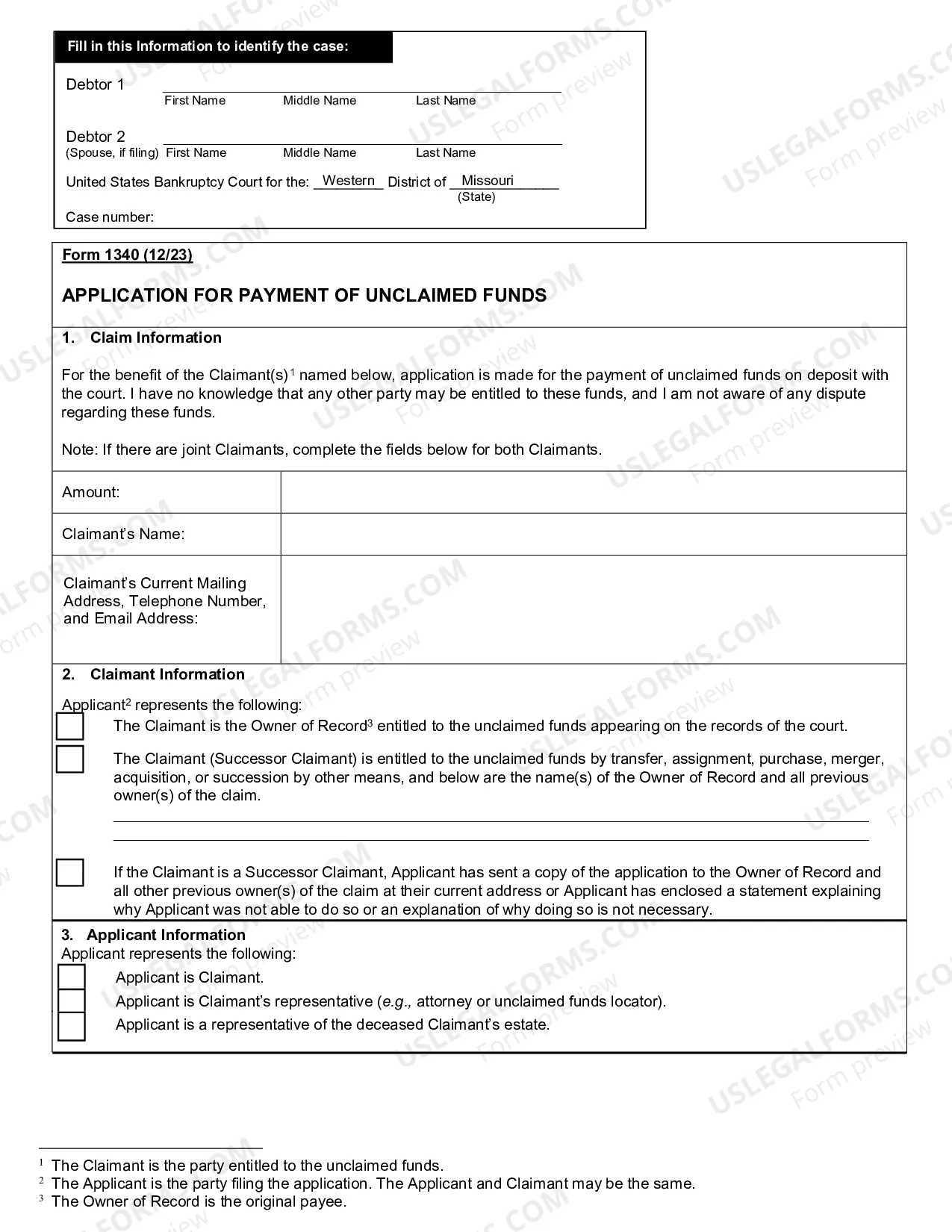
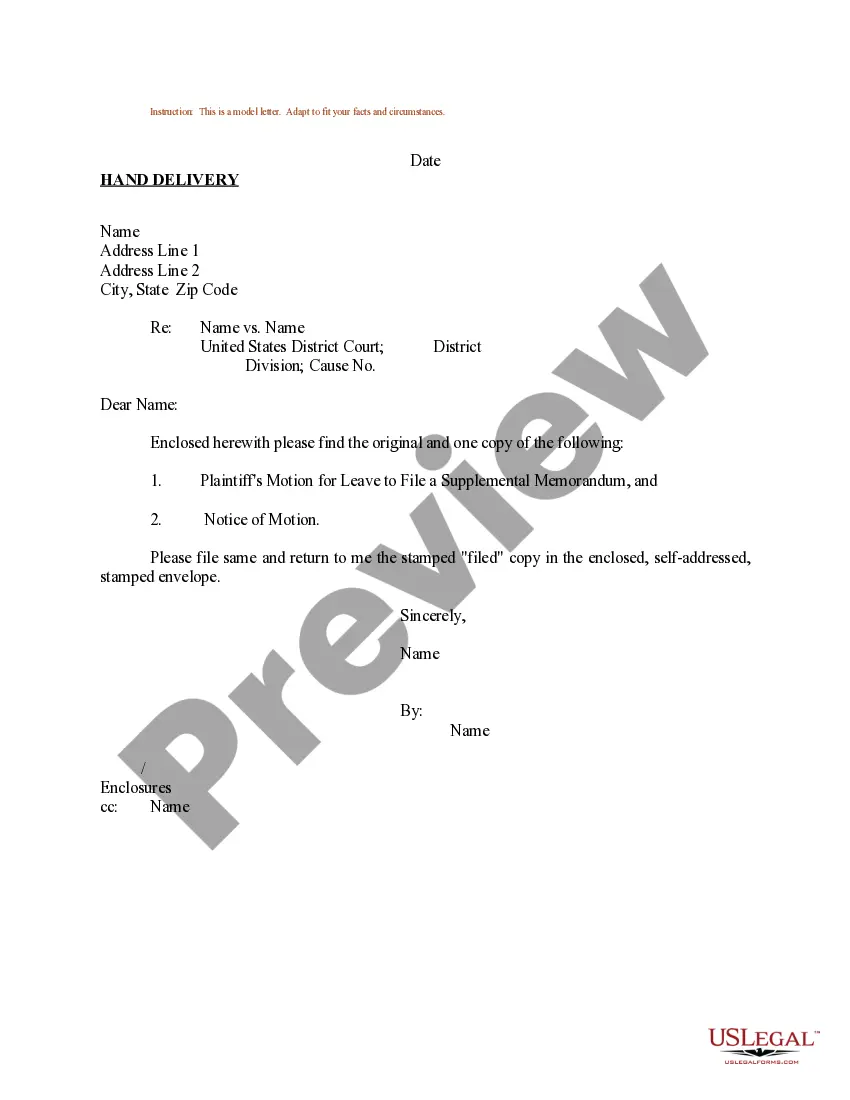
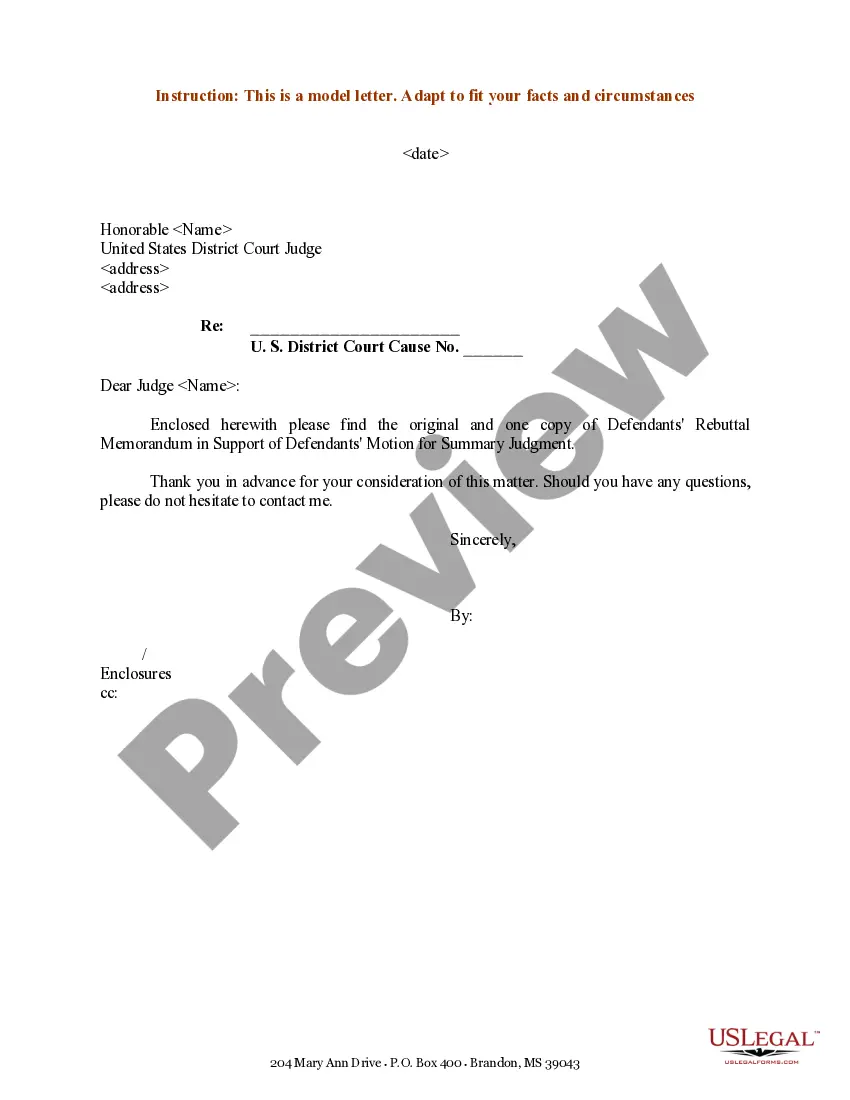
How to fill out Sample Letter For Plaintiff's Response In Opposition To Defendant's Motion To Extend Length Of Memoranda?
The Example Memo With Cc displayed on this page is a versatile legal template created by experienced attorneys in accordance with federal and local laws and regulations.
For over 25 years, US Legal Forms has supplied individuals, enterprises, and legal practitioners with more than 85,000 validated, state-specific forms for any commercial and personal circumstance. It’s the fastest, most straightforward, and most trustworthy way to acquire the documents you require, as the service ensures bank-level data security and anti-malware safeguards.
Register for US Legal Forms to access authenticated legal templates for all of life’s circumstances at your fingertips.
- Search for the document you require and examine it.
- Sign up and Log In.
- Acquire the editable template.
- Complete and endorse the documentation.
- Download your documents once more.
Form popularity
FAQ
CC or C: List names of other people who will receive copies of your memo. The ?cc? line can be placed in the heading, next to the heading, or at the bottom of the document. The term ?cc? is short for ?carbon copy,? a holdover from the days when memos were written on a typewriter.
Step 1Follow Traditional/Professional Format. Follow a proper letter format when you write your letter. ... Step 2Input Names of CC Recipients. Under your signature, type "CC" and place two to four spaces between your signature and the CC line. ... Step 3Send Letters. Now simply send letters to everyone in the CC list.
Occasionally, if there is a secondary audience for a memo, a "carbon copy" (CC) field will be required. CC should be placed between the To and From fields. of purpose. This immediately informs the reader about what the following memo will address.
In email sending, CC is the abbreviation for ?carbon copy.? Back in the days before internet and email, in order to create a copy of the letter you were writing, you had to place carbon paper between the one you were writing on and the paper that was going to be your copy.
Placing CC in a Print Memo Place the letters "cc" and the person you are cc'ing in the header or at the bottom of the document. The header should follow the following format: to, from, date, subject and cc. Each item should be placed on its own line, and you should skip a line between each.