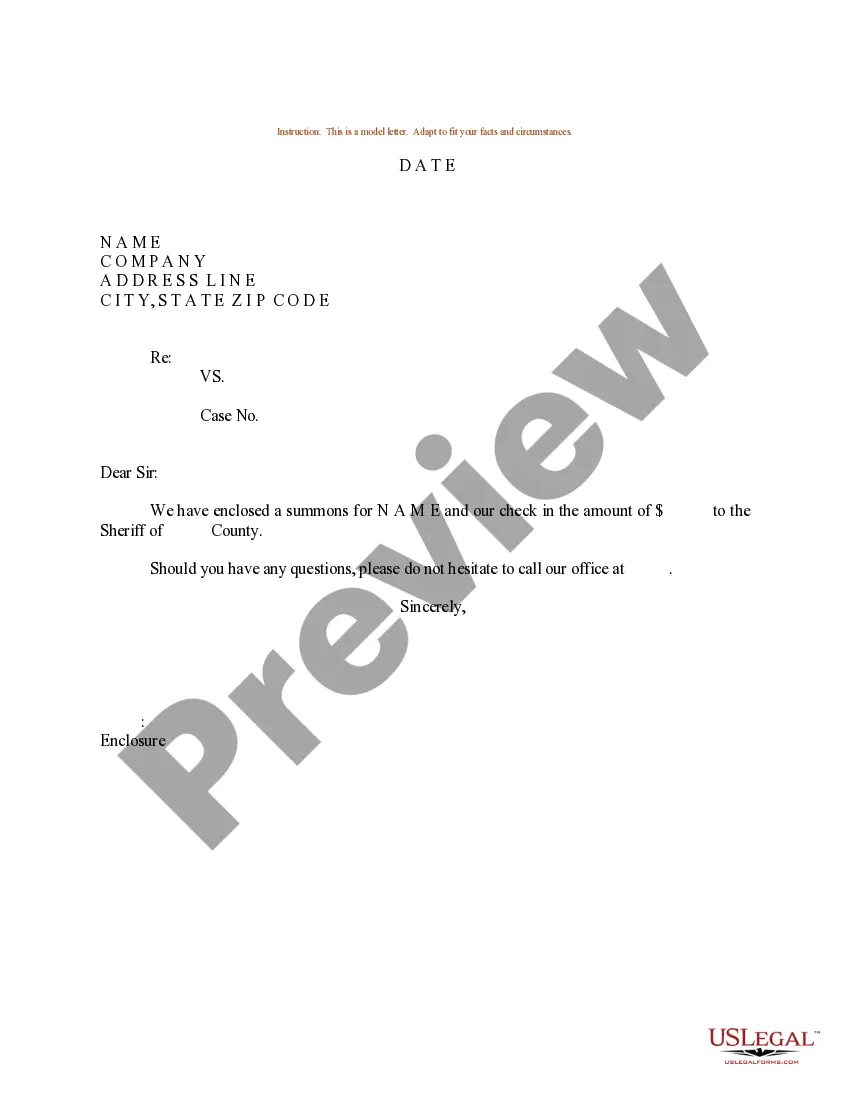
Sample Letter Enclosure Format For Business
Description
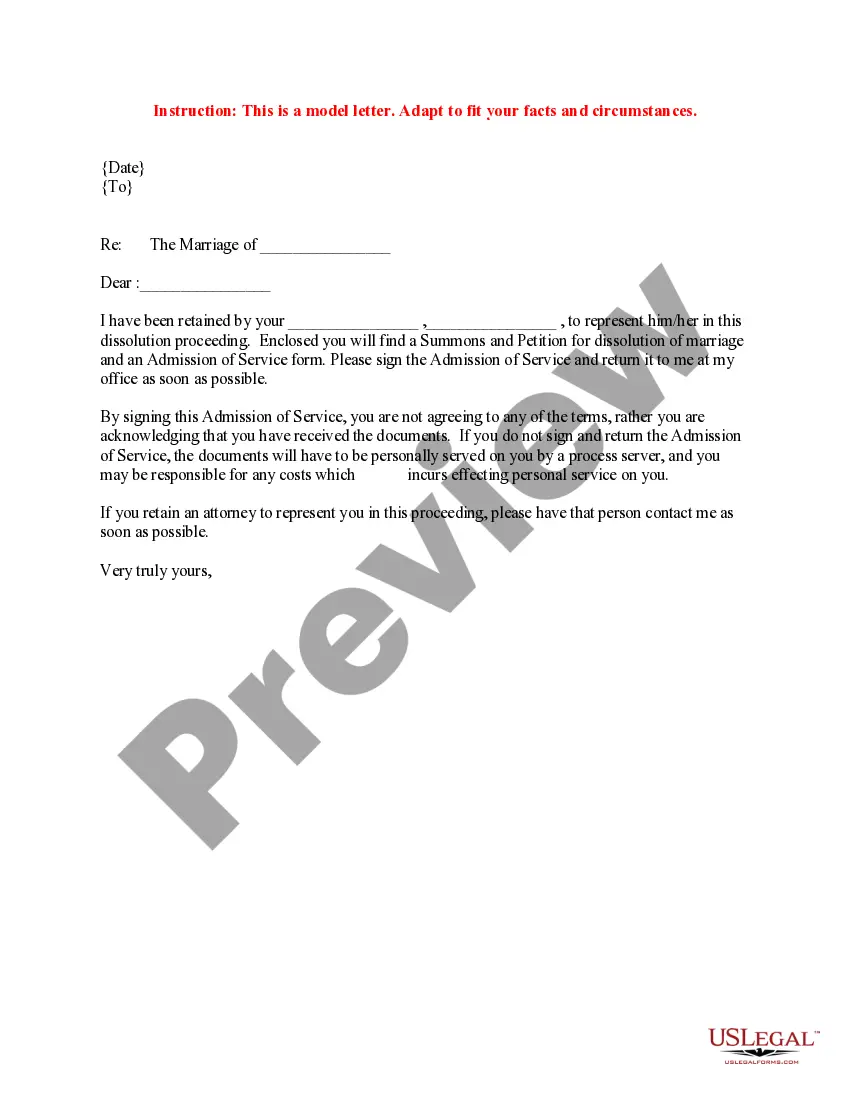
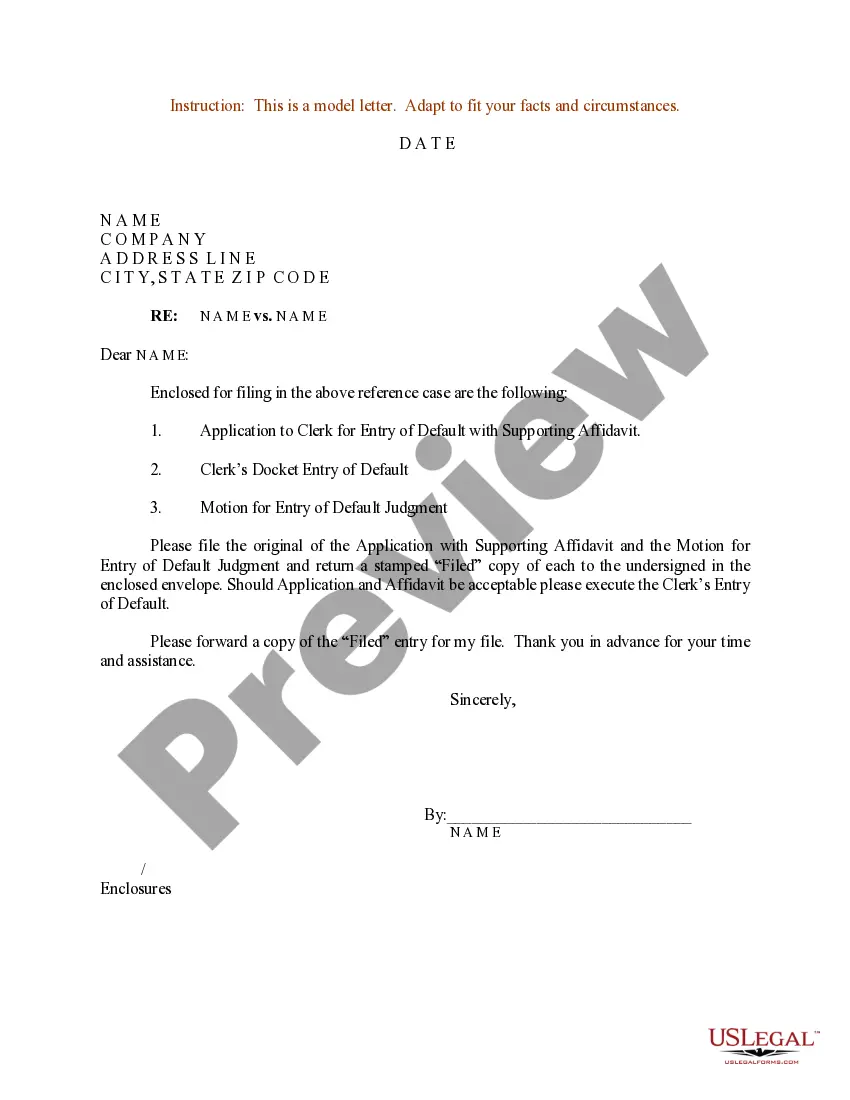
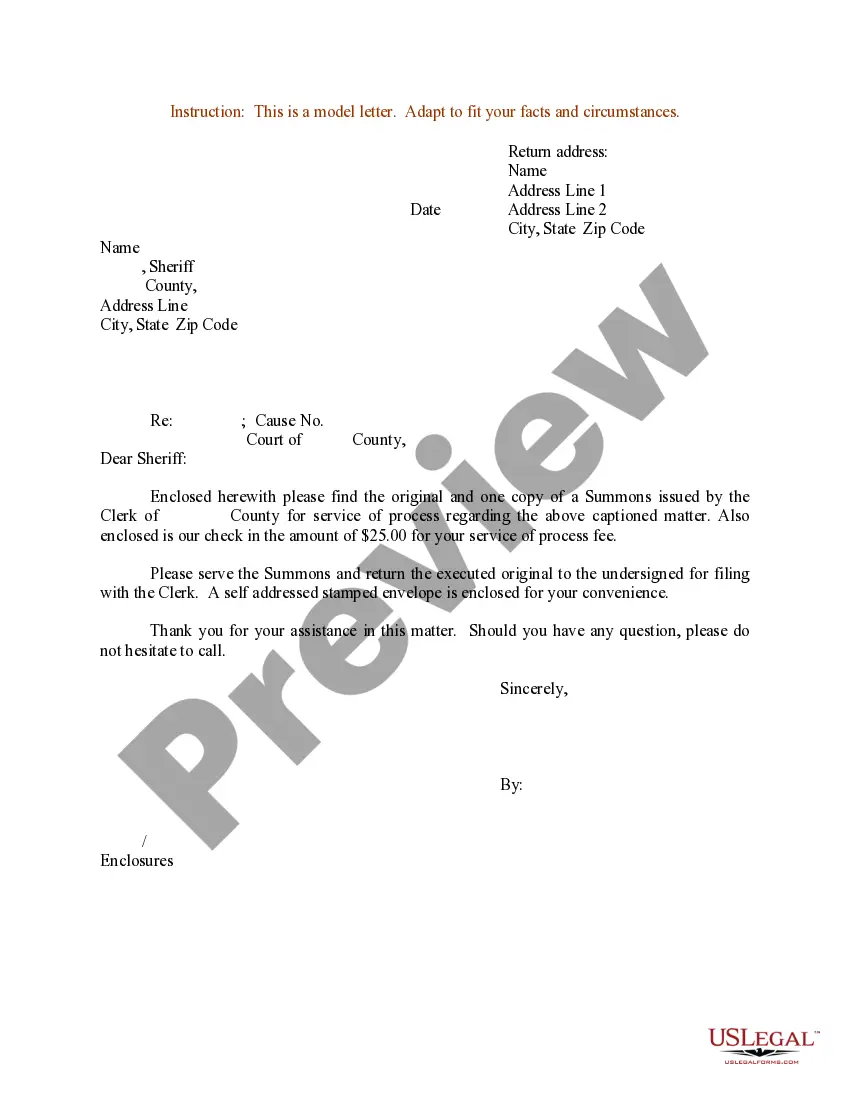
Get your form ready online
Our built-in tools help you complete, sign, share, and store your documents in one place.
Make edits, fill in missing information, and update formatting in US Legal Forms—just like you would in MS Word.
Download a copy, print it, send it by email, or mail it via USPS—whatever works best for your next step.
Sign and collect signatures with our SignNow integration. Send to multiple recipients, set reminders, and more. Go Premium to unlock E-Sign.
If this form requires notarization, complete it online through a secure video call—no need to meet a notary in person or wait for an appointment.
We protect your documents and personal data by following strict security and privacy standards.

Make edits, fill in missing information, and update formatting in US Legal Forms—just like you would in MS Word.

Download a copy, print it, send it by email, or mail it via USPS—whatever works best for your next step.

Sign and collect signatures with our SignNow integration. Send to multiple recipients, set reminders, and more. Go Premium to unlock E-Sign.

If this form requires notarization, complete it online through a secure video call—no need to meet a notary in person or wait for an appointment.

We protect your documents and personal data by following strict security and privacy standards.
Looking for another form?
How to fill out Sample Letter For Enclosure Of Summons And Check To Sheriff?
Securing a reliable source for the latest and most suitable legal templates is a significant part of navigating bureaucracy.
Locating the correct legal documents necessitates accuracy and meticulousness, which is why it is essential to obtain samples of Sample Letter Enclosure Format For Business exclusively from trustworthy providers, such as US Legal Forms. An incorrect template can squander your time and prolong your current predicament. With US Legal Forms, you have minimal concerns.
Once you have the form on your device, you may modify it with the editor or print it out and complete it manually. Eliminate the stress associated with your legal paperwork. Browse the vast US Legal Forms collection to discover legal samples, assess their suitability for your case, and download them immediately.
- Utilize the library navigation or search bar to locate your template.
- Access the form’s details to verify if it aligns with the stipulations of your state and county.
- Preview the form, if available, to ensure it is indeed the one you need.
- Return to the search to find the appropriate template if the Sample Letter Enclosure Format For Business does not satisfy your requirements.
- If you are confident about the form’s applicability, download it.
- As an authorized user, click Log in to verify and access your selected templates in My documents.
- If you do not possess a profile yet, click Buy now to acquire the form.
- Select the pricing option that meets your needs.
- Proceed to the registration to finalize your purchase.
- Complete your transaction by choosing a payment method (credit card or PayPal).
- Select the document format for downloading Sample Letter Enclosure Format For Business.
Form popularity
FAQ
The absolute simplest way to format your letter is just to write "Enclosures" followed by the number of them in parentheses. So, for example, if you were sending a product brochure and three photos, your notation would read "Enclosures (4)."
Some companies started using 'PC' instead of 'CC', where 'PC' stands for photocopy. The 'CC' notation usually includes names of people to whom you distribute copies, sometimes you could include their addresses as well. 'CC' is typed at the end of the letter after enclosure notations or identification initials.
The enclosure is typically mentioned at the end of the letter, after the closing, and is indicated by the word "Enclosure" or "Enclosures" followed by the number of documents included. For example, "Enclosure: 1 resume" or "Enclosures: 2 writing samples, 1 reference list."
An enclosure on a cover letter refers to additional documents a candidate includes with the cover letter. These documents can be anything from a resume to a letter of recommendation, assignments, certifications, or some document the job description explicitly asked for.