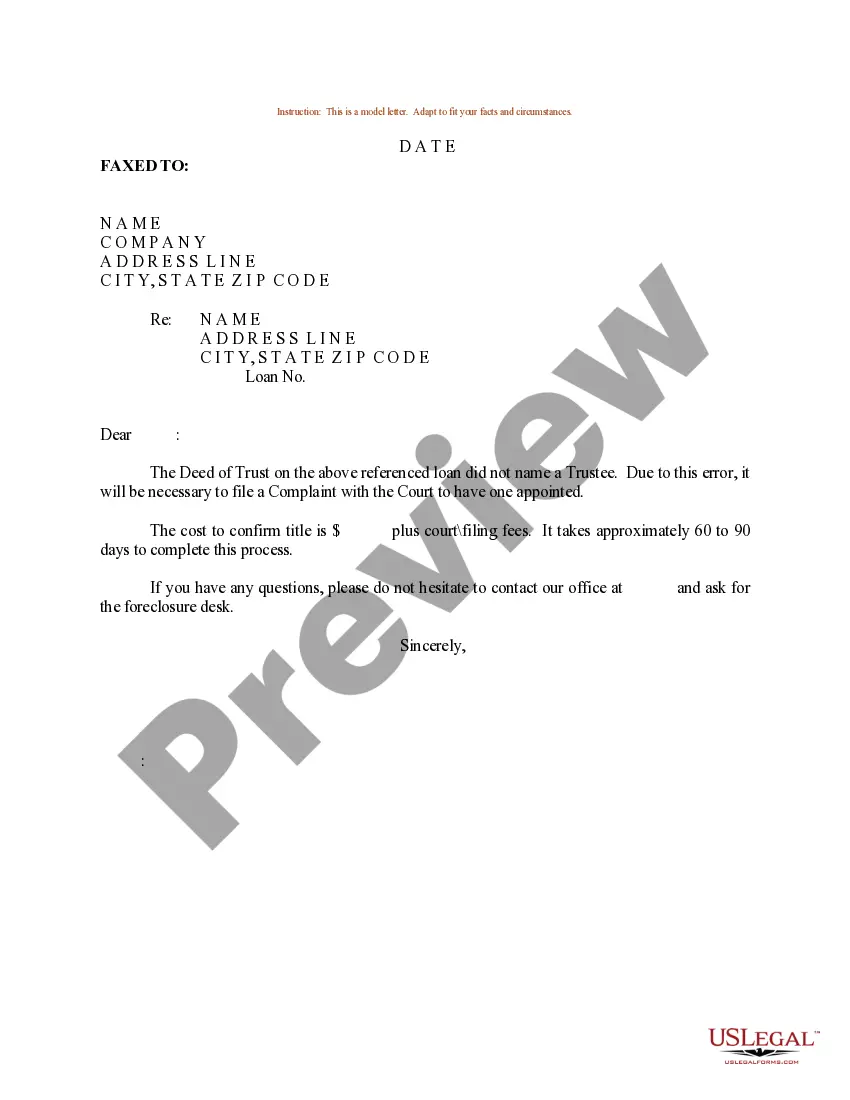
Trustee Deed Legal Without Signature
Description
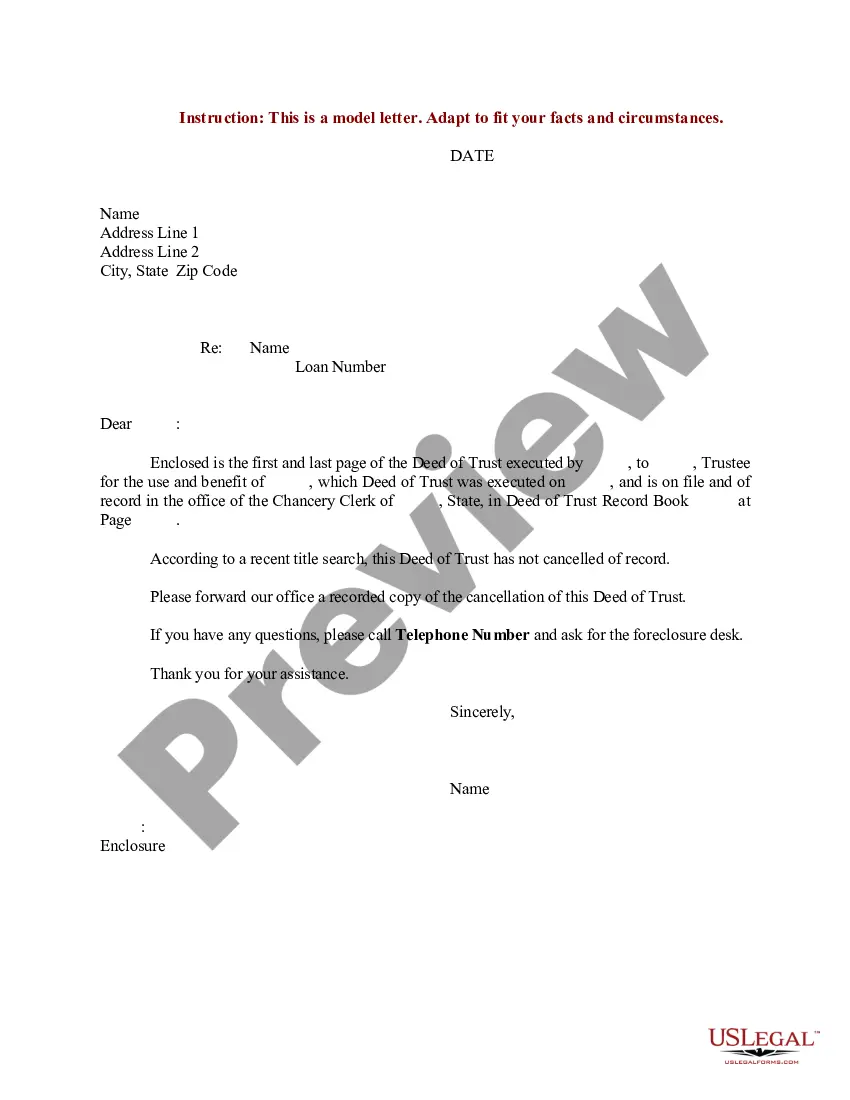
Get your form ready online
Our built-in tools help you complete, sign, share, and store your documents in one place.
Make edits, fill in missing information, and update formatting in US Legal Forms—just like you would in MS Word.
Download a copy, print it, send it by email, or mail it via USPS—whatever works best for your next step.
Sign and collect signatures with our SignNow integration. Send to multiple recipients, set reminders, and more. Go Premium to unlock E-Sign.
If this form requires notarization, complete it online through a secure video call—no need to meet a notary in person or wait for an appointment.
We protect your documents and personal data by following strict security and privacy standards.

Make edits, fill in missing information, and update formatting in US Legal Forms—just like you would in MS Word.

Download a copy, print it, send it by email, or mail it via USPS—whatever works best for your next step.

Sign and collect signatures with our SignNow integration. Send to multiple recipients, set reminders, and more. Go Premium to unlock E-Sign.

If this form requires notarization, complete it online through a secure video call—no need to meet a notary in person or wait for an appointment.

We protect your documents and personal data by following strict security and privacy standards.
Looking for another form?





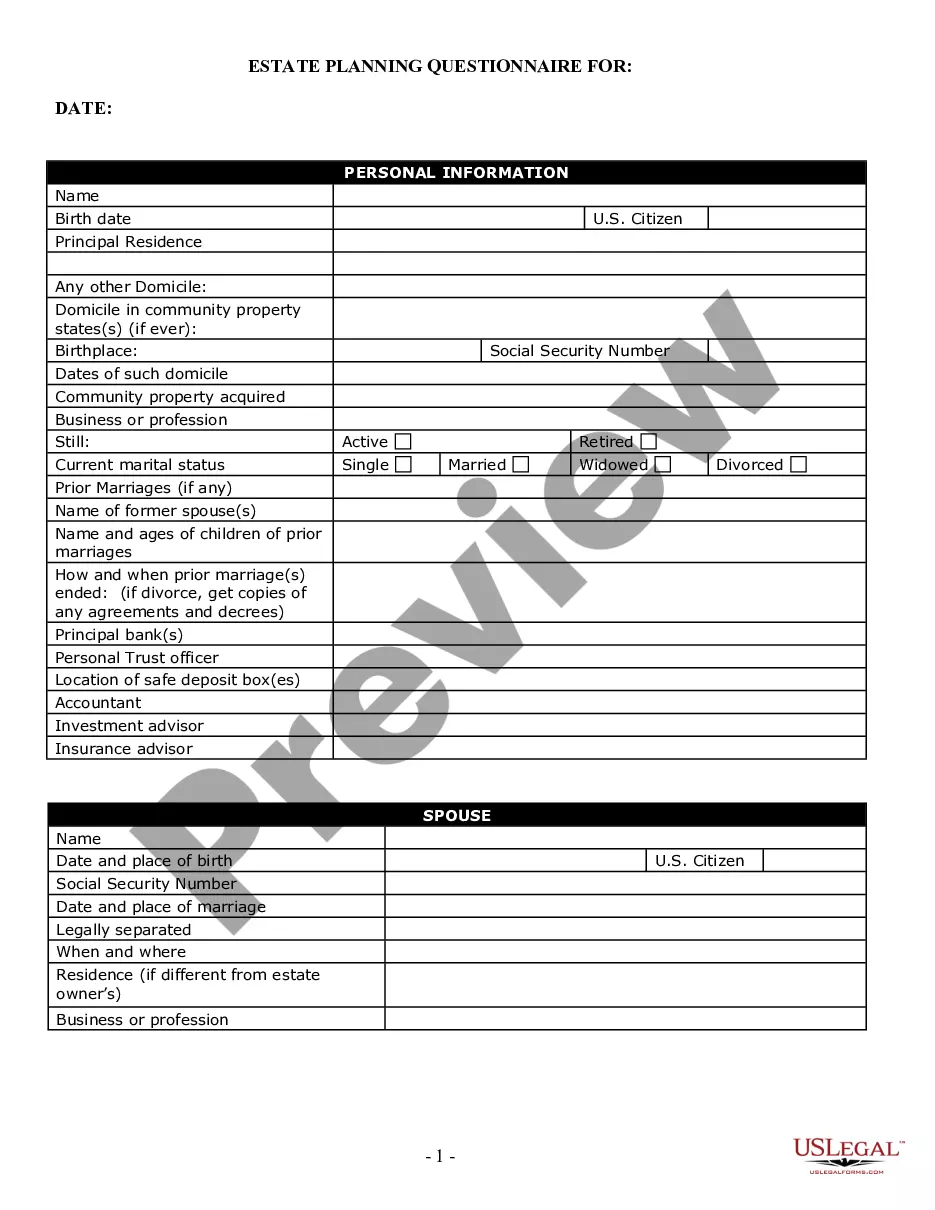



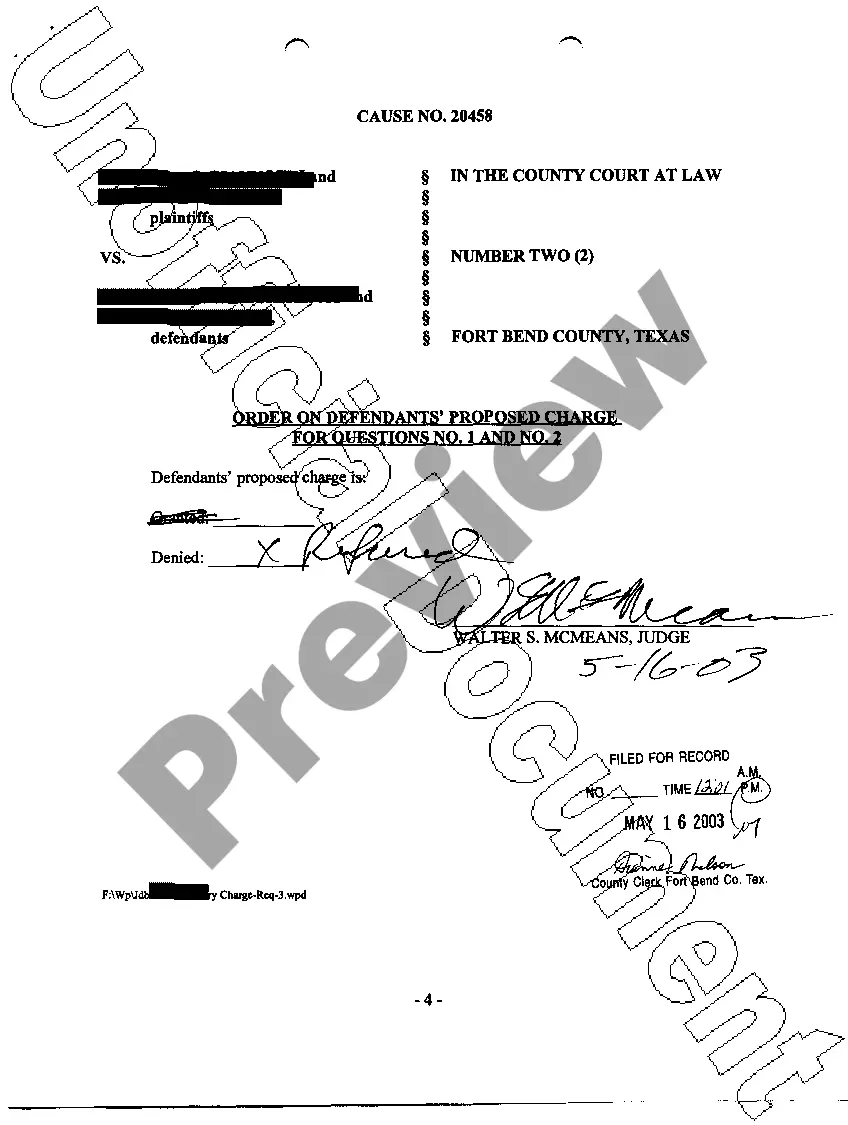
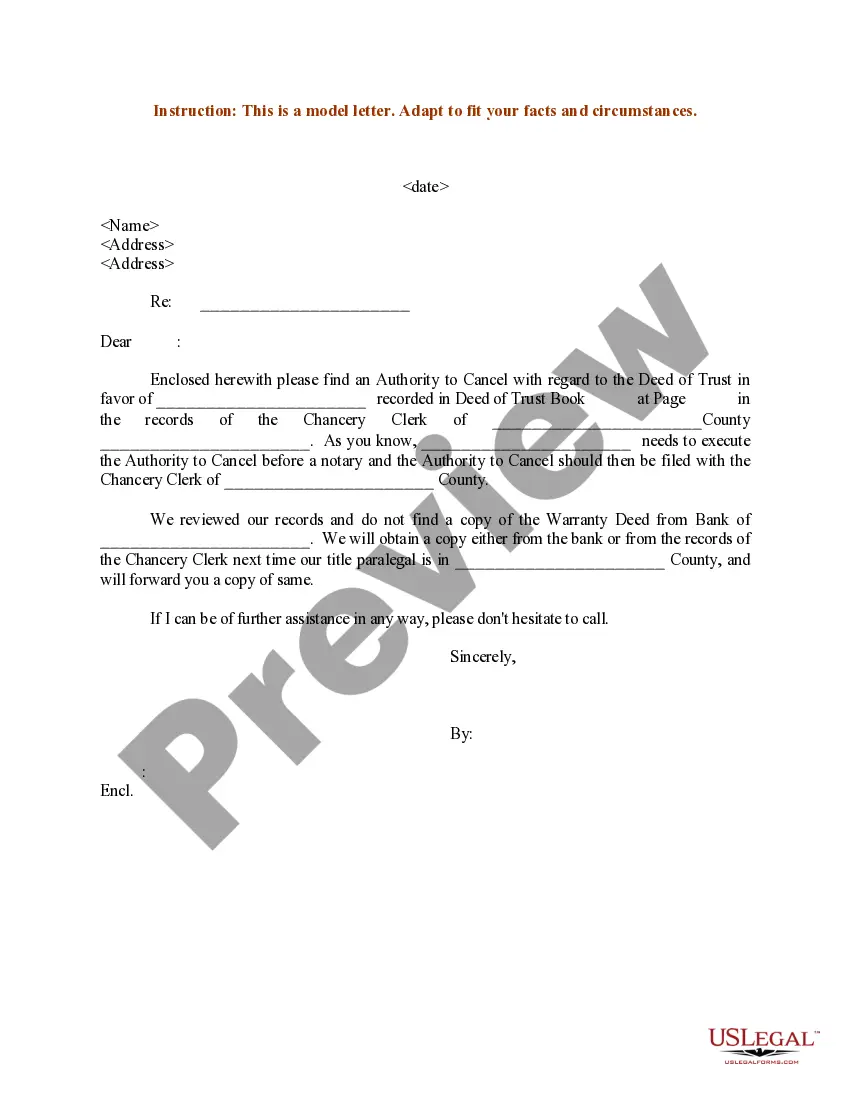
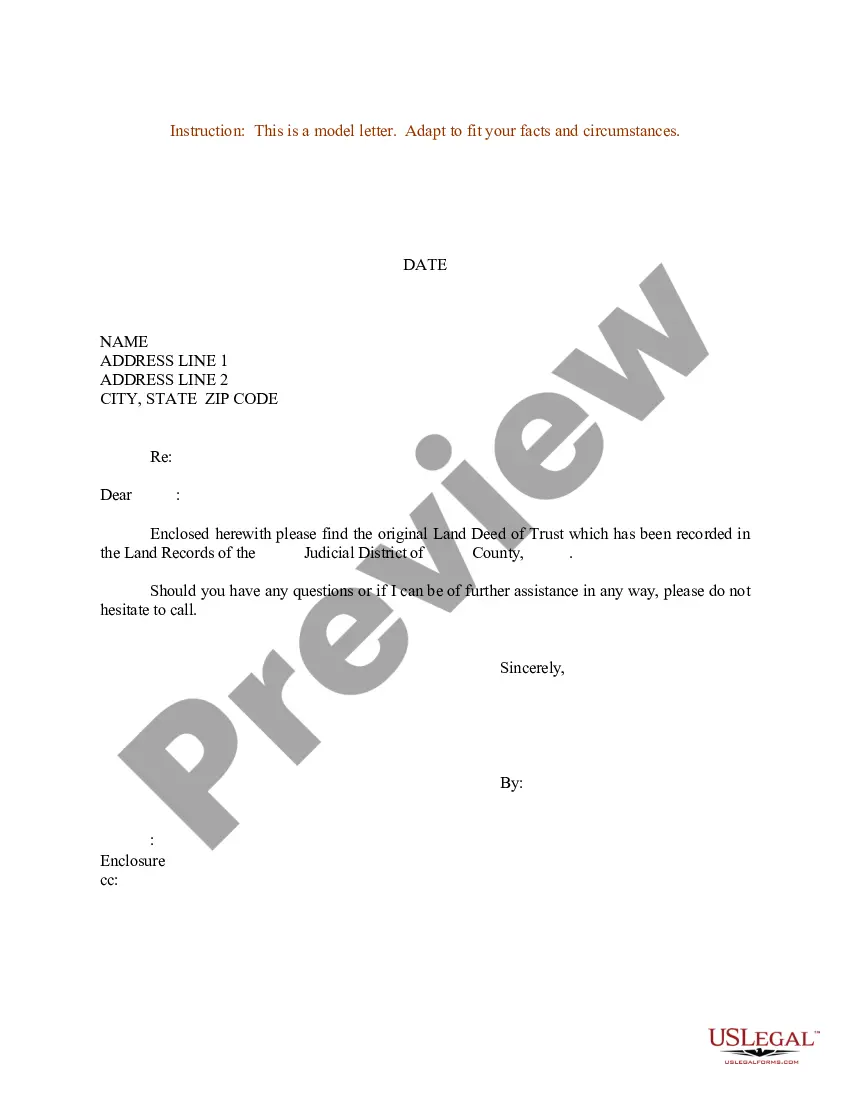
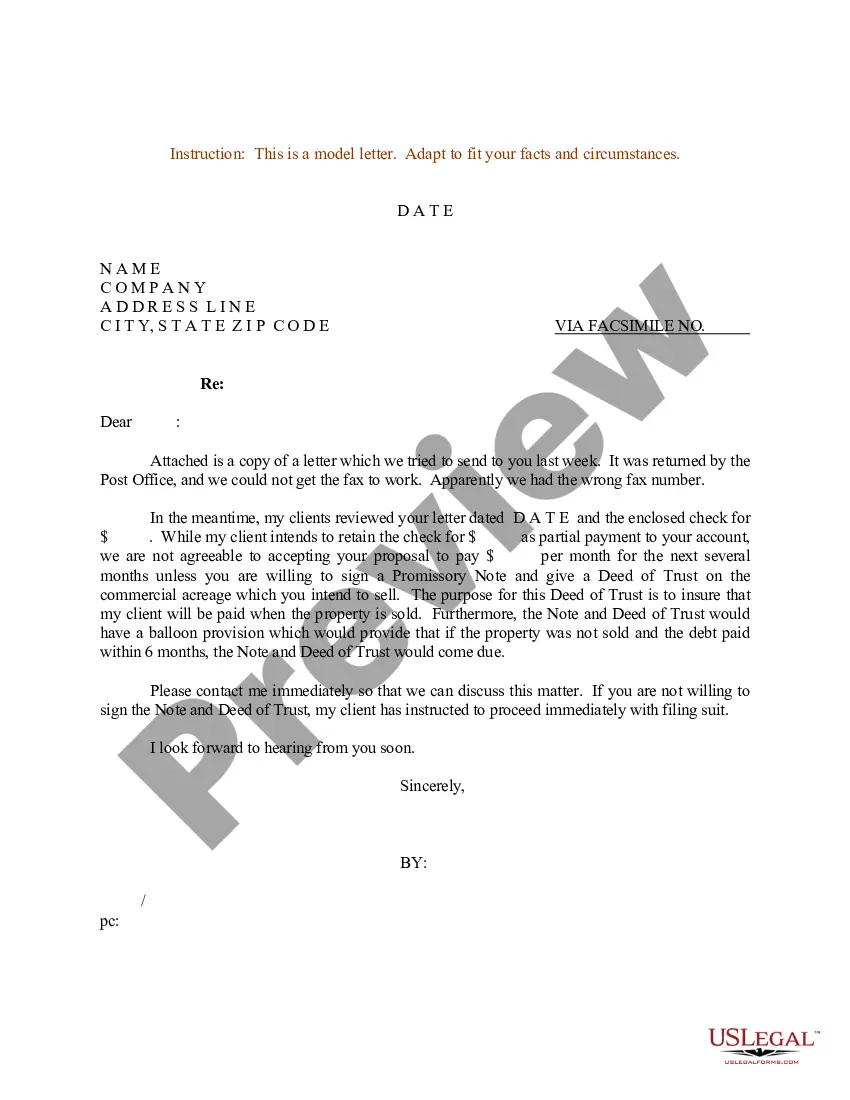
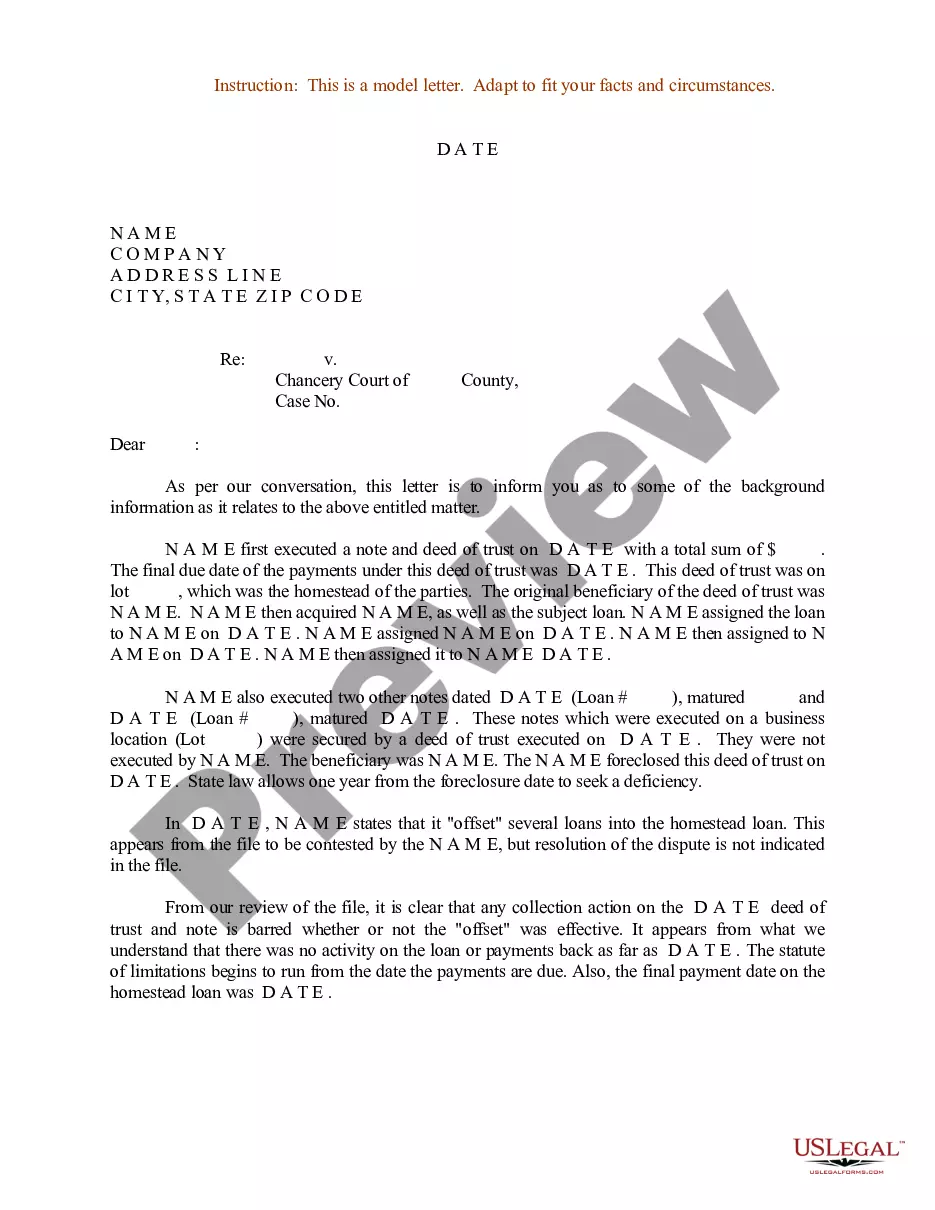
How to fill out Sample Letter For Naming A Trustee To A Deed Of Trust?
Whether for commercial purposes or for personal matters, everyone must contend with legal circumstances at some stage in their lives. Completing legal documents demands meticulous attention, starting with choosing the correct form template.
For instance, if you select an incorrect version of a Trustee Deed Legal Without Signature, it will be rejected upon submission. Consequently, it is crucial to obtain a trustworthy source of legal documents such as US Legal Forms.
With an extensive US Legal Forms catalog available, there is no need to waste time searching for the correct sample online. Utilize the library’s straightforward navigation to obtain the suitable form for any occasion.
- Locate the sample you need by utilizing the search feature or catalog navigation.
- Examine the form’s description to ensure it corresponds with your situation, state, and county.
- Click on the form’s preview to inspect it.
- If it is not the correct document, return to the search function to find the Trustee Deed Legal Without Signature template you require.
- Download the file if it meets your specifications.
- If you already possess a US Legal Forms account, simply click Log in to access previously stored files in My documents.
- If you do not have an account yet, you may acquire the form by clicking Buy now.
- Select the appropriate pricing option.
- Complete the profile registration form.
- Choose your payment method: you can use a bank card or PayPal account.
- Select the file format you desire and download the Trustee Deed Legal Without Signature.
- Once downloaded, you can fill out the form with the help of editing software or print it and complete it by hand.
Form popularity
FAQ
How to form a Missouri General Partnership ? Step by Step Step 1 ? Business Planning Stage. ... Step 2: Create a Partnership Agreement. ... Step 3 ? Name your Partnership and Obtain a DBA. ... Step 4 ? Get an EIN from the IRS. ... Step 5 ? Research license requirements. ... Step 6 ? Maintain your Partnership.
What is Missouri partnership tax and who must file? A Missouri Partnership Return of Income (Form MO-1065) must be filed if Federal Form 1065 is required to be filed and the partnership has (1) a partner that is a Missouri resident or (2) any income derived from Missouri sources, Section 143.581, RSMo.
Rather, Missouri law will recognize the existence of a general partnership when 1) two or more people 2) carry on a business as co-owners with 3) the intent to make a profit. Even if it is unintentional, a Court will determine that such a relationship is a general partnership.
A business with two or more owners can be a partnership. Much like a sole proprietorship, forming a general partnership does not require filing any documents or taking any specific action. If you and another person simply run a business together, it is a general partnership by default.
Typically, you must file articles of dissolution (known as a certificate of cancellation in some states) in the state where the partnership operates. You may be required to file additional forms (such as a transfer of property report) and pay any applicable termination fees as well.
Even though partnerships aren't taxed, they must file a tax return each year unless the partnership has no income or expenses. The return will show the partnership's total income, deductions, and credits. Partnerships also must prepare schedules showing each partner's share of the business income or loss.
Follow our steps to create your general partnership. Step 1: Choose a business name. Your general partnership needs a name. ... Step 2: Draft and sign a partnership agreement. ... Step 3: Get an EIN. ... Step 4: Secure licenses and permits. ... Step 5: Open a bank account.