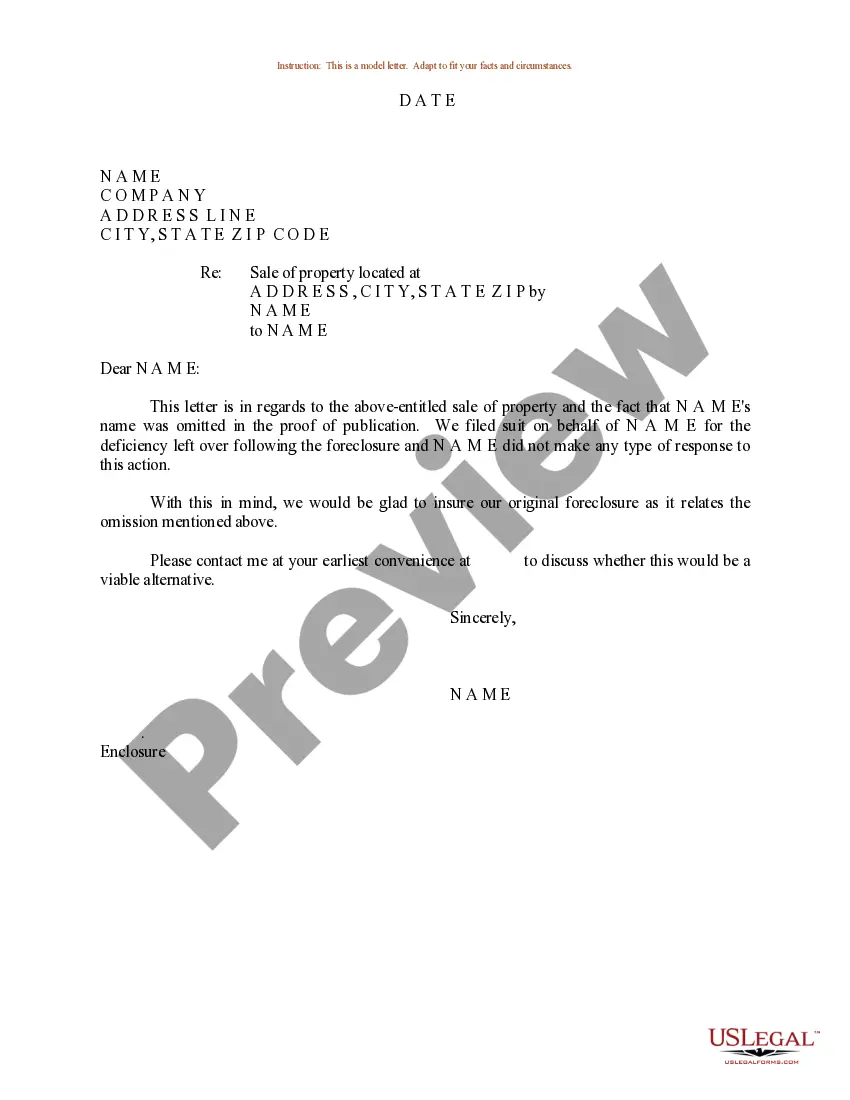
Sample Correction Form With File Upload
Description

Get your form ready online
Our built-in tools help you complete, sign, share, and store your documents in one place.
Make edits, fill in missing information, and update formatting in US Legal Forms—just like you would in MS Word.
Download a copy, print it, send it by email, or mail it via USPS—whatever works best for your next step.
Sign and collect signatures with our SignNow integration. Send to multiple recipients, set reminders, and more. Go Premium to unlock E-Sign.
If this form requires notarization, complete it online through a secure video call—no need to meet a notary in person or wait for an appointment.
We protect your documents and personal data by following strict security and privacy standards.

Make edits, fill in missing information, and update formatting in US Legal Forms—just like you would in MS Word.

Download a copy, print it, send it by email, or mail it via USPS—whatever works best for your next step.

Sign and collect signatures with our SignNow integration. Send to multiple recipients, set reminders, and more. Go Premium to unlock E-Sign.

If this form requires notarization, complete it online through a secure video call—no need to meet a notary in person or wait for an appointment.

We protect your documents and personal data by following strict security and privacy standards.
Looking for another form?
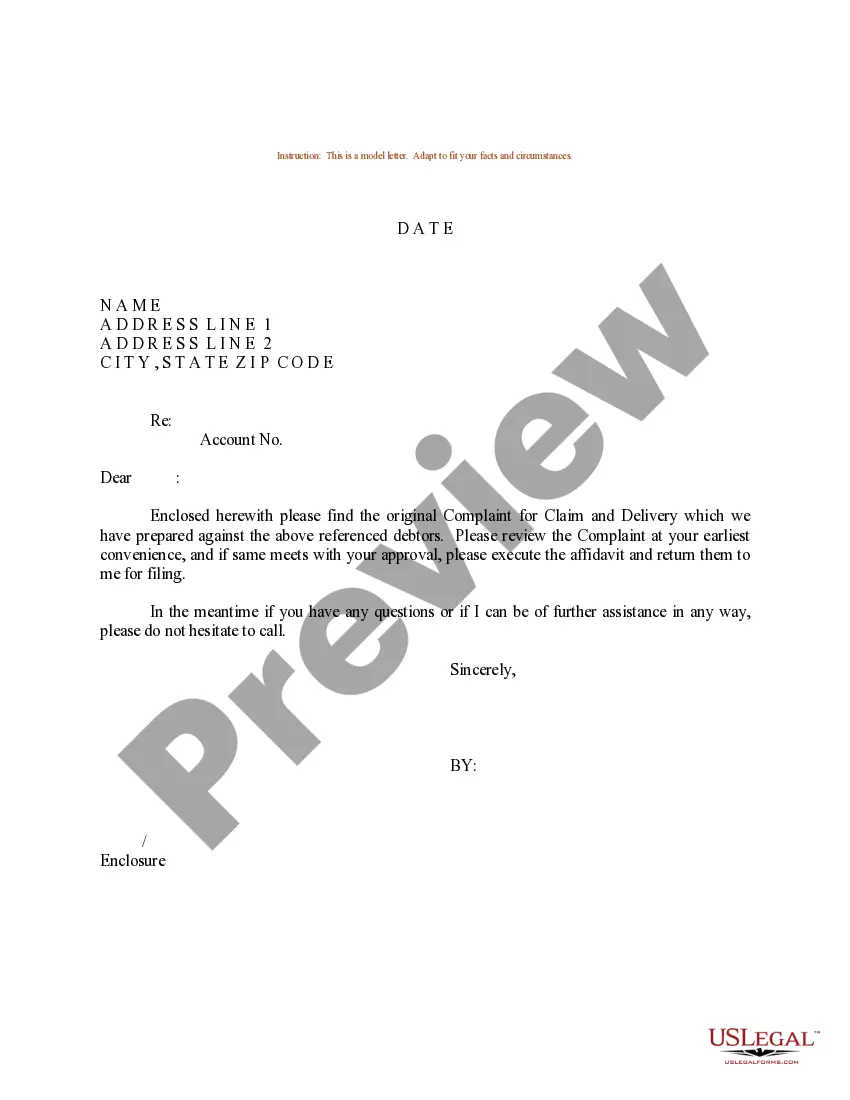
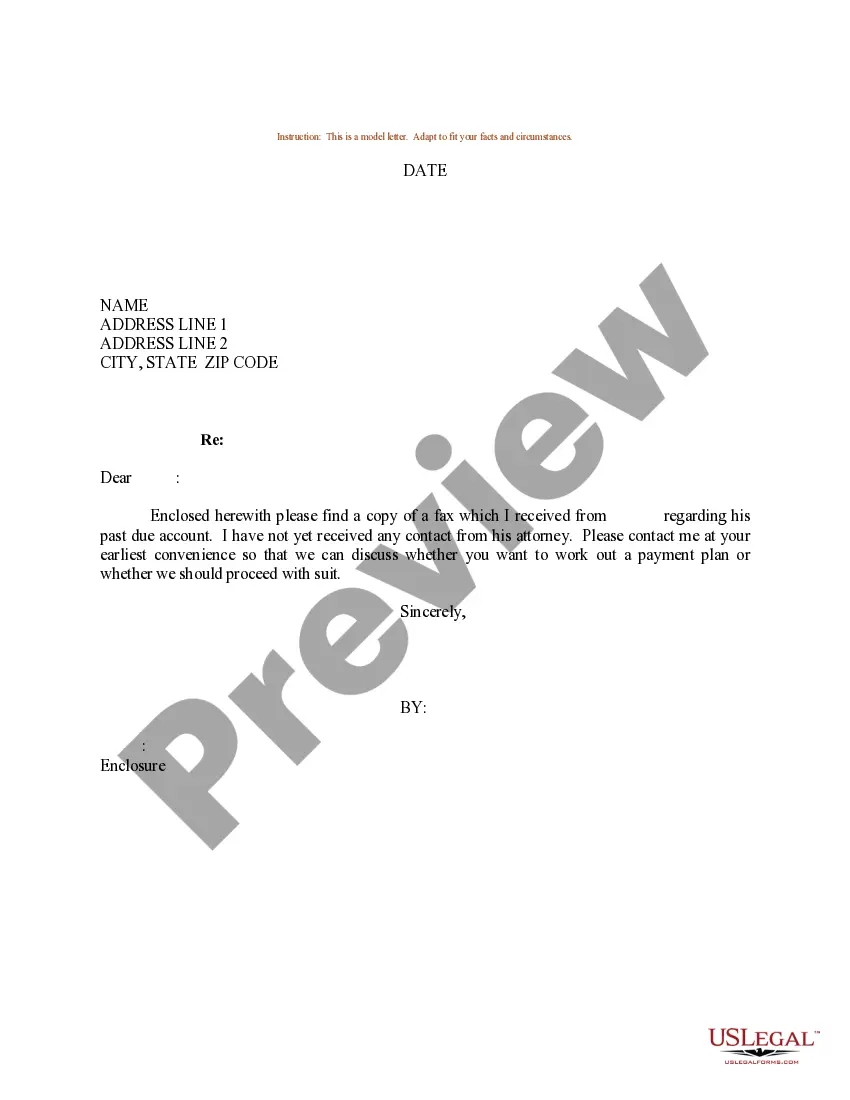
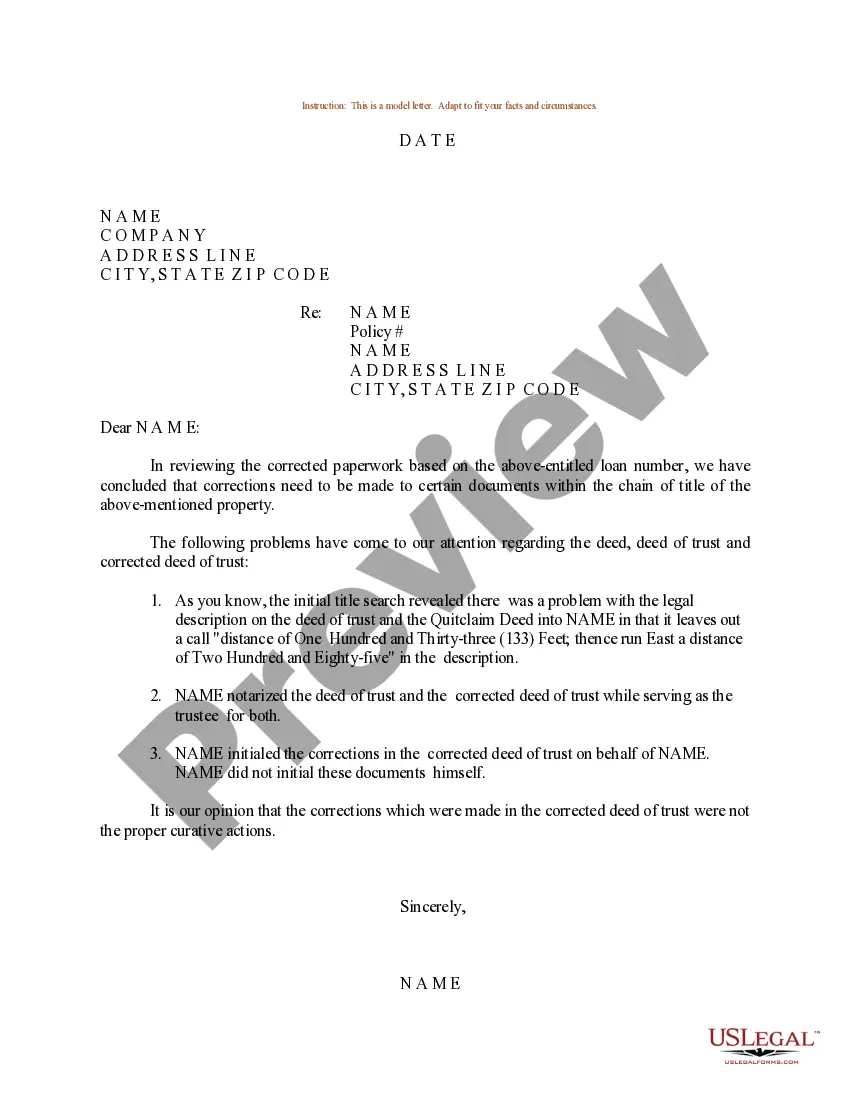
How to fill out Sample Letter For Correction To Sale Of Property?
It’s well-known that you can’t immediately become a legal specialist, nor can you quickly learn how to draft a Sample Correction Form With File Upload without a specific background.
Drafting legal documents is a lengthy process that necessitates a particular education and expertise. So why not entrust the creation of the Sample Correction Form With File Upload to the experts.
With US Legal Forms, which boasts one of the most comprehensive legal document collections, you can find everything from court forms to templates for internal business communication.
You can access your forms again from the My documents section at any time. If you’re an existing user, simply Log In, and locate and download the template from the same section.
No matter the intent of your documents—whether financial, legal, or personal—our website has everything you need. Give US Legal Forms a try now!
- Search for the form you need using the search bar at the top of the website.
- Preview it (if this option is available) and review the accompanying description to determine if the Sample Correction Form With File Upload fits your needs.
- If you require any other template, restart your search.
- Create a free account and choose a subscription plan to purchase the form.
- Click Buy now. Once the payment is complete, you can access the Sample Correction Form With File Upload, complete it, print it, and send or mail it to the required individuals or organizations.
Form popularity
FAQ
Examples of uploading include sending email, posting photos on a social media site and using your webcam. Even clicking on a link on a web page sends a tiny data upload.
Common Causes of Google Form File Upload Failure You're using a shared Google account to access the Google Form. Your web browser may be incompatible or out-of-date with the uploading of the file with an incompatible file format. Outdated cached data. The file size is too large to submit.
Checking the file extension is the simplest way, but it can be easily bypassed by changing the extension or using double extensions. Checking the MIME type is more reliable, yet vulnerable to spoofing by manipulating the MIME type header or using multiple MIME types.
Step 2: go to Google Forms. Step 3: create a new form or use existing templates from the template gallery. Step 4: edit your questions. ... Step 5: add more form field options (as necessary). ... Step 6: add the file upload option. ... Step 7: edit the file upload requirements. ... Step 8: make final design and setting changes.
In Forms, open a form or quiz. and enter your request for information. and select File upload. If prompted, review the uploading information and click Continue.