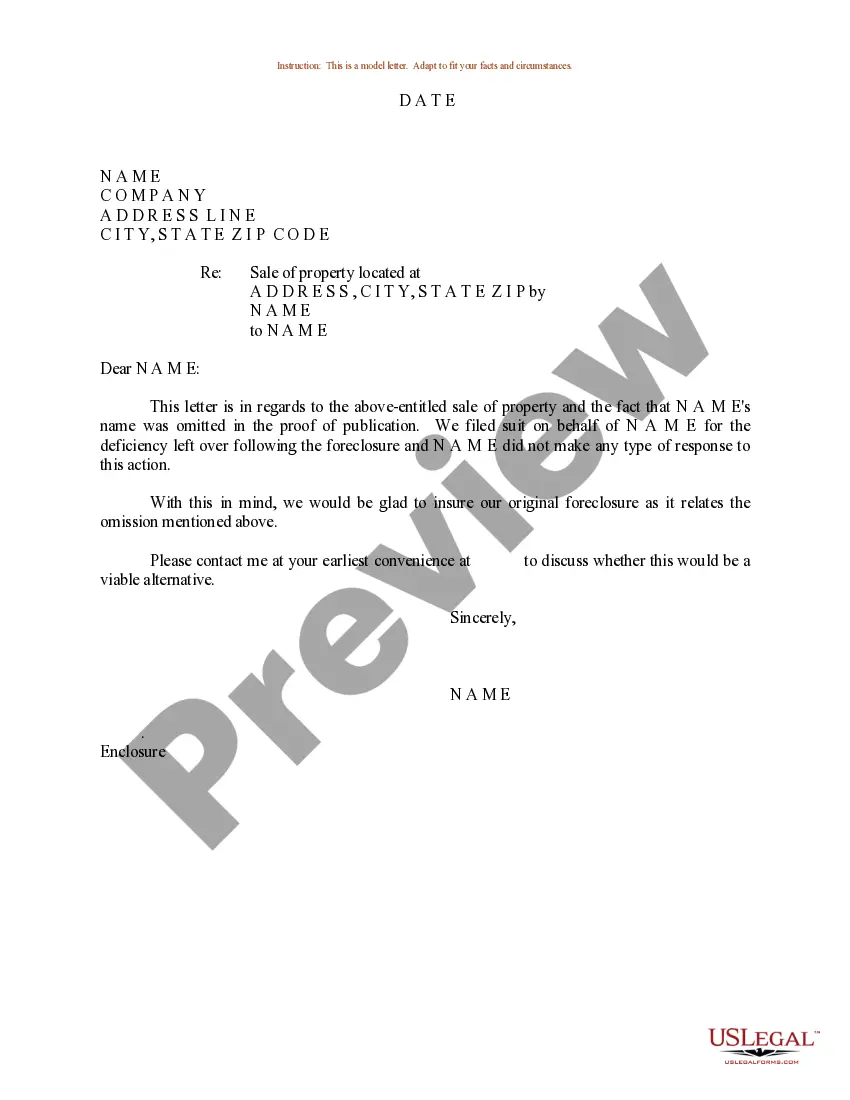
Sample Correction Form For Title
Description

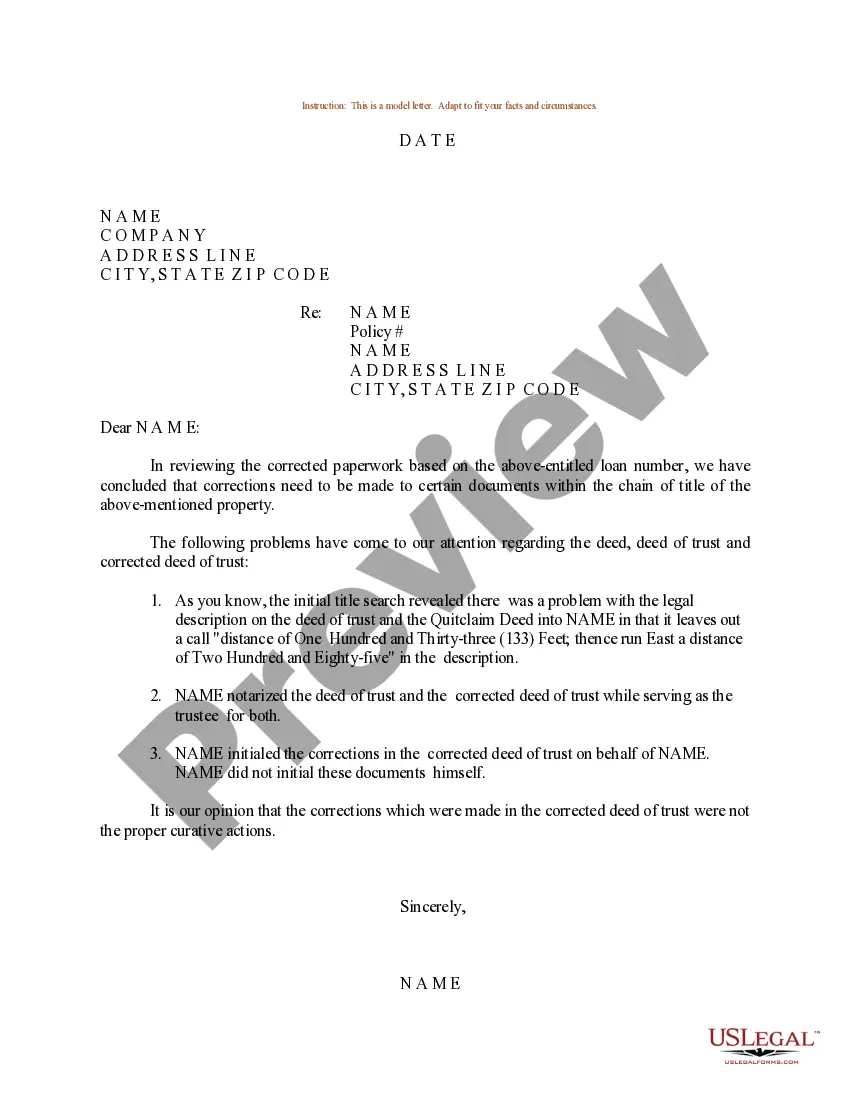
Get your form ready online
Our built-in tools help you complete, sign, share, and store your documents in one place.
Make edits, fill in missing information, and update formatting in US Legal Forms—just like you would in MS Word.
Download a copy, print it, send it by email, or mail it via USPS—whatever works best for your next step.
Sign and collect signatures with our SignNow integration. Send to multiple recipients, set reminders, and more. Go Premium to unlock E-Sign.
If this form requires notarization, complete it online through a secure video call—no need to meet a notary in person or wait for an appointment.
We protect your documents and personal data by following strict security and privacy standards.

Make edits, fill in missing information, and update formatting in US Legal Forms—just like you would in MS Word.

Download a copy, print it, send it by email, or mail it via USPS—whatever works best for your next step.

Sign and collect signatures with our SignNow integration. Send to multiple recipients, set reminders, and more. Go Premium to unlock E-Sign.

If this form requires notarization, complete it online through a secure video call—no need to meet a notary in person or wait for an appointment.

We protect your documents and personal data by following strict security and privacy standards.
Looking for another form?
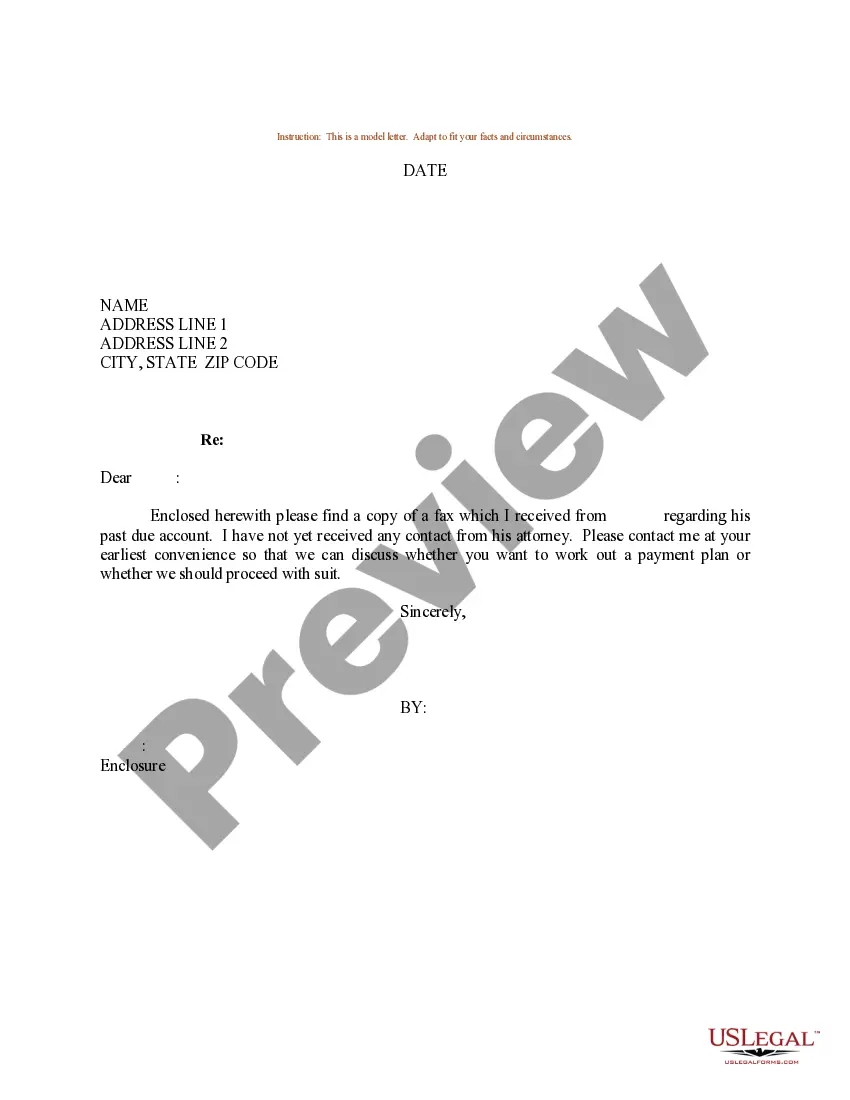
How to fill out Sample Letter For Correction To Sale Of Property?
Finding a reliable source to obtain the most up-to-date and suitable legal templates is a significant part of navigating bureaucracy.
Identifying the appropriate legal documents demands accuracy and meticulousness, which is why it is crucial to acquire samples of the Sample Correction Form For Title solely from reputable sources, such as US Legal Forms. A faulty template could squander your time and prolong your situation. With US Legal Forms, you have minimal concerns.
Eliminate the complications associated with your legal paperwork. Explore the extensive US Legal Forms catalog to locate legal templates, assess their relevance to your situation, and download them instantly.
- Utilize the catalog navigation or search bar to locate your template.
- Review the form's details to determine its compatibility with your state's and county's requirements.
- Access the form preview, if available, to verify that the template meets your needs.
- If the Sample Correction Form For Title does not align with your requirements, continue your search for the correct document.
- If you are confident in the form's applicability, download it.
- If you are a registered user, click Log in to verify and access your selected forms in My documents.
- If you do not have an account yet, click Buy now to acquire the form.
- Choose the pricing option that suits your needs.
- Proceed to the registration to finalize your purchase.
- Complete your transaction by selecting a payment method (credit card or PayPal).
- Choose the document format for downloading the Sample Correction Form For Title.
- Once you have the form on your device, you can modify it using the editor or print it out and fill it manually.
Form popularity
FAQ
If information is incorrect on your title, or you need to change information, you will need to notify the RMV and request an amended certificate of title. You will receive your amended certificate of title in the mail within 10 ? 14 business days.
Contact your DMV in writing and let them know there's an error on the title. Have the DMV issue you a duplicate title. If the previous owner is responsible for the title error, contact them and have them fill in the new vehicle title correctly. For errors that are your fault, make adjustments on your replacement title.
You might be wondering, ?Can I use white out on a title?? The answer is a hard no. Since a Certificate of Title is an official legal document, you need to go through the correct channels to alter or correct it.
?If you recently received a Wisconsin title, Certificate of Vehicle Registration and/or Confirmation of Ownership and there is an error in the information listed, complete Title/Registration Correction Request, form MV1020, and mail with the affected item to the address listed on the form.
Affidavit of Correction (T-11) A T-11 is used to explain allowable corrections in an assignment section on the back of the title or statement of origin. It must be completed by the seller, and the seller's signature must be notarized.