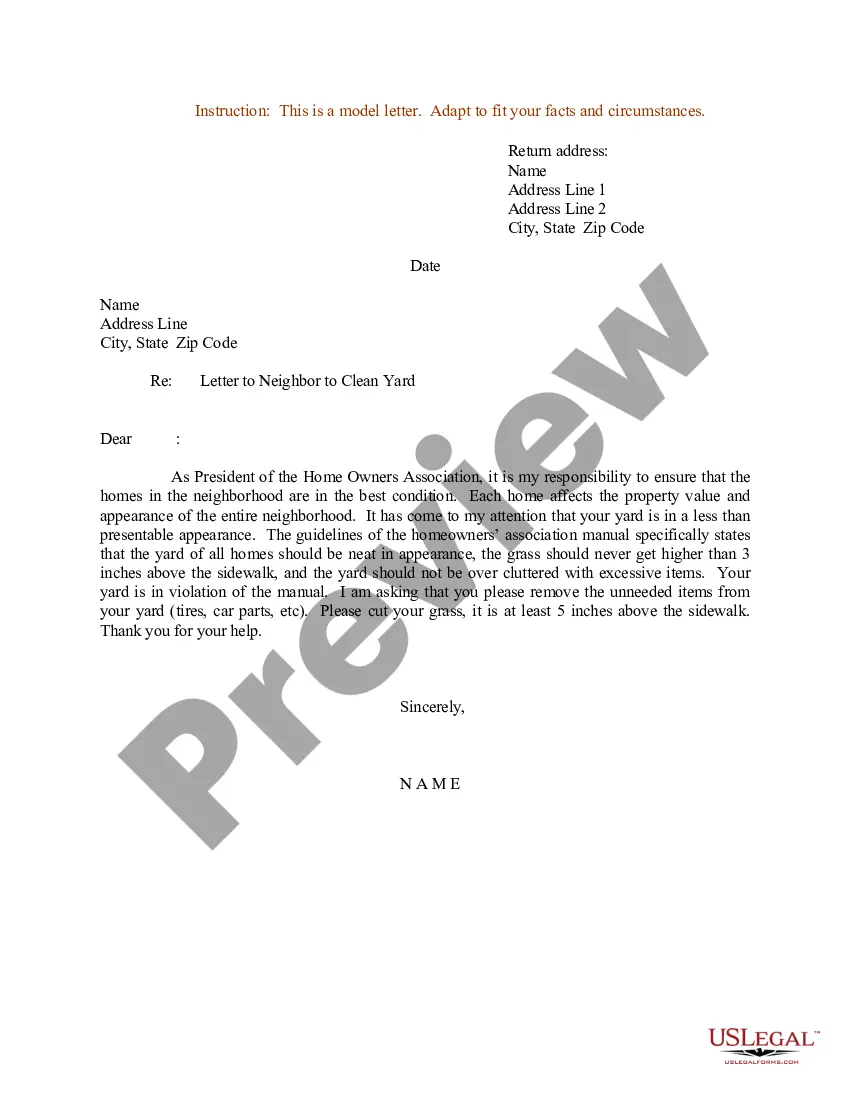
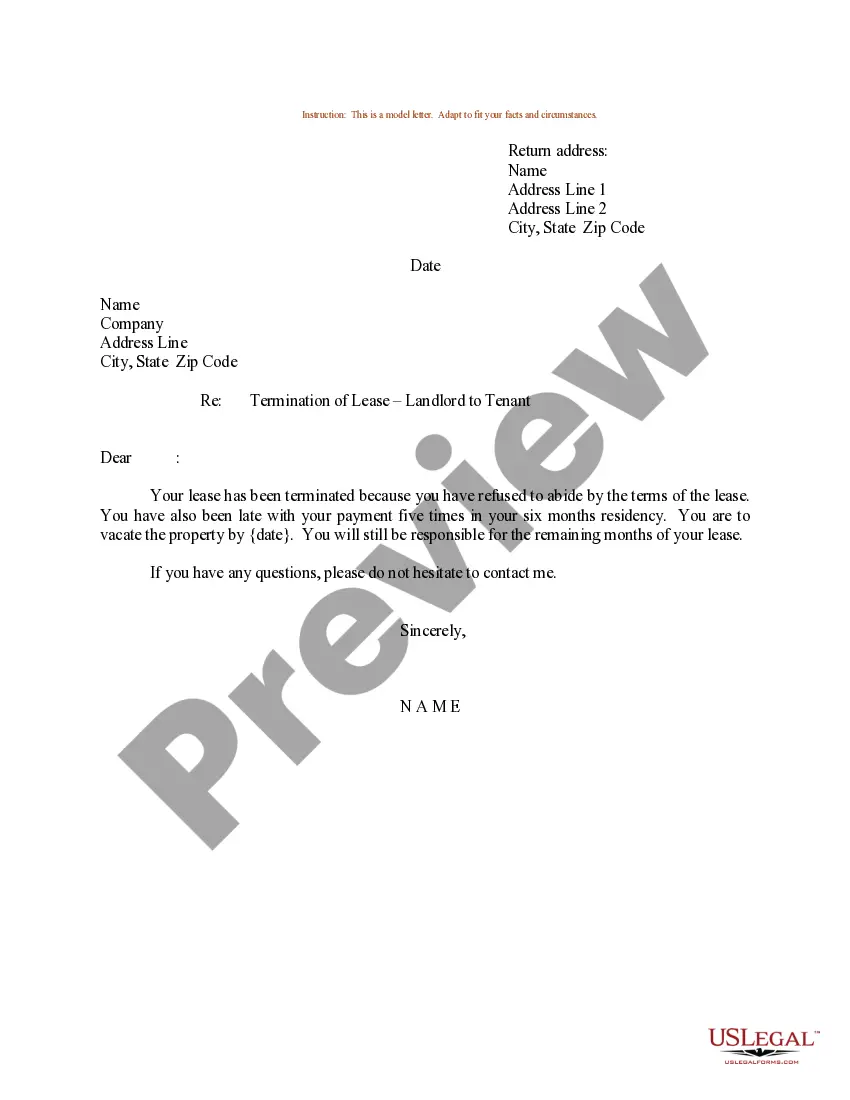
Letter Neighbor Sample With Trim Tree
Description
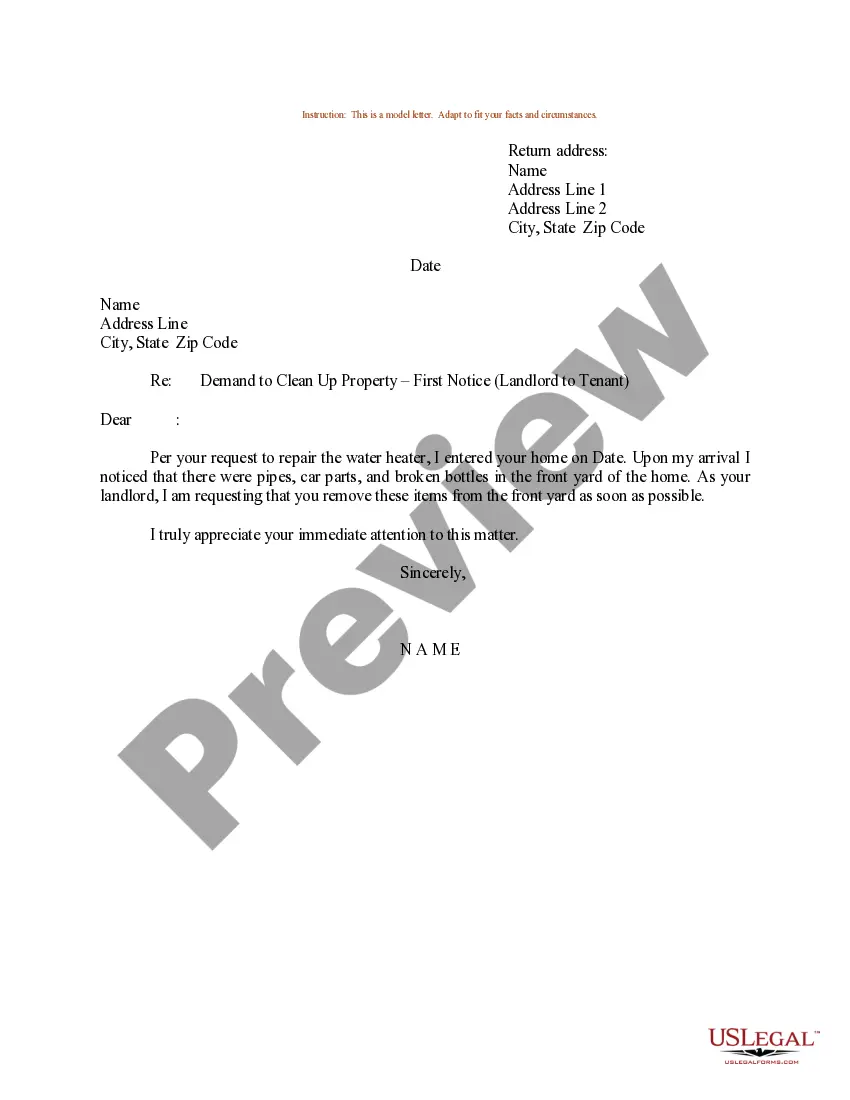
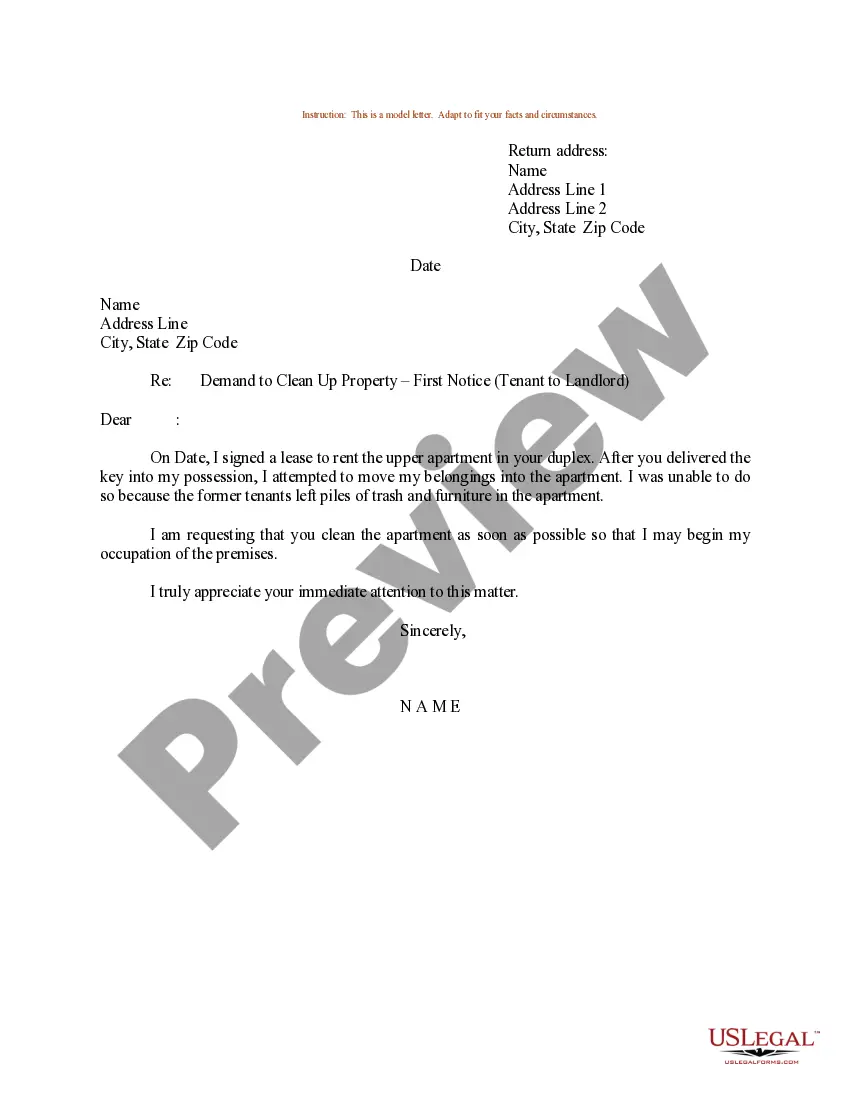
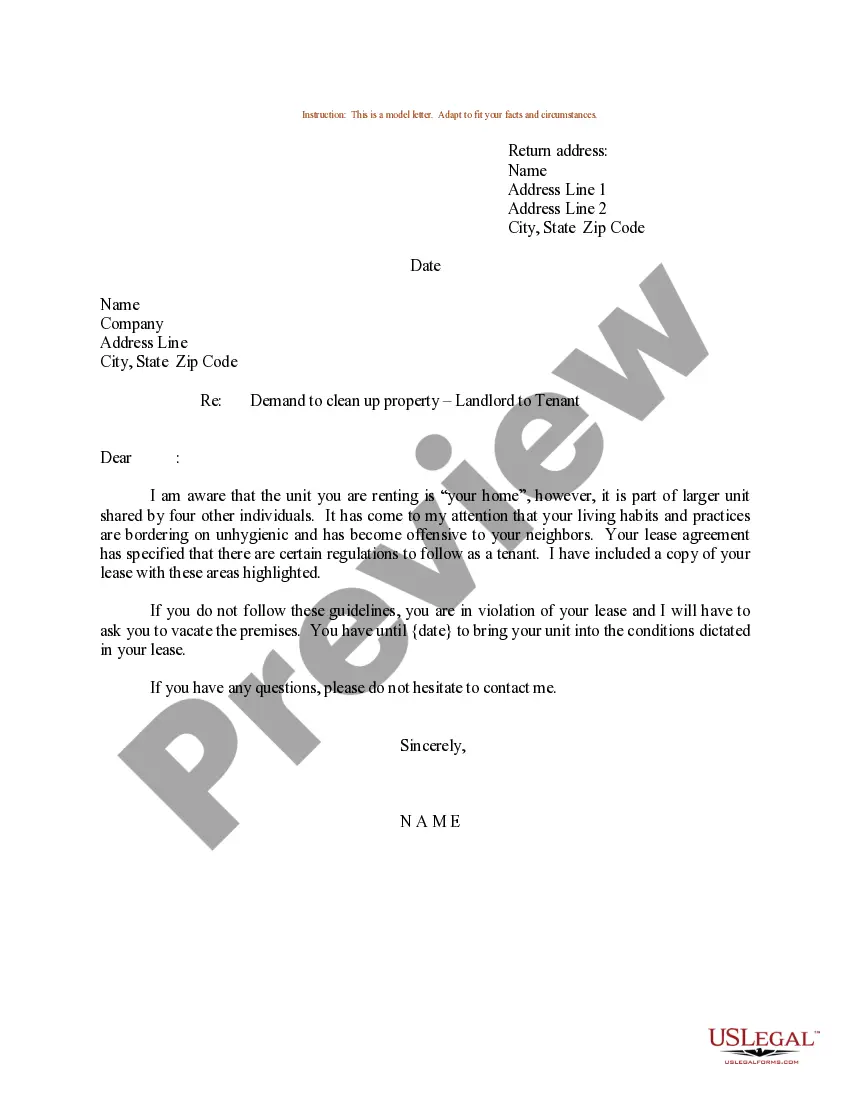
Get your form ready online
Our built-in tools help you complete, sign, share, and store your documents in one place.
Make edits, fill in missing information, and update formatting in US Legal Forms—just like you would in MS Word.
Download a copy, print it, send it by email, or mail it via USPS—whatever works best for your next step.
Sign and collect signatures with our SignNow integration. Send to multiple recipients, set reminders, and more. Go Premium to unlock E-Sign.
If this form requires notarization, complete it online through a secure video call—no need to meet a notary in person or wait for an appointment.
We protect your documents and personal data by following strict security and privacy standards.

Make edits, fill in missing information, and update formatting in US Legal Forms—just like you would in MS Word.

Download a copy, print it, send it by email, or mail it via USPS—whatever works best for your next step.

Sign and collect signatures with our SignNow integration. Send to multiple recipients, set reminders, and more. Go Premium to unlock E-Sign.

If this form requires notarization, complete it online through a secure video call—no need to meet a notary in person or wait for an appointment.

We protect your documents and personal data by following strict security and privacy standards.
Looking for another form?
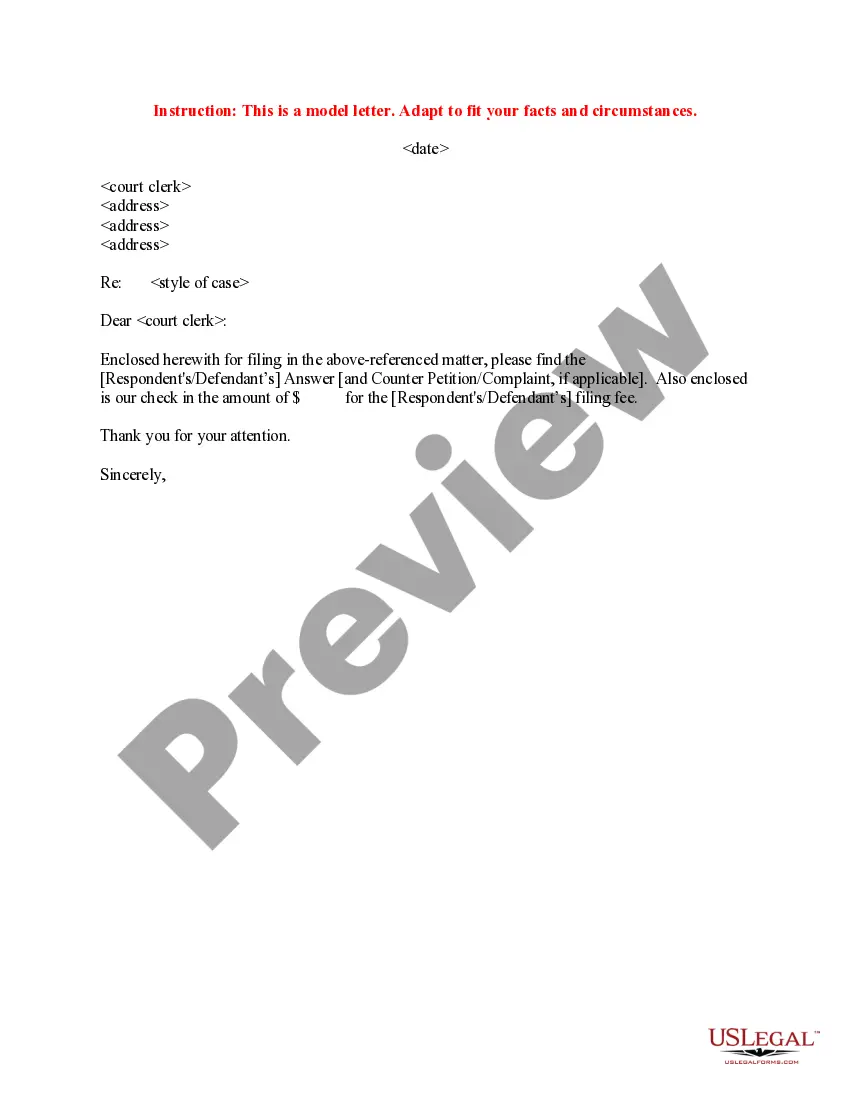
How to fill out Sample Letter To Neighbor To Clean Yard?
Managing legal paperwork can be overwhelming, even for seasoned professionals.
When you're in search of a Letter Neighbor Sample With Trim Tree and lack the time to find the appropriate and current version, the process can be frustrating.
Utilize advanced tools to complete and manage your Letter Neighbor Sample With Trim Tree.
Access a repository of articles, tutorials, and guides relevant to your situation and requirements.
Take advantage of the US Legal Forms online library, backed by 25 years of expertise and reliability. Streamline your daily document management into a straightforward and user-friendly process today.
- Save time and effort in locating the documents you need by using US Legal Forms’ advanced search and Preview function to find and download the Letter Neighbor Sample With Trim Tree.
- If you have a monthly subscription, Log In to your US Legal Forms profile, search for the form, and download it.
- Check your My documents tab to view the documents you've saved and organize your folders as desired.
- If it's your first time with US Legal Forms, create an account to gain unlimited access to all the platform's features.
- Here are the steps to follow after downloading the desired form.
- A comprehensive online form database can be a game changer for anyone wishing to handle these situations effectively.
- US Legal Forms is a leading provider of online legal documents, offering more than 85,000 state-specific legal forms available at any time.
- With US Legal Forms, you have access to a range of services tailored to meet your needs.
Form popularity
FAQ
There are several legal requirements when you make a will in Massachusetts ? notarization isn't one of them. ?For a will to be legally binding in Massachusetts, it needs to be: In writing. Created by a testator (the person making the will) who is of sound mind and at least 18 years old.
Steps to Create a Will in Massachusetts Decide what property to include in your will. Decide who will inherit your property. Choose an executor to handle your estate. Choose a guardian for your children. Choose someone to manage children's property. Make your will. Sign your will in front of witnesses.
Making a Will: Massachusetts Legal Requirements The will must be in writing. This could include handwriting, but generally they are typed. 2. The will must be signed and dated by the person making the will.
Steps for Creating a Will in Massachusetts Technically, you can create your own will in Massachusetts. The only legal requirement is that you sign it in front of at least 2 witnesses and that those witnesses also sign the will.
Technically, you can create your own will in Massachusetts. The only legal requirement is that you sign it in front of at least 2 witnesses and that those witnesses also sign the will.
Yes, online Wills are legal in Massachusetts. As long as you are 18 years or older, and are of sound mind, you can make a Will online that will be recognized as valid in a Massachusetts probate court.
The average cost of a will in Massachusetts ranges between $200 and $600, with the cost varying based on the attorney's fees and the complexity of the will.