Electronic Agreement Contract With Customer
Description
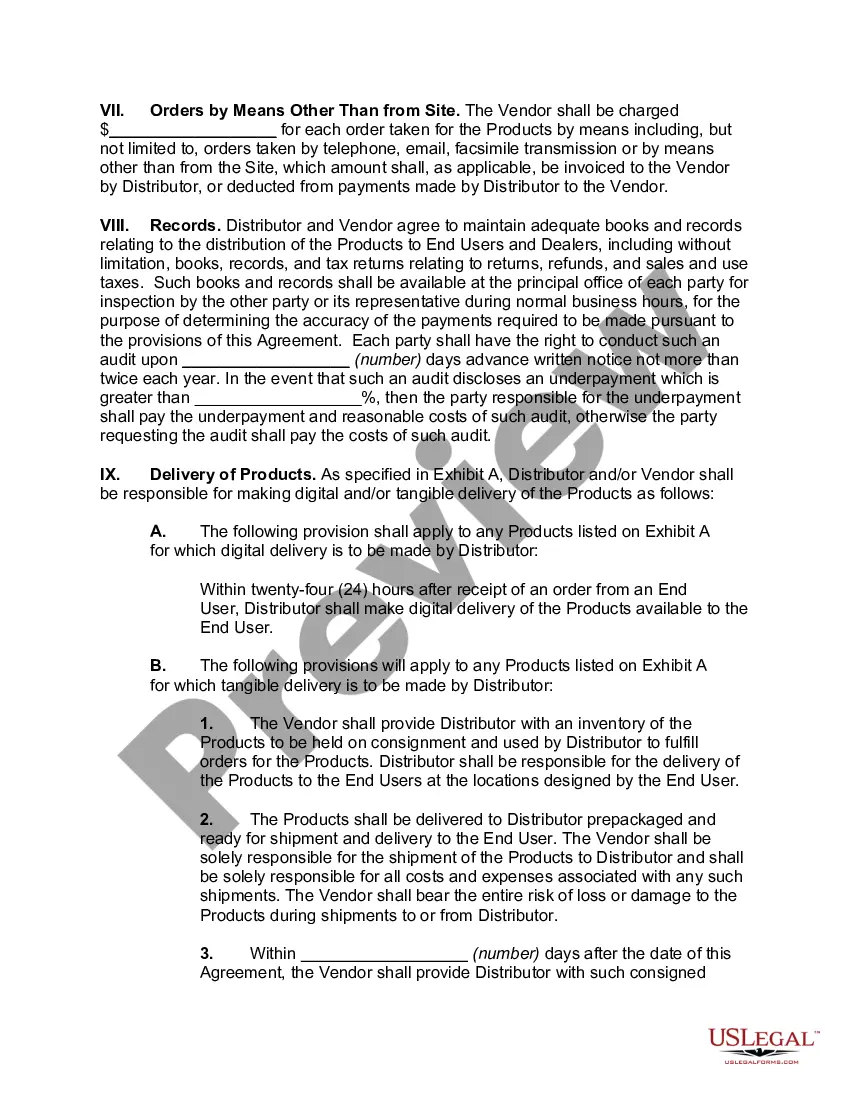
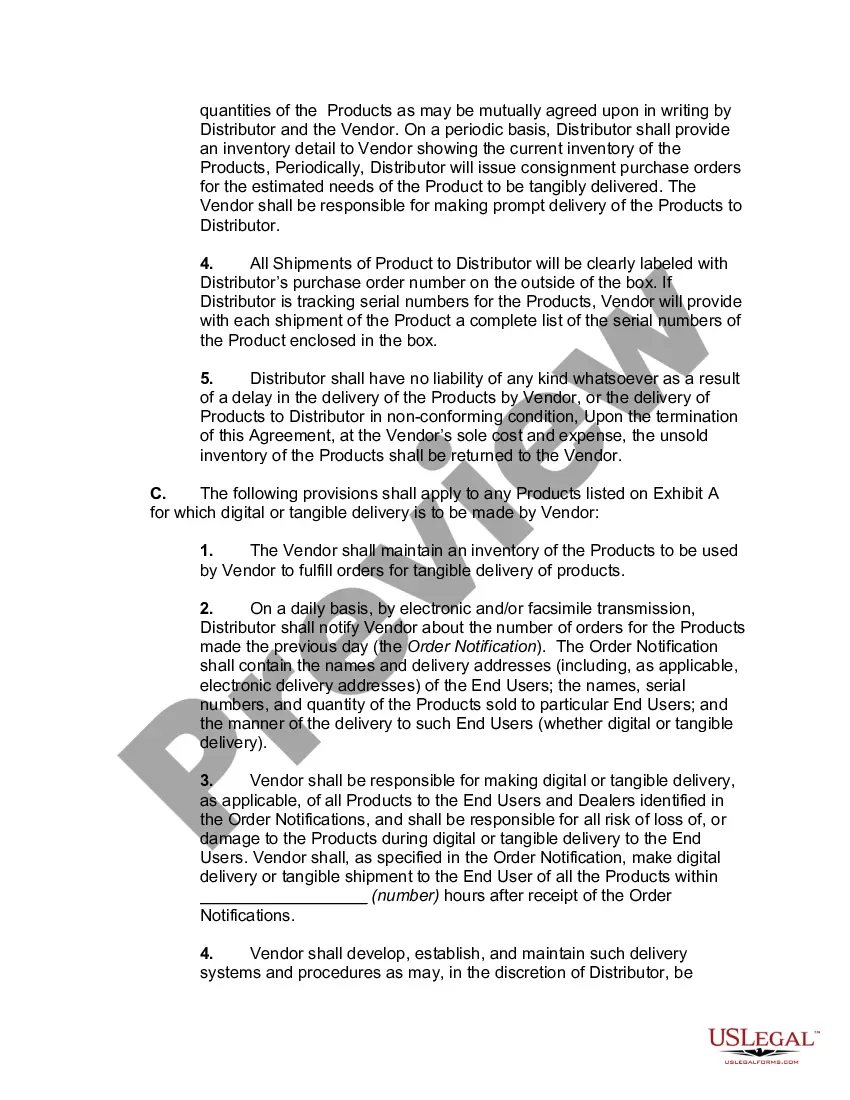
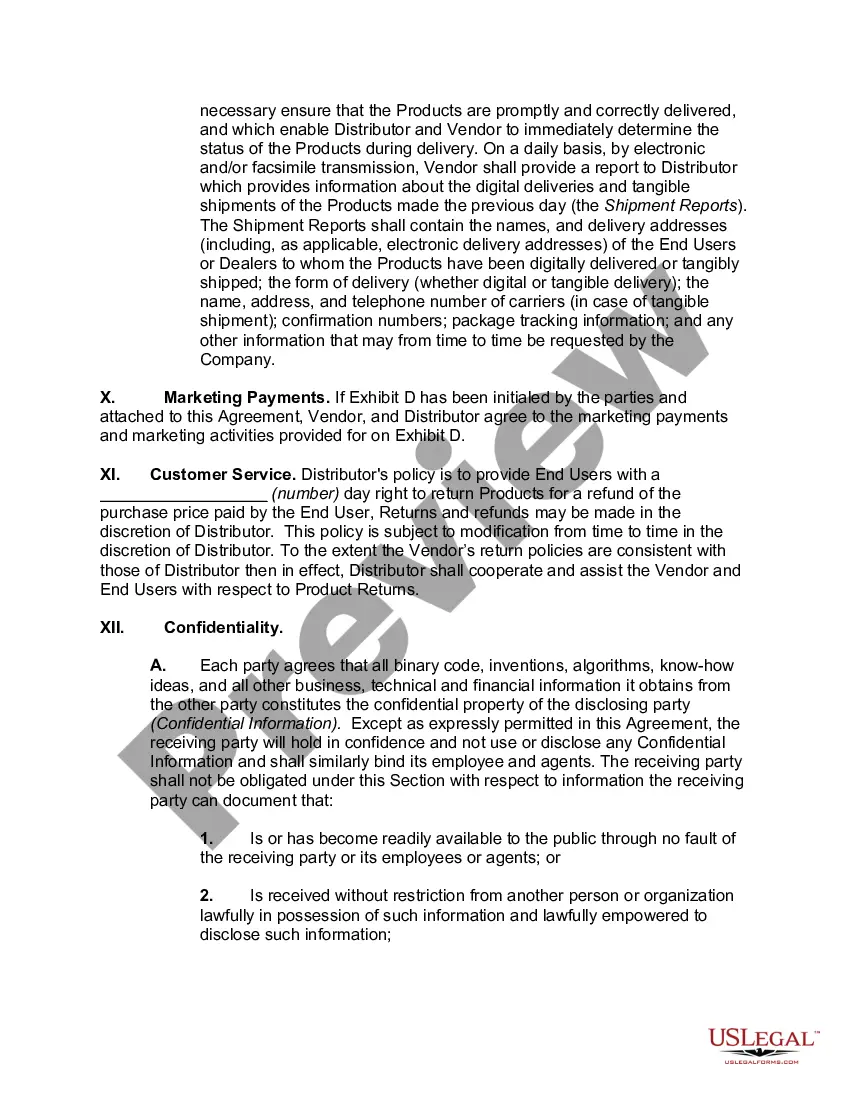
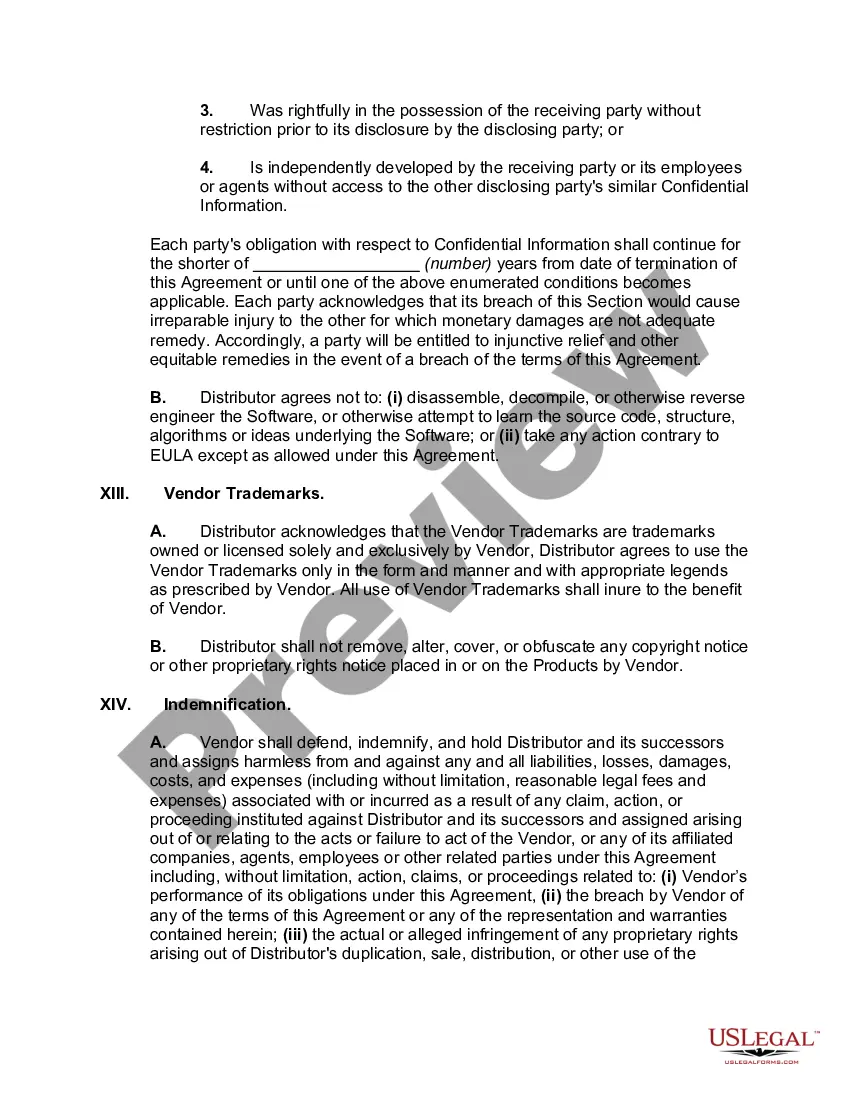

Get your form ready online
Our built-in tools help you complete, sign, share, and store your documents in one place.
Make edits, fill in missing information, and update formatting in US Legal Forms—just like you would in MS Word.
Download a copy, print it, send it by email, or mail it via USPS—whatever works best for your next step.
Sign and collect signatures with our SignNow integration. Send to multiple recipients, set reminders, and more. Go Premium to unlock E-Sign.
If this form requires notarization, complete it online through a secure video call—no need to meet a notary in person or wait for an appointment.
We protect your documents and personal data by following strict security and privacy standards.

Make edits, fill in missing information, and update formatting in US Legal Forms—just like you would in MS Word.

Download a copy, print it, send it by email, or mail it via USPS—whatever works best for your next step.

Sign and collect signatures with our SignNow integration. Send to multiple recipients, set reminders, and more. Go Premium to unlock E-Sign.

If this form requires notarization, complete it online through a secure video call—no need to meet a notary in person or wait for an appointment.

We protect your documents and personal data by following strict security and privacy standards.
Looking for another form?









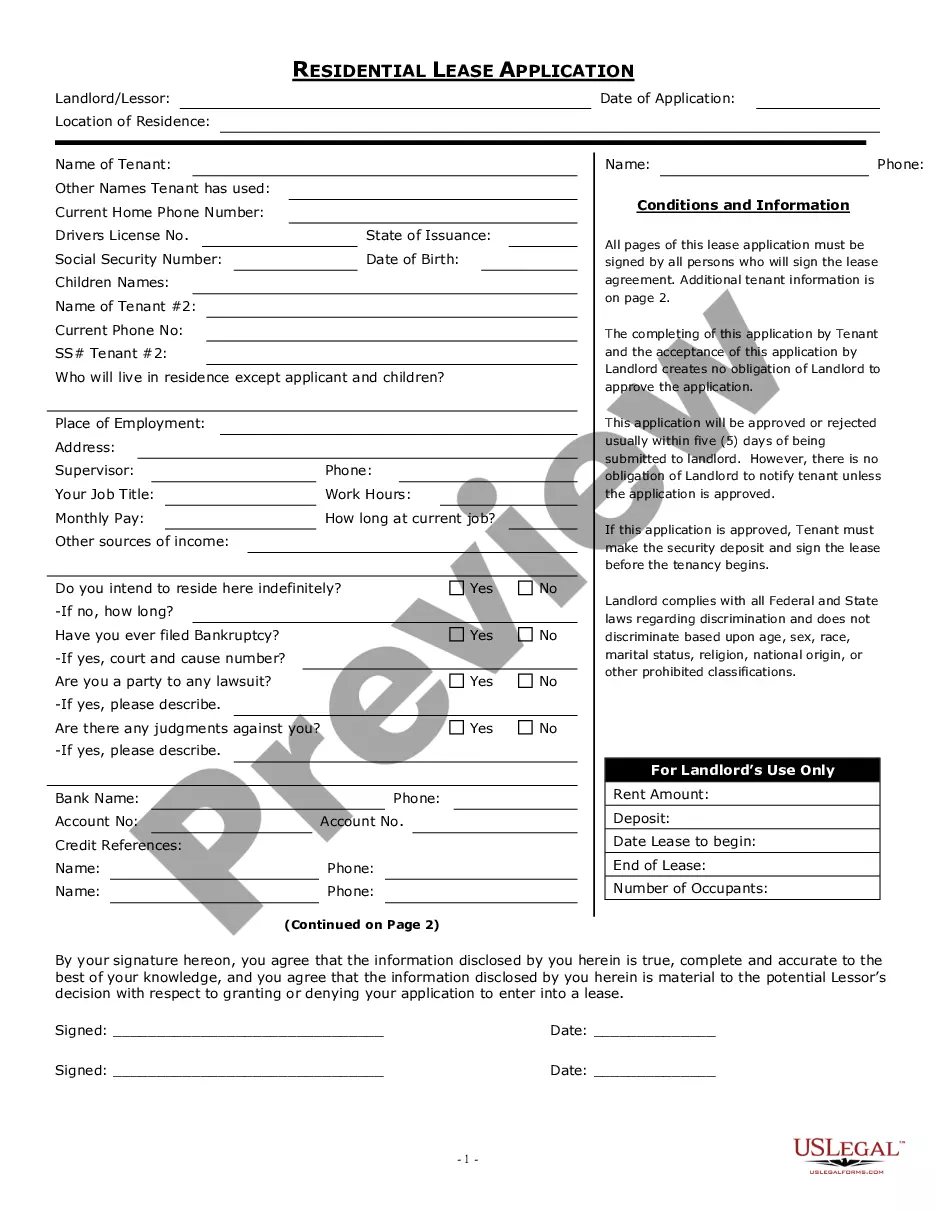
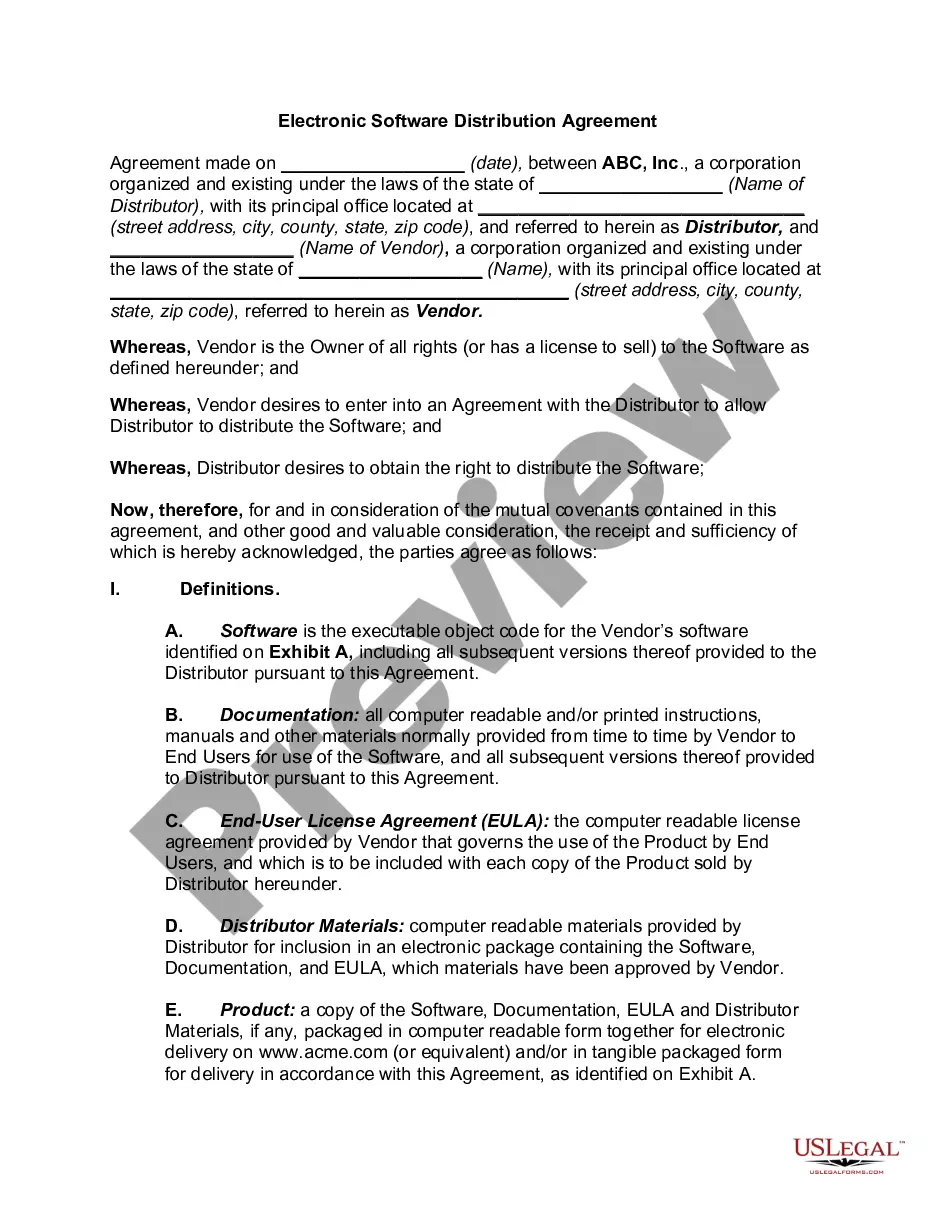
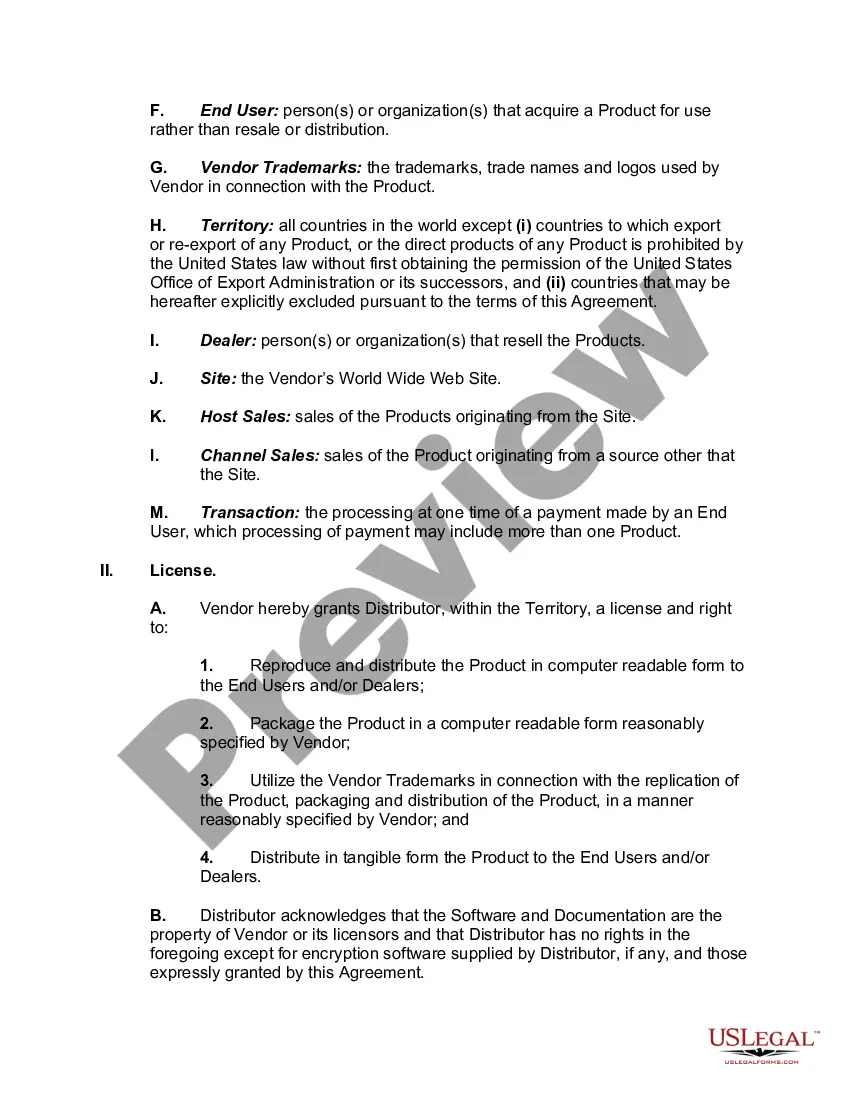
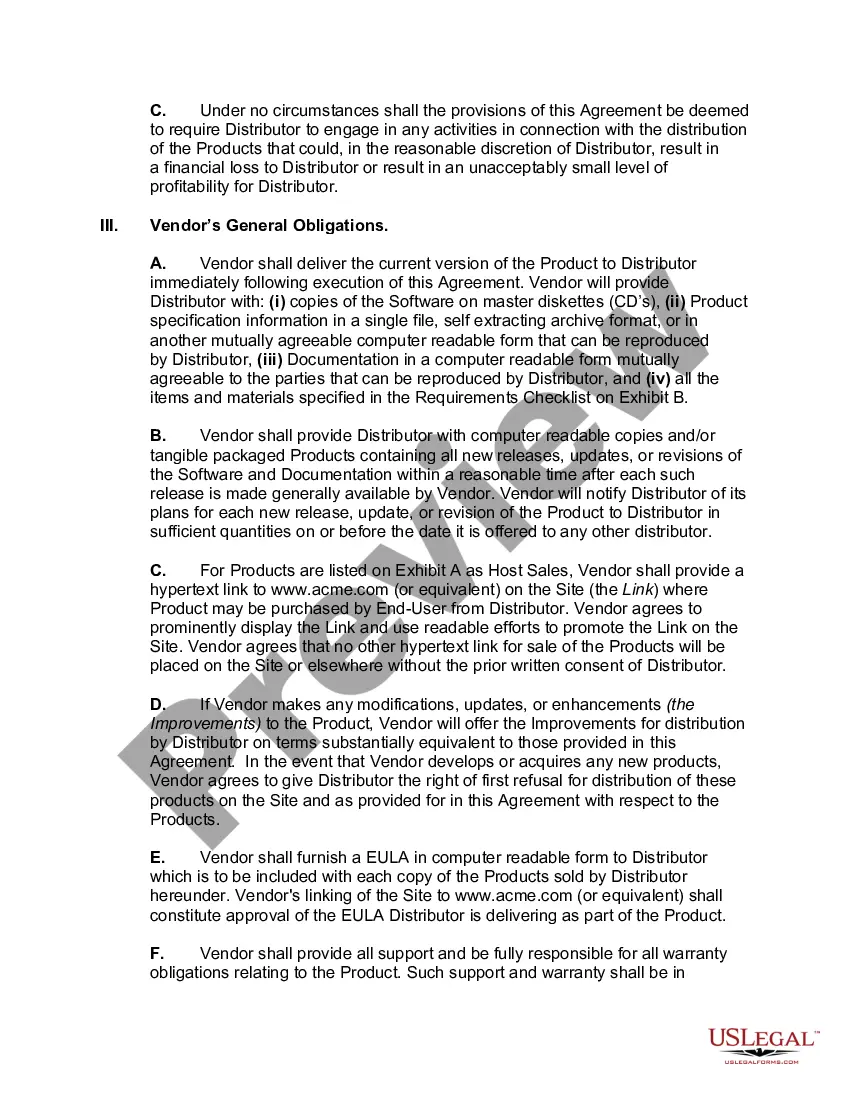
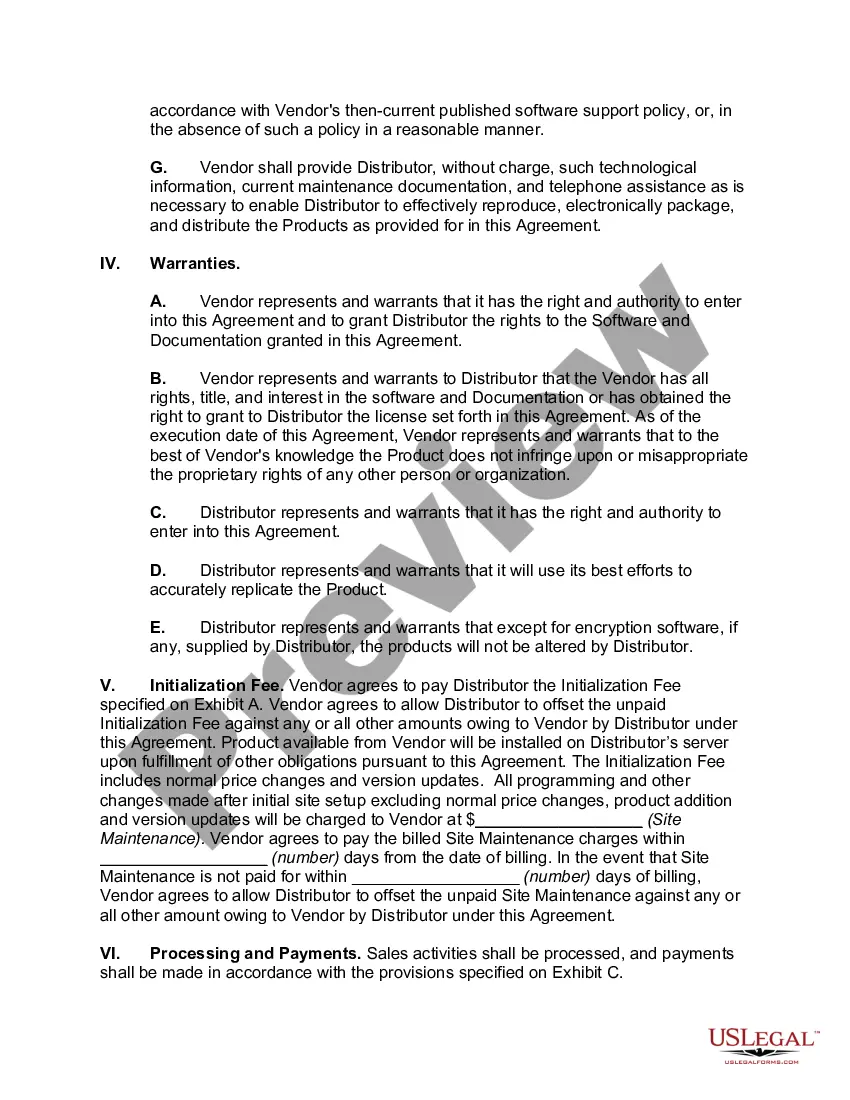
How to fill out Electronic Software Distribution Agreement?
When it's necessary to finalize an Electronic Agreement Contract With Customer in alignment with your local state's statutes and regulations, there can be numerous alternatives to choose from.
There's no requirement to scrutinize each document to ensure it fulfills all the legal specifications if you are a US Legal Forms member.
It is a reliable resource that can assist you in obtaining a reusable and current template on any topic.
Utilize the Preview mode and review the form description if available.
- US Legal Forms is the most comprehensive online collection with an archive of over 85k ready-to-use documents for personal and business legal matters.
- All templates are verified to comply with the laws of each state.
- Consequently, when downloading an Electronic Agreement Contract With Customer from our platform, you can have confidence that you possess a valid and current document.
- Obtaining the necessary template from our site is exceptionally simple.
- If you already possess an account, simply Log In to the system, ensure your subscription is active, and save the chosen file.
- In the future, you can navigate to the My documents tab in your profile to access the Electronic Agreement Contract With Customer at any moment.
- If this is your first experience on our website, kindly follow the instructions below.
- Browse the recommended page and verify it against your requirements.
Form popularity
FAQ
Section 85C of the Indian Evidence Act, 1872 provides that if a digital signature is affixed to a particular document then the court shall presume that such document is true and correct. For executing contracts electronically, the contract needs to be authenticated by the respective parties to the contract.
Select / confirm the contract due date and/or shoot date.Save the contract!Review your contract.Click the "Send to Client" button in the top right, (if you are using a second signer you can choose to send the document to both or only one of the clients on the contract), edit the email as you wish, and click "Send."16-Mar-2022
How to prepare a contract for online signingRegister for a free trial at , and then log in.Upload the contract from your computer or from a file-sharing site (like Box, Dropbox, Google Drive, or OneDrive).Add the names and email addresses of your contract signers.More items...
Ten Tips for Making Solid Business Agreements and ContractsGet it in writing.Keep it simple.Deal with the right person.Identify each party correctly.Spell out all of the details.Specify payment obligations.Agree on circumstances that terminate the contract.Agree on a way to resolve disputes.More items...
An email contract can be an enforceable agreement even if it is not printed out on paper. If you think that you do not have a legal leg to stand on because your contract was done via email, think again. In almost all circumstances, your agreement will be considered enforceable even if it was done through email.