Retail Space For Lease With Drive Thru
Description
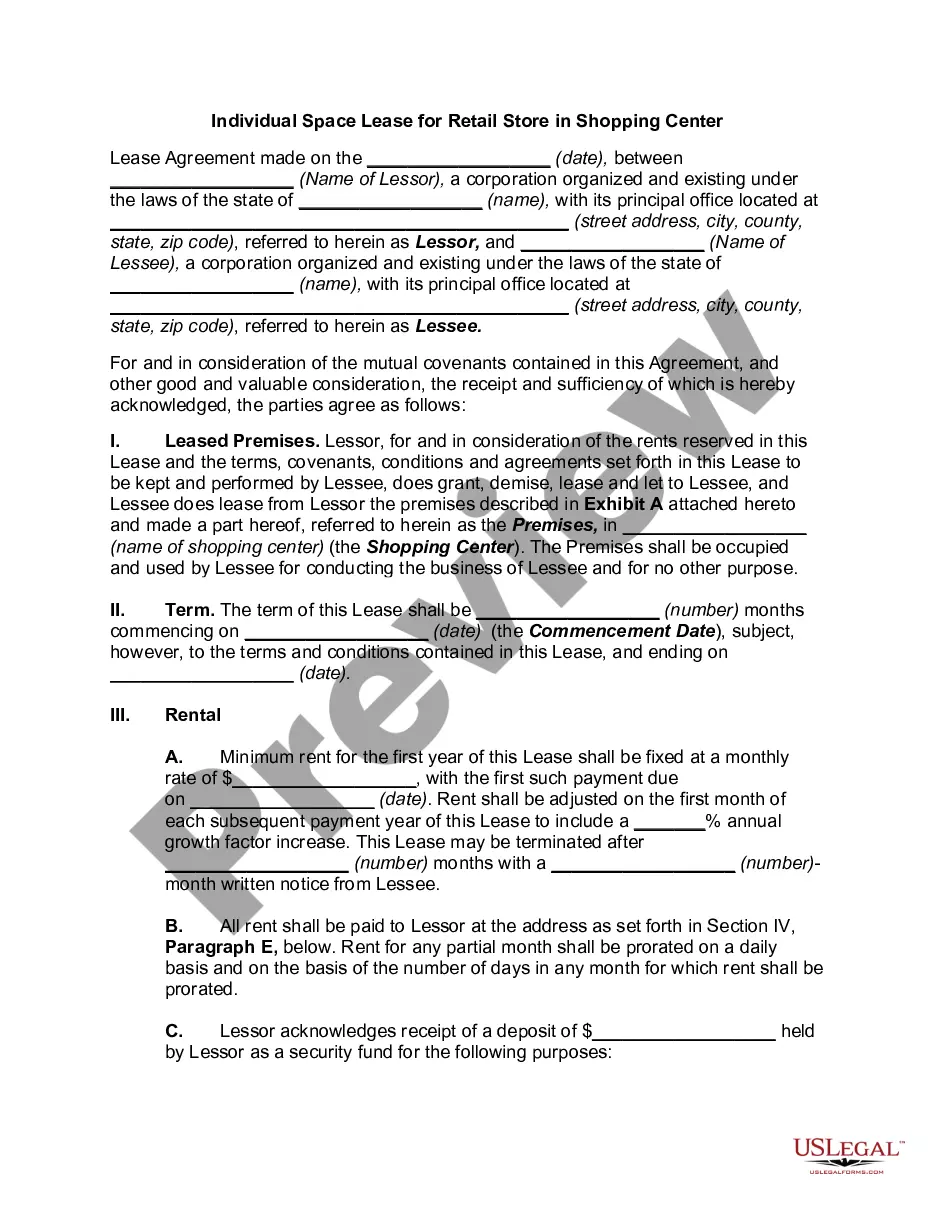
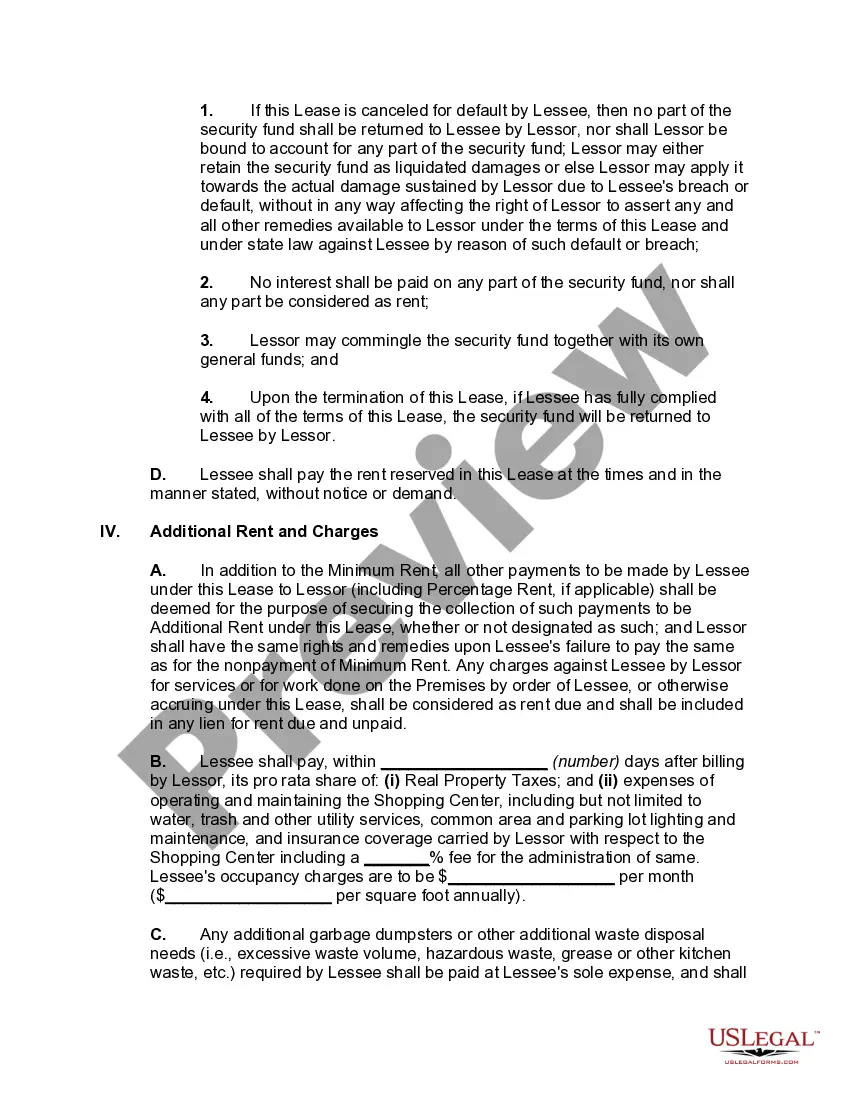
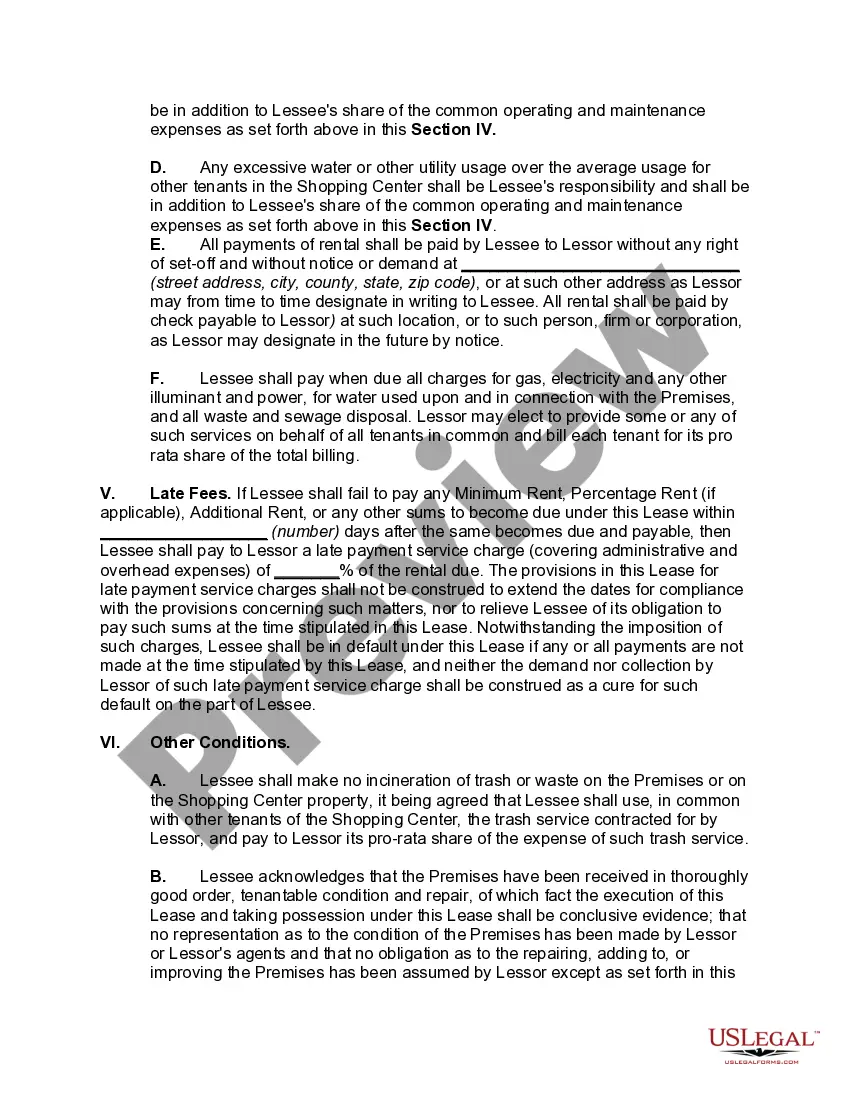
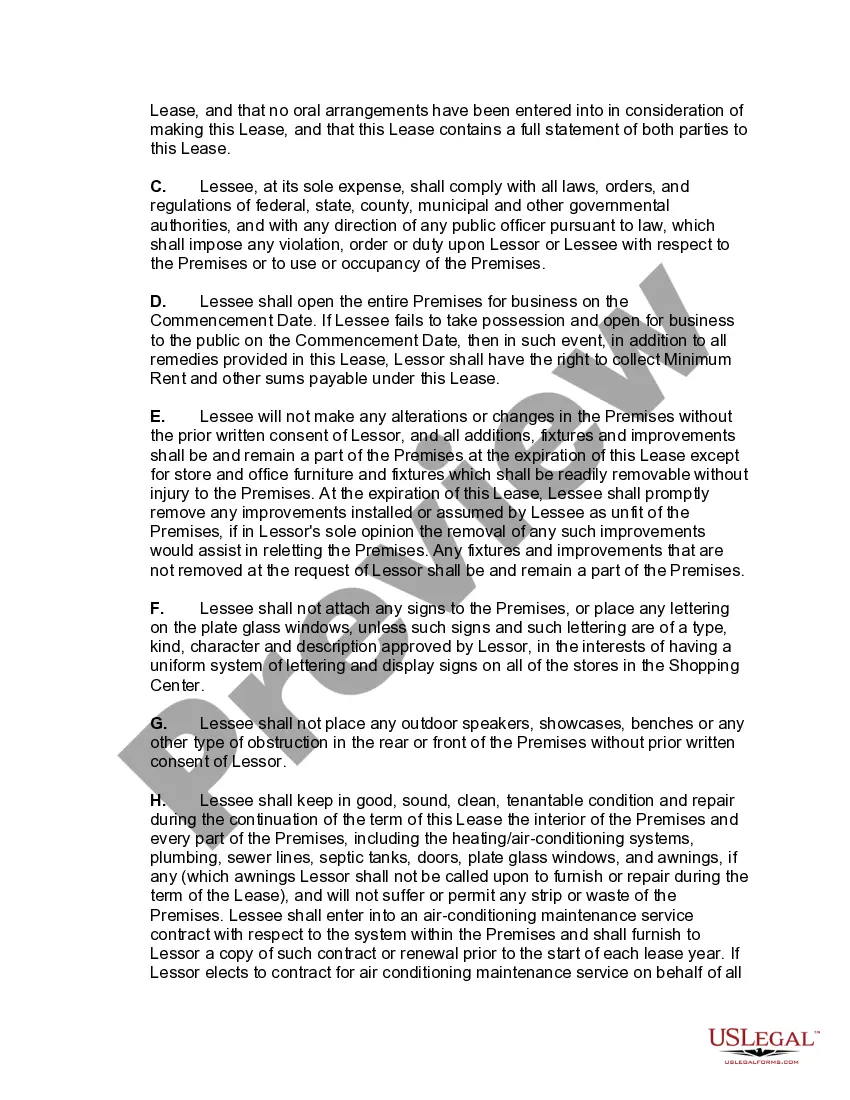
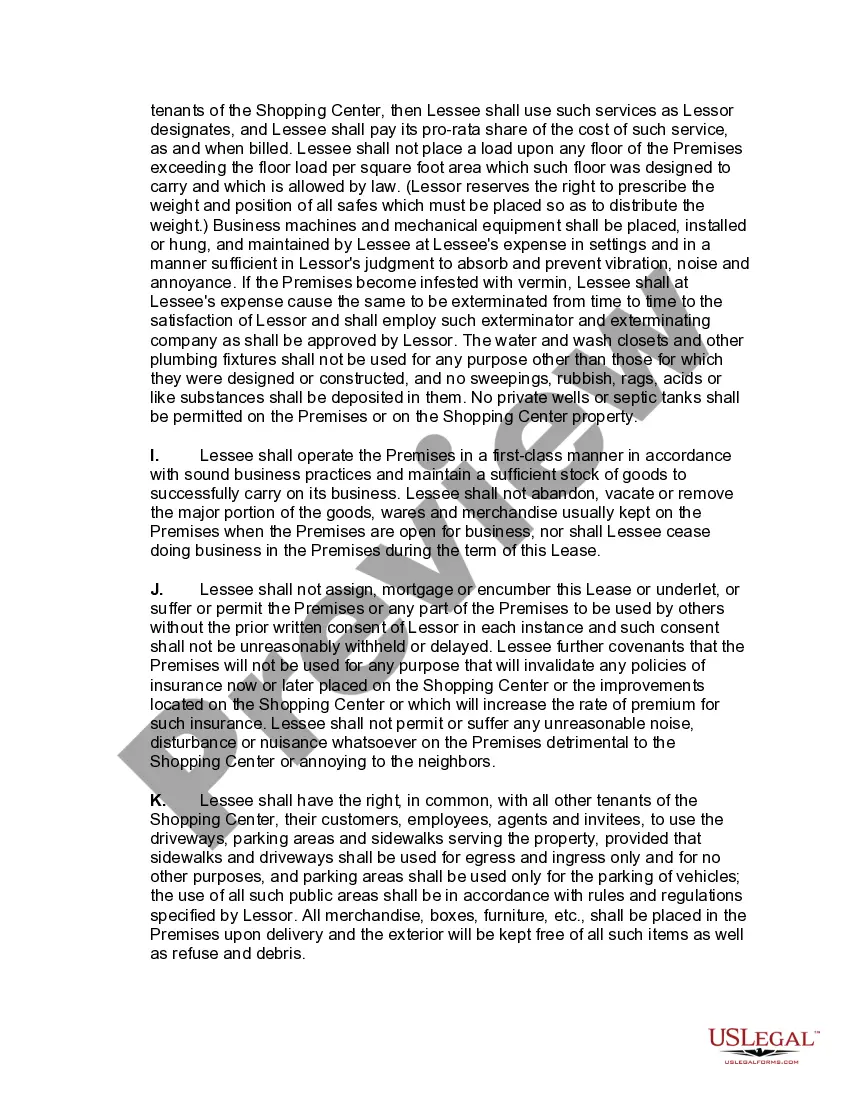
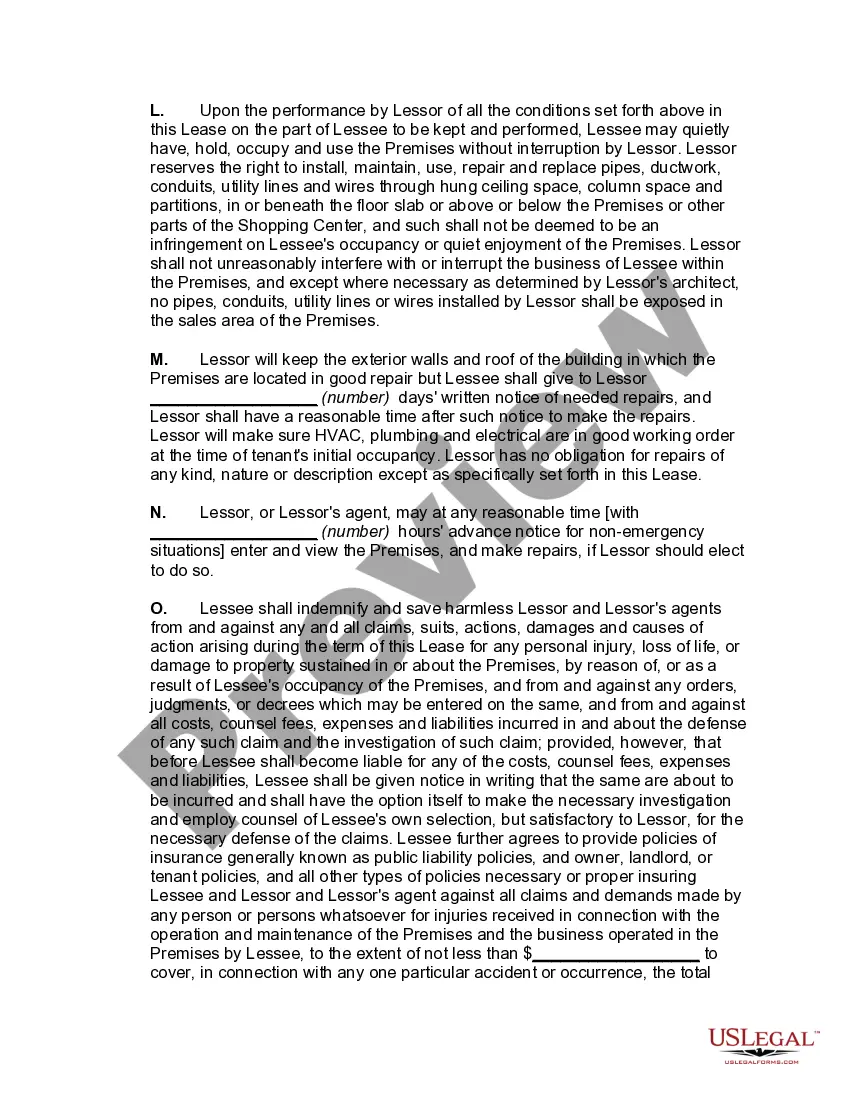
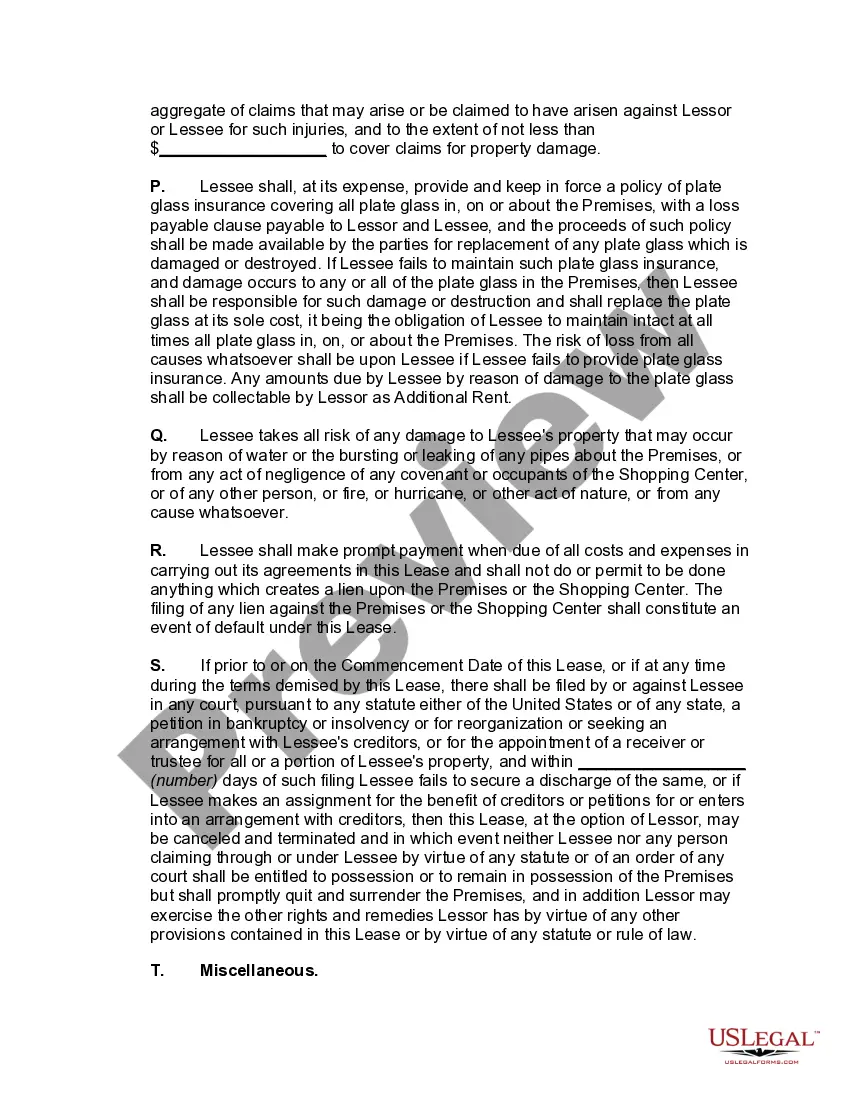
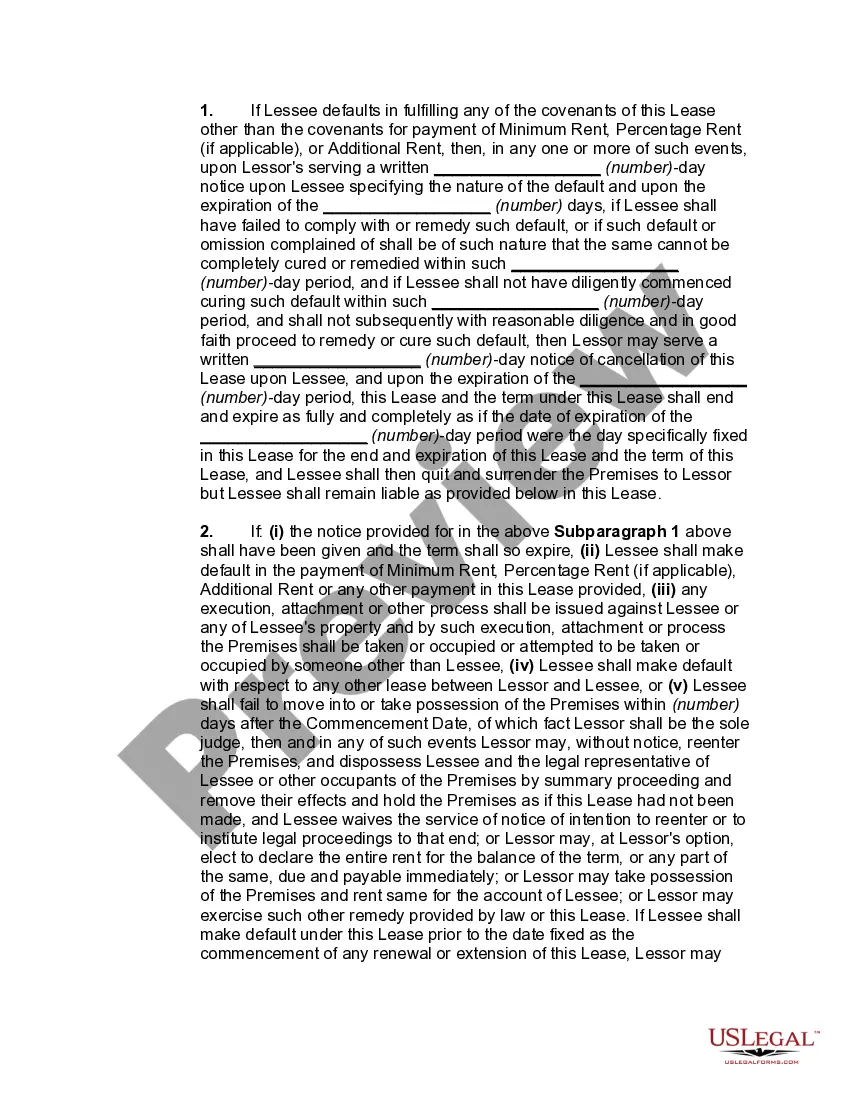

Get your form ready online
Our built-in tools help you complete, sign, share, and store your documents in one place.
Make edits, fill in missing information, and update formatting in US Legal Forms—just like you would in MS Word.
Download a copy, print it, send it by email, or mail it via USPS—whatever works best for your next step.
Sign and collect signatures with our SignNow integration. Send to multiple recipients, set reminders, and more. Go Premium to unlock E-Sign.
If this form requires notarization, complete it online through a secure video call—no need to meet a notary in person or wait for an appointment.
We protect your documents and personal data by following strict security and privacy standards.

Make edits, fill in missing information, and update formatting in US Legal Forms—just like you would in MS Word.

Download a copy, print it, send it by email, or mail it via USPS—whatever works best for your next step.

Sign and collect signatures with our SignNow integration. Send to multiple recipients, set reminders, and more. Go Premium to unlock E-Sign.

If this form requires notarization, complete it online through a secure video call—no need to meet a notary in person or wait for an appointment.

We protect your documents and personal data by following strict security and privacy standards.
Looking for another form?
How to fill out Individual Space Lease For Retail Store In Shopping Center?
Legal management can be overpowering, even for the most knowledgeable experts. When you are interested in a Retail Space For Lease With Drive Thru and don’t have the a chance to devote in search of the right and updated version, the procedures could be stressful. A strong web form library might be a gamechanger for anyone who wants to manage these situations efficiently. US Legal Forms is a industry leader in web legal forms, with over 85,000 state-specific legal forms available to you at any time.
With US Legal Forms, you are able to:
- Gain access to state- or county-specific legal and organization forms. US Legal Forms covers any needs you could have, from individual to enterprise papers, all-in-one spot.
- Utilize innovative resources to complete and handle your Retail Space For Lease With Drive Thru
- Gain access to a resource base of articles, instructions and handbooks and materials highly relevant to your situation and requirements
Help save effort and time in search of the papers you will need, and utilize US Legal Forms’ advanced search and Review feature to get Retail Space For Lease With Drive Thru and acquire it. If you have a membership, log in in your US Legal Forms profile, search for the form, and acquire it. Take a look at My Forms tab to view the papers you previously saved as well as to handle your folders as you see fit.
Should it be your first time with US Legal Forms, make an account and get unrestricted access to all benefits of the library. Listed below are the steps to consider after getting the form you want:
- Confirm this is the correct form by previewing it and reading its description.
- Be sure that the sample is accepted in your state or county.
- Choose Buy Now when you are ready.
- Select a monthly subscription plan.
- Find the formatting you want, and Download, complete, sign, print out and send out your papers.
Enjoy the US Legal Forms web library, backed with 25 years of expertise and trustworthiness. Transform your day-to-day papers administration in a smooth and easy-to-use process today.
Form popularity
FAQ
Your drive thru lane is one of the best ways to increase restaurant sales by as much as 8 percent. That's on top of the estimated 70 percent of sales that take place at drive thru windows.
Reduced Labor Costs A drive-thru business can require fewer staff members than a traditional sit-down restaurant. This is because the drive-thru format eliminates the need for servers, bussers, and other front-of-house staff. With fewer employees, the business can save on labor costs and increase profits.
Implementing a drive-thru either before or after your restaurant has opened can increase your labor costs, but history shows that it is a great way to boost your revenue. Continue reading for different best practices in running a successful drive-thru restaurant.
One of the biggest disadvantages of a drive-thru business is the limited menu options. Drive-thru businesses typically have a smaller menu than traditional restaurants. This is because the food needs to be prepared quickly, which limits the number of options available.
Accuracy and Order Fulfillment: In addition to speed, accuracy is equally important. Customers expect their orders to be prepared correctly and delivered accurately. A successful drive-thru maintains high standards of order accuracy, minimizing mistakes and ensuring that customers receive precisely what they ordered.