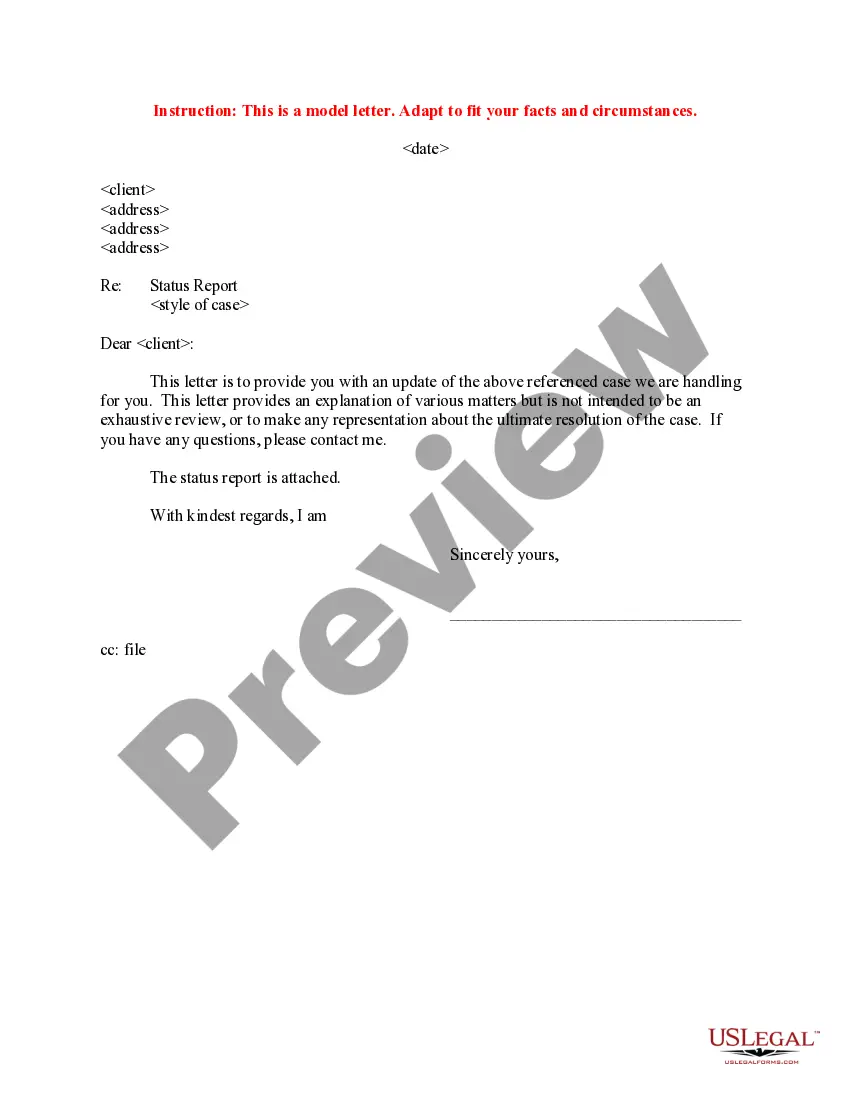
Progress Report Template For Employees
Description
Get your form ready online
Our built-in tools help you complete, sign, share, and store your documents in one place.
Make edits, fill in missing information, and update formatting in US Legal Forms—just like you would in MS Word.
Download a copy, print it, send it by email, or mail it via USPS—whatever works best for your next step.
Sign and collect signatures with our SignNow integration. Send to multiple recipients, set reminders, and more. Go Premium to unlock E-Sign.
If this form requires notarization, complete it online through a secure video call—no need to meet a notary in person or wait for an appointment.
We protect your documents and personal data by following strict security and privacy standards.

Make edits, fill in missing information, and update formatting in US Legal Forms—just like you would in MS Word.

Download a copy, print it, send it by email, or mail it via USPS—whatever works best for your next step.

Sign and collect signatures with our SignNow integration. Send to multiple recipients, set reminders, and more. Go Premium to unlock E-Sign.

If this form requires notarization, complete it online through a secure video call—no need to meet a notary in person or wait for an appointment.

We protect your documents and personal data by following strict security and privacy standards.
Looking for another form?
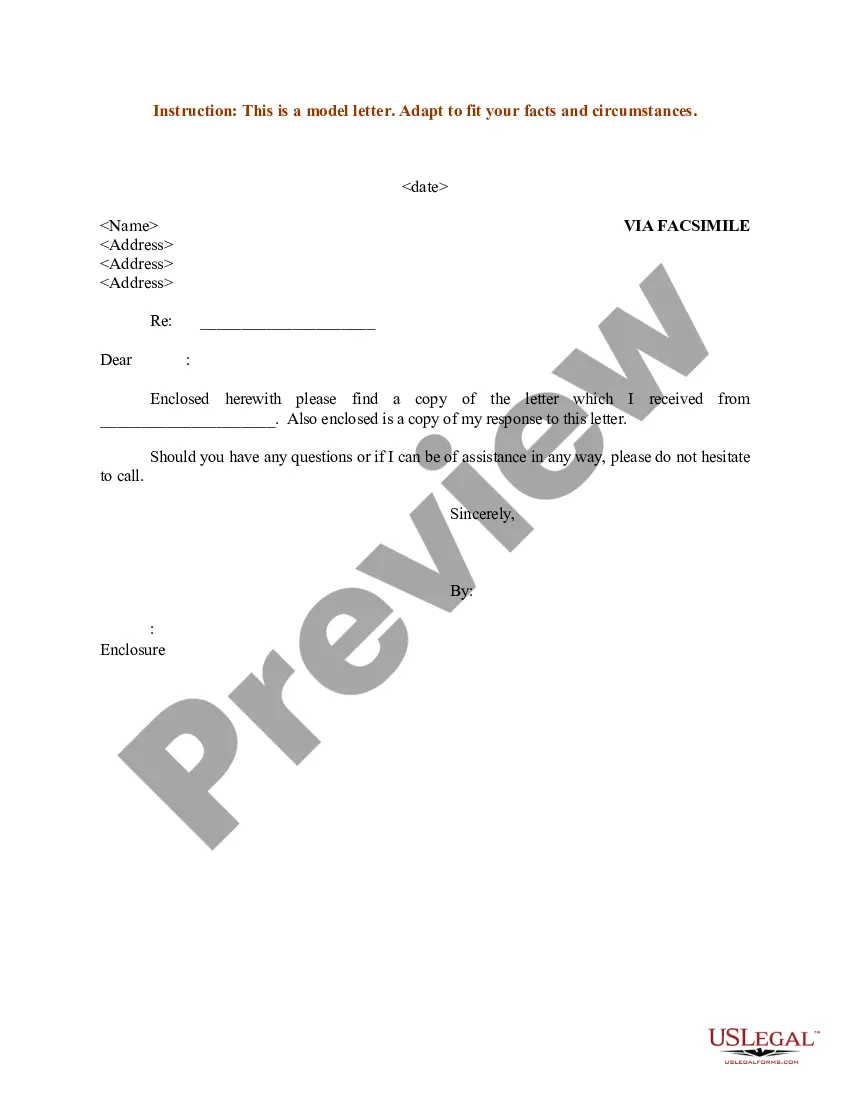
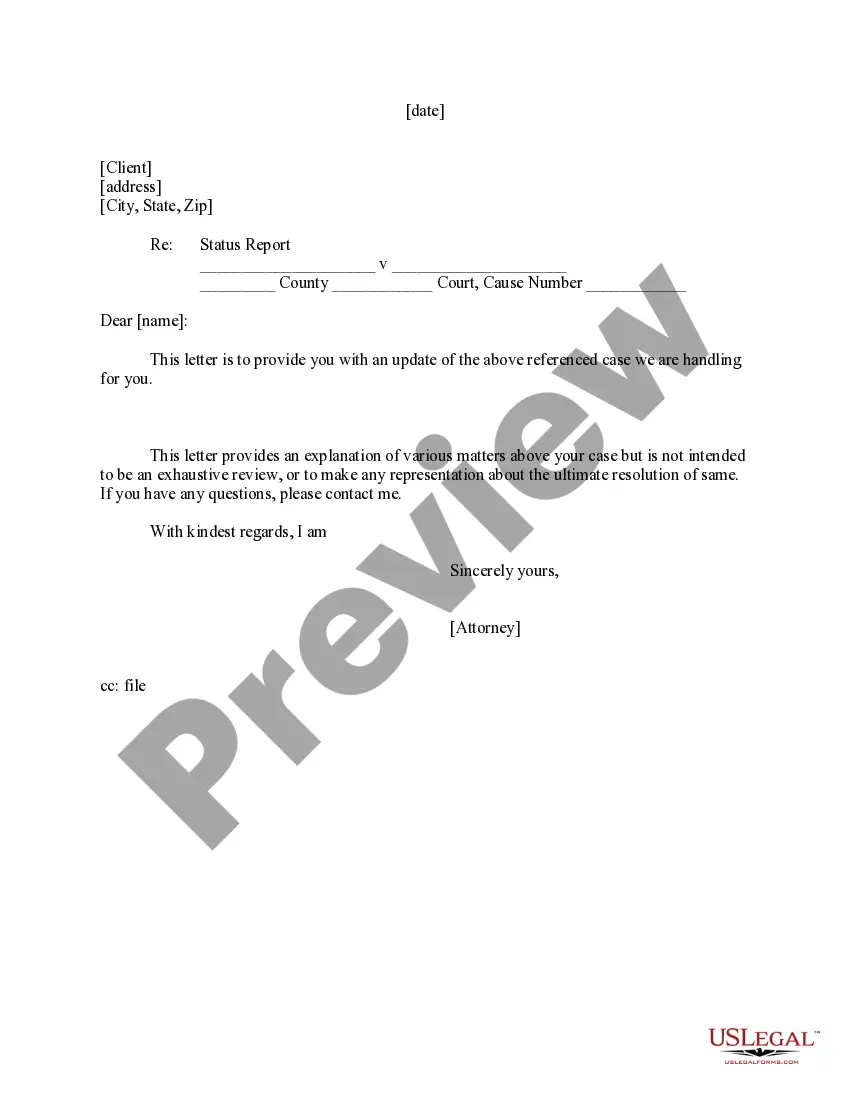
How to fill out Sample Letter To Client - Status Report?
Creating legal documents from the ground up can frequently be daunting.
Some situations may require extensive research and significant financial expenditure.
If you’re looking for a simpler and more cost-effective method of generating Progress Report Templates for Employees or any other forms without unnecessary complications, US Legal Forms is always readily available.
Our online repository of over 85,000 current legal documents covers nearly every aspect of your financial, legal, and personal matters.
However, before you proceed to download the Progress Report Template for Employees, please consider the following suggestions: Review the form preview and descriptions to confirm that you have located the document you need. Ensure that the form you choose adheres to the regulations of your state and county. Select the most appropriate subscription plan to acquire the Progress Report Template for Employees. Download the document, then fill it out, verify it, and print it. US Legal Forms prides itself on a solid reputation and over 25 years of expertise. Join us today and simplify the process of document execution!
- With just a few clicks, you can quickly access state- and county-compliant documents carefully prepared by our legal experts.
- Utilize our website whenever you require trustworthy and dependable services that enable you to easily find and download the Progress Report Template for Employees.
- If you're already familiar with our site and have set up an account, just Log In, locate the template, and download it or re-download it later in the My documents section.
- Don’t have an account? No worries.
- It takes minimal time to register and explore the catalog.
Form popularity
FAQ
Writing a progress report template involves outlining key sections that guide the report's flow. Begin with a title, followed by an introduction that captures the report’s purpose. Next, add sections for completed tasks, ongoing projects, and upcoming objectives. Make sure to format it cleanly and consistently, and consider using a reliable resource, like US Legal Forms, to access professional progress report templates for employees.
To write a performance report of an employee, start by clearly defining the objectives and expectations for their role. Then, gather data on their completed tasks, time management, and skill development. Use this information to draft a concise overview that highlights achievements, areas for improvement, and future goals. A structured progress report template for employees can simplify this process, making it easier to communicate effectively.
To create an effective progress report template, start by defining the sections you want to include, such as goals, achievements, and challenges. Make sure to include clear headings and spaces for detailed comments. You can utilize the user-friendly templates available on the US Legal Forms platform, designed specifically for developing a progress report template for employees. This approach helps ensure consistency and clarity in reporting.
Creating an employee performance report involves several key steps. First, gather relevant data on the employee's performance, including achievements and areas for improvement. Next, use a structured format, such as a progress report template for employees, to present this information clearly. Finally, review the report with the employee to discuss feedback and set future goals.
To write a progress report for an employee, firstly identify the goals set for the individual. Document their accomplishments and any obstacles encountered in reaching those goals. Ensure you use a clear and concise format, which can be achieved with a progress report template for employees, to effectively communicate the overall performance and next steps.
Writing a progress report typically involves four steps. First, gather all relevant data related to the project. Next, draft sections that discuss what was accomplished, any challenges faced, and plans for the future. Finally, refine your document using a progress report template for employees to enhance its overall presentation.
The best way to organize a report is by using a straightforward format that emphasizes clarity and readability. This may involve sections for background information, data analysis, and conclusions. A progress report template for employees can help structure your ideas consistently, ensuring all vital points are covered.
To structure a progress report effectively, consider beginning with a brief overview of the project's goals. Then, detail key tasks completed and any setbacks encountered. Finally, end with actionable next steps. Implementing a progress report template for employees can streamline this process and ensure clarity.
Organizing a progress report involves categorizing information into logical sections. Start with an introduction that outlines the purpose, followed by sections for accomplishments, challenges, and future plans. You can simplify this process by using a progress report template for employees, which provides a ready-made structure for your report.
A good progress report includes a clear structure that highlights the most important information. It should summarize achievements, outline challenges faced, and present future goals. Utilizing a progress report template for employees can help you present this information in a polished and professional manner.