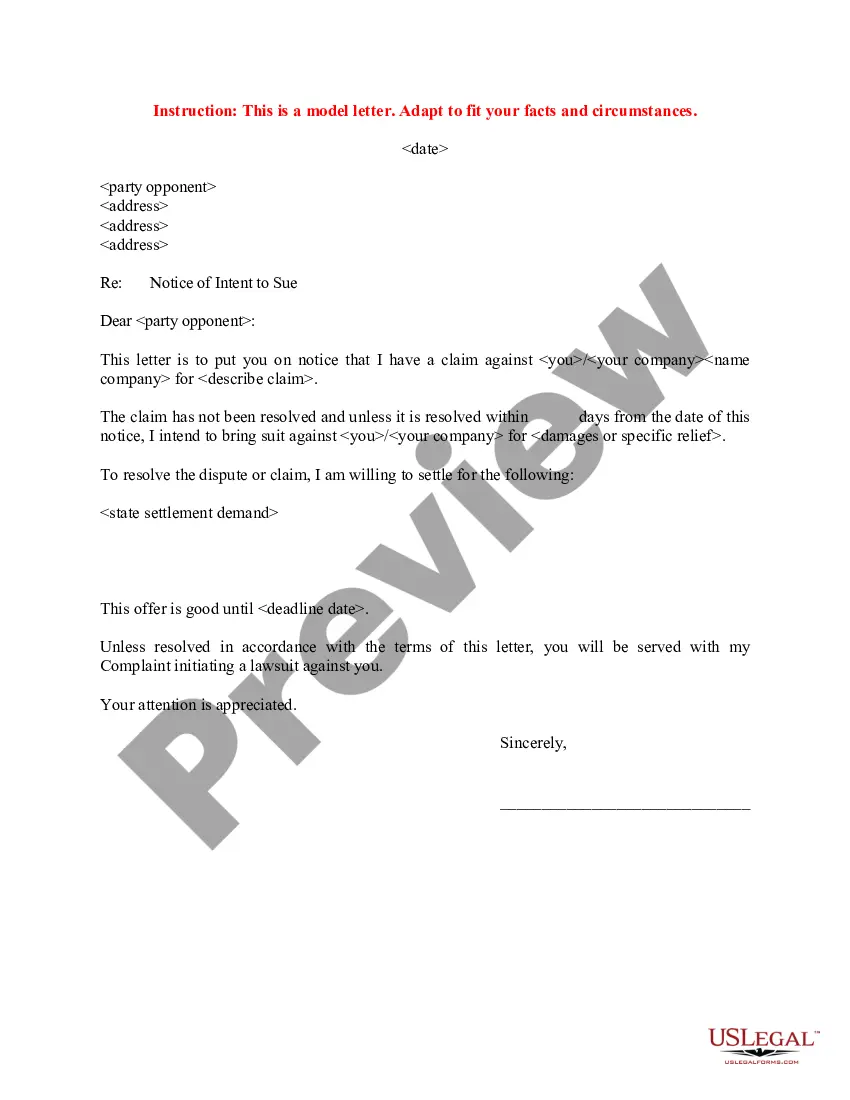
Sue Settlement With Google
Description

Get your form ready online
Our built-in tools help you complete, sign, share, and store your documents in one place.
Make edits, fill in missing information, and update formatting in US Legal Forms—just like you would in MS Word.
Download a copy, print it, send it by email, or mail it via USPS—whatever works best for your next step.
Sign and collect signatures with our SignNow integration. Send to multiple recipients, set reminders, and more. Go Premium to unlock E-Sign.
If this form requires notarization, complete it online through a secure video call—no need to meet a notary in person or wait for an appointment.
We protect your documents and personal data by following strict security and privacy standards.

Make edits, fill in missing information, and update formatting in US Legal Forms—just like you would in MS Word.

Download a copy, print it, send it by email, or mail it via USPS—whatever works best for your next step.

Sign and collect signatures with our SignNow integration. Send to multiple recipients, set reminders, and more. Go Premium to unlock E-Sign.

If this form requires notarization, complete it online through a secure video call—no need to meet a notary in person or wait for an appointment.

We protect your documents and personal data by following strict security and privacy standards.
Looking for another form?
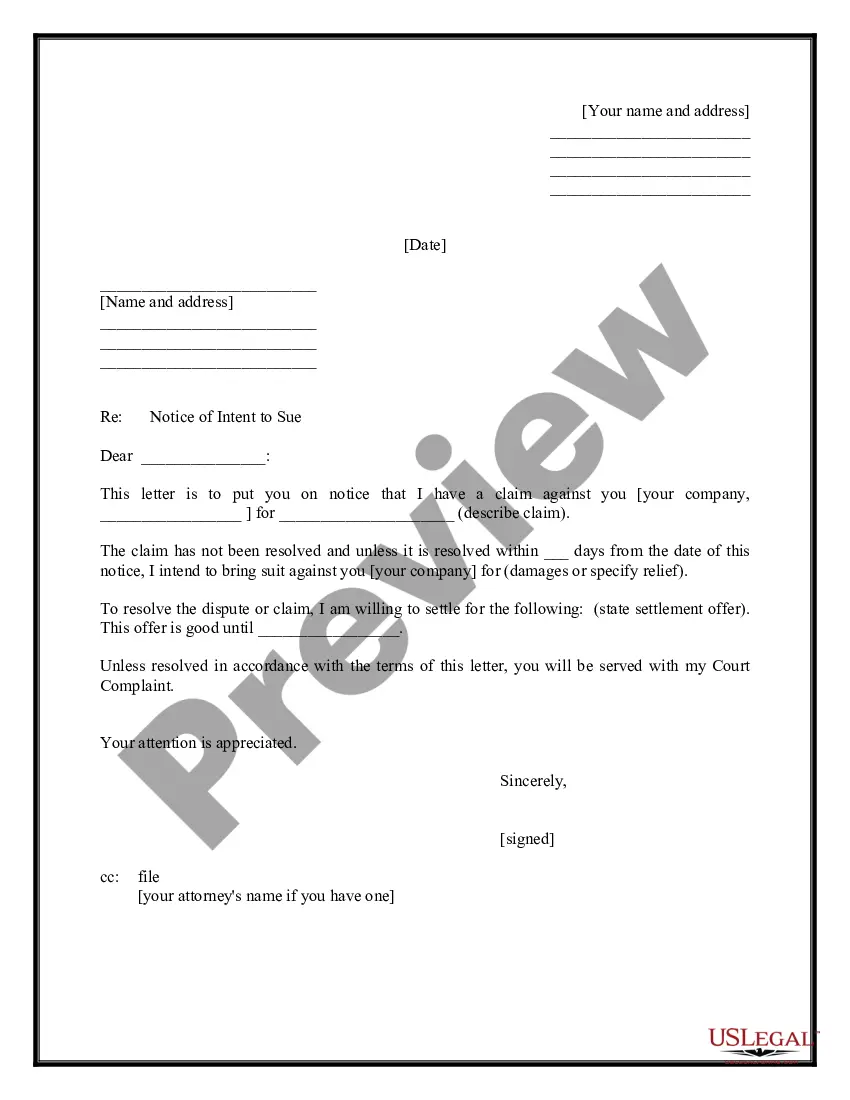
How to fill out Sample Letter Of Intent To Sue - With Settlement Demand?
Locating a reliable source for obtaining the most up-to-date and pertinent legal templates is a significant part of navigating bureaucracy.
Identifying the correct legal documents necessitates precision and careful consideration, which is why it is crucial to obtain samples of Sue Settlement With Google solely from trustworthy sources, such as US Legal Forms. An incorrect template can squander your time and delay the matter at hand.
Eliminate the stress associated with your legal documents. Browse the extensive US Legal Forms collection where you can discover legal templates, verify their applicability to your case, and download them immediately.
- Utilize the catalog navigation or search feature to locate your sample.
- Review the form’s description to ensure it meets the stipulations of your state and area.
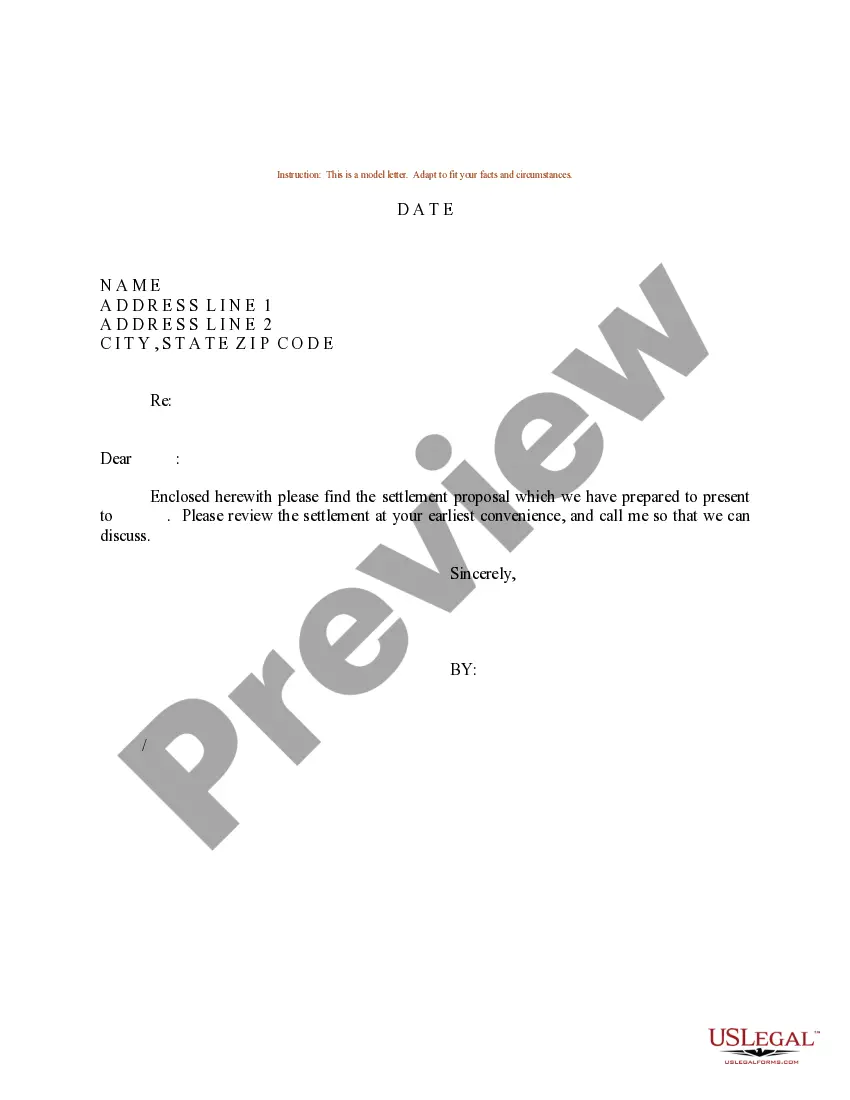
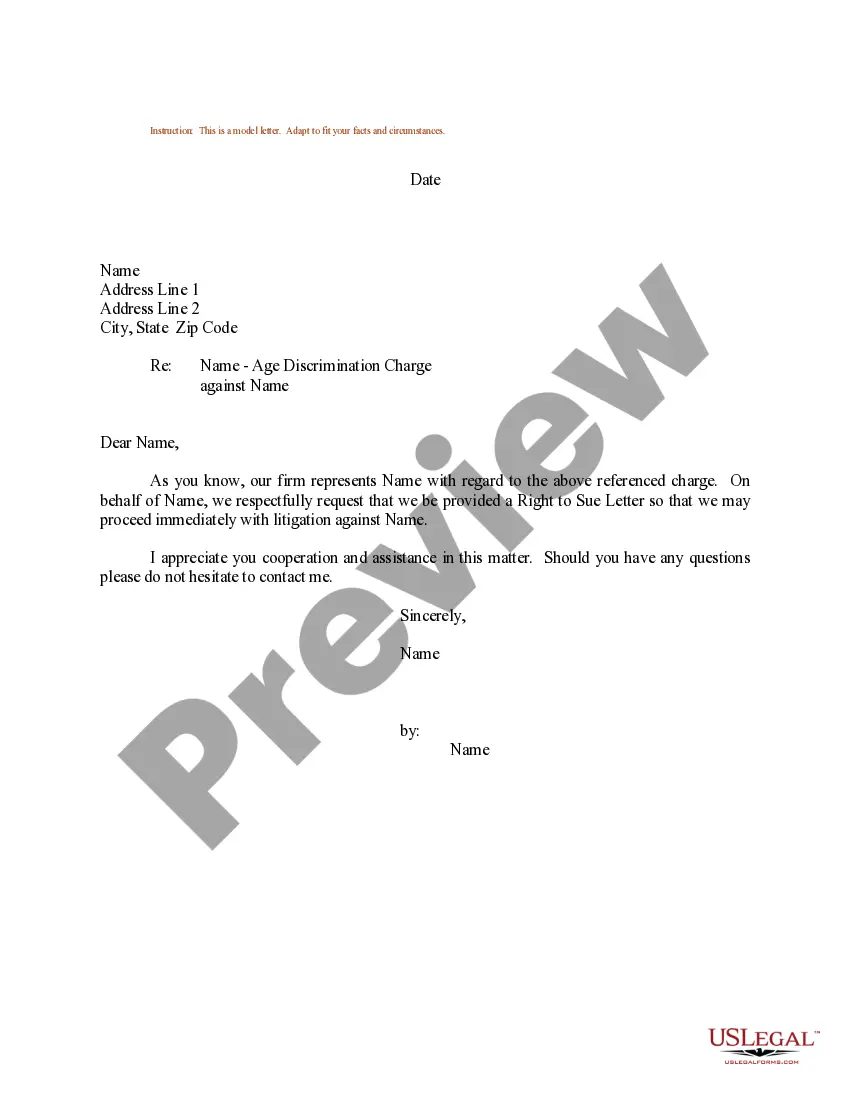
- Access the form preview, if available, to confirm that the template is indeed the one you need.
- Return to the search and find the appropriate document if the Sue Settlement With Google does not fulfill your needs.
- Once you are confident about the form’s applicability, download it.
- If you are a registered user, click Log in to verify and access your chosen forms in My documents.
- If you do not have an account yet, click Buy now to purchase the template.
- Select the pricing option that meets your needs.
- Proceed with the registration to complete your transaction.
- Conclude your purchase by selecting a payment method (credit card or PayPal).
- Pick the file format for downloading the Sue Settlement With Google.
- Once you have the document on your device, you can modify it with the editor or print it for manual completion.
Form popularity
FAQ
To file a claim, you need to complete a registration form and receive a Class Member ID. Claims must be filed online or postmarked by p.m. PT on July 31, 2023. The deadline to object to or be excluded from the settlement is also July 31.
If you are still not sure whether you are a Class Member, you may email the Settlement Administrator at info@GoogleBIPASettlement.com or call the Settlement Administrator's toll-free number at 1-833-927-3418.
Visit the claim website and review the details of the settlement. Register to receive a class member ID. Use the class member ID sent to you to start a claim. Provide the required contact information and choose your preferred payment method (bank account, Venmo, PayPal, Venmo, Zelle, or a prepaid Mastercard)
Visit the claim website and review the details of the settlement. Register to receive a class member ID. Use the class member ID sent to you to start a claim. Provide the required contact information and choose your preferred payment method (bank account, Venmo, PayPal, Venmo, Zelle, or a prepaid Mastercard)
Aside from providing contact details, including your home address, you'll need to attest that you used Google search between 2006 and 2013. By making a claim, you will no longer be able to sue Google for improperly sharing your data during this timespan. The deadline to make a claim is p.m. PDT, July 31, 2023.