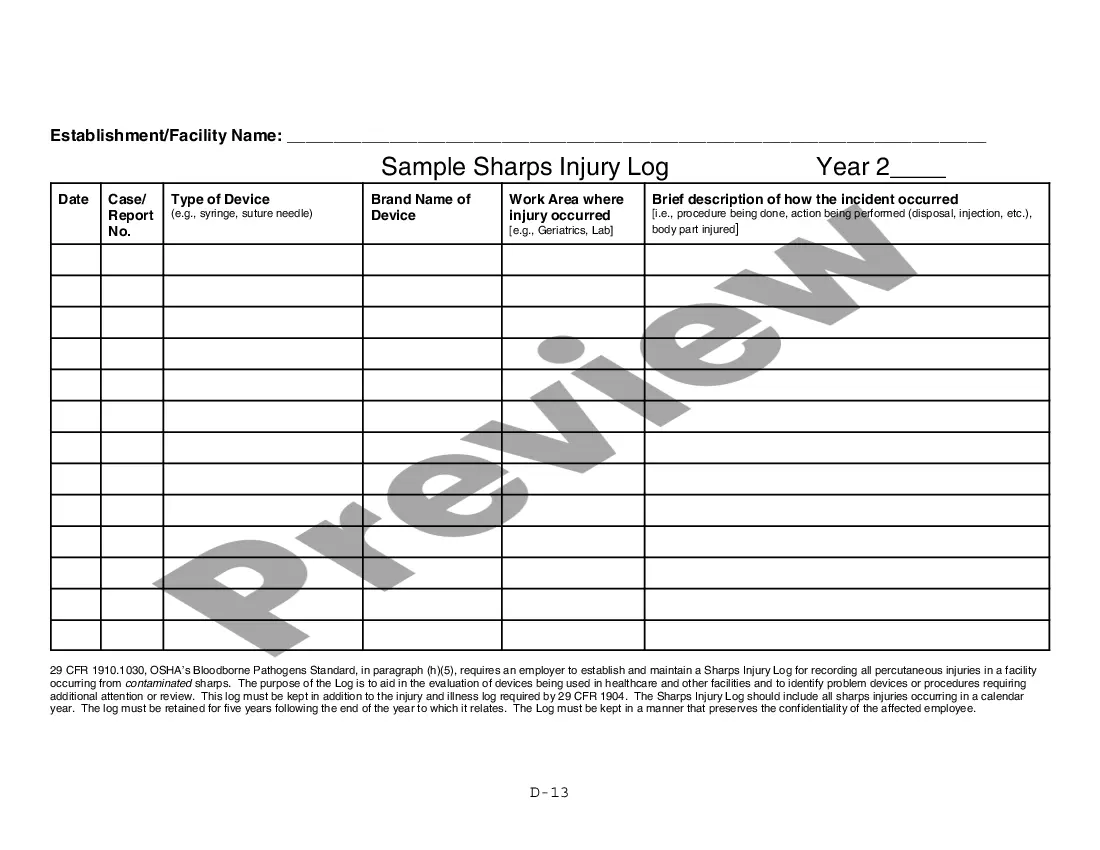
Sharps Injury Log Template With Labels
Description
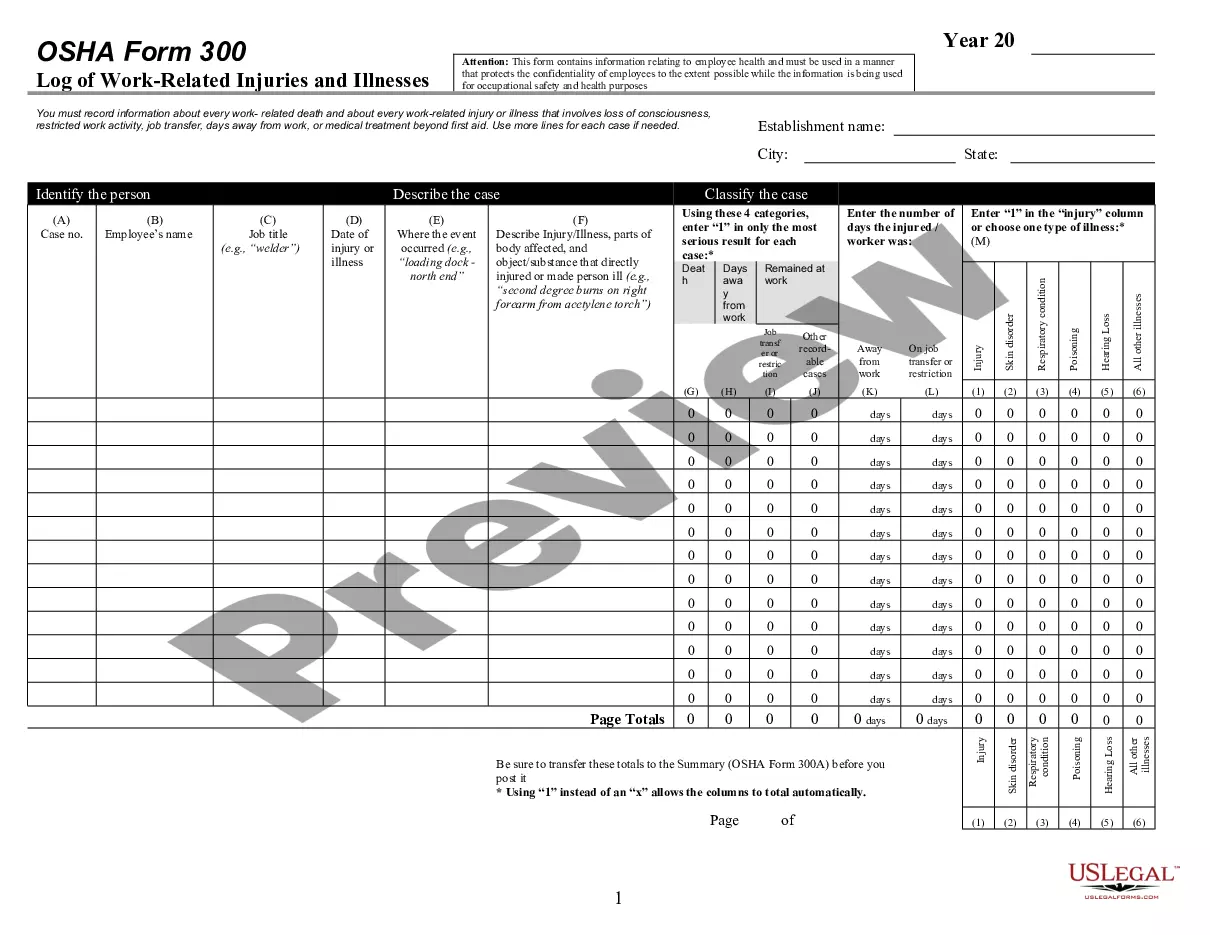
Get your form ready online
Our built-in tools help you complete, sign, share, and store your documents in one place.
Make edits, fill in missing information, and update formatting in US Legal Forms—just like you would in MS Word.
Download a copy, print it, send it by email, or mail it via USPS—whatever works best for your next step.
Sign and collect signatures with our SignNow integration. Send to multiple recipients, set reminders, and more. Go Premium to unlock E-Sign.
If this form requires notarization, complete it online through a secure video call—no need to meet a notary in person or wait for an appointment.
We protect your documents and personal data by following strict security and privacy standards.

Make edits, fill in missing information, and update formatting in US Legal Forms—just like you would in MS Word.

Download a copy, print it, send it by email, or mail it via USPS—whatever works best for your next step.

Sign and collect signatures with our SignNow integration. Send to multiple recipients, set reminders, and more. Go Premium to unlock E-Sign.

If this form requires notarization, complete it online through a secure video call—no need to meet a notary in person or wait for an appointment.

We protect your documents and personal data by following strict security and privacy standards.
Looking for another form?


How to fill out Sample Sharps Injury Log?
It’s clear that you cannot become a legal specialist instantly, nor can you master the art of swiftly drafting Sharps Injury Log Template With Labels without possessing a unique collection of skills.
Producing legal paperwork is a lengthy process that necessitates specific training and expertise. Therefore, why not entrust the development of the Sharps Injury Log Template With Labels to the experts.
With US Legal Forms, one of the most extensive collections of legal templates, you can discover anything from legal filings to templates for internal communication.
You can regain access to your documents from the My documents tab at any time. If you’re already a client, you can simply Log In, and locate and download the template from the same tab.
Regardless of the purpose of your forms—whether financial, legal, or personal—our platform has you covered. Explore US Legal Forms today!
- Locate the document you require using the search bar at the top of the page.
- Preview it (if this option is available) and review the accompanying description to ascertain if Sharps Injury Log Template With Labels is what you need.
- Restart your search if you require a different form.
- Sign up for a free account and choose a subscription plan to buy the template.
- Click Buy now. Once the payment is processed, you can download the Sharps Injury Log Template With Labels, complete it, print it, and send or mail it to the appropriate individuals or organizations.
Form popularity
FAQ
The Sharps injury log requires specific information to maintain accuracy. Essential data includes the name of the injured person, details of the sharp object, incident location, and immediate care provided. Utilizing a Sharps injury log template with labels provides a clear format that helps you gather and organize this important information effectively.
Maintain a Sharps Injury Log with: Type and brand of device involved in the exposure incident. Department or work area of occurrence. Explanation of how it occurred.
The standard mandates reporting specific information in the sharps injury log. Explanation of how the exposure occurred: How deep was the injury? Did the injury occur while the employee was using a safety device?
The sharps injury log must include the specified minimum information regarding the device involved (if known), the location of the incident, and the description of the events that resulted in the injury.
Using the Form 300, count the individual entries you made for each category. Then write the totals on the left side of the Form 300A, making sure you've added the entries from every page of the log. If you had no cases, write in a zero. On the right side of the Form 300A, fill in the establishment information.
The sharps injury log must contain, at a minimum, the type and brand of device involved in the injury (if known), the department or work area where the exposure incident occurred, and an explanation of how the incident occurred.