Answer In Court
Description
Get your form ready online
Our built-in tools help you complete, sign, share, and store your documents in one place.
Make edits, fill in missing information, and update formatting in US Legal Forms—just like you would in MS Word.
Download a copy, print it, send it by email, or mail it via USPS—whatever works best for your next step.
Sign and collect signatures with our SignNow integration. Send to multiple recipients, set reminders, and more. Go Premium to unlock E-Sign.
If this form requires notarization, complete it online through a secure video call—no need to meet a notary in person or wait for an appointment.
We protect your documents and personal data by following strict security and privacy standards.

Make edits, fill in missing information, and update formatting in US Legal Forms—just like you would in MS Word.

Download a copy, print it, send it by email, or mail it via USPS—whatever works best for your next step.

Sign and collect signatures with our SignNow integration. Send to multiple recipients, set reminders, and more. Go Premium to unlock E-Sign.

If this form requires notarization, complete it online through a secure video call—no need to meet a notary in person or wait for an appointment.

We protect your documents and personal data by following strict security and privacy standards.
Looking for another form?
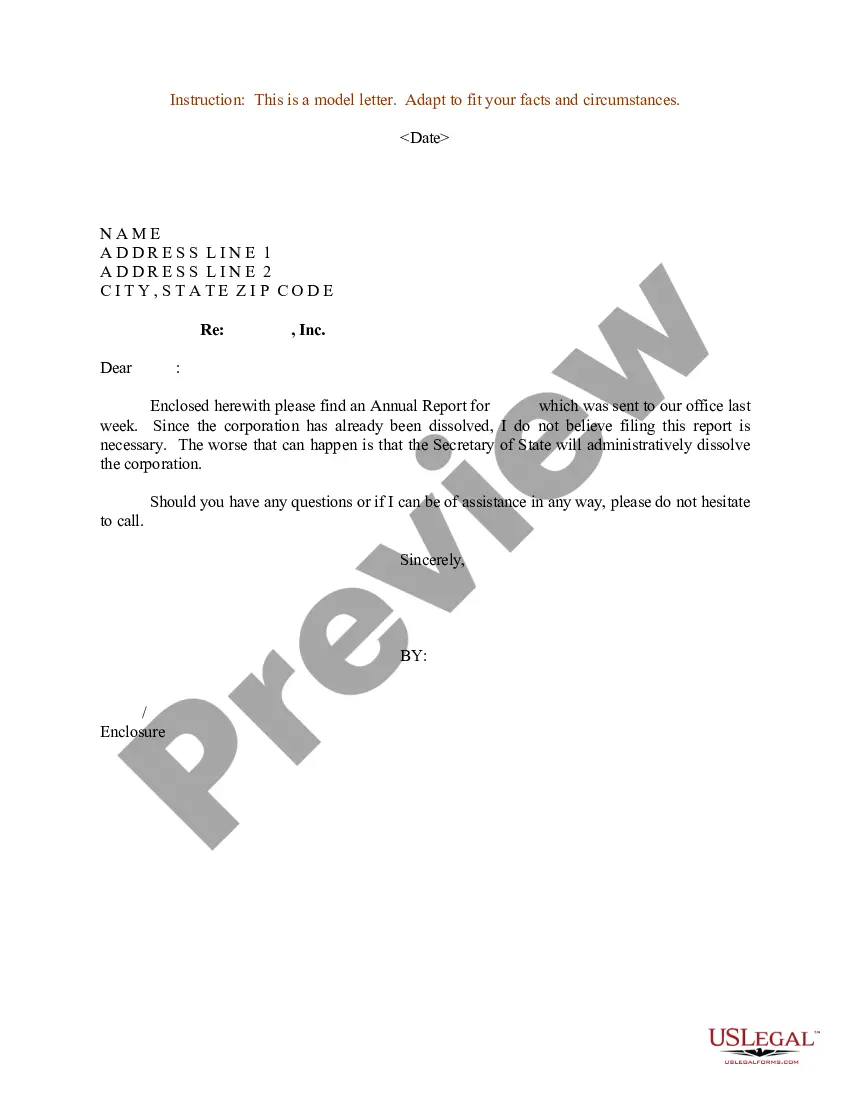
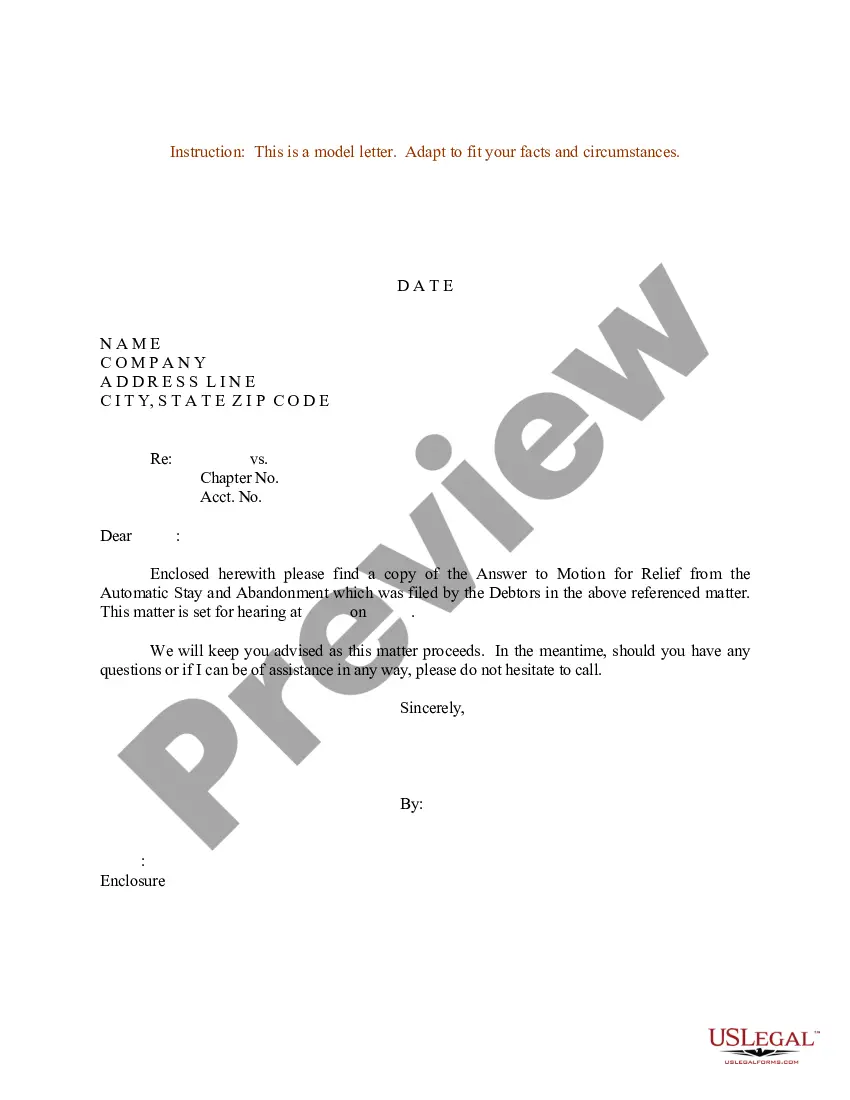

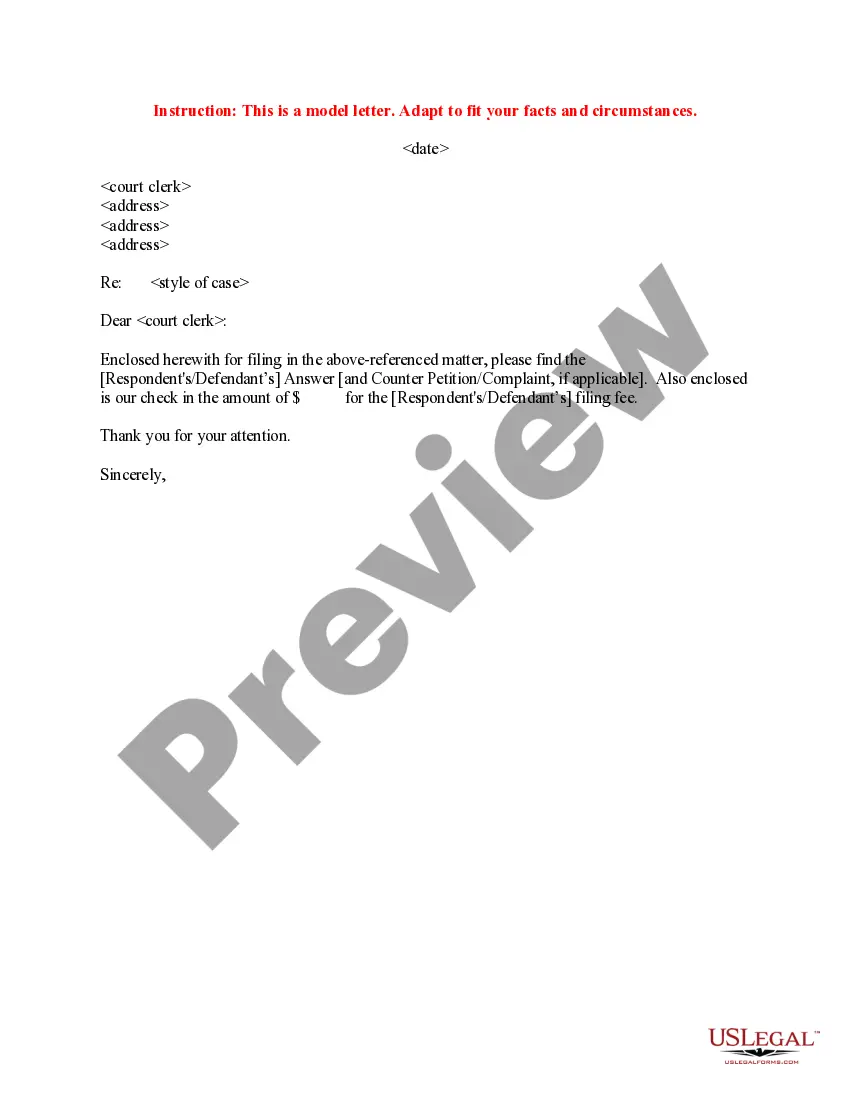
How to fill out Sample Letter To Court Clerk Regarding Filing Answer - Cover Letter?
Creating legal documents from the ground up can frequently be somewhat daunting.
Certain situations may require extensive research and significant financial investment.
If you’re looking for a simpler and more affordable method of generating Answer In Court or any other documents without unnecessary complications, US Legal Forms is always available to assist you.
Our online library of over 85,000 current legal documents covers nearly every aspect of your financial, legal, and personal affairs.
Examine the form preview and descriptions to ensure you are viewing the document you seek. Confirm that the template you choose adheres to the rules and regulations of your state and county. Select the most appropriate subscription option to acquire the Answer In Court. Download the document, then complete, sign, and print it. US Legal Forms holds an impeccable reputation and boasts over 25 years of expertise. Join us now and transform document completion into a simple and efficient process!
- With just a few clicks, you can swiftly acquire state- and county-compliant forms carefully assembled for you by our legal experts.
- Utilize our platform anytime you need a dependable and trustworthy service through which you can effortlessly find and download the Answer In Court.
- If you’re familiar with our site and have created an account with us before, simply Log In to your account, find the form and download it or re-download it anytime from the My documents section.
- Not registered yet? No problem. It takes minimal time to sign up and browse the catalog.
- However, before diving straight into downloading Answer In Court, follow these recommendations.
Form popularity
FAQ
John is seriously injured and he files a car accident lawsuit against Linda to recover additional damages that aren't covered by insurance. In this example, John is the plaintiff and Linda is the defendant. Because the plaintiff files the lawsuit, the plaintiff is responsible for drafting the complaint.
File (turn in) your completed answer form with the court. To file online, go to E-File Texas ( ) [11] and follow the instructions. To file in person, take your answer (and copies) to the district clerk's office in the county where the plaintiff filed the case.
Default judgement If the defendant fails to file a defence, the claimant may be able to obtain a default judgment against them.
Go to the courthouse address listed at the top of the Complaint you were served with. At the courthouse, file the forms by giving the original and the 2 copies of the Answer and Proof of Service to the clerk. The clerk will stamp the forms. The court will keep the original and return the copies to you.
Generally, you have 30 days AFTER the date you are served to file a response with the court. The 30 days include weekend days and court holidays. If the last day falls on a day that the court is closed, you have until the next day that the court is open.