List Of Authorised Signatory Letter
Description
Get your form ready online
Our built-in tools help you complete, sign, share, and store your documents in one place.
Make edits, fill in missing information, and update formatting in US Legal Forms—just like you would in MS Word.
Download a copy, print it, send it by email, or mail it via USPS—whatever works best for your next step.
Sign and collect signatures with our SignNow integration. Send to multiple recipients, set reminders, and more. Go Premium to unlock E-Sign.
If this form requires notarization, complete it online through a secure video call—no need to meet a notary in person or wait for an appointment.
We protect your documents and personal data by following strict security and privacy standards.

Make edits, fill in missing information, and update formatting in US Legal Forms—just like you would in MS Word.

Download a copy, print it, send it by email, or mail it via USPS—whatever works best for your next step.

Sign and collect signatures with our SignNow integration. Send to multiple recipients, set reminders, and more. Go Premium to unlock E-Sign.

If this form requires notarization, complete it online through a secure video call—no need to meet a notary in person or wait for an appointment.

We protect your documents and personal data by following strict security and privacy standards.
Looking for another form?
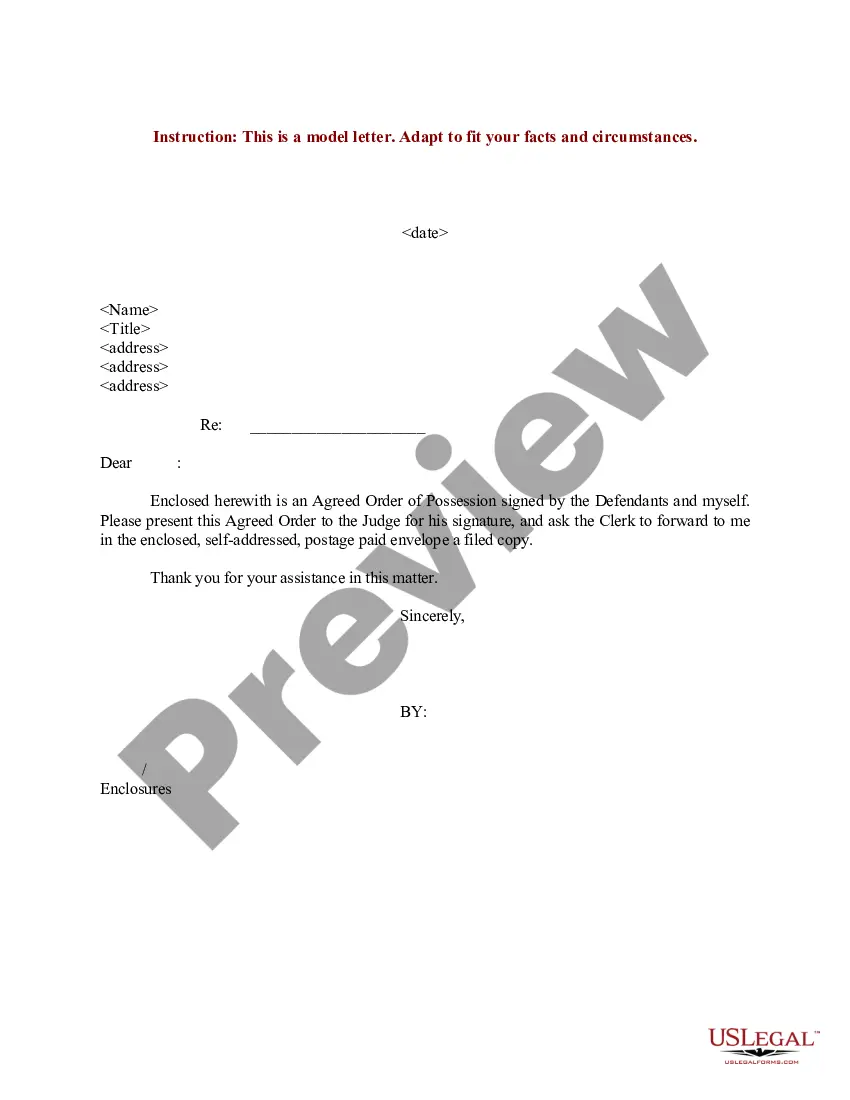
How to fill out Sample Letter For Authorized Signatories For Partnerships Or Corporations?
Legal documents handling can be daunting, even for seasoned professionals.
When you're searching for a List Of Authorised Signatory Letter and lack the time to locate the correct and current version, the processes can be taxing.
US Legal Forms meets all your needs, from personal to business documents, all in one location.
Utilize advanced features to complete and manage your List Of Authorised Signatory Letter.
Here are the steps to follow once you've obtained the form you desire: Preview it and verify its description to ensure it's the correct form.
Make sure the template is valid in your state or county.
Select Buy Now when you're ready.
- Access a library of articles, guides, and handbooks related to your circumstances and requirements.
- Save time and effort searching for the documents you need, and use US Legal Forms' advanced search and Review tool to find the List Of Authorised Signatory Letter and obtain it.
- If you have a monthly subscription, Log In to your US Legal Forms account, search for the form, and download it.
- Visit the My documents tab to review the documents you have previously saved and manage your folders as needed.
- If it's your first time with US Legal Forms, create an account to gain unlimited access to all the benefits of the library.
Choose a subscription plan.
Select the desired format, then Download, fill out, eSign, print, and send your documents.
Enjoy the US Legal Forms online repository, backed by 25 years of experience and reliability. Transform your routine document management into a straightforward and user-friendly process today.
- A comprehensive online form repository could be a game changer for anyone aiming to navigate these scenarios effectively.
- US Legal Forms stands as a leading provider in online legal documents, boasting over 85,000 state-specific legal forms available at any time.
- With US Legal Forms, you can access legal and business forms specific to your state or county.
Form popularity
FAQ
To designate an authorized signatory, a company should draft a resolution that clearly outlines the appointment. This resolution must be documented and documented in official company minutes. Once completed, issue an authorized signatory letter to formally confirm the individual's role. Keeping an updated list of authorized signatory letters is important for all stakeholders.
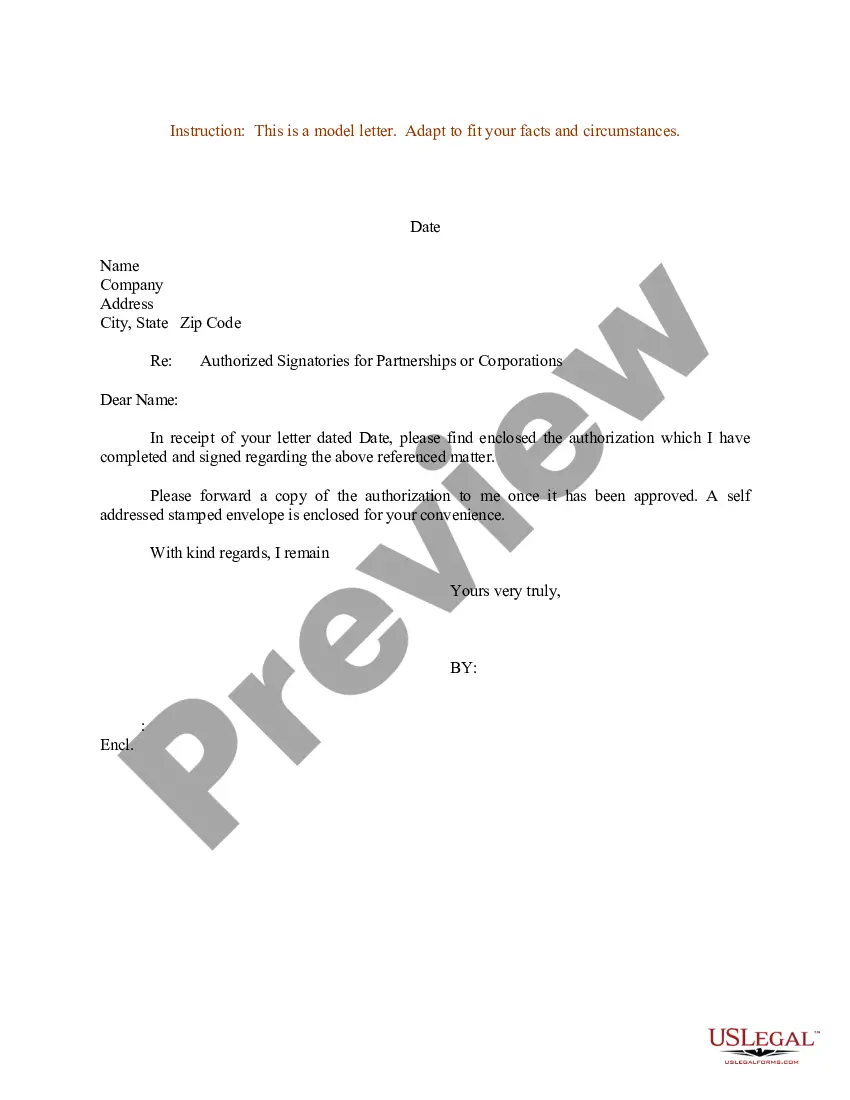
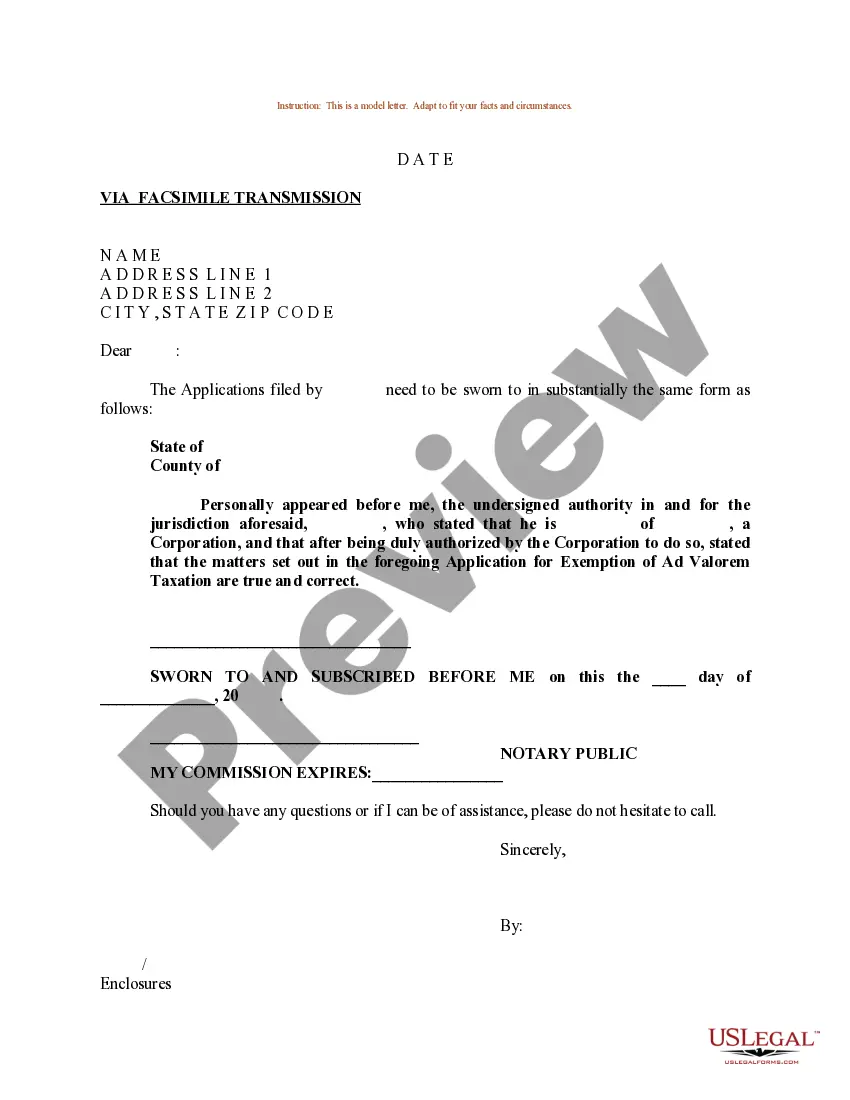
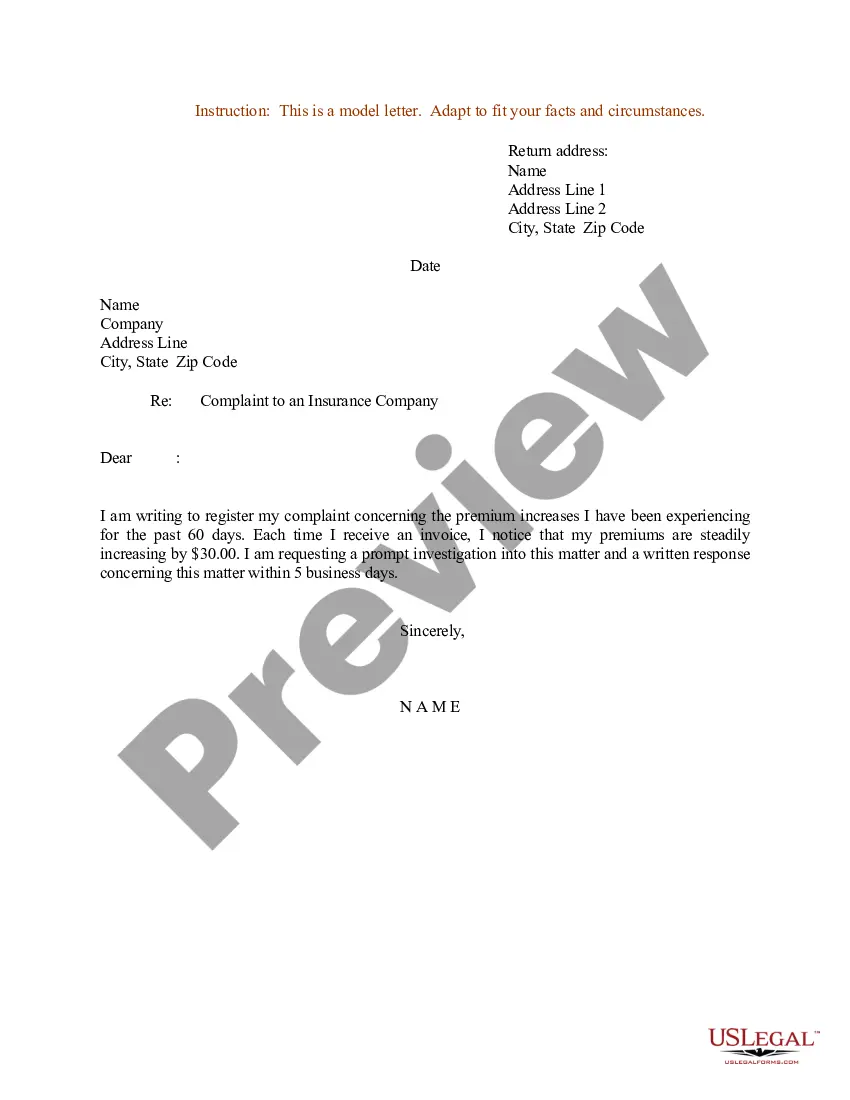
Dear [Recipient's Name], I am writing to authorize [Recipient's Name], who is a representative of [Recipient's Company Name], to act on behalf of my company [Your Company Name] in [Specify the task or action], effective from [Start Date] to [End Date].
I/We _____________________________ do hereby authorize Mr./Ms. He/She is duly authorized to sign all necessary correspondence in this regard on our behalf. His/Her explanations / statements will be binding on me/us without exception.
How to Write an Authorization Letter Step 1: Write Your Name and Address. ... Step 2: Mention the Date. ... Step 3: Include the Recipient's Name and Address. ... Step 4: Write the Salutation. ... Step 5: Specify Duties, Reason, and Key Dates. ... Step 6: Finalize the Letter.
Signatory authority: how it works For example, if your office manager often negotiates supplier contracts, they might be considered to have 'implied or apparent authority' to sign those contracts on behalf of the company.
What are the details to be included in an authorization letter? The authorization letter format includes the address and date, salutation, body of the letter with the name and signature of the person you are authorizing, the reason for unavailability, complimentary closing, signature and name of the authorizer.