Answering Requests For Admissions
Description
Get your form ready online
Our built-in tools help you complete, sign, share, and store your documents in one place.
Make edits, fill in missing information, and update formatting in US Legal Forms—just like you would in MS Word.
Download a copy, print it, send it by email, or mail it via USPS—whatever works best for your next step.
Sign and collect signatures with our SignNow integration. Send to multiple recipients, set reminders, and more. Go Premium to unlock E-Sign.
If this form requires notarization, complete it online through a secure video call—no need to meet a notary in person or wait for an appointment.
We protect your documents and personal data by following strict security and privacy standards.

Make edits, fill in missing information, and update formatting in US Legal Forms—just like you would in MS Word.

Download a copy, print it, send it by email, or mail it via USPS—whatever works best for your next step.

Sign and collect signatures with our SignNow integration. Send to multiple recipients, set reminders, and more. Go Premium to unlock E-Sign.

If this form requires notarization, complete it online through a secure video call—no need to meet a notary in person or wait for an appointment.

We protect your documents and personal data by following strict security and privacy standards.
Looking for another form?

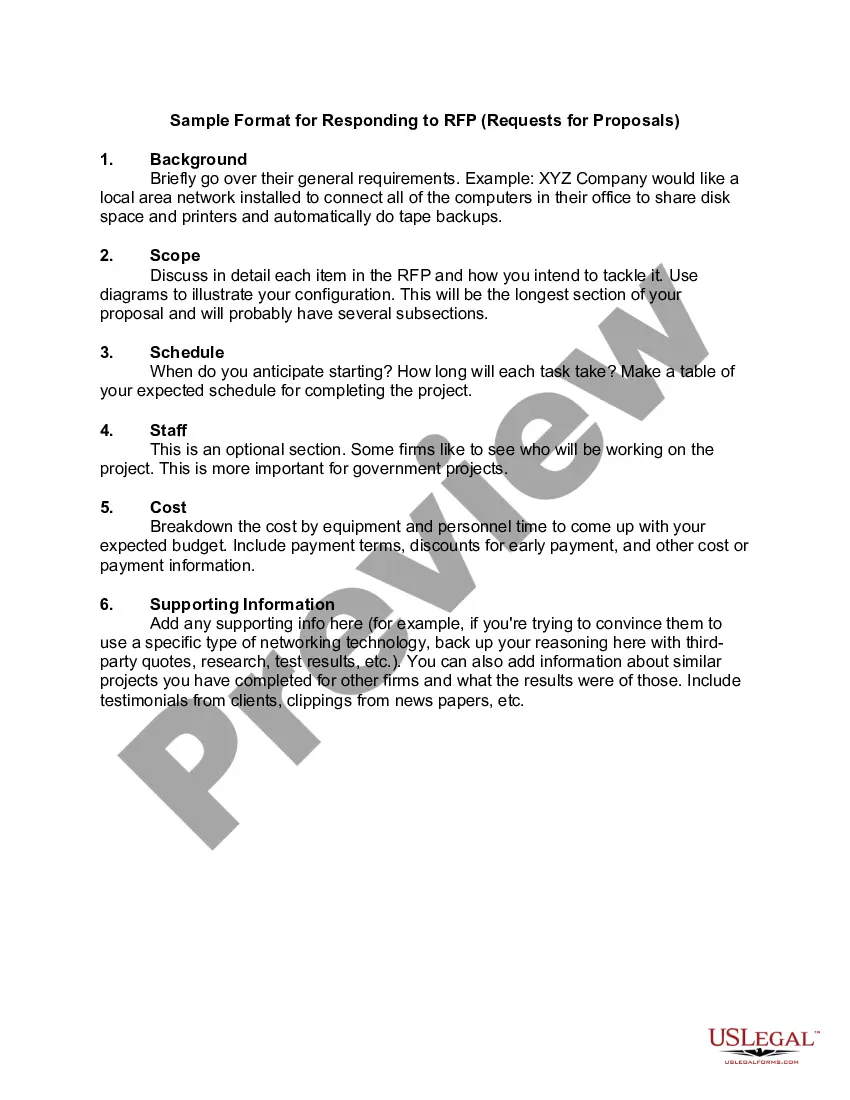
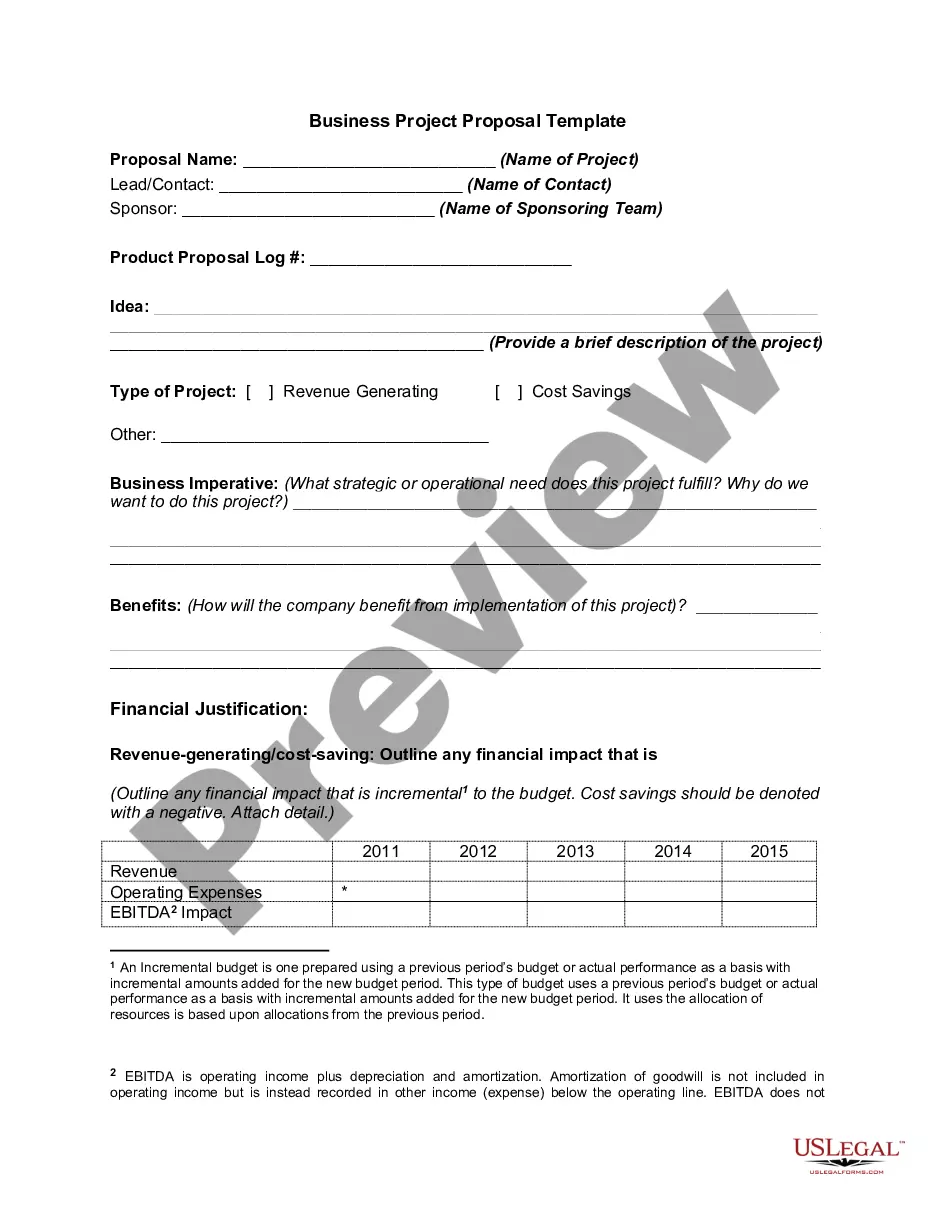
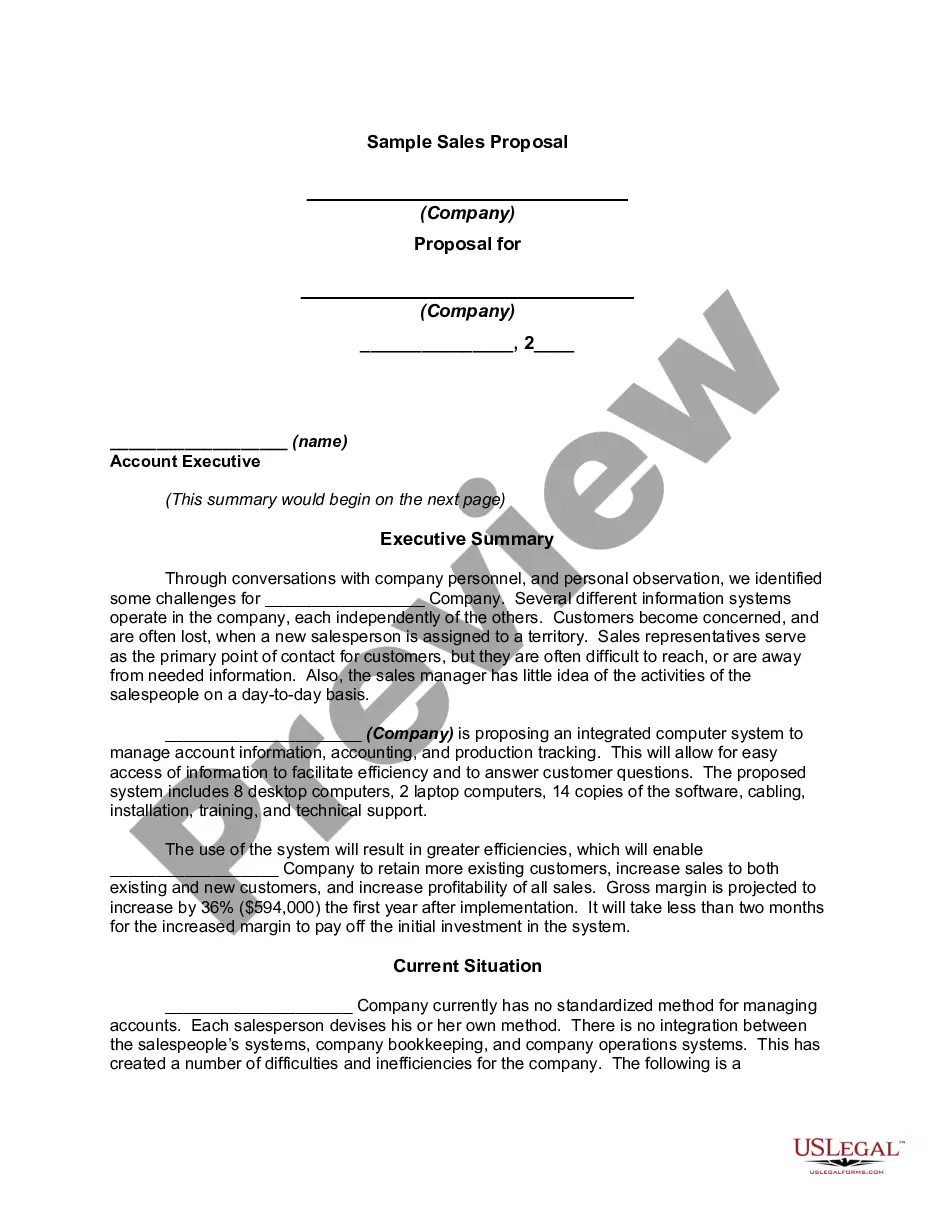
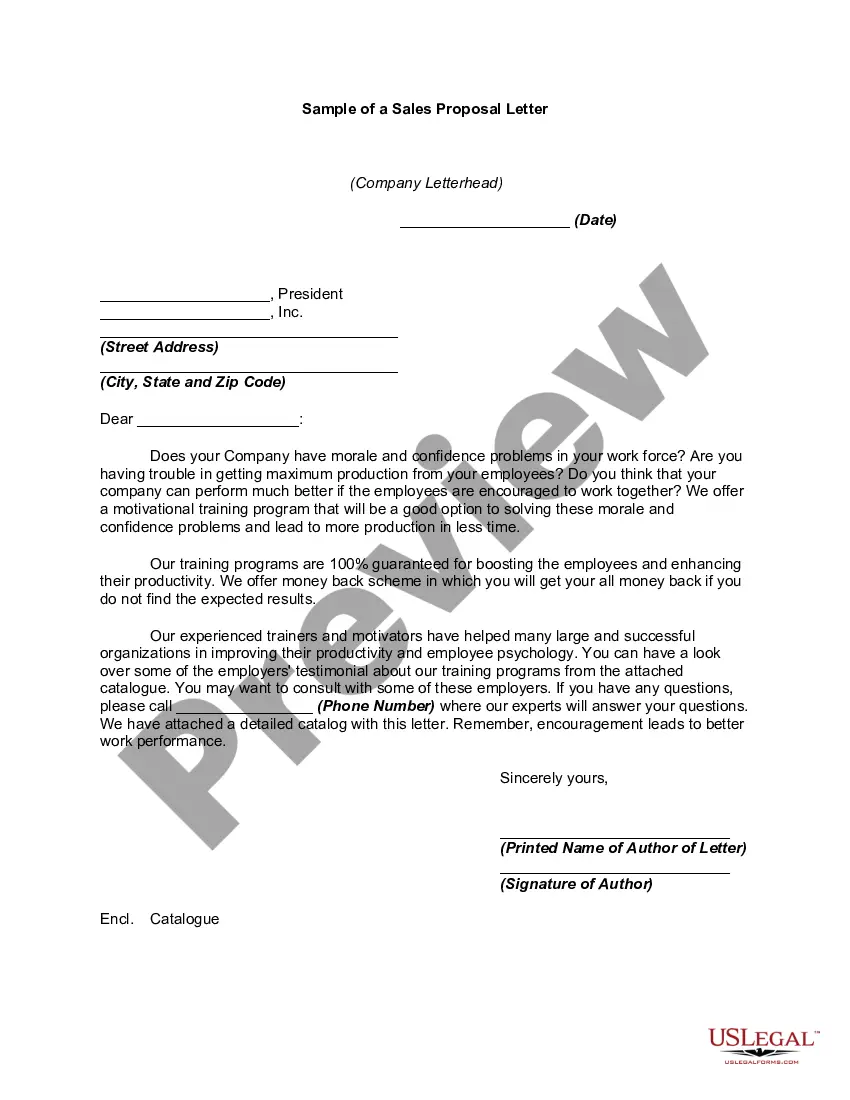
How to fill out Sample Format For Responding To RFP - Requests For Proposals?
Establishing a reliable source for obtaining the latest and pertinent legal templates is a significant part of navigating bureaucracy.
Finding the appropriate legal documents requires precision and meticulousness, which is why it's crucial to source Answering Requests For Admissions samples exclusively from credible providers, such as US Legal Forms.
Once you have the form saved on your device, you can edit it using the editor or print it out to complete it by hand. Eliminate the stress associated with your legal documentation. Explore the extensive US Legal Forms library where you can locate legal samples, evaluate their suitability for your situation, and download them instantly.
- Utilize the library navigation or search tool to locate your template.
- Access the form's details to ensure it meets the legal standards of your state and region.
- Preview the form, if an option is available, to confirm it is precisely what you need.
- Return to the search if the Answering Requests For Admissions does not align with your requirements.
- Once you are certain of the form's applicability, proceed to download it.
- If you are a registered user, click Log in to verify and access your chosen forms in My documents.
- If you haven't created an account yet, click Buy now to purchase the template.
- Select the pricing option that suits your needs.
- Continue with the registration to complete your transaction.
- Finalize your order by choosing a payment method (credit card or PayPal).
- Select the document format to download Answering Requests For Admissions.
Form popularity
FAQ
To effectively respond to a request, begin by assessing the specifics outlined in the communication. Clarify whether you need to admit or deny the information requested, as this falls under answering requests for admissions. Provide a clear and structured response that adheres to any guidelines outlined in the request. If you need assistance, US Legal Forms offers valuable resources to help you craft a comprehensive reply.
A request to admit a document is to ask that authenticity be acknowledged. The request should indicate if it relates to an original document or copy of a document as the definition of ?authenticity? hinges on whether you are dealing with an original or copy.
Responding to a Request to Admit Admit: the responding party may admit that a fact is true or that a document is authentic. ... Deny: the responding party may deny the truth of a fact or the authenticity of a document. ... Refuse: the responding party may refuse to admit the truth of a fact or the authenticity of a document.
Responses to Requests for Admissions The party to whom requests for admissions have been directed must respond separately to each item by admitting the truth of the statement, by denying the item, or by explaining why it cannot specifically admit or deny the item.
How to respond to Requests for Admission Download the blank response template and fill in basic information. ... Prepare the template for your responses. ... Read and answer the questions. ... Sign the document.
Unless the responding party states an objection or asserts a privilege, the responding party must specifically admit or deny the request or explain in detail the reasons that the responding party cannot admit or deny the request. A response must fairly meet the substance of the request.