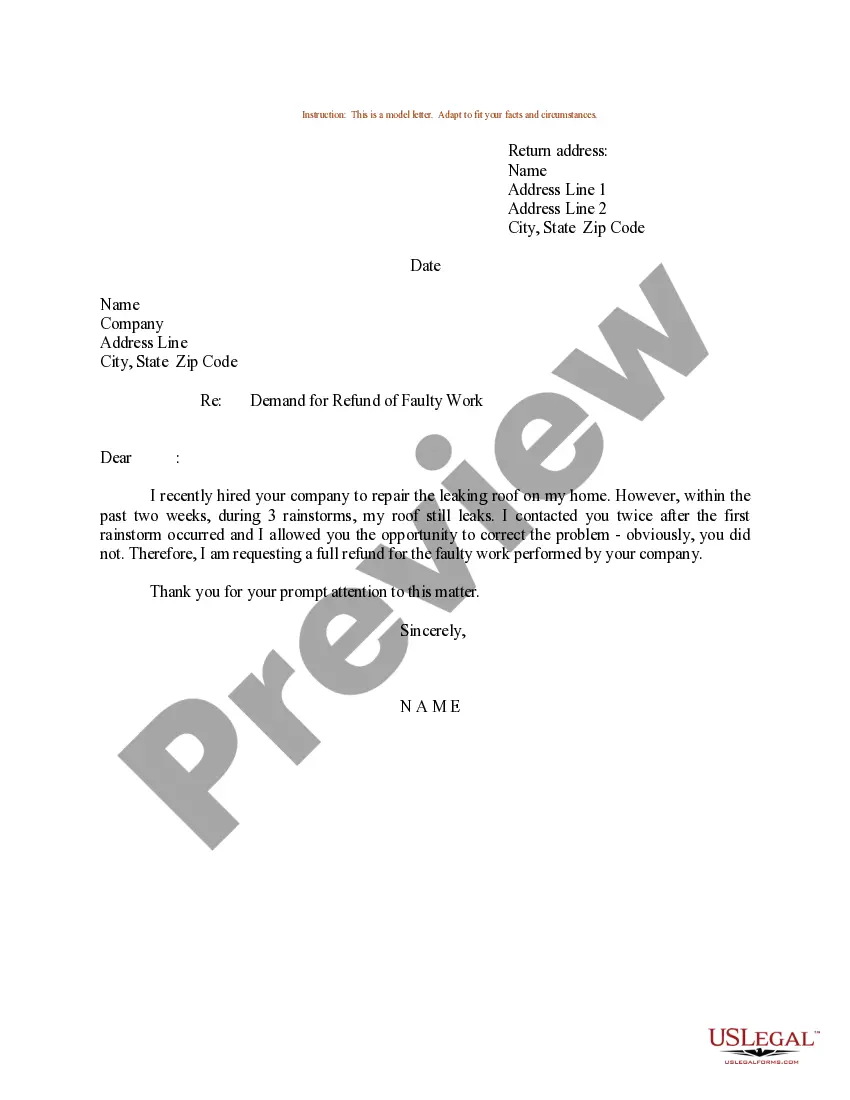
Request Refund For Youtube Premium
Description
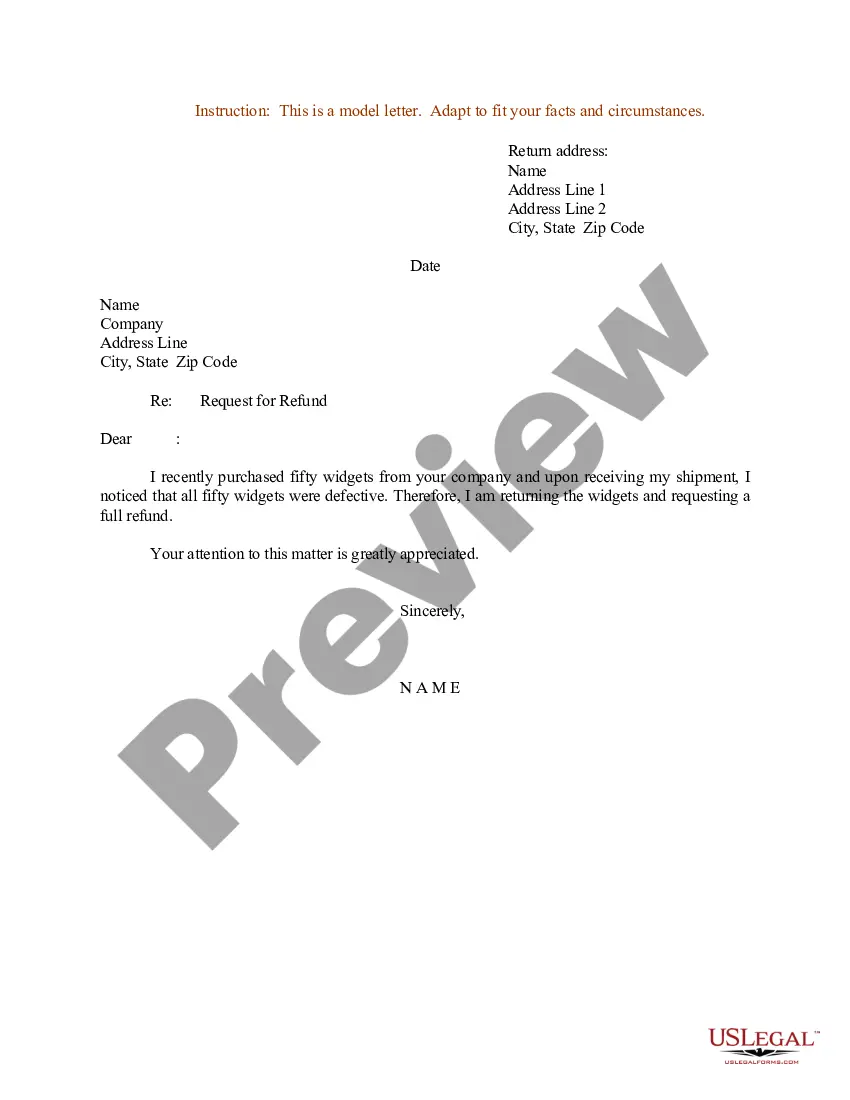


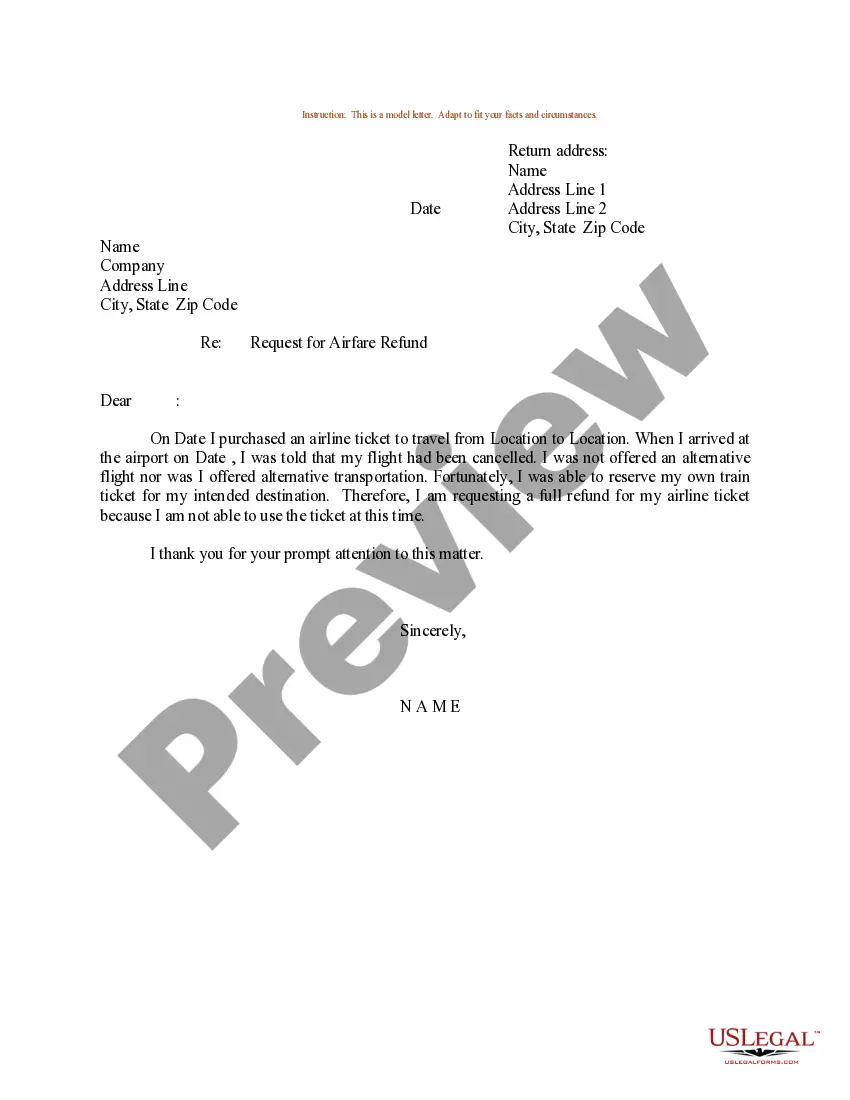
Get your form ready online
Our built-in tools help you complete, sign, share, and store your documents in one place.
Make edits, fill in missing information, and update formatting in US Legal Forms—just like you would in MS Word.
Download a copy, print it, send it by email, or mail it via USPS—whatever works best for your next step.
Sign and collect signatures with our SignNow integration. Send to multiple recipients, set reminders, and more. Go Premium to unlock E-Sign.
If this form requires notarization, complete it online through a secure video call—no need to meet a notary in person or wait for an appointment.
We protect your documents and personal data by following strict security and privacy standards.

Make edits, fill in missing information, and update formatting in US Legal Forms—just like you would in MS Word.

Download a copy, print it, send it by email, or mail it via USPS—whatever works best for your next step.

Sign and collect signatures with our SignNow integration. Send to multiple recipients, set reminders, and more. Go Premium to unlock E-Sign.

If this form requires notarization, complete it online through a secure video call—no need to meet a notary in person or wait for an appointment.

We protect your documents and personal data by following strict security and privacy standards.
Looking for another form?
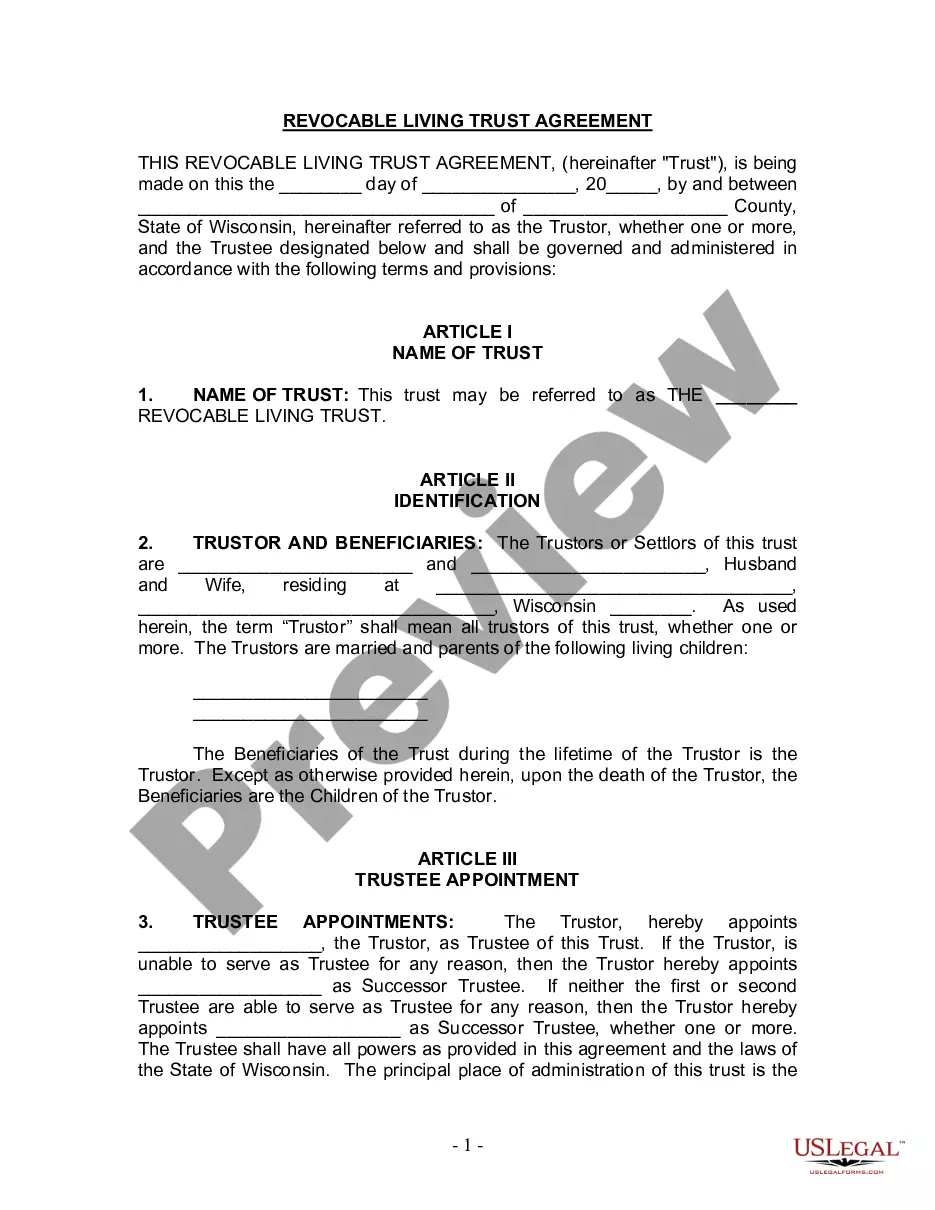
How to fill out Sample Letter For Demand For Refund Of Faulty Work?
Managing legal paperwork and tasks can be a labor-intensive addition to your schedule.
Requesting a Refund for YouTube Premium and similar forms usually necessitate that you locate them and comprehend the best method to fill them out accurately.
Thus, whether you are handling financial, legal, or private issues, having a complete and effective online directory of forms readily available will be beneficial.
US Legal Forms is the leading online site for legal templates, providing more than 85,000 state-specific forms and a range of tools to help you complete your documents with ease.
Is it your first experience with US Legal Forms? Register and create an account in just a few minutes, and you will gain access to the form directory and Request Refund for YouTube Premium. Next, follow the instructions below to complete your form.
Ensure you have found the correct document by utilizing the Preview feature and reviewing the form description.
Select Buy Now when prepared, and pick the subscription plan that suits your needs.
Click Download then complete, eSign, and print the document.
- Explore the collection of suitable documents accessible to you with a single click.
- US Legal Forms provides state- and county-specific forms available for download anytime.
- Secure your document management processes using a high-quality service that enables you to prepare any form in minutes without additional or concealed fees.
- Simply Log In to your account, find Request Refund for YouTube Premium and download it instantly from the My documents section.
- You can also revisit previously saved forms.
US Legal Forms has 25 years of experience helping individuals manage their legal paperwork. Acquire the form you need today and streamline any process effortlessly.
Form popularity
FAQ
To ask for a refund request, start by contacting YouTube's customer support through their official website. Explain your situation thoroughly, and mention that you wish to request a refund for YouTube Premium. If you need guidance, platforms like USLegalForms can assist you in drafting your request, ensuring it meets the requirements set by YouTube.
To ask for a refund for YouTube Premium, visit the YouTube Help Center. You will need to navigate to the billing section and follow the prompts to initiate your refund request. Make sure to provide all necessary details about your account and reason for the refund. Keeping your request clear and concise will help streamline the process.
Yes, you can request a refund for YouTube Premium under certain circumstances. If you have not used the service much, or if you canceled your subscription within the trial period, you may be eligible for a refund. YouTube is generally accommodating in these cases. Simply check their refund policy to ensure you meet the criteria.
Yes, you can cancel your YouTube Premium subscription after making a payment. However, the cancellation will take effect at the end of your billing cycle, so you can still enjoy the benefits until that time. If you wish to request a refund for YouTube Premium as well, make sure to follow the refund process while canceling your subscription.
To request a refund for YouTube Premium, navigate to the YouTube Help page. There, you can find the option to request a refund directly. Follow the prompts, provide your account details, and explain your situation clearly to increase your chances of a successful refund.
Yes, it is possible to get a refund if you cancel YouTube Premium, but it depends on the timing and existing policies. If you cancel shortly after subscribing, you may be eligible for a refund. Always review the specific terms laid out by YouTube and don't hesitate to reach out for any clarifications.
To cancel your YouTube subscription and get a refund, access your account settings and click on the subscriptions section. Follow the instructions to cancel your subscription, then check if you're eligible to request a refund. Remember to act quickly, as prompt cancellations improve your chances of receiving that refund.
Yes, you can request a refund for YouTube Premium. YouTube allows refunds under specific conditions, such as if you experience issues with the service or if you cancel shortly after subscribing. To find out if you're eligible, check YouTube's refund policy or get in touch with their support team for guidance.