Windows Estimate Template For Ovh
Description
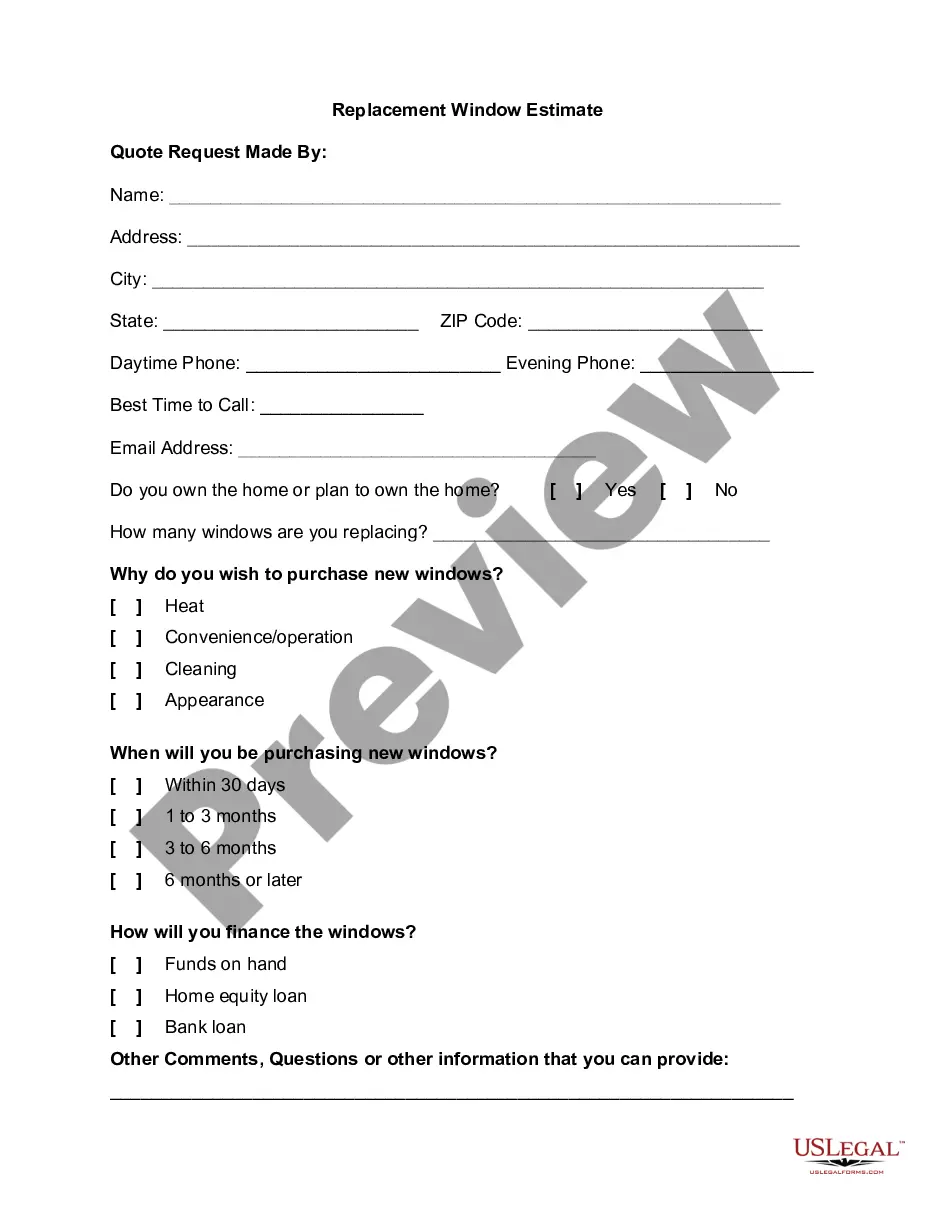
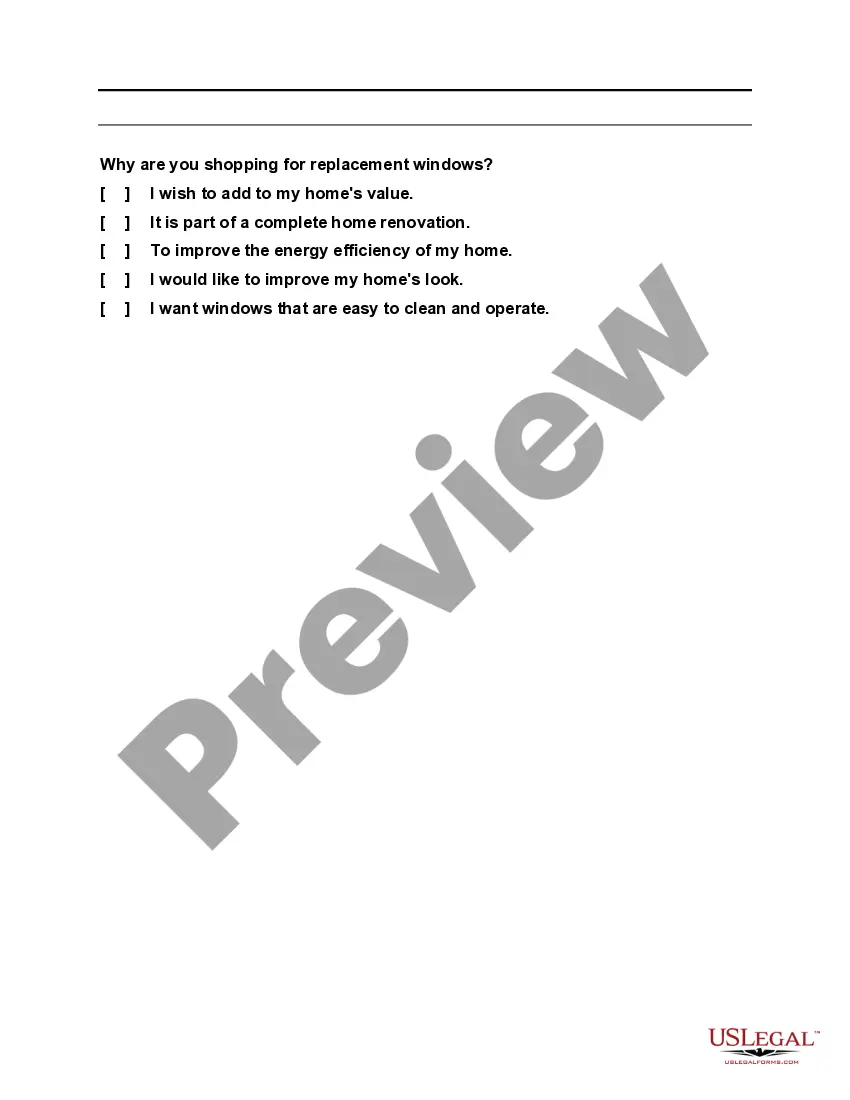
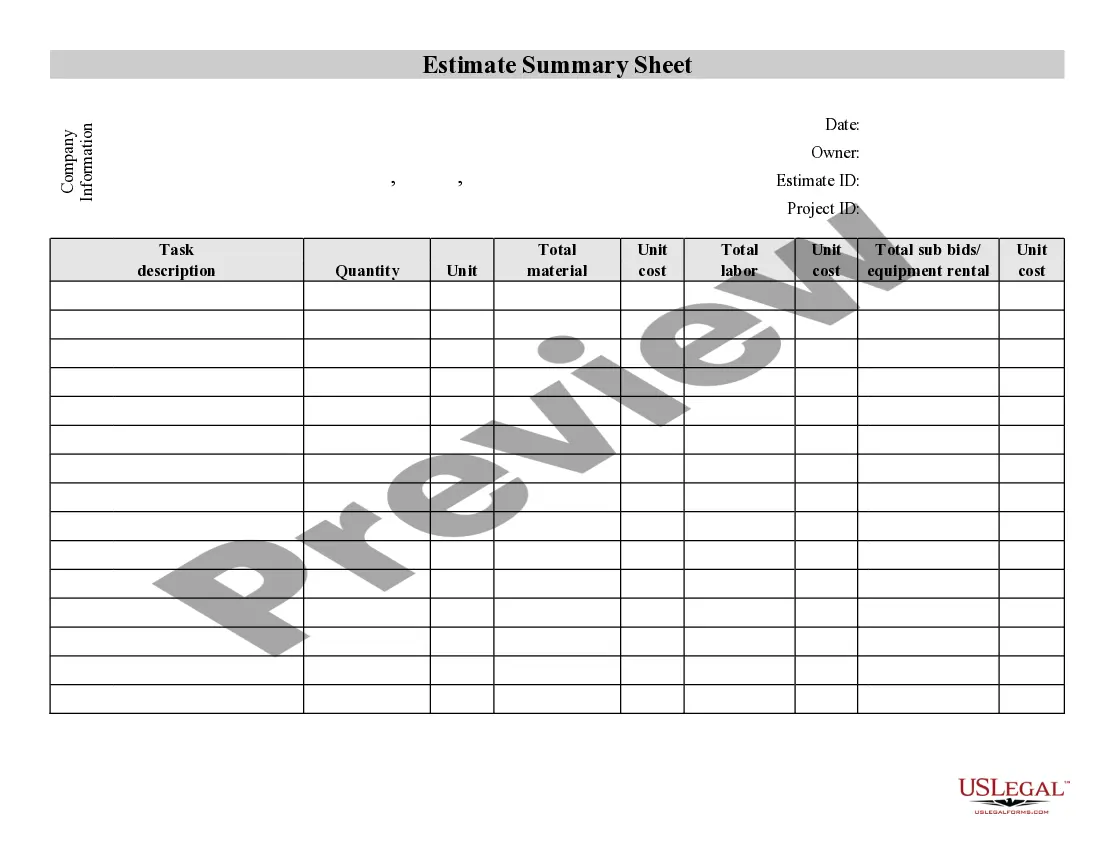
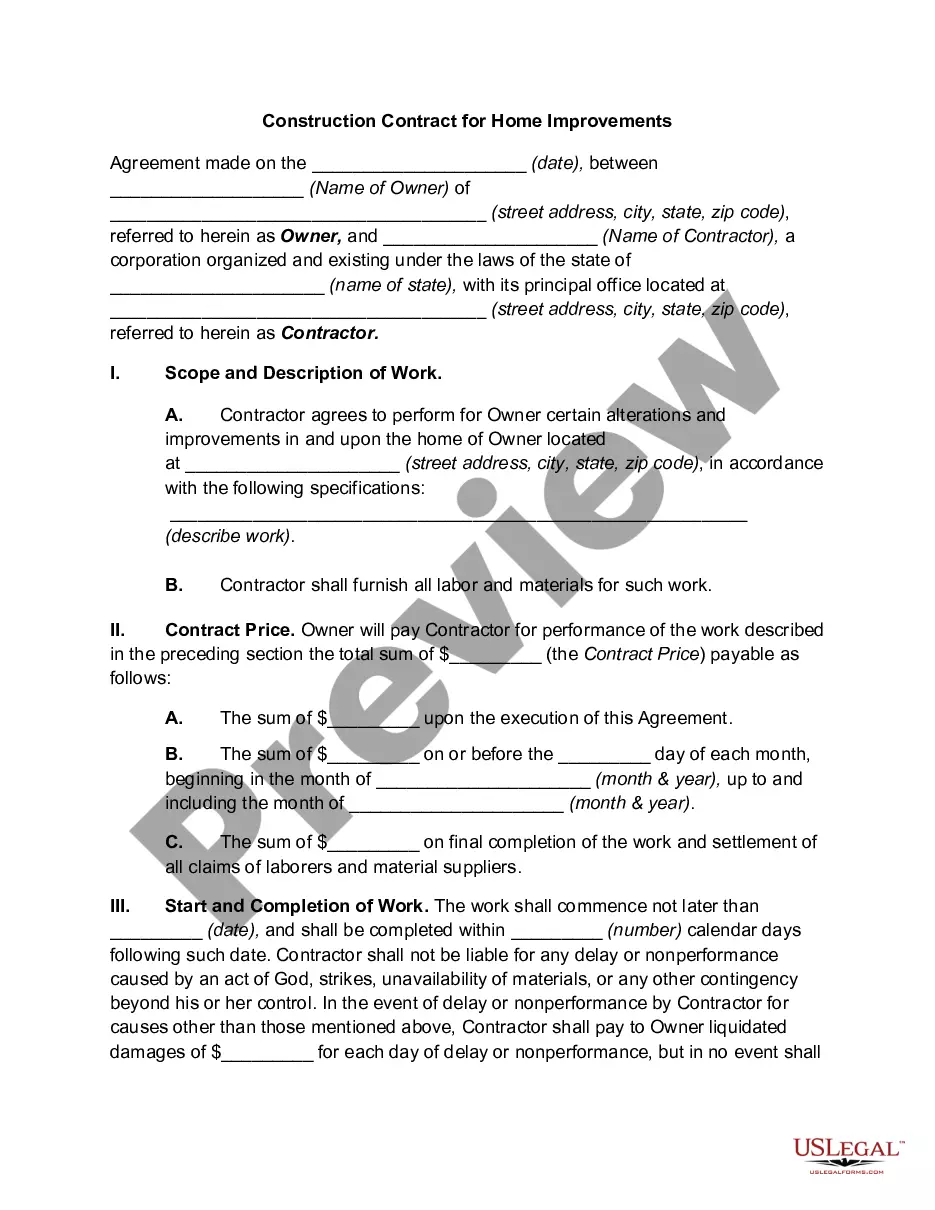
Get your form ready online
Our built-in tools help you complete, sign, share, and store your documents in one place.
Make edits, fill in missing information, and update formatting in US Legal Forms—just like you would in MS Word.
Download a copy, print it, send it by email, or mail it via USPS—whatever works best for your next step.
Sign and collect signatures with our SignNow integration. Send to multiple recipients, set reminders, and more. Go Premium to unlock E-Sign.
If this form requires notarization, complete it online through a secure video call—no need to meet a notary in person or wait for an appointment.
We protect your documents and personal data by following strict security and privacy standards.

Make edits, fill in missing information, and update formatting in US Legal Forms—just like you would in MS Word.

Download a copy, print it, send it by email, or mail it via USPS—whatever works best for your next step.

Sign and collect signatures with our SignNow integration. Send to multiple recipients, set reminders, and more. Go Premium to unlock E-Sign.

If this form requires notarization, complete it online through a secure video call—no need to meet a notary in person or wait for an appointment.

We protect your documents and personal data by following strict security and privacy standards.
Looking for another form?
How to fill out Replacement Window Estimate?
The Windows Estimate Template For Ovh displayed on this page is a reusable formal template created by expert lawyers in accordance with federal and local laws and regulations.
For over 25 years, US Legal Forms has supplied individuals, organizations, and attorneys with more than 85,000 validated, state-specific documents for any business and personal need. It’s the quickest, simplest, and most reliable method to obtain the necessary paperwork, as the service guarantees the utmost level of data safety and anti-malware protection.
Register for US Legal Forms to have authenticated legal templates for all of life’s situations readily available.
- Search for the document you need and examine it.
- Scan through the sample you looked for and preview it or check the form description to ensure it meets your needs. If it doesn’t, use the search feature to find the appropriate one. Click Buy Now when you locate the template you require.
- Register and Log In.
- Select the pricing option that fits you and create an account. Utilize PayPal or a credit card to make a swift payment. If you already possess an account, Log In and verify your subscription to proceed.
- Acquire the fillable template.
- Choose the format you desire for your Windows Estimate Template For Ovh (PDF, DOCX, RTF) and download the sample onto your device.
- Complete and sign the document.
- Print the template to finish it by hand. Alternatively, use an online multifunctional PDF editor to quickly and accurately fill out and sign your form with validity.
- Re-download your documents as needed.
- Access the same document again whenever required. Go to the My documents tab in your profile to redownload any previously purchased forms.
Form popularity
FAQ
Indeed, you can run Windows on a virtual machine hosted on OVH servers. This setup provides added flexibility in managing different environments. By using a Windows estimate template for OVH, you can gain insights into the costs and resources necessary for deploying a Windows virtual machine efficiently.
To install an operating system on a PowerEdge server, start by accessing the server's management interface. Then, upload your desired operating system's installation media, ensuring it is compatible. A Windows estimate template for OVH can guide you in planning installation costs and related resources effectively during this process.
Yes, you can run Windows on a Virtual Private Server (VPS) provided by OVH. This setup allows you to leverage the flexibility and performance of Windows operating systems. Utilizing a Windows estimate template for OVH will help you effectively estimate the resources and costs associated with running Windows on your VPS.
Log in to the OVHcloud Control Panel and go to the Bare Metal Cloud section, then select your server under Dedicated servers . In the General information tab, click on the ... button next to "System (OS)" and then on . In the window that appears, select from custom image and click on Next .
Log in to the OVHcloud Control Panel, go to the Bare Metal Cloud section and select your server from Virtual Private Servers . This dashboard contains important information about your service and allows you to perform essential operations. It will appear differently, depending on the product range of your VPS solution.
How to an operating system on your OVHCloud dedicated server YouTube Start of suggested clip End of suggested clip Choose a server for which you need a license and click on the Microsoft logo. You will then haveMoreChoose a server for which you need a license and click on the Microsoft logo. You will then have access to the different Microsoft licenses compatible with your dedicated. Server.
Connecting to your Dedicated Server via Terminal Open the terminal on your computer. Type ssh, followed by a space. ... If you see a message stating ?Are you sure you want to continue connecting? type yes, then click the Enter key. You will then be prompted to enter your password.
Select from the drop-down menu. In the popup window, select " from an OVHcloud template" and click Next . Read the options on the "Installation from an OVHcloud template" screen. ... Review the information on the next screen.