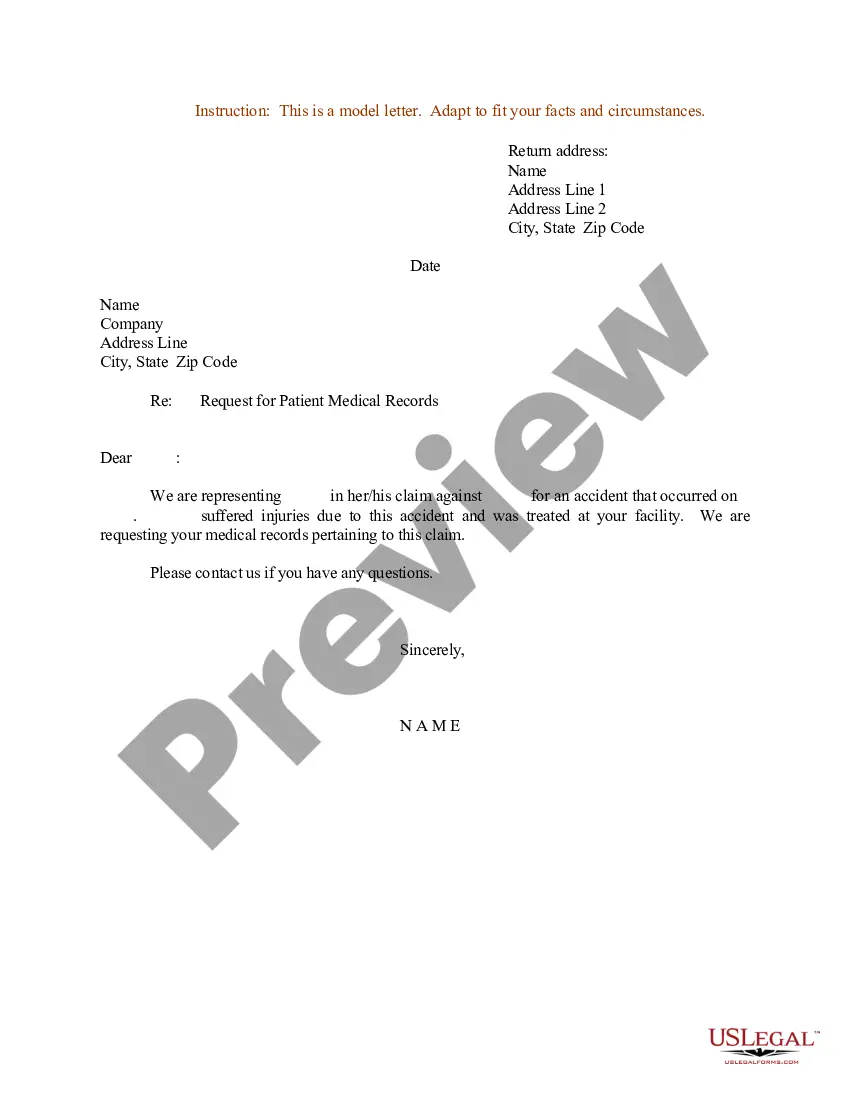
Patient Records Form With Medical
Description
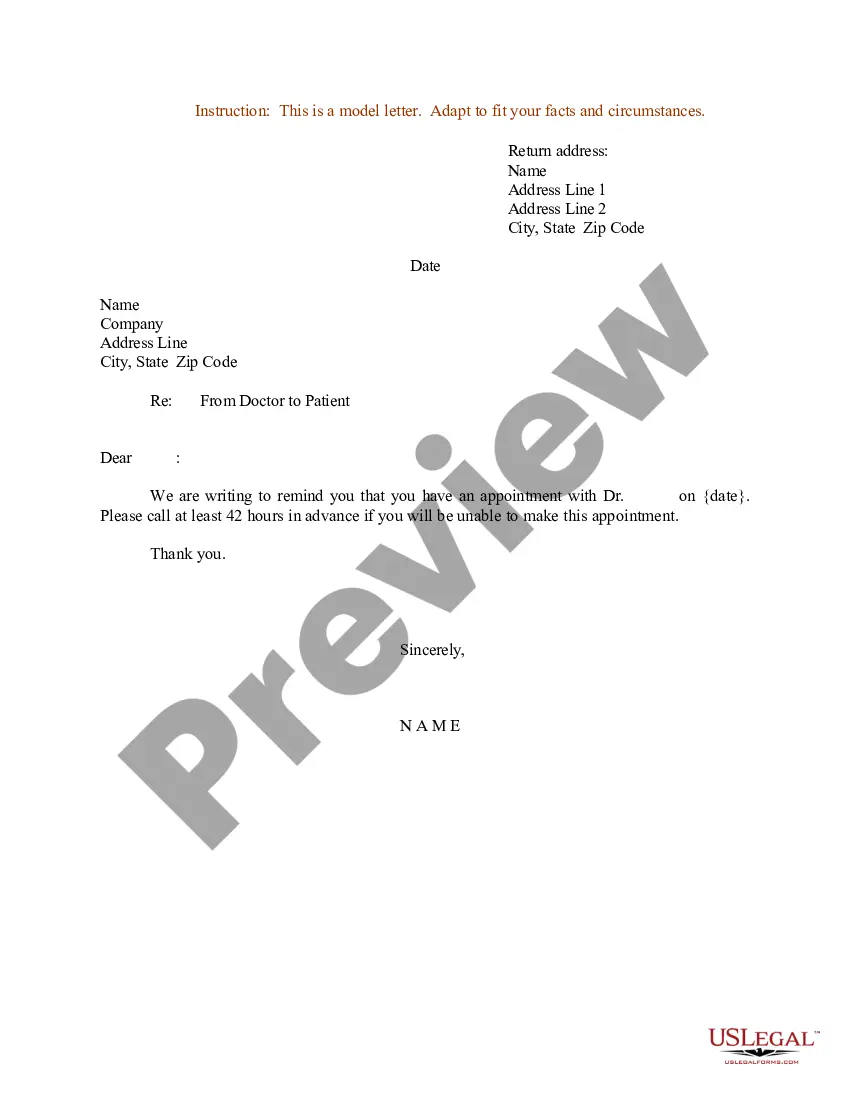
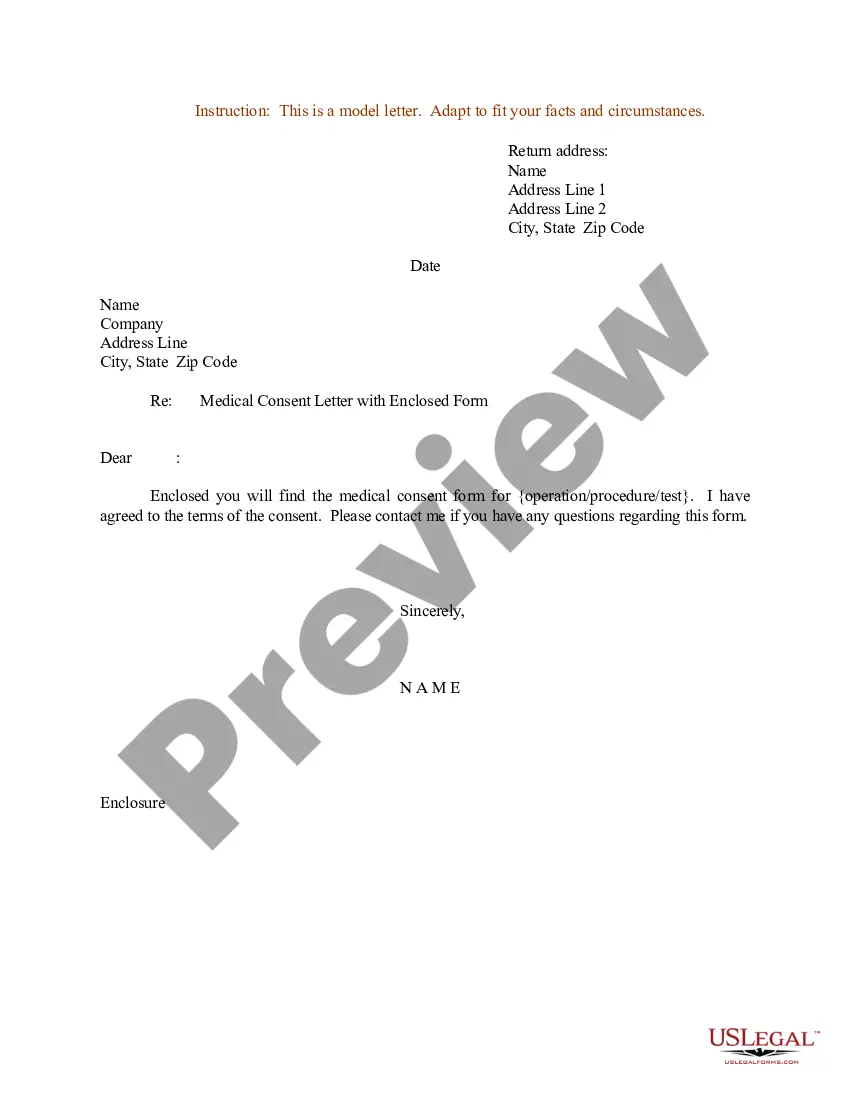
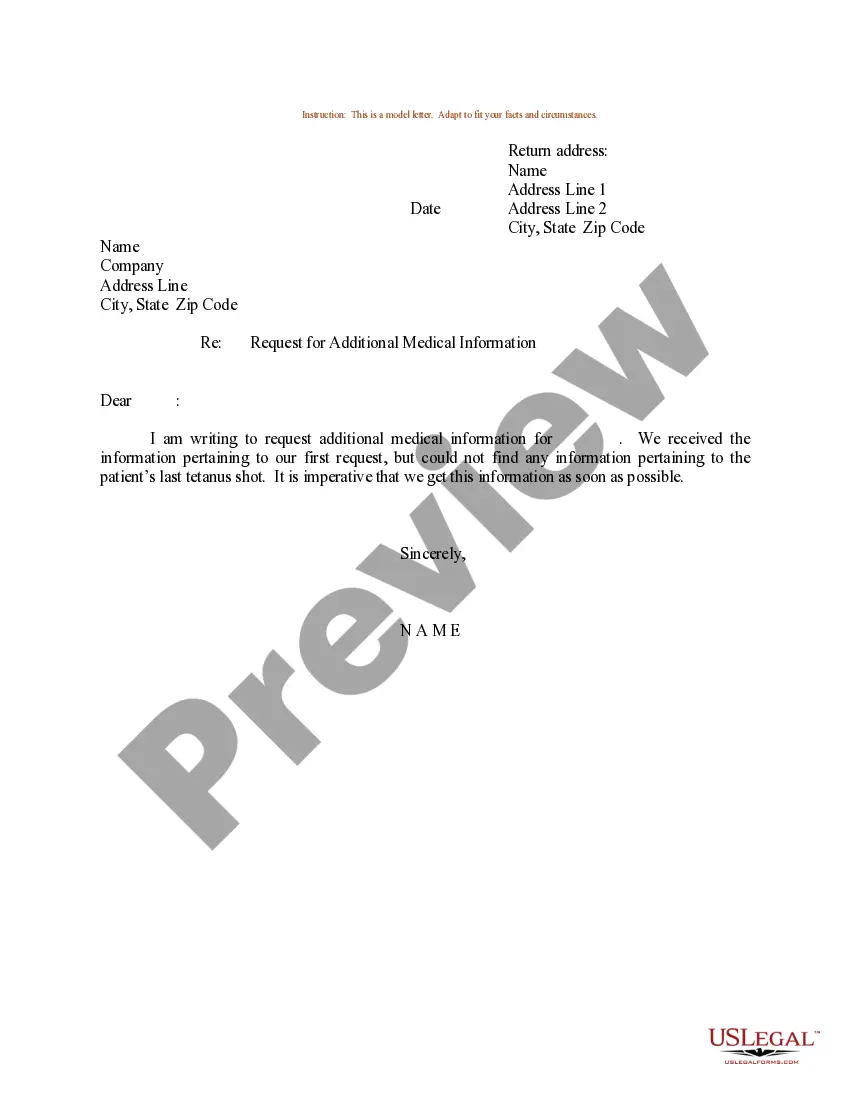
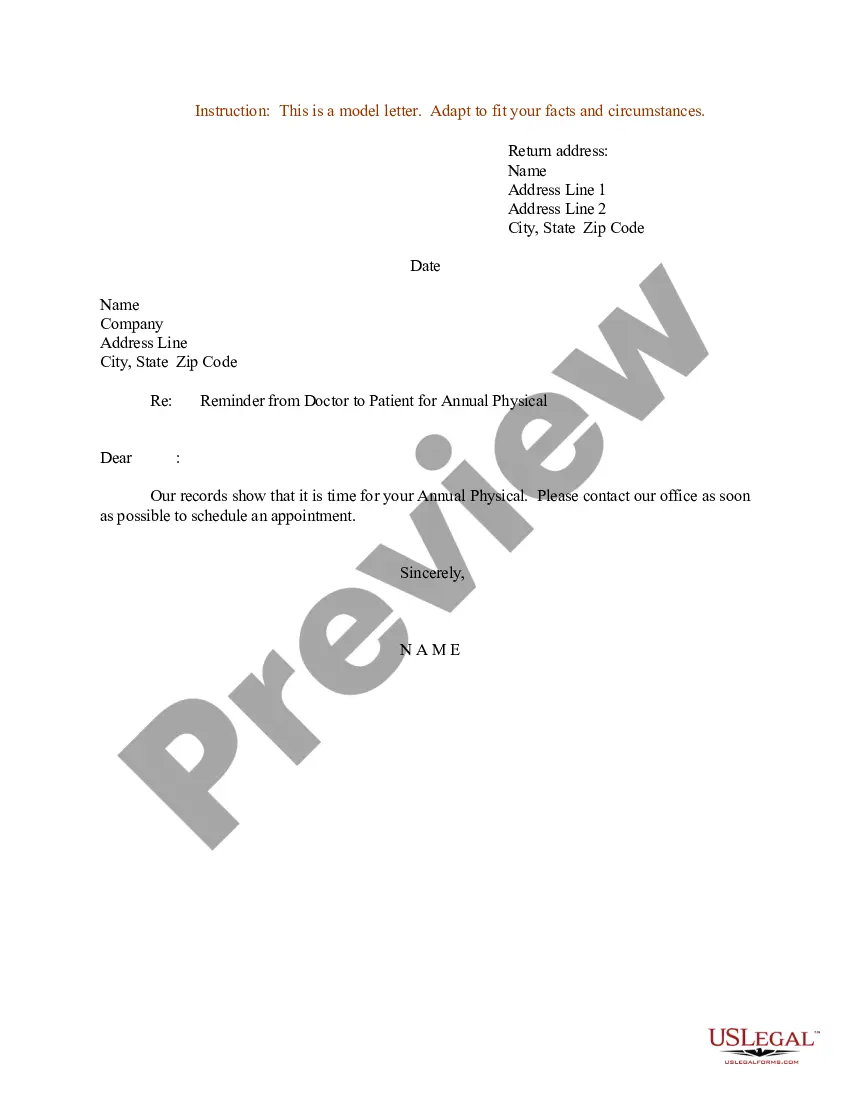
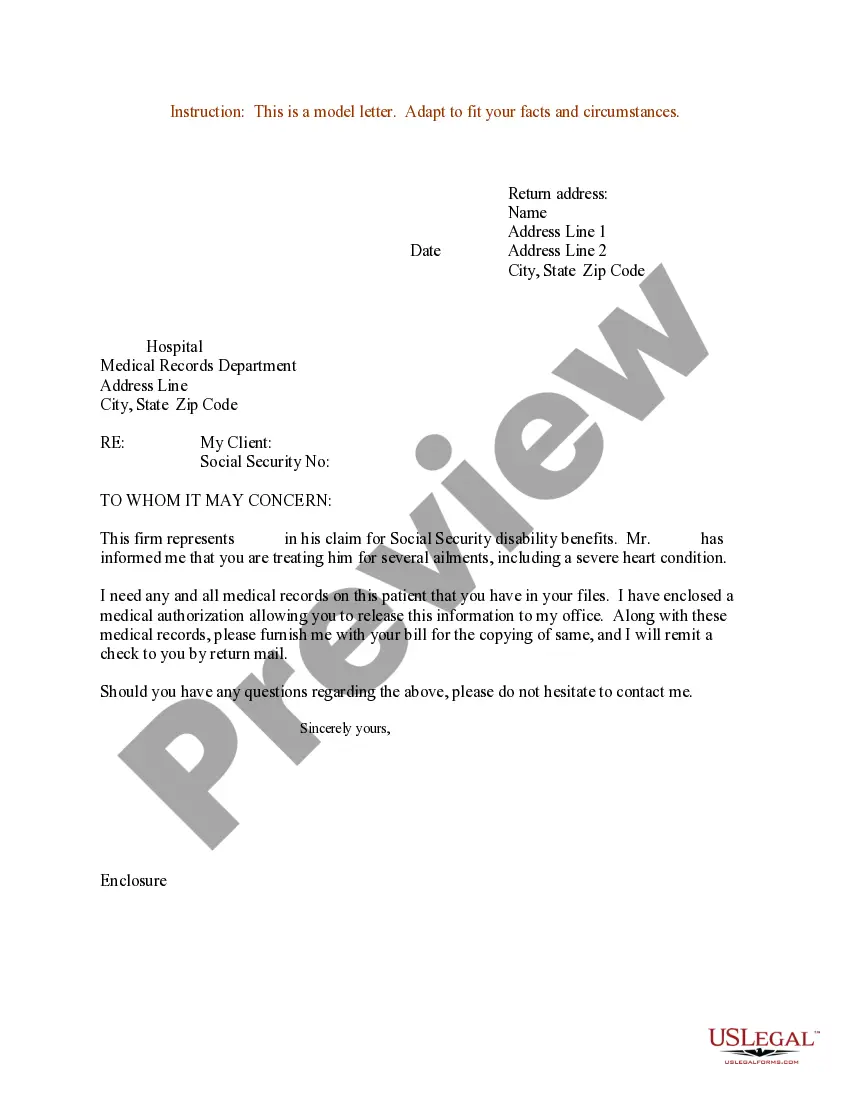
Get your form ready online
Our built-in tools help you complete, sign, share, and store your documents in one place.
Make edits, fill in missing information, and update formatting in US Legal Forms—just like you would in MS Word.
Download a copy, print it, send it by email, or mail it via USPS—whatever works best for your next step.
Sign and collect signatures with our SignNow integration. Send to multiple recipients, set reminders, and more. Go Premium to unlock E-Sign.
If this form requires notarization, complete it online through a secure video call—no need to meet a notary in person or wait for an appointment.
We protect your documents and personal data by following strict security and privacy standards.

Make edits, fill in missing information, and update formatting in US Legal Forms—just like you would in MS Word.

Download a copy, print it, send it by email, or mail it via USPS—whatever works best for your next step.

Sign and collect signatures with our SignNow integration. Send to multiple recipients, set reminders, and more. Go Premium to unlock E-Sign.

If this form requires notarization, complete it online through a secure video call—no need to meet a notary in person or wait for an appointment.

We protect your documents and personal data by following strict security and privacy standards.
Looking for another form?
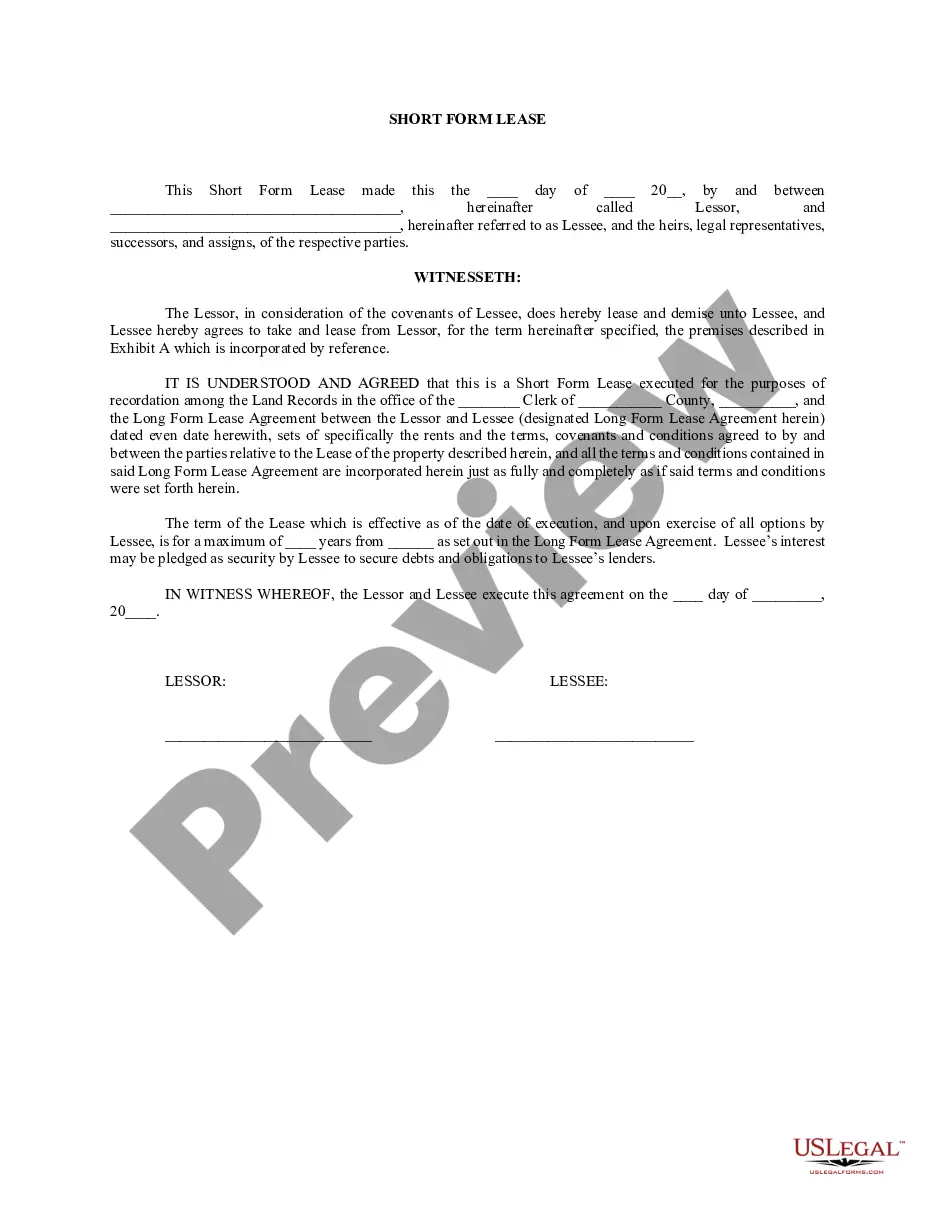

How to fill out Sample Letter For Request For Patient Medical Records?
Dealing with legal documents and processes can be a lengthy addition to your schedule.
Patient Records Form With Medical and similar documents typically necessitate that you locate them and comprehend how to fill them out accurately.
Thus, if you are managing financial, legal, or personal issues, having a comprehensive and straightforward online library of documents readily available will significantly help.
US Legal Forms is the premier online platform for legal templates, featuring over 85,000 state-specific documents and numerous tools to help you complete your paperwork easily.
Is it your first experience using US Legal Forms? Register and create your account in a few minutes, and you will have access to the document library and Patient Records Form With Medical. Then, follow the steps below to fill out your document.
- Browse the collection of relevant documents accessible to you with just one click.
- US Legal Forms provides you with state- and county-specific documents available at any time for download.
- Protect your document management processes with a high-quality service that enables you to prepare any document in minutes without additional or hidden charges.
- Simply Log In to your account, find Patient Records Form With Medical and obtain it immediately from the My documents section.
- You can also retrieve previously saved documents.
Form popularity
FAQ
They should include: 1) All relevant clinical findings. 2) A record of the decisions made and actions agreed as well as the identity of who made the decisions and agreed the actions. 3) A record of the information given to patients. 4) A record of any drugs prescribed or other investigations or treatments performed.
Documentation must include the following content: Problem list, including significant illnesses and medical conditions. Medications. Adverse drug reactions. Allergies. Smoking status. Any history of alcohol use or substance abuse. Biographical or personal data. Pertinent history.
How Do You Write a Release Form? The first step in writing is identifying all parties involved, including the releaser and the release. Specify the activity or event in detail, such as a photo shoot, a video production, or a performance. Clearly specify what is being released, whether liability, claims, or damages.
I was treated in your office [at your facility] between [fill in dates]. I request copies of the following [or all] health records related to my treatment. [Identify records requested (e.g., medical-history form you filled out; physician and nurses' notes; test results; consultations with specialists; referrals).]
General Principles of Medical Record Documentation: Medical records should be complete and legible. Documentation of each patient encounter should include: Reason for encounter and relevant history.