Users Legale
Description
Get your form ready online
Our built-in tools help you complete, sign, share, and store your documents in one place.
Make edits, fill in missing information, and update formatting in US Legal Forms—just like you would in MS Word.
Download a copy, print it, send it by email, or mail it via USPS—whatever works best for your next step.
Sign and collect signatures with our SignNow integration. Send to multiple recipients, set reminders, and more. Go Premium to unlock E-Sign.
If this form requires notarization, complete it online through a secure video call—no need to meet a notary in person or wait for an appointment.
We protect your documents and personal data by following strict security and privacy standards.

Make edits, fill in missing information, and update formatting in US Legal Forms—just like you would in MS Word.

Download a copy, print it, send it by email, or mail it via USPS—whatever works best for your next step.

Sign and collect signatures with our SignNow integration. Send to multiple recipients, set reminders, and more. Go Premium to unlock E-Sign.

If this form requires notarization, complete it online through a secure video call—no need to meet a notary in person or wait for an appointment.

We protect your documents and personal data by following strict security and privacy standards.
Looking for another form?
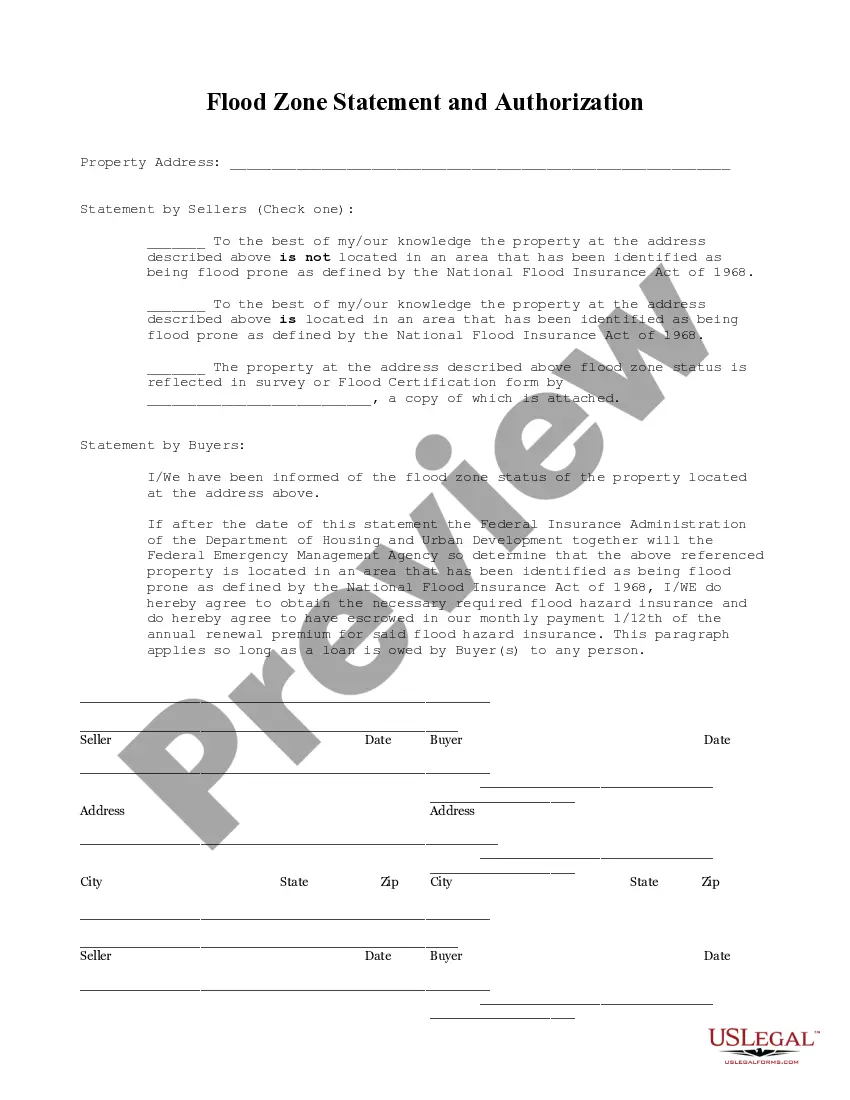
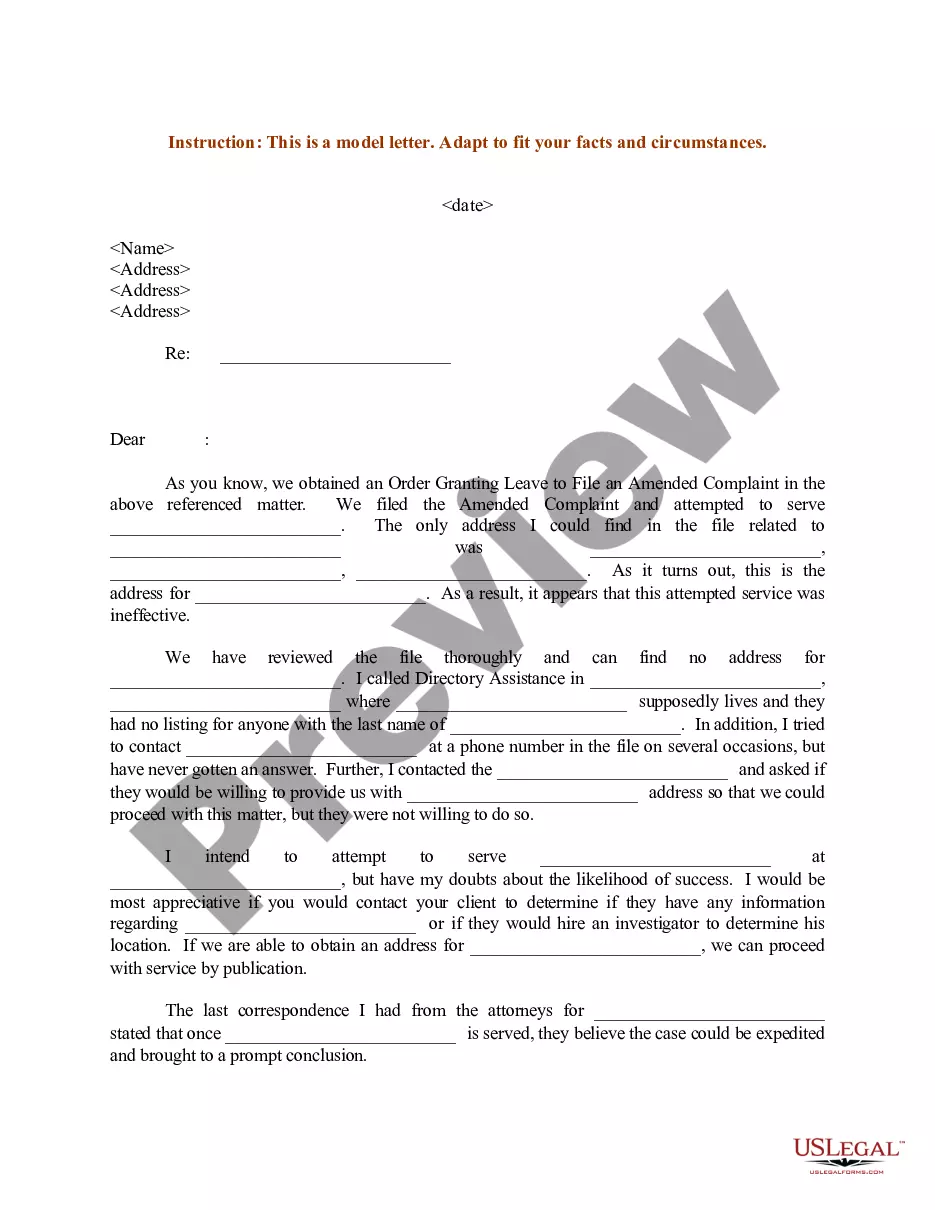
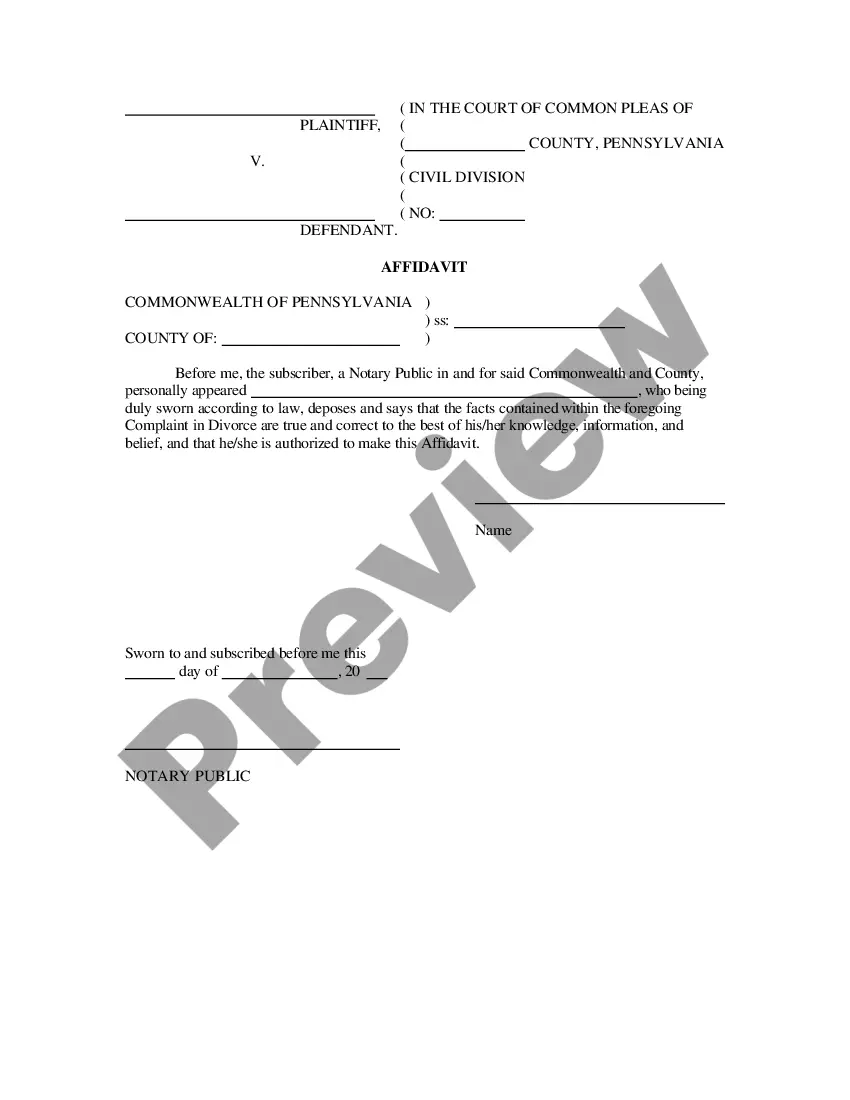

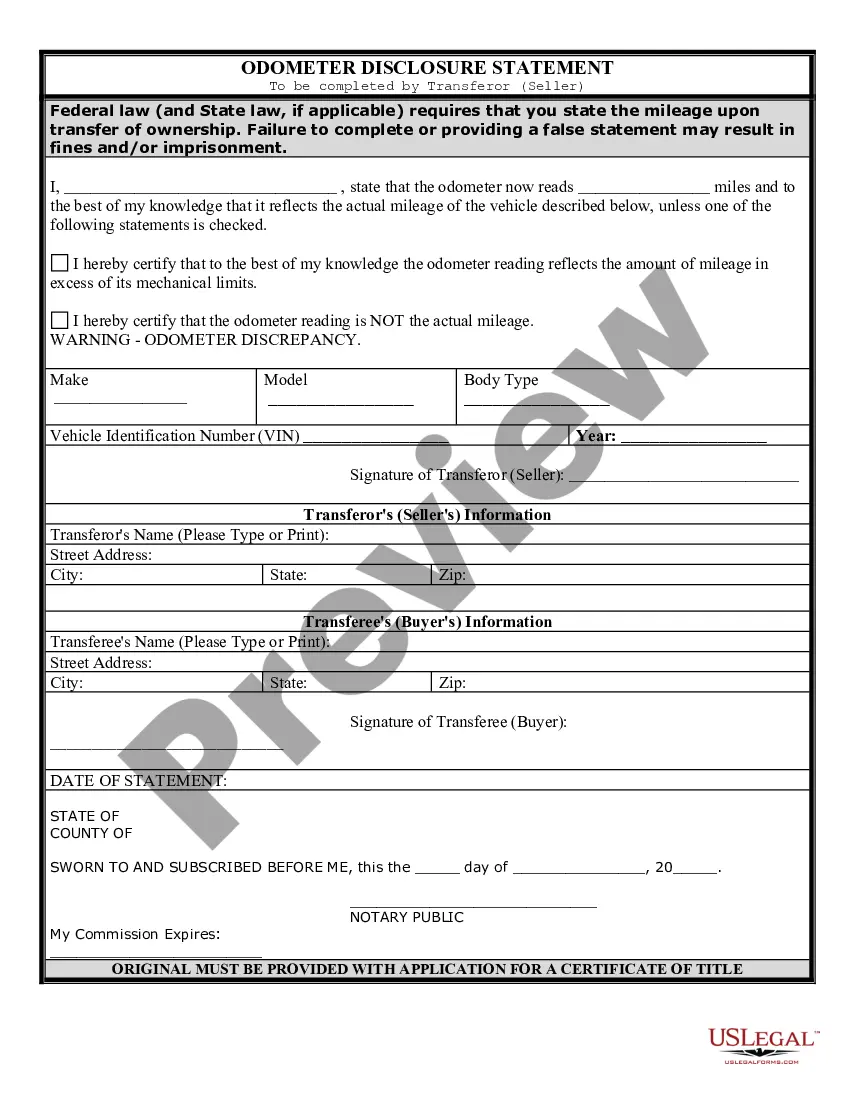
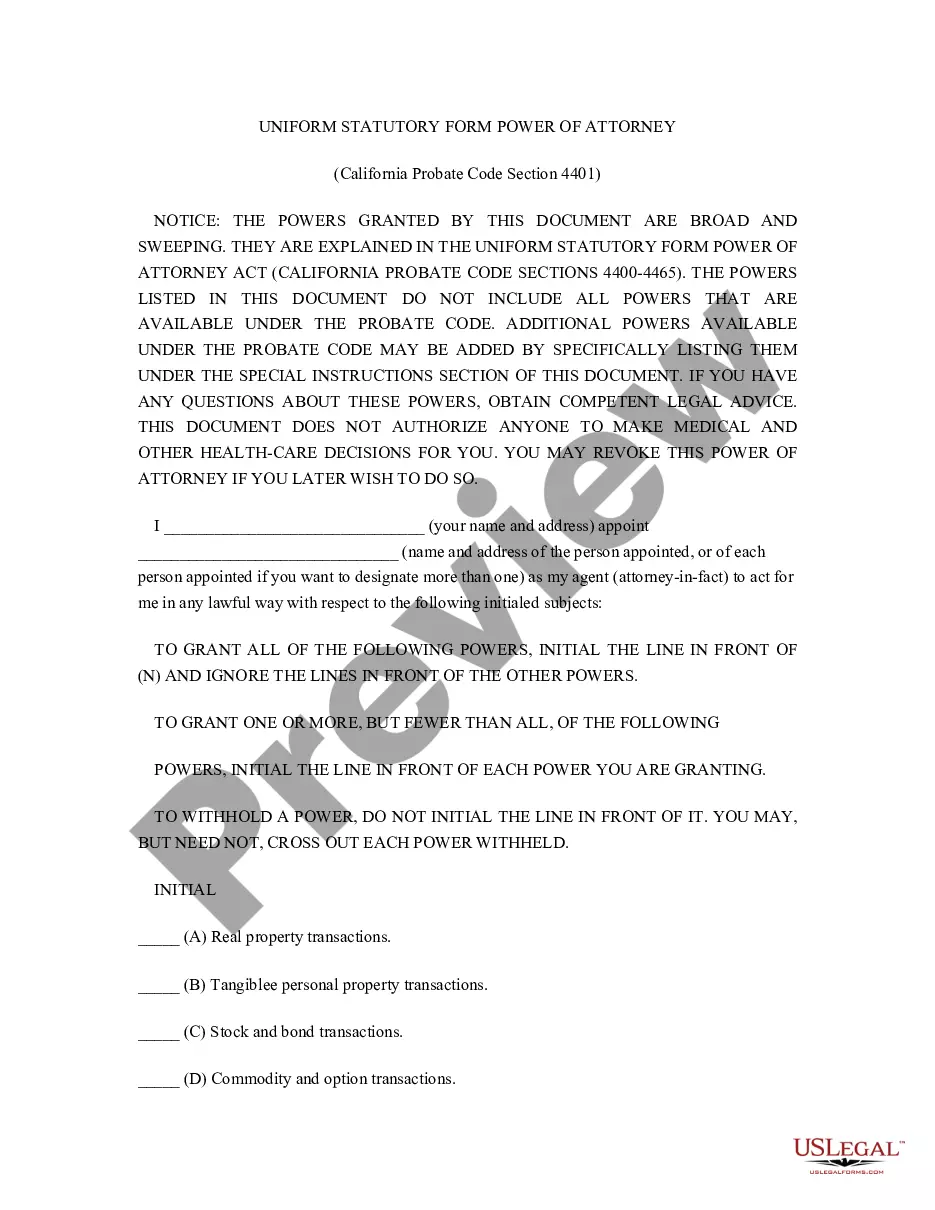
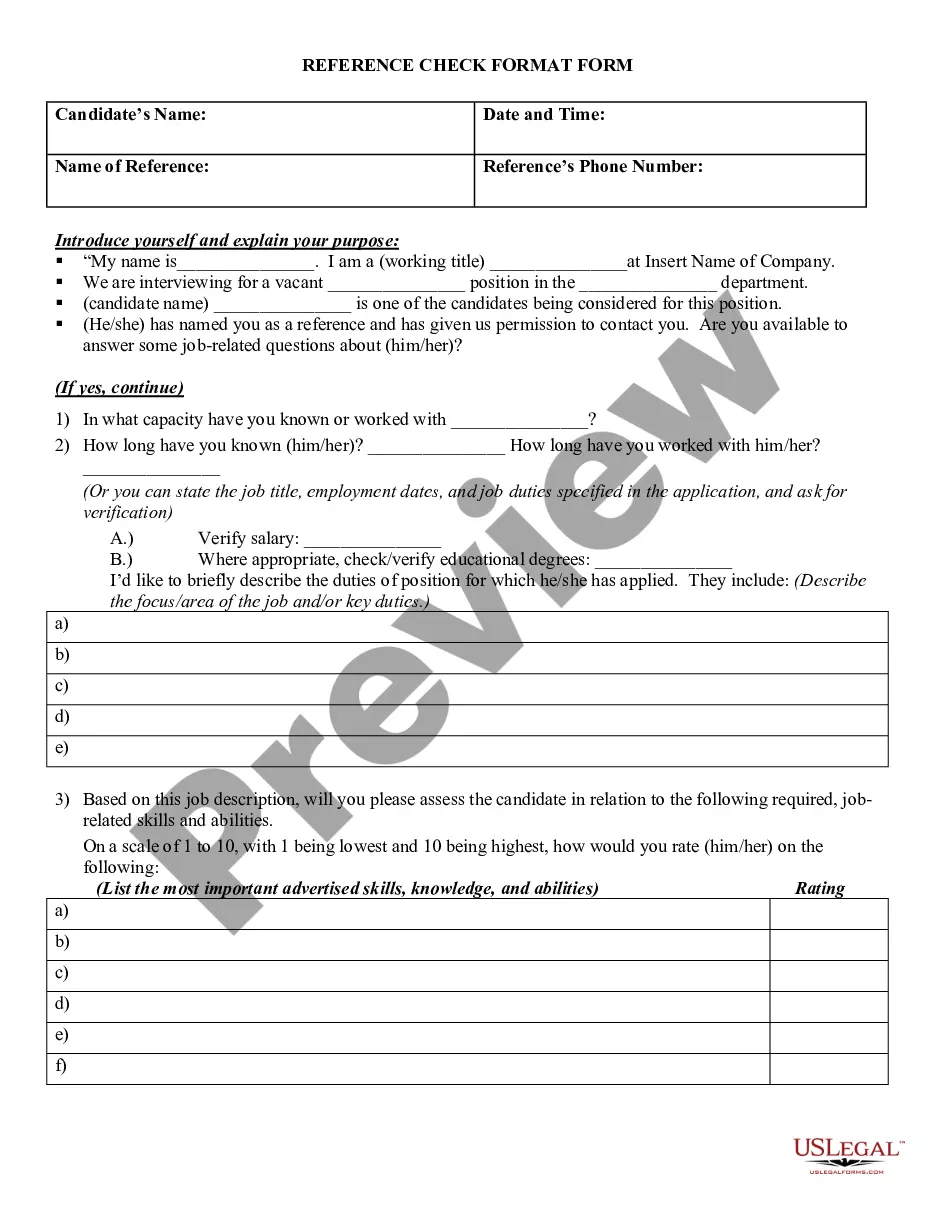

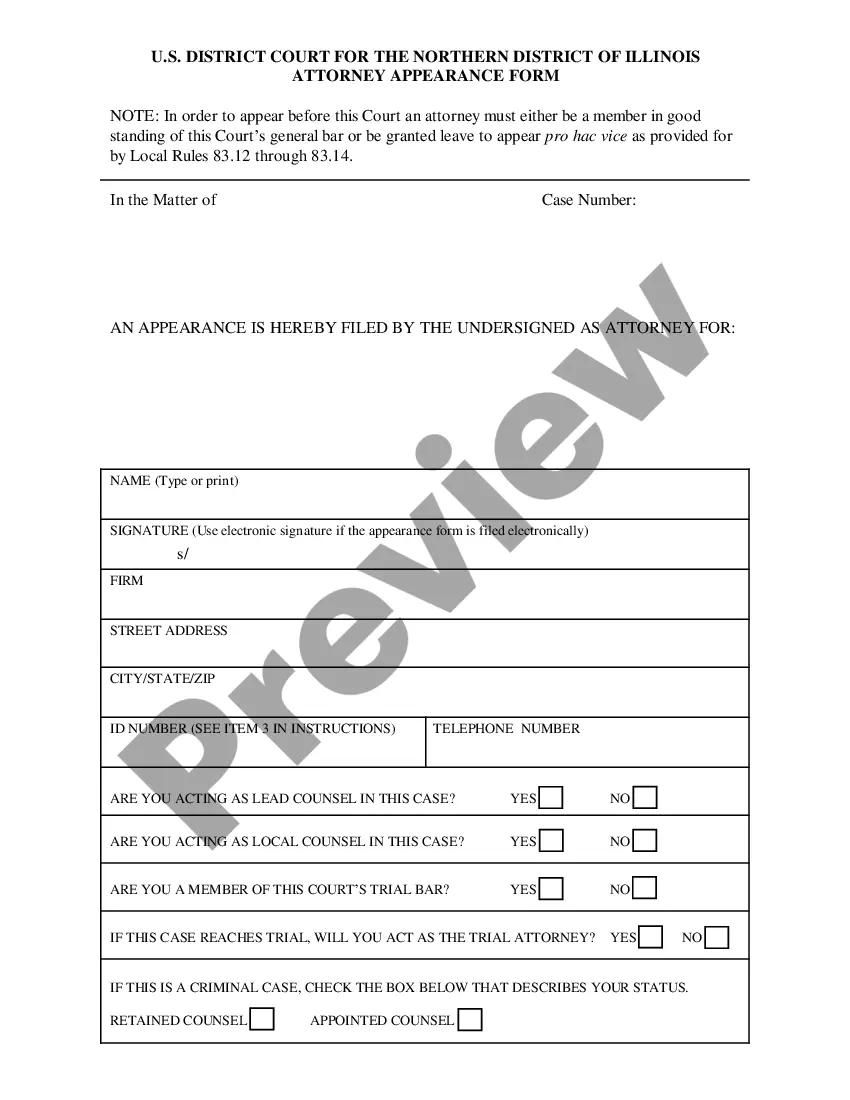
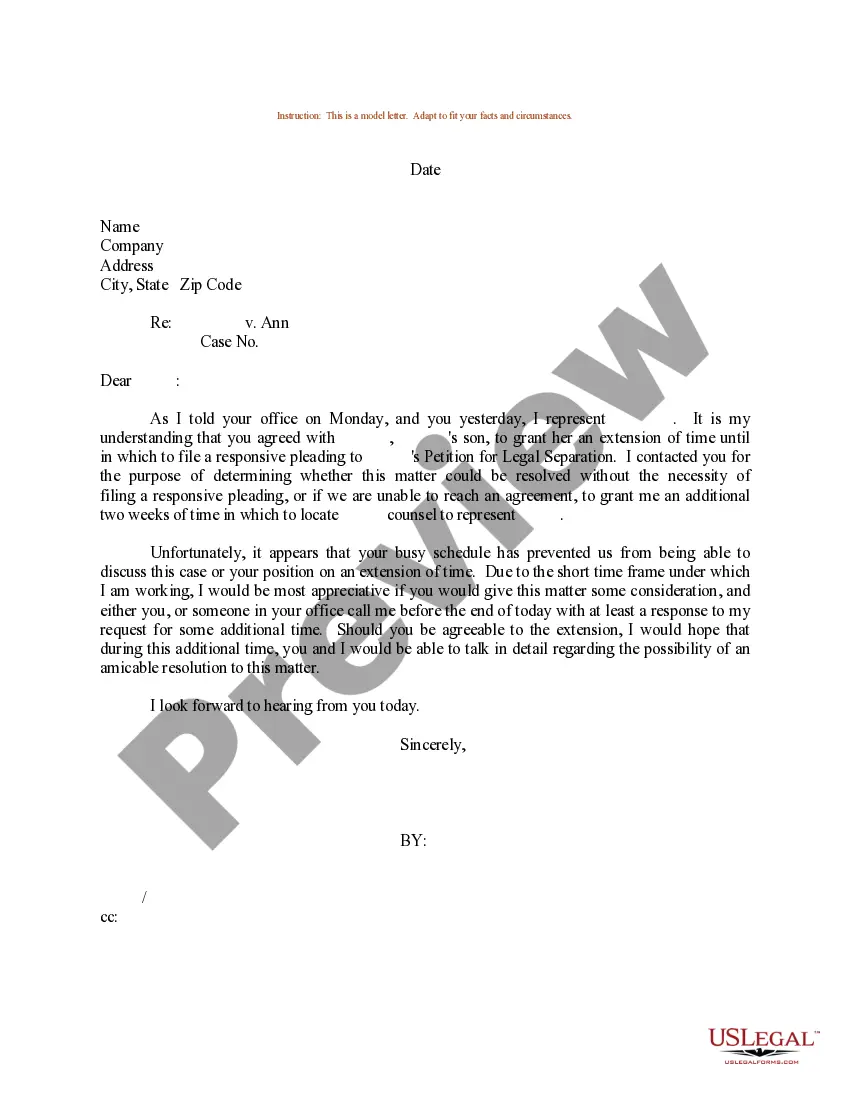
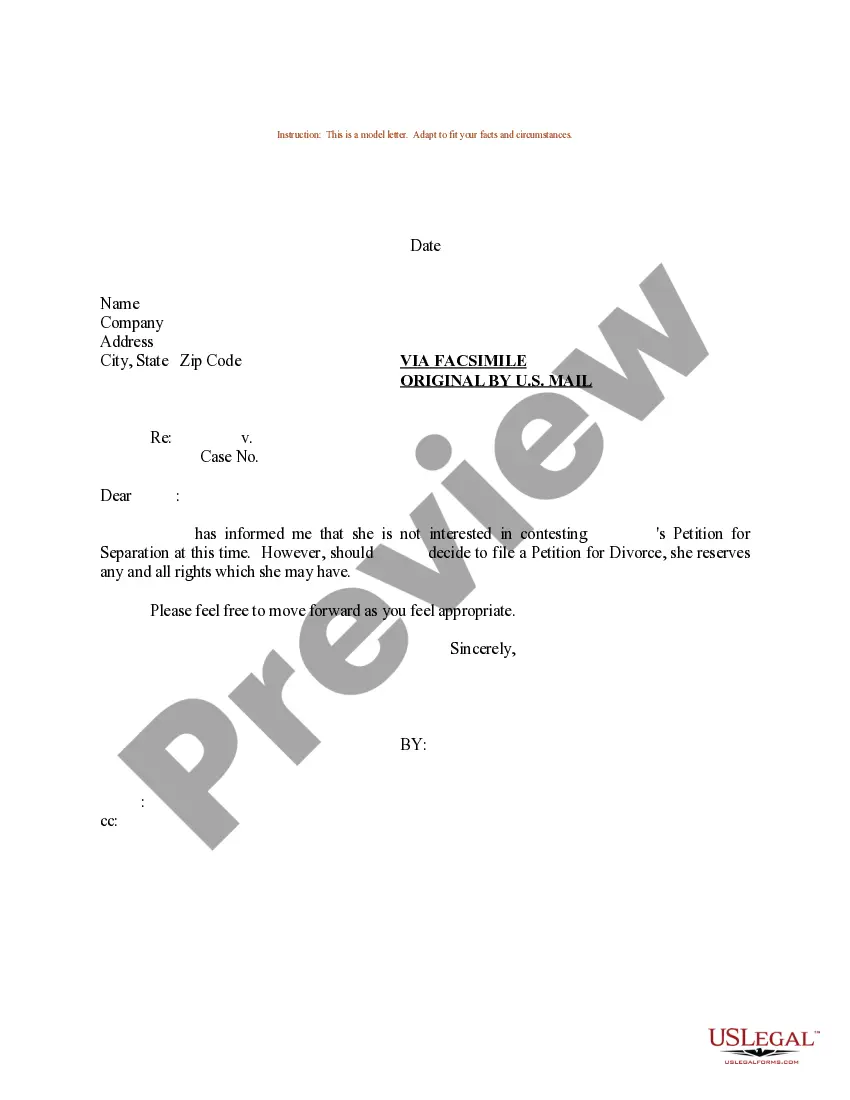
How to fill out Sample Letter For Petition For Legal Separation - Time Extension?
- For existing users, log in to your account to access the library and download your desired template by clicking the Download button. Ensure your subscription is active; renew if necessary.
- If you're a first-time user, begin by reviewing the Preview mode and form description to guarantee the document aligns with your requirements and local regulations.
- Should you need a different template, utilize the Search tab to find the correct document. Proceed to the next step once you have identified the right form.
- Purchase your document by clicking the Buy Now button. Select your preferred subscription plan and create an account for access to the full library.
- Finalize your purchase by entering your payment details via credit card or PayPal.
- Download your form and save it to your device. You can revisit it anytime from the My Forms menu in your profile for future reference.
US Legal Forms empowers individuals and attorneys to efficiently execute their legal needs with access to a vast array of over 85,000 editable forms. With robust offerings at competitive pricing, it ensures that you don't compromise on quality.
Ready to streamline your legal documentation process? Start your journey with US Legal Forms today and enjoy accessible legal solutions at your fingertips!
Form popularity
FAQ
Start by identifying all crucial documents related to your case and sort them by category, such as evidence, witness statements, and correspondence. Maintaining a chronological order can also be helpful. By utilizing Users legale, you can keep these documents organized and accessible, ensuring you are always prepared for every legal proceeding.
Storing legal files securely is crucial for privacy and compliance. Use a combination of physical filing cabinets and secure online storage solutions to ensure safety. The Users legale platform provides encrypted document storage options, allowing you to safeguard your information while enjoying easy and organized access.
Organizing official documents involves categorizing them by importance and relevance, such as legal papers, financial statements, and personal records. Use protective sleeves or files to keep these documents safe and easily accessible. Integrating your document organization with Users legale can offer you the tools needed to manage and track these essential papers efficiently.
Begin organizing a legal binder by sectioning it based on different aspects of your case or legal matters. You can use dividers to separate sections for easy navigation. Including a table of contents will enhance usability, while using the Users legale features can streamline your binder organization by allowing you to manage documents more effectively.
To effectively organize your legal files, start by categorizing them into specific types, such as contracts, agreements, and case documents. Utilize tools like folders and labels to create a clear filing system. Consider using the Users legale platform to store these files digitally, allowing for easy access and retrieval whenever you need them.
To change your legal server password, access your account settings through the legal software platform you use. Navigate to the security settings where you can input your new password. Ensuring that your legal server password is strong and updated frequently helps maintain the integrity of your platform for 'Users legale' relying on your services.
Changing your remote server password involves logging into your server management interface and accessing the security settings. Here, look for the option to update your password. Keeping your password fresh not only protects your server but also builds confidence with 'Users legale' who require privacy and security.
To change your server password, log in to your server's control panel and look for the settings related to security or user accounts. Follow the prompts to change your password. Regular updates to your server password will enhance security and reinforce trust among 'Users legale' who depend on your services.
Acquiring users for a new app requires a combination of effective marketing tactics and user feedback. Start by promoting your app across social media and utilizing app store optimization techniques. Engaging with your user base will also help you refine your app and make it appealing to 'Users legale' who seek reliable legal assistance.
To change your local admin password on your server, access your system's control panel and navigate to the user accounts section. Select the relevant admin account and choose the option to change the password. Remember, maintaining a secure and updated password is crucial for safeguarding your server and ensuring that 'Users legale' have a safe platform.