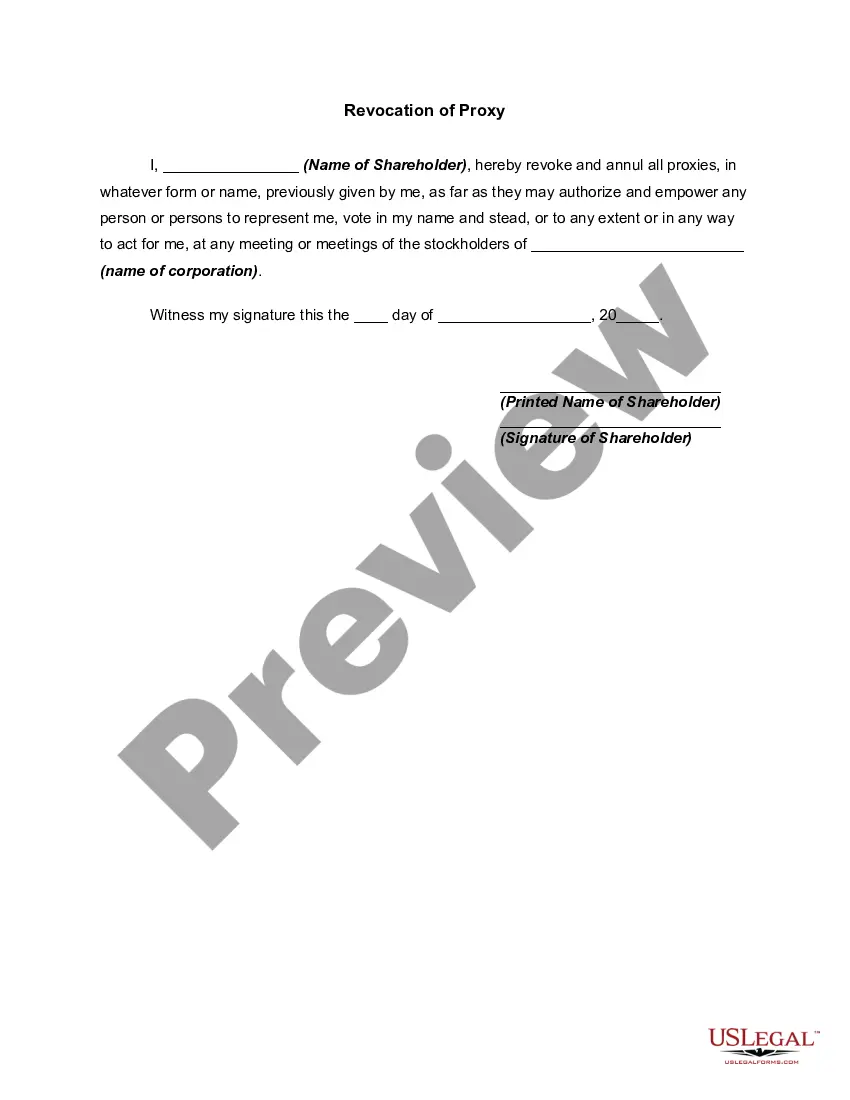
Proxy Vote Com Withdrawal
Description
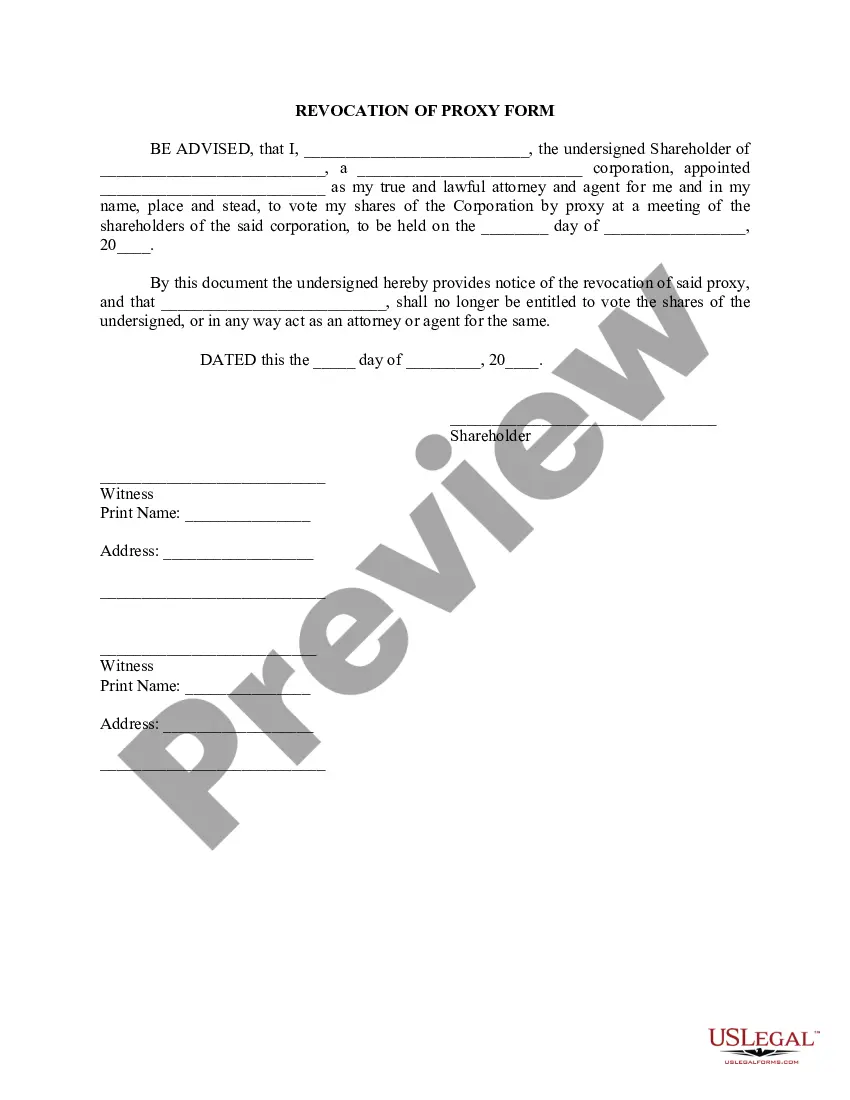
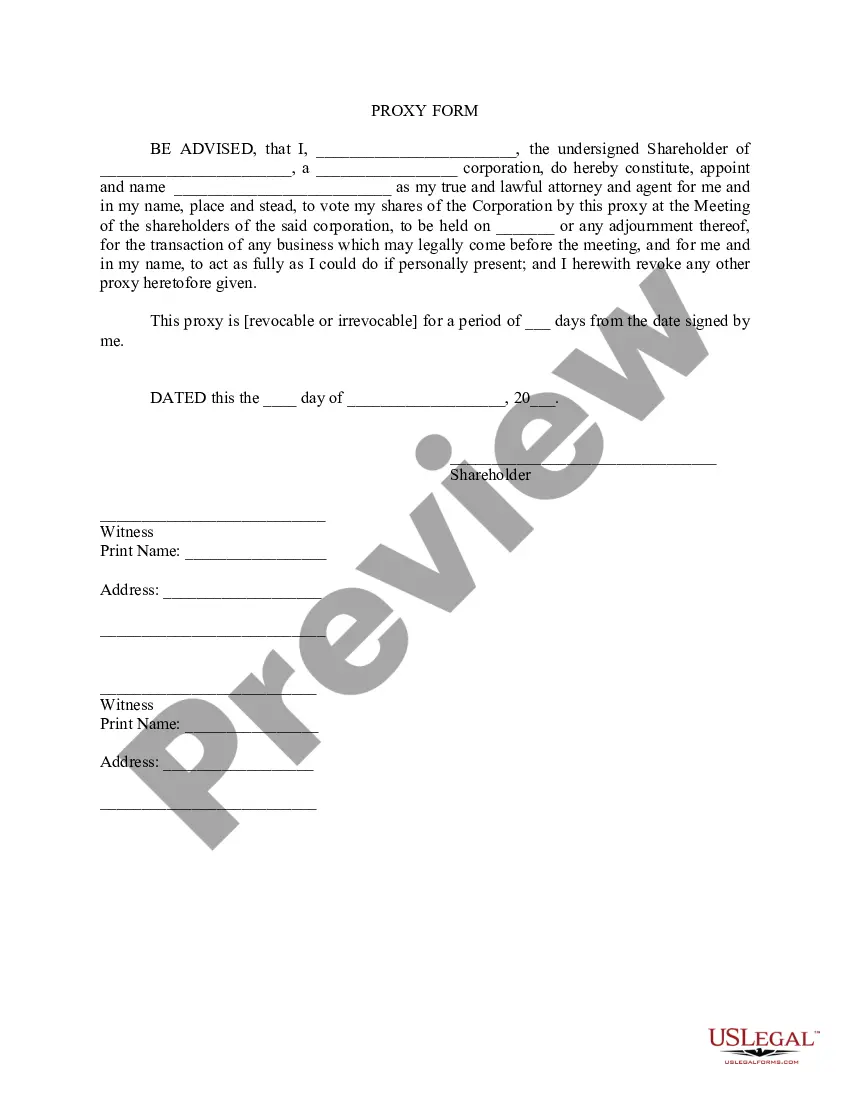
Get your form ready online
Our built-in tools help you complete, sign, share, and store your documents in one place.
Make edits, fill in missing information, and update formatting in US Legal Forms—just like you would in MS Word.
Download a copy, print it, send it by email, or mail it via USPS—whatever works best for your next step.
Sign and collect signatures with our SignNow integration. Send to multiple recipients, set reminders, and more. Go Premium to unlock E-Sign.
If this form requires notarization, complete it online through a secure video call—no need to meet a notary in person or wait for an appointment.
We protect your documents and personal data by following strict security and privacy standards.

Make edits, fill in missing information, and update formatting in US Legal Forms—just like you would in MS Word.

Download a copy, print it, send it by email, or mail it via USPS—whatever works best for your next step.

Sign and collect signatures with our SignNow integration. Send to multiple recipients, set reminders, and more. Go Premium to unlock E-Sign.

If this form requires notarization, complete it online through a secure video call—no need to meet a notary in person or wait for an appointment.

We protect your documents and personal data by following strict security and privacy standards.
Looking for another form?
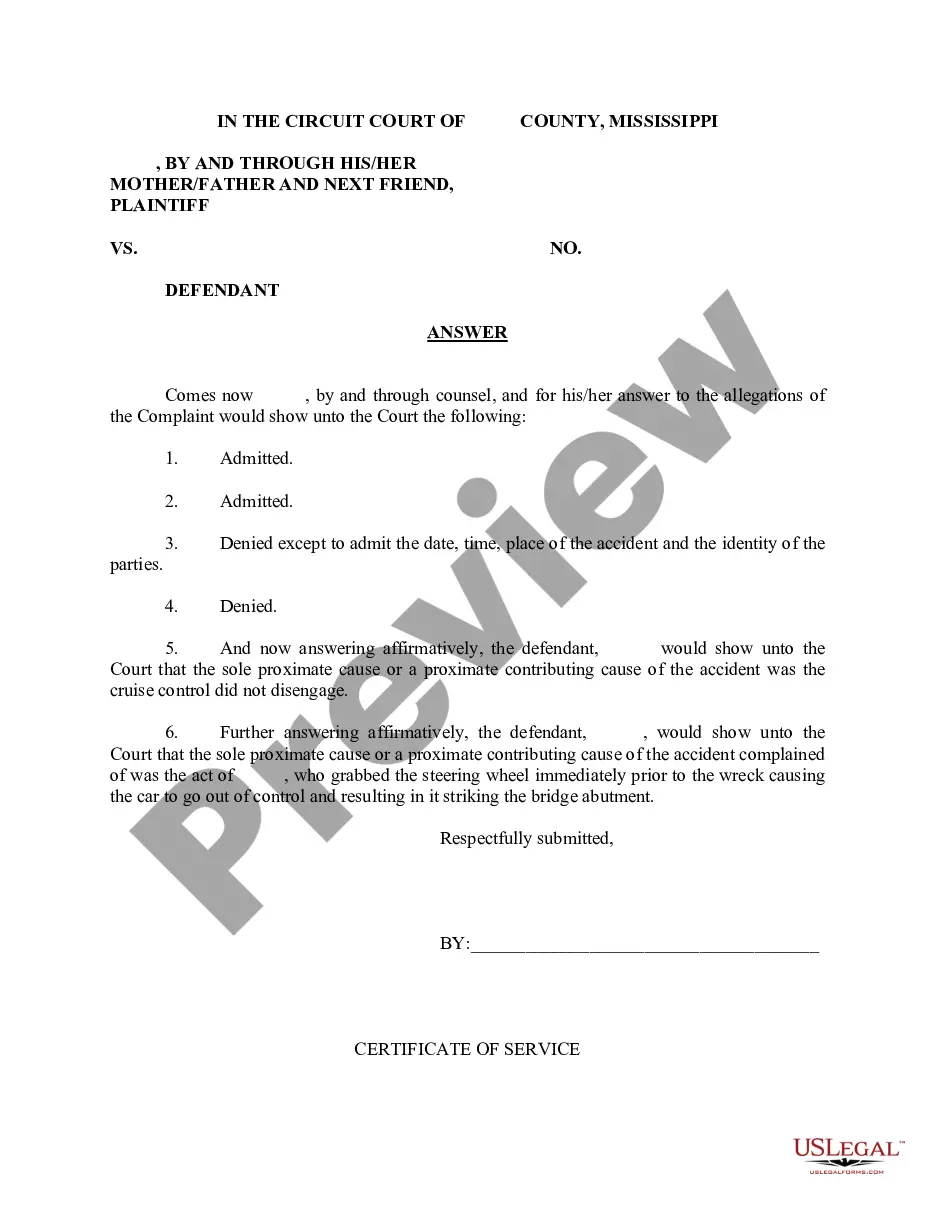
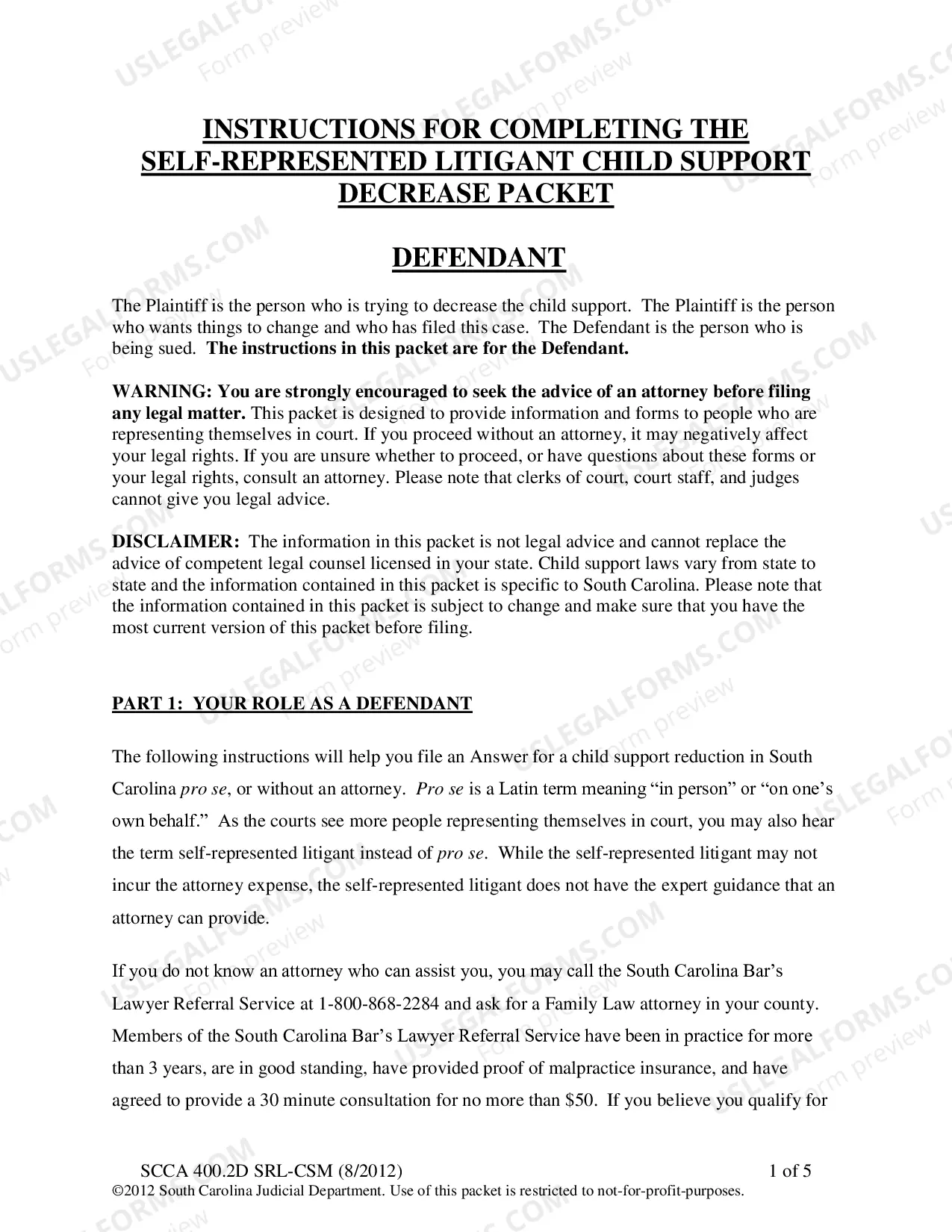
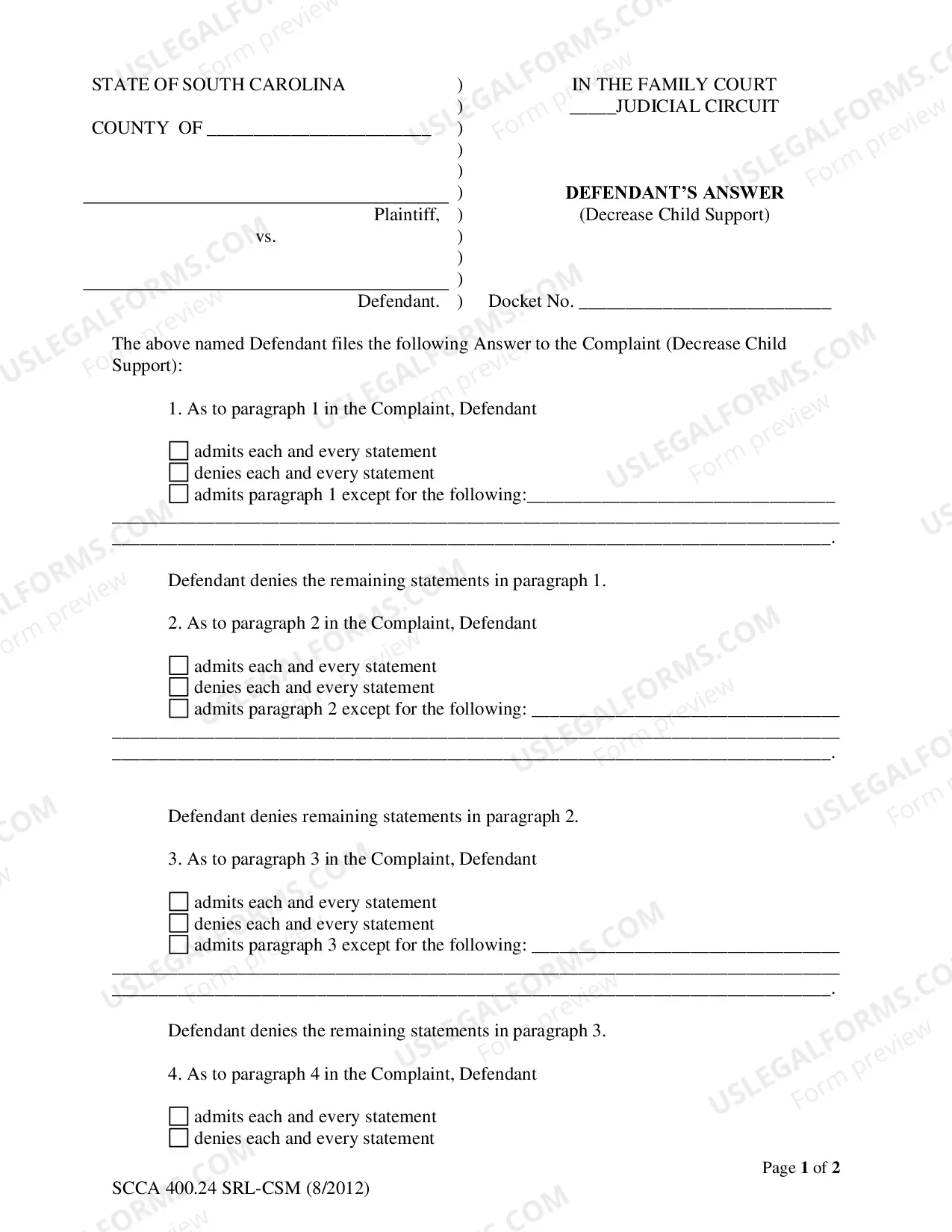
How to fill out Revocation Of Proxy?
Acquiring legal documents that comply with federal and state regulations is crucial, and the web provides numerous choices to select from.
However, what's the benefit of spending time searching for the appropriate Proxy Vote Com Withdrawal template online when the US Legal Forms digital library already has such documents assembled in one place.
US Legal Forms is the largest digital legal repository with over 85,000 fillable templates created by attorneys for any business and personal situation. They are simple to navigate with all files categorized by state and intended use. Our experts keep up with regulatory changes, ensuring that your documentation is current and compliant when obtaining a Proxy Vote Com Withdrawal from our platform.
- Examine the template using the Preview function or through the text explanation to ensure it meets your requirements.
- Search for another template using the search feature at the top of the page if needed.
- Press Buy Now once you've found the suitable form and select a subscription plan.
- Set up an account or Log In and complete a payment with PayPal or a credit card.
- Select the correct format for your Proxy Vote Com Withdrawal and download it.
Form popularity
FAQ
What are required form fields? To put it simply, a required form field must contain an answer before the respondent can submit the form. These are fields that absolutely must be answered in order for the form to be useful. It's possible for a form to be useful without having any required fields.
Required fields should be indicated with either a symbol or text, not just color. When providing an indicator for a required field, it should be placed right before the form field. This allows a screen reader to read the indicator to a screen reader user right before the user activates the field.
When a mandatory field is available in the form, it means user should fill that field without fail. Leaving the mandatory fields will cause in non submission of the form.
A distinctive sign (?*? symbol, ?mandatory? mention, etc.) must be provided in the label of each mandatory field. If a symbol is used to declare mandatory fields, a statement placed at the beginning of the form must indicate that the symbol stands for a mandatory field.
Fields marked with * are mandatory Using an asterisk (*) symbol content authors notify mandatory field. This is said to be one of the accessible modes of identifying a mandatory field, however this method also will be a problem with screen readers in certain times.
A distinctive sign (?*? symbol, ?mandatory? mention, etc.) must be provided in the label of each mandatory field. If a symbol is used to declare mandatory fields, a statement placed at the beginning of the form must indicate that the symbol stands for a mandatory field.
You can use it when you need to ask someone to provide the necessary information to complete a form or process. For example, "Please fill out the required fields in the form to complete your registration.". similar ( 60 ) Please fill out the form below.
Informally, a required field is an input field on a form that must have a non-blank value to be valid. Conventionally, many flow action forms mark a required field with an orange asterisk ( ). The image itself is only a label to notify users that the field is required; it does not affect input editing or processing.