Equipment Checklist Template With Material
Description
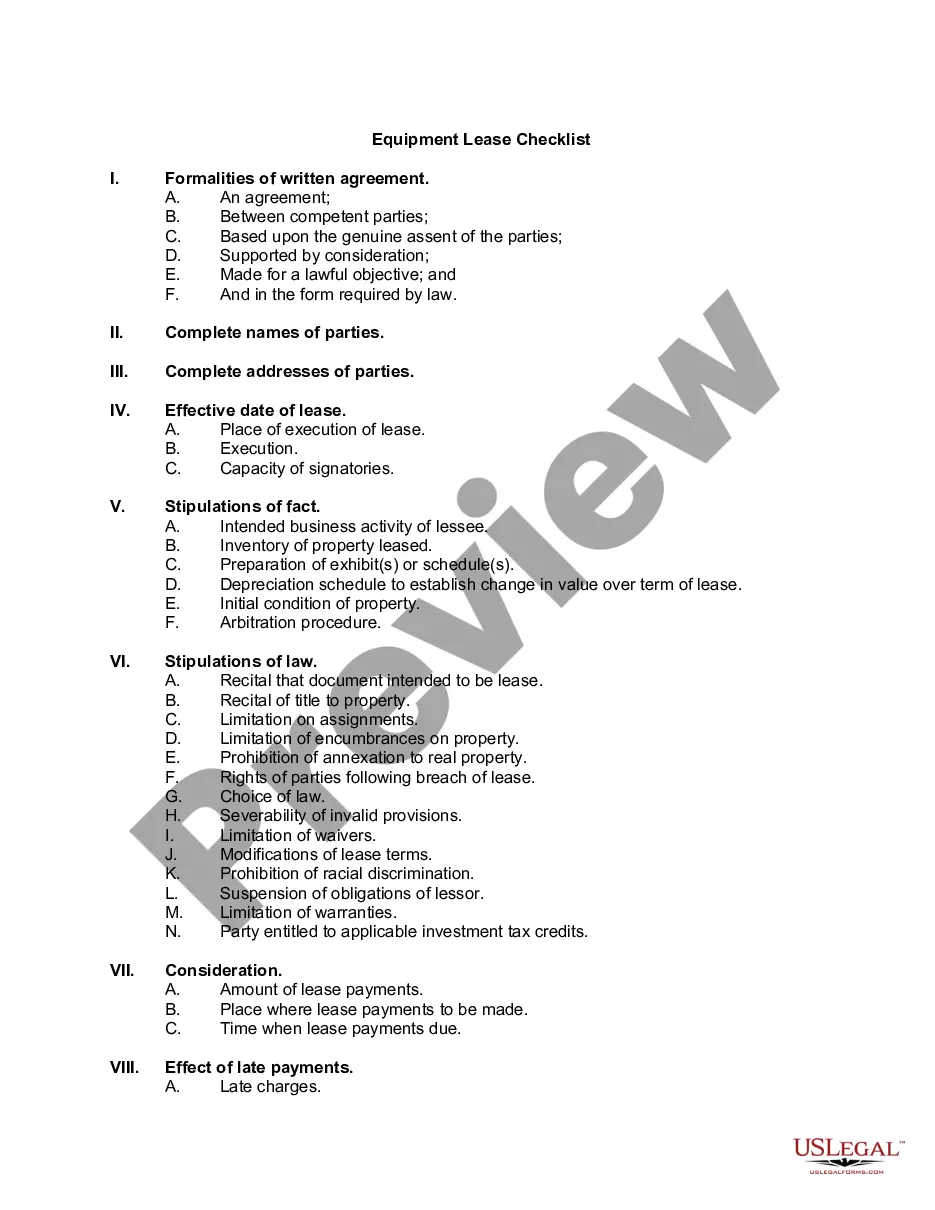
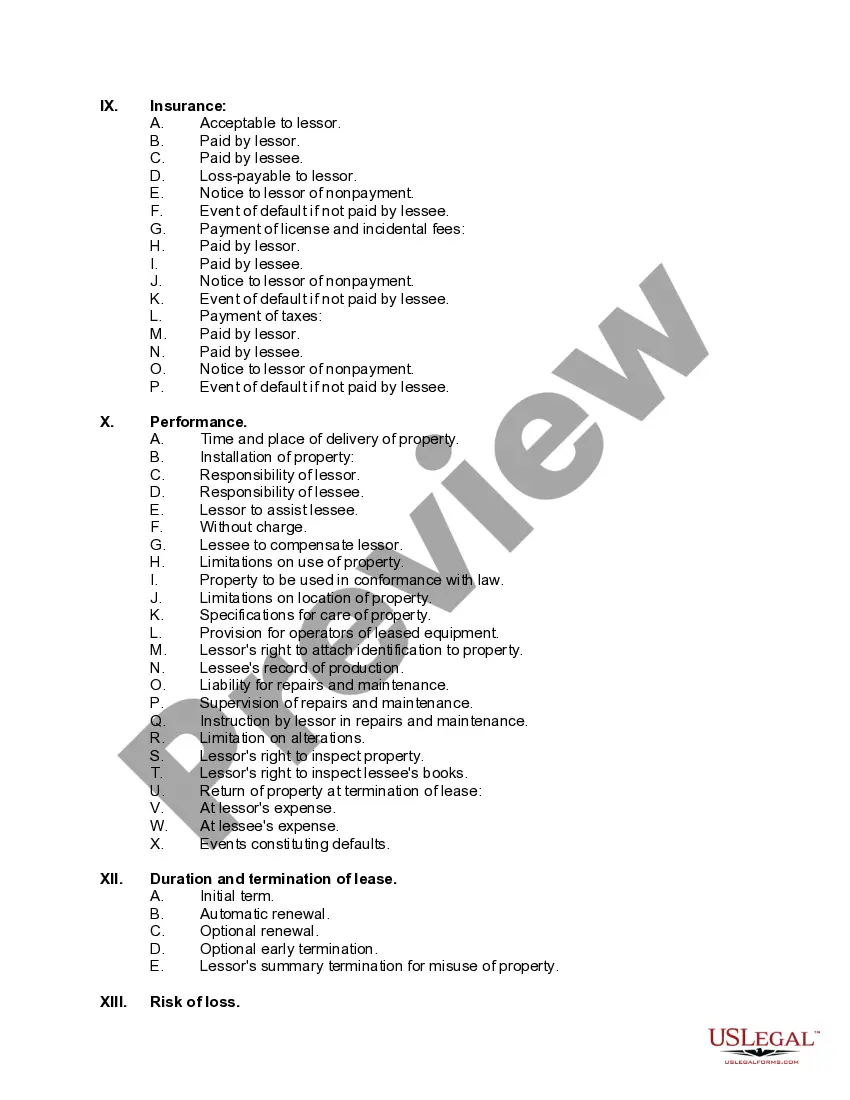
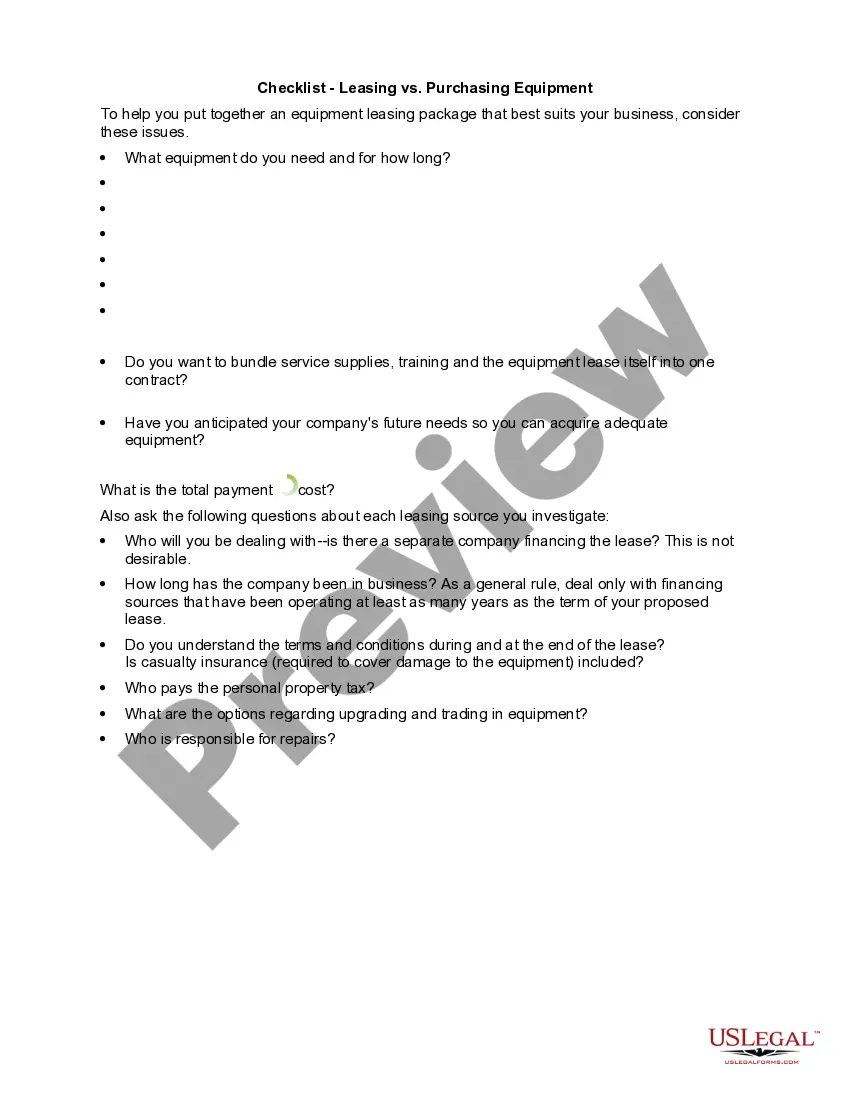
Get your form ready online
Our built-in tools help you complete, sign, share, and store your documents in one place.
Make edits, fill in missing information, and update formatting in US Legal Forms—just like you would in MS Word.
Download a copy, print it, send it by email, or mail it via USPS—whatever works best for your next step.
Sign and collect signatures with our SignNow integration. Send to multiple recipients, set reminders, and more. Go Premium to unlock E-Sign.
If this form requires notarization, complete it online through a secure video call—no need to meet a notary in person or wait for an appointment.
We protect your documents and personal data by following strict security and privacy standards.

Make edits, fill in missing information, and update formatting in US Legal Forms—just like you would in MS Word.

Download a copy, print it, send it by email, or mail it via USPS—whatever works best for your next step.

Sign and collect signatures with our SignNow integration. Send to multiple recipients, set reminders, and more. Go Premium to unlock E-Sign.

If this form requires notarization, complete it online through a secure video call—no need to meet a notary in person or wait for an appointment.

We protect your documents and personal data by following strict security and privacy standards.
Looking for another form?









How to fill out Equipment Lease Checklist?
Whether for commercial reasons or personal concerns, everyone faces legal matters at some stage in their life.
Filling out legal documents requires careful consideration, beginning with selecting the appropriate form template.
With a comprehensive US Legal Forms catalog available, you do not need to waste time searching for the right sample online. Use the library’s straightforward navigation to find the appropriate form for any situation.
- For example, if you select an incorrect version of an Equipment Checklist Template With Material, it will be rejected once submitted.
- Thus, it is vital to obtain a trustworthy source of legal documents like US Legal Forms.
- To acquire an Equipment Checklist Template With Material template, follow these simple steps.
- Locate the sample you require by using the search bar or catalog navigation.
- Review the form’s details to ensure it fits your situation, state, and county.
- Click on the form’s preview to assess it.
- If it is the incorrect document, return to the search feature to find the Equipment Checklist Template With Material sample you need.
- Download the file once it satisfies your requirements.
- If you already possess a US Legal Forms account, simply click Log in to access previously saved documents in My documents.
- If you do not have an account yet, you can acquire the form by clicking Buy now.
- Select the appropriate pricing option.
- Complete the account registration form.
- Choose your payment method: use a credit card or PayPal account.
- Select the document format you prefer and download the Equipment Checklist Template With Material.
- After downloading, you can fill out the form using editing software or print it and fill it out manually.
Form popularity
FAQ
Developing a checklist template involves outlining the tasks or items you want to include. Begin with a clear title and sections, such as Equipment Checklist Template with Material, to guide users through the process. Consider using platforms like US Legal Forms that offer customizable templates, making it easy to adapt the checklist to your specific needs. This way, you can ensure that your checklist is both functional and user-friendly.
To create an inventory checklist, start by identifying the items you need to track. Organize the checklist by categories such as equipment, supplies, and materials, ensuring you include an equipment checklist template with material for clarity. You can use simple software tools or templates available online to streamline this process. By using a structured approach, you can effectively manage your inventory and ensure nothing is overlooked.
Creating a checklist format begins by outlining the items or tasks you need to track. Choose a layout that suits your needs, whether it's a simple list or a more complex table. Ensure each item has enough space for notes or checkboxes. For a comprehensive solution, consider using an equipment checklist template with material to ensure all critical points are covered.
Designing a checklist template involves determining the specific tasks or items you want to include. Choose a clean layout that allows easy readability and organization. You can create sections for different categories of tasks and use bullet points for clarity. Incorporating an equipment checklist template with material can enhance your design by providing a structured framework.
Yes, you can find various checklist templates in Word. Simply open Word and search for 'checklist template' in the template gallery. You can customize these templates to fit your specific needs, including adding an equipment checklist template with material. This will help ensure you cover all aspects of your project.
To create an equipment list in Excel, open a new spreadsheet and create columns for item name, quantity, and description. Enter your equipment data in the rows below these headers. Utilize Excel's features, like sorting and filtering, to manage your list effectively. Using an equipment checklist template with material can simplify this process and enhance organization.
Preparing an equipment list involves listing all necessary tools and materials for your project. Begin by reviewing your project requirements and gathering input from team members. Ensure each item is clearly defined and categorized. An equipment checklist template with material can streamline this process, saving you time and effort.
To create a checklist file, start by identifying the items you need to include. Organize these items logically, grouping related tasks together. You can use software like Word or Excel to create a digital version, or opt for a printable format. Consider using an equipment checklist template with material to ensure you cover all necessary components.