Minutes Nonprofit Template With Formulas
Description
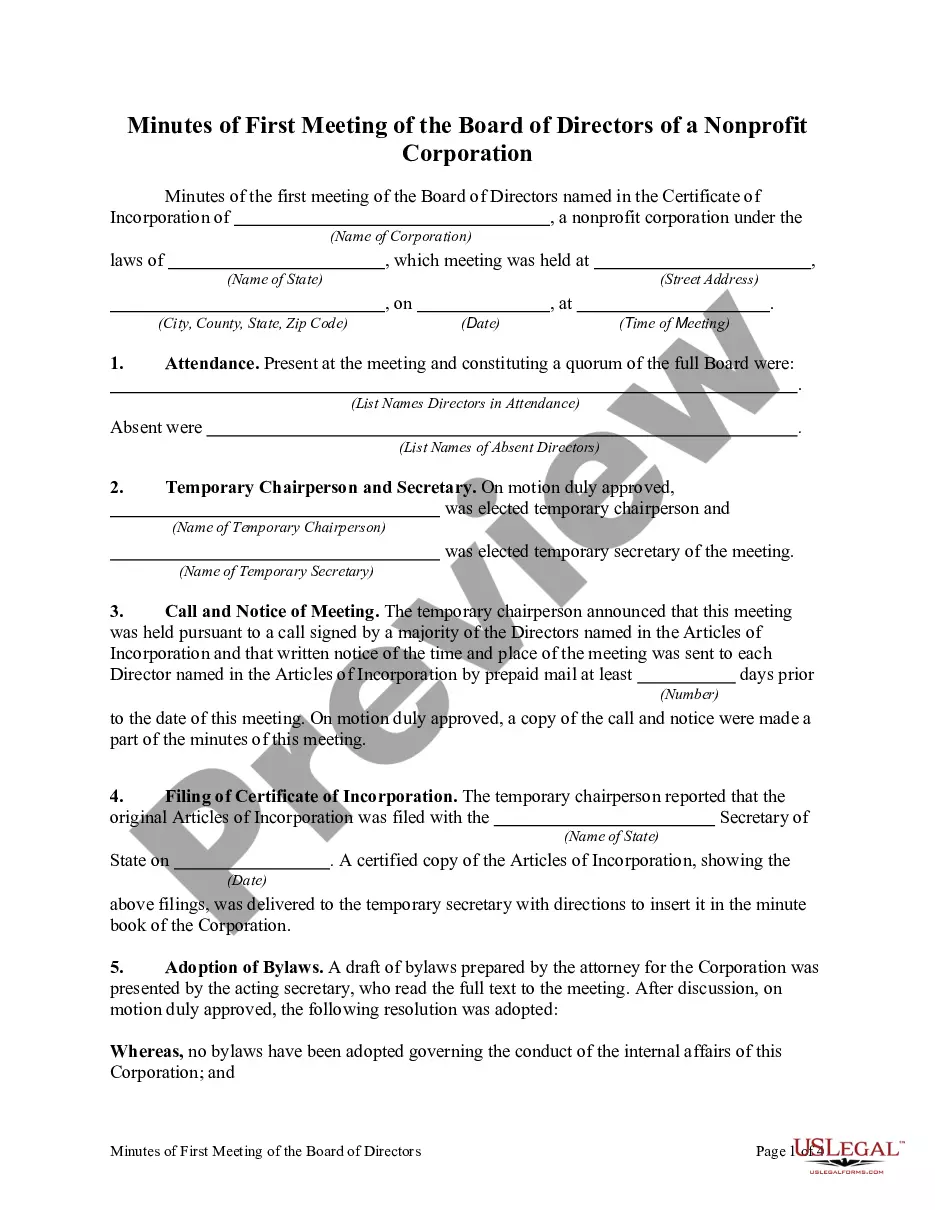
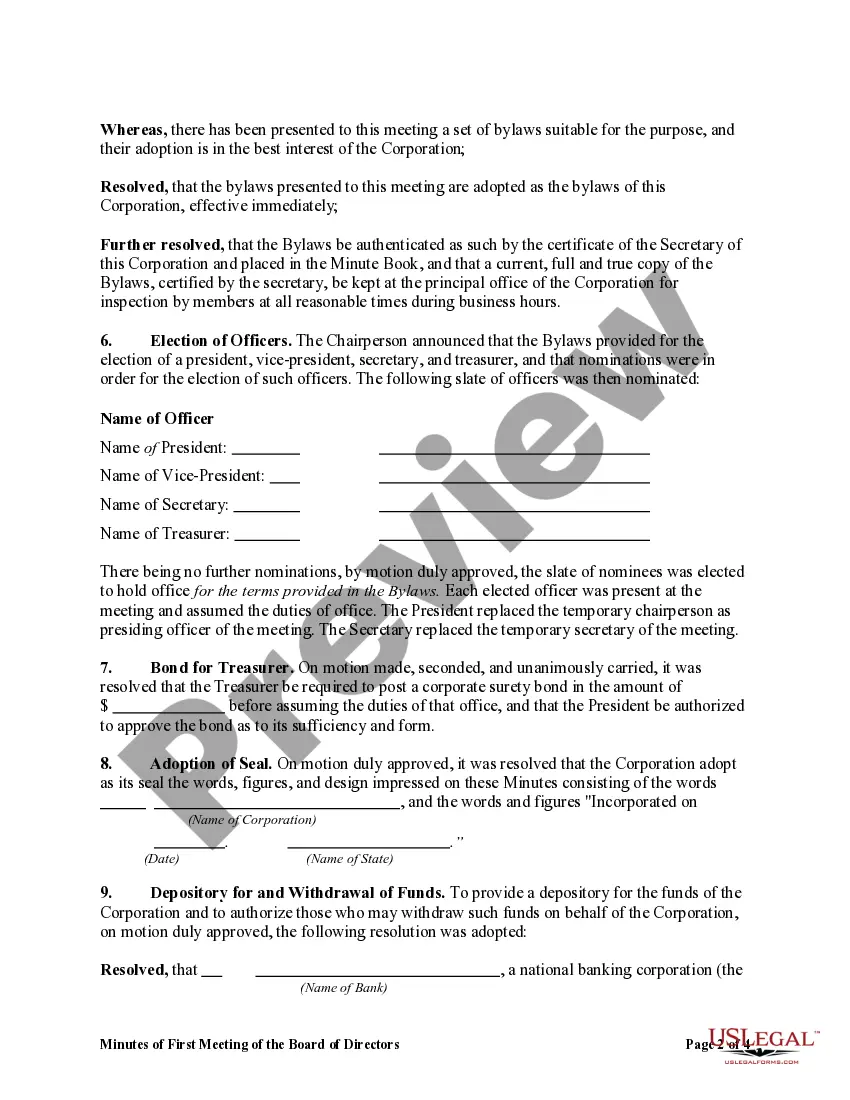
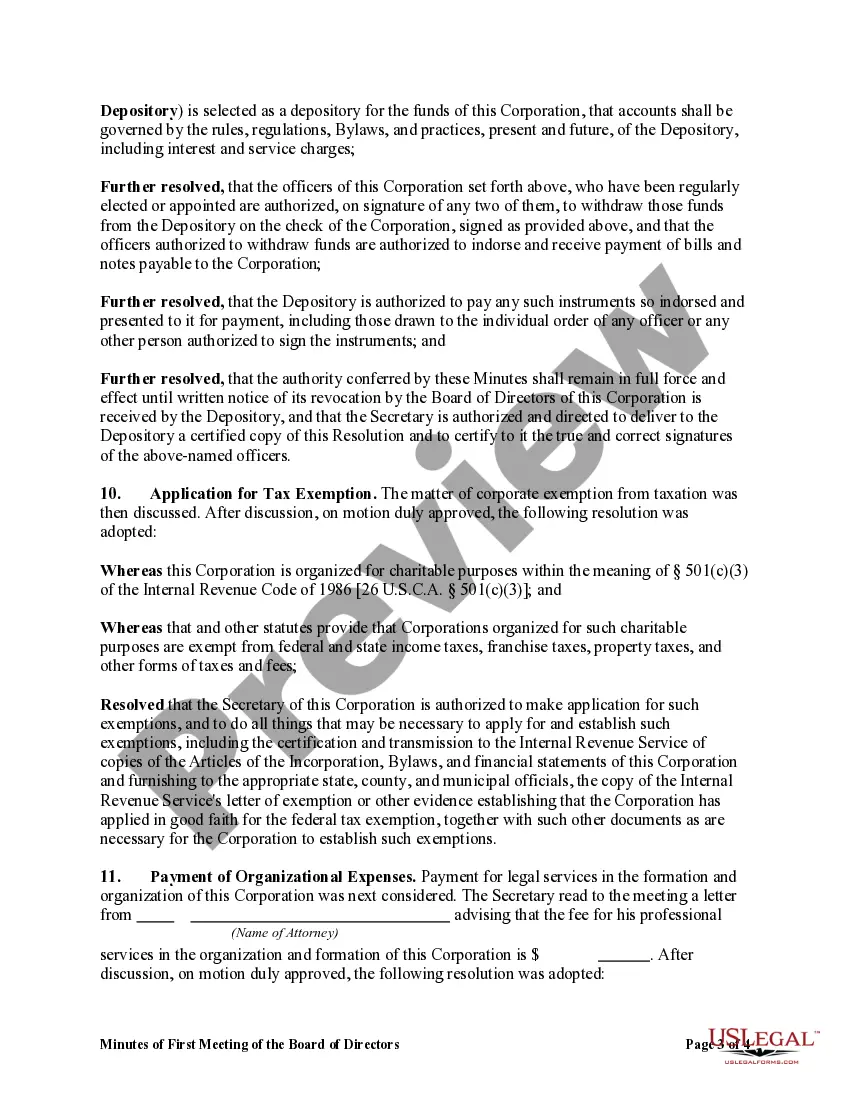
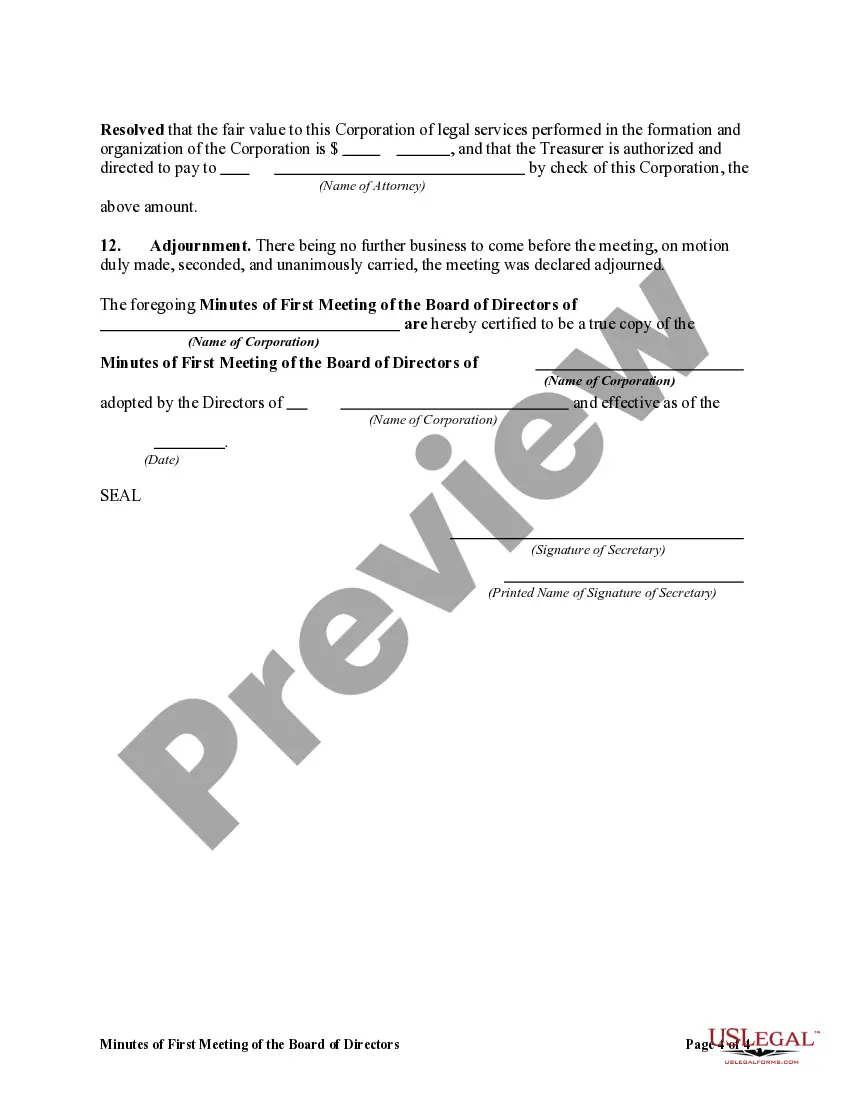


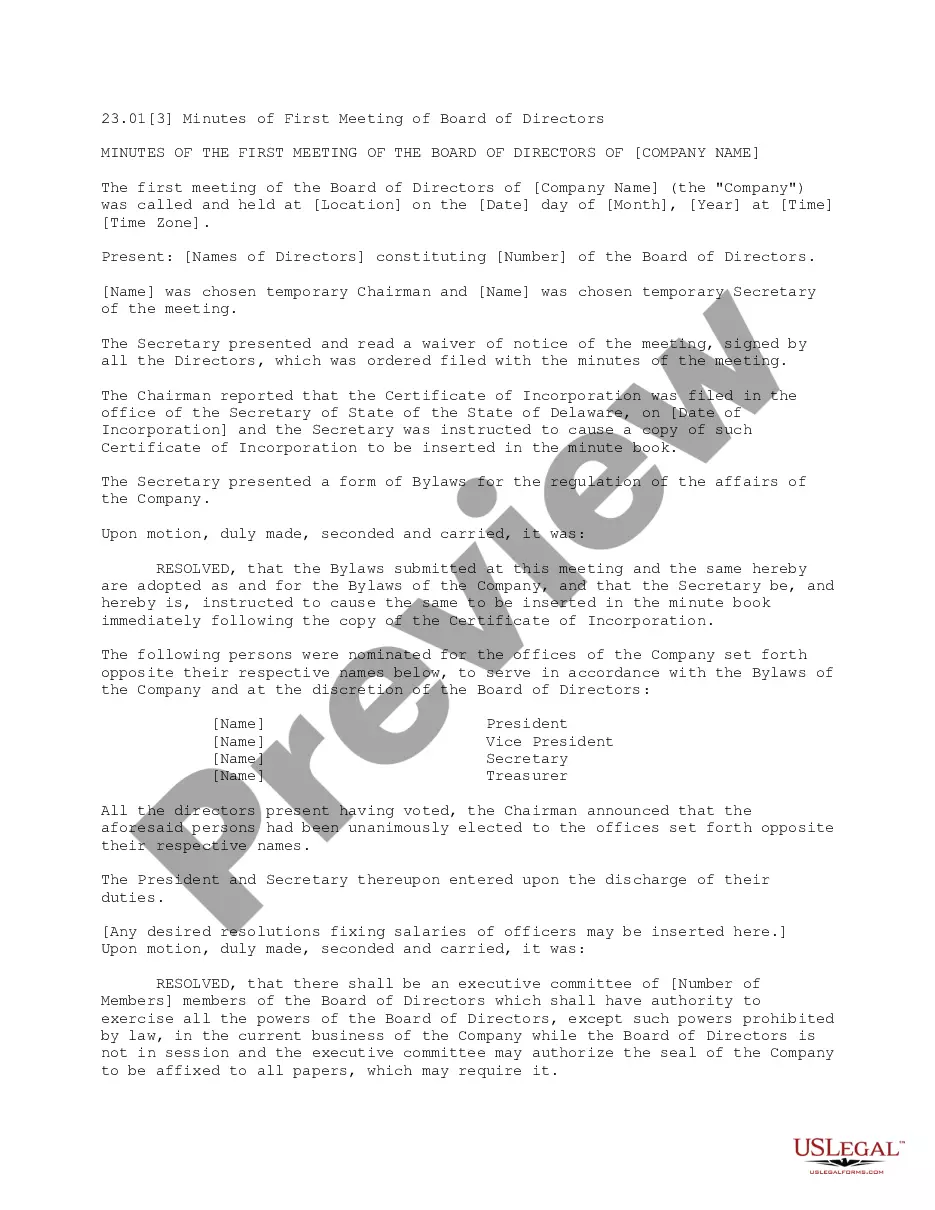
Get your form ready online
Our built-in tools help you complete, sign, share, and store your documents in one place.
Make edits, fill in missing information, and update formatting in US Legal Forms—just like you would in MS Word.
Download a copy, print it, send it by email, or mail it via USPS—whatever works best for your next step.
Sign and collect signatures with our SignNow integration. Send to multiple recipients, set reminders, and more. Go Premium to unlock E-Sign.
If this form requires notarization, complete it online through a secure video call—no need to meet a notary in person or wait for an appointment.
We protect your documents and personal data by following strict security and privacy standards.

Make edits, fill in missing information, and update formatting in US Legal Forms—just like you would in MS Word.

Download a copy, print it, send it by email, or mail it via USPS—whatever works best for your next step.

Sign and collect signatures with our SignNow integration. Send to multiple recipients, set reminders, and more. Go Premium to unlock E-Sign.

If this form requires notarization, complete it online through a secure video call—no need to meet a notary in person or wait for an appointment.

We protect your documents and personal data by following strict security and privacy standards.
Looking for another form?




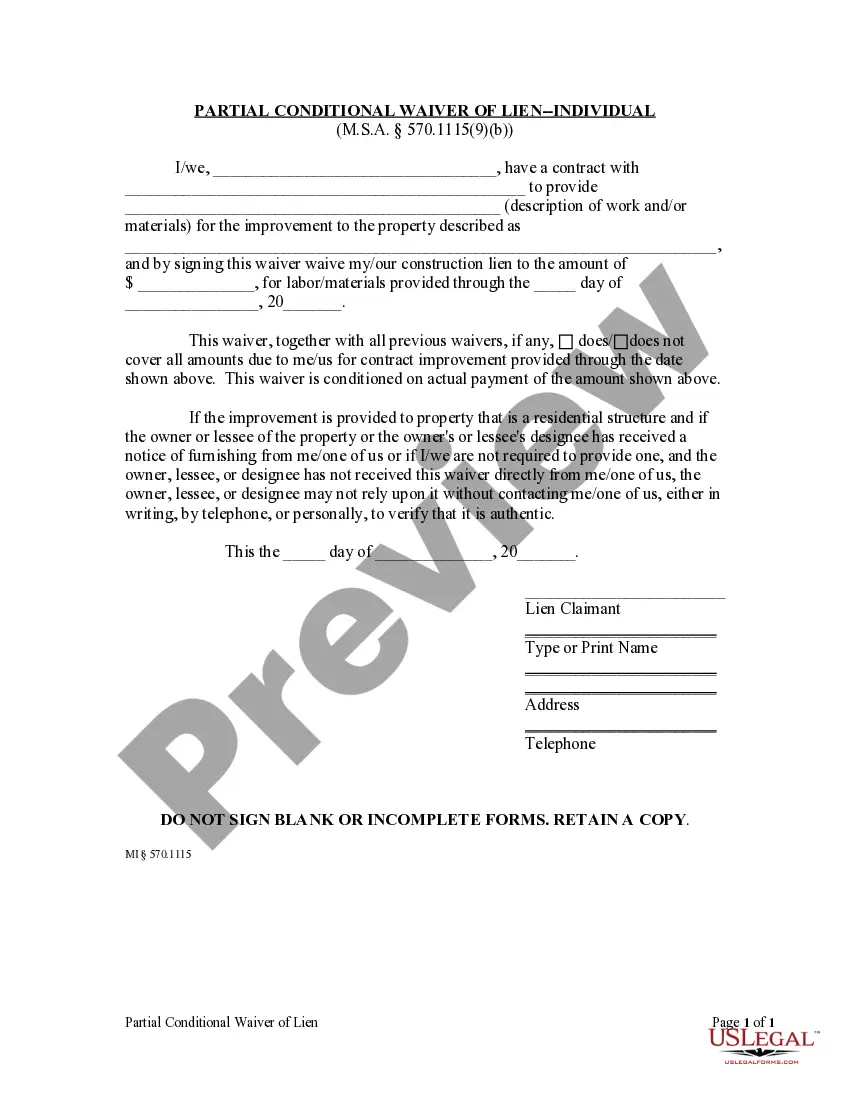


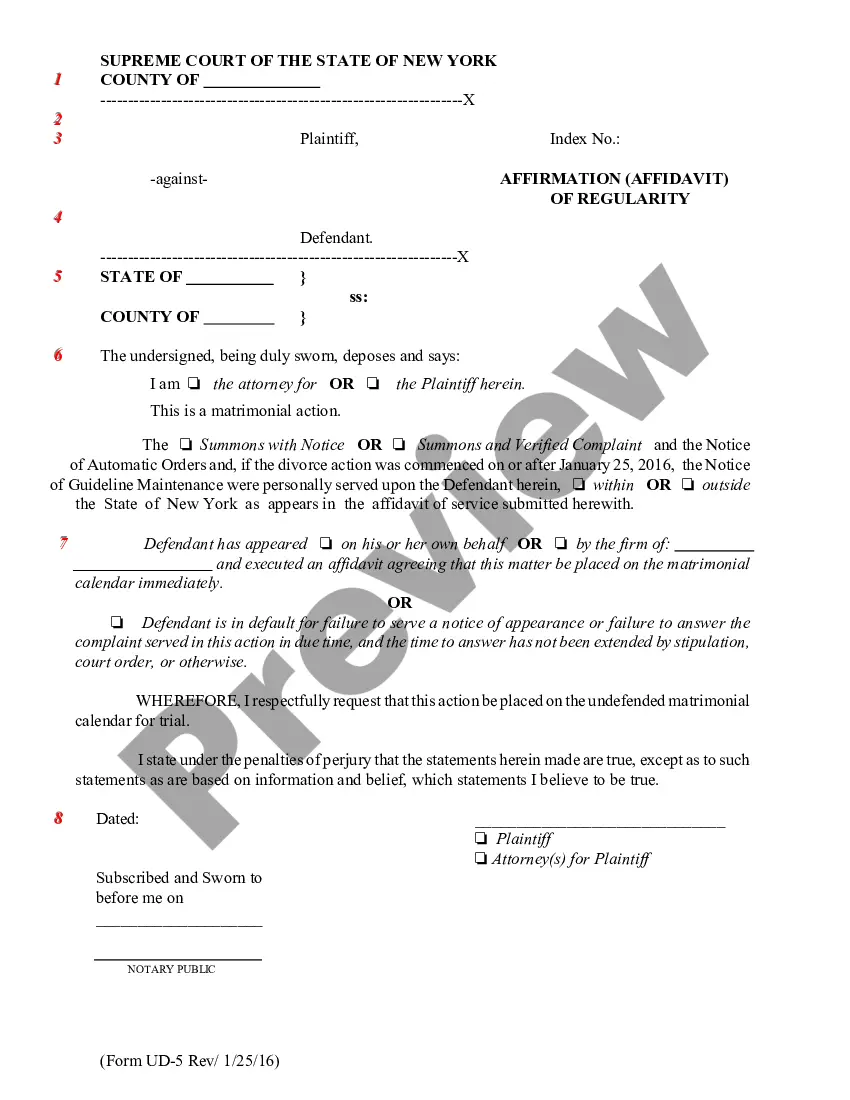


How to fill out Minutes Of First Meeting Of The Board Of Directors Of A Nonprofit Corporation?
Whether for professional objectives or personal matters, every individual must confront legal issues sooner or later in their lifetime. Filling out legal documents necessitates careful consideration, starting with selecting the appropriate form template.
For example, if you choose an incorrect version of a Minutes Nonprofit Template With Formulas, it will be rejected upon submission. Thus, it is essential to have a reliable source of legal documents like US Legal Forms.
With a comprehensive US Legal Forms archive at your disposal, you do not need to waste time searching for the right template online. Utilize the library’s straightforward navigation to find the suitable form for any circumstance.
- Obtain the template you need using the search feature or catalog navigation.
- Review the form’s details to ensure it aligns with your particular situation, state, and locality.
- Click on the form’s preview to inspect it.
- If it is the wrong document, return to the search feature to find the Minutes Nonprofit Template With Formulas example you require.
- Download the file when it suits your needs.
- If you already possess a US Legal Forms account, simply click Log in to access previously saved documents in My documents.
- If you do not yet have an account, you can download the form by clicking Buy now.
- Select the suitable pricing option.
- Complete the account registration form.
- Choose your payment method: you can use a credit card or a PayPal account.
- Select the file format you desire and download the Minutes Nonprofit Template With Formulas.
- Once saved, you can fill out the form using editing software or print it and complete it by hand.
Form popularity
FAQ
To take non-profit meeting minutes, focus on clarity and brevity. Begin by using a minutes nonprofit template with formulas to structure your notes. Capture important discussions, decisions, and actions assigned during the meeting clearly and concisely. This method ensures that everyone involved can stay informed and engaged in future discussions and decision-making.
To take minutes for a nonprofit effectively, start with a clear agenda and identify the key points during the meeting. Use a minutes nonprofit template with formulas to structure your notes and ensure consistency. Include essential details like attendee names, decisions made, and assigned tasks for follow-up. This approach not only helps maintain accountability but also makes it easier for team members to understand their responsibilities.
Taking minutes involves several key steps to ensure accuracy and completeness. First, record the names of attendees and any absentees. Next, outline the agenda items and summarize discussions, decisions, and action items for each item. Finally, use a minutes nonprofit template with formulas to format your notes consistently, making them easy to review and reference later.
The 33% rule for nonprofits suggests that you should allocate at least one-third of your board members' time to discussion and decision-making. This rule promotes active participation and engagement, ensuring that all voices in the organization are heard. By following this rule, your nonprofit can enhance collaboration and improve governance. Utilizing a minutes nonprofit template with formulas can support the documentation of these important discussions.
Yes, you can find a minutes nonprofit template with formulas in Microsoft Word. This template helps you organize your meeting notes efficiently, making it easy to document key points and decisions. By using a specialized template, you can ensure consistency and completeness in your meeting records. Additionally, you can customize the template to suit your nonprofit's specific needs.
To record minutes using a template, start by selecting a Minutes nonprofit template with formulas that suits your meeting's needs. Fill in the essential information, such as date, time, and attendees. As the meeting progresses, document key points, decisions, and action items directly into the template. This structured approach makes it easy to compile and share accurate minutes.
While ChatGPT cannot physically attend a meeting, it can assist you in drafting minutes based on your notes and key points discussed. Simply provide the main topics and decisions made, and it can help organize them into clear minutes. Additionally, employing a Minutes nonprofit template with formulas can enhance the clarity of your recorded information.
The proper format for meeting minutes includes a header that states the meeting type, date, time, and location. Follow this with a list of attendees and an outline of the agenda. Then, detail discussions, decisions made, and any action items assigned. Using a Minutes nonprofit template with formulas ensures your minutes follow a consistent structure.
When writing minutes for a charity meeting, start by recording the meeting's essential details like date, time, and attendees. Capture the agenda items and summarize the discussions comprehensively. Make sure to note any conclusions or action items assigned to specific individuals. A Minutes nonprofit template with formulas can provide a structured approach for this task.
Nonprofit minutes should be detailed enough to provide a clear account of the meeting without becoming excessive. Aim to capture critical discussions, decisions, and action items, while avoiding superfluous details. This balance helps the board and stakeholders understand the meeting's outcomes effectively. Utilizing a Minutes nonprofit template with formulas can help guide your level of detail.