Minutes Meeting Board Form Template With Drop Down Menu
Description
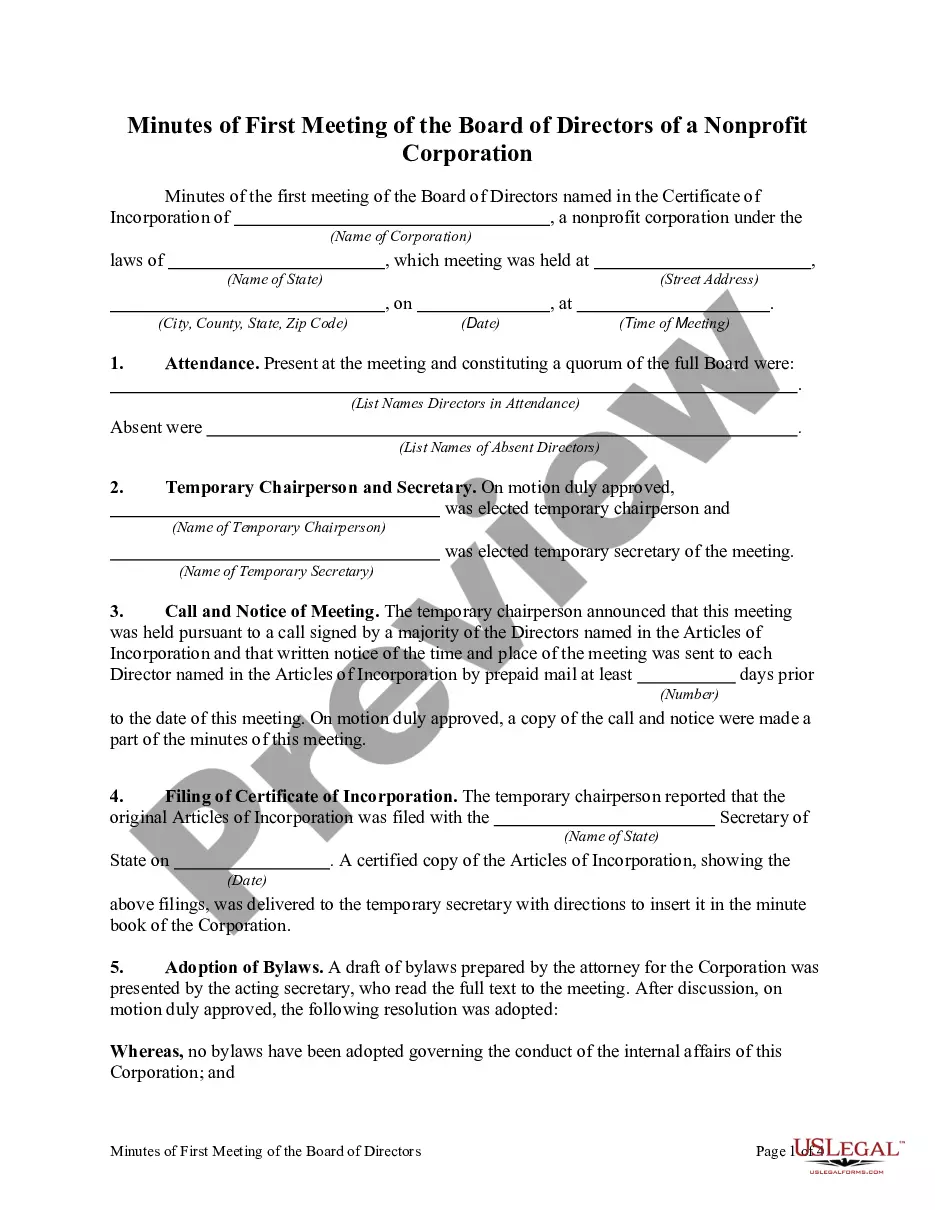
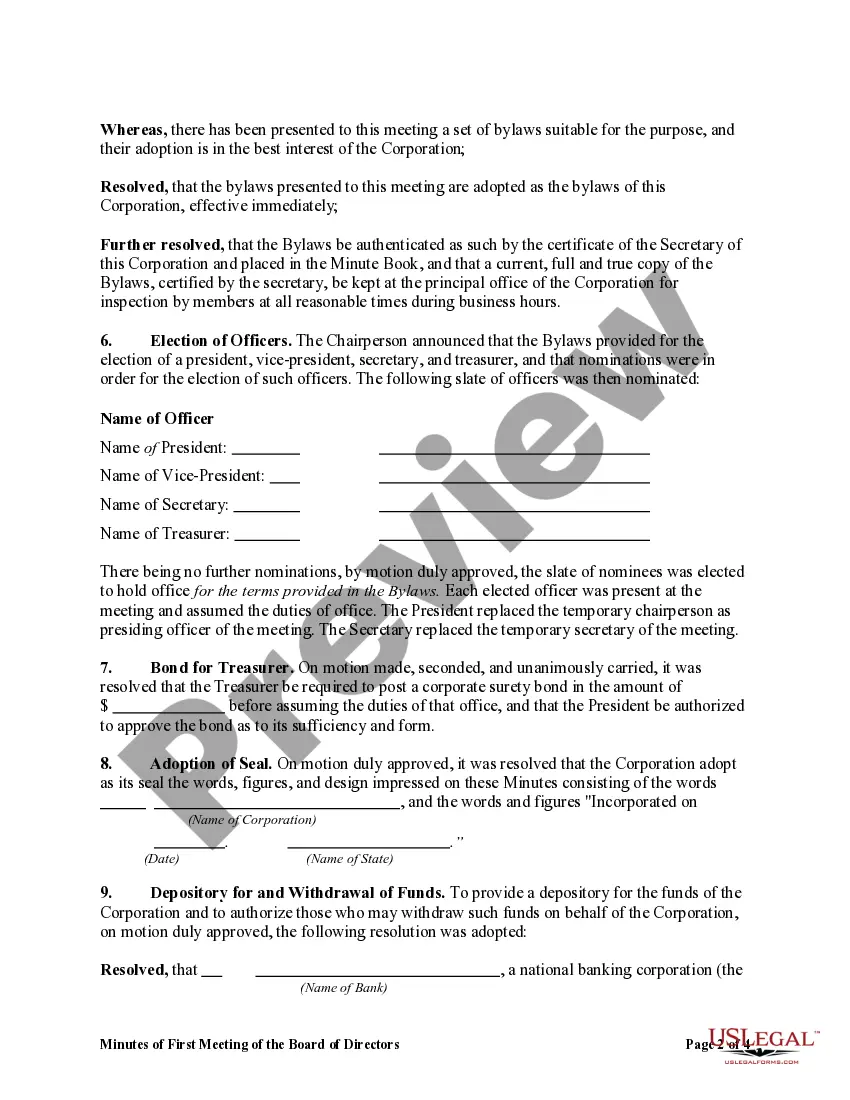
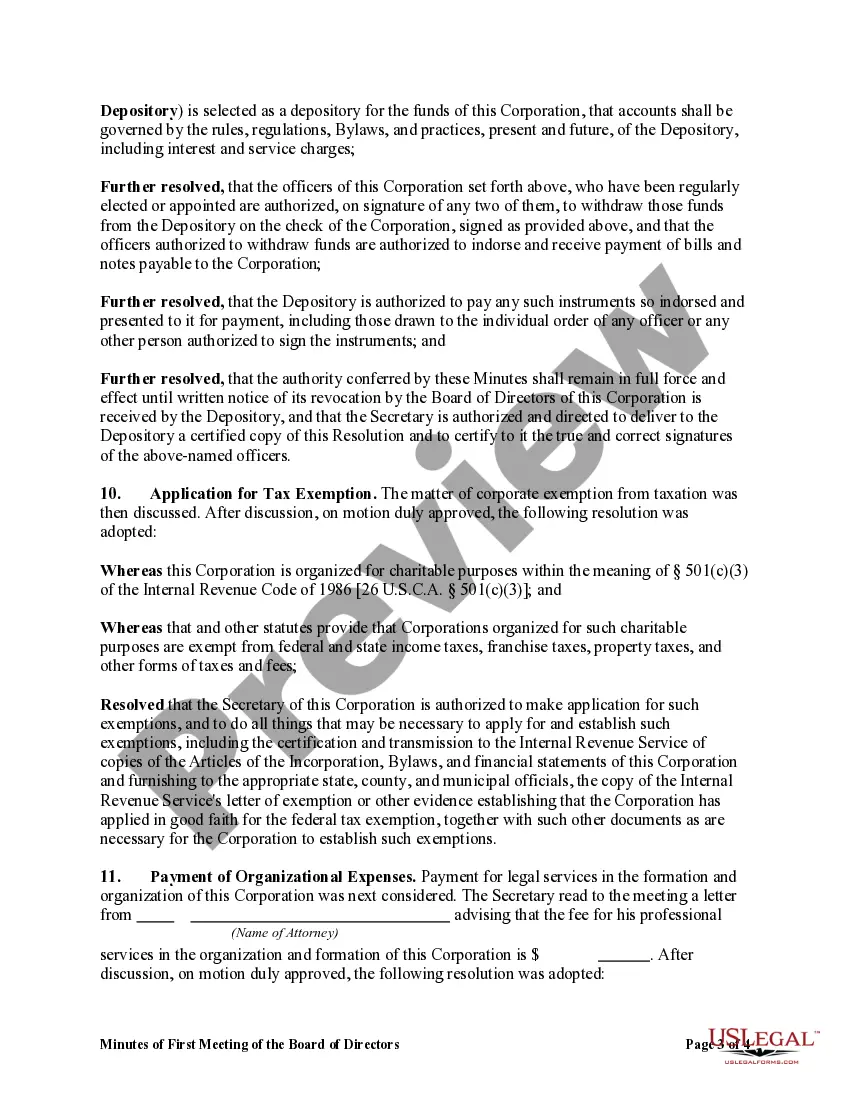
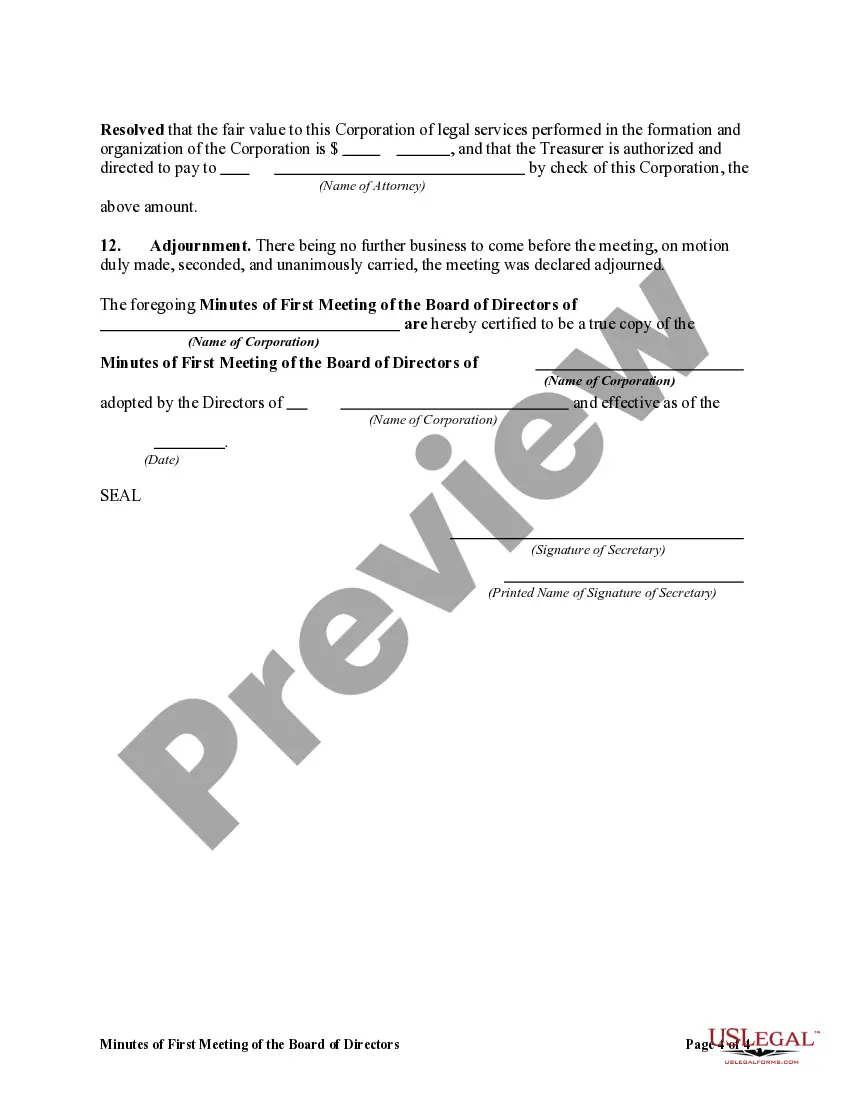


Get your form ready online
Our built-in tools help you complete, sign, share, and store your documents in one place.
Make edits, fill in missing information, and update formatting in US Legal Forms—just like you would in MS Word.
Download a copy, print it, send it by email, or mail it via USPS—whatever works best for your next step.
Sign and collect signatures with our SignNow integration. Send to multiple recipients, set reminders, and more. Go Premium to unlock E-Sign.
If this form requires notarization, complete it online through a secure video call—no need to meet a notary in person or wait for an appointment.
We protect your documents and personal data by following strict security and privacy standards.

Make edits, fill in missing information, and update formatting in US Legal Forms—just like you would in MS Word.

Download a copy, print it, send it by email, or mail it via USPS—whatever works best for your next step.

Sign and collect signatures with our SignNow integration. Send to multiple recipients, set reminders, and more. Go Premium to unlock E-Sign.

If this form requires notarization, complete it online through a secure video call—no need to meet a notary in person or wait for an appointment.

We protect your documents and personal data by following strict security and privacy standards.
Looking for another form?





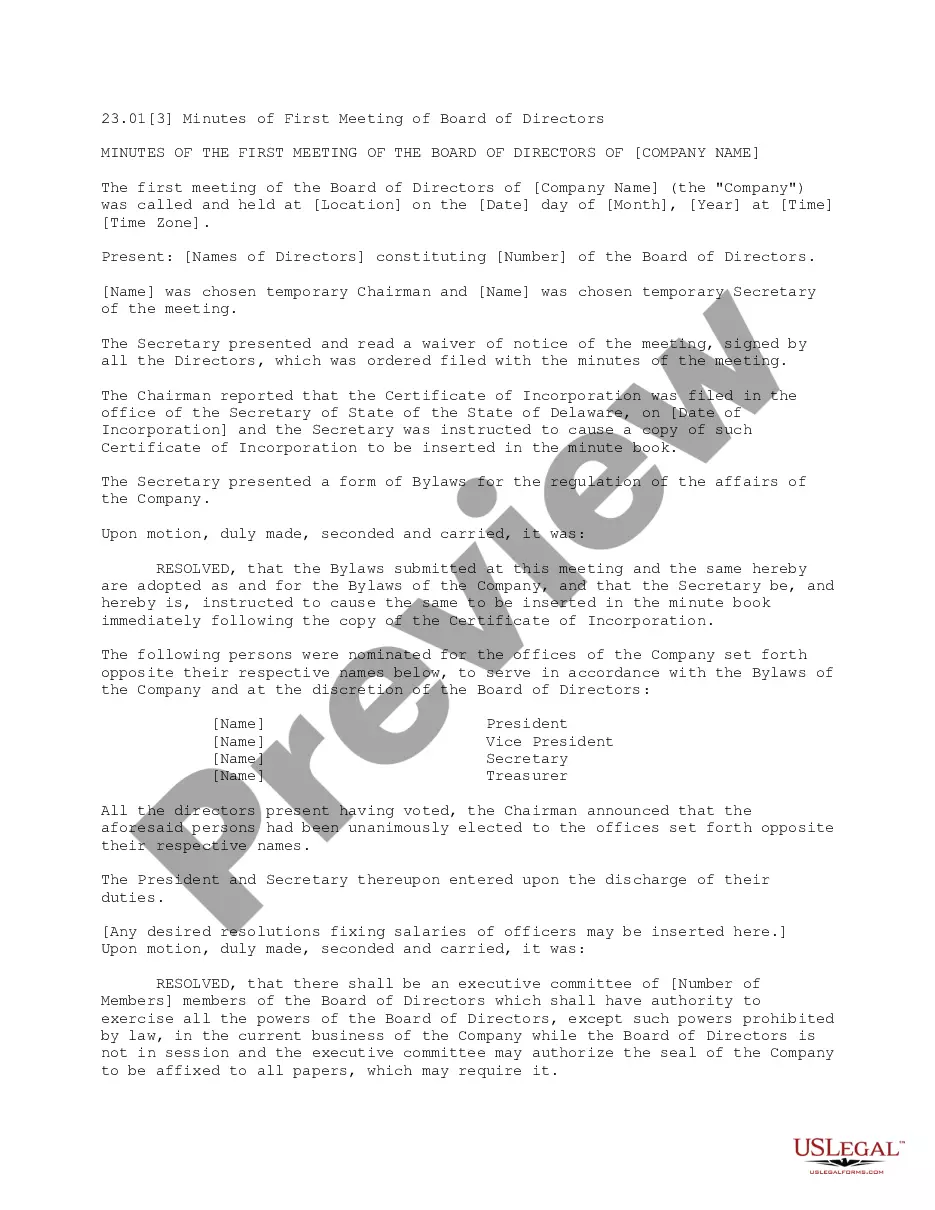
How to fill out Minutes Of First Meeting Of The Board Of Directors Of A Nonprofit Corporation?
It’s well-known that you cannot become a legal authority instantly, nor can you swiftly learn how to prepare the Minutes Meeting Board Form Template With Drop Down Menu without a specialized background.
Assembling legal documents is a lengthy endeavor that necessitates specific training and expertise. So why not entrust the creation of the Minutes Meeting Board Form Template With Drop Down Menu to the experts.
With US Legal Forms, one of the most extensive legal template repositories, you can locate anything from court documents to templates for internal corporate communications. We understand how crucial compliance with federal and state legislation is.
Create a free account and choose a subscription plan to purchase the template.
Click Buy now. Once the payment is completed, you can download the Minutes Meeting Board Form Template With Drop Down Menu, fill it out, print it, and send or mail it to the required individuals or entities.
- That’s why, on our website, all forms are location-specific and current.
- Start with our platform and obtain the form you need in just minutes.
- Identify the document you require using the search bar at the top of the page.
- Preview it (if this option is available) and review the accompanying description to determine if the Minutes Meeting Board Form Template With Drop Down Menu meets your needs.
- If you need any other template, begin your search again.
Form popularity
FAQ
2. What Should Be Included in Meeting Minutes? Date and time of the meeting. Names of the meeting participants and those unable to attend (e.g., ?regrets?) Acceptance or corrections/amendments to previous meeting minutes. Decisions made about each agenda item, for example: Actions taken or agreed to be taken. Next steps.
5 tips for writing meeting minutes 1 Be consistent. It helps to use a template every time you take meeting minutes. ... 2 Record it. When you start in your secretary role, you might have trouble keeping up with note-taking. ... 3 Make your notes viewable during the meeting. ... 4 Summarize. ... 5 Label comments with initials.
The date, time, and location of the meeting. A list of attendees, including nonvoting participants with their names, titles, and reasons for attending. When the meeting was called to order and when it was adjourned. A record of motions, seconds, and whether or not the motion passed.
Board meeting minutes template Date, time, location. Type of board meeting ? regular, special or annual. Attendance of board chair, board members, secretary and other guests. If quorum requirements are satisfied. Approval of previous meeting minutes. Reports and presentations including names and titles of presenter.
Here are the most important steps you should follow to make sure your minutes are comprehensive and reliable: Note the finer details. ... Summarize the meeting goal. ... Recap the previous meeting. ... Detail the agenda items. ... Define the action items. ... Use a pre-built template. ... Assign responsibility and deadlines.