Meeting Board Nonprofit Template With Formulas
Description
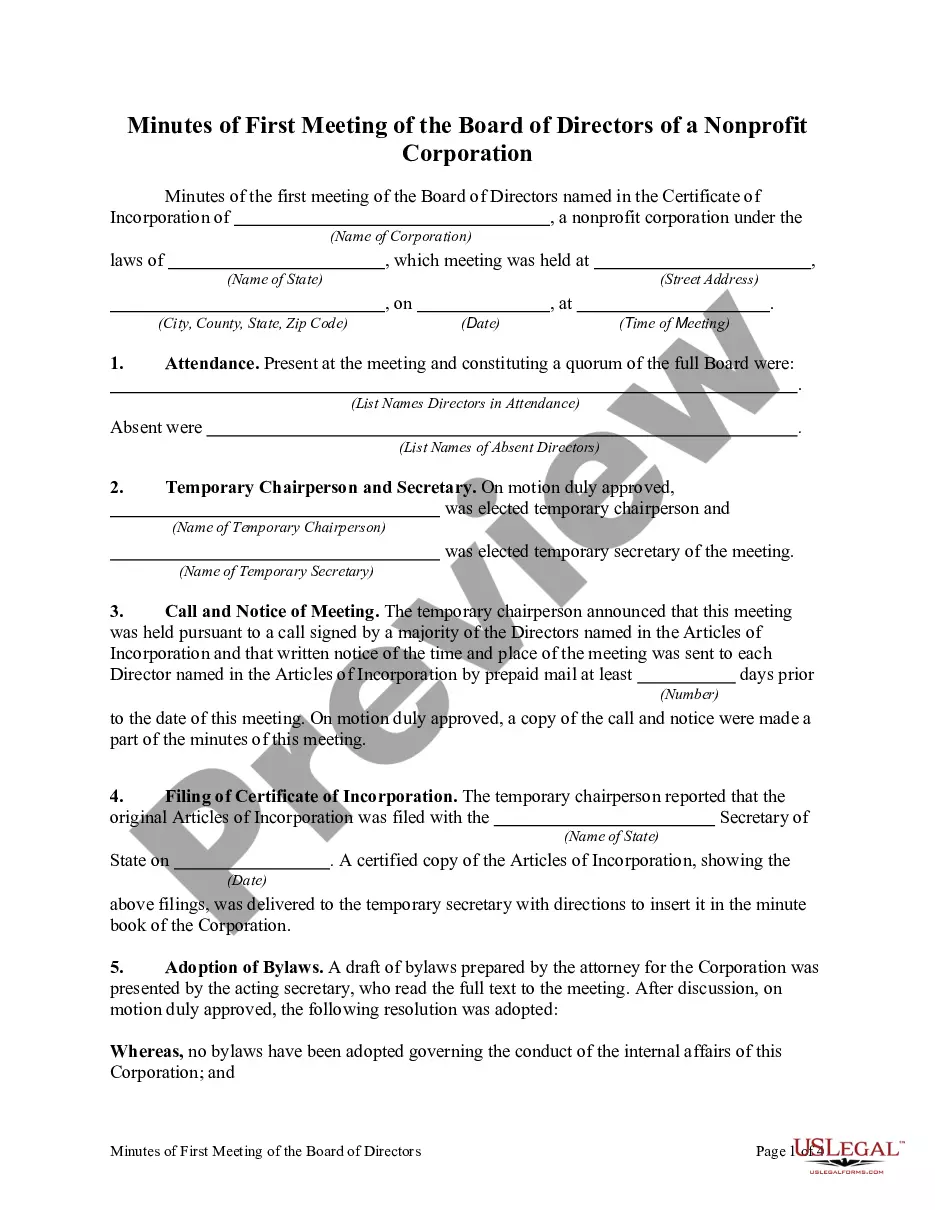
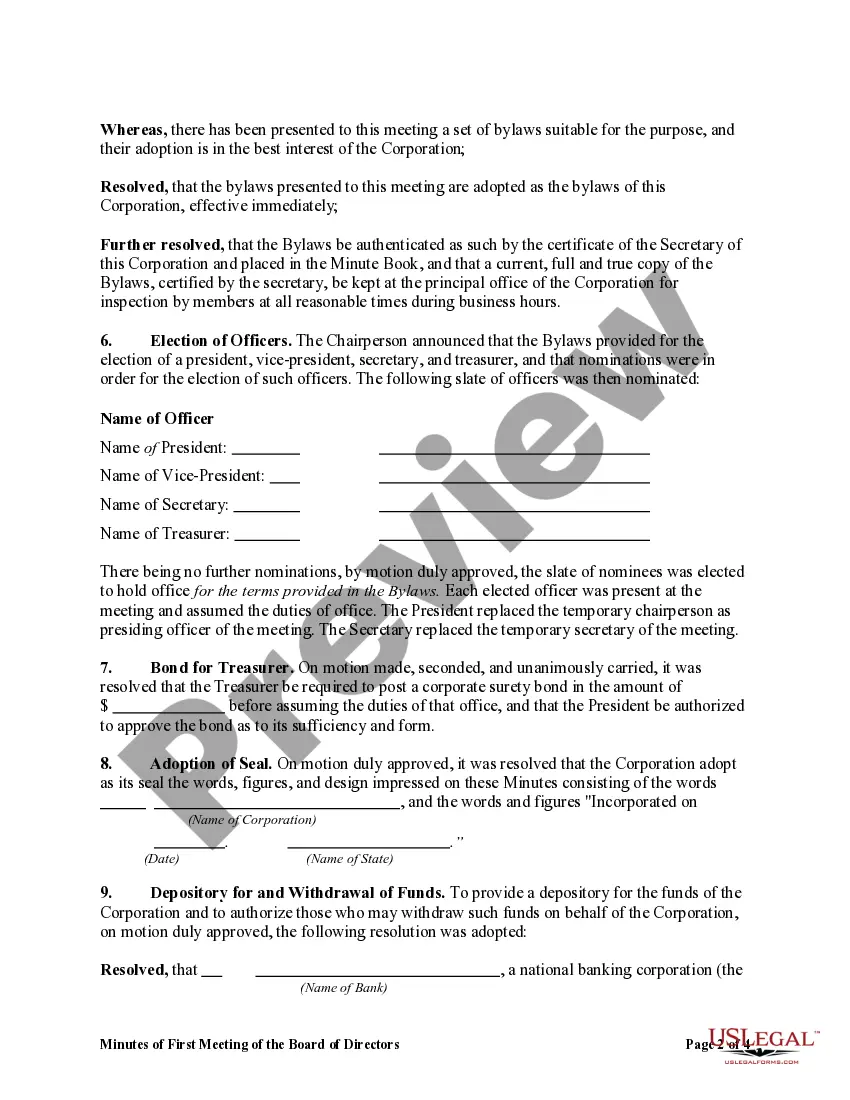
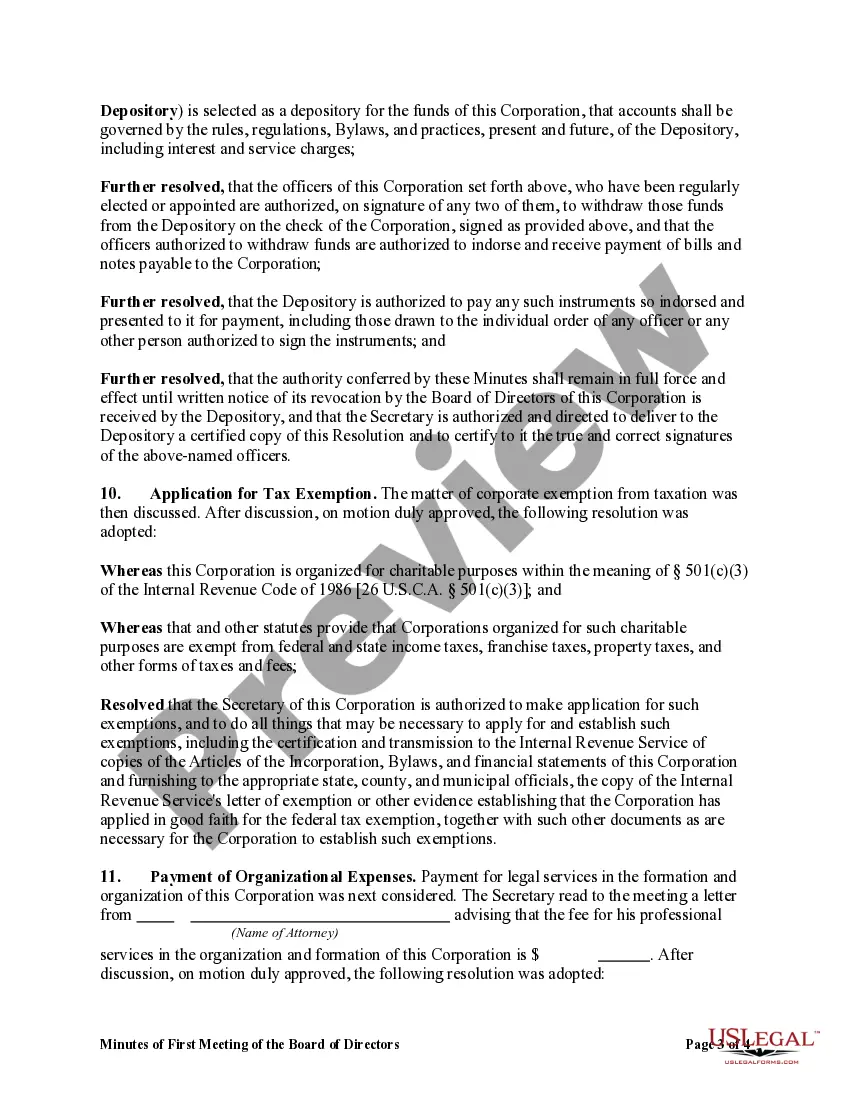
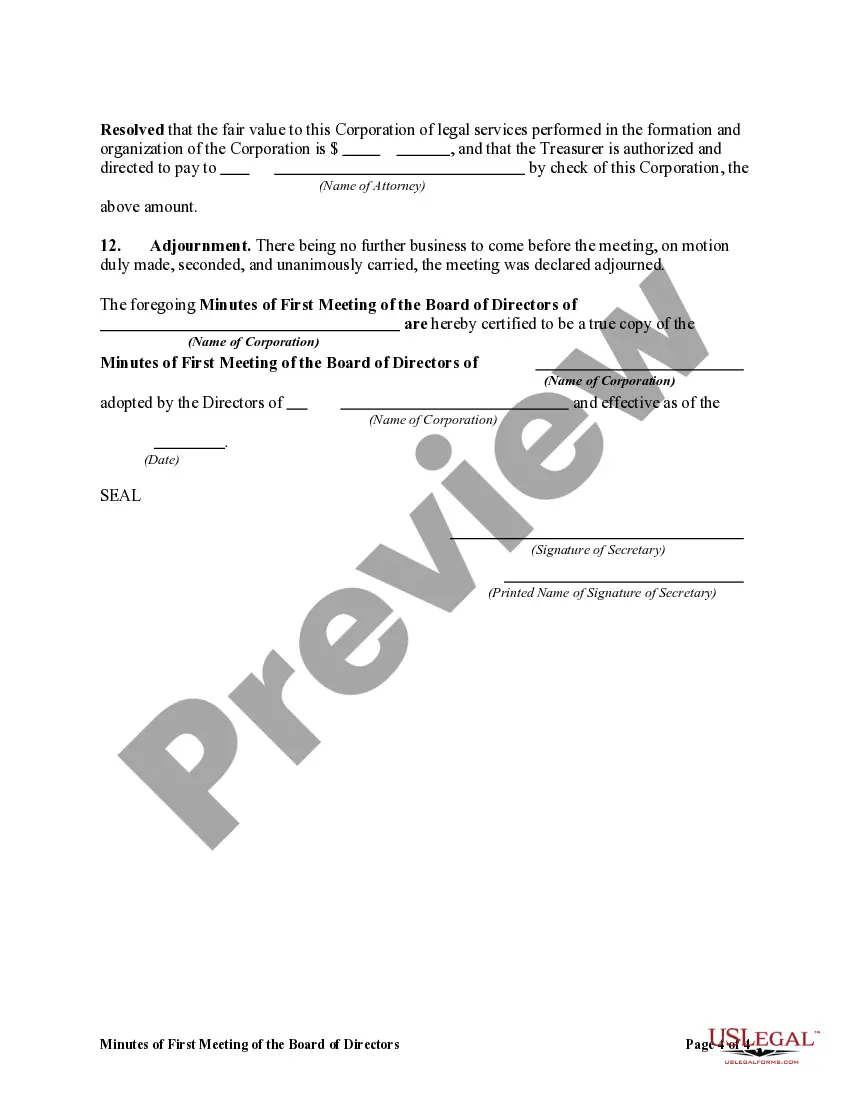


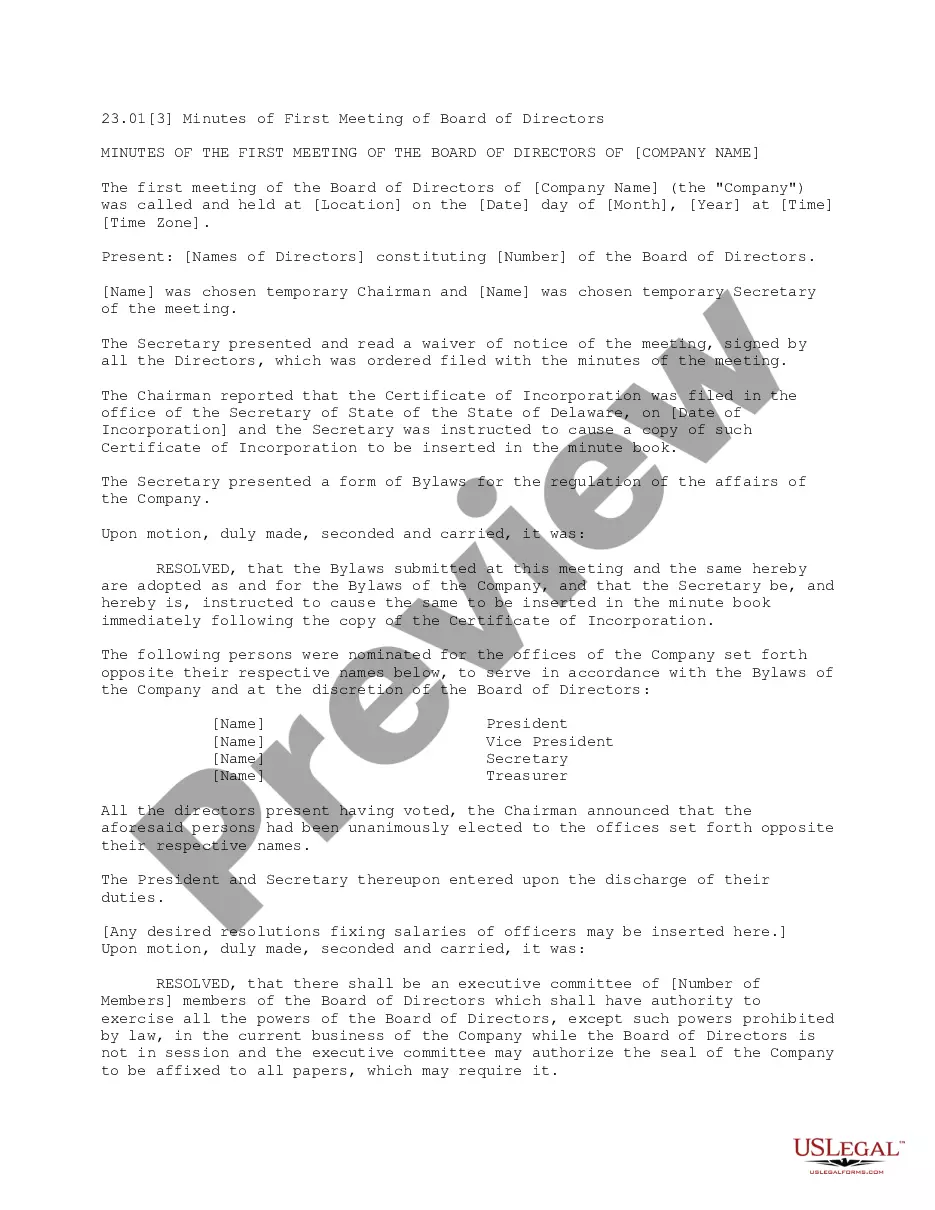
Get your form ready online
Our built-in tools help you complete, sign, share, and store your documents in one place.
Make edits, fill in missing information, and update formatting in US Legal Forms—just like you would in MS Word.
Download a copy, print it, send it by email, or mail it via USPS—whatever works best for your next step.
Sign and collect signatures with our SignNow integration. Send to multiple recipients, set reminders, and more. Go Premium to unlock E-Sign.
If this form requires notarization, complete it online through a secure video call—no need to meet a notary in person or wait for an appointment.
We protect your documents and personal data by following strict security and privacy standards.

Make edits, fill in missing information, and update formatting in US Legal Forms—just like you would in MS Word.

Download a copy, print it, send it by email, or mail it via USPS—whatever works best for your next step.

Sign and collect signatures with our SignNow integration. Send to multiple recipients, set reminders, and more. Go Premium to unlock E-Sign.

If this form requires notarization, complete it online through a secure video call—no need to meet a notary in person or wait for an appointment.

We protect your documents and personal data by following strict security and privacy standards.
Looking for another form?

How to fill out Minutes Of First Meeting Of The Board Of Directors Of A Nonprofit Corporation?
Creating legal documents from the ground up can frequently be daunting.
Certain situations may require extensive research and significant expenses.
If you're looking for a simpler and more cost-effective method of producing Meeting Board Nonprofit Template With Formulas or any other documents without the hassle, US Legal Forms is available to assist.
Our online collection of more than 85,000 current legal documents encompasses nearly all areas of your financial, legal, and personal matters. With just a few clicks, you can promptly access state- and county-compliant forms meticulously crafted by our legal professionals.
Examine the form preview and details to confirm that it aligns with what you seek. Ensure the selected form adheres to the regulations and laws of your state and county. Select the appropriate subscription option to acquire the Meeting Board Nonprofit Template With Formulas. Download the form, then fill it out, sign it, and print it. US Legal Forms boasts an impeccable reputation and over 25 years of experience. Join us today to simplify document execution!
- Access our platform whenever you require dependable services to swiftly find and download the Meeting Board Nonprofit Template With Formulas.
- If you're an existing user with a previous account, simply Log In, find the template, and download it right away or re-download it later from the My documents section.
- No account yet? No worries. Registering takes minutes, and you can explore the catalog.
- However, before directly proceeding to download the Meeting Board Nonprofit Template With Formulas, consider these suggestions.
Form popularity
FAQ
How to Create an Agenda for a Board Meeting Review the prior meeting's agenda. Use a board agenda template. Fill in the appropriate agenda items. Ask for feedback from the board by a certain date. Finalize the agenda. Review the final board agenda with the board chair.
We recommend the following order to ensure that your agendas are a roadmap to achieve an efficient nonprofit meeting: The Introduction/Welcome. ... Previous Meeting Recap. ... Reporting. ... Financials. ... Unfinished Business. ... New Business. ... Optional Topics. ... Guest Presentations.
Here are best practices for how to structure a board meeting: Send out the agenda well in advance. ... Share relevant documents ahead of time. ... Set meeting goals. ... Tap into each member's unique expertise. ... Introduce Robert's Rules of Order. ... Provide a start and end time ? and stick to it. ... Keep detailed meeting minutes.
How to write a meeting agenda Define the meeting's primary goal. ... Ask for input. ... Choose topics that affect the entire team. ... List the questions to be answered. ... Define each agenda item's purpose. ... Allocate a realistic time to spend on each agenda item. ... Determine who leads each agenda item.
There are usually four Officers: President or Board Chair, Vice President or Vice Chair, Secretary, and Treasurer, and the terms unique to each will be defined in the nonprofit's bylaws. The president is the head of the board.