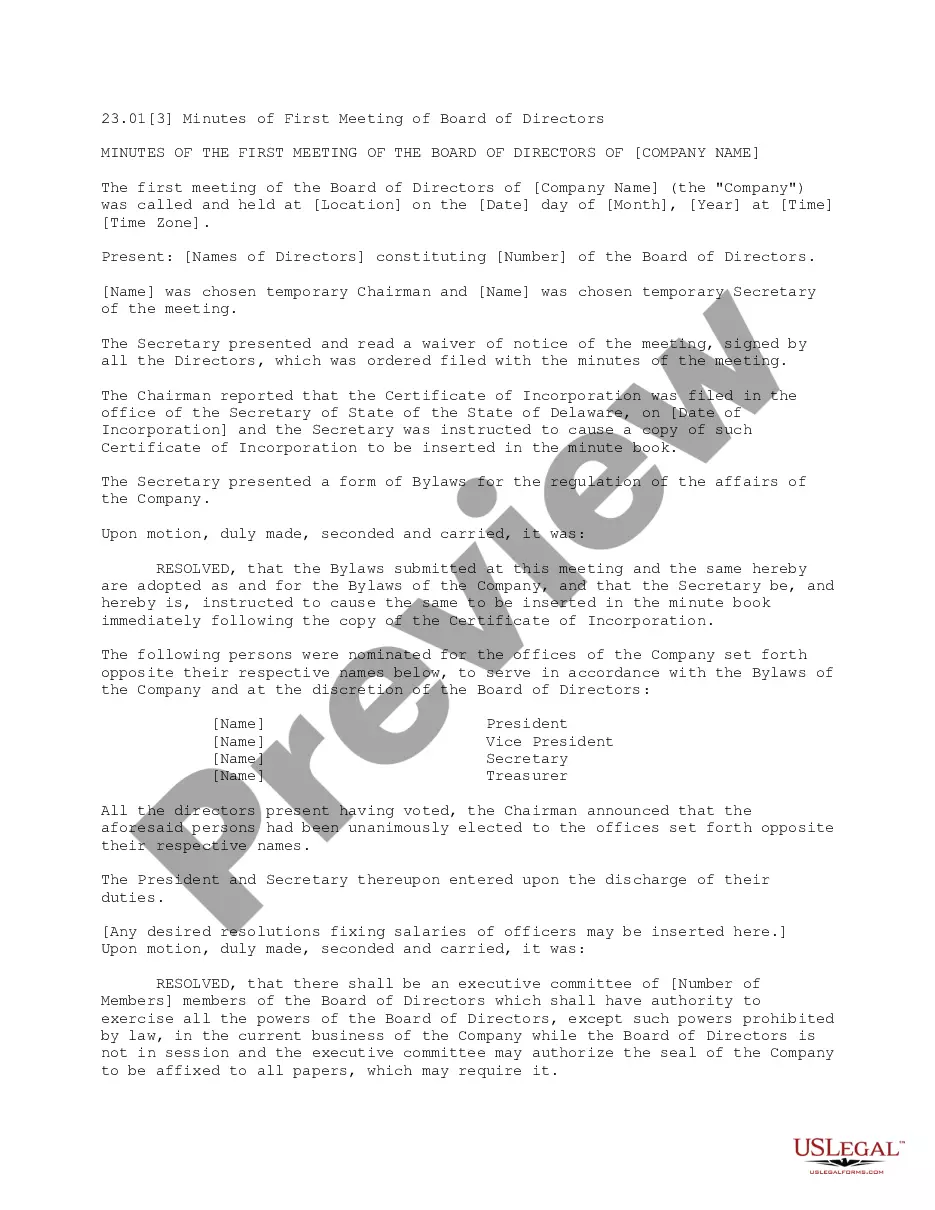
Meeting Board Form Template With Drop Down List
Description


Get your form ready online
Our built-in tools help you complete, sign, share, and store your documents in one place.
Make edits, fill in missing information, and update formatting in US Legal Forms—just like you would in MS Word.
Download a copy, print it, send it by email, or mail it via USPS—whatever works best for your next step.
Sign and collect signatures with our SignNow integration. Send to multiple recipients, set reminders, and more. Go Premium to unlock E-Sign.
If this form requires notarization, complete it online through a secure video call—no need to meet a notary in person or wait for an appointment.
We protect your documents and personal data by following strict security and privacy standards.

Make edits, fill in missing information, and update formatting in US Legal Forms—just like you would in MS Word.

Download a copy, print it, send it by email, or mail it via USPS—whatever works best for your next step.

Sign and collect signatures with our SignNow integration. Send to multiple recipients, set reminders, and more. Go Premium to unlock E-Sign.

If this form requires notarization, complete it online through a secure video call—no need to meet a notary in person or wait for an appointment.

We protect your documents and personal data by following strict security and privacy standards.
Looking for another form?









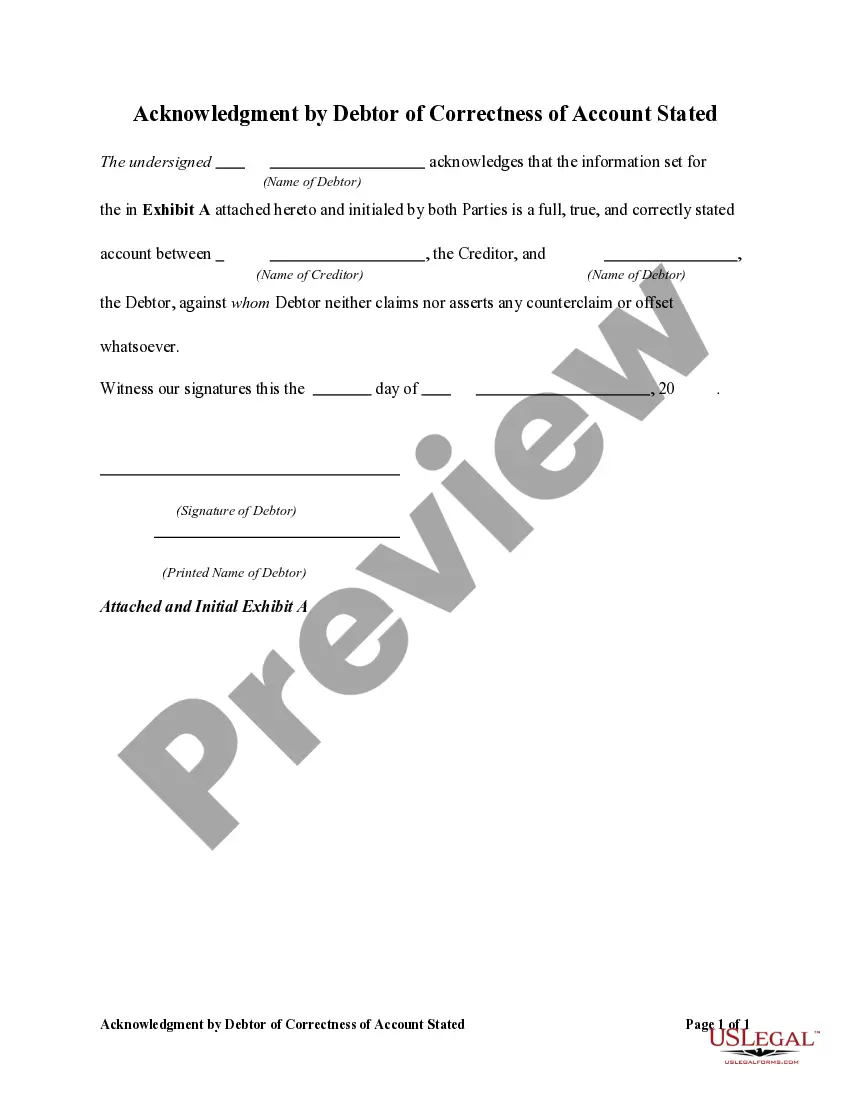
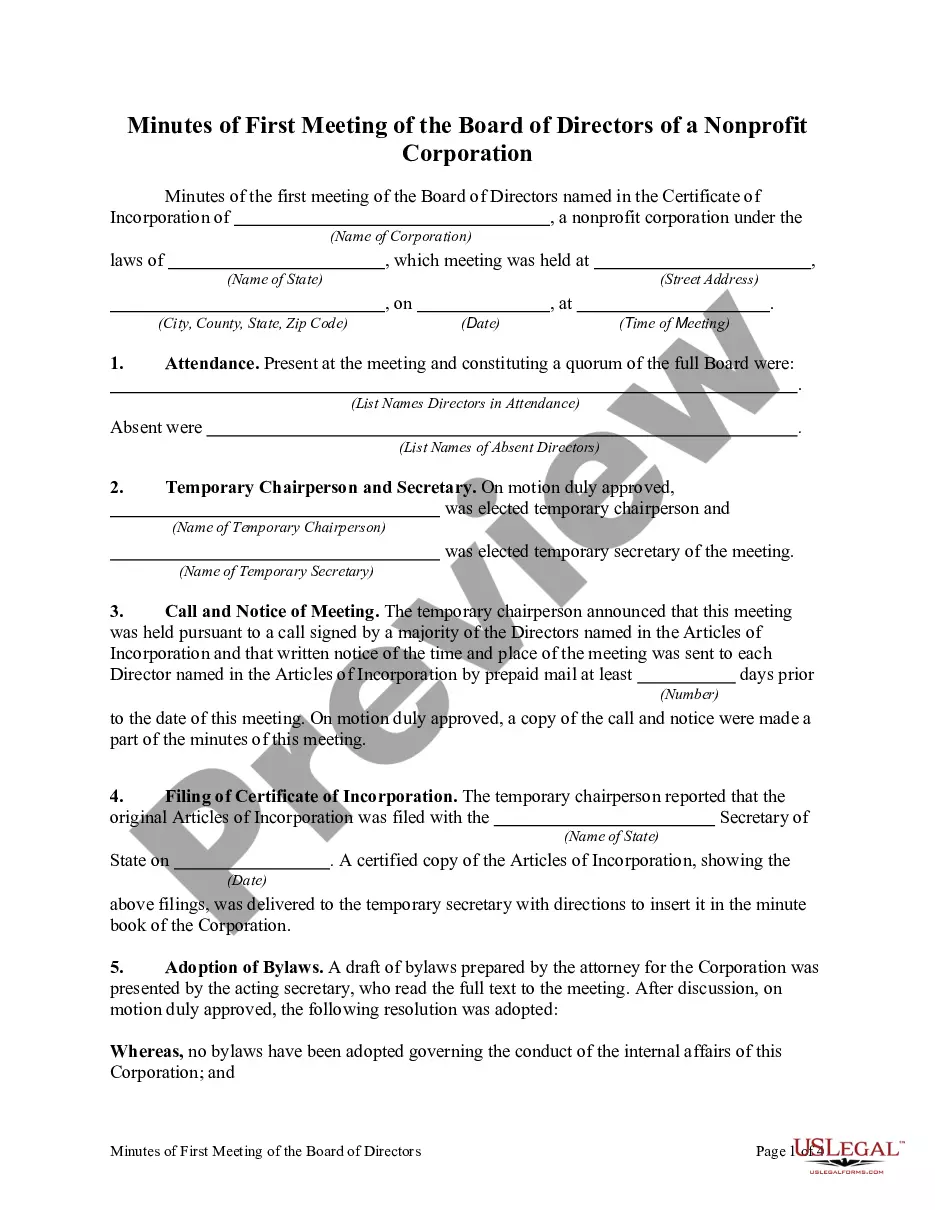
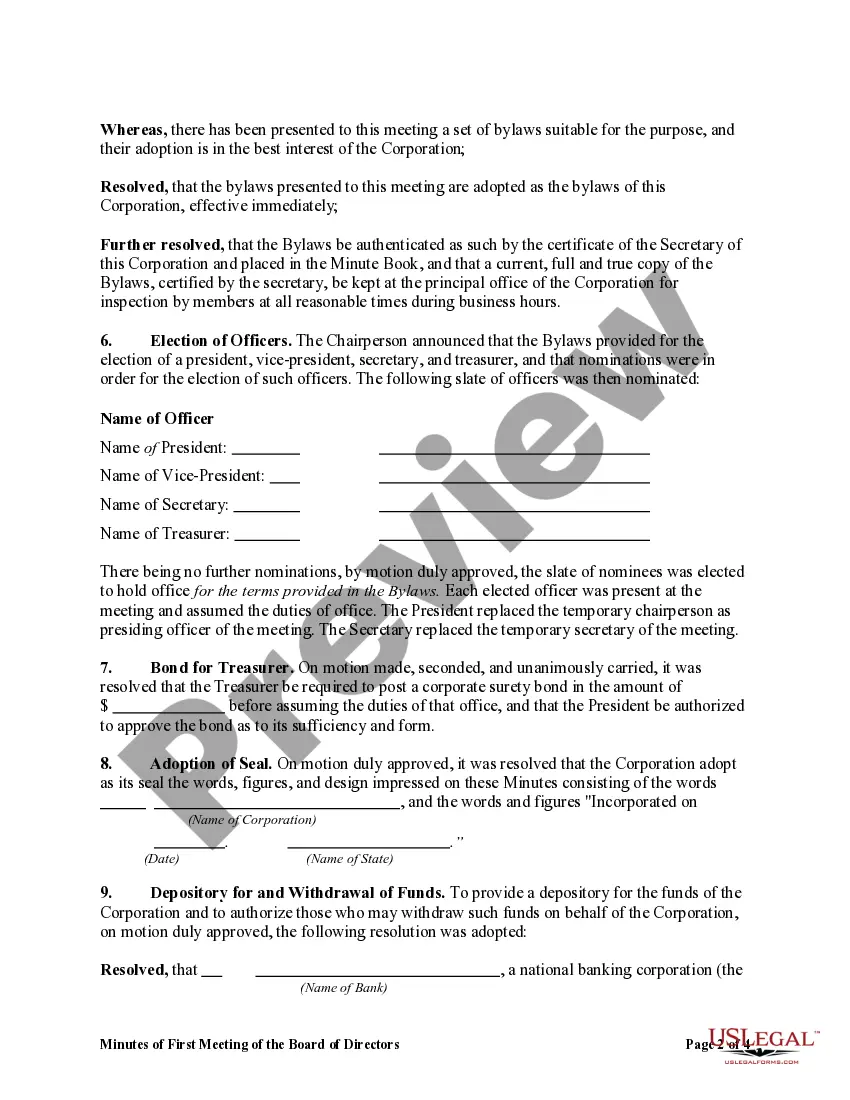
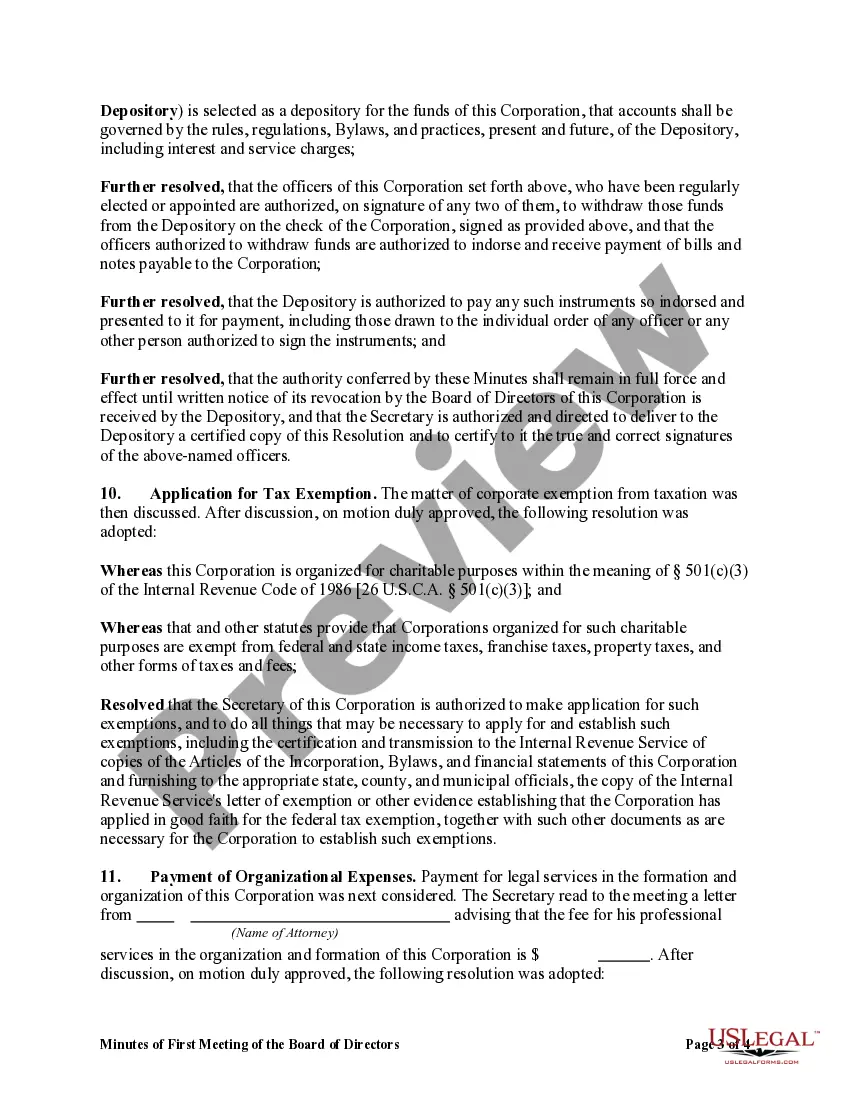
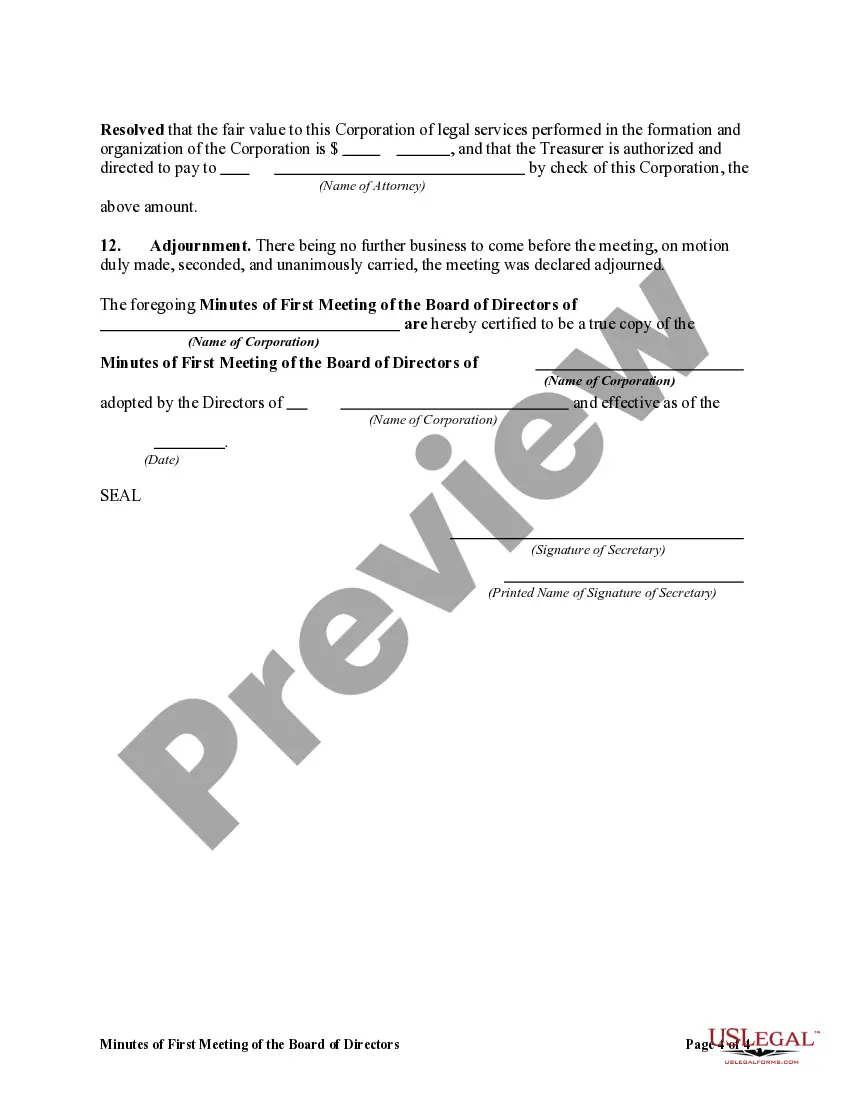
How to fill out Minutes Of First Meeting Of The Board Of Directors Of A Nonprofit Corporation?
It’s clear that you cannot transform into a legal authority instantly, nor can you learn how to swiftly create Meeting Board Form Template With Drop Down List without having a specialized education.
Developing legal documents is a lengthy process that necessitates specific knowledge and capabilities. So why not entrust the preparation of the Meeting Board Form Template With Drop Down List to the professionals.
With US Legal Forms, one of the most extensive legal template repositories, you can locate anything from court documents to templates for internal organizational communication. We recognize how crucial compliance and adherence to federal and local regulations are. That’s why, on our platform, all forms are location-specific and current.
You can retrieve your documents from the My documents tab whenever you wish. If you’re a current customer, you can simply Log In, and locate and download the template from the same tab.
Regardless of the purpose of your paperwork—whether financial and legal, or personal—our website has you accommodated. Try US Legal Forms now!
- Uncover the document you require using the search bar at the top of the page.
- Preview it (if this option is available) and review the accompanying description to ascertain whether Meeting Board Form Template With Drop Down List is what you’re seeking.
- Begin your search anew if you need a different document.
- Register for a free account and select a subscription plan to purchase the template.
- Click Buy now. Once the payment is processed, you can download the Meeting Board Form Template With Drop Down List, complete it, print it out, and send or mail it to the specified individuals or organizations.
Form popularity
FAQ
Adding a Combo Box (Dropdown Menu) to a form Step 1 - Choose the Combo Box feature. ... Step 2 - Place the field on your PDF. ... Step 3 - Set your Combo Box properties. ... Step 4 - Choose Value List Option. ... Step 5 - Add Values. ... Step 6 - Edit Public Name and Value Name. ... Step 7 - Confirm the new value list. ... Step 8 - Test the Combo Box.
Insert a combo box or a drop-down list Go to Developer > Combo Box Content Control or Drop-Down List Content Control . Select the content control, and then select Properties. To create a list of choices, select Add under Drop-Down List Properties. Type a choice in Display Name, such as Yes, No, or Maybe.
Create a drop-down list Select the cells that you want to contain the lists. On the ribbon, select DATA > Data Validation. In the dialog box, set Allow to List. Click in Source, type the text or numbers (separated by commas, for a comma-delimited list) that you want in your drop-down list, and select OK.
Insert a drop-down list box On the form template, place the cursor where you want to insert the control. If the Controls task pane is not visible, click More Controls on the Insert menu, or press ALT+I, C. In the Controls task pane, do one of the following: ... Under Insert controls, click Drop-Down List Box.