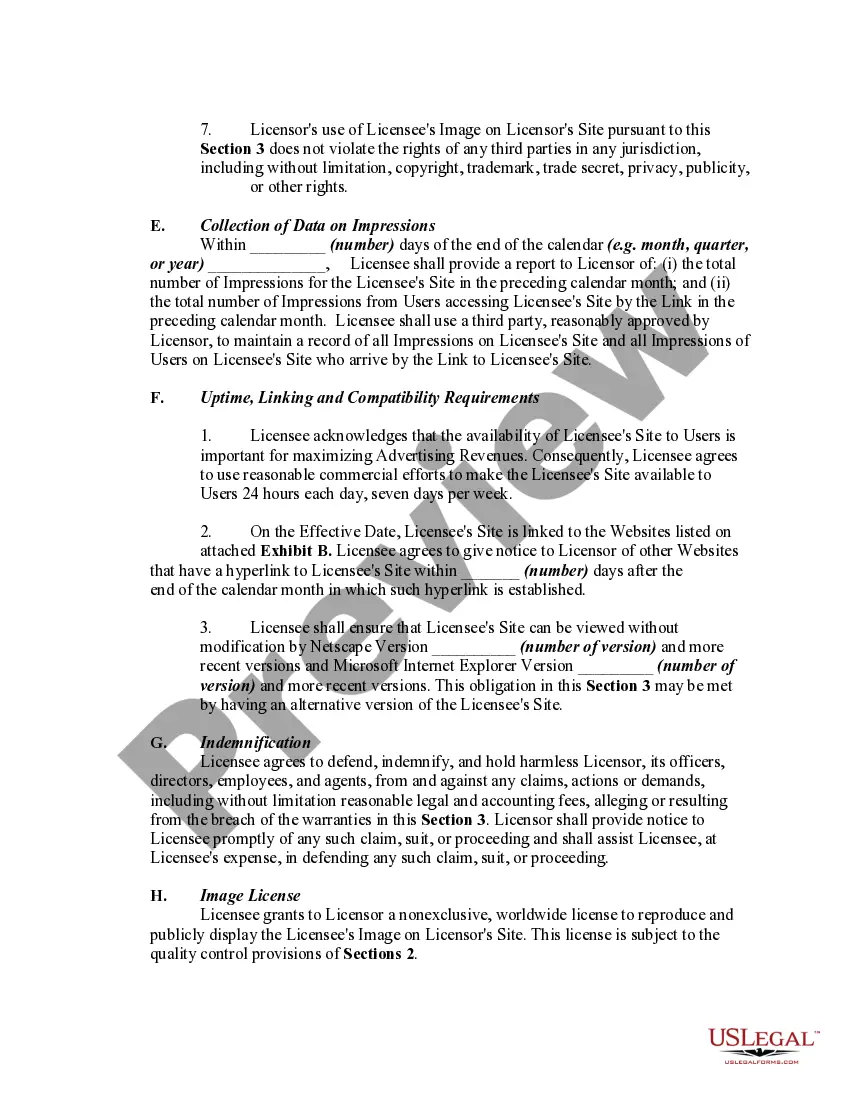
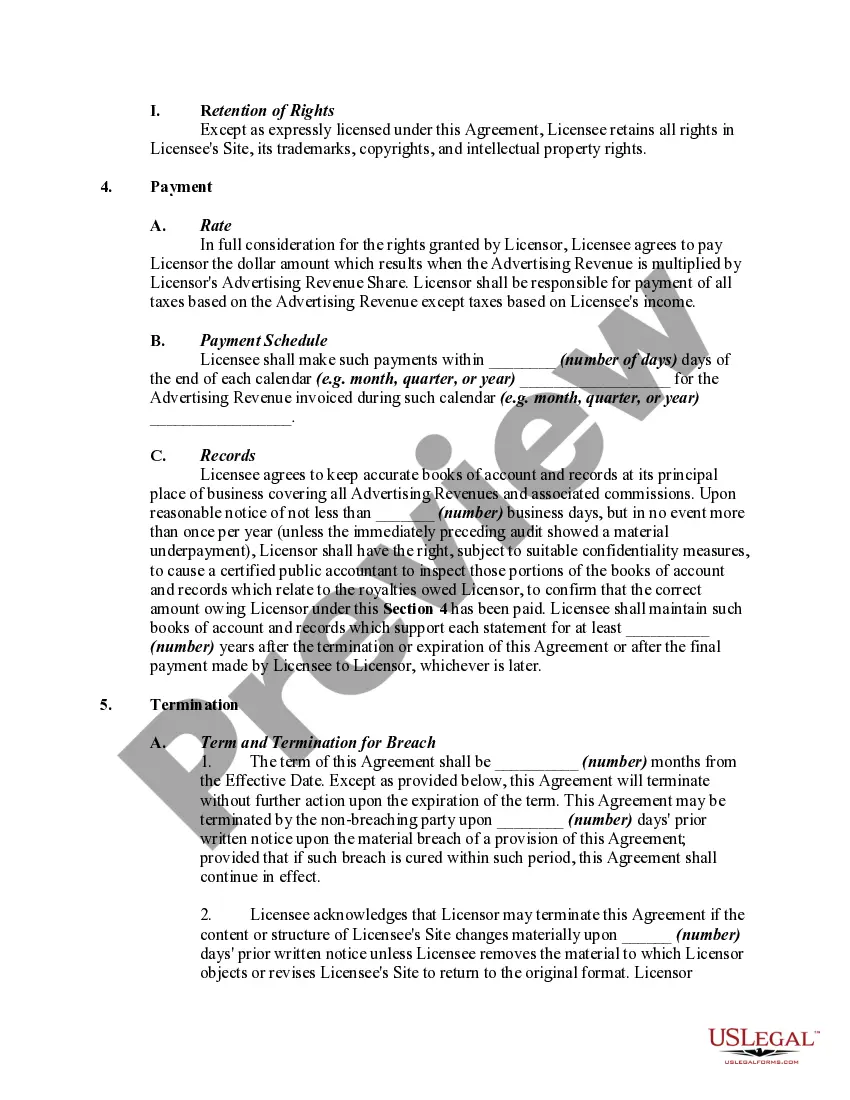
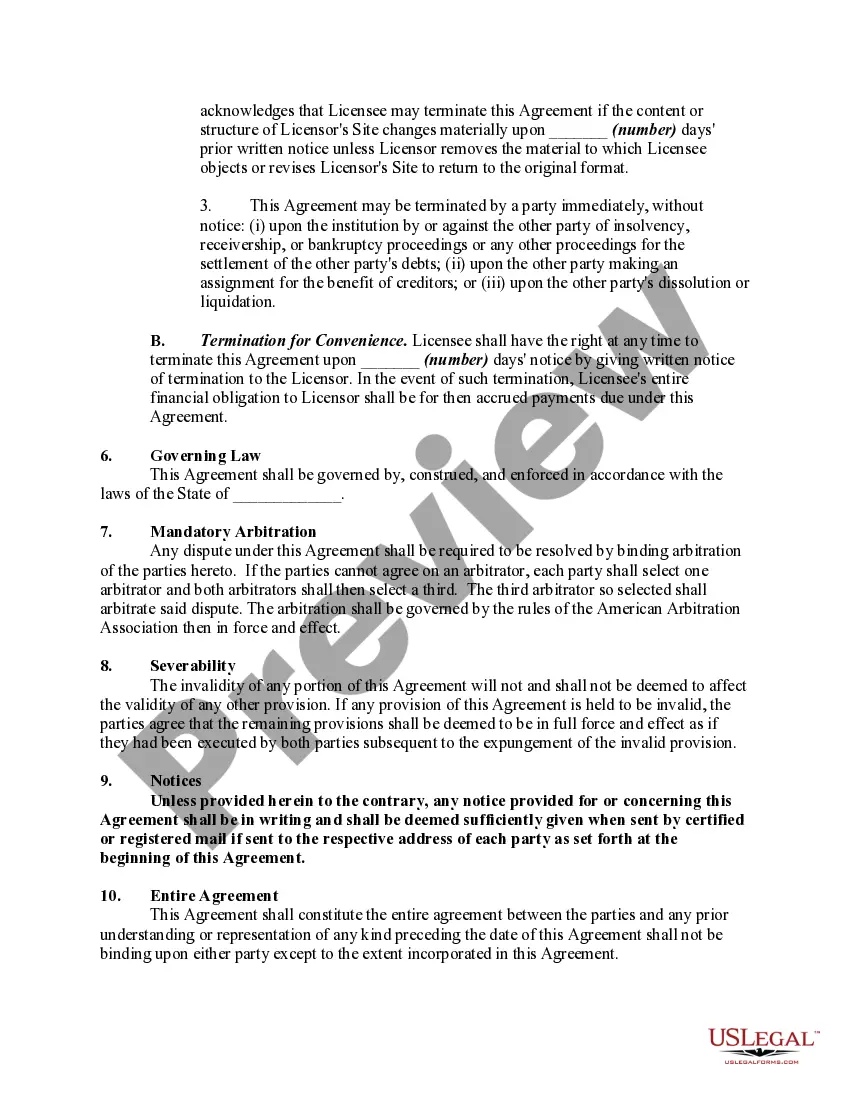
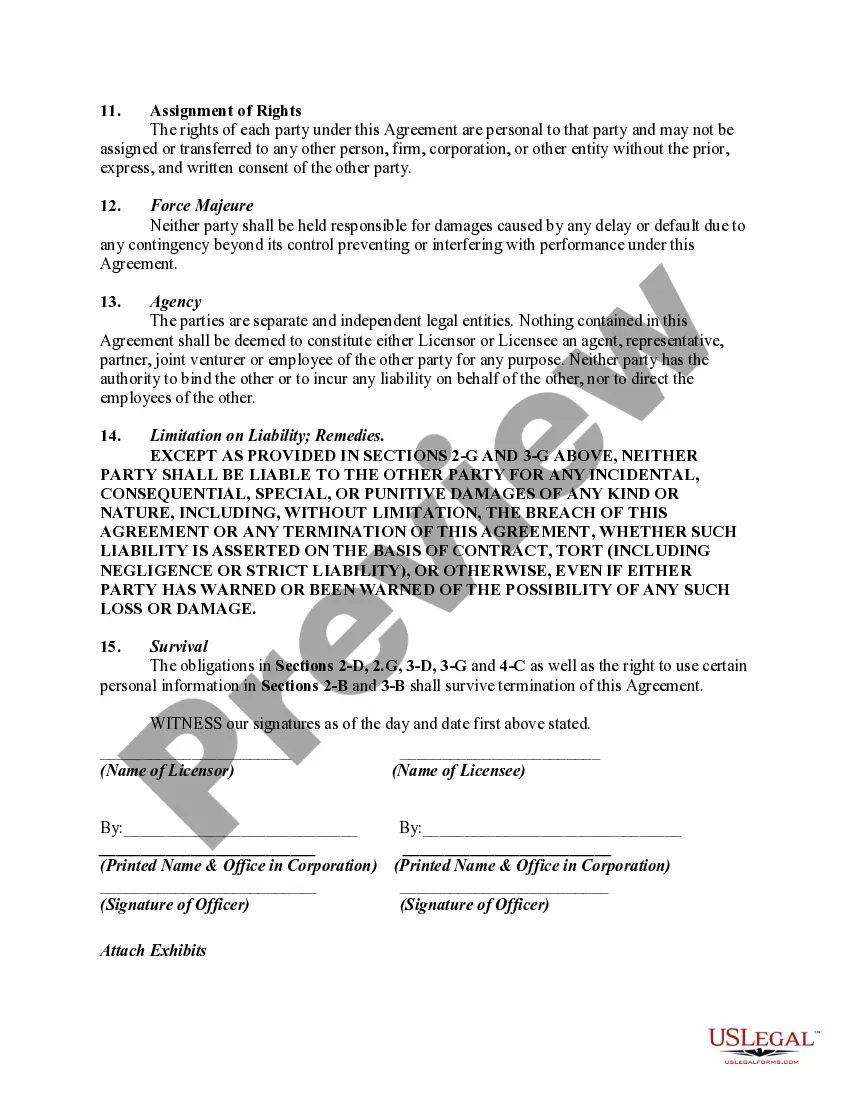
Website Agreement Contract With Vendor
Description
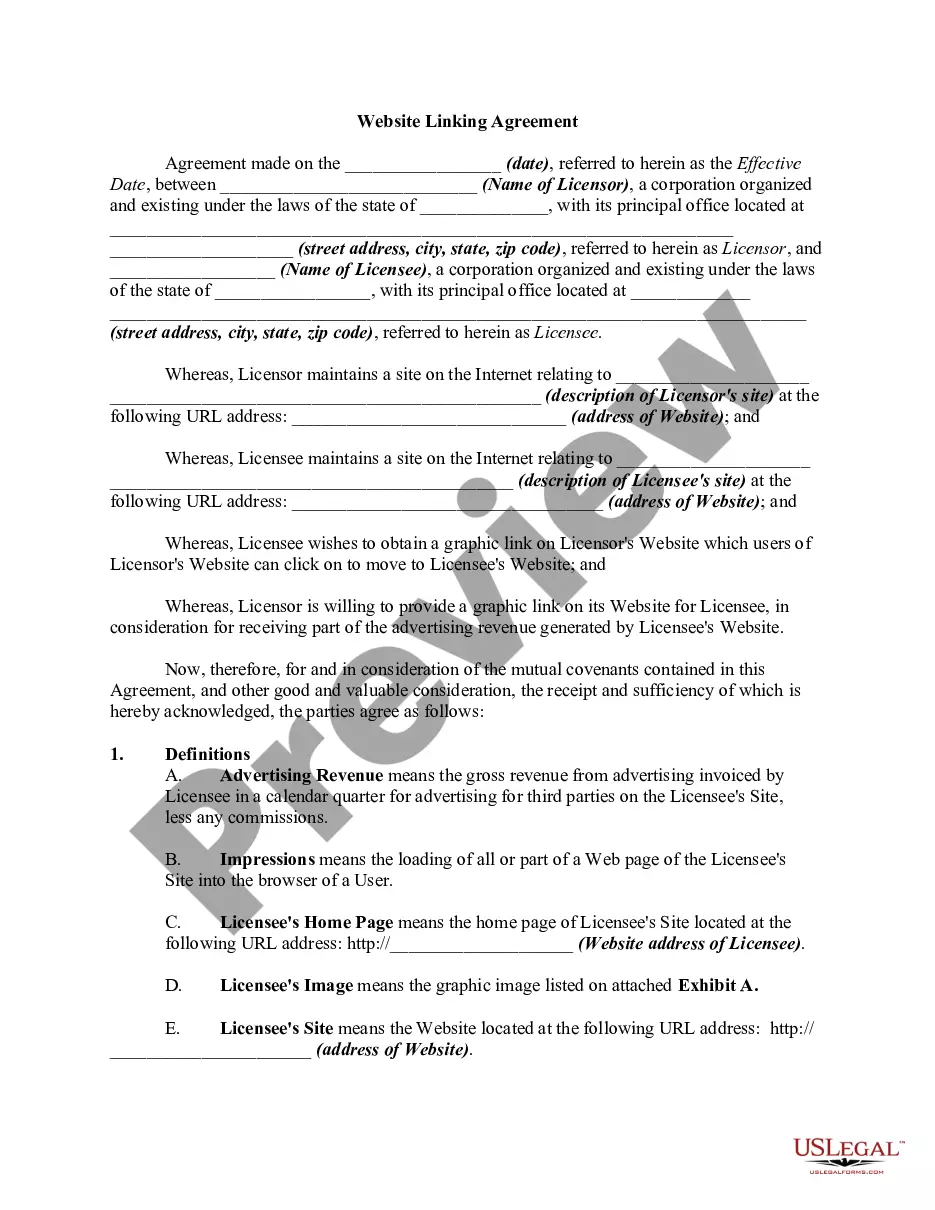
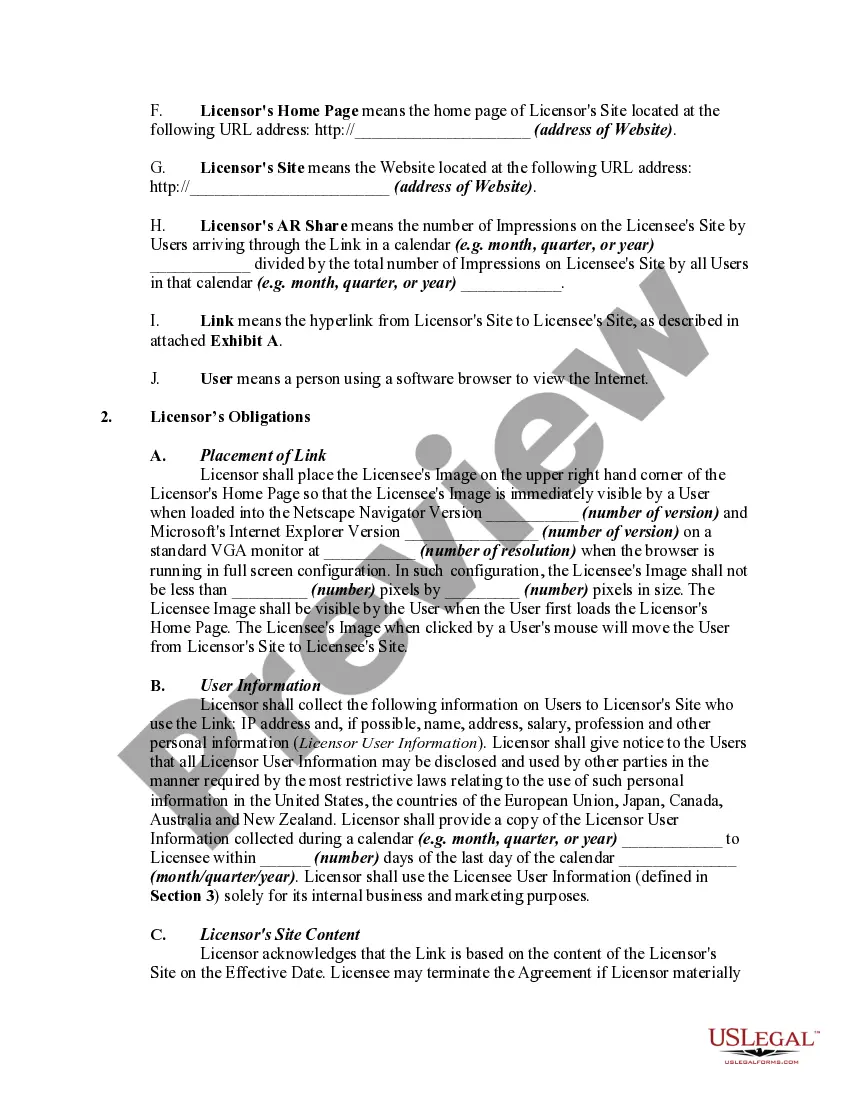
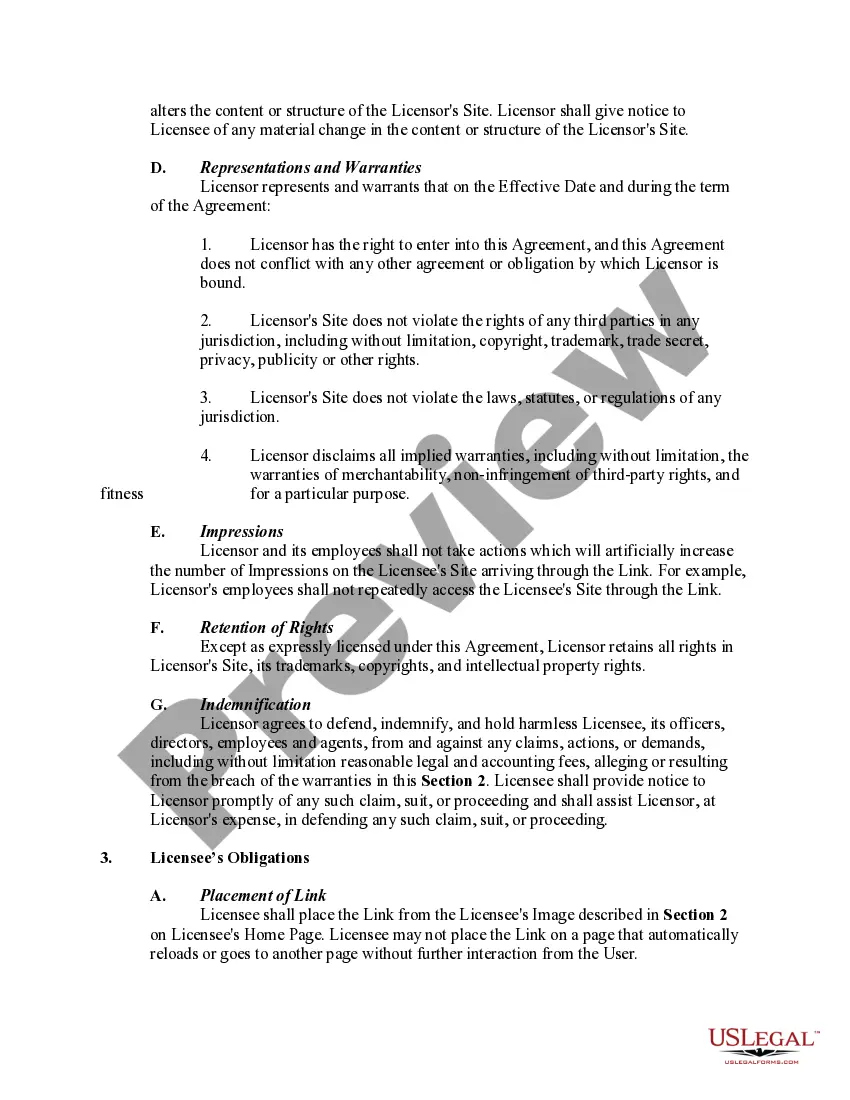
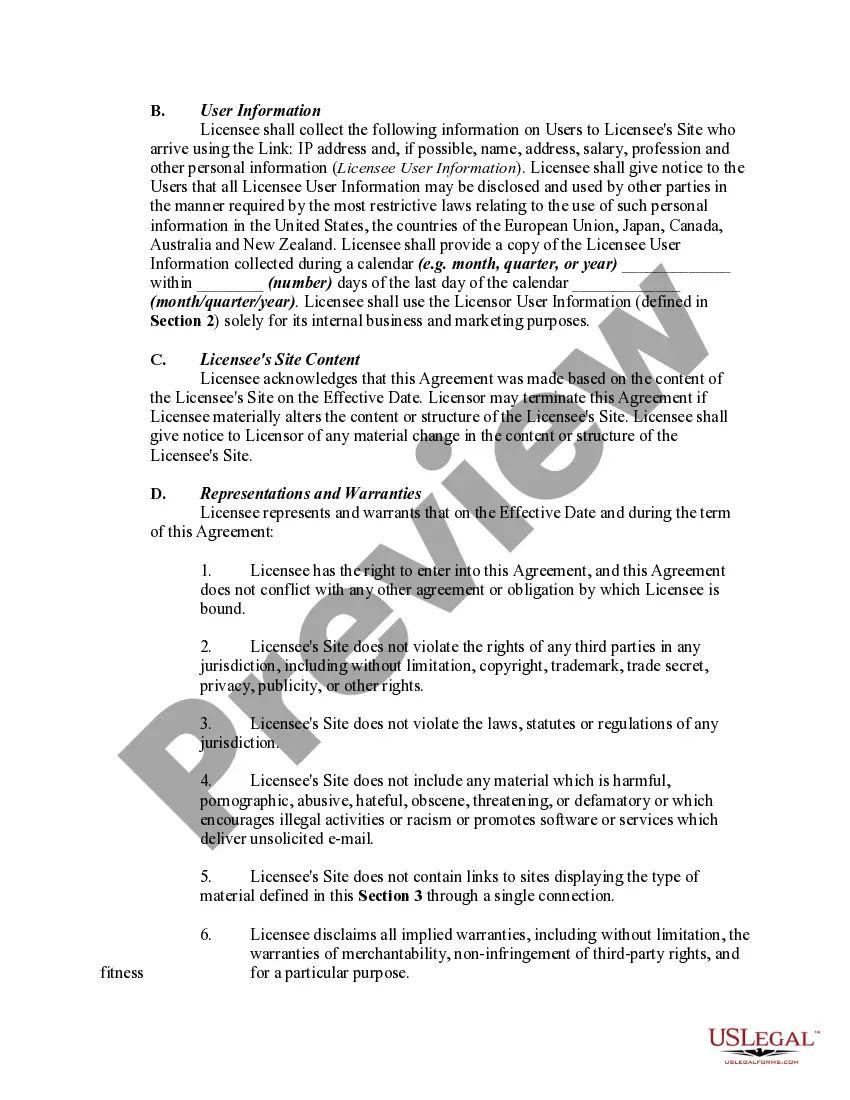
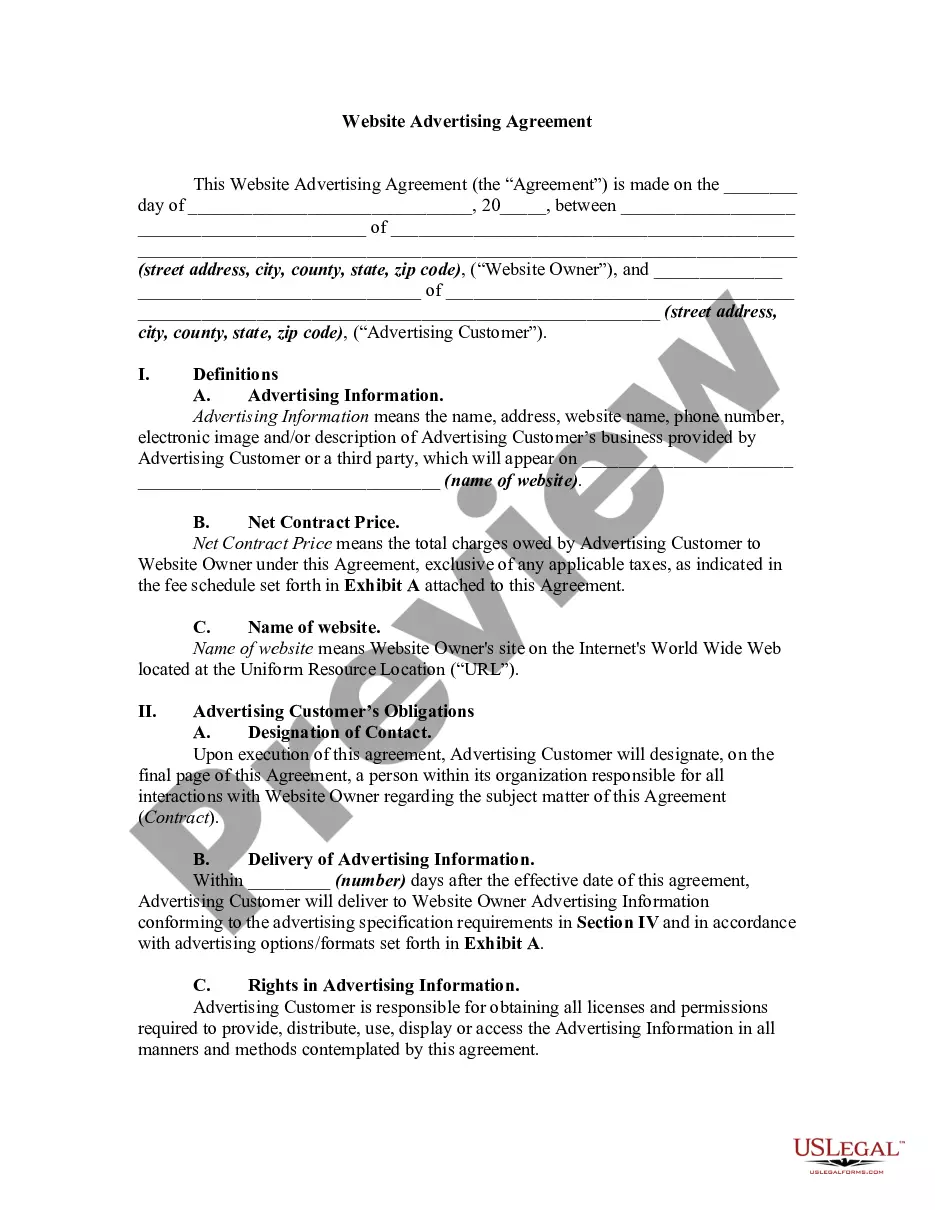
Get your form ready online
Our built-in tools help you complete, sign, share, and store your documents in one place.
Make edits, fill in missing information, and update formatting in US Legal Forms—just like you would in MS Word.
Download a copy, print it, send it by email, or mail it via USPS—whatever works best for your next step.
Sign and collect signatures with our SignNow integration. Send to multiple recipients, set reminders, and more. Go Premium to unlock E-Sign.
If this form requires notarization, complete it online through a secure video call—no need to meet a notary in person or wait for an appointment.
We protect your documents and personal data by following strict security and privacy standards.

Make edits, fill in missing information, and update formatting in US Legal Forms—just like you would in MS Word.

Download a copy, print it, send it by email, or mail it via USPS—whatever works best for your next step.

Sign and collect signatures with our SignNow integration. Send to multiple recipients, set reminders, and more. Go Premium to unlock E-Sign.

If this form requires notarization, complete it online through a secure video call—no need to meet a notary in person or wait for an appointment.

We protect your documents and personal data by following strict security and privacy standards.
Looking for another form?





How to fill out Website Linking Agreement?
How to obtain professional legal documents that adhere to your state laws and draft the Website Agreement Contract With Vendor without consulting a lawyer.
Numerous online services offer templates to address various legal situations and requirements. However, it may require time to determine which of the accessible samples fulfill both your use case and legal standards.
US Legal Forms is a trusted service that assists you in locating official paperwork created in accordance with the most recent state law revisions, helping you save costs on legal support.
If you lack a US Legal Forms account, adhere to the instructions provided: Review the webpage you've accessed to confirm the form meets your requirements. Utilize the form description and preview options if offered. Search for an alternative template in the header that lists your state if needed. Click the Buy Now button when you identify the right document. Choose the most appropriate pricing plan, then Log In or register for a new account. Opt for your preferred payment method (via credit card or PayPal). Adjust the file format for your Website Agreement Contract With Vendor and click Download. The received documents are yours to keep: you can always access them in the My documents section of your account. Register for our platform and create legal documents independently like a proficient legal professional!
- US Legal Forms is not an ordinary online catalog.
- It comprises over 85,000 validated templates for various business and personal scenarios.
- All documents are categorized by sector and state, streamlining the search process for you.
- Moreover, it features robust tools for PDF editing and digital signatures, allowing users with a Premium subscription to efficiently complete their documents online.
- It requires minimal time and energy to procure the necessary documents.
- If you already possess an account, Log In and ensure your subscription is in good standing.
- Select and download the Website Agreement Contract With Vendor using the button adjacent to the file title.
Form popularity
FAQ
A vendor contract (or vendor agreement) agreement is a business contract that sets out the terms and conditions of a purchase, and is an important touchpoint between the buyer and the seller. For the vendor or supplier, the contract helps to recognize revenue. For the buyer, it's about keeping track of spend.
All business contracts must contain the essential elements of an agreement. The essential elements include consideration, offer and acceptance, a legal purpose, capable parties and mutual assent. Consideration means something of value must be exchanged.
Creating a vendor contractStep 1: Specify business terms. The first part of each vendor contract usually outlines the business terms including:Step 2: Outline legal concepts. This section usually begins with the representations and warranties section.Step 3: Address consequences.
What To Include In Your Vendor Agreement1) Scope Of The Services Or Products.2) Contract Length And Duration.3) Price And How It Will Be Paid.4) How To Get Out Of The Contract.5) What Happens If Someone Doesn't Follow The Vendor Agreement.
What to Include in Your Web Design ContractHave a Clearly Defined Statement of Work.Streamline the Review and Approval Process.Protect Yourself in the Case of Project Termination.Protect Yourself Against Copyright Infringement.Make Sure the Agreement Designates a Legal Jurisdiction Near You.More items...?
