Sample Letter For Update Status
Description
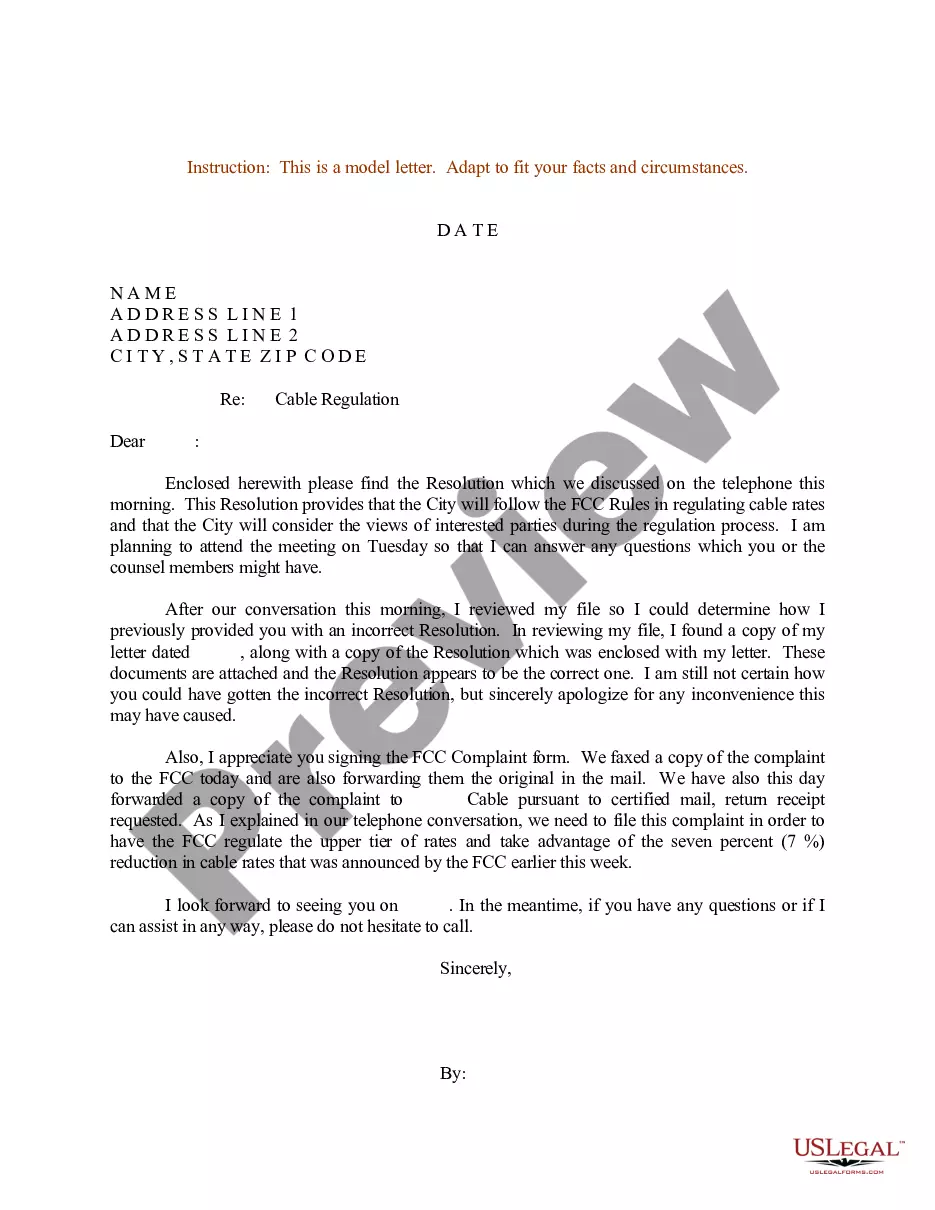

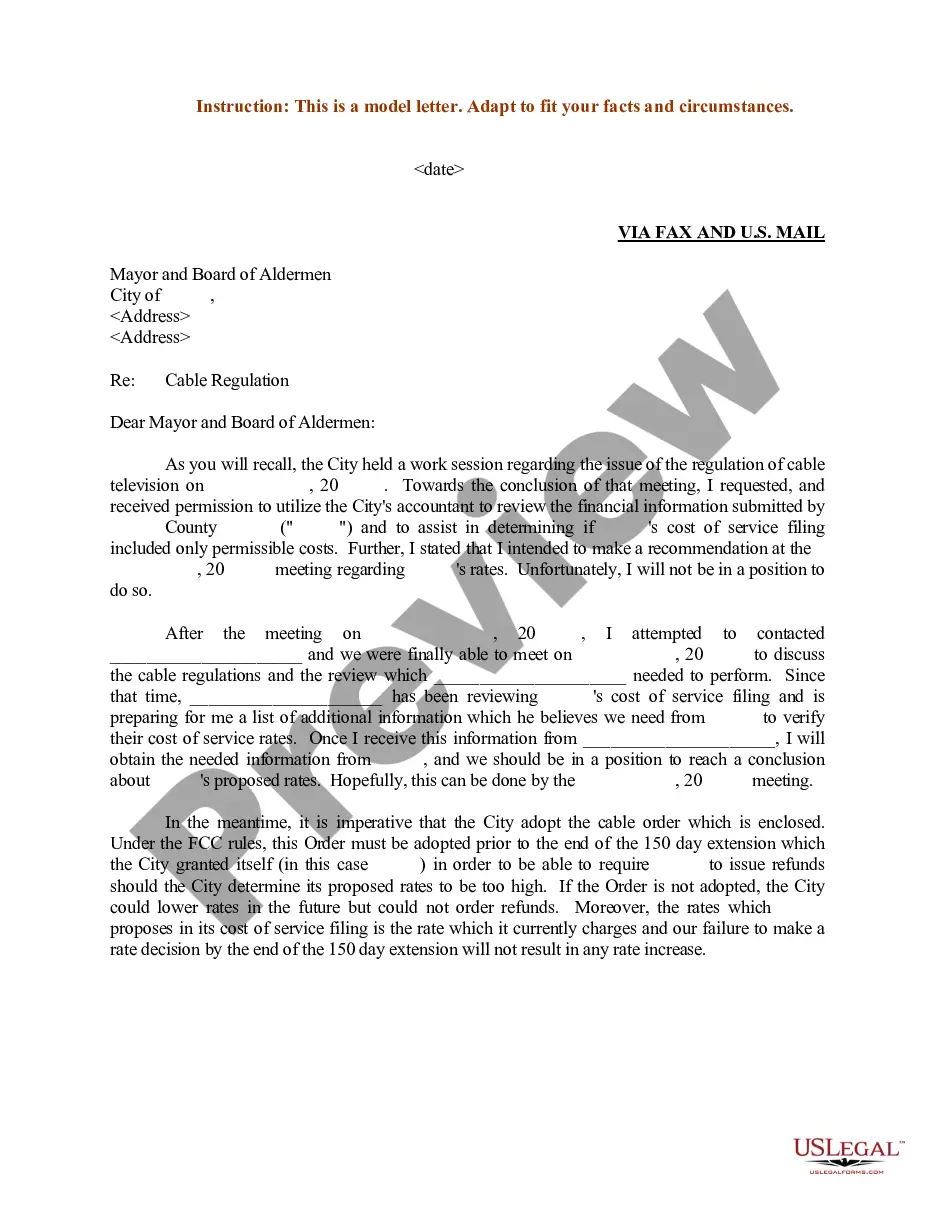
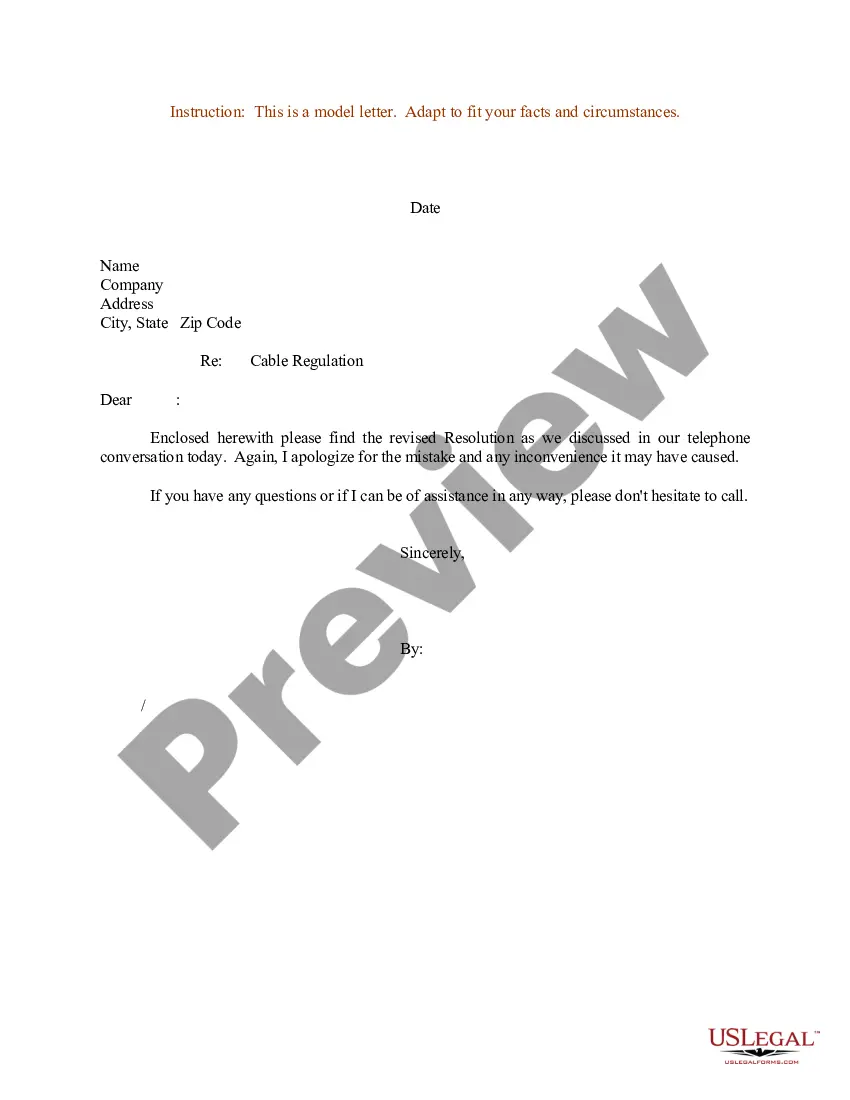
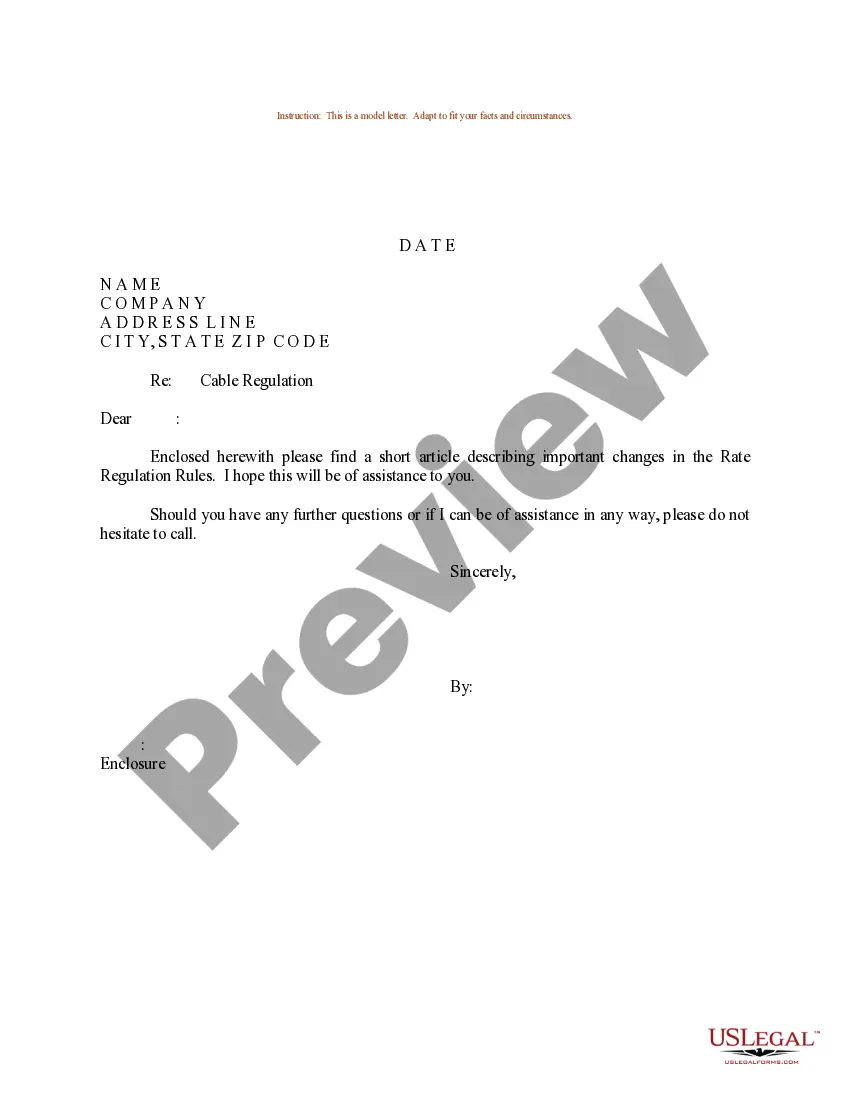
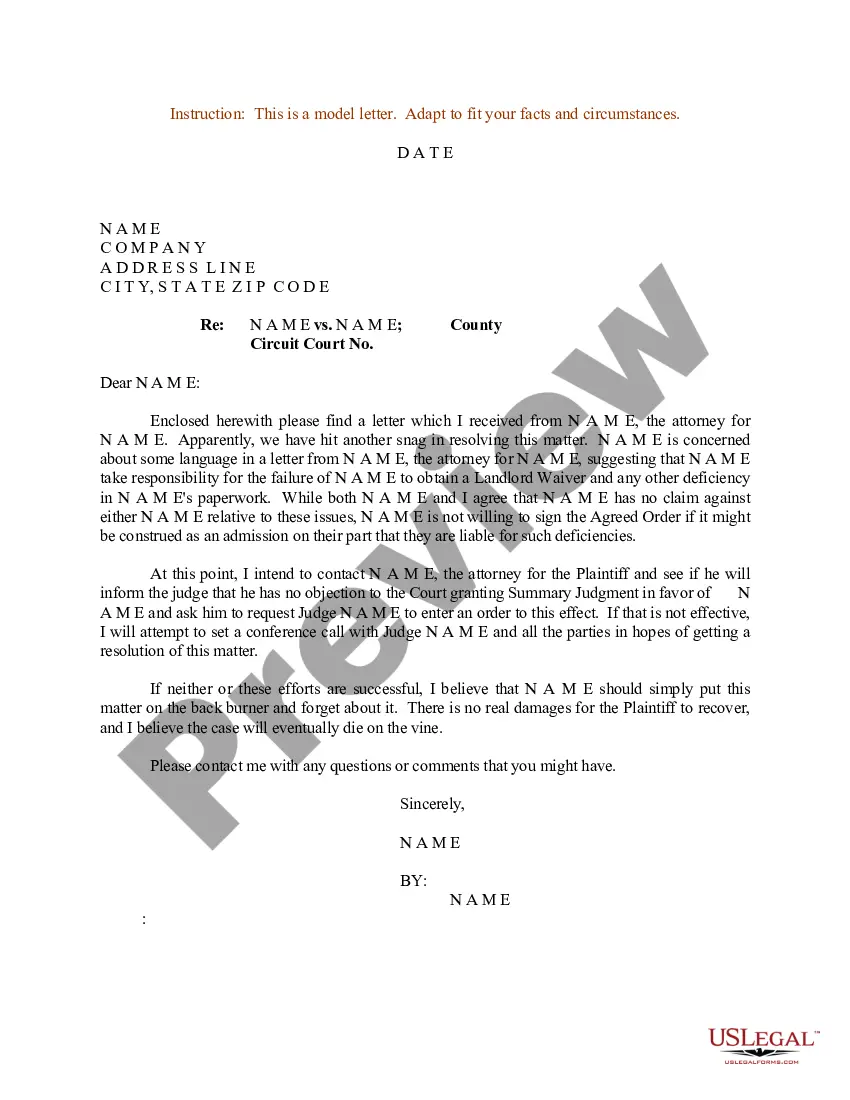
Get your form ready online
Our built-in tools help you complete, sign, share, and store your documents in one place.
Make edits, fill in missing information, and update formatting in US Legal Forms—just like you would in MS Word.
Download a copy, print it, send it by email, or mail it via USPS—whatever works best for your next step.
Sign and collect signatures with our SignNow integration. Send to multiple recipients, set reminders, and more. Go Premium to unlock E-Sign.
If this form requires notarization, complete it online through a secure video call—no need to meet a notary in person or wait for an appointment.
We protect your documents and personal data by following strict security and privacy standards.

Make edits, fill in missing information, and update formatting in US Legal Forms—just like you would in MS Word.

Download a copy, print it, send it by email, or mail it via USPS—whatever works best for your next step.

Sign and collect signatures with our SignNow integration. Send to multiple recipients, set reminders, and more. Go Premium to unlock E-Sign.

If this form requires notarization, complete it online through a secure video call—no need to meet a notary in person or wait for an appointment.

We protect your documents and personal data by following strict security and privacy standards.
Looking for another form?
How to fill out Sample Letter For Update On Revised Resolution And Other Discussed Matters?
The Sample Letter For Update Status you see on this page is a reusable legal template drafted by professional lawyers in accordance with federal and state regulations.
For over 25 years, US Legal Forms has supplied individuals, organizations, and legal professionals with more than 85,000 validated, state-specific forms for any business and personal event.
Fill out and sign the paperwork. Print the template to complete it manually. Alternatively, use an online multi-functional PDF editor to quickly and accurately fill out and sign your form with a legally-binding electronic signature. Download your paperwork one more time. Use the same document again whenever required. Open the My documents tab in your profile to redownload any previously saved forms. Subscribe to US Legal Forms to have validated legal templates for all of life’s circumstances at your fingertips.
- It’s the fastest, most straightforward, and most dependable method to obtain the documents you require, as the service ensures the utmost level of data security and anti-malware protection.
- Getting this Sample Letter For Update Status will take you just a few easy steps.
- Look for the document you need and check it. Browse through the file you searched and preview it or review the form description to confirm it meets your requirements. If it doesn't, utilize the search option to find the appropriate one. Click Buy Now when you have located the template you need.
- Sign up and Log In. Choose the pricing plan that fits you and register for an account. Use PayPal or a credit card to make a fast payment. If you already have an account, Log In and check your subscription to proceed.
- Get the fillable template. Select the format you prefer for your Sample Letter For Update Status (PDF, Word, RTF) and save the sample on your device.
Form popularity
FAQ
Use the request for a status update as a call-to-action, and make it time-sensitive so you're more likely to get a response. I'd love to hear how things are going with the Great Big Infographic design brief. Could you give me a quick status update by end-of-day?
Read on for more. "Can you please update me?" "Would it be possible to receive an update?" "Would you kindly give me an update?" "Can you please give me a quick update?" "I wanted to see how things were going" "Is everything going alright with the project?" "Can I help in any way?"
Hi [First Name], This email is to update you on the latest status of your [type of request]. As of [date], your request is currently in the [status] stage. We apologize for any inconvenience this may have caused and we appreciate your patience.
Writing status updates: Tips and phrases Always let people know why you're writing. This is true for almost all emails. ... Give them the news, good or bad, as simply as possible. Good news is easy: ... Develop trust by making yourself available to them. You've probably seen them hundreds of times but they work!
Will you let me know when you have done x? How did it go when you were doing x? Can you remind me? Did you tell me that you did x?