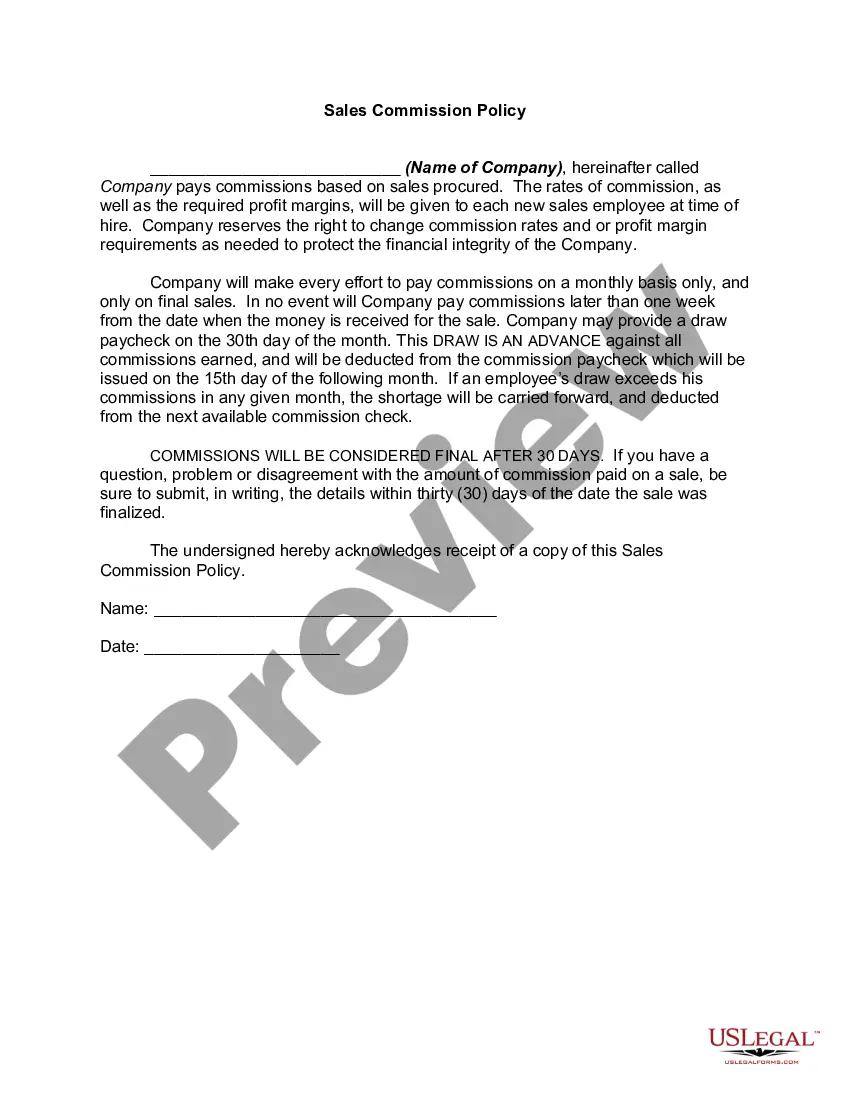
Commission Sample Statement With Multiple Conditions
Description
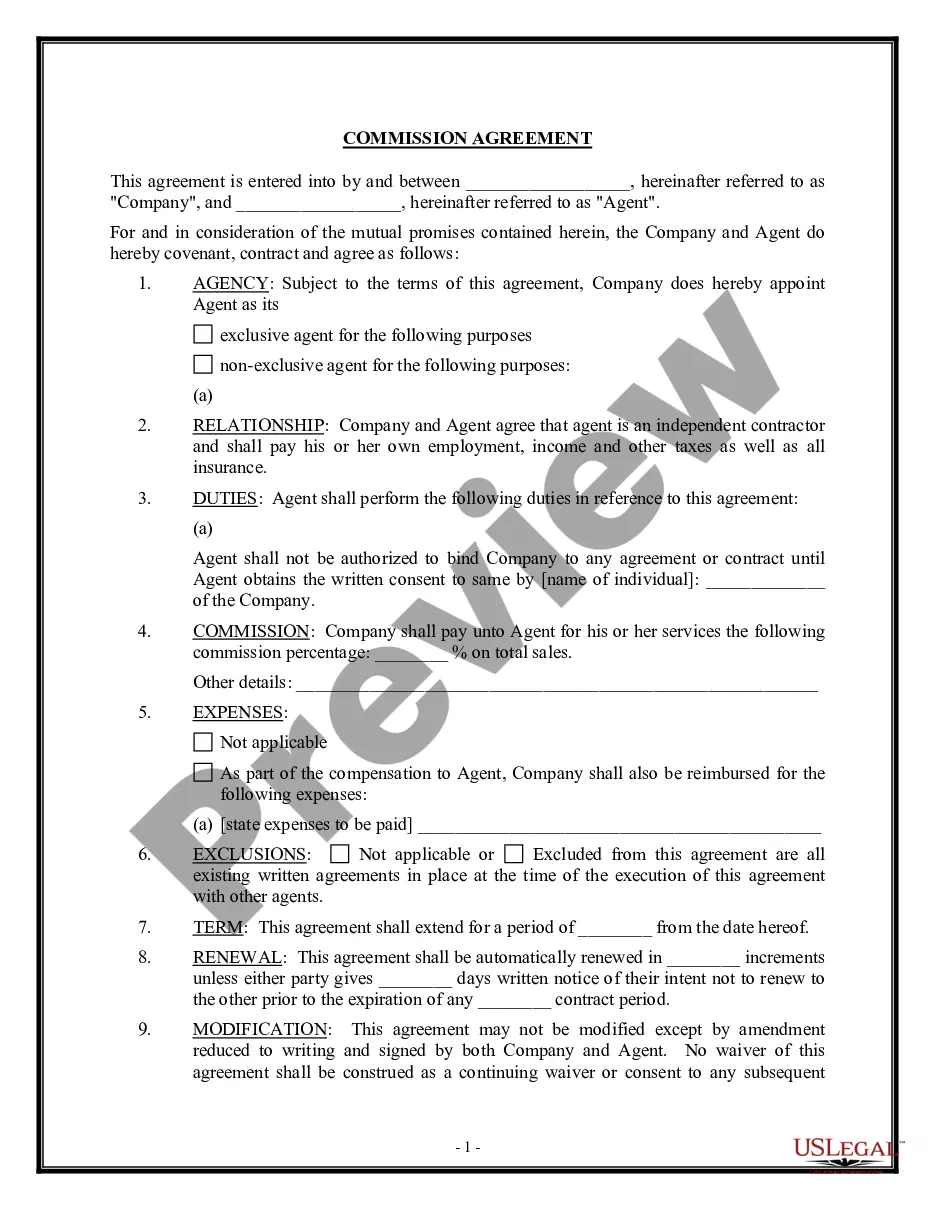
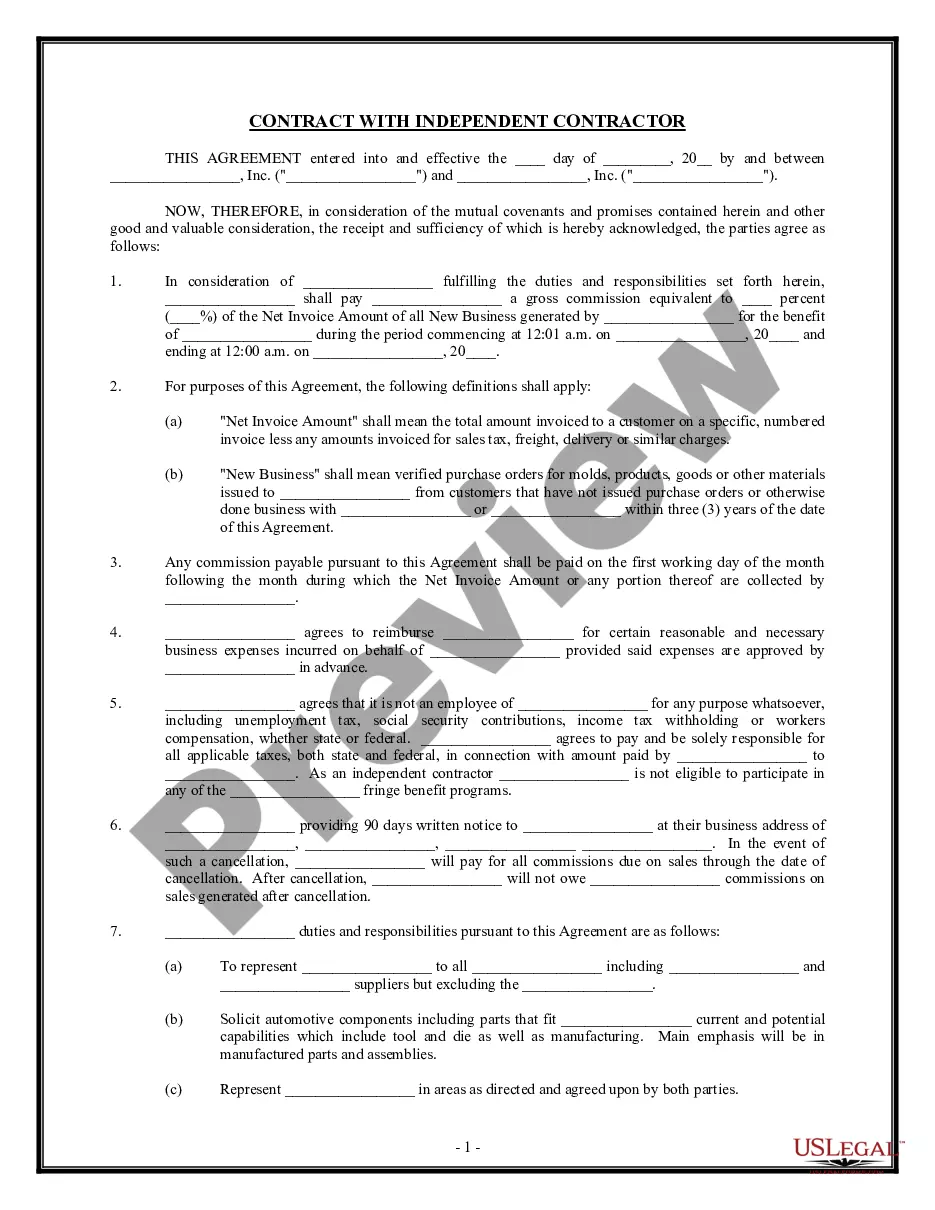
Get your form ready online
Our built-in tools help you complete, sign, share, and store your documents in one place.
Make edits, fill in missing information, and update formatting in US Legal Forms—just like you would in MS Word.
Download a copy, print it, send it by email, or mail it via USPS—whatever works best for your next step.
Sign and collect signatures with our SignNow integration. Send to multiple recipients, set reminders, and more. Go Premium to unlock E-Sign.
If this form requires notarization, complete it online through a secure video call—no need to meet a notary in person or wait for an appointment.
We protect your documents and personal data by following strict security and privacy standards.

Make edits, fill in missing information, and update formatting in US Legal Forms—just like you would in MS Word.

Download a copy, print it, send it by email, or mail it via USPS—whatever works best for your next step.

Sign and collect signatures with our SignNow integration. Send to multiple recipients, set reminders, and more. Go Premium to unlock E-Sign.

If this form requires notarization, complete it online through a secure video call—no need to meet a notary in person or wait for an appointment.

We protect your documents and personal data by following strict security and privacy standards.
Looking for another form?
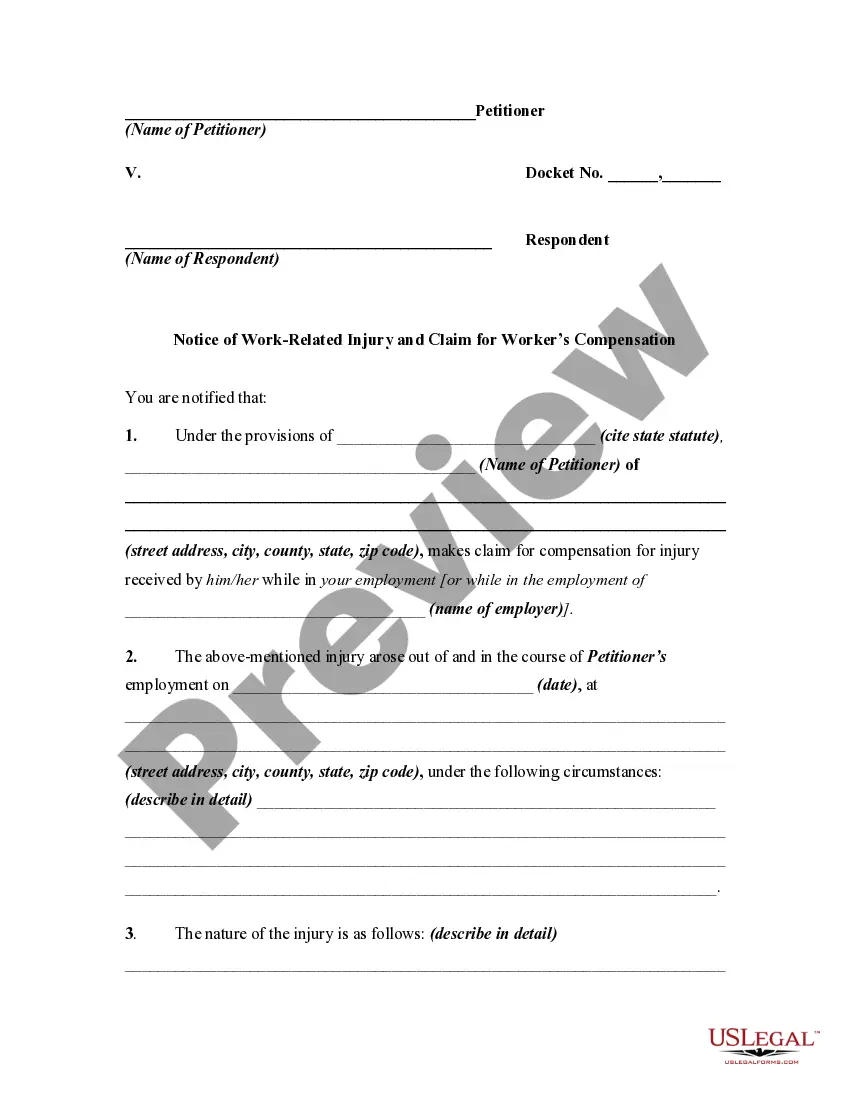




How to fill out Sales Commission Policy?
Legal document organization can be daunting, even for the most proficient professionals.
When you're searching for a Commission Sample Statement With Multiple Conditions and lack the time to look for the suitable and current version, the process can be stressful.
US Legal Forms caters to all your requirements, whether personal or business-related, all consolidated in one location.
Leverage advanced tools to fill out and manage your Commission Sample Statement With Multiple Conditions.
Here are the steps to follow after obtaining the form you need: Verify that this is the correct form by previewing it and reviewing its details.
- Access a valuable collection of articles, guidelines, and handbooks pertinent to your circumstances and needs.
- Conserve time and effort searching for the necessary documents, and utilize US Legal Forms’ enhanced search and Review feature to locate and download the Commission Sample Statement With Multiple Conditions.
- If you have a subscription, Log In to your US Legal Forms profile, find the form, and download it.
- Check your My documents tab to see the documents you've previously saved as well as to manage your folders as you prefer.
- If it's your first experience with US Legal Forms, create an account and gain unlimited access to all the benefits of the library.
- A strong online form repository can be transformative for anyone looking to manage these scenarios effectively.
- US Legal Forms stands as a frontrunner in the domain of online legal documents, offering over 85,000 state-specific legal forms accessible at all times.
- With US Legal Forms, you can access state- or county-specific legal and organizational documents.
Form popularity
FAQ
Did you know? There is now an IFS function that can replace multiple, nested IF statements with a single function. So instead of our initial grades example, which has 4 nested IF functions: =IF(D2>89,"A",IF(D2>79,"B",IF(D2>69,"C",IF(D2>59,"D","F"))))
You can use the following formulas to create an IF function with 4 conditions in Excel: Method 1: Nested IF Function =IF(C2<15,"Bad",IF(C2<20,"OK",IF(C2<25,"Good",IF(C2<30,"Great","Awesome")))) Method 2: IF Function with AND Logic =IF(AND(A2="Mavs", B2="Guard", C2>20, D2>4), "Yes", "No")
Using the below-given formulas, you can use the IF function with 3 conditions in Excel: Method 1: Nested IF Function. =IF(C2<15, ?Bad?, IF(C2<20, ?OK?, IF(C2<25, ?Good?, ?Great?)) Method 2: IF Function with AND Logic. ... Method 3: IF Function with OR Logic. ... Excel IFS Function: ... SWITCH Function:
To put two conditions in an IF formula in Excel, you can use the AND or OR function along with the IF function. For example, =IF(AND(A1>50, B1>60), ?Pass?, ?Fail?) will check if the value in cell A1 is greater than 50 and the value in cell B1 is greater than 60.
The multiple IF conditions in Excel are IF statements contained within another IF statement. They are used to test multiple conditions simultaneously and return distinct values. The additional IF statements can be included in the ?value if true? and ?value if false? arguments of a standard IF formula.