Not Profit Statement For Restaurant
Description
Get your form ready online
Our built-in tools help you complete, sign, share, and store your documents in one place.
Make edits, fill in missing information, and update formatting in US Legal Forms—just like you would in MS Word.
Download a copy, print it, send it by email, or mail it via USPS—whatever works best for your next step.
Sign and collect signatures with our SignNow integration. Send to multiple recipients, set reminders, and more. Go Premium to unlock E-Sign.
If this form requires notarization, complete it online through a secure video call—no need to meet a notary in person or wait for an appointment.
We protect your documents and personal data by following strict security and privacy standards.

Make edits, fill in missing information, and update formatting in US Legal Forms—just like you would in MS Word.

Download a copy, print it, send it by email, or mail it via USPS—whatever works best for your next step.

Sign and collect signatures with our SignNow integration. Send to multiple recipients, set reminders, and more. Go Premium to unlock E-Sign.

If this form requires notarization, complete it online through a secure video call—no need to meet a notary in person or wait for an appointment.

We protect your documents and personal data by following strict security and privacy standards.
Looking for another form?






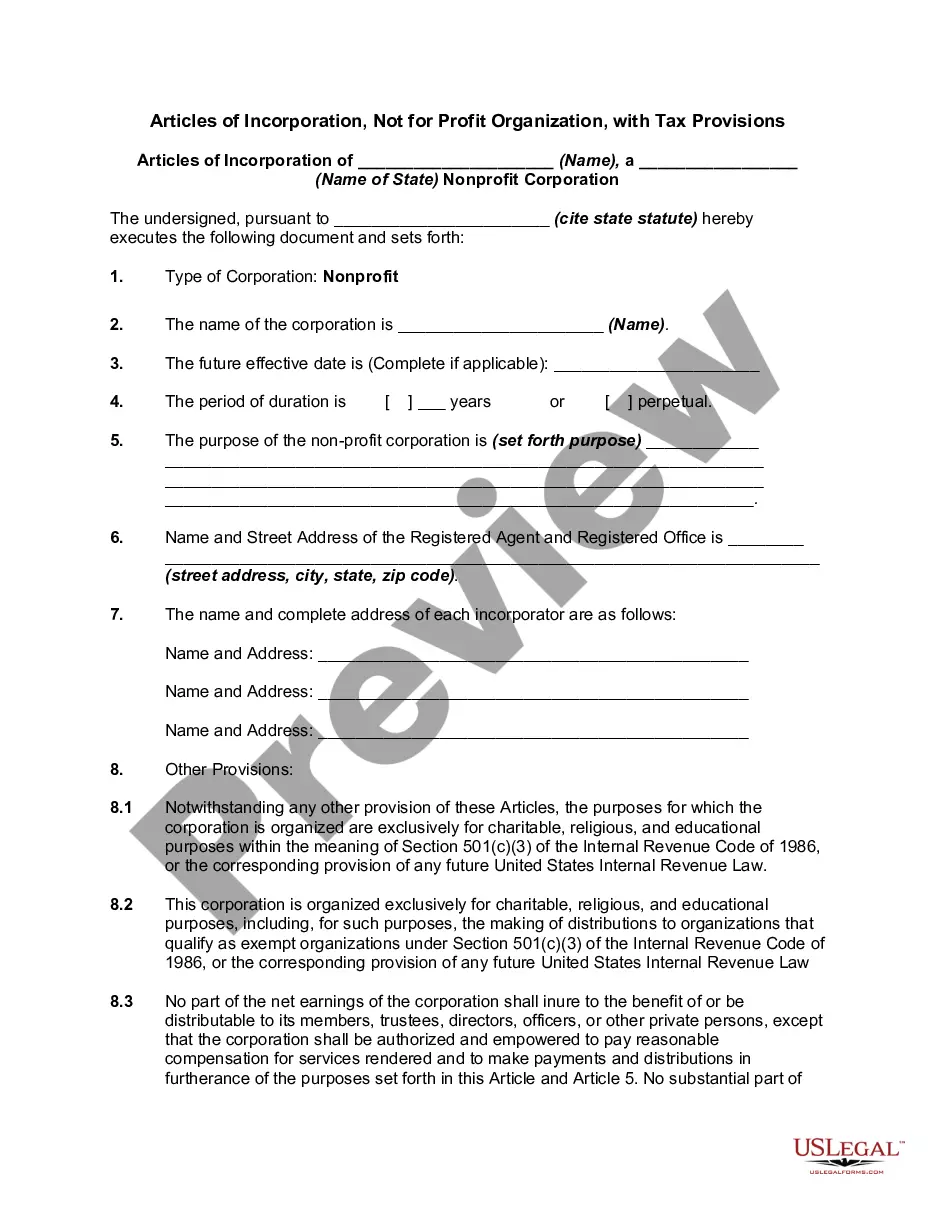
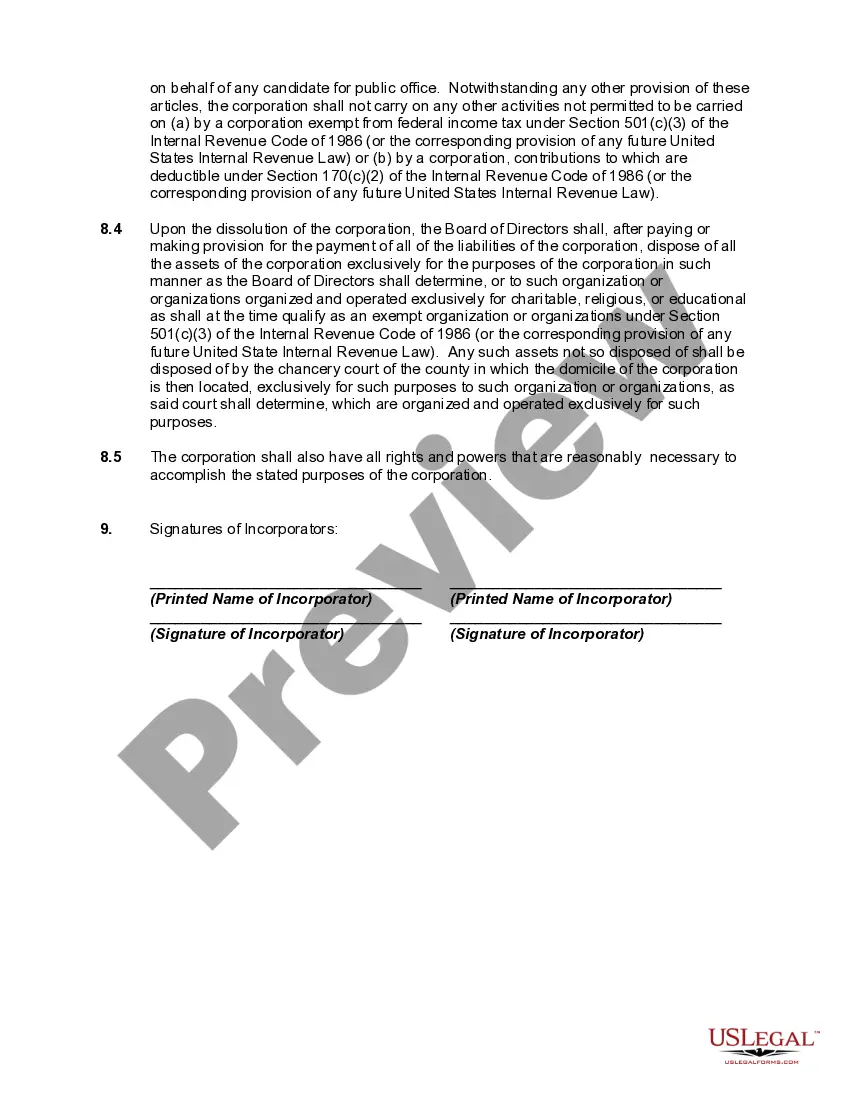
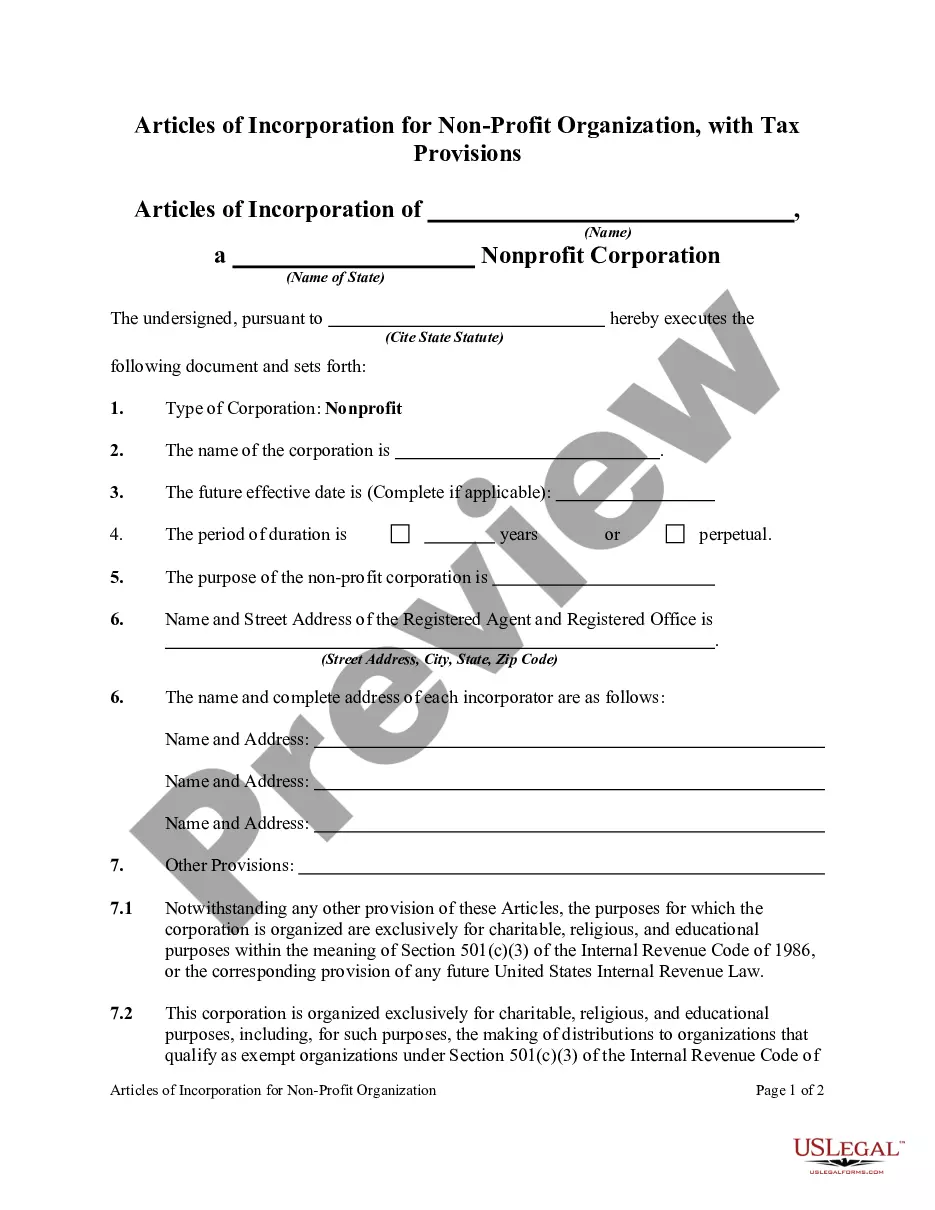
How to fill out Articles Of Incorporation, Not For Profit Organization, With Tax Provisions?
The Non-Profit Statement For Restaurant displayed on this page is a versatile official template created by qualified attorneys in compliance with national and local laws.
For over 25 years, US Legal Forms has delivered individuals, entities, and legal practitioners with more than 85,000 confirmed, state-specific forms for any commercial and personal requirements. It’s the fastest, simplest, and most reliable method to obtain the documents you need, as the service assures the utmost level of data confidentiality and malware prevention.
Register for US Legal Forms to have verified legal templates for every circumstance at your fingertips.
- Search for the document you require and examine it.
- Browse through the file you searched and view it or analyze the form description to confirm it meets your requirements. If it doesn't, use the search bar to find the suitable one. Click Buy Now once you have found the template you need.
- Subscribe and sign in.
- Choose the subscription plan that best fits you and create an account. Use PayPal or a credit card to make a quick payment. If you already possess an account, Log In and check your subscription to continue.
- Obtain the editable template.
- Select the file format you prefer for your Non-Profit Statement For Restaurant (PDF, Word, RTF) and save the sample on your device.
- Fill out and sign the document.
- Print the template to complete it by hand. Alternatively, utilize an online multi-functional PDF editor to swiftly and accurately fill out and endorse your form with an eSignature.
- Download your documents again.
- Use the identical document again whenever needed. Access the My documents tab in your profile to redownload any previously saved forms.
Form popularity
FAQ
How to create a restaurant P&L statement Record Sales for the Selected Timeframe. The sales column is the first to be filled out on an income statement. ... Cost of Goods Sold (COGS) ... Labor. ... Operating Expenses. ... Occupancy Costs. ... Depreciation. ... Percentage of sales. ... Gross Profit & Gross Profit Margin.
How to create a restaurant P&L statement Choose a timeframe. The first step in creating a restaurant profit and loss statement is selecting a timeframe. ... Record sales for the selected timeframe. ... Enter Cost of Goods Sold (COGS) ... Labor. ... Operating costs. ... Occupancy Costs. ... Depreciation.
Set up the major categories on the income statement in the following order: Revenue. Cost of Sales. Gross Profit. Operating Expenses. Fixed Charges. Net Income (or loss)
Advertising & Promotions Costs You may recall that those sales at the top of your P&L should include comps and discounts. Well, this means that somewhere you have to account for those comps and discounts, and our suggestion is to account for this with the rest of your advertising costs.
How to Write a Profit and Loss Statement How to Create a P&L Statement. ... Step 1 ? Track Your Revenue. ... Step 2 ? Determine the Cost of Sales. ... Step 3 ? Figure Out Your Gross Profit. ... Step 4 ? Add Up Your Overhead. ... Step 5 ? Calculate Your Operating Income. ... Step 6 ? Adjust for Other Income and/or Expenses.