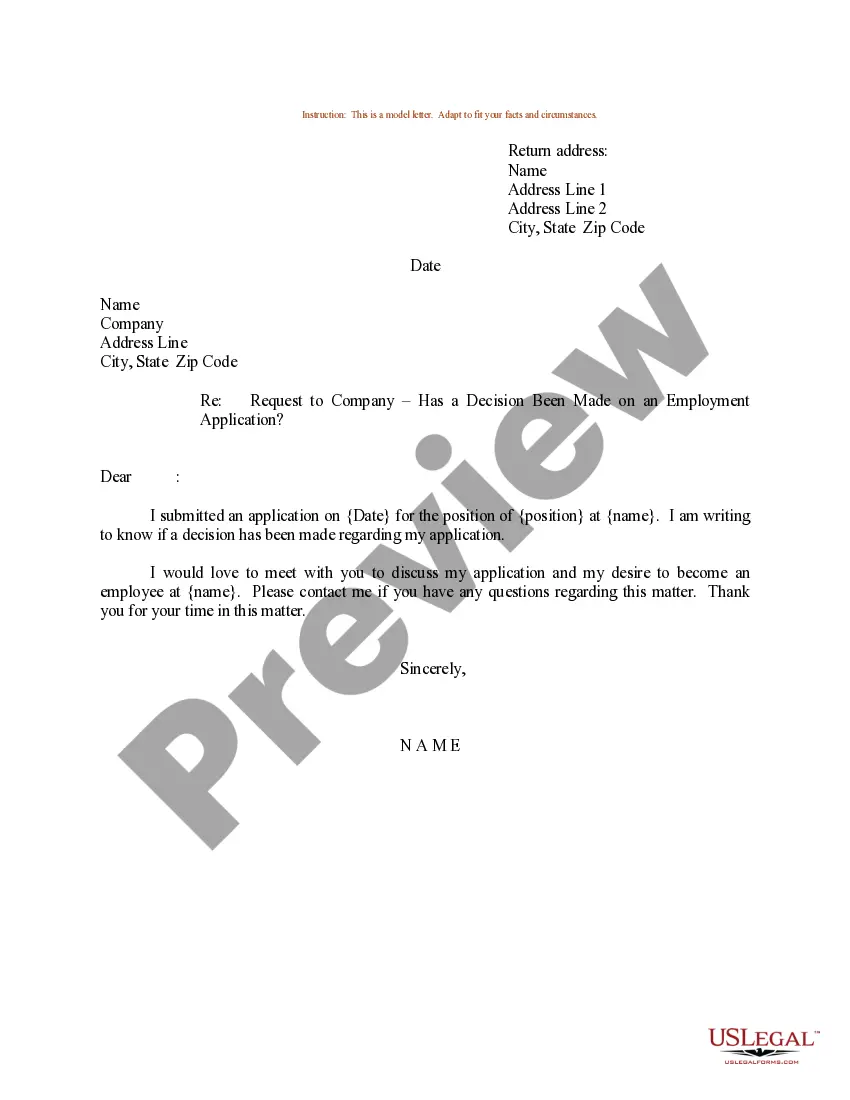
Job Application With Reference
Description
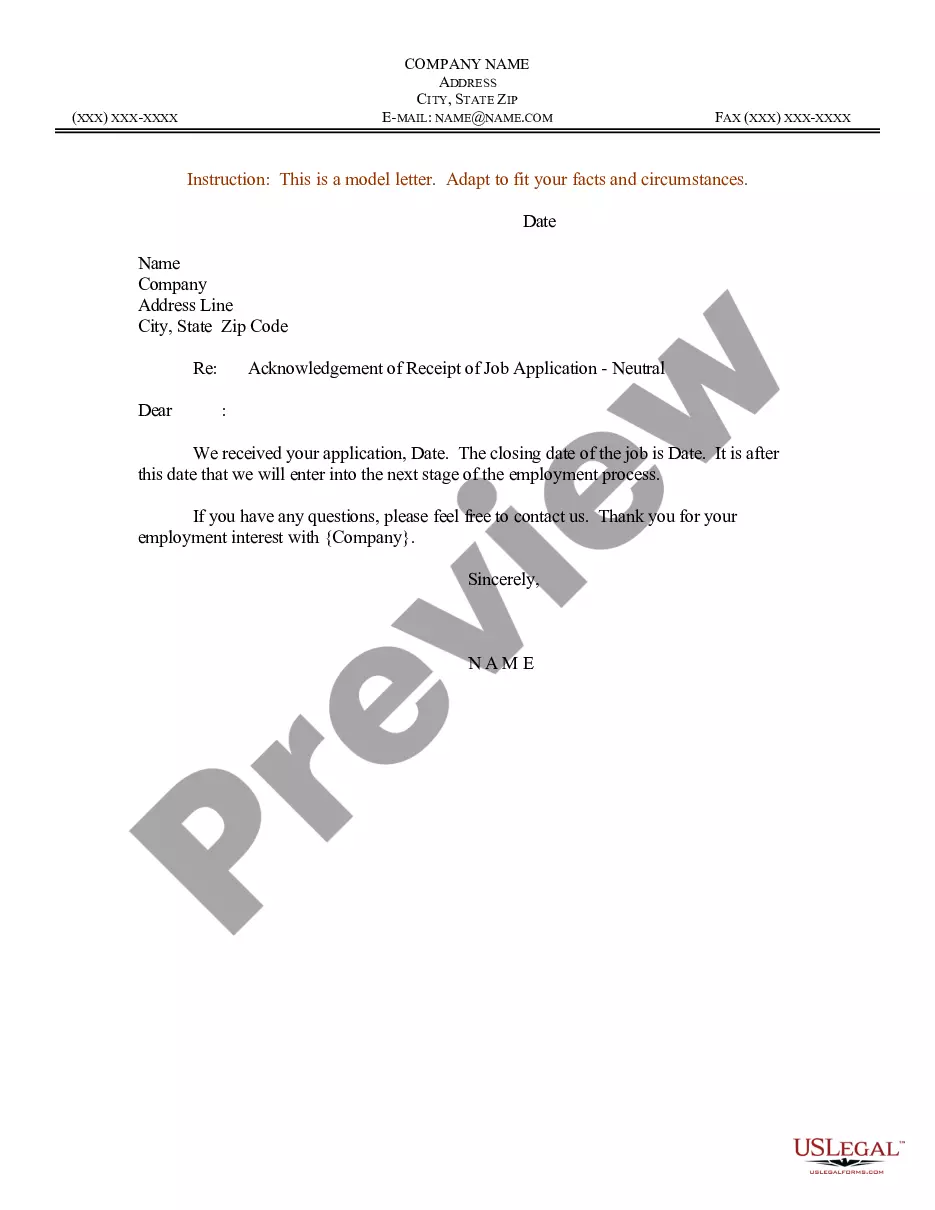

Get your form ready online
Our built-in tools help you complete, sign, share, and store your documents in one place.
Make edits, fill in missing information, and update formatting in US Legal Forms—just like you would in MS Word.
Download a copy, print it, send it by email, or mail it via USPS—whatever works best for your next step.
Sign and collect signatures with our SignNow integration. Send to multiple recipients, set reminders, and more. Go Premium to unlock E-Sign.
If this form requires notarization, complete it online through a secure video call—no need to meet a notary in person or wait for an appointment.
We protect your documents and personal data by following strict security and privacy standards.
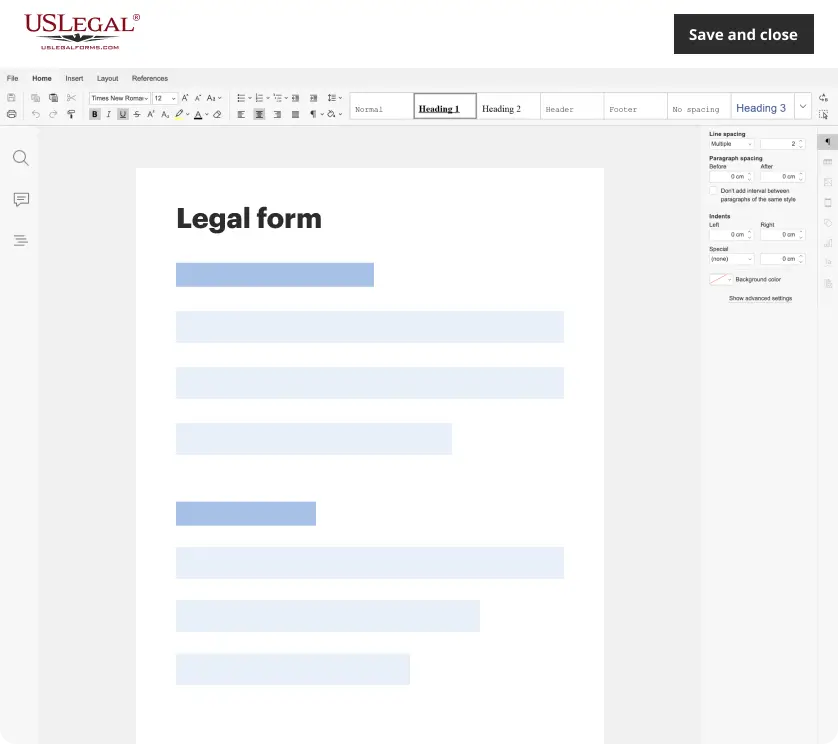
Make edits, fill in missing information, and update formatting in US Legal Forms—just like you would in MS Word.
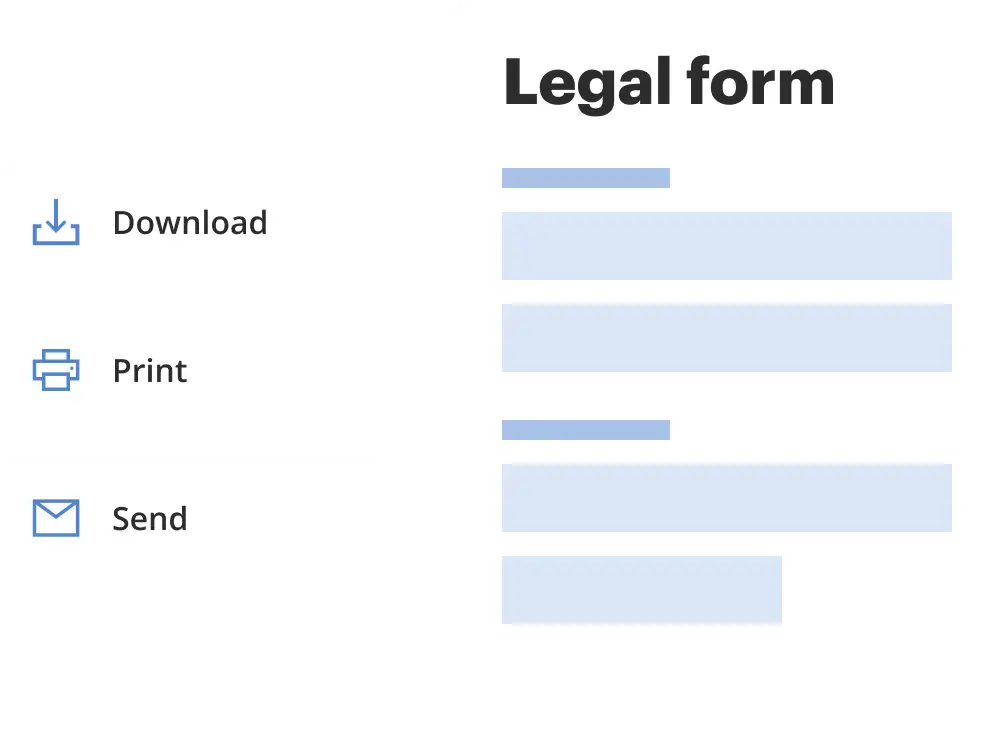
Download a copy, print it, send it by email, or mail it via USPS—whatever works best for your next step.
Sign and collect signatures with our SignNow integration. Send to multiple recipients, set reminders, and more. Go Premium to unlock E-Sign.
If this form requires notarization, complete it online through a secure video call—no need to meet a notary in person or wait for an appointment.
We protect your documents and personal data by following strict security and privacy standards.
Looking for another form?
How to fill out Sample Letter For Work Or Employment Application - Inquiry?
The Employment Application With Reference displayed on this page is a versatile legal template crafted by experienced attorneys in accordance with national and regional laws and regulations.
For over 25 years, US Legal Forms has delivered individuals, organizations, and legal professionals with more than 85,000 authenticated, state-specific forms for any commercial and personal situation. It’s the quickest, simplest, and most dependable way to acquire the documents you require, as the service promises bank-grade data security and anti-malware safeguarding.
Re-download your documents as needed. Use the My documents tab in your account to access any previously downloaded forms. Subscribe to US Legal Forms to have verified legal templates for all of life's situations readily available.
- Search for the document you require and examine it.
- Browse through the sample you sought and preview it or review the form details to confirm it meets your needs. If it doesn’t, use the search feature to find the correct one. Click Buy Now when you have identified the template you require.
- Register and Log In.
- Select the pricing option that fits you and create an account. Use PayPal or a debit card for a swift payment. If you already possess an account, Log In to check your subscription to proceed.
- Obtain the editable template.
- Pick the format you wish for your Employment Application With Reference (PDF, DOCX, RTF) and download the sample onto your device.
- Complete and sign the documents.
- Print the template to fill it out by hand. Alternatively, utilize an online multifunctional PDF editor to quickly and accurately fill and sign your form electronically.
Form popularity
FAQ
In your job application with reference, it’s crucial to avoid including individuals who may not provide a supportive perspective. Do not choose family members, friends, or anyone who lacks a professional relationship with you. Moreover, avoid potential conflicts of interest, such as a competitor or someone who has had negative experiences with you. Selecting appropriate references significantly enhances your credibility.
To effectively include a reference in your job application with reference, create a section labeled 'References' near the end of your document. Format your references' details properly, using a consistent style for names, titles, and contact information. Ensure that your references are easily accessible and willing to speak on your behalf. This extra effort can positively influence hiring decisions.
In your job application with reference, you can mention your references either in a dedicated section or as an attachment. Clearly list each reference's name, title, and contact information. Additionally, provide a brief context for each reference's relationship to you, which helps potential employers understand their relevance. Keeping this part organized ensures your application looks professional.
When you consider who to include in your job application with reference, think about people who know your work ethic and skills well. Ideal choices include former supervisors, colleagues, or clients who can speak highly of your qualifications. Avoid using family members, as they may not provide an objective assessment. Always seek permission from your references before listing them in your application.
If you find yourself in a situation where you need to submit a job application with reference but lack references, consider alternative options. You can ask former teachers, mentors, or colleagues who can speak to your skills. Additionally, focus on showcasing your achievements and experiences in your application. Platforms like US Legal Forms provide resources and templates that can guide you in crafting a strong application that highlights your qualifications, ensuring you stand out even without traditional references.
I have always found [applicant] to be trustworthy, hard working and intelligent. When we worked on [example], [applicant] showed good communication skills and I could rely on them to take the initiative and to stay calm under pressure. For these reasons, I believe [applicant] would be ideal for the job of [role].
Here are 17 questions to ask during a reference check: What was their relationship with the candidate? How long did they work with the candidate? What was the candidate's role? (Responsibilities, tasks, etc.) What were the candidate's top strengths? What did the candidate struggle with?
So how do you write one that's eye-catching and professional? First, put your references on a separate sheet. Add an exclusive reference page, as the last page of your resume. Keep the same format for your reference sheet as your resume and cover letter, meaning use the same font, margins, and color scheme.
5 Steps To Write A Great Reference Letter Greeting. As this is a professional document, start the letter using business format. ... Introduction. Give a brief introduction about yourself and explain your relationship to the candidate. ... Body. ... Closing. ... Signature.
A detailed work reference can include: the employee's job title. dates of employment. details about their skills, ability and experience. any current, relevant disciplinary records. the reasons for leaving the job.