Consulting Agreement Confidentiality With Former Employer
Description
Get your form ready online
Our built-in tools help you complete, sign, share, and store your documents in one place.
Make edits, fill in missing information, and update formatting in US Legal Forms—just like you would in MS Word.
Download a copy, print it, send it by email, or mail it via USPS—whatever works best for your next step.
Sign and collect signatures with our SignNow integration. Send to multiple recipients, set reminders, and more. Go Premium to unlock E-Sign.
If this form requires notarization, complete it online through a secure video call—no need to meet a notary in person or wait for an appointment.
We protect your documents and personal data by following strict security and privacy standards.

Make edits, fill in missing information, and update formatting in US Legal Forms—just like you would in MS Word.

Download a copy, print it, send it by email, or mail it via USPS—whatever works best for your next step.

Sign and collect signatures with our SignNow integration. Send to multiple recipients, set reminders, and more. Go Premium to unlock E-Sign.

If this form requires notarization, complete it online through a secure video call—no need to meet a notary in person or wait for an appointment.

We protect your documents and personal data by following strict security and privacy standards.
Looking for another form?
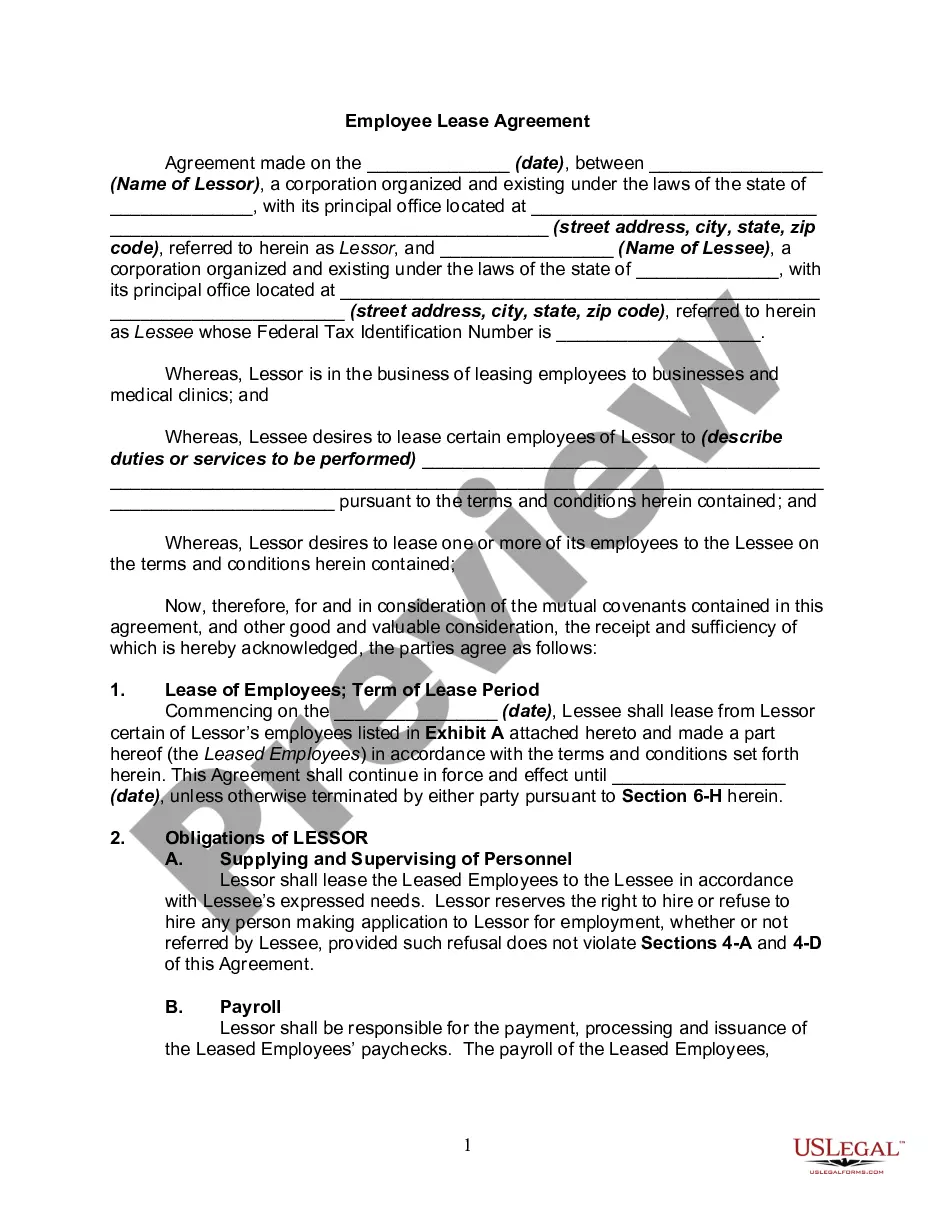
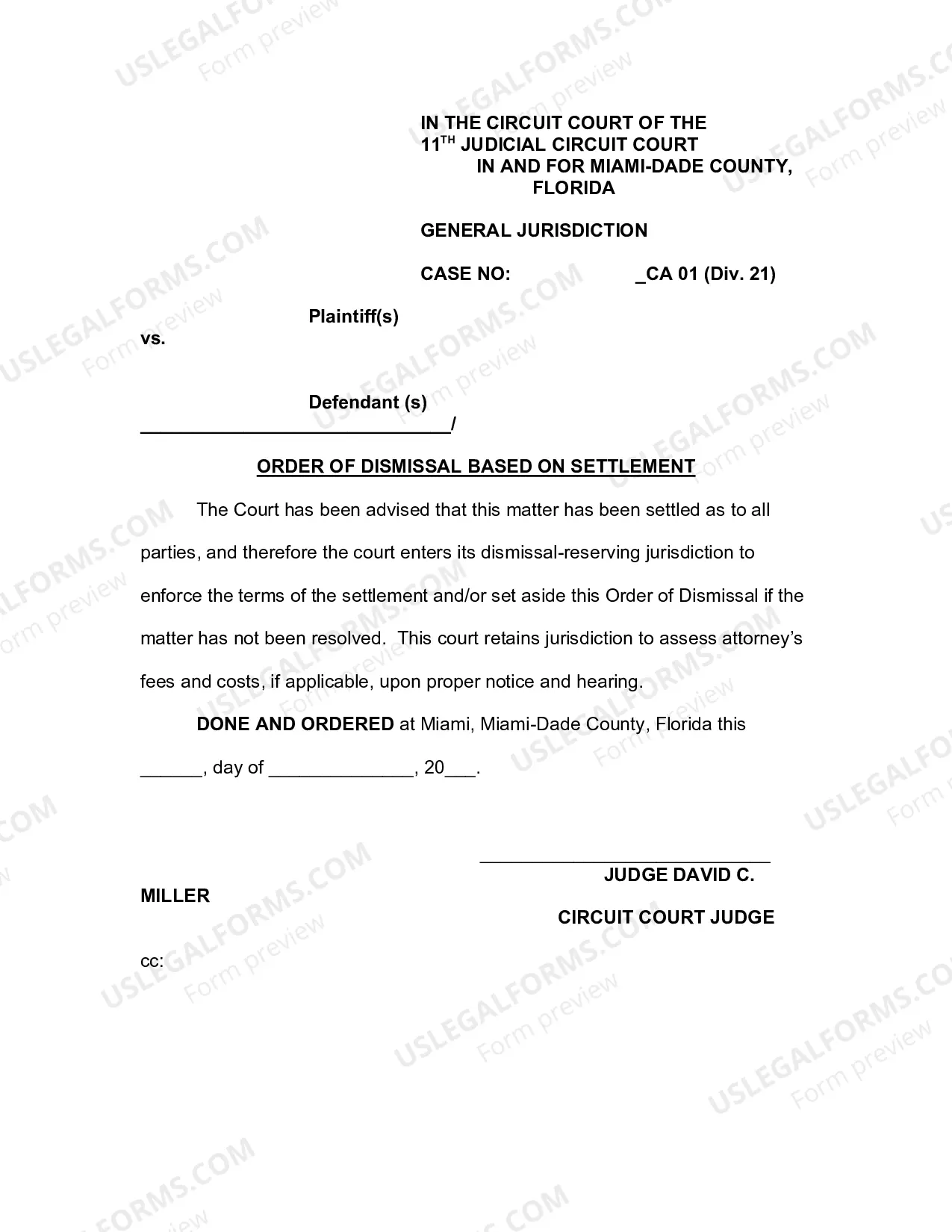
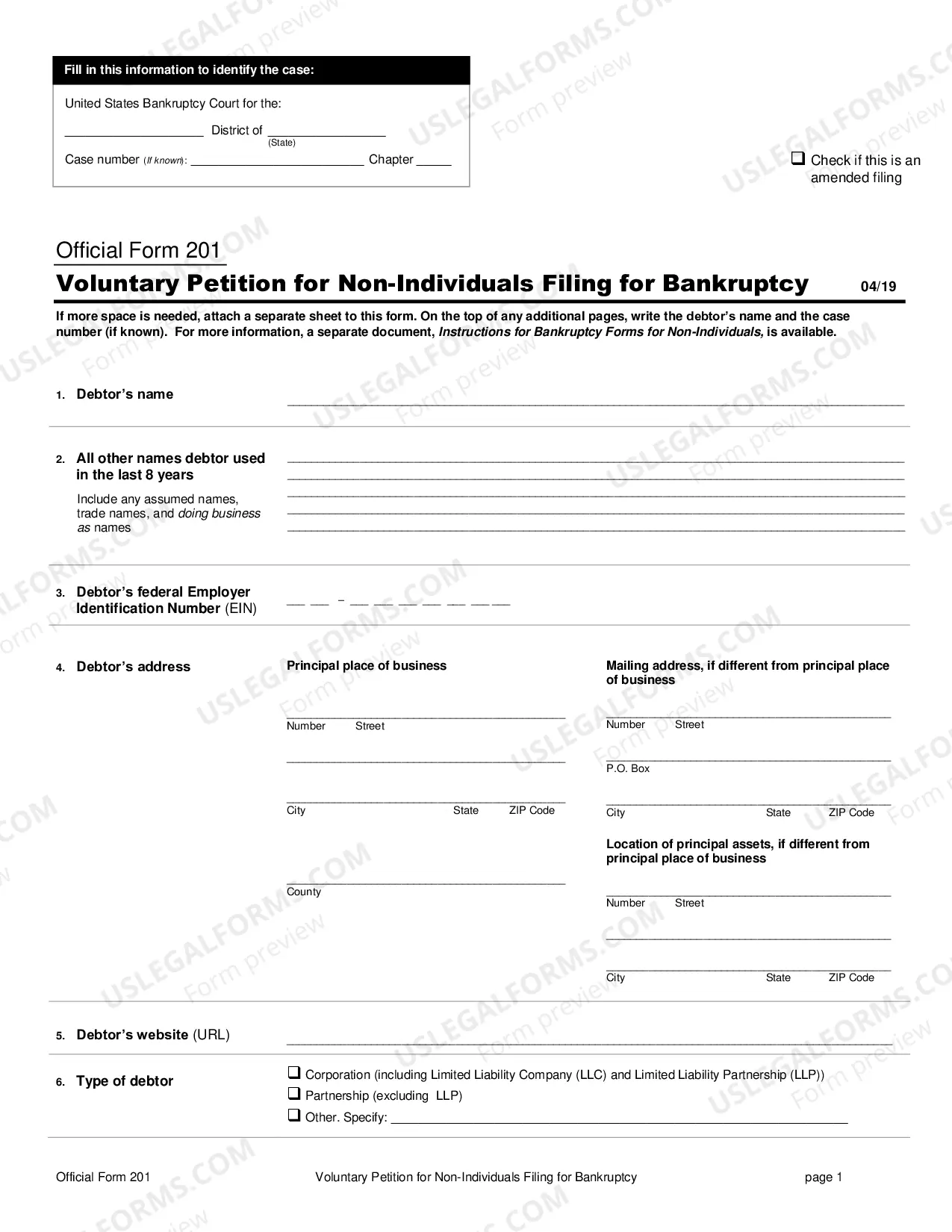
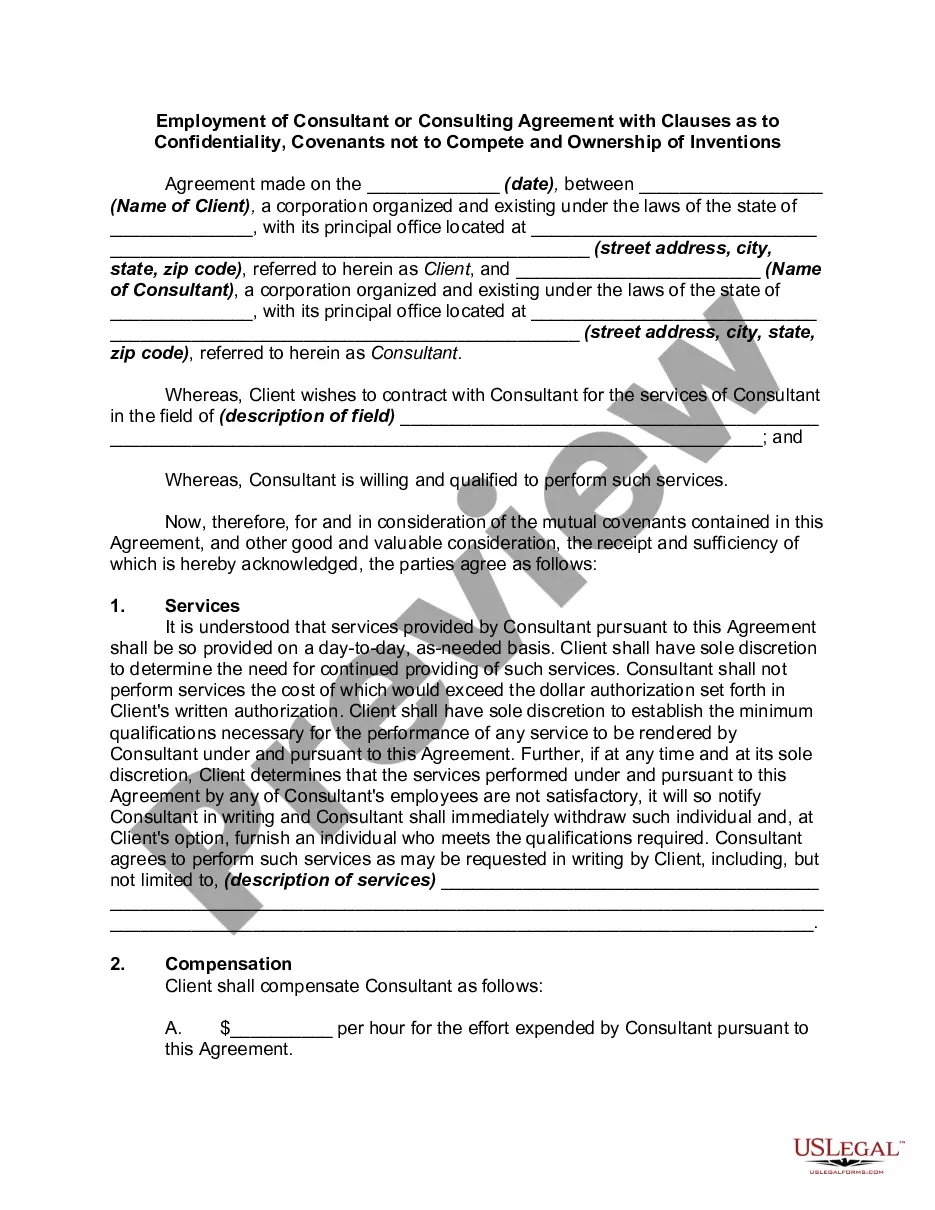
How to fill out Employment Of Consultant Or Consulting Agreement With Clauses As To Confidentiality, Covenants Not To Compete And Ownership Of Inventions?
Managing legal documentation and processes can be a lengthy addition to your whole day.
Confidentiality Agreement with Previous Employer and documents like it frequently necessitate that you seek them out and grasp how to fill them out correctly.
As a result, if you are addressing financial, legal, or personal issues, utilizing a comprehensive and user-friendly online directory of forms will significantly help.
US Legal Forms is the premier online destination for legal forms, featuring over 85,000 state-specific documents and a variety of resources to assist you in completing your paperwork effortlessly.
Simply Log In to your account, locate Confidentiality Agreement with Previous Employer, and download it instantly from the My documents section. You can also retrieve previously downloaded documents.
- Explore the collection of relevant documents available with just one click.
- US Legal Forms provides state- and county-specific documents available for download at any time.
- Safeguard your document management processes with quality support that enables you to prepare any form in a matter of minutes without any additional or concealed fees.
Form popularity
FAQ
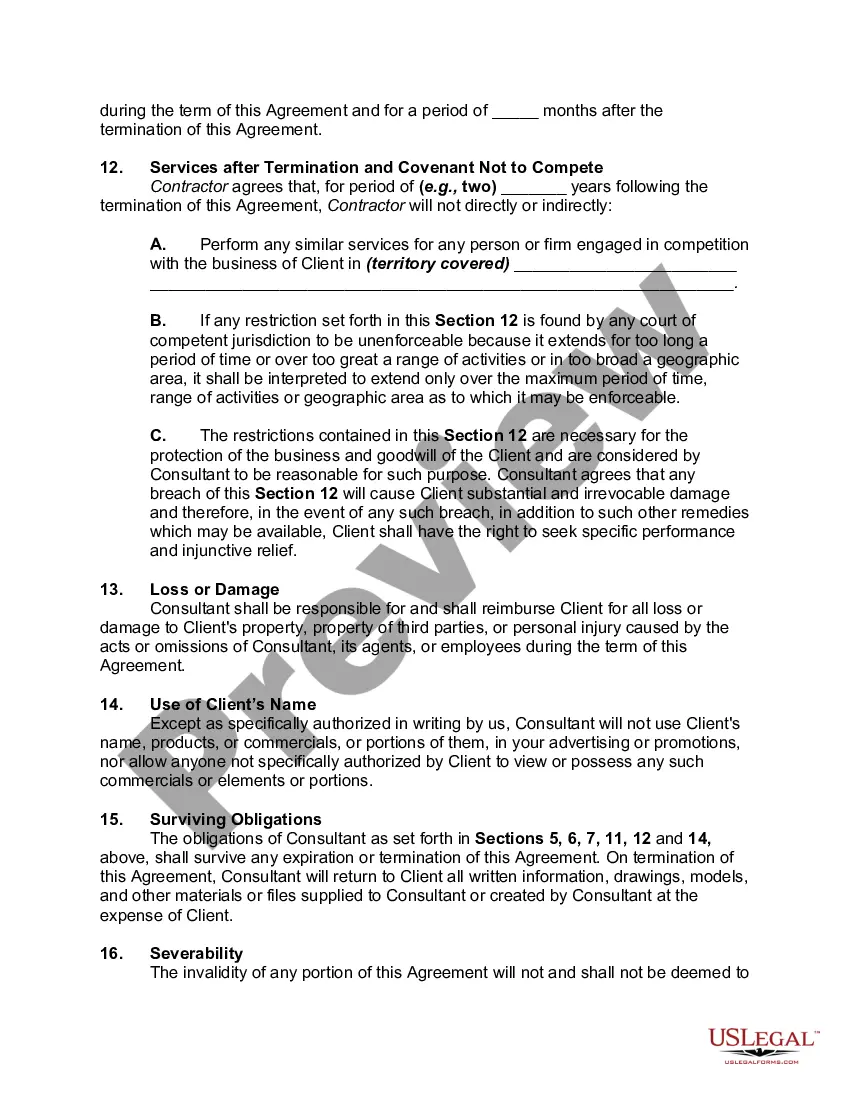
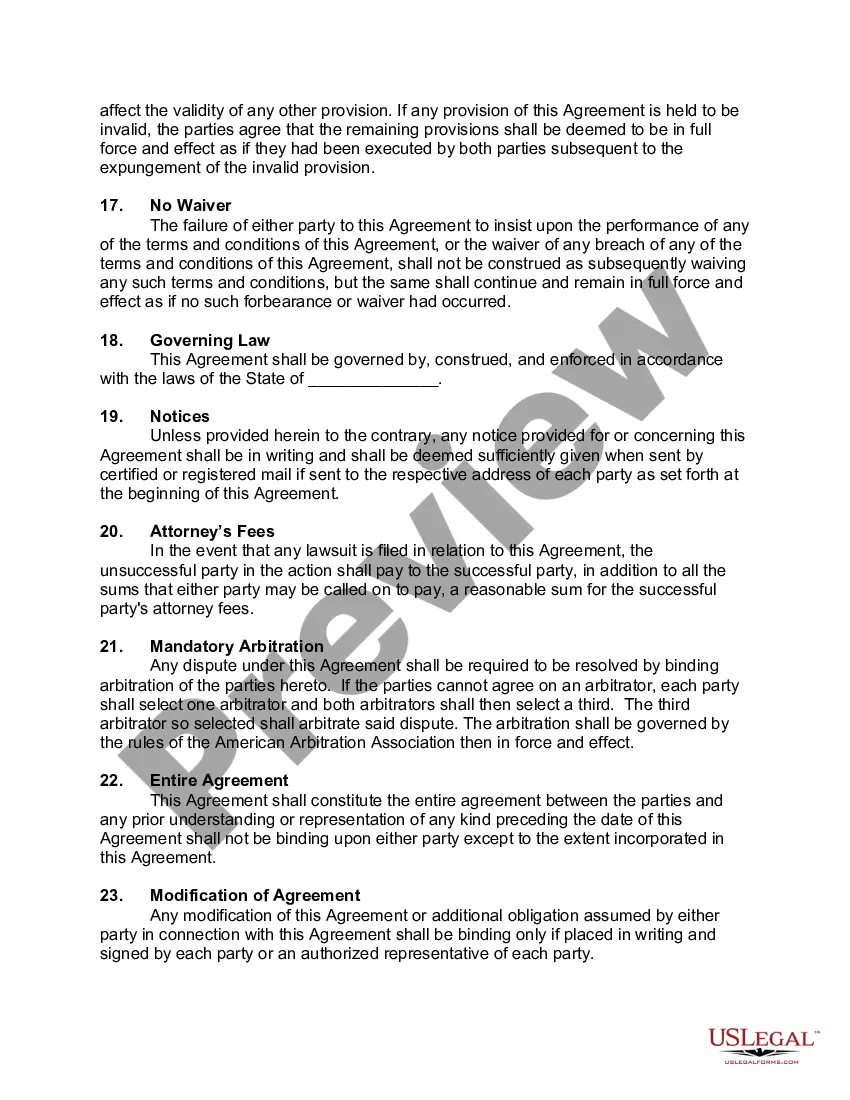
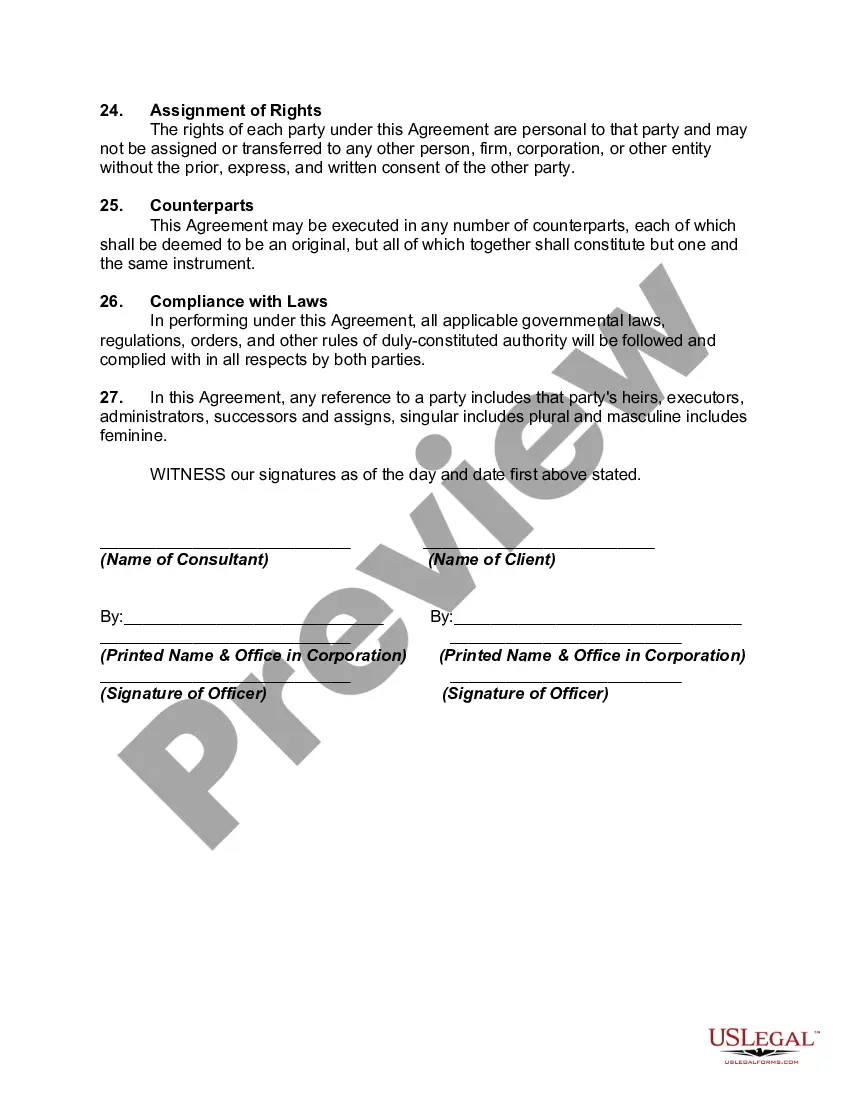
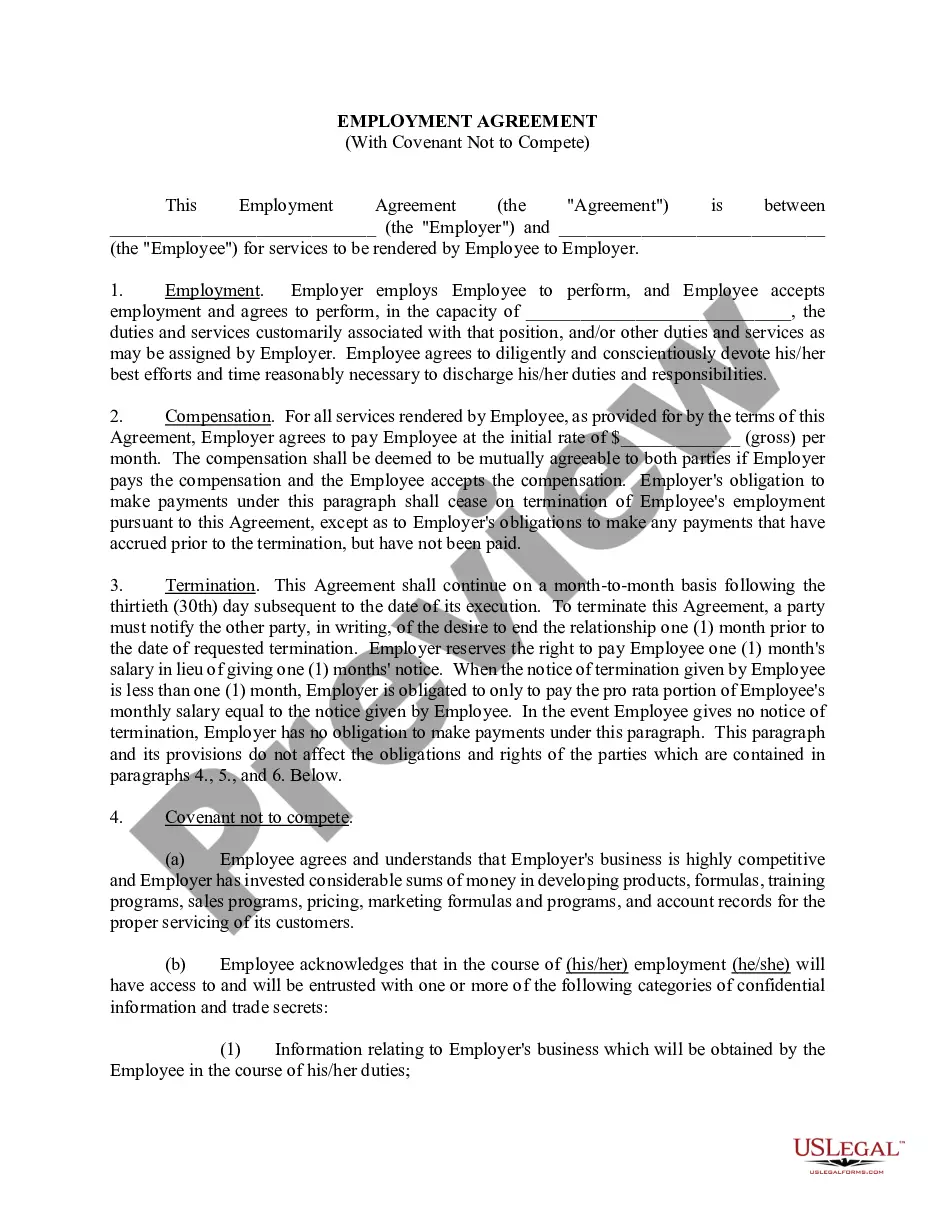
Identifying red flags in a confidentiality agreement is crucial to protect yourself. Look for vague language, terms that appear one-sided, or overly restrictive clauses that limit your future employment opportunities. Additionally, be cautious if the agreement lacks a clear expiration date or the scope is not well defined. Taking the time to consult with a legal professional about the consulting agreement confidentiality with former employer can help you spot potential issues.
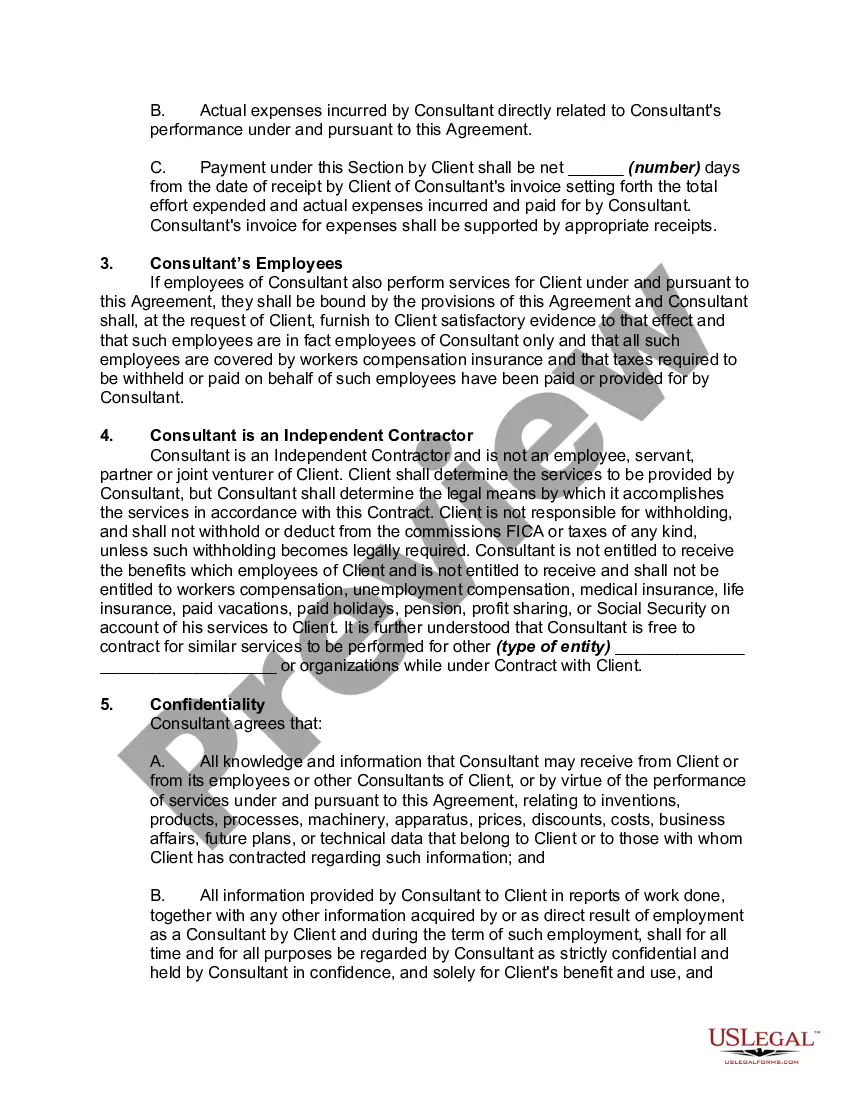
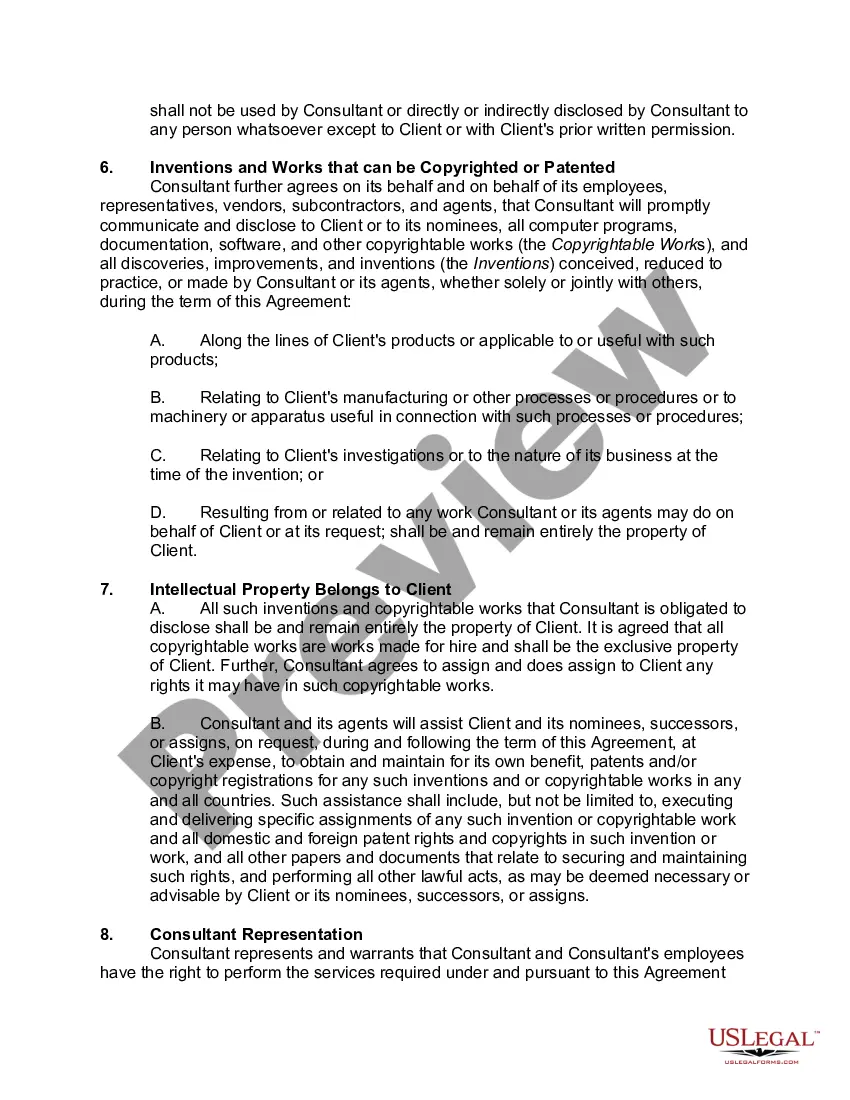
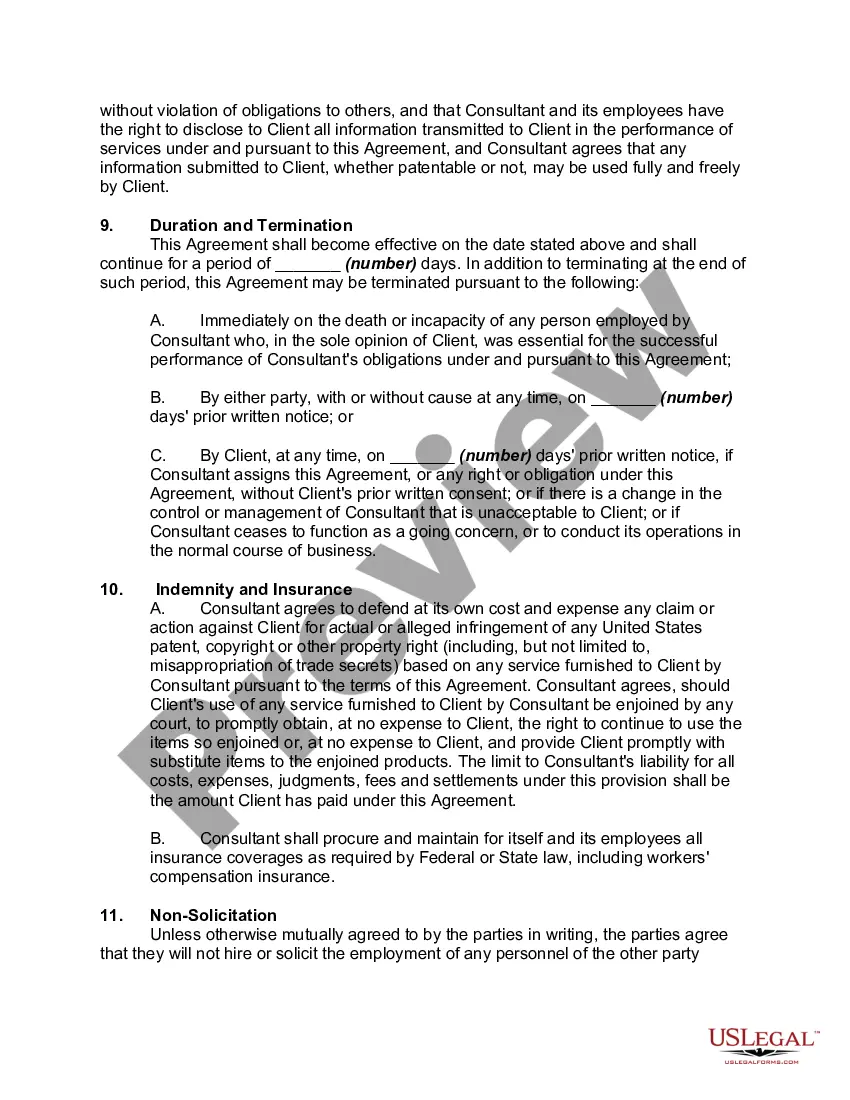
A confidentiality agreement should include a clear definition of the confidential information, scope of the agreement, obligations of the receiving party, the duration of the contract, any exceptions to confidentiality, and the consequences of a breach of the contract.
Consultant shall hold confidential and proprietary information of third parties gained in the course of Company's business in the strictest confidence and shall not disclose it to any person, firm or company (except as to carry out the Company's business as consistent with Company's agreement with such third party) or ...
An employee confidentiality agreement is a contract between an employer and an employee that specifies certain confidentiality provisions, such as preventing the employee from disclosing certain specified information relating to the conduct of the employer or the termination of the employment contract.
Consultants often work with sensitive information, such as trade secrets, financial information, and client lists. Unsurprisingly, consultants are typically required to sign non-disclosure agreements (NDAs) that prevent them from disclosing confidential information.
Example: Confidentiality Clause None of the parties shall disclose to any person or use for any purpose any confidential information of the other as a result of entering into this Agreement. This restriction shall continue to apply after the expiration or termination of this agreement without limit of time.