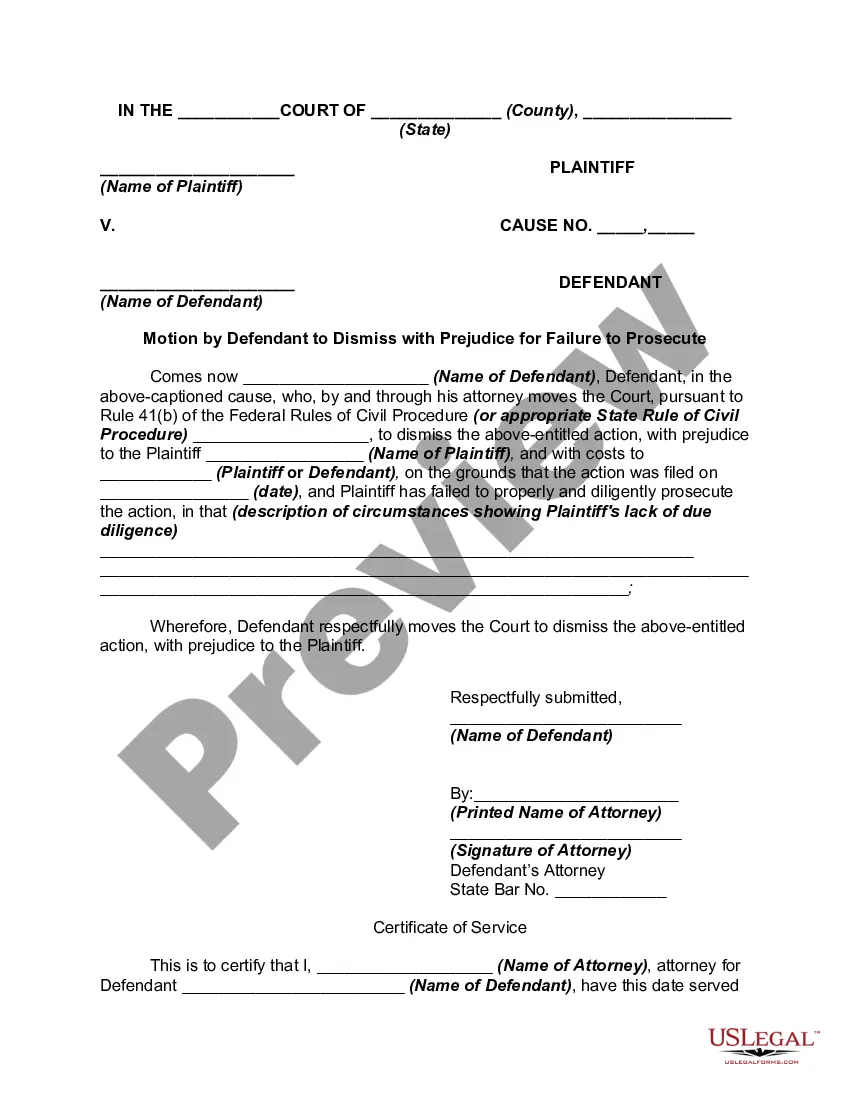
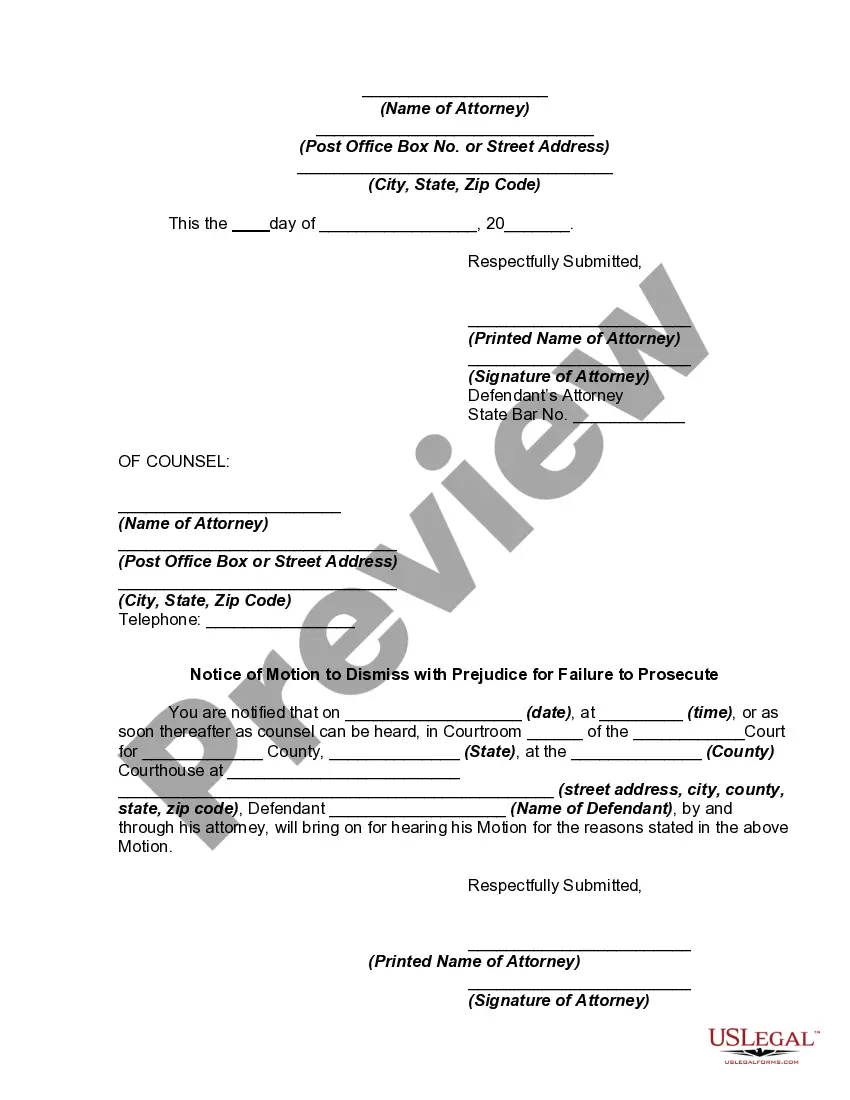
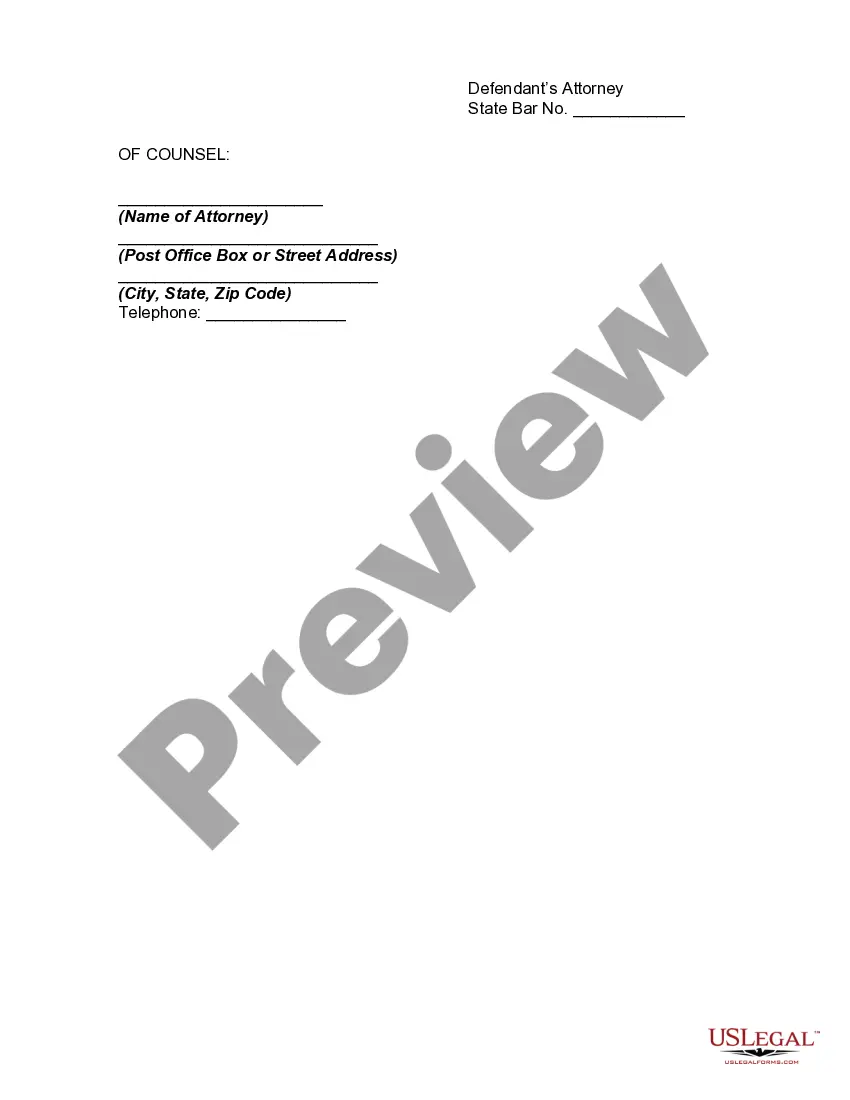
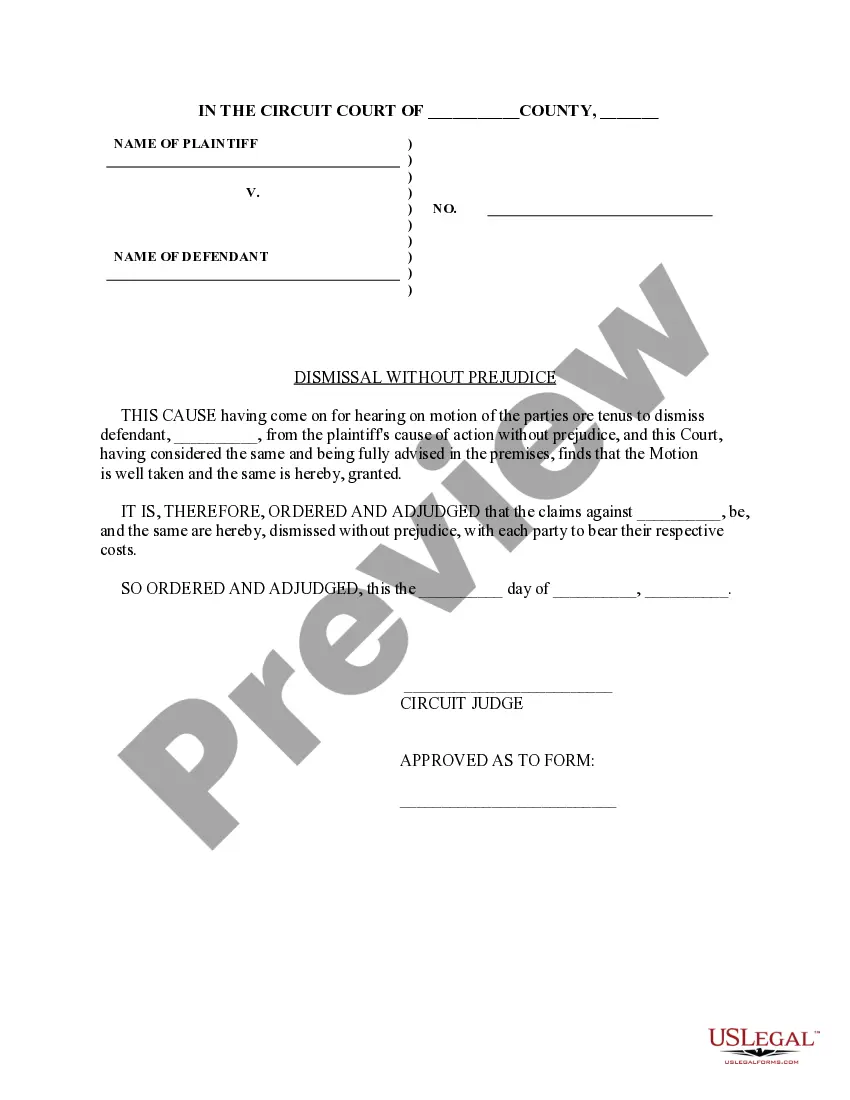
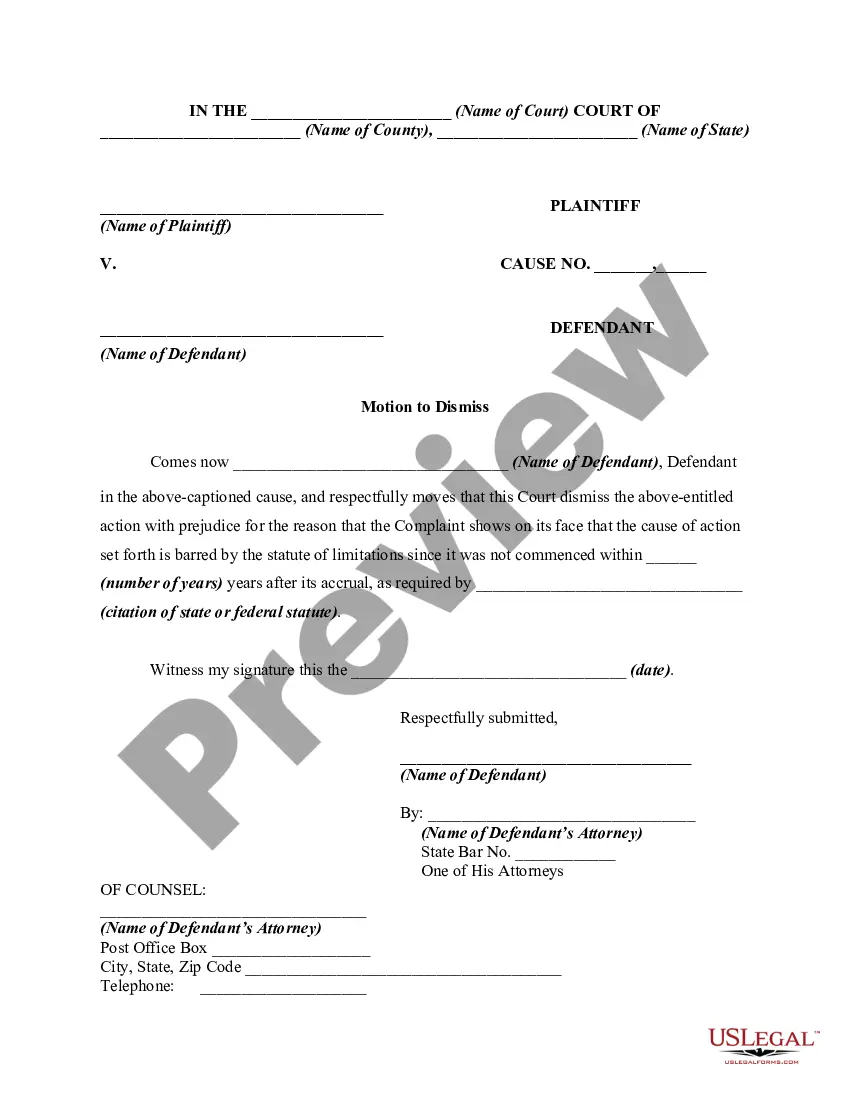
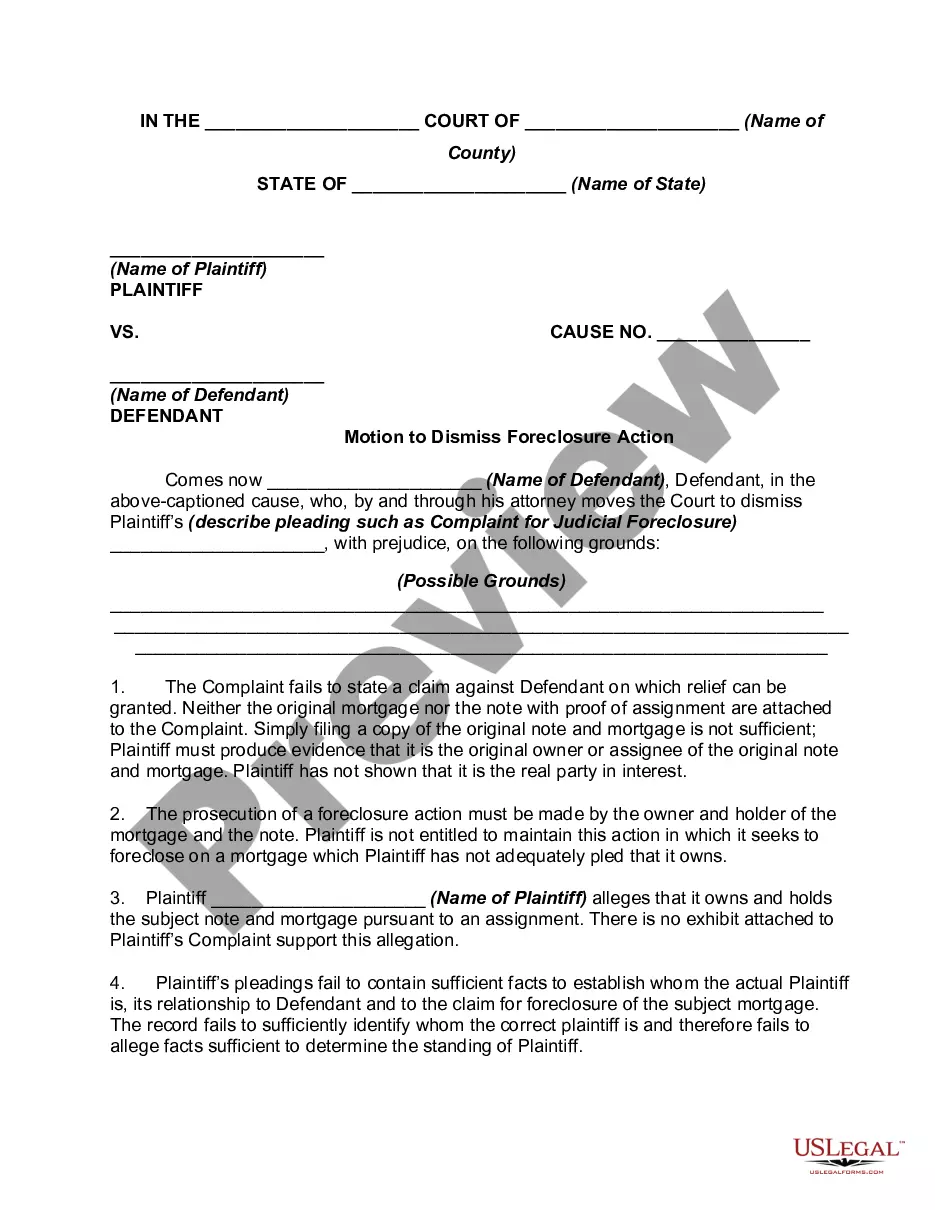
Motion To Dismiss Form Colorado
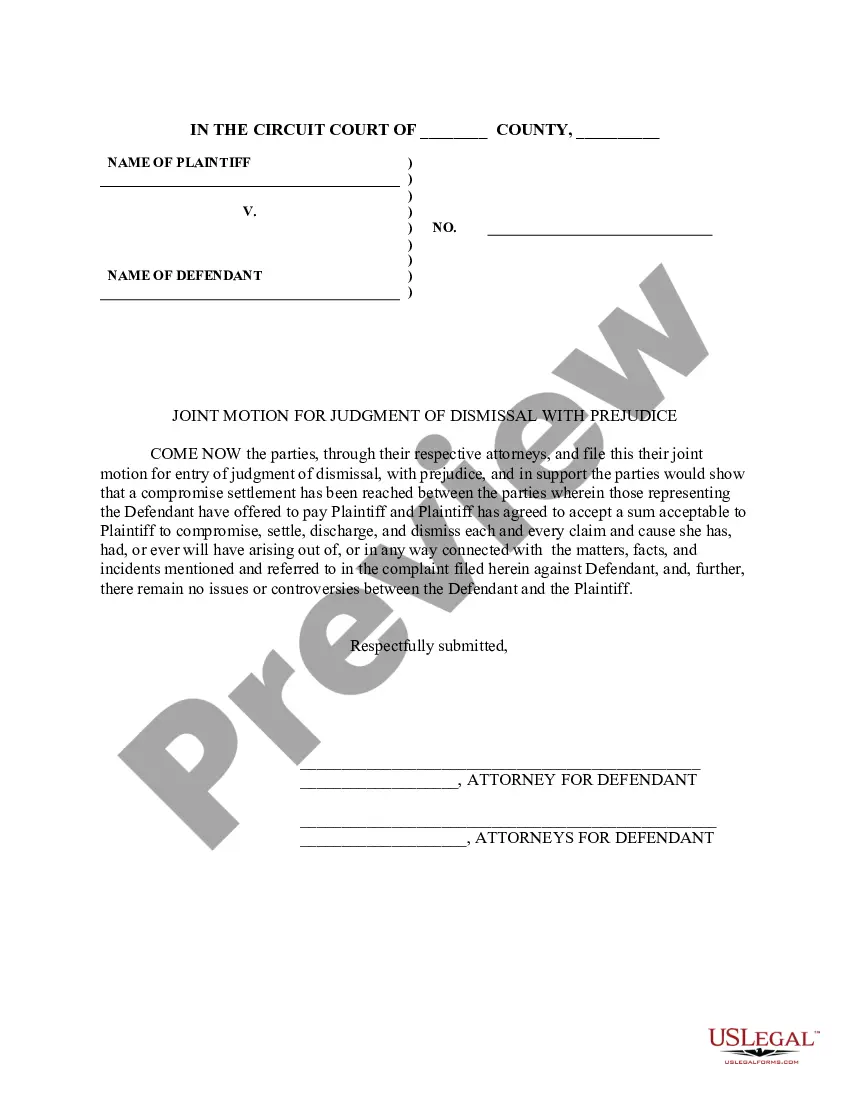
Description
Get your form ready online
Our built-in tools help you complete, sign, share, and store your documents in one place.
Make edits, fill in missing information, and update formatting in US Legal Forms—just like you would in MS Word.
Download a copy, print it, send it by email, or mail it via USPS—whatever works best for your next step.
Sign and collect signatures with our SignNow integration. Send to multiple recipients, set reminders, and more. Go Premium to unlock E-Sign.
If this form requires notarization, complete it online through a secure video call—no need to meet a notary in person or wait for an appointment.
We protect your documents and personal data by following strict security and privacy standards.

Make edits, fill in missing information, and update formatting in US Legal Forms—just like you would in MS Word.

Download a copy, print it, send it by email, or mail it via USPS—whatever works best for your next step.

Sign and collect signatures with our SignNow integration. Send to multiple recipients, set reminders, and more. Go Premium to unlock E-Sign.

If this form requires notarization, complete it online through a secure video call—no need to meet a notary in person or wait for an appointment.

We protect your documents and personal data by following strict security and privacy standards.
Looking for another form?






How to fill out Motion By Defendant To Dismiss With Prejudice For Failure To Prosecute?
Locating a reliable source to obtain the most up-to-date and suitable legal templates is a significant part of navigating bureaucracy.
Identifying the appropriate legal document necessitates accuracy and meticulousness, which is why it’s essential to acquire Motion To Dismiss Form Colorado only from trustworthy sources, such as US Legal Forms. An incorrect template will squander your time and prolong your circumstances. With US Legal Forms, you can rest easy.
Eliminate the frustration associated with your legal paperwork. Explore the extensive collection of US Legal Forms to locate legal templates, verify their applicability to your circumstances, and download them instantly.
- Utilize the library navigation or search bar to find your template.
- Examine the form’s details to verify if it meets the requirements of your state and county.
- If available, preview the form to ensure it aligns with what you’re seeking.
- If the Motion To Dismiss Form Colorado does not suit your needs, continue searching for the correct template.
- Once you are certain about the form’s pertinence, download it.
- If you are a registered user, click Log in to verify your identity and access your selected templates in My documents.
- If you do not yet have an account, click Buy now to purchase the template.
- Choose the pricing plan that matches your requirements.
- Proceed to the registration process to complete your purchase.
- Finalize your transaction by selecting a payment method (credit card or PayPal).
- Select the document format for downloading Motion To Dismiss Form Colorado.
- Once you have the form on your device, you can edit it using the editor or print it and fill it out by hand.
Form popularity
FAQ
The JDF 76 form is used for a motion to dismiss in Colorado courts. Start by filling in the case caption and the relevant parties involved, ensuring accuracy in the details provided. Clearly state your reasons for the motion and any supporting evidence you may have. Using a user-friendly platform like US Legal Forms can simplify this process and offer guidance to ensure compliance with local court rules.
A request for dismissal signals that a party wants to terminate the legal proceedings against another party. This can be voluntary, indicating that the party no longer wishes to pursue the case, or involuntary, often occurring due to lack of legal grounds. Understanding this concept is vital when dealing with a motion to dismiss form Colorado. If you are unsure how to proceed, consulting resources like US Legal Forms can clarify your options.
In Colorado, you typically have 21 days to respond to a motion to dismiss once you receive it. It is crucial to adhere to this timeline to ensure your arguments are considered by the court. Missing the deadline may result in the motion being granted without your input. To manage your response effectively, you can utilize tools like the US Legal Forms platform to streamline the process.
Filling out a motion involves clearly presenting your arguments and supporting facts. Start by using a standard motion to dismiss form Colorado, which often includes sections for the title, details of the case, and specific legal grounds for the motion. Ensure each section is completed thoroughly and concisely, providing any evidence to back your claims. If you need guidance, platforms like US Legal Forms provide essential resources and templates.
The primary purpose of a motion to dismiss is to challenge the legal sufficiency of a complaint. Essentially, the party filing the motion argues that even if all the allegations in the complaint are true, they do not amount to a legal claim. This motion can help save time and resources for the court and the involved parties. Understanding this can help you navigate the procedure if you face a motion to dismiss form Colorado.
An example of a motion to dismiss typically includes an introduction, a statement of facts, and legal arguments. For instance, if you are claiming the case lacks jurisdiction, you will clearly detail that argument along with relevant citations. Utilizing a motion to dismiss form Colorado can provide you with a structured example to follow, ensuring you cover all necessary elements.
Filing a motion to dismiss without a lawyer is entirely possible, but it requires diligence. Start by researching your local court's procedures and rules regarding the motion to dismiss process. You can find help online, including templates and guides. Additionally, using the motion to dismiss form Colorado from US Legal Forms can simplify your experience significantly.
To fill out a motion for dismissal, start with your personal details and case specifics. Next, present a logical argument detailing why the complaint lacks foundation. Be sure to adhere to the local court rules for format and language. Utilizing the motion to dismiss form Colorado will ensure you include all necessary components effectively.
Filling out a motion to dismiss form involves providing essential details about your case. Begin by including your name, the case number, and the court information. Clearly state the reasons for your motion, referencing specific laws that support your claims. For a streamlined process, you might consider using resources from US Legal Forms, which offers tailored motion to dismiss form Colorado options.
Writing a successful motion to dismiss requires clarity and confidence. Start by outlining the legal grounds for your request, emphasizing the reasons why the case should not proceed. Incorporate relevant laws and precedents, and be sure to reference the motion to dismiss form Colorado for proper structure. Clear, concise arguments will enhance your chances of success.