Motion To Vacate Order Florida
Description







Get your form ready online
Our built-in tools help you complete, sign, share, and store your documents in one place.
Make edits, fill in missing information, and update formatting in US Legal Forms—just like you would in MS Word.
Download a copy, print it, send it by email, or mail it via USPS—whatever works best for your next step.
Sign and collect signatures with our SignNow integration. Send to multiple recipients, set reminders, and more. Go Premium to unlock E-Sign.
If this form requires notarization, complete it online through a secure video call—no need to meet a notary in person or wait for an appointment.
We protect your documents and personal data by following strict security and privacy standards.

Make edits, fill in missing information, and update formatting in US Legal Forms—just like you would in MS Word.

Download a copy, print it, send it by email, or mail it via USPS—whatever works best for your next step.

Sign and collect signatures with our SignNow integration. Send to multiple recipients, set reminders, and more. Go Premium to unlock E-Sign.

If this form requires notarization, complete it online through a secure video call—no need to meet a notary in person or wait for an appointment.

We protect your documents and personal data by following strict security and privacy standards.
Looking for another form?



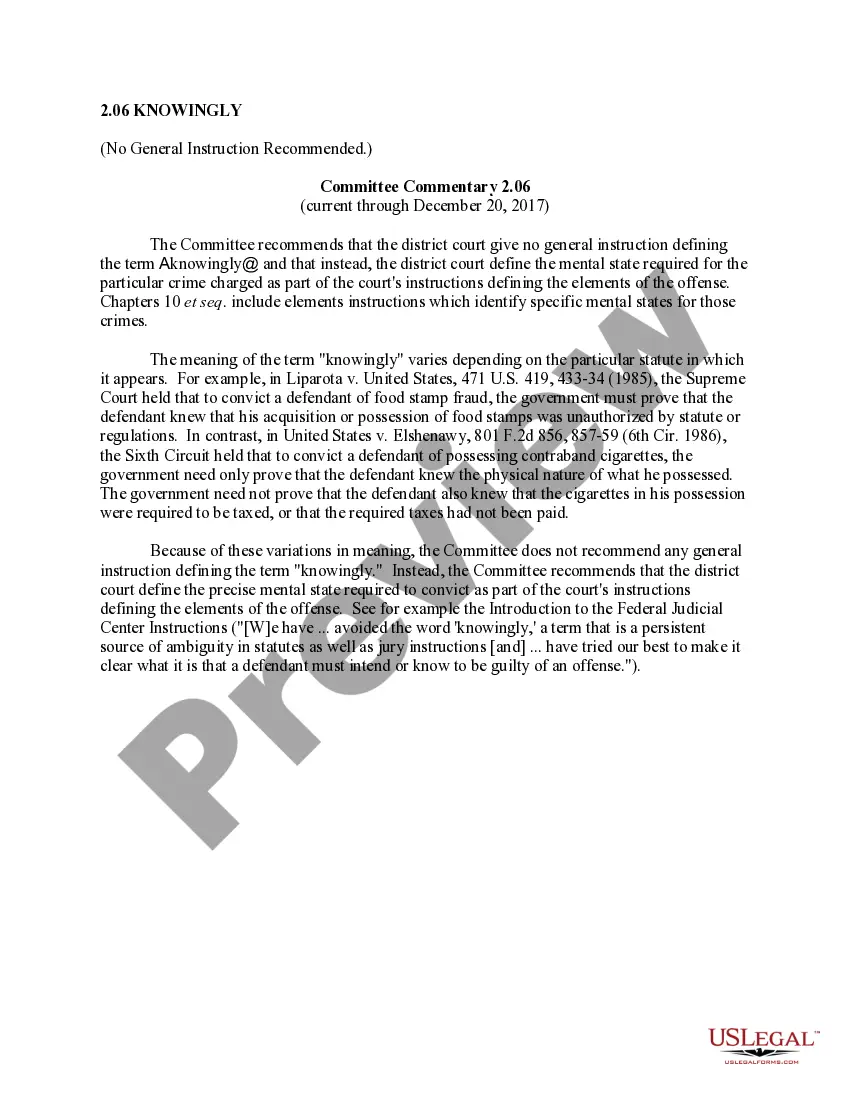
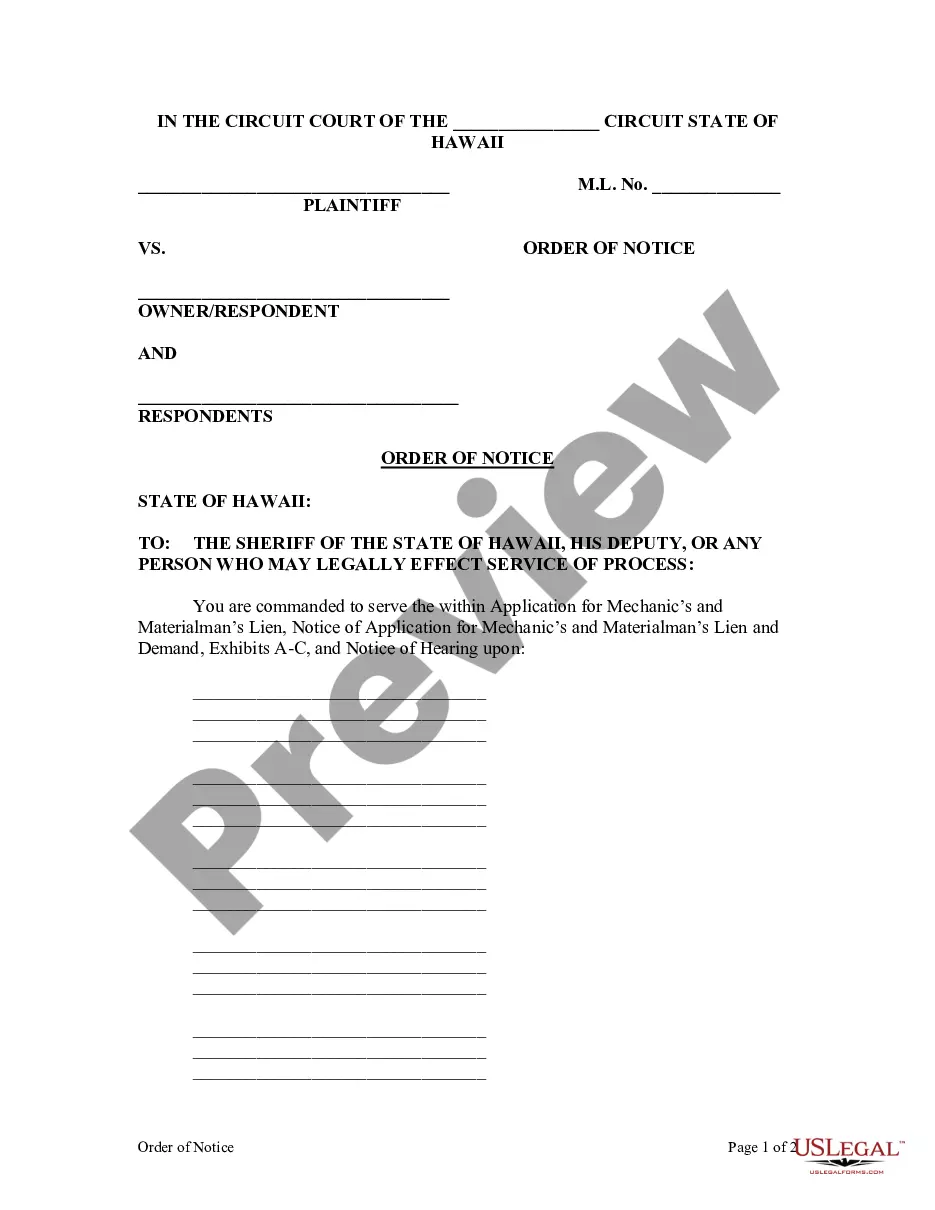

How to fill out Motion To Vacate Judgment, Quash Subpoena Duces Tecum, Dismiss Writ Of Garnishment, And For Leave To File An Answer To Complaint?
It’s clear that you can’t become a legal authority instantly, nor can you acquire the skills to swiftly draft Motion To Vacate Order Florida without having specialized knowledge.
Assembling legal documents is a lengthy process that demands specific education and expertise. So why not entrust the preparation of the Motion To Vacate Order Florida to the experts.
With US Legal Forms, boasting one of the most comprehensive legal document collections, you can discover everything from court filings to templates for office correspondence.
You can retrieve your documents from the My documents section anytime. If you’re an existing client, you can simply Log In and find and download the template from the same section.
Regardless of the reason for your documentation—whether it’s financial and legal, or personal—our platform has you supported. Try US Legal Forms today!
- Search for the form you need using the search function at the top of the website.
- Preview it (if this feature is available) and review the supporting details to ensure that Motion To Vacate Order Florida is what you’re seeking.
- Initiate your search again if you're in need of another template.
- Create a free account and select a subscription plan to purchase the form.
- Select Buy now. After completing the transaction, you can obtain the Motion To Vacate Order Florida, fill it out, print it, and send or mail it to the required individuals or organizations.
Form popularity
FAQ
On motion and upon such terms as are just, the court may relieve a party or a party's legal representative from a final judgment, decree, order, or proceeding for the following reasons: (1) mistake, inadvertence, surprise, or excusable neglect; (2) newly discovered evidence which by due diligence could not have been ...
A common summary of the rules for setting aside (excusing) a default is frequently quoted by Florida appellate courts: A party attempting to set aside a clerk's default must demonstrate excusable neglect, a meritorious defense, and due diligence in order for the trial court to vacate the default.
Vacating a Florida Judgment Florida Rules of Civil Procedure 1.540 allows a defendant to vacate of judgment for numerous reasons including: mistake, inadvertence, surprise, excusable neglect, newly discovered evidence, the judgment is void or the judgment has been satisfied.
The original Motion to Vacate must be filed with the Clerk of the Circuit Court's Office, and courtesy copies must be sent the Child Support Hearing Officer and the Judge assigned to your case.