Partition Suit Legal Notice Format
Description
Get your form ready online
Our built-in tools help you complete, sign, share, and store your documents in one place.
Make edits, fill in missing information, and update formatting in US Legal Forms—just like you would in MS Word.
Download a copy, print it, send it by email, or mail it via USPS—whatever works best for your next step.
Sign and collect signatures with our SignNow integration. Send to multiple recipients, set reminders, and more. Go Premium to unlock E-Sign.
If this form requires notarization, complete it online through a secure video call—no need to meet a notary in person or wait for an appointment.
We protect your documents and personal data by following strict security and privacy standards.

Make edits, fill in missing information, and update formatting in US Legal Forms—just like you would in MS Word.

Download a copy, print it, send it by email, or mail it via USPS—whatever works best for your next step.

Sign and collect signatures with our SignNow integration. Send to multiple recipients, set reminders, and more. Go Premium to unlock E-Sign.

If this form requires notarization, complete it online through a secure video call—no need to meet a notary in person or wait for an appointment.

We protect your documents and personal data by following strict security and privacy standards.
Looking for another form?
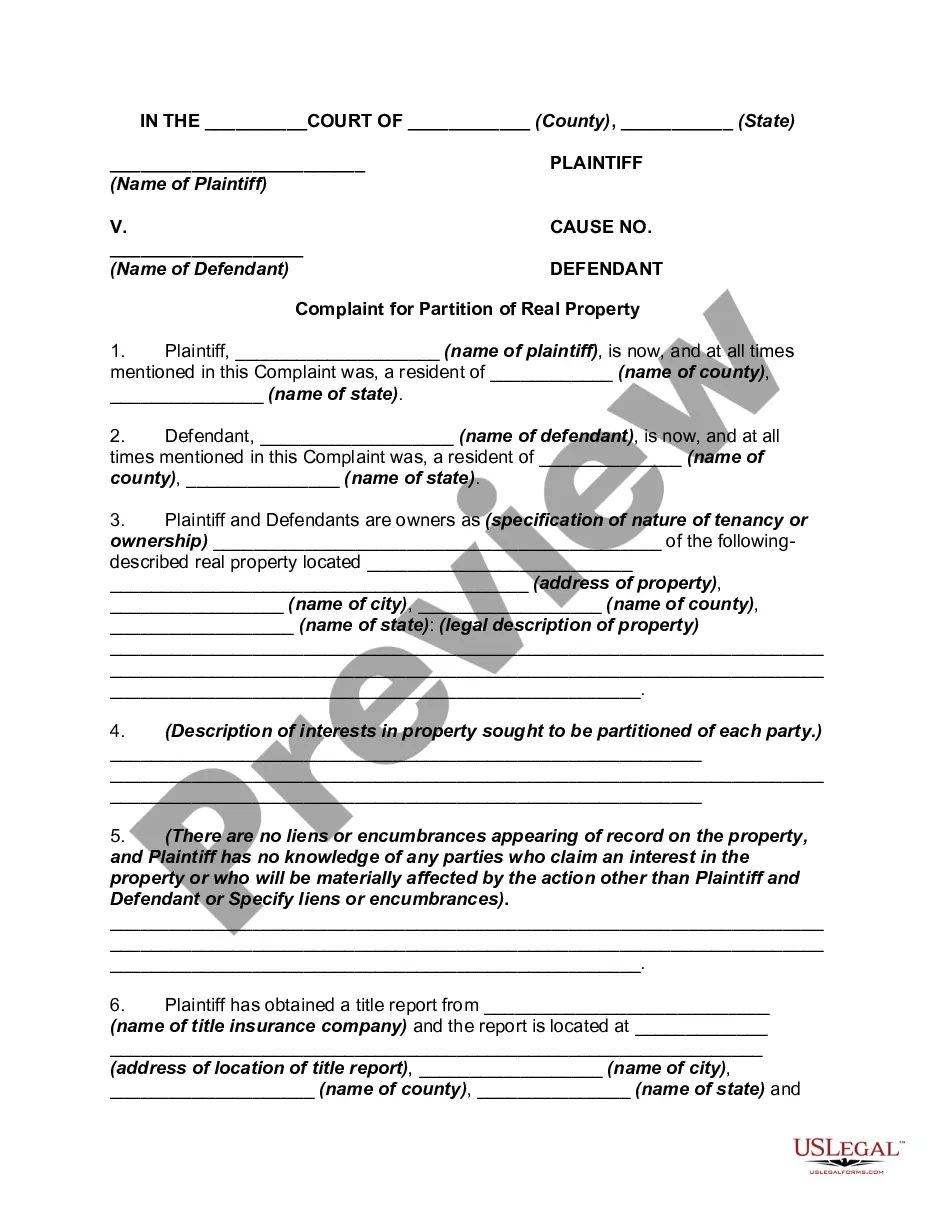
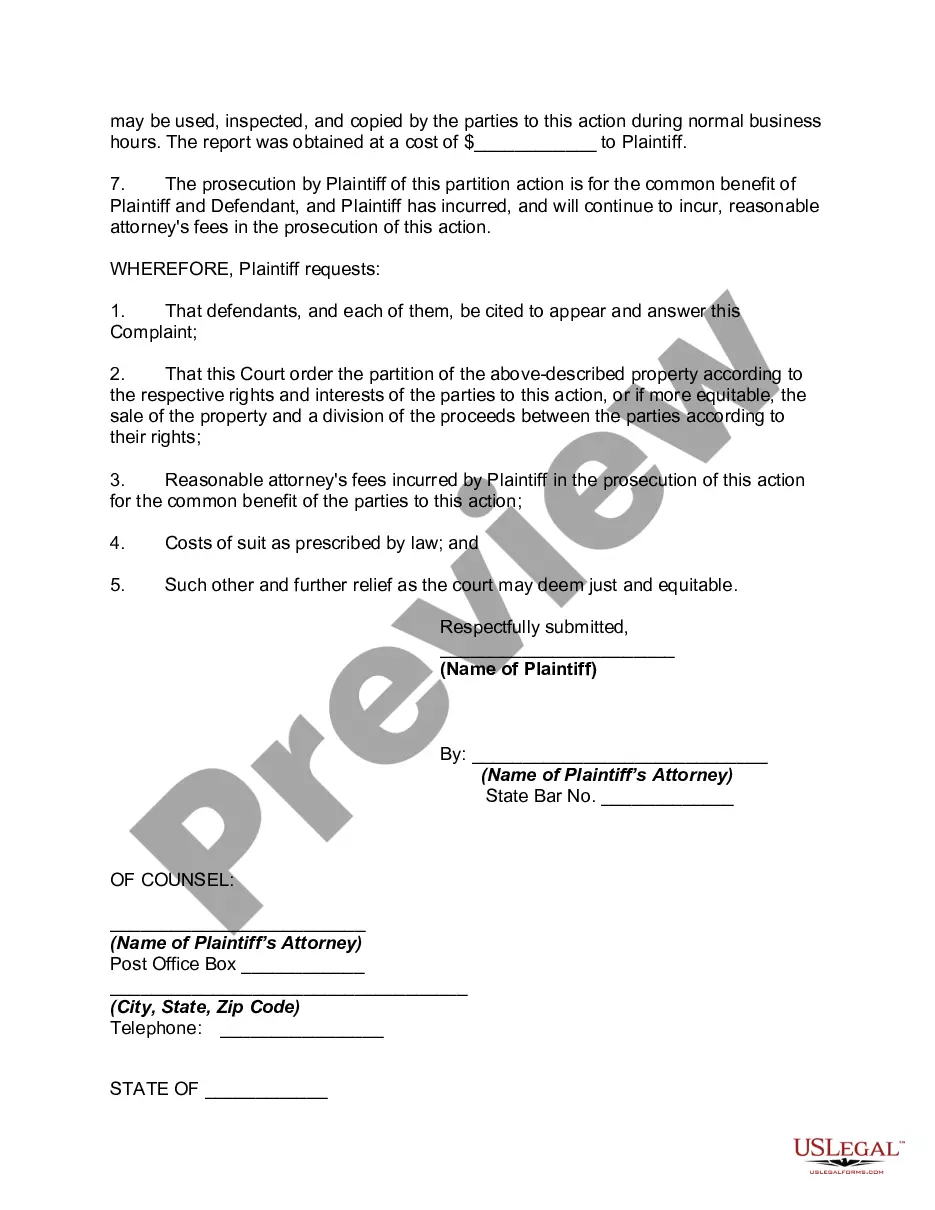
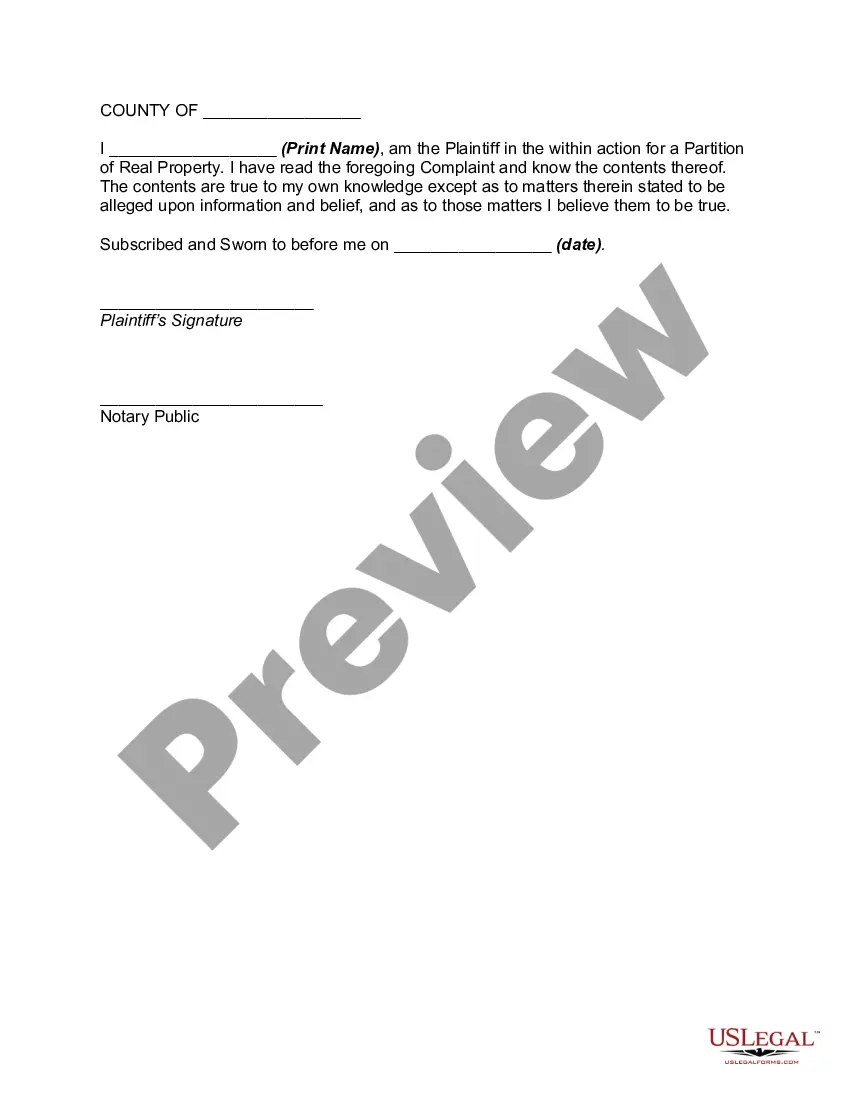
How to fill out Complaint For Partition Of Real Property?
The Partition Suit Legal Notice Template displayed on this page is a reusable legal document created by experienced attorneys in accordance with federal and state regulations.
For over 25 years, US Legal Forms has supplied individuals, organizations, and legal practitioners with more than 85,000 verified, state-specific forms for various business and personal circumstances. It’s the quickest, simplest, and most dependable method to acquire the documents you require, as the service ensures the highest level of data protection and anti-virus safety.
Select the format you desire for your Partition Suit Legal Notice Template (PDF, Word, RTF) and store the document on your device.
- Search for the document you require and review it.
- Examine the sample you searched for and view it or read the form description to verify it meets your requirements. If it doesn’t, utilize the search function to locate the appropriate one.
- Click Buy Now once you have located the template you need.
- Register and Log Into your account.
- Choose the pricing plan that best fits you and create an account. Utilize PayPal or a credit card for a swift payment. If you already hold an account, Log In and verify your subscription to proceed.
Form popularity
FAQ
After the partition suit is filed, the court will issue a notice to the defendant(s). The notice must be served to all the defendants, stating the nature of the suit and the relief sought. The defendants are given a specified period of time to respond to the notice. Partition Suit : Step by Step Procedure of Dividing the Property into equal ... lawyersonia.com ? partition-suit-step-by-ste... lawyersonia.com ? partition-suit-step-by-ste...
If you and the person have agreed that notification by email will be proof of notice, then you will need to have the agreement in writing. There is no law that states certified mail will serve as proof of notice in receiving legal documents. Likewise, it is never a good idea to send legal documents by electronic means.
Documents required for filing a partition suit Identity proof of legal heir. Certified copies of all title deeds of the property, including the description of the property. Valuation of property. Birth and Residence proof of the legal heir. Death certificate of the deceased owner, in original. How To File Partition Suit For Property Division? - 99acres.com 99acres.com ? articles ? things-to-know-bef... 99acres.com ? articles ? things-to-know-bef...
The Legal Notice must include the following things: Name, description and the residential address of the sender. Name & address of the person to whom legal notice is issued; Material facts; Cause of Action or Summary of the fact; Summary of the relief claimed. Reasonable time for replying the notice by a receiver. Free Legal Notice Sample in PDF | Legal Consultant - Legal Window legalwindow.in ? legal-notice legalwindow.in ? legal-notice
Legal notice for the partition of property must contain these essential points: Name, description, and place of residence of all the other owners. Details of the cause of action. The relief claimed by the sender of the notice. The detailed description of the property in dispute. How to Send Legal Notice for Partition of Property? - MyAdvo.in MyAdvo.in ? blog ? how-to-send-legal-no... MyAdvo.in ? blog ? how-to-send-legal-no...