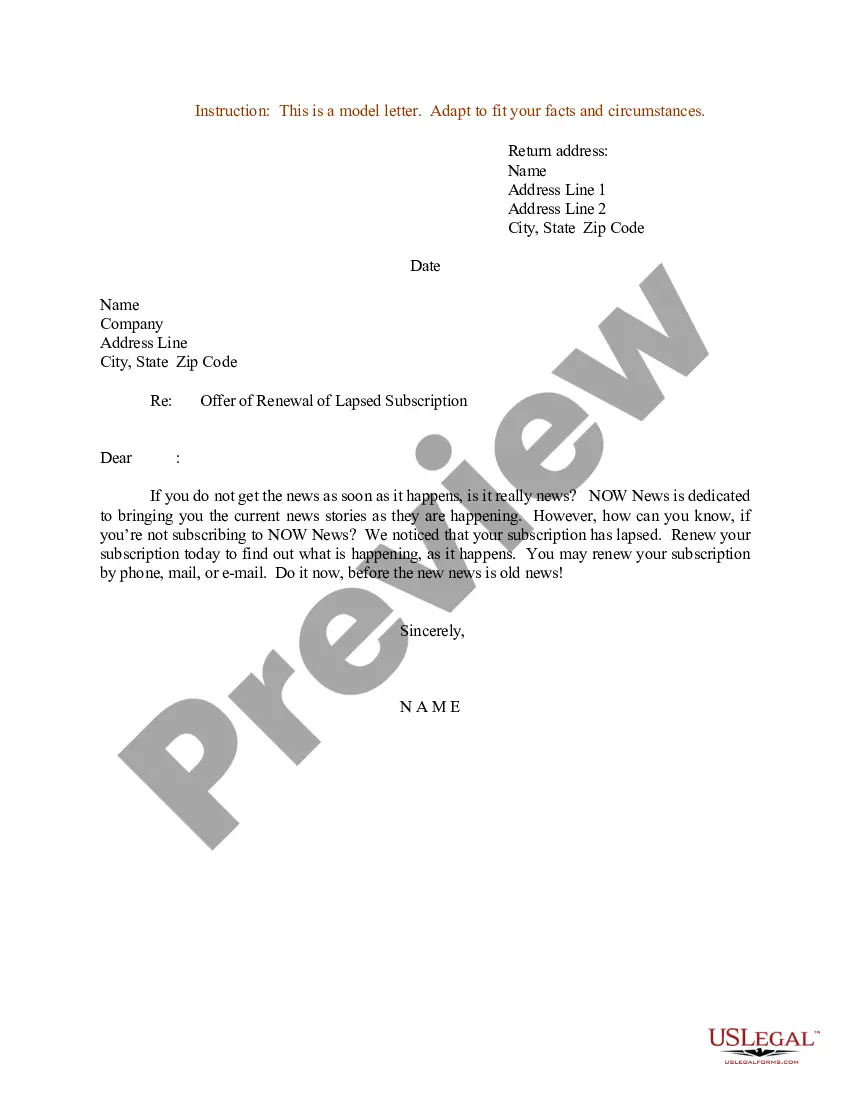
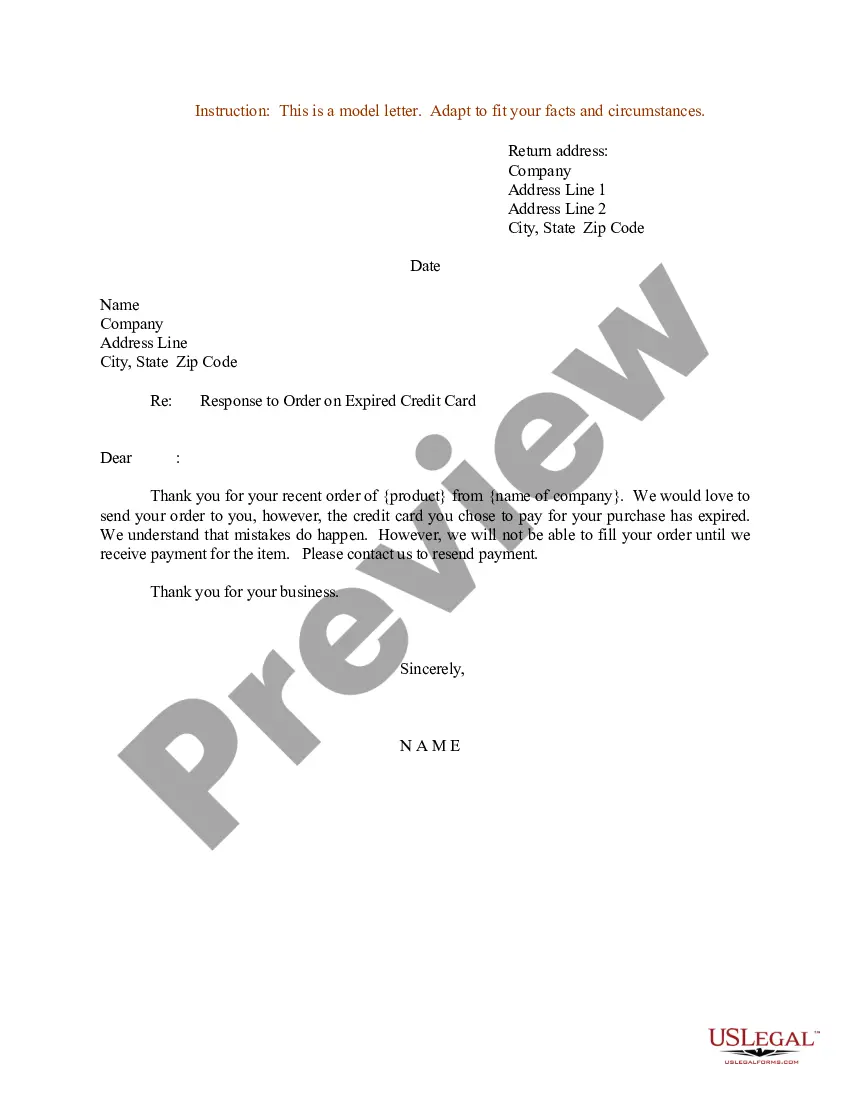
Letter Renewal Subscription With Google
Description
Get your form ready online
Our built-in tools help you complete, sign, share, and store your documents in one place.
Make edits, fill in missing information, and update formatting in US Legal Forms—just like you would in MS Word.
Download a copy, print it, send it by email, or mail it via USPS—whatever works best for your next step.
Sign and collect signatures with our SignNow integration. Send to multiple recipients, set reminders, and more. Go Premium to unlock E-Sign.
If this form requires notarization, complete it online through a secure video call—no need to meet a notary in person or wait for an appointment.
We protect your documents and personal data by following strict security and privacy standards.

Make edits, fill in missing information, and update formatting in US Legal Forms—just like you would in MS Word.

Download a copy, print it, send it by email, or mail it via USPS—whatever works best for your next step.

Sign and collect signatures with our SignNow integration. Send to multiple recipients, set reminders, and more. Go Premium to unlock E-Sign.

If this form requires notarization, complete it online through a secure video call—no need to meet a notary in person or wait for an appointment.

We protect your documents and personal data by following strict security and privacy standards.
Looking for another form?

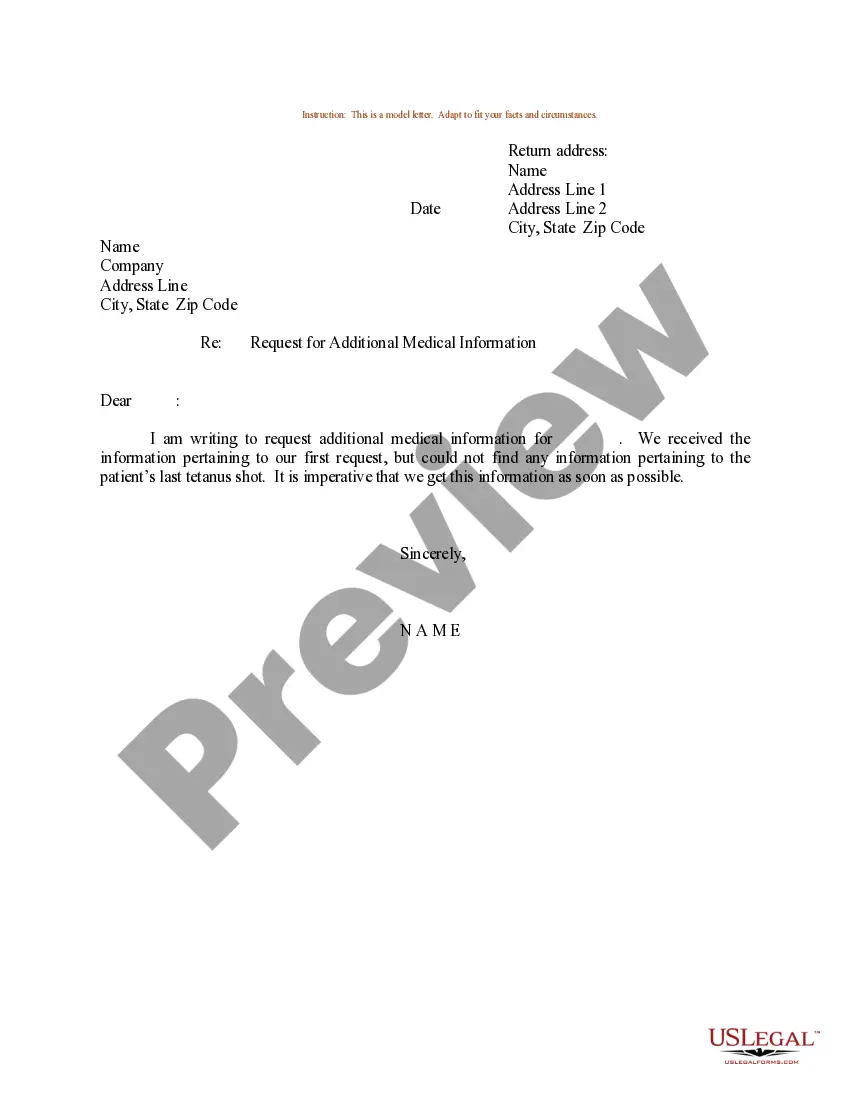
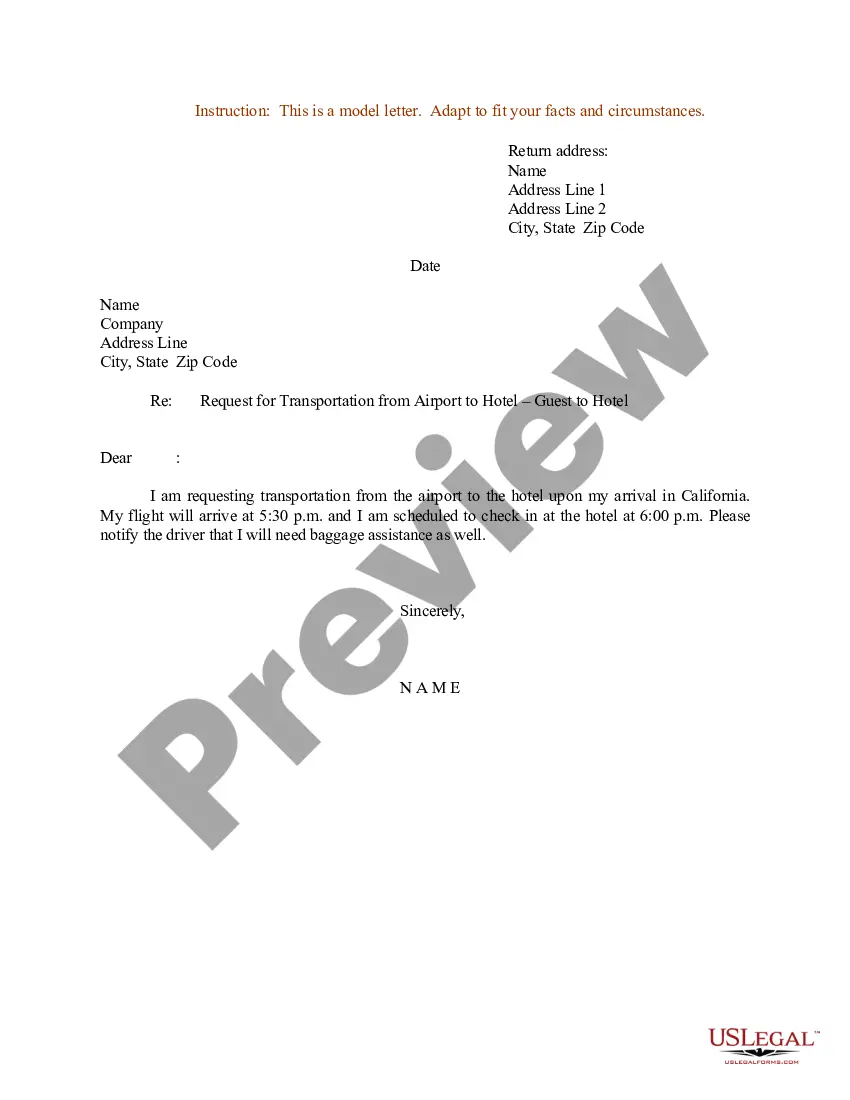
How to fill out Sample Letter For Offer Of Renewal Of Lapsed Subscription?
Creating legal documents from the ground up can frequently feel a bit daunting.
Some situations may require extensive research and significant financial investment.
If you’re seeking a simpler and more economical approach to crafting Letter Renewal Subscription With Google or any other forms without the hassle, US Legal Forms is readily available to assist you.
Our online library of over 85,000 current legal templates encompasses nearly every aspect of your financial, legal, and personal matters. With just a few clicks, you can promptly obtain state- and county-compliant forms meticulously prepared for you by our legal experts.
Examine the form preview and descriptions to verify you have identified the form you are looking for. Ensure that the template you choose fits the criteria of your state and county. Select the appropriate subscription option to acquire the Letter Renewal Subscription With Google. Download the document. Then complete, validate, and print it out. US Legal Forms boasts a solid reputation and over 25 years of expertise. Join us now and make document completion an effortless and efficient process!
- Utilize our platform whenever you require dependable and trustworthy services through which you can swiftly locate and acquire the Letter Renewal Subscription With Google.
- If you’re familiar with our services and have set up an account with us previously, simply Log In to your account, find the form, and download it or re-download it at any time later from the My documents section.
- Don’t have an account? No problem. Registering takes just a few minutes and allows you to explore the library.
- Before proceeding to download Letter Renewal Subscription With Google, adhere to the following suggestions.
Form popularity
FAQ
To find out which Google subscriptions you have, simply visit your Google Account settings. There, you can view all active subscriptions under 'Payments & subscriptions'. If you’ve signed up for a letter renewal subscription with Google, it will appear in this list. This transparency allows you to manage your subscriptions effortlessly, ensuring you maintain control over your services.
Renewing your Google membership is straightforward. Simply go to the Google Account settings and locate your membership under the 'Subscriptions' section. The Letter renewal subscription with Google allows you to ensure your membership is always active without any interruptions. Just follow the prompts to complete your renewal quickly.
To manage your subscriptions through Google, navigate to your Google Account. Under the 'Payments & subscriptions' section, you will find options to view and edit your subscriptions. With the Letter renewal subscription with Google, you can quickly access and modify your settings, making it easy to adjust any subscriptions you have, including cancellation or updates.
If your Google One subscription expires, you will lose access to the premium features and additional storage provided by the service. However, your data remains safe, and you may regain access to these benefits by renewing your letter renewal subscription with Google at any time. It’s always best to stay updated on your subscription status to avoid interruptions.
To reactivate your Google subscription, visit your account settings and locate the subscription section. You may see options to reactivate any canceled subscriptions, or you may need to resubscribe directly. With your letter renewal subscription with Google reactivated, enjoy uninterrupted access to all your favorite services.
Utilizing Google subscriptions is simple and enhances your overall experience with Google services. Once subscribed, you can access additional features across various applications, such as increased storage or premium services. A letter renewal subscription with Google allows you to fully leverage these benefits easily.
After canceling your Google One subscription, you will retain access to the services and features until the end of your current billing cycle. Post-cancellation, your letter renewal subscription with Google will cease, and you might lose access to additional storage and support. Therefore, consider carefully before making this decision.
To resubscribe to your Google One subscription, first, visit the Google One website and log in to your account. Look for your past subscriptions under account settings, and follow the prompts to resubscribe. With your letter renewal subscription with Google restored, you'll regain all the benefits you previously enjoyed.
Renewing your Google One subscription is a straightforward process. Access your Google account settings, find the Google One section, and select the option to renew your subscription. This will ensure that your letter renewal subscription with Google remains accessible and active, providing you with seamless storage and support.
To renew your Google subscription, simply log in to your Google account and navigate to the subscriptions section in your account settings. There, you will find options to manage your active subscriptions, including the option to renew. Following these steps will ensure your letter renewal subscription with Google continues without interruption.