Property Payment Receipt Format
Description

Get your form ready online
Our built-in tools help you complete, sign, share, and store your documents in one place.
Make edits, fill in missing information, and update formatting in US Legal Forms—just like you would in MS Word.
Download a copy, print it, send it by email, or mail it via USPS—whatever works best for your next step.
Sign and collect signatures with our SignNow integration. Send to multiple recipients, set reminders, and more. Go Premium to unlock E-Sign.
If this form requires notarization, complete it online through a secure video call—no need to meet a notary in person or wait for an appointment.
We protect your documents and personal data by following strict security and privacy standards.

Make edits, fill in missing information, and update formatting in US Legal Forms—just like you would in MS Word.

Download a copy, print it, send it by email, or mail it via USPS—whatever works best for your next step.

Sign and collect signatures with our SignNow integration. Send to multiple recipients, set reminders, and more. Go Premium to unlock E-Sign.

If this form requires notarization, complete it online through a secure video call—no need to meet a notary in person or wait for an appointment.

We protect your documents and personal data by following strict security and privacy standards.
Looking for another form?
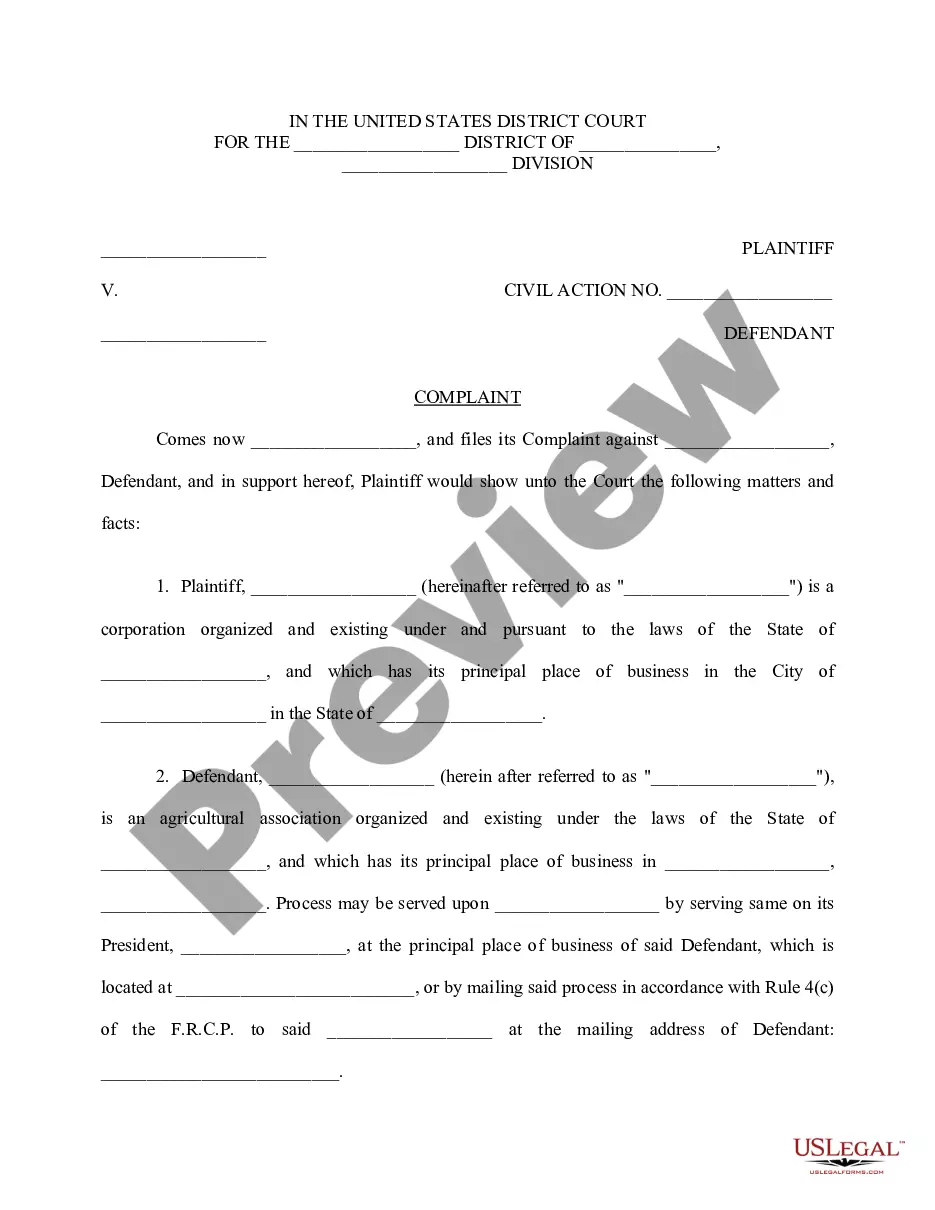

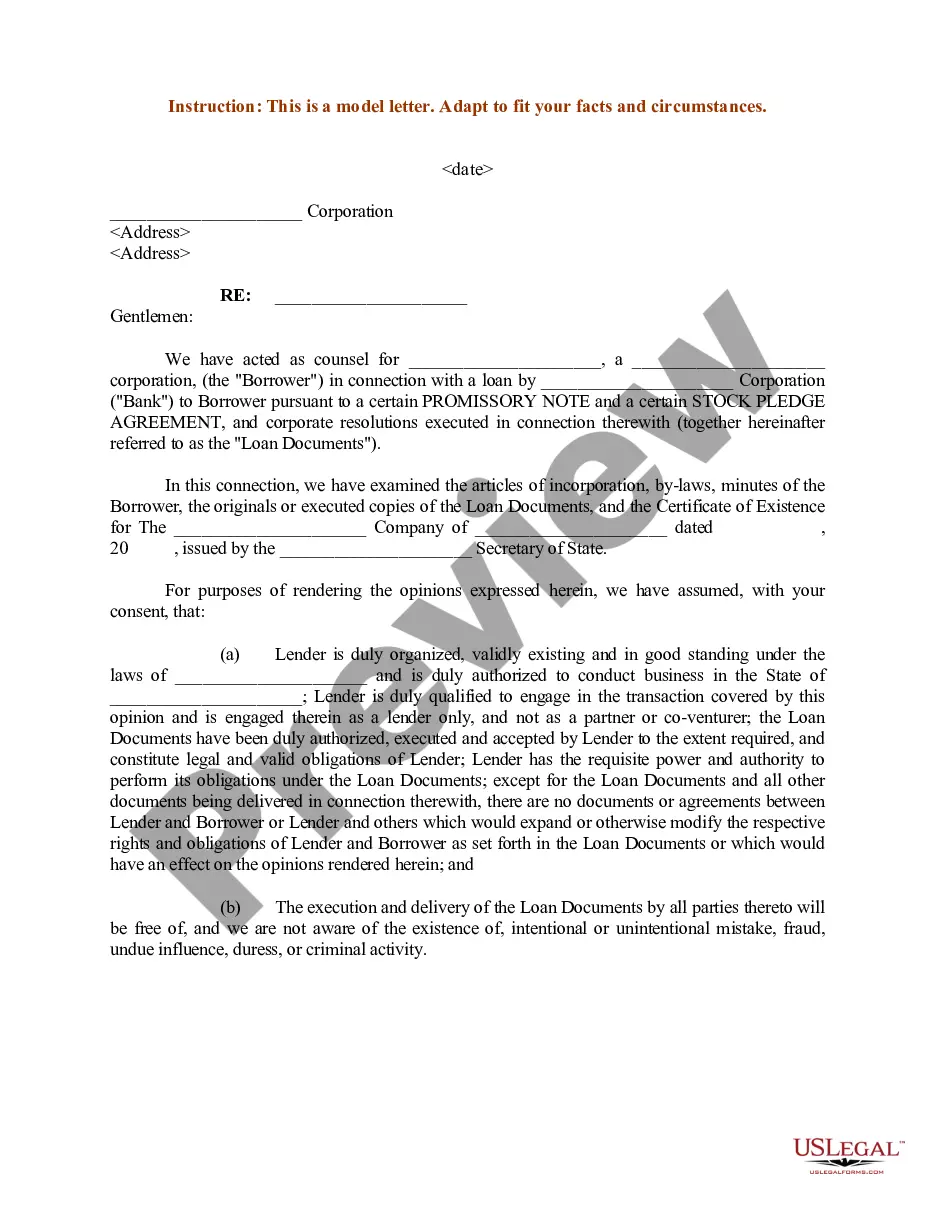
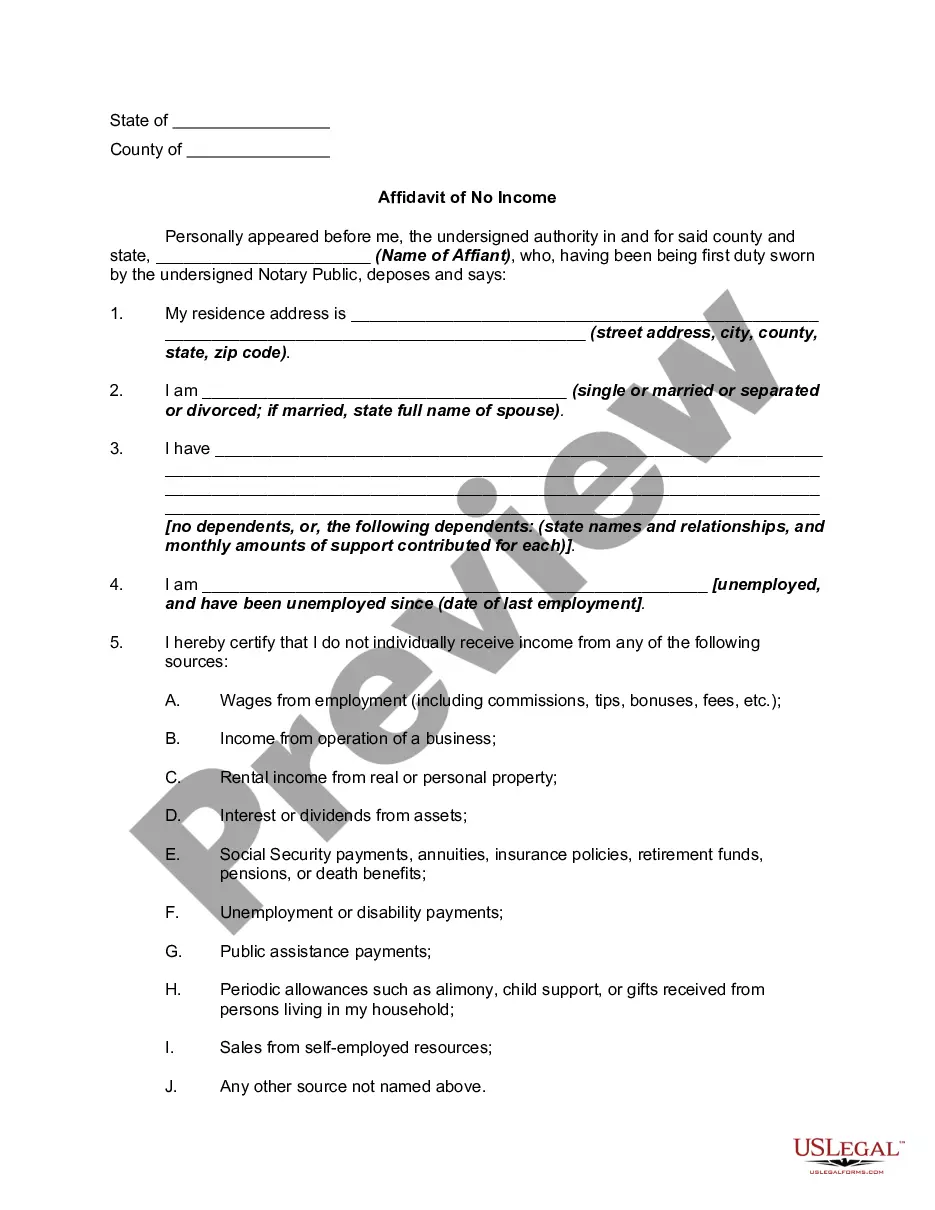
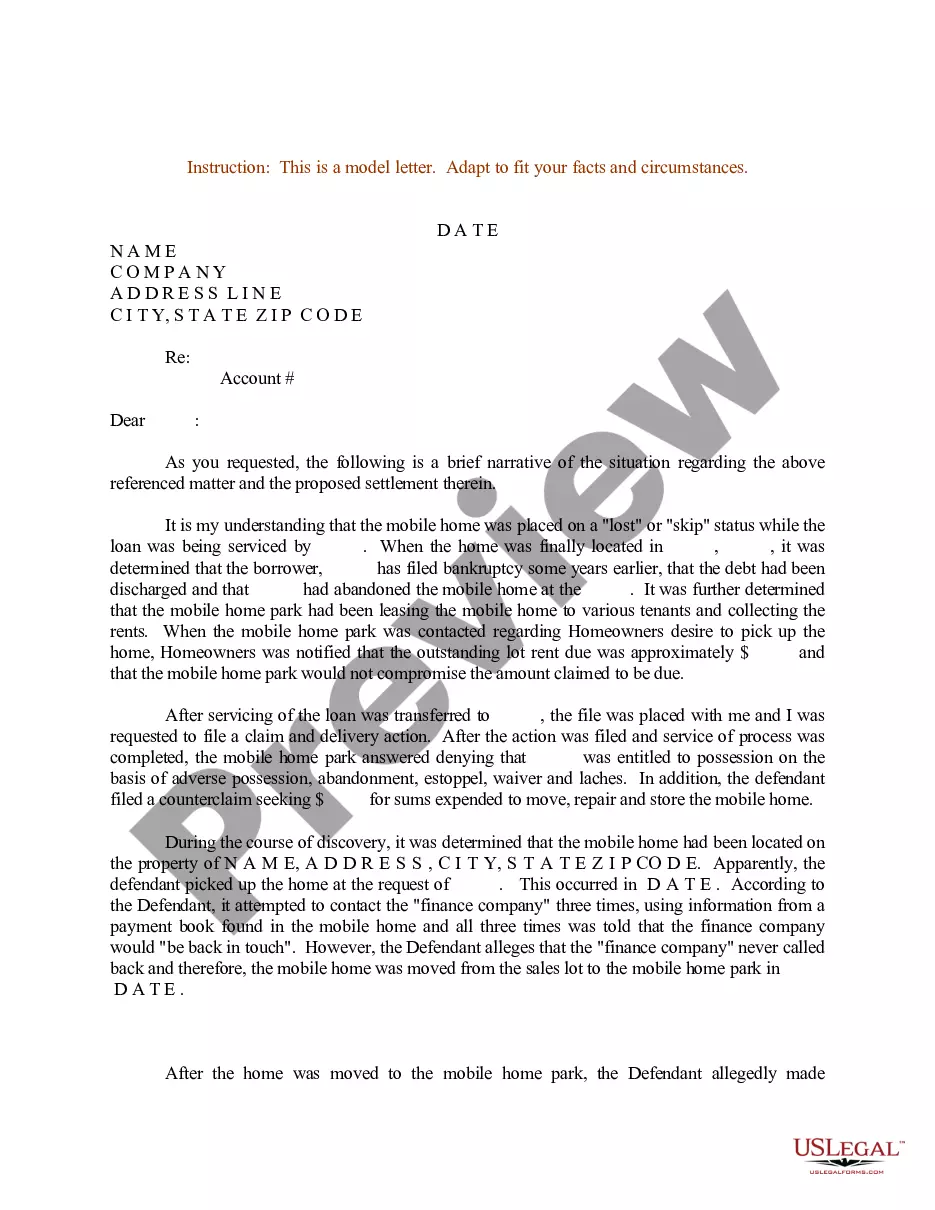
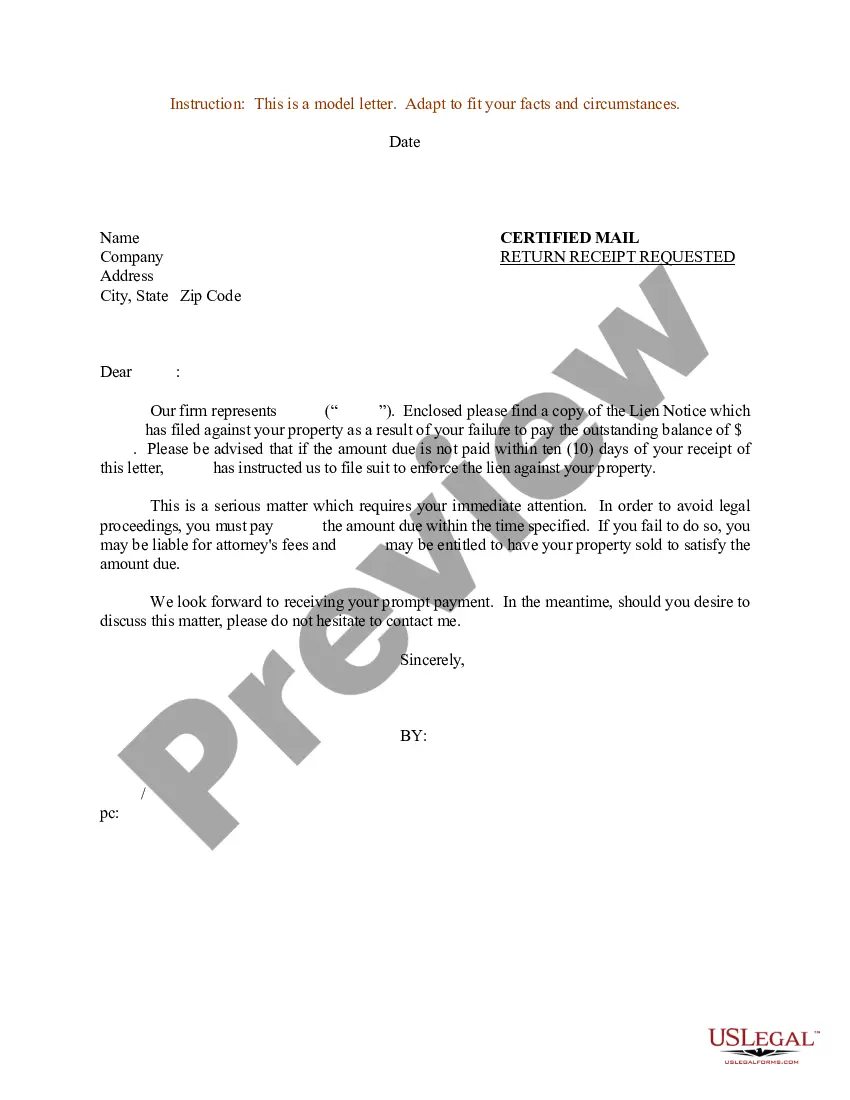
How to fill out Sample Letter For Lien Notice?
The Property Payment Receipt Template displayed on this webpage is a versatile legal document crafted by experienced attorneys in compliance with federal and state statutes and guidelines.
For over 25 years, US Legal Forms has supplied individuals, entities, and legal experts with more than 85,000 validated, state-specific forms for any corporate and personal circumstance. It’s the quickest, simplest, and most trustworthy method to obtain the paperwork you require, as the service ensures bank-level data protection and anti-malware safeguards.
Subscribe to US Legal Forms to have authenticated legal templates for every life situation at your fingertips.
- Search for the document you need and review it.
- Browse through the file you looked for and view it or read the form description to confirm it meets your expectations. If it doesn’t, utilize the search bar to find the correct one. Click Buy Now when you locate the template you require.
- Register and Log In.
- Select the pricing plan that fits your needs and establish an account. Use PayPal or a credit card for a prompt payment. If you already possess an account, Log In and verify your subscription to proceed.
- Obtain the editable template.
- Choose the format you prefer for your Property Payment Receipt Template (PDF, Word, RTF) and store the document on your device.
- Fill out and sign the document.
- Print the template to fill it out manually. Alternatively, utilize an online multifunctional PDF editor to quickly and accurately complete and sign your form with an electronic signature.
- Download your documents again.
- Access the same document again whenever necessary. Navigate to the My documents tab in your profile to redownload any previously saved forms.
Form popularity
FAQ
Write the name of the item on the left side of the receipt and write the cost of each item on the right side of the receipt. If you sold more than one item, list the items and their prices in a row. Write the subtotal below all of the items. The subtotal is the cost of all the items before taxes and additional fees.
How to write a receipt of payment The label ?Payment Receipt? Your business name and contact details. The original invoice number. The payment date. The amount paid. Any remaining balance due.
Each receipt should include the date of the transaction. In most cases, they include other details such as the nature of the transaction, details of the vendor, method of payment, and any additional taxes or costs. In some cases, they may require a signature.
What is included on a payment receipt? The seller's business name/logo. A clear label ('Payment receipt') The original invoice number. The date the payment was received. The amount received. Any remaining amount due.
To complete a Rent Receipt, ensure it contains the following information: The payment method (e.g., cash, electronic funds transfer, money order, personal check, etc.) The payment date. The payment amount. The remaining balance, if the tenant makes a partial payment.