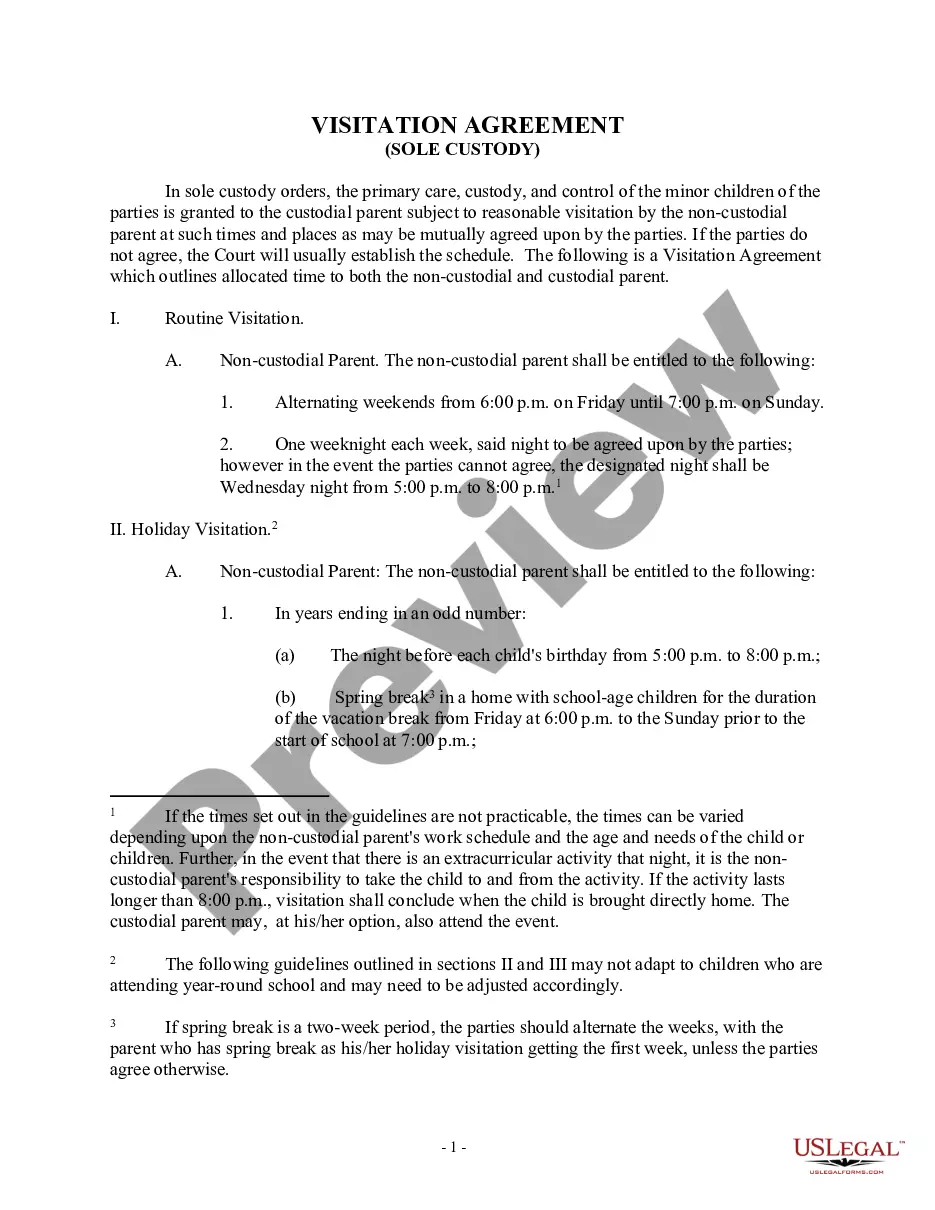
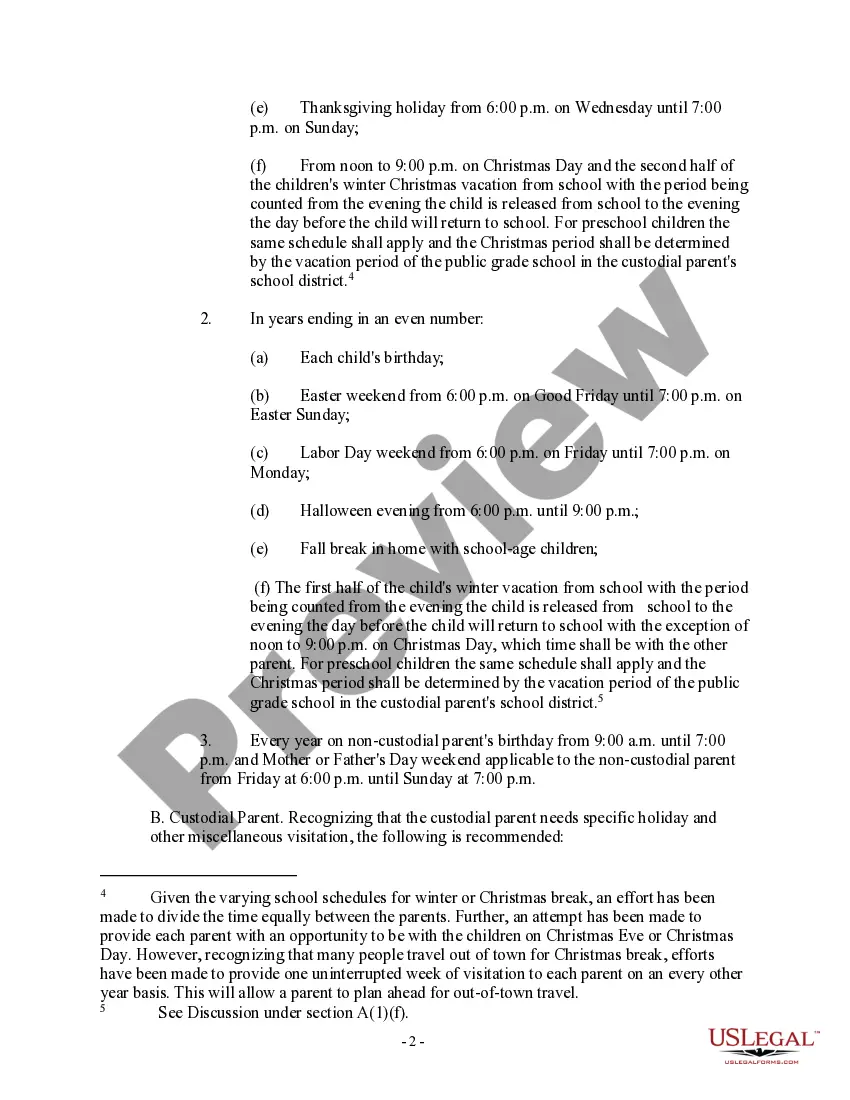
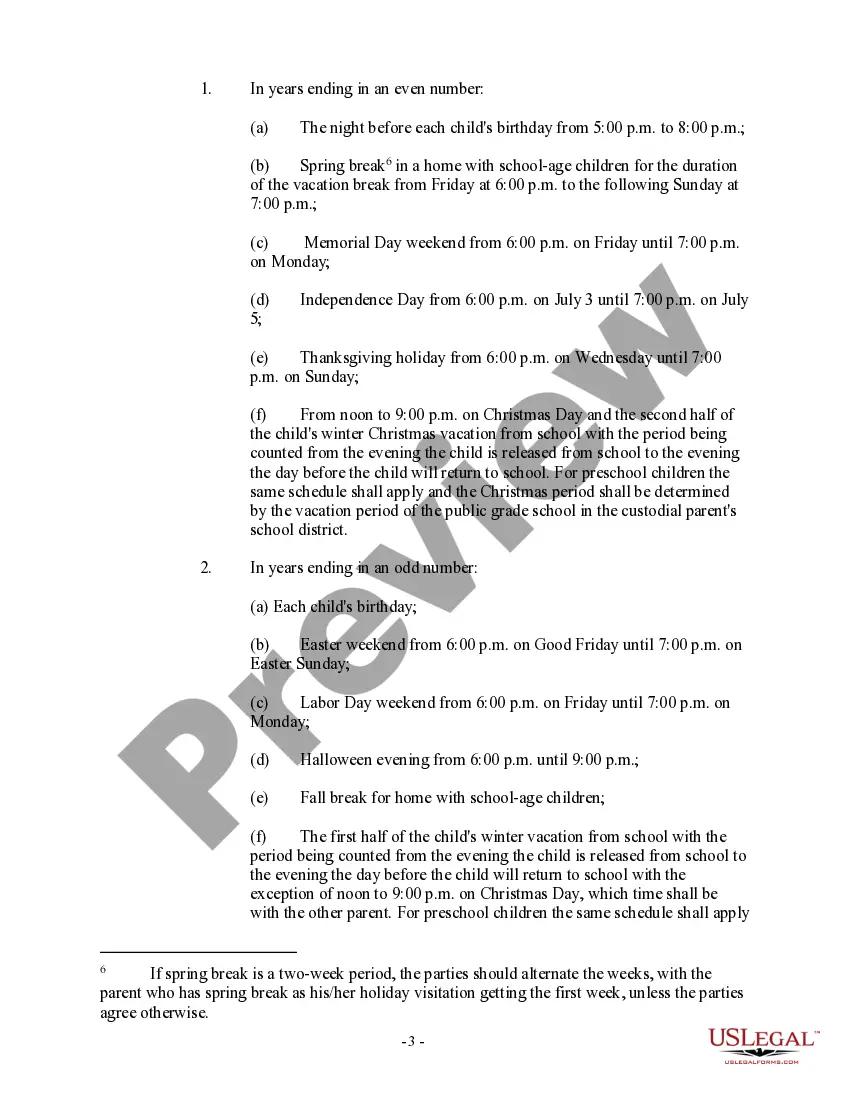
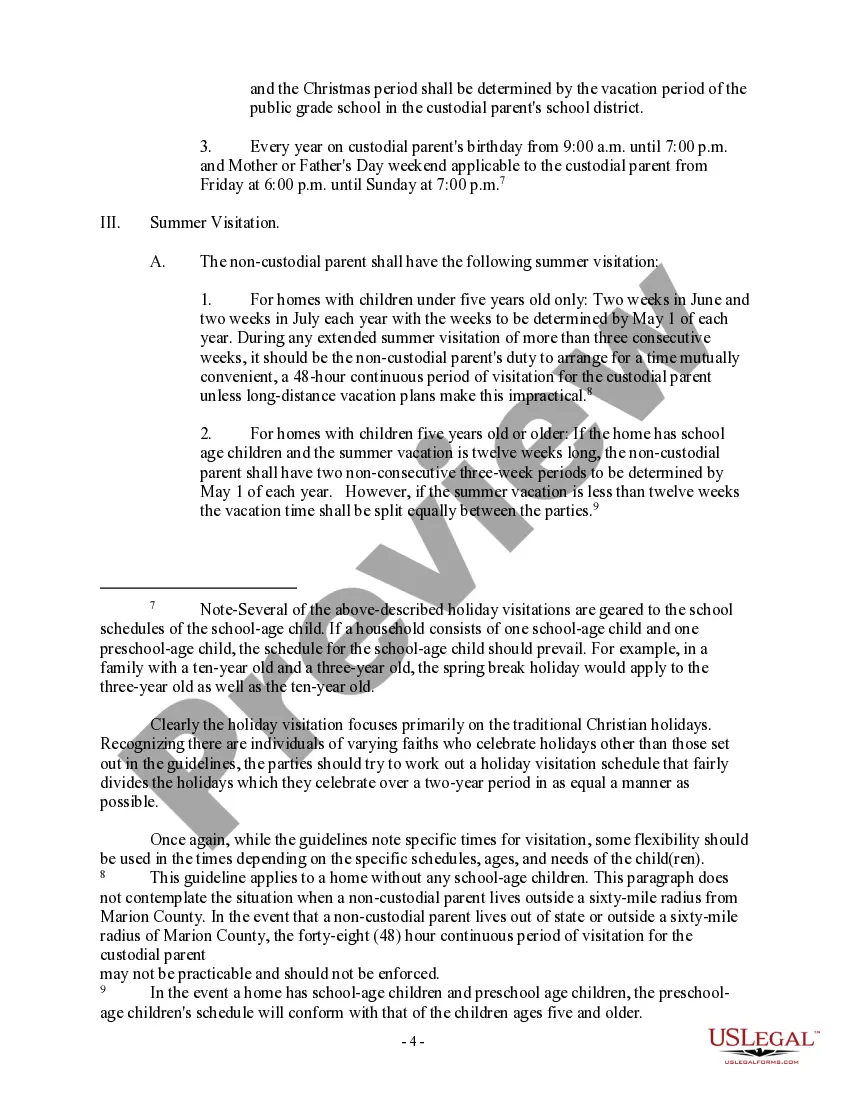
Visitation Document With Answer
Description
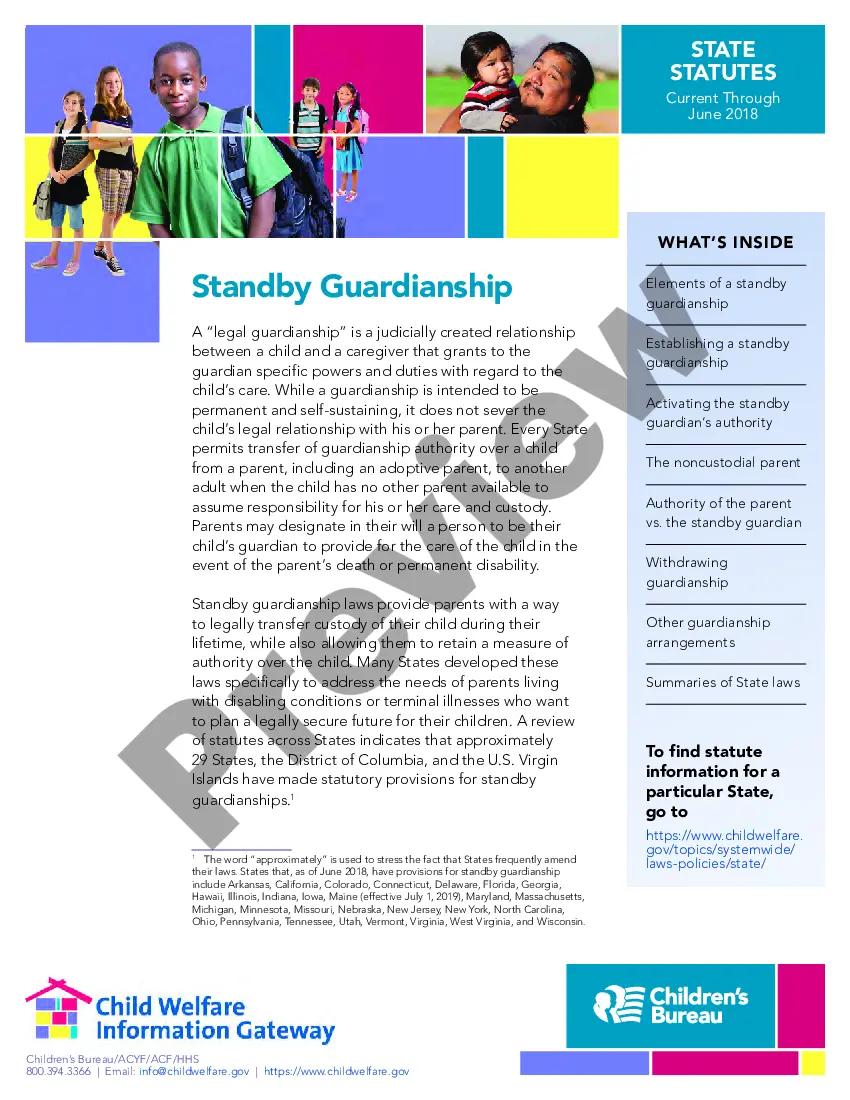
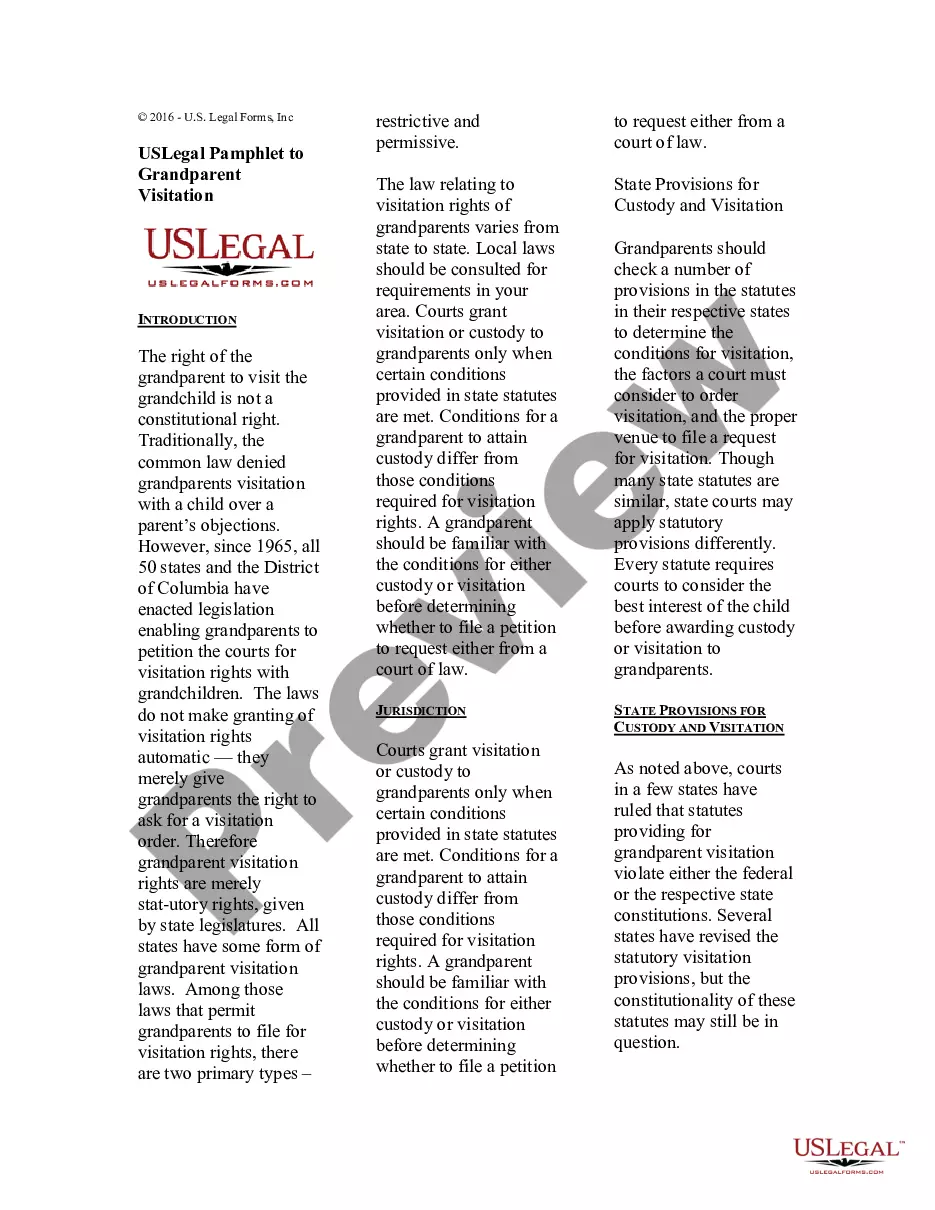
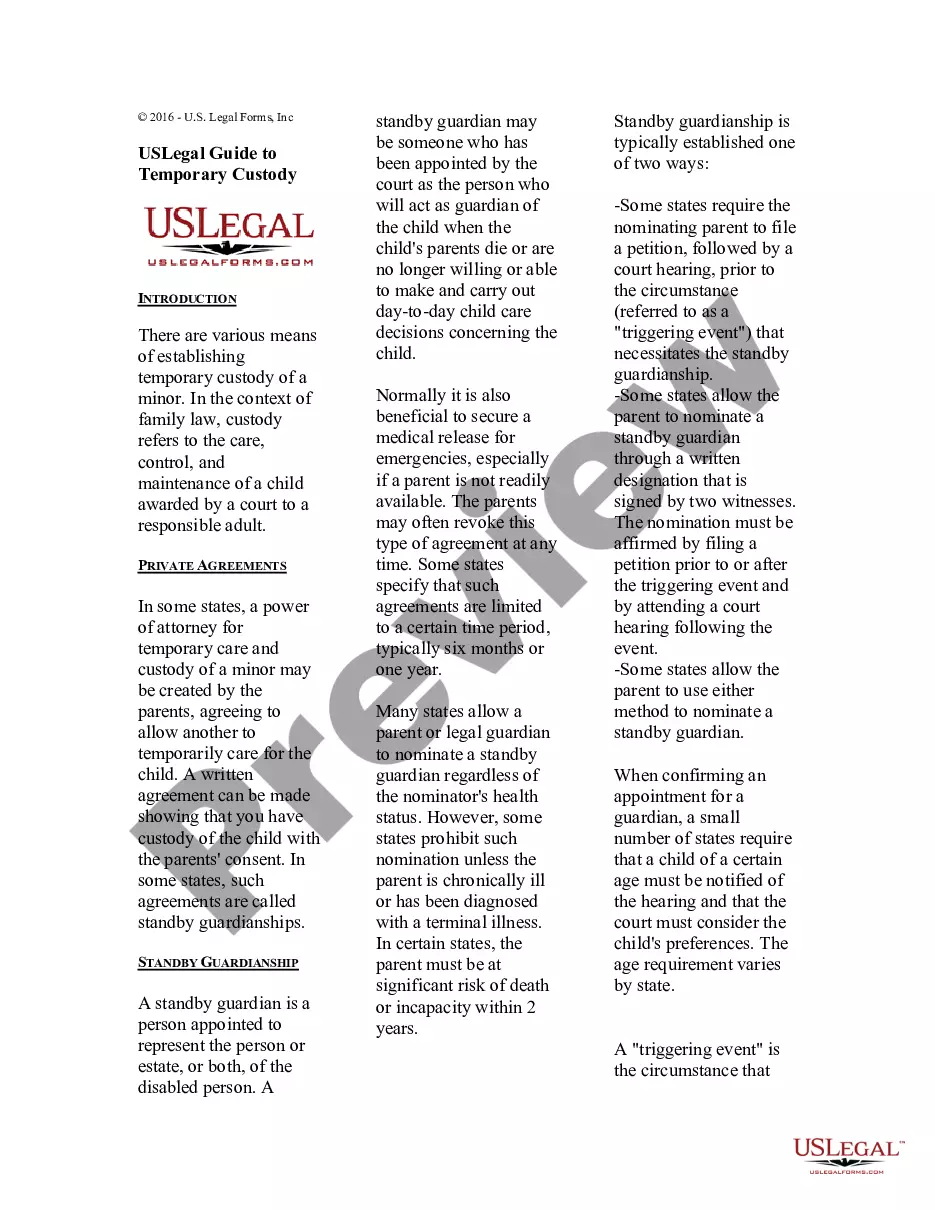
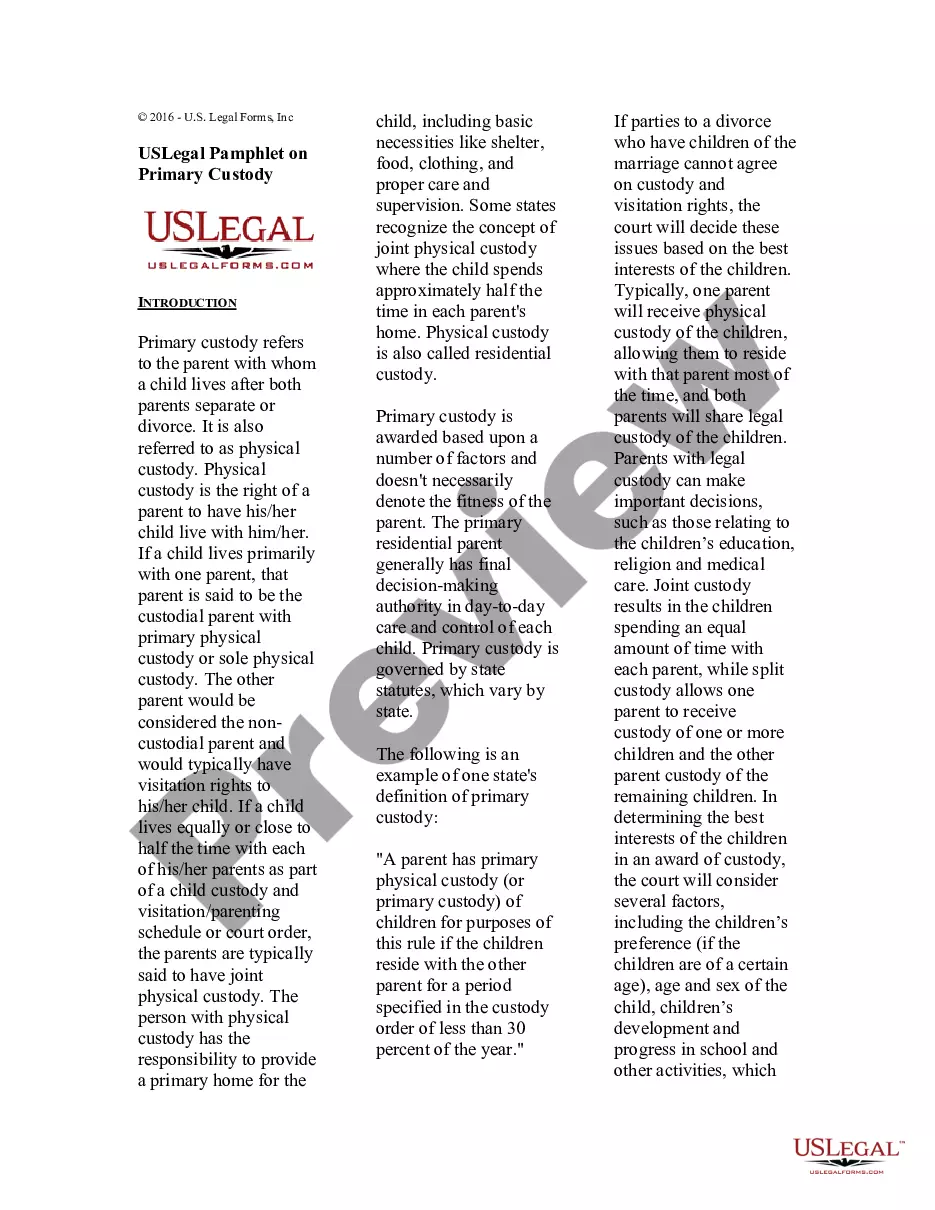
Get your form ready online
Our built-in tools help you complete, sign, share, and store your documents in one place.
Make edits, fill in missing information, and update formatting in US Legal Forms—just like you would in MS Word.
Download a copy, print it, send it by email, or mail it via USPS—whatever works best for your next step.
Sign and collect signatures with our SignNow integration. Send to multiple recipients, set reminders, and more. Go Premium to unlock E-Sign.
If this form requires notarization, complete it online through a secure video call—no need to meet a notary in person or wait for an appointment.
We protect your documents and personal data by following strict security and privacy standards.

Make edits, fill in missing information, and update formatting in US Legal Forms—just like you would in MS Word.

Download a copy, print it, send it by email, or mail it via USPS—whatever works best for your next step.

Sign and collect signatures with our SignNow integration. Send to multiple recipients, set reminders, and more. Go Premium to unlock E-Sign.

If this form requires notarization, complete it online through a secure video call—no need to meet a notary in person or wait for an appointment.

We protect your documents and personal data by following strict security and privacy standards.
Looking for another form?


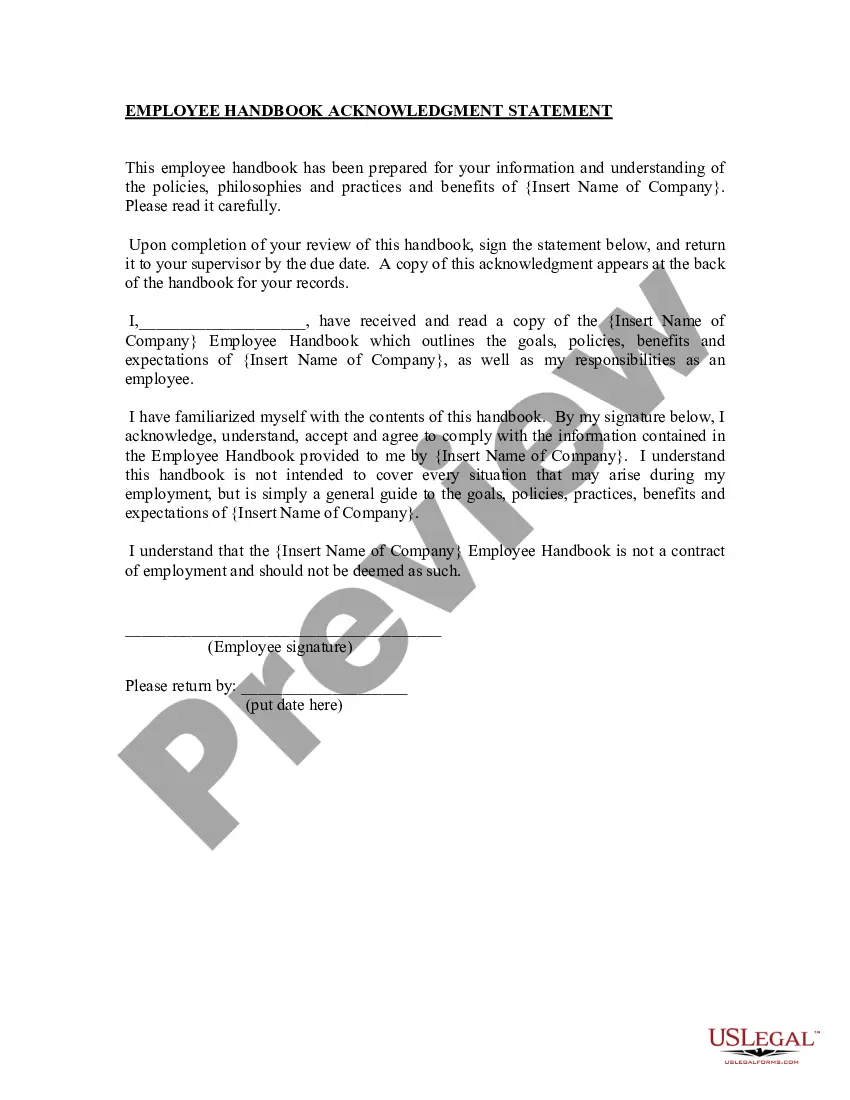

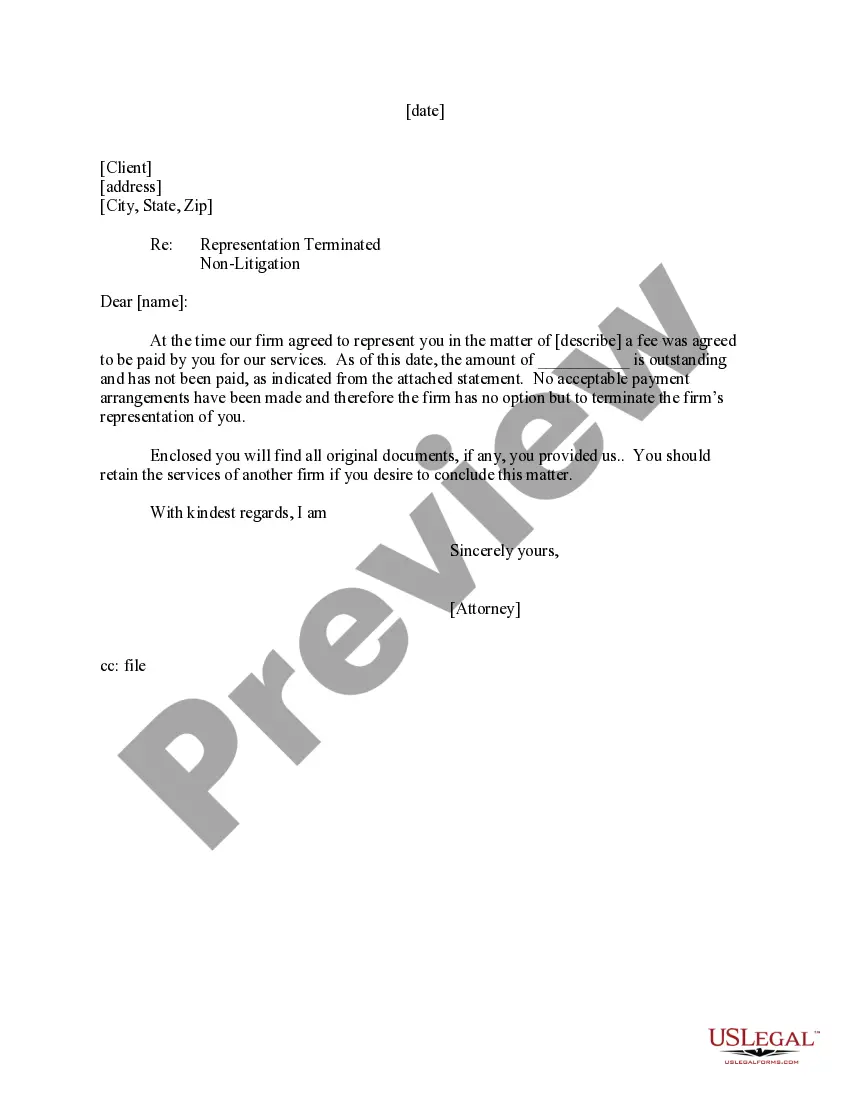
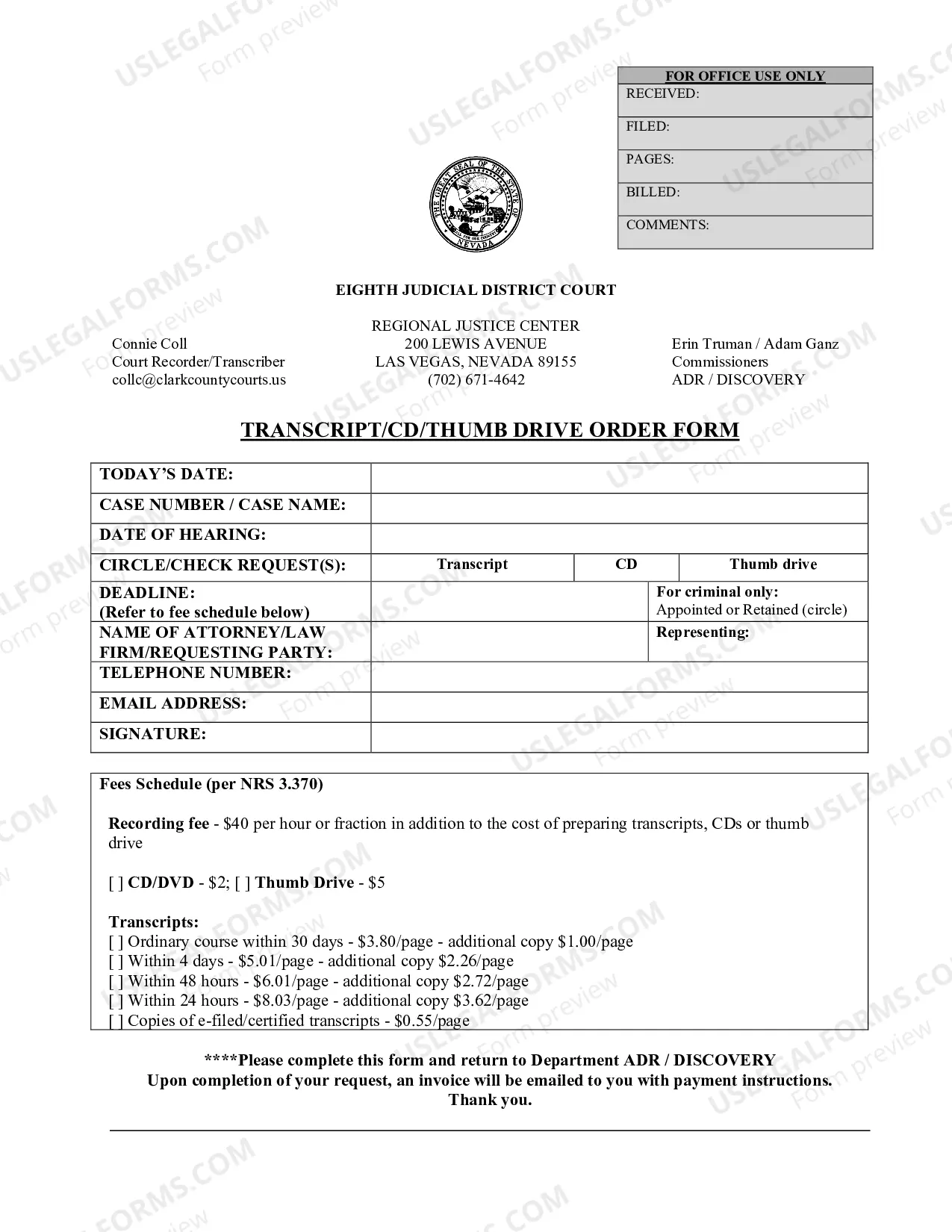
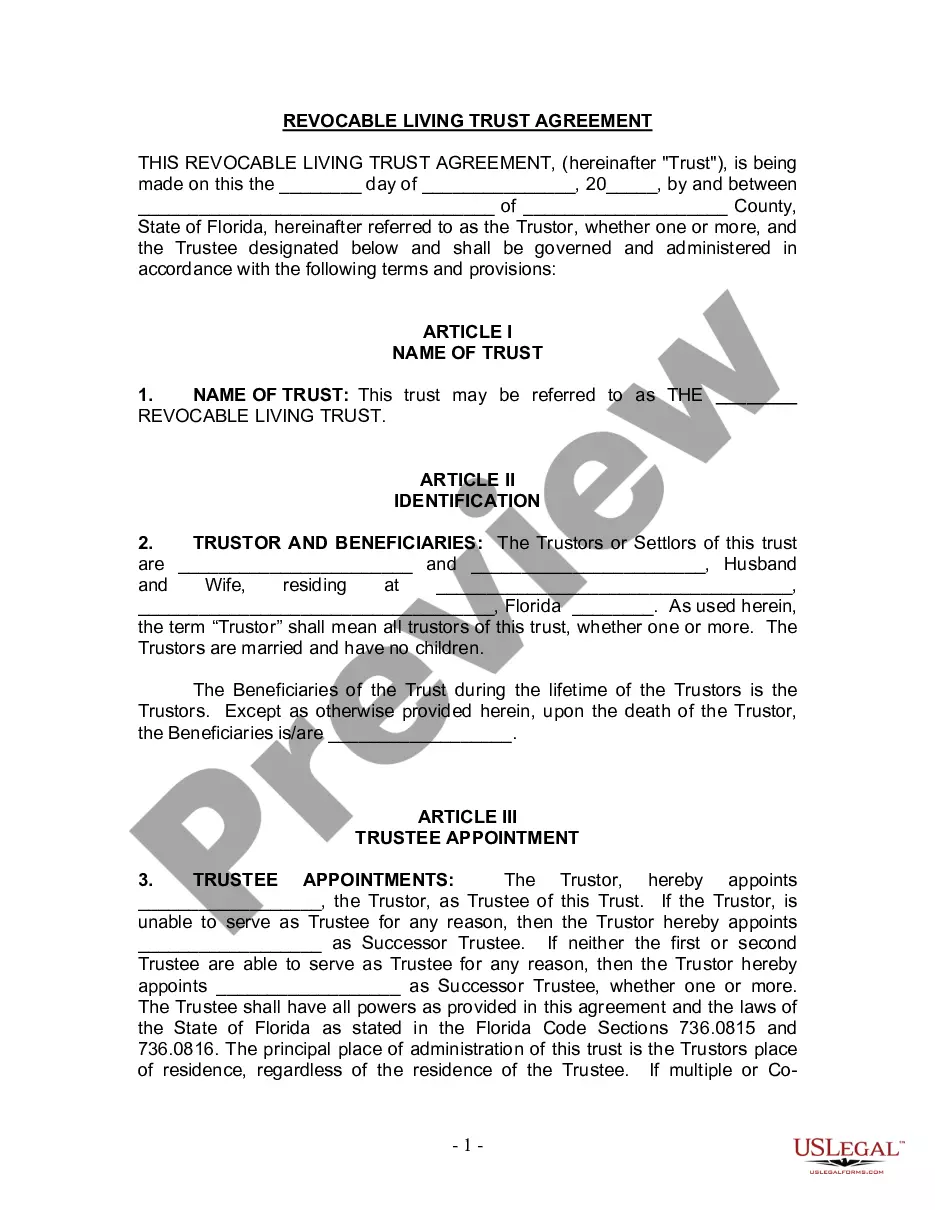
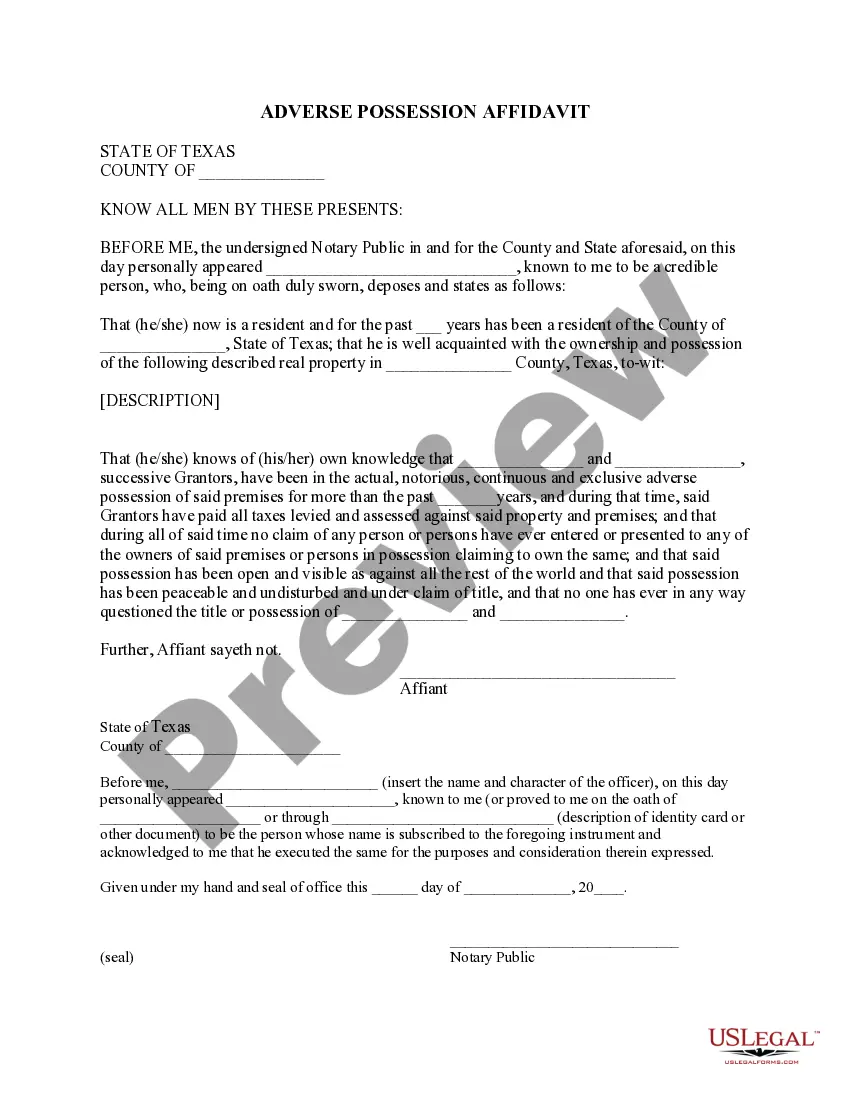
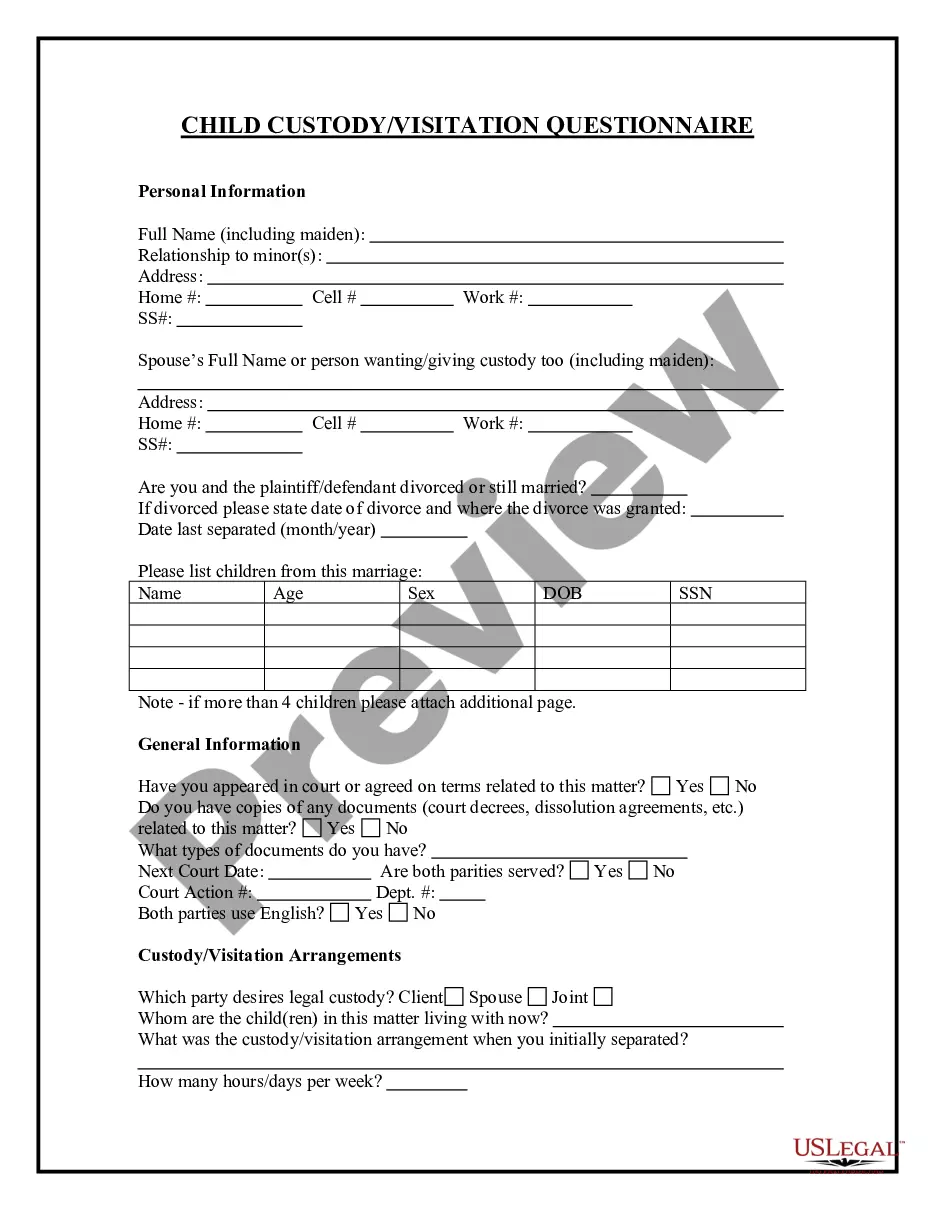
How to fill out Visitation Guidelines?
Finding a go-to place to access the most current and relevant legal templates is half the struggle of dealing with bureaucracy. Discovering the right legal files calls for accuracy and attention to detail, which explains why it is vital to take samples of Visitation Document With Answer only from reliable sources, like US Legal Forms. A wrong template will waste your time and delay the situation you are in. With US Legal Forms, you have little to worry about. You may access and check all the information about the document’s use and relevance for the situation and in your state or region.
Take the following steps to complete your Visitation Document With Answer:
- Use the catalog navigation or search field to locate your template.
- View the form’s description to check if it suits the requirements of your state and region.
- View the form preview, if available, to make sure the template is definitely the one you are interested in.
- Return to the search and look for the correct template if the Visitation Document With Answer does not match your needs.
- When you are positive regarding the form’s relevance, download it.
- If you are an authorized user, click Log in to authenticate and access your selected templates in My Forms.
- If you do not have a profile yet, click Buy now to get the template.
- Pick the pricing plan that suits your requirements.
- Go on to the registration to complete your purchase.
- Complete your purchase by picking a transaction method (credit card or PayPal).
- Pick the file format for downloading Visitation Document With Answer.
- Once you have the form on your gadget, you can modify it with the editor or print it and finish it manually.
Eliminate the hassle that accompanies your legal documentation. Check out the comprehensive US Legal Forms catalog to find legal templates, check their relevance to your situation, and download them immediately.
Form popularity
FAQ
Today, only four states?California, Connecticut, Washington and New York?allow conjugal visits. (Mississippi, where Parchman is located, ended conjugal visitation in 2014.)
Visitor Applications. A COMPLETED APPLICATION MUST BE APPROVED BY THE FACILITY STAFF BEFORE A VISIT CAN OCCUR. Offenders must obtain blank application forms from the facility. A maximum of 18 applications will be allowed per offender.
Generally, you'll provide your name and contact information along with a physical description of yourself. You'll also be asked specific questions about your background that might affect your approval, such as whether you've ever been suspended from prison visitation and whether you've been convicted of a felony.
To do so, you must first fill out the Visitation Request Form and submitting a completed form to the facility where your loved one is incarcerated. Please include a copy of supporting documentation (photo id and birth certificate) along with the application. Consent forms must be notarized before they can be processed.
You must apply for approval to visit by completing a Visitor Questionnaire (CDCR Form 106). Please obtain the Visitor Questionnaire by having the incarcerated person you wish to visit send the form to you.