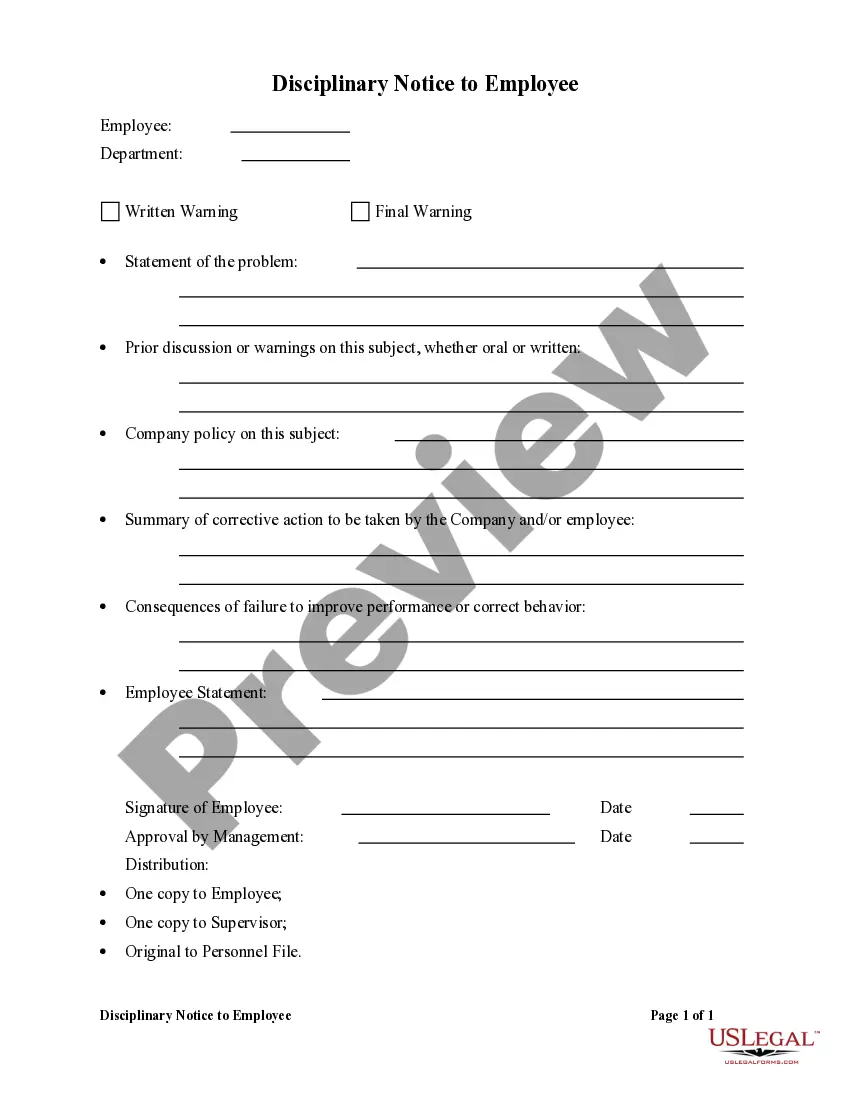
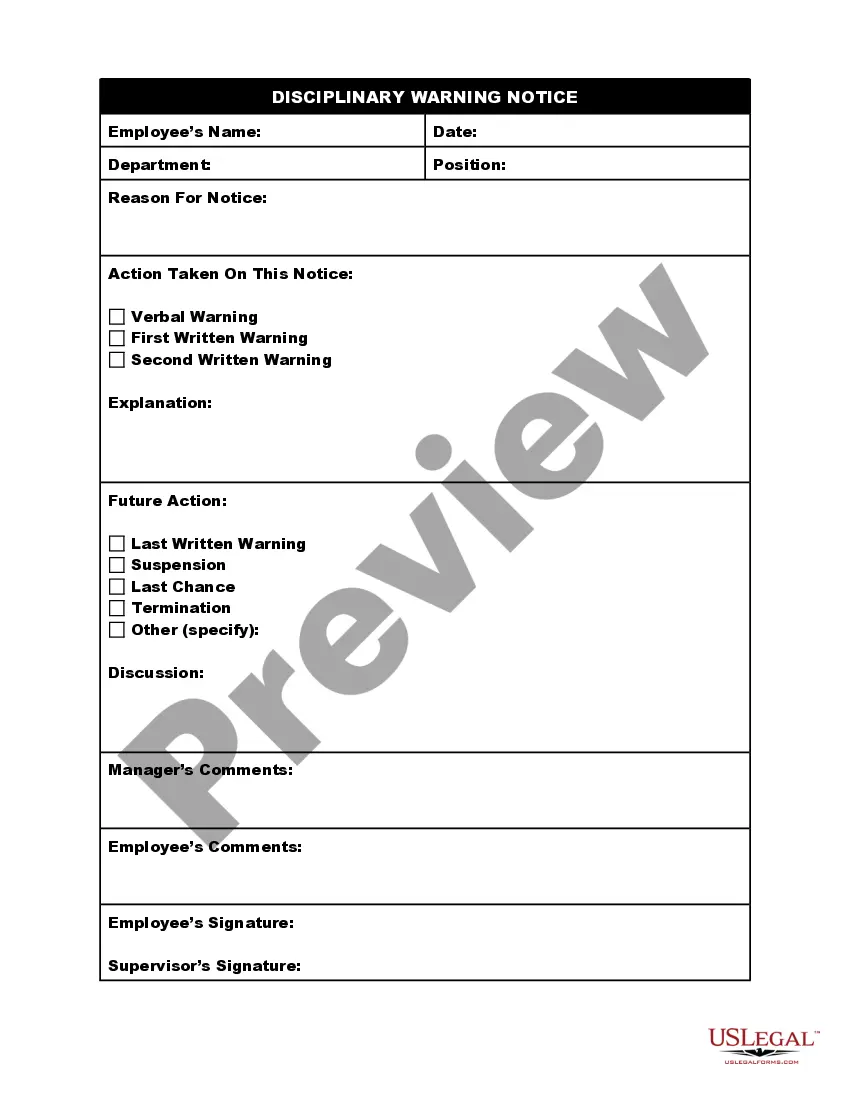
Corrective Action Form Sample
Description
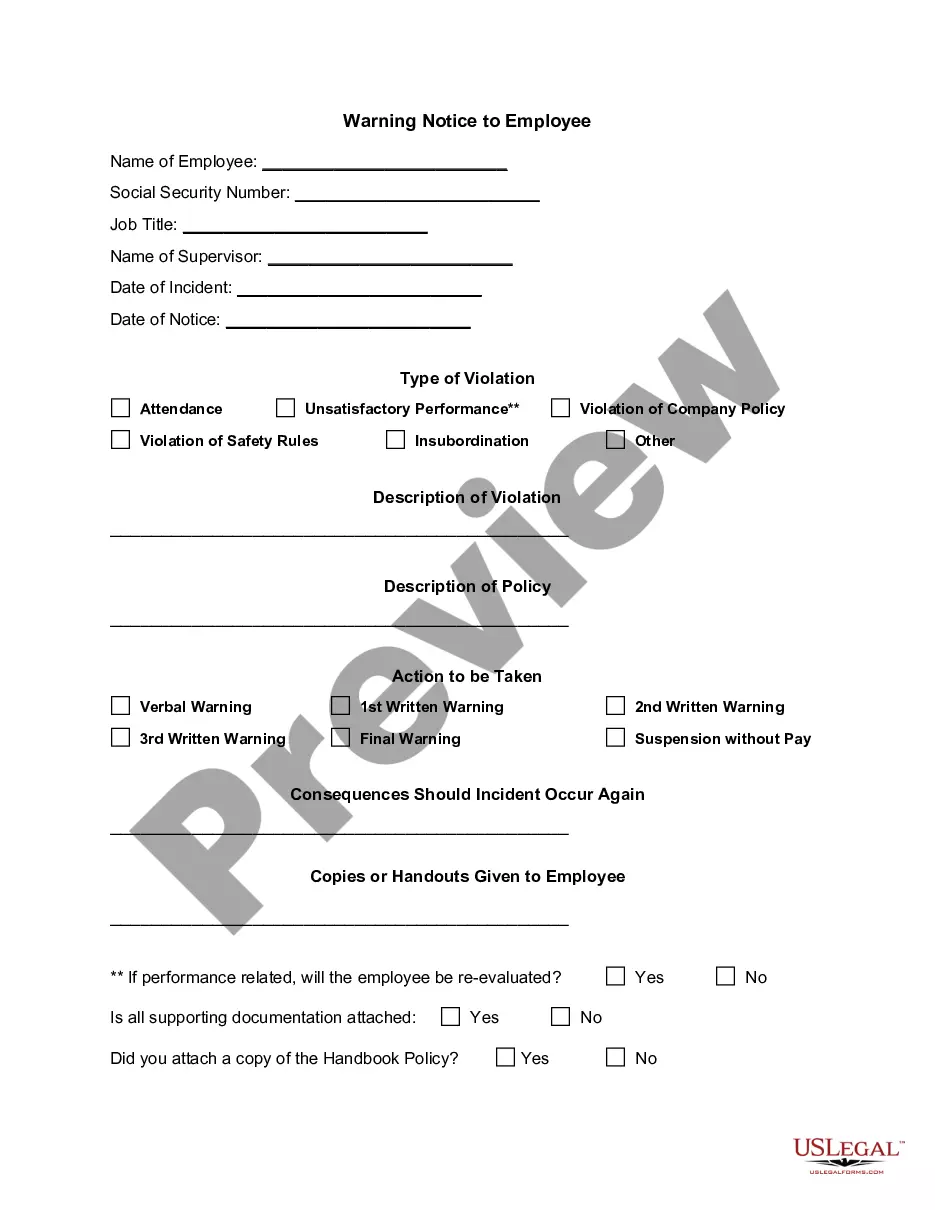
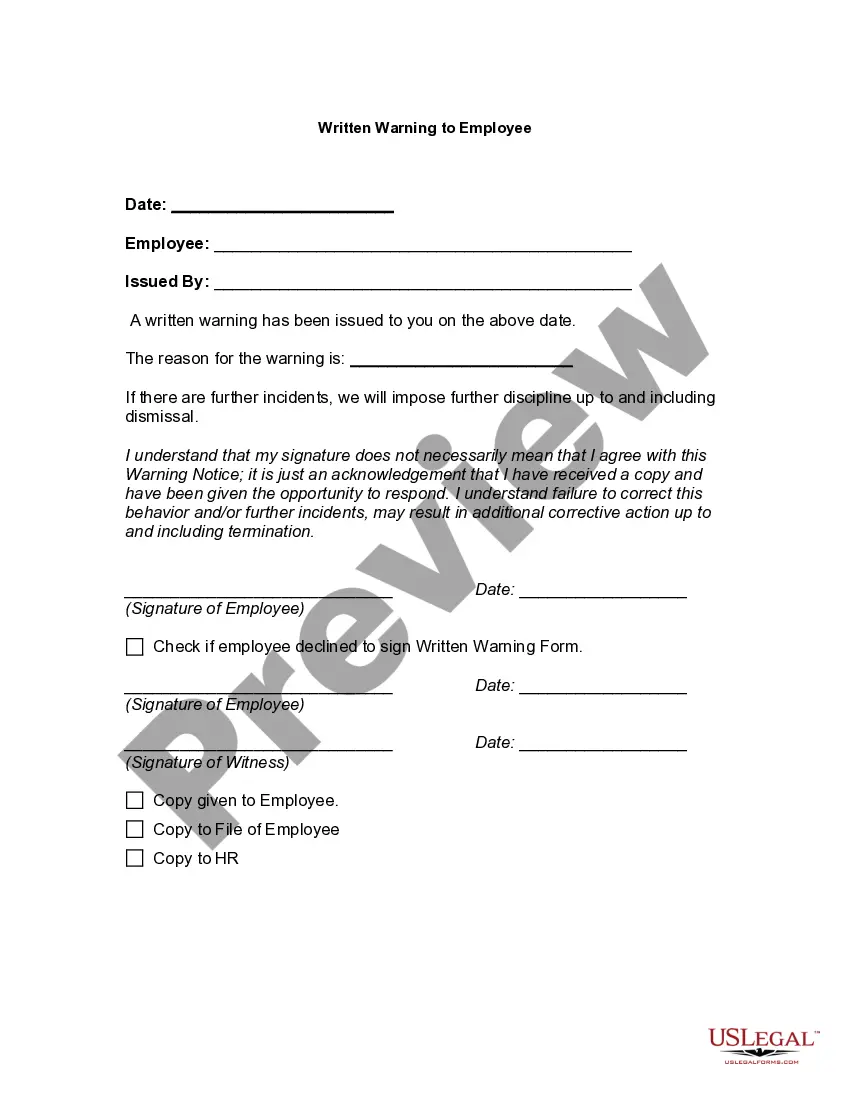
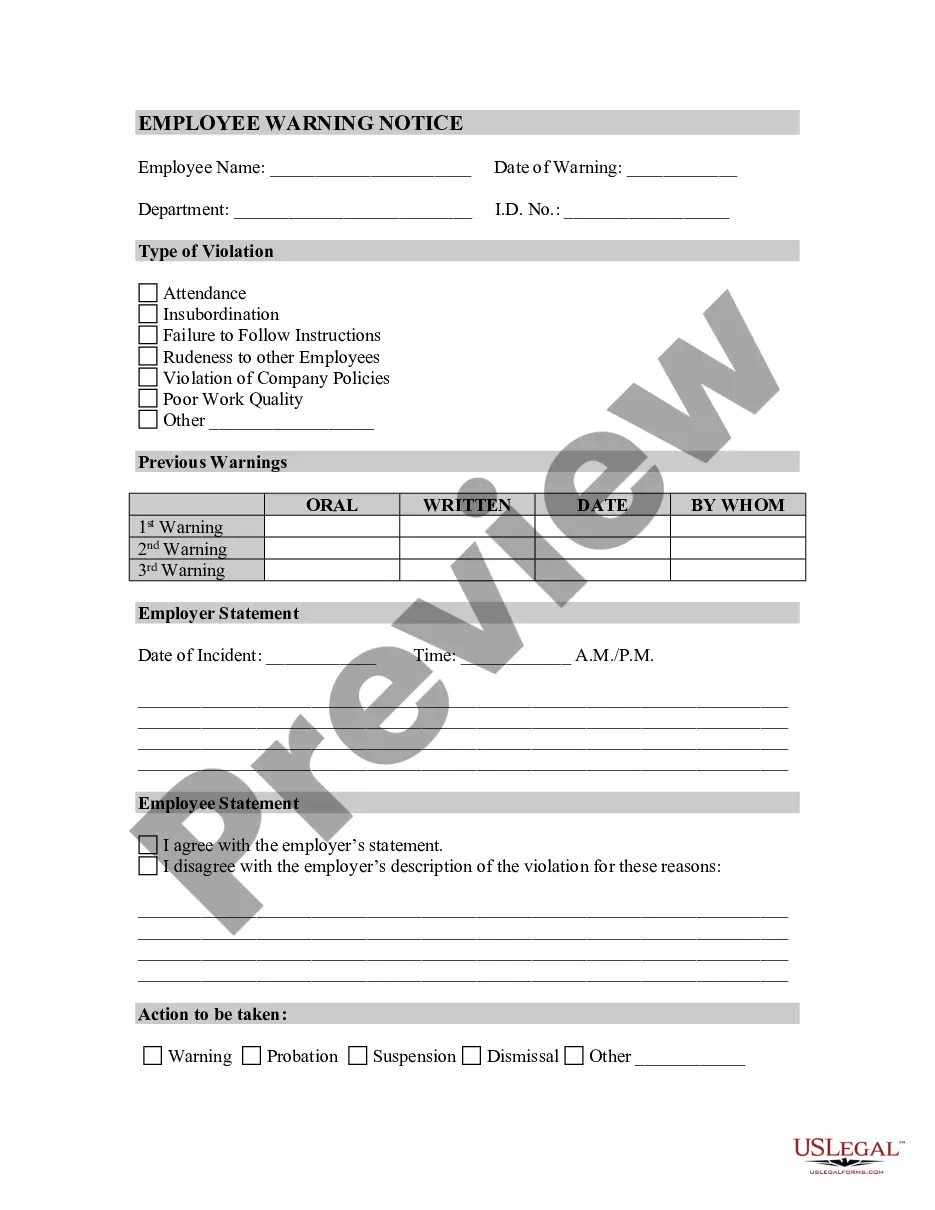
Get your form ready online
Our built-in tools help you complete, sign, share, and store your documents in one place.
Make edits, fill in missing information, and update formatting in US Legal Forms—just like you would in MS Word.
Download a copy, print it, send it by email, or mail it via USPS—whatever works best for your next step.
Sign and collect signatures with our SignNow integration. Send to multiple recipients, set reminders, and more. Go Premium to unlock E-Sign.
If this form requires notarization, complete it online through a secure video call—no need to meet a notary in person or wait for an appointment.
We protect your documents and personal data by following strict security and privacy standards.

Make edits, fill in missing information, and update formatting in US Legal Forms—just like you would in MS Word.

Download a copy, print it, send it by email, or mail it via USPS—whatever works best for your next step.

Sign and collect signatures with our SignNow integration. Send to multiple recipients, set reminders, and more. Go Premium to unlock E-Sign.

If this form requires notarization, complete it online through a secure video call—no need to meet a notary in person or wait for an appointment.

We protect your documents and personal data by following strict security and privacy standards.
Looking for another form?

How to fill out Disciplinary Notice To Employee?
The Corrective Action Document Example presented on this page is a versatile formal template crafted by experienced attorneys in compliance with federal and state statutes and regulations.
For over 25 years, US Legal Forms has offered individuals, entities, and legal experts over 85,000 confirmed, state-specific templates for any business and personal events. It’s the quickest, most direct, and most trustworthy method to acquire the documents you require, as the service assures the utmost level of data protection and anti-malware safeguards.
Register for US Legal Forms to have verified legal templates available for all of life's situations.
- Search for the document you require and review it.
- Browse through the file you searched and preview it or examine the form details to confirm it meets your needs. If it doesn’t, utilize the search feature to locate the appropriate one. Click Buy Now once you have identified the template you seek.
- Register and Log In.
- Select the pricing option that works best for you and set up an account. Use PayPal or a debit/credit card for a swift transaction. If you already possess an account, Log In and review your subscription to continue.
- Acquire the editable template.
- Choose the format you wish for your Corrective Action Document Example (PDF, Word, RTF) and download the sample to your device.
- Fill out and sign the document.
- Print the template to complete it manually. Alternatively, use an online multifunctional PDF editor to effortlessly and accurately fill out and sign your form with an electronic signature.
- Re-download your documents.
- Utilize the same document again whenever required. Access the My documents section in your profile to redownload any previously downloaded documents.
Form popularity
FAQ
Some examples of corrective action responses include: Quick fixes: correcting typographical issues in reports or formula errors. Re-running data where the data run caused an issue. Improvements or changes to processes.
42 Examples of Corrective Action Root cause analysis and fixing the root cause of problemsProcess improvementsChecklists and checkpointsRedesigning products and servicesImproved materials, components or partsImproved backup and restore processesImplementing standard operating proceduresNew infrastructure17 more rows ?
Corrective action is a process of communicating with the employee to improve behavior or performance after other methods such as coaching and performance appraisal have not been successful. All employees are expected to meet performance standards and behave appropriately in the workplace.
Corrective action is commonly used when employees fail to meet performance standards. These actions can include warnings, suspension, demotion to a lower classification, and dismissal. Often, the process is combined with coaching as part of escalating consequences.