Buying Mobile Home Without Title
Description
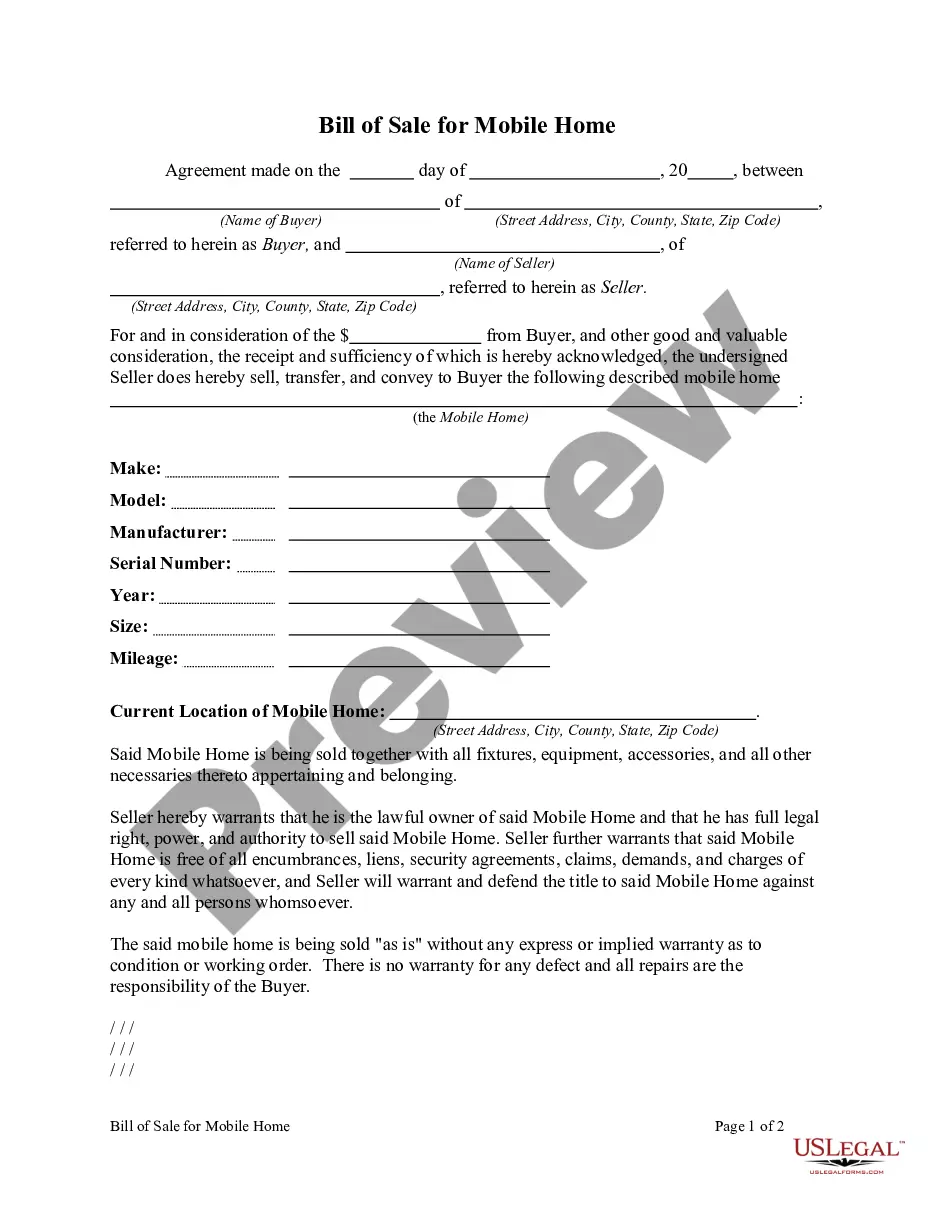
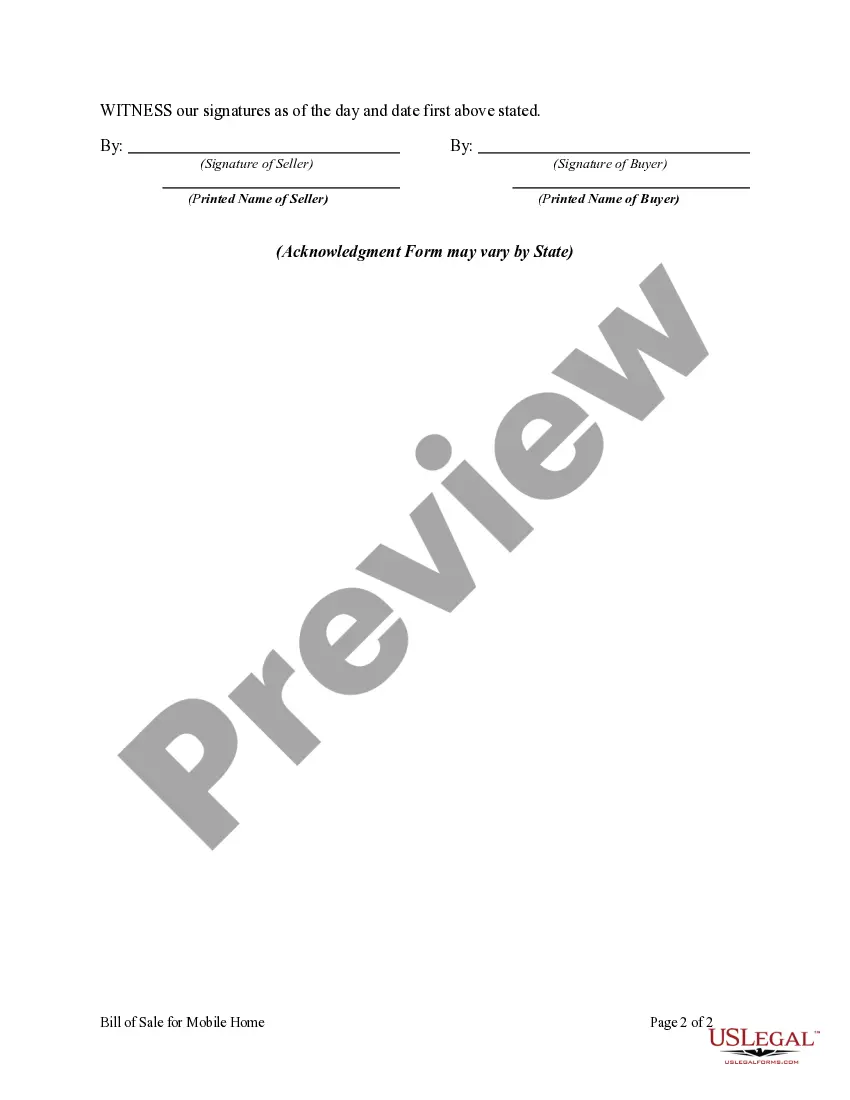
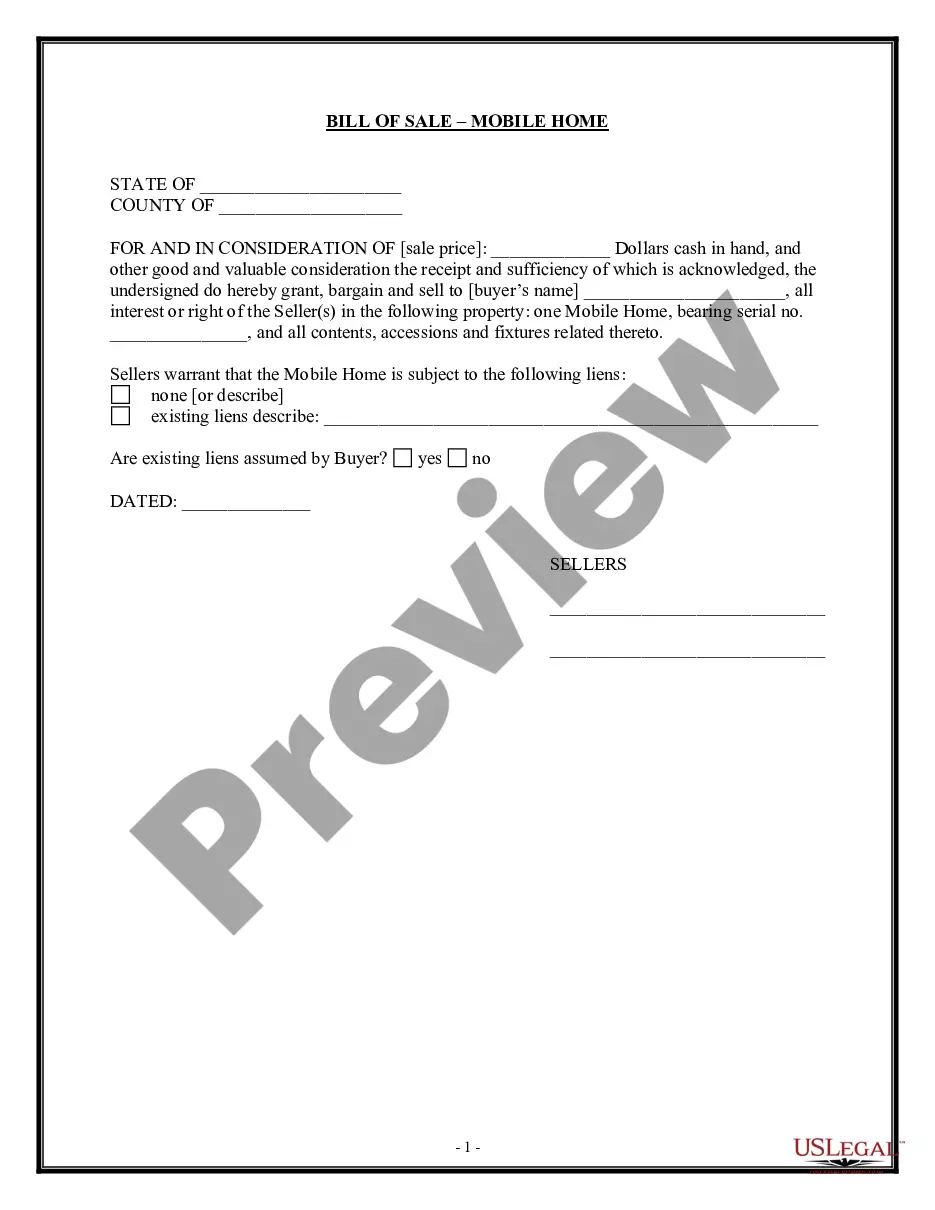
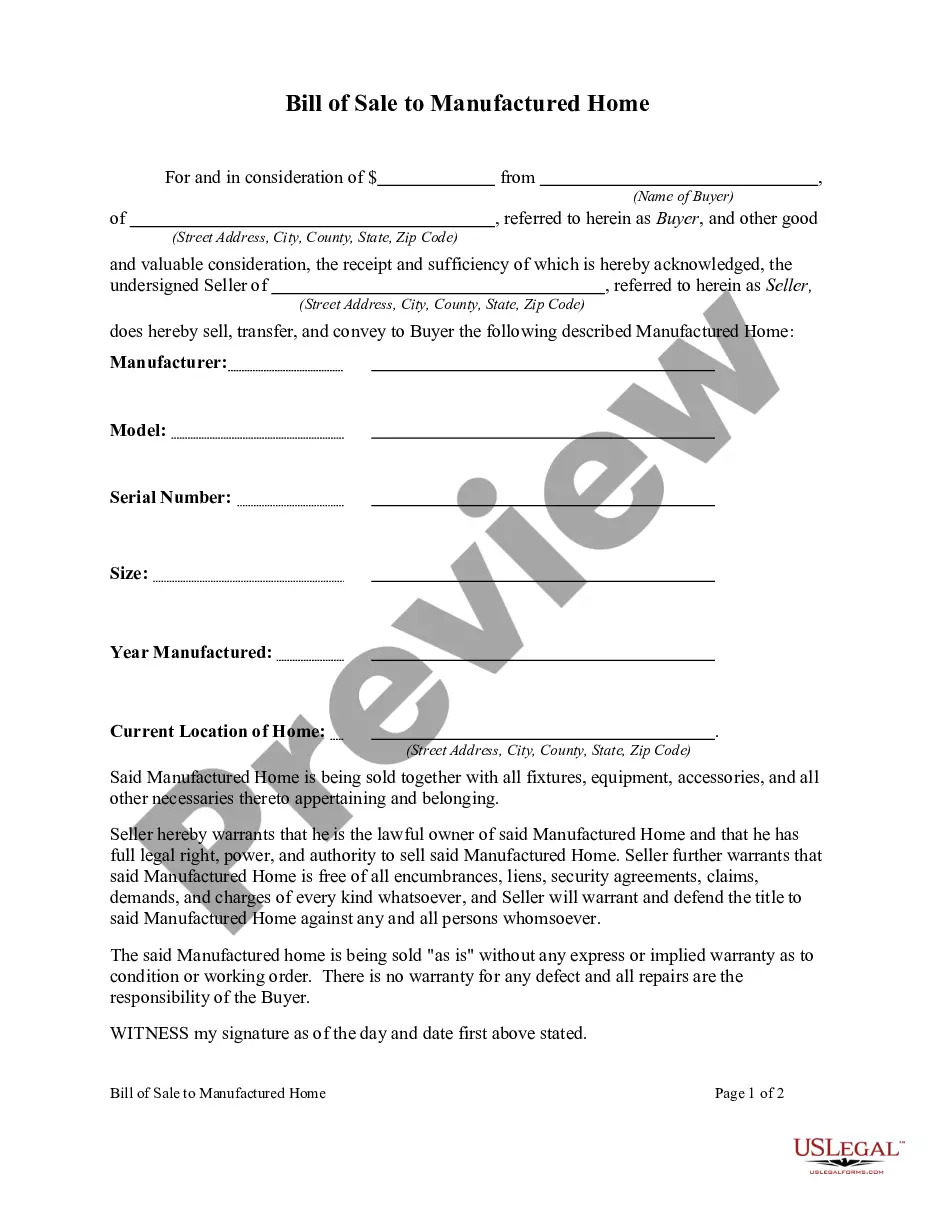
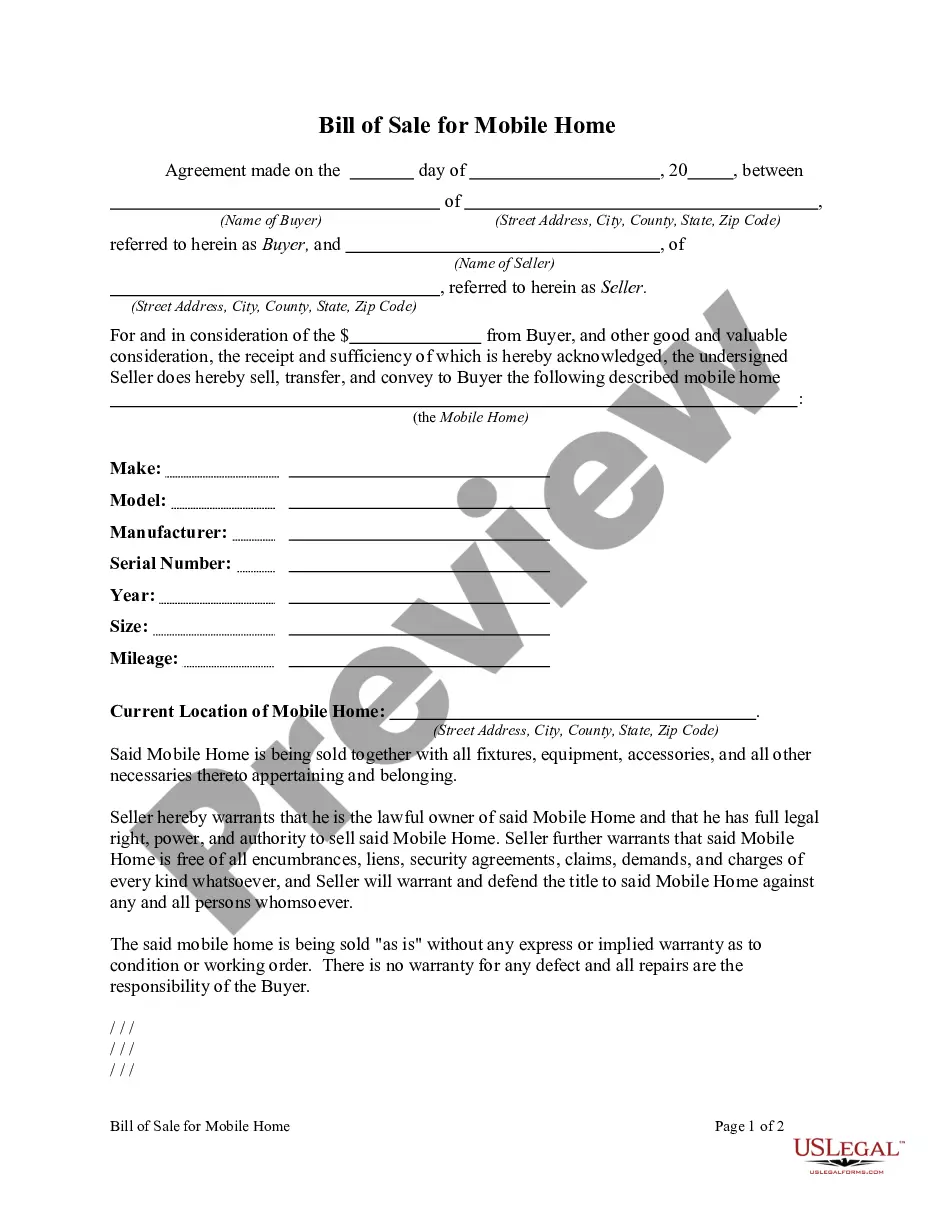
Get your form ready online
Our built-in tools help you complete, sign, share, and store your documents in one place.
Make edits, fill in missing information, and update formatting in US Legal Forms—just like you would in MS Word.
Download a copy, print it, send it by email, or mail it via USPS—whatever works best for your next step.
Sign and collect signatures with our SignNow integration. Send to multiple recipients, set reminders, and more. Go Premium to unlock E-Sign.
If this form requires notarization, complete it online through a secure video call—no need to meet a notary in person or wait for an appointment.
We protect your documents and personal data by following strict security and privacy standards.

Make edits, fill in missing information, and update formatting in US Legal Forms—just like you would in MS Word.

Download a copy, print it, send it by email, or mail it via USPS—whatever works best for your next step.

Sign and collect signatures with our SignNow integration. Send to multiple recipients, set reminders, and more. Go Premium to unlock E-Sign.

If this form requires notarization, complete it online through a secure video call—no need to meet a notary in person or wait for an appointment.

We protect your documents and personal data by following strict security and privacy standards.
Looking for another form?
How to fill out Bill Of Sale Of Mobile Home?
Acquiring legal document examples that adhere to federal and local regulations is crucial, and the web presents countless alternatives to choose from.
However, what's the benefit of squandering time searching for the right Buying Mobile Home Without Title example online if the US Legal Forms online repository has already compiled such templates in one location.
US Legal Forms is the largest online legal directory with more than 85,000 editable templates created by attorneys for various professional and personal situations. They are easy to navigate as all documents are organized by state and intended use.
Utilize the search function at the top of the page if necessary to find another sample. Click Buy Now once you've identified the correct form and select a subscription option. Create an account or Log In and complete your payment with PayPal or a credit card. Choose the most suitable format for your Buying Mobile Home Without Title and download it. All documents you find through US Legal Forms are reusable. To re-download and complete previously acquired forms, access the My documents tab in your account. Take advantage of the most comprehensive and user-friendly legal document service!
- Our experts keep pace with legal updates, ensuring you can trust that your form is current and compliant when you obtain a Buying Mobile Home Without Title from our site.
- Securing a Buying Mobile Home Without Title is quick and straightforward for both existing and new users.
- If you already possess an account with an active subscription, Log In and download the document example you require in your preferred format.
- If you are a newcomer to our website, follow the steps below.
- Review the template using the Preview feature or through the text description to ensure it fulfills your needs.
Form popularity
FAQ
The Difference Between Mobile and Manufactured Homes The only difference between the two types of homes is the date they were built. ing to HUD, a factory-built home prior to June 15, 1976 is a mobile home and one built after June 15, 1976 is a manufactured home.
In B.C., the sale, transfer or purchase of a manufactured home is only effective if the transaction is registered. This protects a person's investment in a manufactured home.
CSA standards regulate safety of applicable electrical products. In all ten provinces and two territories of Canada, laws require that electrical machinery and appliances connected to power sources conform to CSA safety standards regardless of type or quantity.
When a manufactured home sits on land and both are owned by the same person, the homes are often de-registered, which means they are no longer actively registered in the Manufactured Home Registry.
A CSA Label is a mandatory approval label on all factory-made manufactured/mobile homes in Canada. Typically, you'll find a CSA Certification Label on the front door of a manufactured/mobile home.