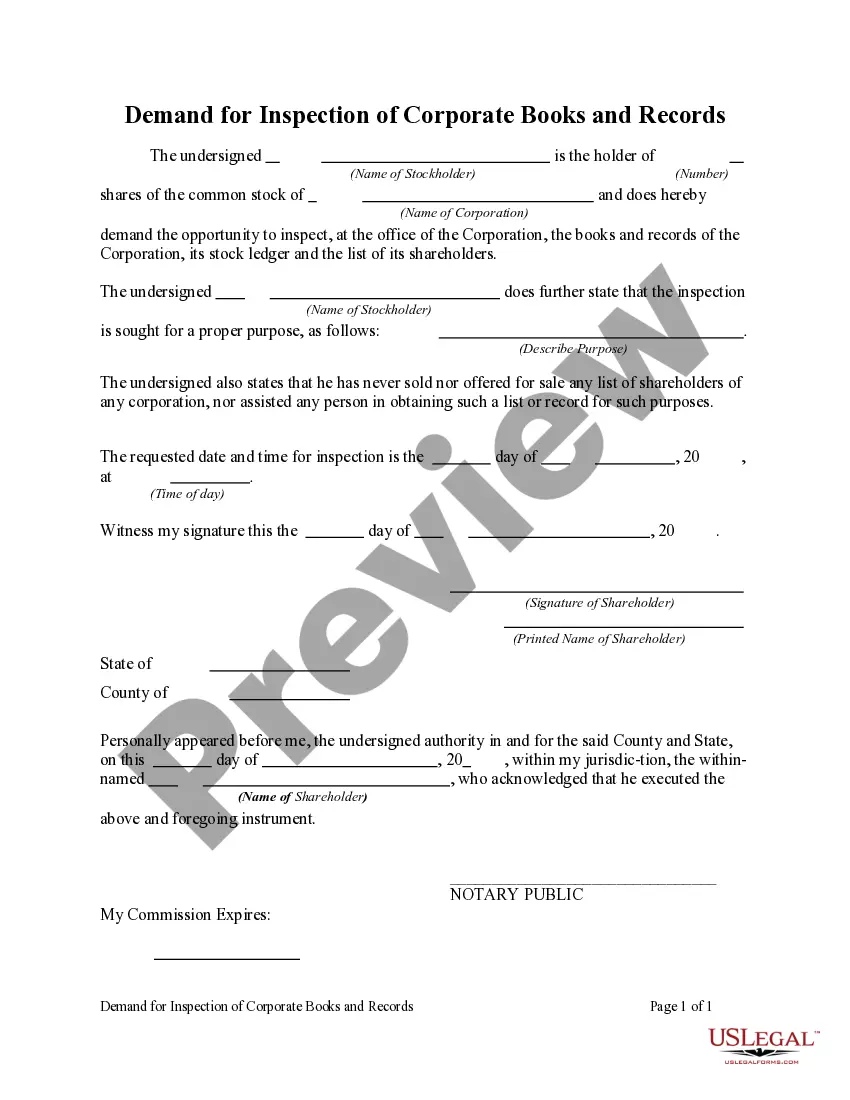
Demand For Inspection
Description

Get your form ready online
Our built-in tools help you complete, sign, share, and store your documents in one place.
Make edits, fill in missing information, and update formatting in US Legal Forms—just like you would in MS Word.
Download a copy, print it, send it by email, or mail it via USPS—whatever works best for your next step.
Sign and collect signatures with our SignNow integration. Send to multiple recipients, set reminders, and more. Go Premium to unlock E-Sign.
If this form requires notarization, complete it online through a secure video call—no need to meet a notary in person or wait for an appointment.
We protect your documents and personal data by following strict security and privacy standards.

Make edits, fill in missing information, and update formatting in US Legal Forms—just like you would in MS Word.

Download a copy, print it, send it by email, or mail it via USPS—whatever works best for your next step.

Sign and collect signatures with our SignNow integration. Send to multiple recipients, set reminders, and more. Go Premium to unlock E-Sign.

If this form requires notarization, complete it online through a secure video call—no need to meet a notary in person or wait for an appointment.

We protect your documents and personal data by following strict security and privacy standards.
Looking for another form?
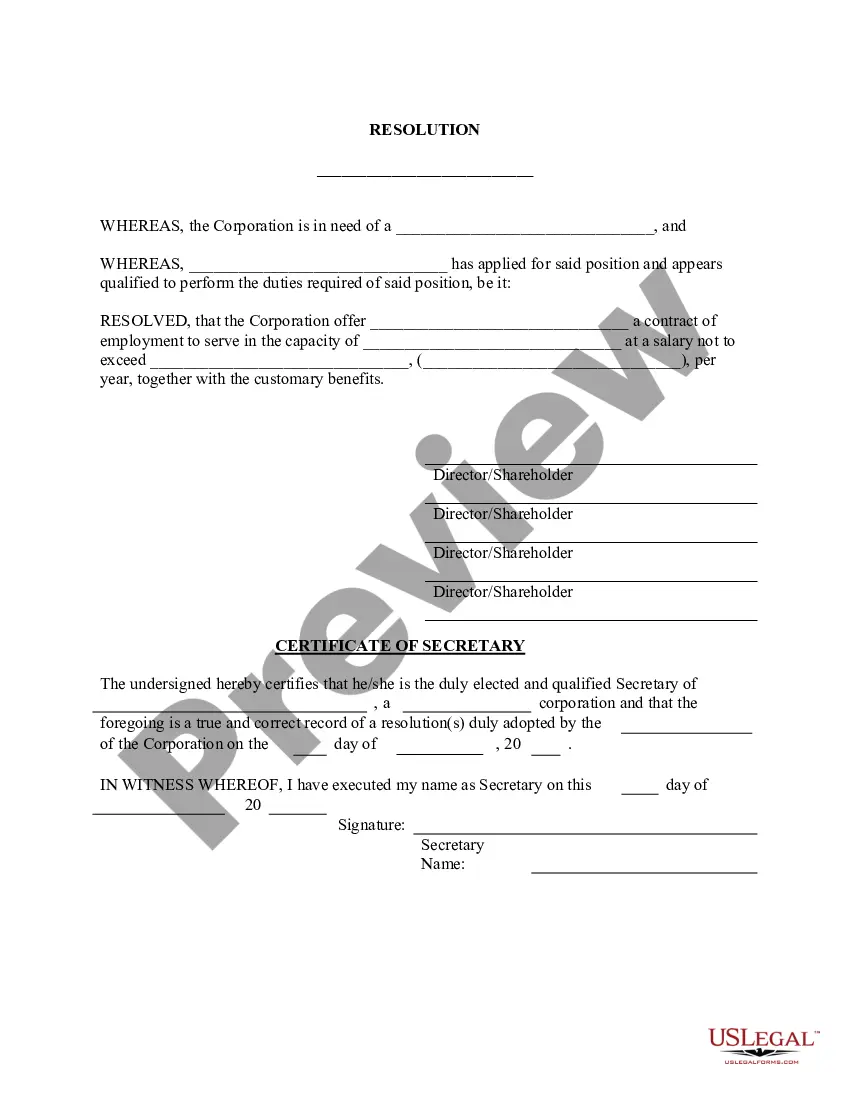
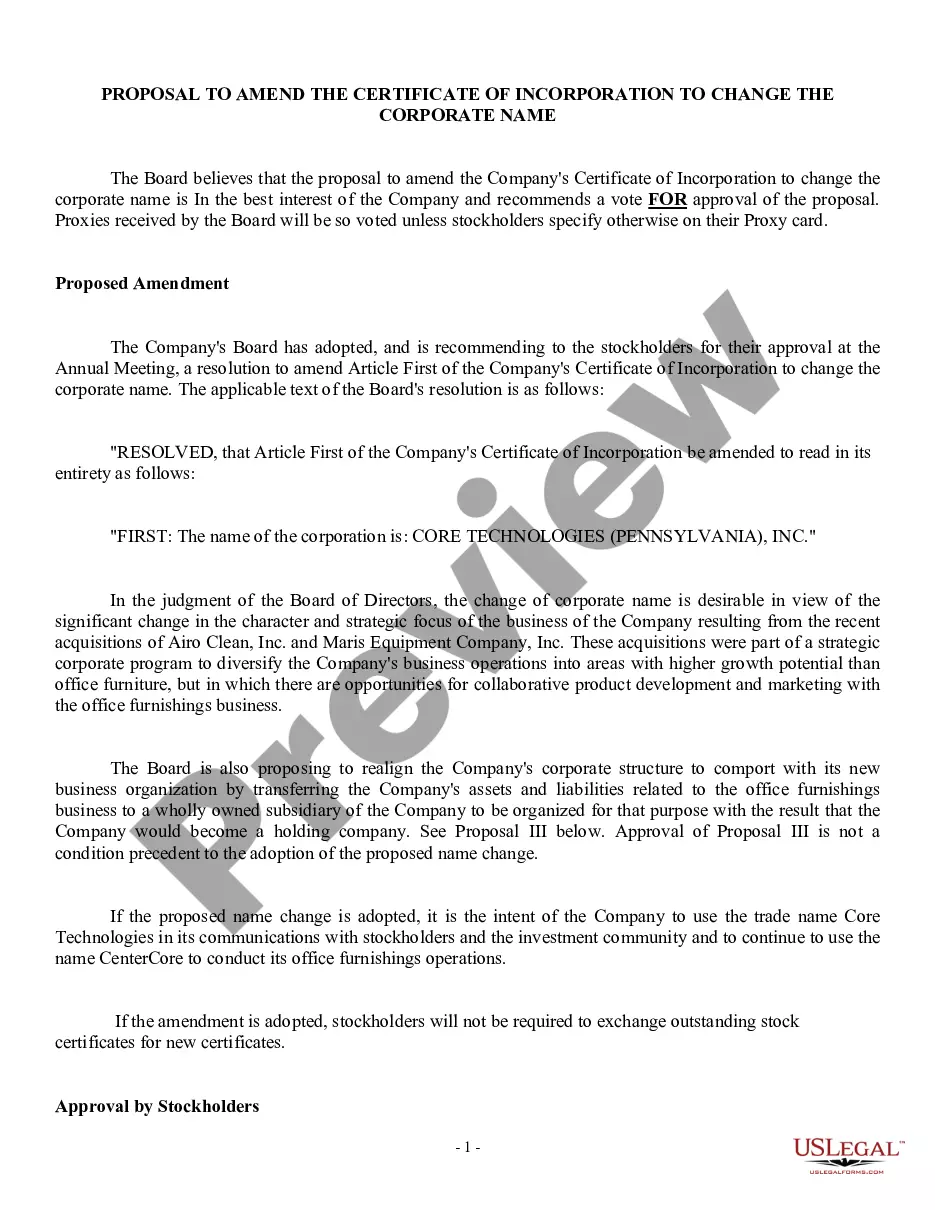

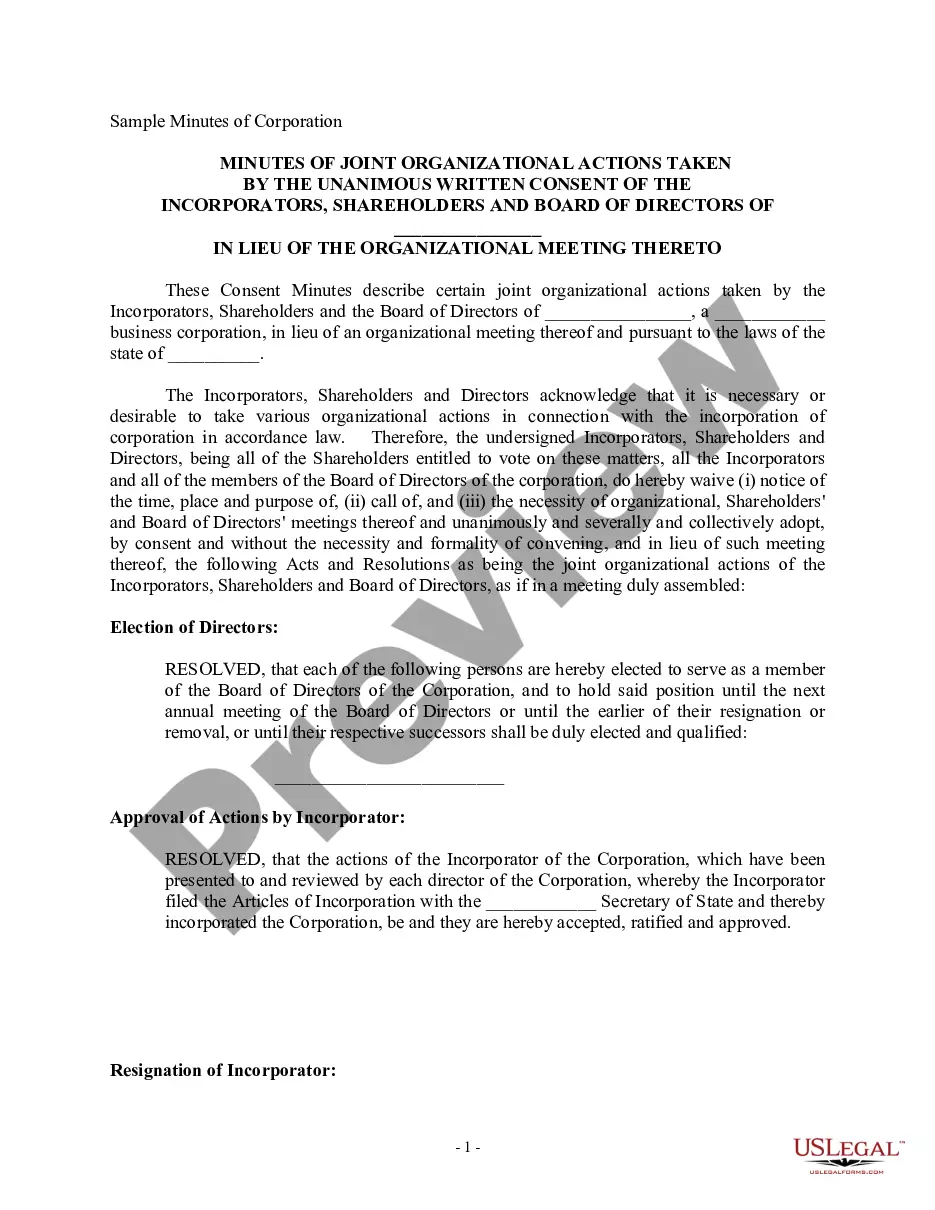
How to fill out Demand For Inspection Of Corporate Books And Records?
Locating a reliable source for acquiring the most up-to-date and pertinent legal templates is part of the challenge of navigating bureaucracy.
Selecting the appropriate legal documents requires precision and careful attention, which is why it’s essential to obtain Demand For Inspection samples solely from trustworthy providers, such as US Legal Forms. An incorrect template will squander your time and delay your situation.
After obtaining the form on your device, you can modify it using the editor or print it out to complete it by hand. Remove the hassle associated with your legal documents. Explore the extensive US Legal Forms collection to discover legal templates, evaluate their applicability to your situation, and download them instantly.
- Utilize the catalog navigation or search option to find your template.
- Review the form's description to determine if it meets the criteria for your state and county.
- Preview the form, if available, to confirm it is indeed the document you require.
- If the Demand For Inspection does not meet your specifications, continue searching for the correct template.
- Once you are confident in the form's appropriateness, download it.
- If you are a registered user, click Log in to verify and access your chosen templates in My documents.
- If you haven't created an account, click Buy now to purchase the template.
- Select a pricing option that fits your requirements.
- Continue to the registration process to complete your purchase.
- Complete your transaction by selecting a payment method (credit card or PayPal).
- Choose the document format for downloading Demand For Inspection.
Form popularity
FAQ
Ideally the inspection response is written in three parts: Cover Letter: The cover letter should include the site address and the dates of the inspection. ... Body: Re-state the observation and reference number and include the following for each observation: ... Attachments:
If a requests asks to inspect a certain item, thing, or place (and you do not intend to object and the request is otherwise acceptable), simply say something like, ?Inspection and related activities will be permitted as requested.?
A written demand for inspection or production is the discovery method set out in CCP §§2031.010?2031.510 that permits a party, in the absence of an agreement between the parties, to. Inspect and copy various documents and records (CCP §2031.010(b)); Inspect and test tangible things (CCP §2031.010(c));
Section 2031.240 - Objections (a) If only part of an item or category of item in a demand for inspection, copying, testing, or sampling is objectionable, the response shall contain a statement of compliance, or a representation of inability to comply with respect to the remainder of that item or category.
A Request for Production (also known as a Demand for Inspection) asks the other side to produce and allow copying or inspection and measuring of a document or thing.