Move Out Notice Form Example
Description
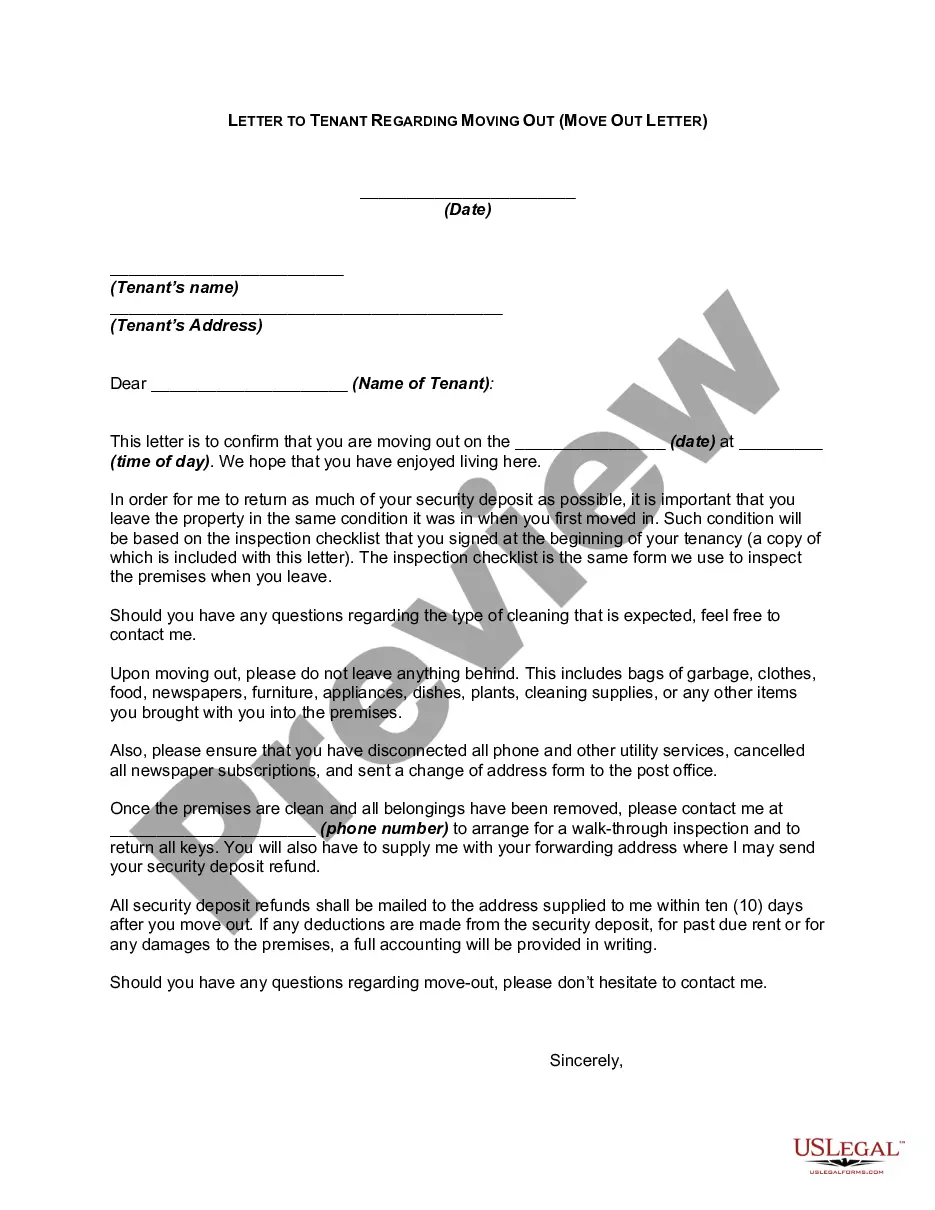
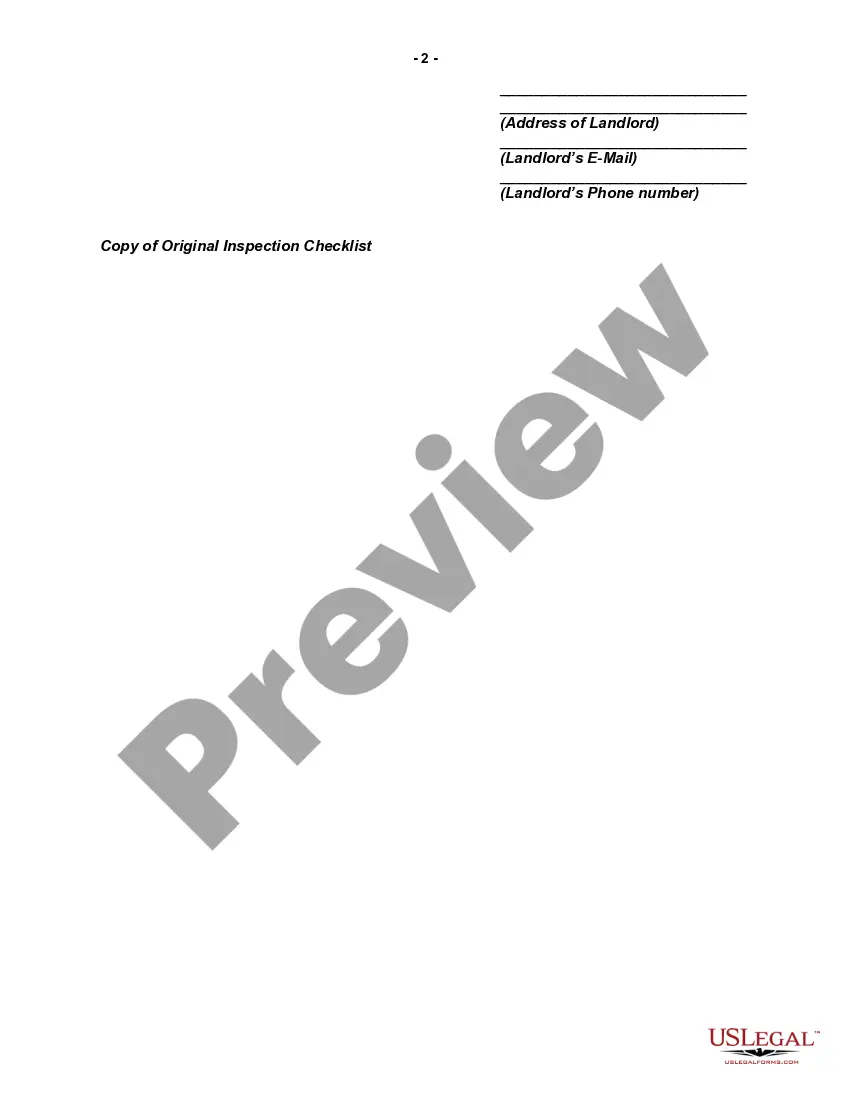
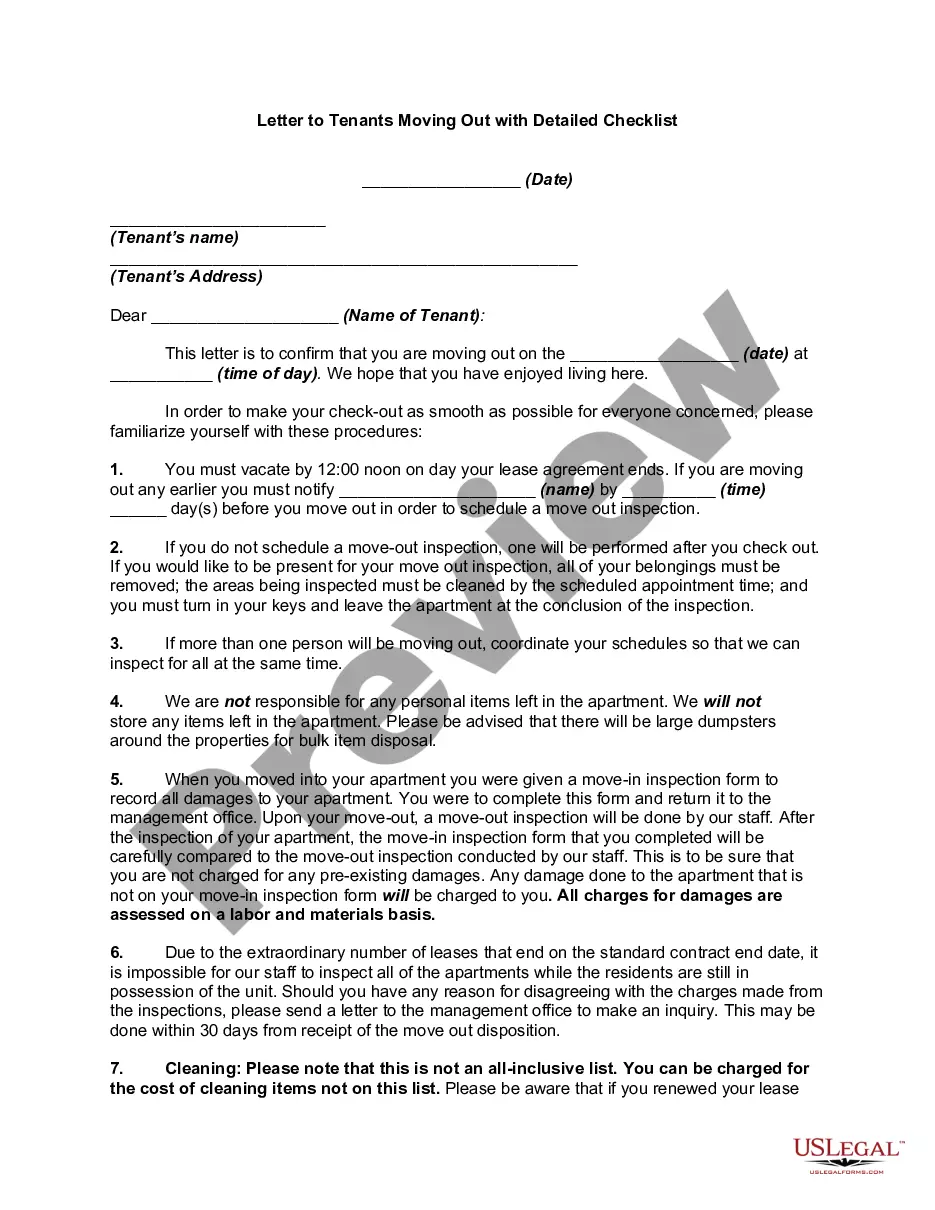
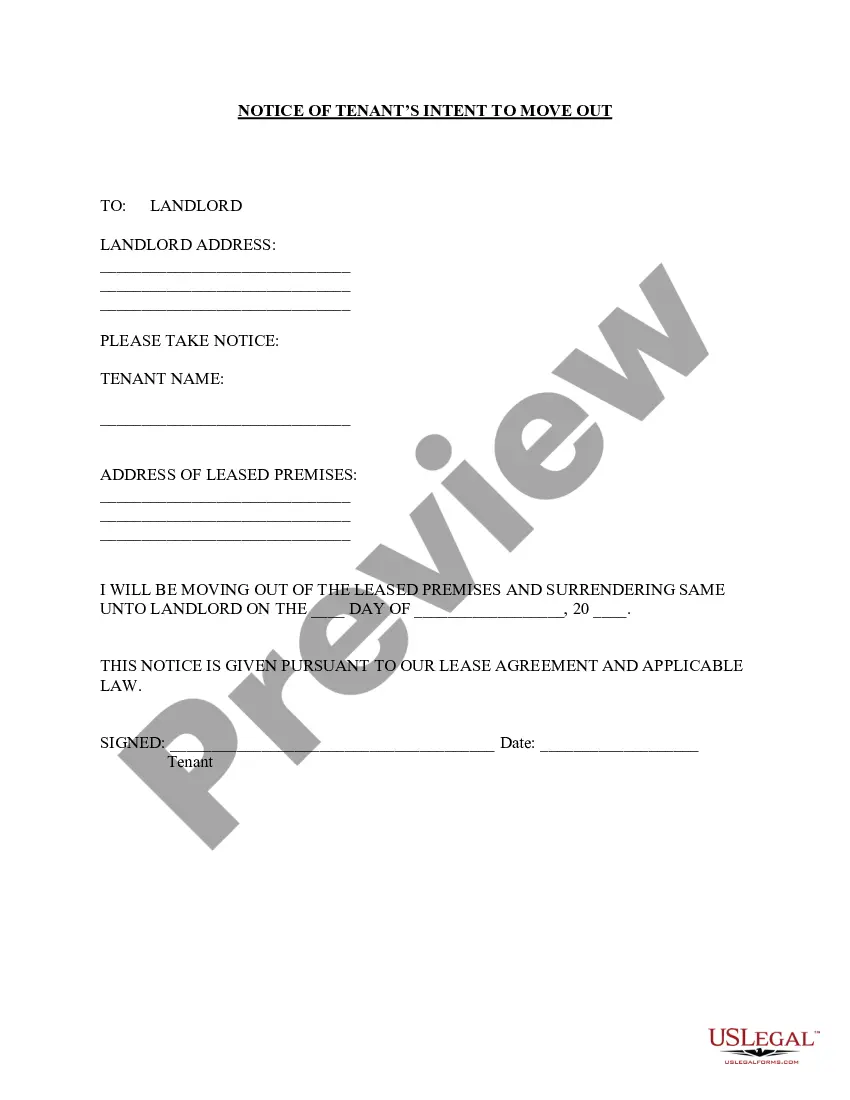
Get your form ready online
Our built-in tools help you complete, sign, share, and store your documents in one place.
Make edits, fill in missing information, and update formatting in US Legal Forms—just like you would in MS Word.
Download a copy, print it, send it by email, or mail it via USPS—whatever works best for your next step.
Sign and collect signatures with our SignNow integration. Send to multiple recipients, set reminders, and more. Go Premium to unlock E-Sign.
If this form requires notarization, complete it online through a secure video call—no need to meet a notary in person or wait for an appointment.
We protect your documents and personal data by following strict security and privacy standards.

Make edits, fill in missing information, and update formatting in US Legal Forms—just like you would in MS Word.

Download a copy, print it, send it by email, or mail it via USPS—whatever works best for your next step.

Sign and collect signatures with our SignNow integration. Send to multiple recipients, set reminders, and more. Go Premium to unlock E-Sign.

If this form requires notarization, complete it online through a secure video call—no need to meet a notary in person or wait for an appointment.

We protect your documents and personal data by following strict security and privacy standards.
Looking for another form?
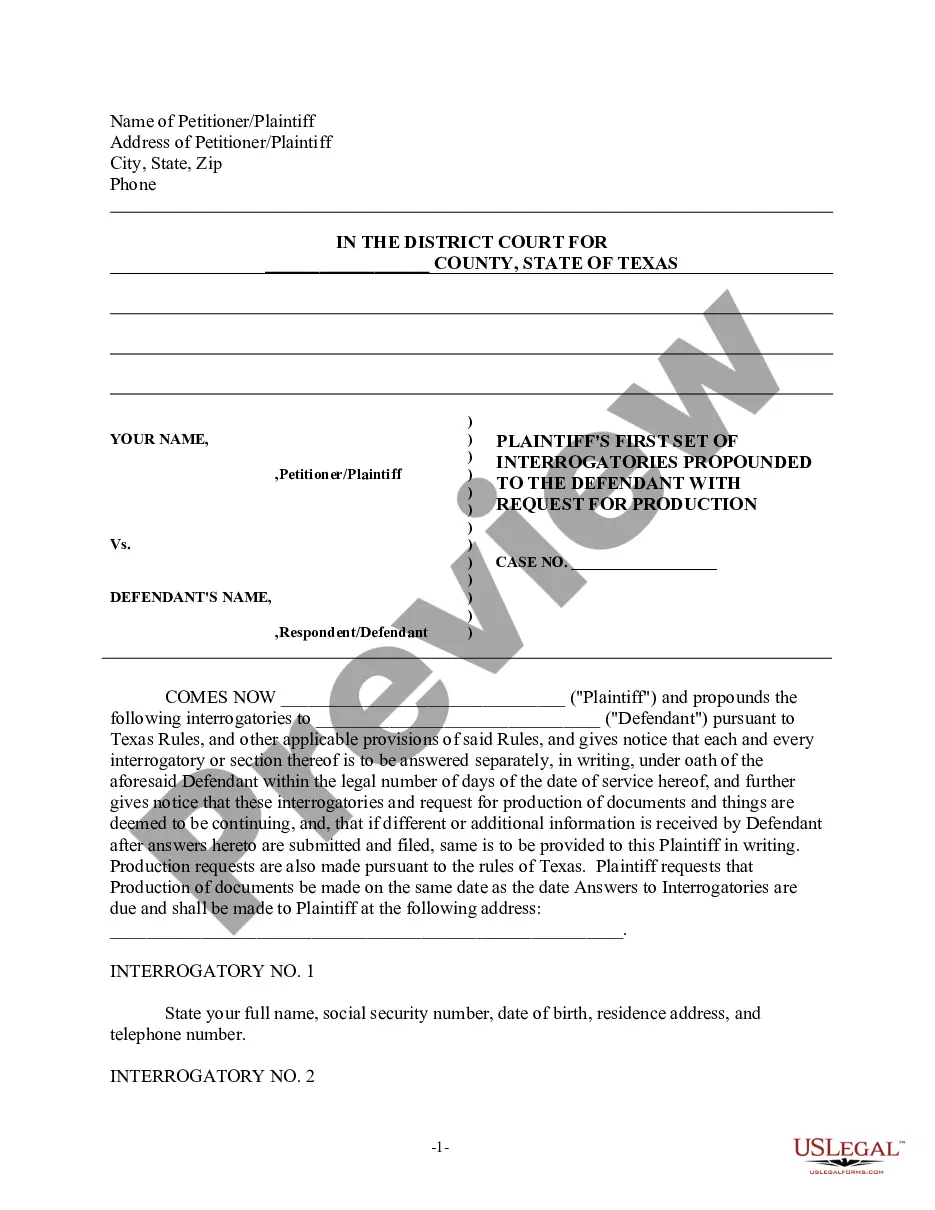
How to fill out Letter To Tenant Regarding Moving Out - Move Out Letter?
It’s clear that you cannot instantly become a legal expert, nor can you swiftly learn how to draft a Move Out Notice Form Example without a specialized background.
Producing legal documents is a lengthy undertaking that demands specific training and abilities.
So why not entrust the creation of the Move Out Notice Form Example to the experts.
Preview it (if this option is available) and review the supporting description to determine if the Move Out Notice Form Example is what you are looking for.
If you need another template, begin your search again. Register for a free account and select a subscription plan to purchase the form. Click Buy now. Once the payment is finalized, you can access the Move Out Notice Form Example, fill it out, print it, and send or mail it to the required recipients or organizations. You can regain access to your documents from the My documents tab at any time. If you’re a returning client, you can simply Log In, and find and download the template from the same tab. Regardless of the purpose of your forms—whether financial, legal, or personal—our website has you covered. Try US Legal Forms now!
- With US Legal Forms, one of the most extensive legal template collections, you can discover everything from court papers to templates for internal communication.
- We recognize how crucial compliance and adherence to federal and state regulations are.
- That’s why, on our platform, all forms are location-specific and current.
- Here’s how to start with our website and obtain the document you require in just minutes.
- Search for the document you need using the search bar at the top of the page.
Form popularity
FAQ
How to write a 30-day notice Write your name, job title and date. ... State that the document is a letter of resignation. ... Include your last day of employment. ... Show your appreciation for the position. ... Explain any open projects or next steps. ... Print and sign the document.
This letter shall serve as my written notice to vacate on [DD/MM/YYYY]. I request to vacate and terminate the lease which was signed and agreed upon on [start of lease date]. I will be moving out of the property at [current full address], at the latest, by [DD/MM/YYYY].
Ending your tenancy? Duration of TenancyNotice PeriodLess than 6 months28 daysNot less than 6 months but less than 1 year35 daysMore than 1 year but less than 2 years42 daysMore than 2 years but less than 4 years56 days2 more rows
Any time you write a letter or email to your landlord, keep your language clear and concise to eliminate any potential for confusion. Include relevant details such as the date of writing, the dates of any instances referenced within the letter, and your contact information and unit number.