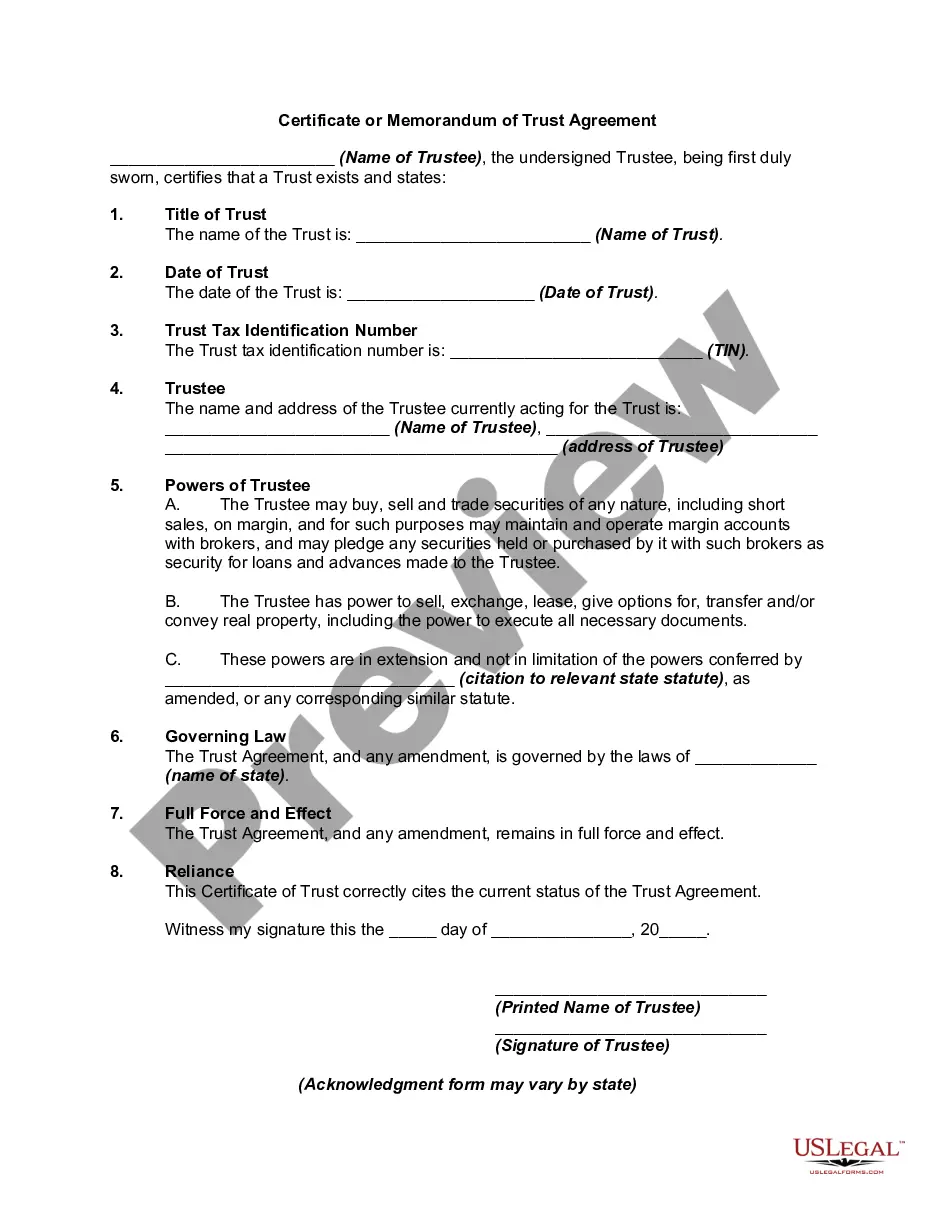
Certificate Of Trust Sample Form California
Description
Get your form ready online
Our built-in tools help you complete, sign, share, and store your documents in one place.
Make edits, fill in missing information, and update formatting in US Legal Forms—just like you would in MS Word.
Download a copy, print it, send it by email, or mail it via USPS—whatever works best for your next step.
Sign and collect signatures with our SignNow integration. Send to multiple recipients, set reminders, and more. Go Premium to unlock E-Sign.
If this form requires notarization, complete it online through a secure video call—no need to meet a notary in person or wait for an appointment.
We protect your documents and personal data by following strict security and privacy standards.

Make edits, fill in missing information, and update formatting in US Legal Forms—just like you would in MS Word.

Download a copy, print it, send it by email, or mail it via USPS—whatever works best for your next step.

Sign and collect signatures with our SignNow integration. Send to multiple recipients, set reminders, and more. Go Premium to unlock E-Sign.

If this form requires notarization, complete it online through a secure video call—no need to meet a notary in person or wait for an appointment.

We protect your documents and personal data by following strict security and privacy standards.
Looking for another form?

How to fill out Certificate Or Memorandum Of Trust Agreement?
Managing legal paperwork and processes can be a lengthy addition to your schedule.
Certificate Of Trust Sample Form California and similar forms frequently necessitate you to search for them and comprehend the optimal method to fill them out accurately.
Therefore, if you are addressing financial, legal, or personal issues, utilizing a comprehensive and user-friendly online directory of forms readily available will significantly aid you.
US Legal Forms is the leading online platform for legal templates, providing over 85,000 state-specific forms along with various tools that will facilitate the completion of your documents effortlessly.
Is this your first experience with US Legal Forms? Register and create a free account in a few minutes to gain access to the form catalog and Certificate Of Trust Sample Form California. Then, follow the instructions below to fill out your form: Ensure you have identified the correct form using the Review option and examining the form details. Click Buy Now when ready, and select the monthly subscription plan that suits you. Choose Download then complete, eSign, and print the form. US Legal Forms boasts twenty-five years of experience assisting users in managing their legal documents. Acquire the form you require today and streamline any process with ease.
- Explore the collection of relevant documents accessible with just a single click.
- US Legal Forms offers state- and county-specific forms available at any time for downloading.
- Protect your document management tasks with high-quality support that allows you to prepare any form in minutes without additional or concealed charges.
- Simply Log In to your account, locate Certificate Of Trust Sample Form California, and obtain it immediately from the My documents section.
- You can also retrieve previously saved forms.
Form popularity
FAQ
If you can't find original living trust documents, you can contact the California Bar Association for assistance. Trusts aren't recorded anywhere, so you can't go to the County Recorder's office in the courthouse to ask to see a copy of the trust.
To make your trust valid in California, you simply need to sign the trust document ? that's it! You don't need to have your document witnessed or notarized to make it valid. However, many people choose to sign their document in the presence of a notary public to help authenticate the document.
In California, there are three steps to getting a copy of a trust document: Make a written demand for a copy of the Trust and its amendments, if any; Wait 60 days; and. If you do not receive a copy of the Trust within 60 days of making your written demand, file a petition with the probate court.
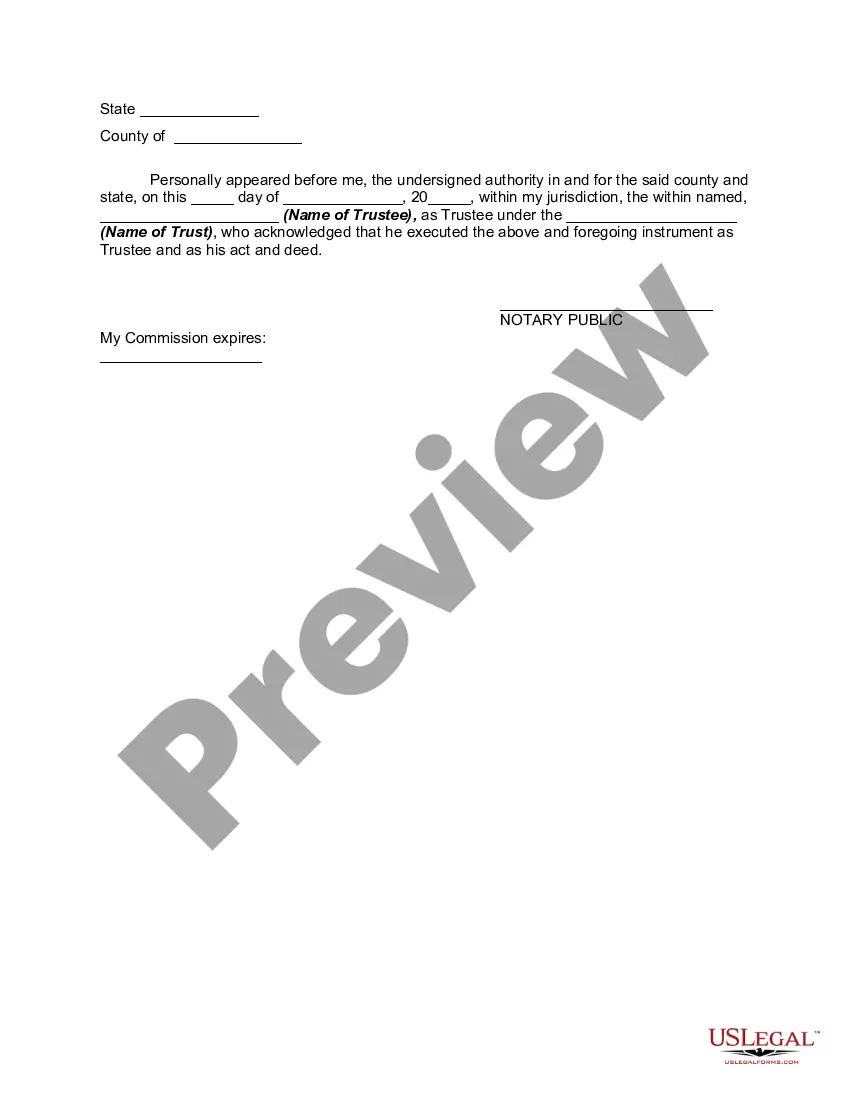
A Certificate of Trust may need to be recorded in the county that any real property is in. That said, if there's no real property owned by the Trust, there may not be any need to record it.
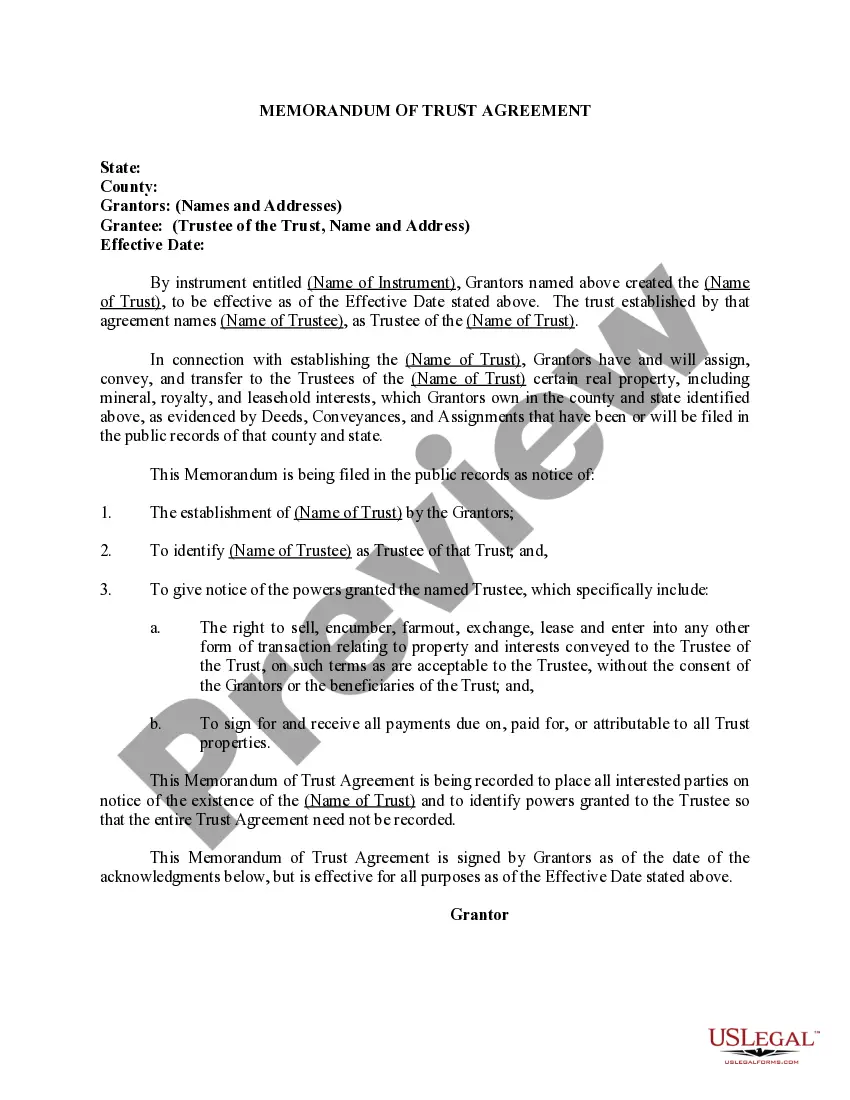
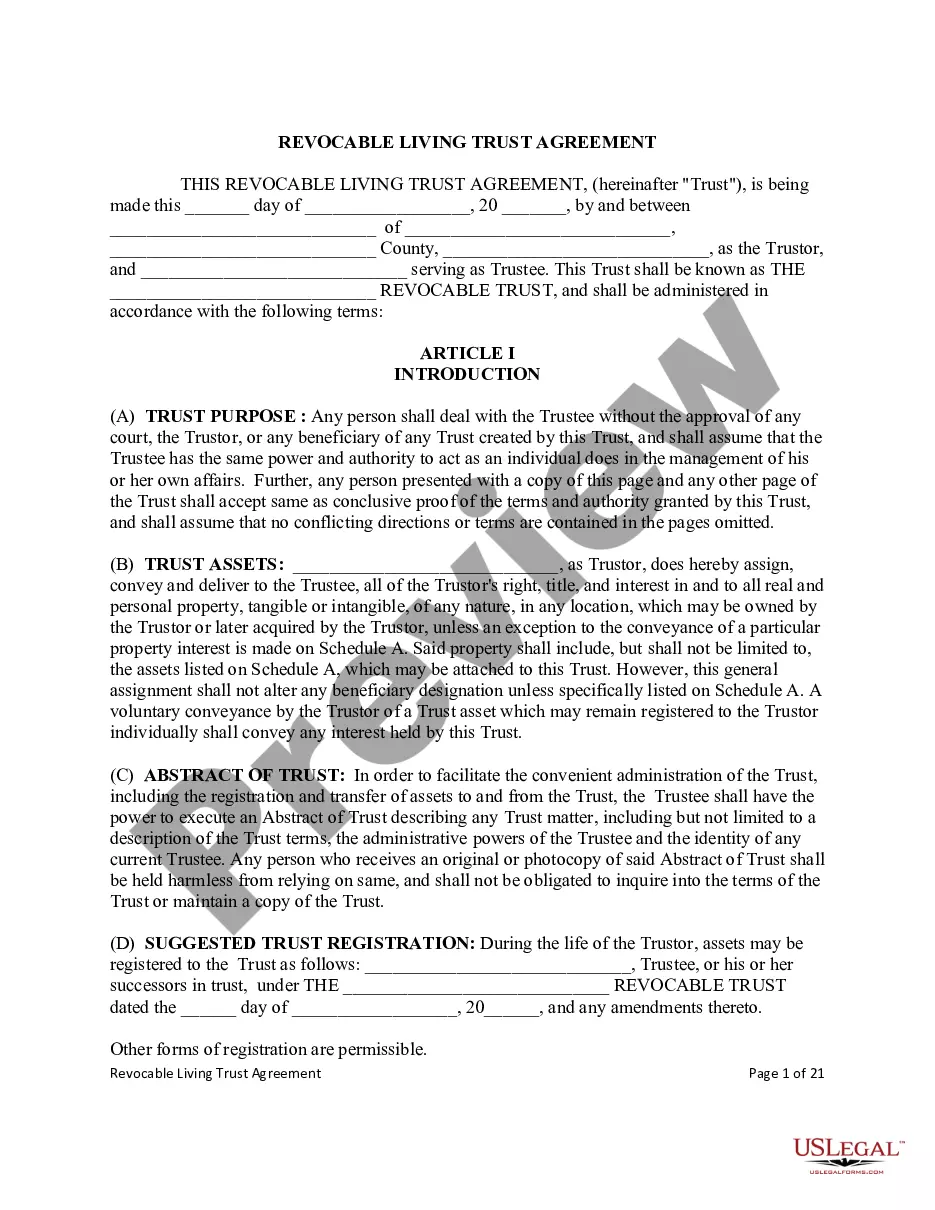
A Standard Document used in California to certify the existence of a trust and to provide information regarding its essential terms, without providing a full copy of the trust instrument.