Contratos De Limpieza De Oficinas
Description
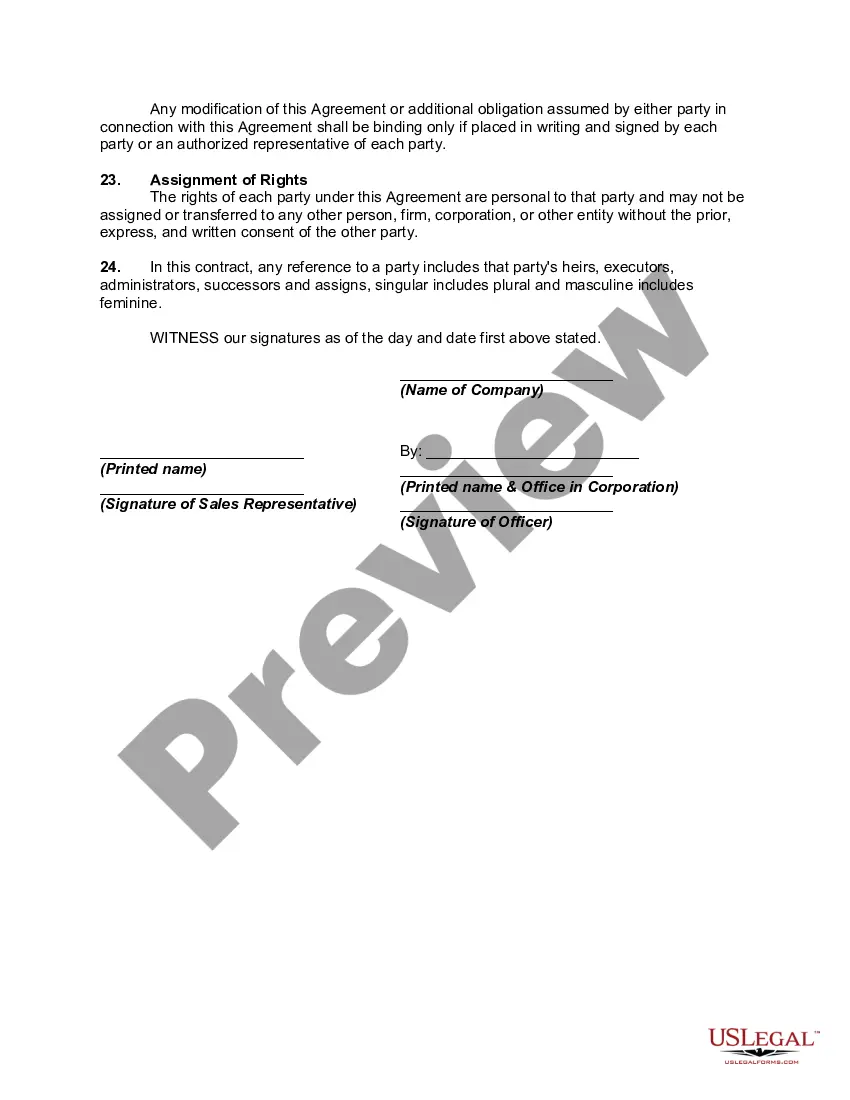
Get your form ready online
Our built-in tools help you complete, sign, share, and store your documents in one place.
Make edits, fill in missing information, and update formatting in US Legal Forms—just like you would in MS Word.
Download a copy, print it, send it by email, or mail it via USPS—whatever works best for your next step.
Sign and collect signatures with our SignNow integration. Send to multiple recipients, set reminders, and more. Go Premium to unlock E-Sign.
If this form requires notarization, complete it online through a secure video call—no need to meet a notary in person or wait for an appointment.
We protect your documents and personal data by following strict security and privacy standards.

Make edits, fill in missing information, and update formatting in US Legal Forms—just like you would in MS Word.

Download a copy, print it, send it by email, or mail it via USPS—whatever works best for your next step.

Sign and collect signatures with our SignNow integration. Send to multiple recipients, set reminders, and more. Go Premium to unlock E-Sign.

If this form requires notarization, complete it online through a secure video call—no need to meet a notary in person or wait for an appointment.

We protect your documents and personal data by following strict security and privacy standards.
Looking for another form?
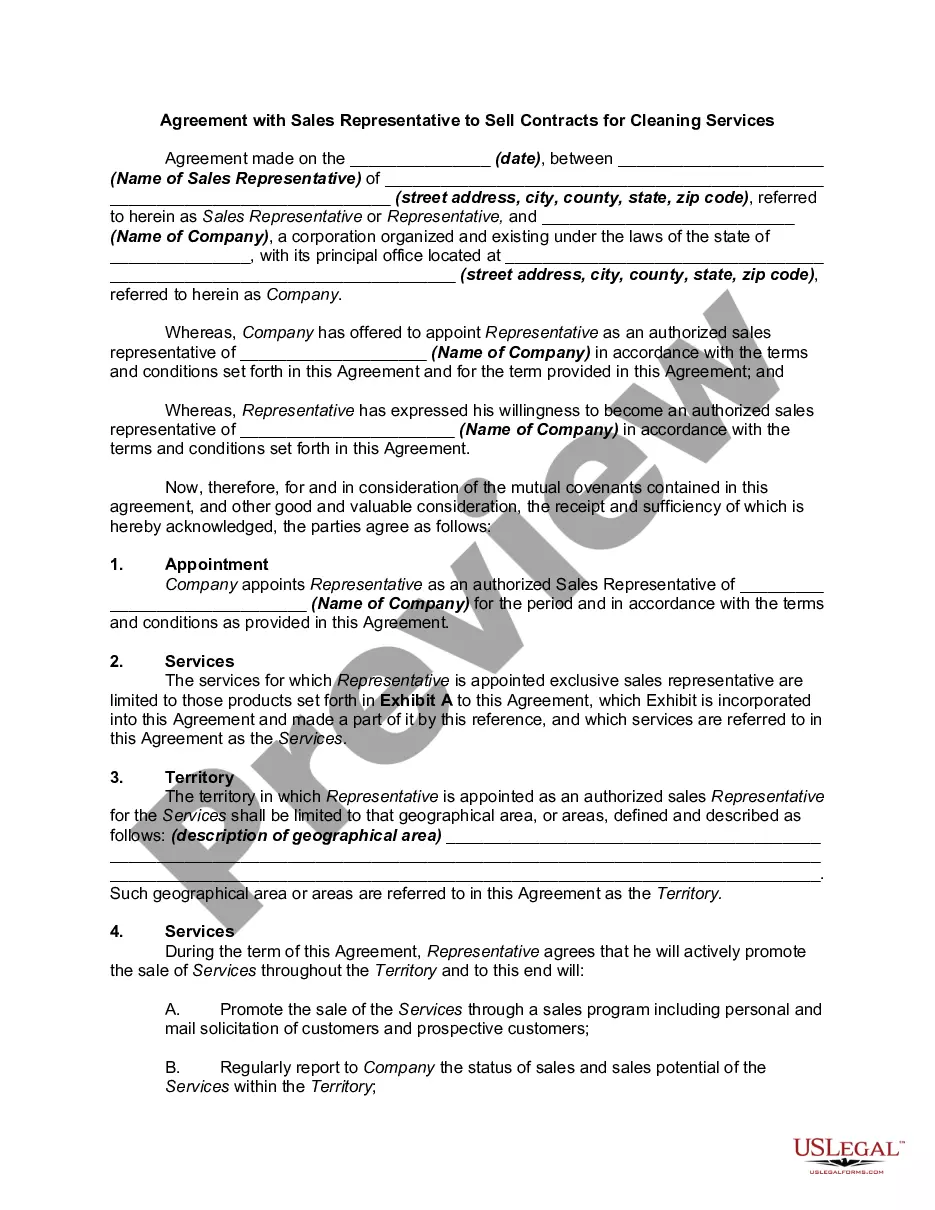
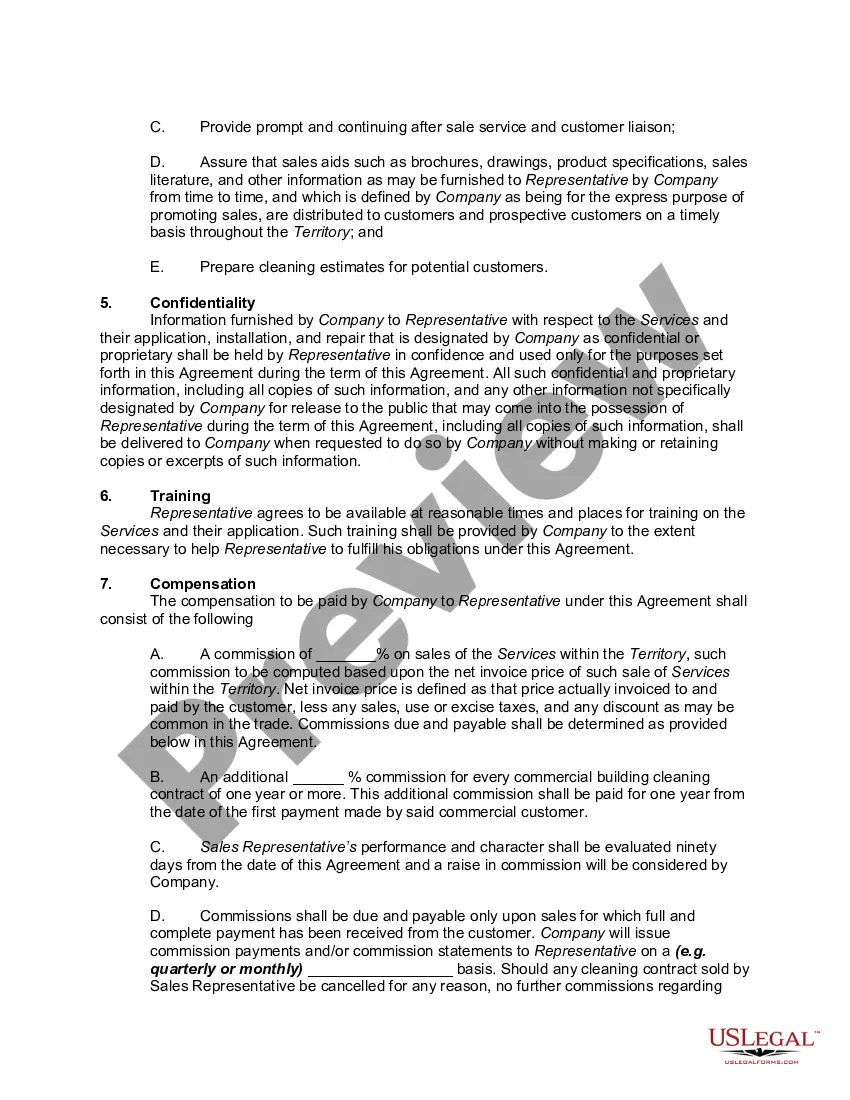
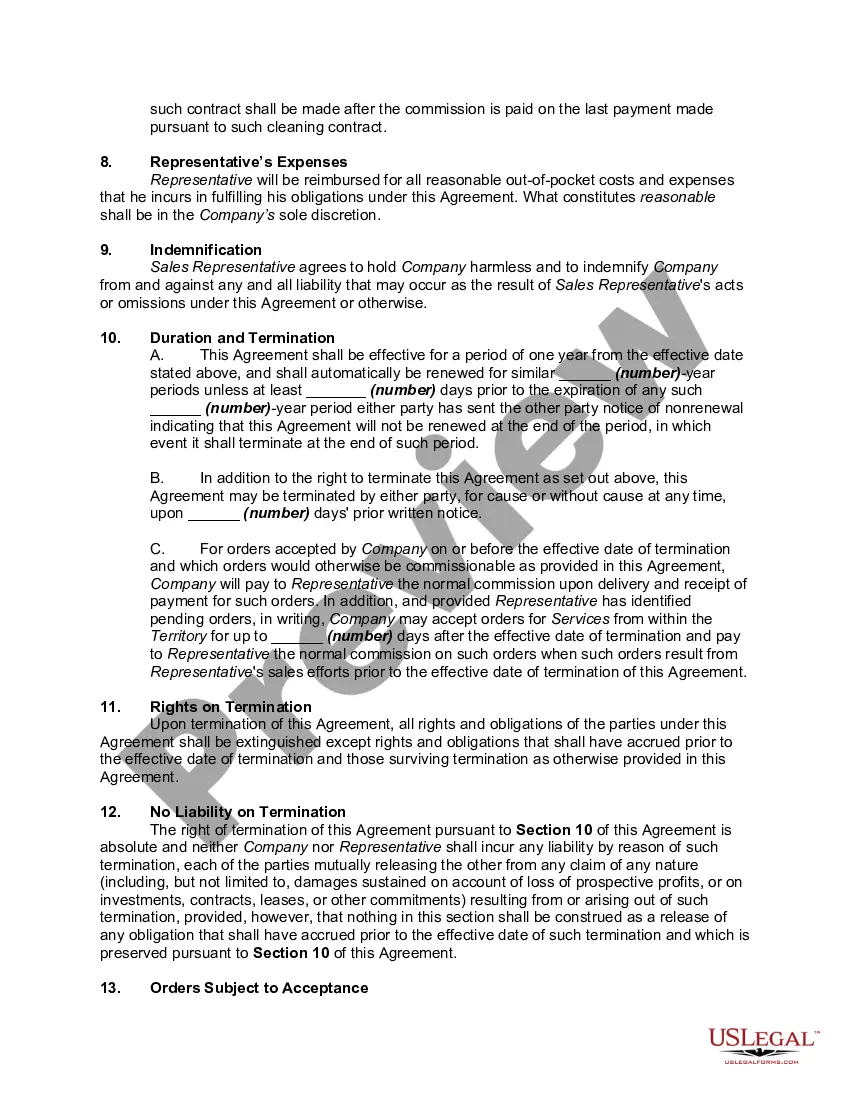
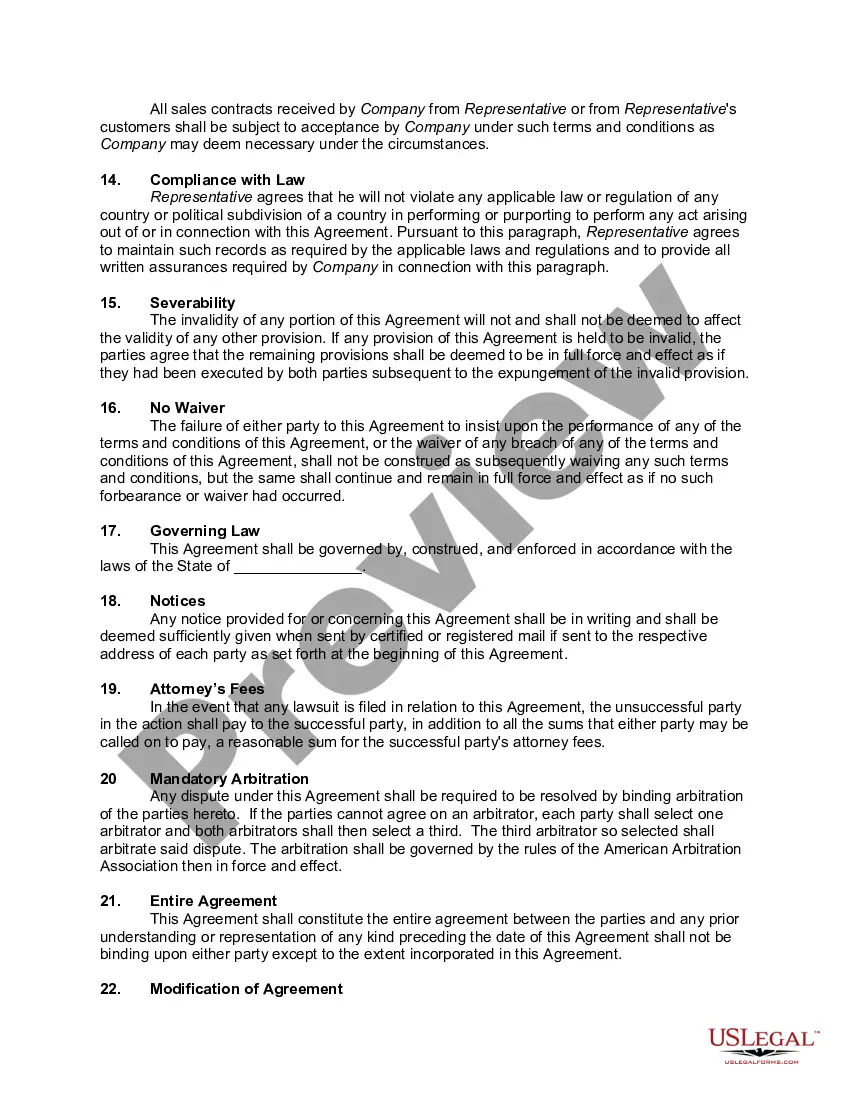
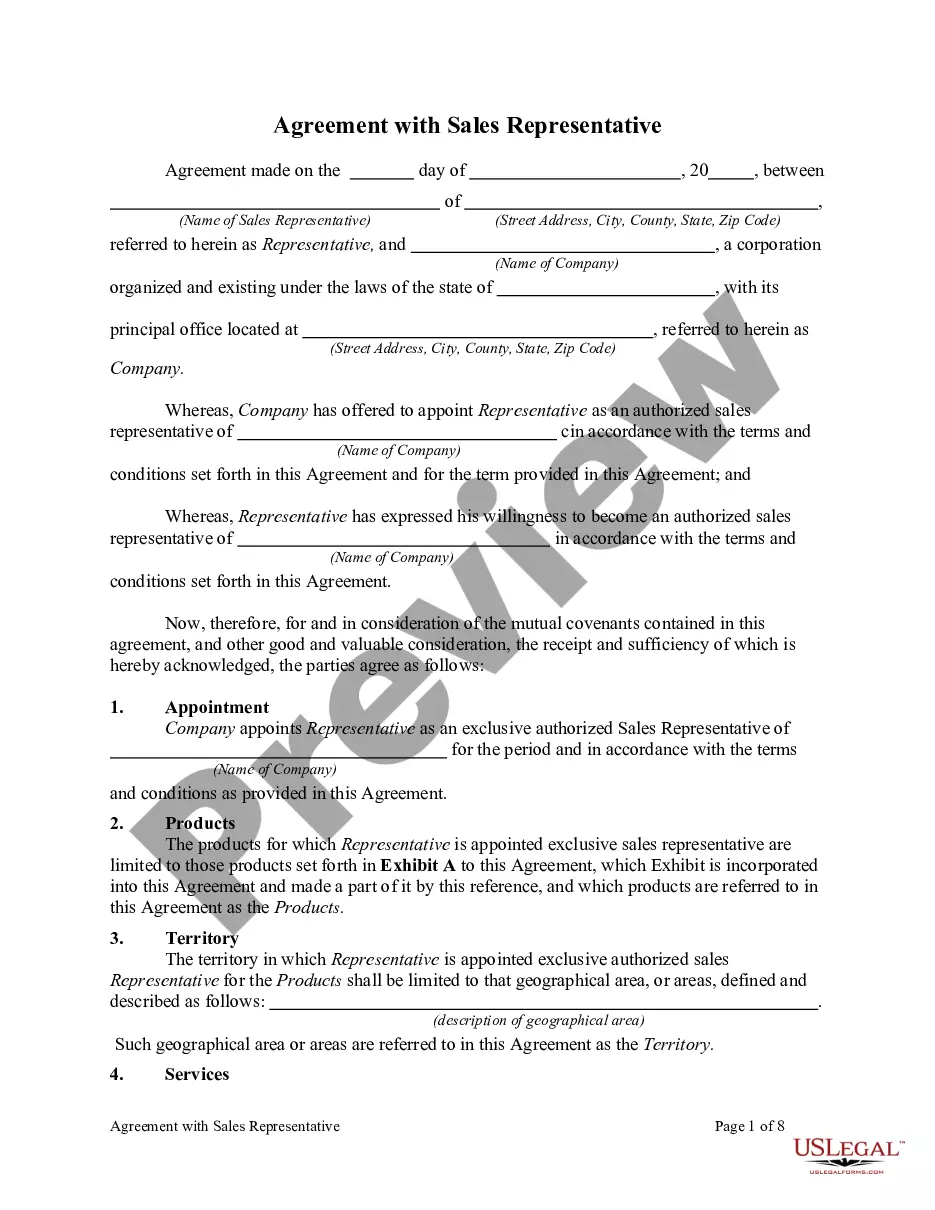
How to fill out Agreement With Sales Representative To Sell Contracts For Cleaning Services?
The Office Cleaning Contracts you view on this site is a reusable official template created by skilled attorneys in accordance with federal and local statutes and regulations.
For over 25 years, US Legal Forms has supplied individuals, businesses, and lawyers with more than 85,000 validated, state-specific documents for any professional and personal occasion. It’s the quickest, most uncomplicated, and most reliable method to acquire the papers you require, as the service assures the utmost level of data security and anti-malware safeguards.
Enroll in US Legal Forms to access verified legal templates for all of life’s situations at your convenience.
- Search for the document you need and assess it.
- Browse through the file you searched and preview it or verify the form description to ensure it meets your needs. If it doesn’t, use the search feature to locate the correct one. Click Buy Now when you have located the template you require.
- Register and Log In.
- Select the pricing option that fits you and create an account. Utilize PayPal or a debit/credit card for swift payment. If you possess an account already, Log In and review your subscription to proceed.
- Acquire the editable template.
- Choose the format you want for your Office Cleaning Contracts (PDF, DOCX, RTF) and download the example onto your device.
- Complete and sign the documents.
- Print the template to fill it out by hand. Alternatively, use an online multi-functional PDF editor to quickly and accurately complete and sign your document electronically.
- Re-download your documents as needed.
- Use the same document again whenever required. Access the My documents tab in your profile to retrieve any previously saved documents.
Form popularity
FAQ
A certified copy of that section of the corporate by-laws which authorizes the signatory to execute contracts on behalf of and bind the corporation, along with certification that the person signing the contract in fact holds the office in question.
A resolution usually takes the form of a legal document voted on or consented to in writing by: The board of directors or stockholders, in the case of a corporation (commonly referred to as a Board Resolution and Stockholder Resolution, respectively).
Signatory authority: how it works They don't have to be a director, or have any specific job title. For example, if your office manager often negotiates supplier contracts, they might be considered to have 'implied or apparent authority' to sign those contracts on behalf of the company.
LLC authorization to sign is generally assigned to a managing member who has the authority to sign binding documents on behalf of the LLC. When signing, the managing member must clarify if the signature is as an individual or in their capacity to sign as the representative of the LLC.
A corporate resolution that authorizes borrowing on a line of credit is often referred to a borrowing resolution. This resolution indicates that the members (LLC) or Board of Directors (Corporation) have held a meeting and conducted a vote allowing the company to borrow a specific loan amount.
Resolutions of Authority name an individual that is authorized to act on behalf of a Corporation, Partnership, or Company. Complete ONLY the Resolution which matches the structure of the business.
Signing authority is the power granted to an individual or an organization to sign official documents, contracts, agreements, or other legal instruments on behalf of an organization or themselves. It is critical to any decision-making process as it authorizes transactions, commitments, or other obligations.
How To Write a Corporate Resolution ? Step by Step Step 1: Write the Company's Name. ... Step 2: Include Further Legal Identification. ... Step 3: Include Location, Date and Time. ... Step 4: List the Board Resolutions. ... Step 5: Sign and Date the Document.