Wedding Template
Description
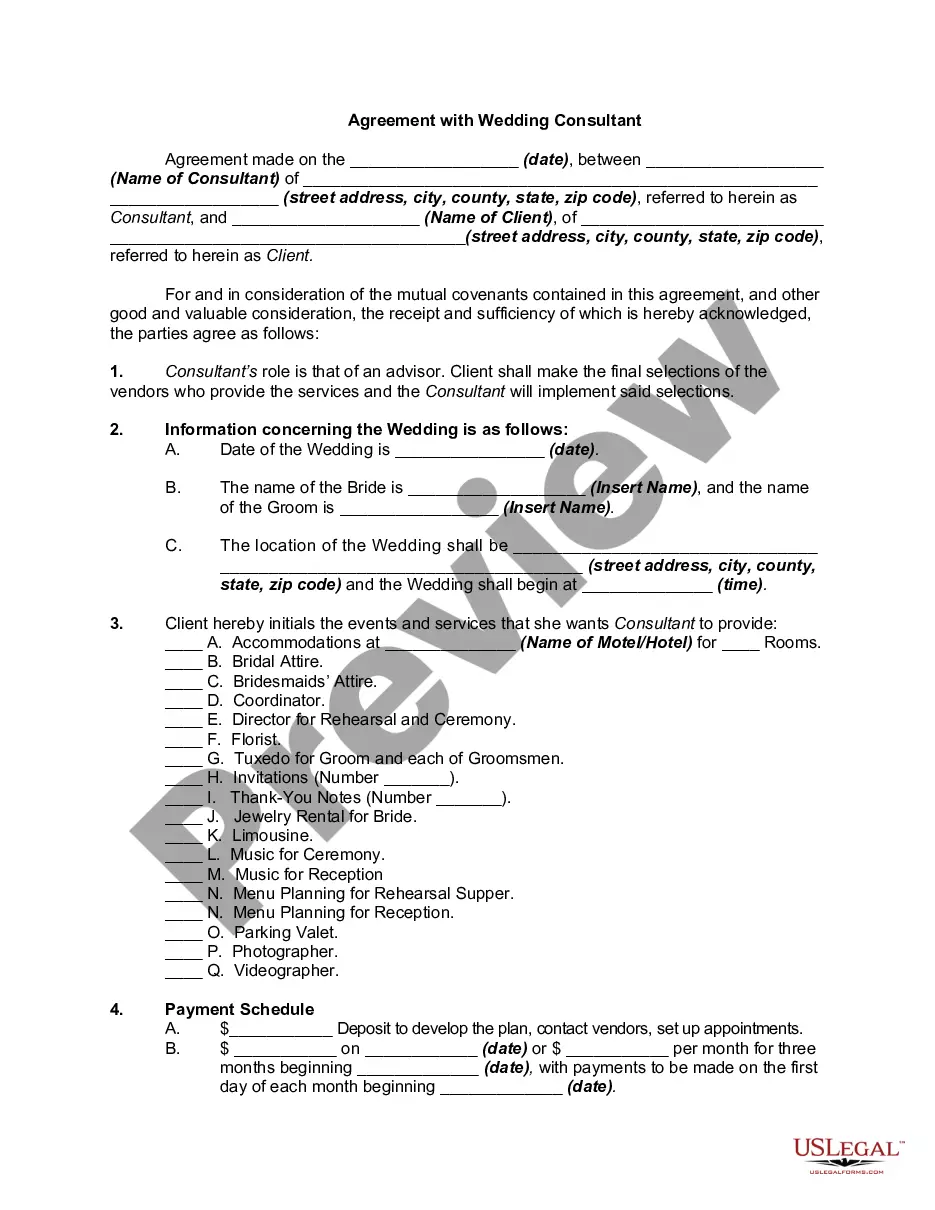
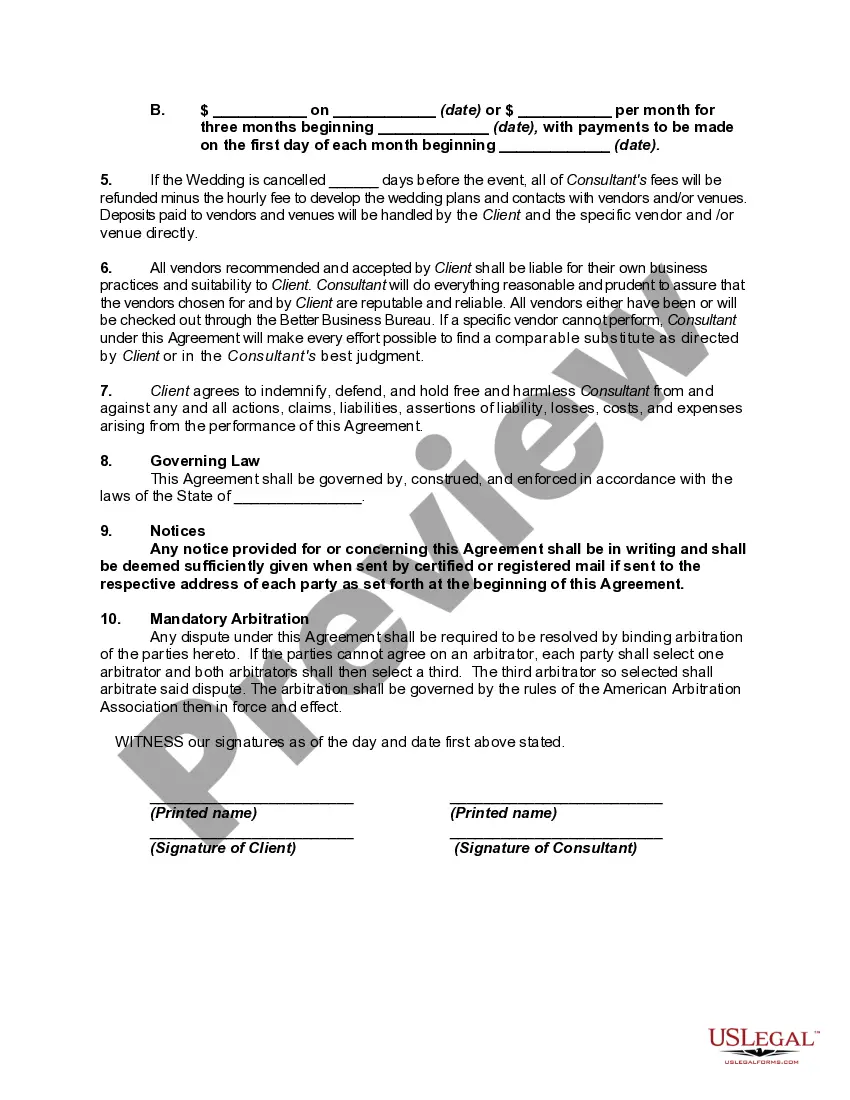
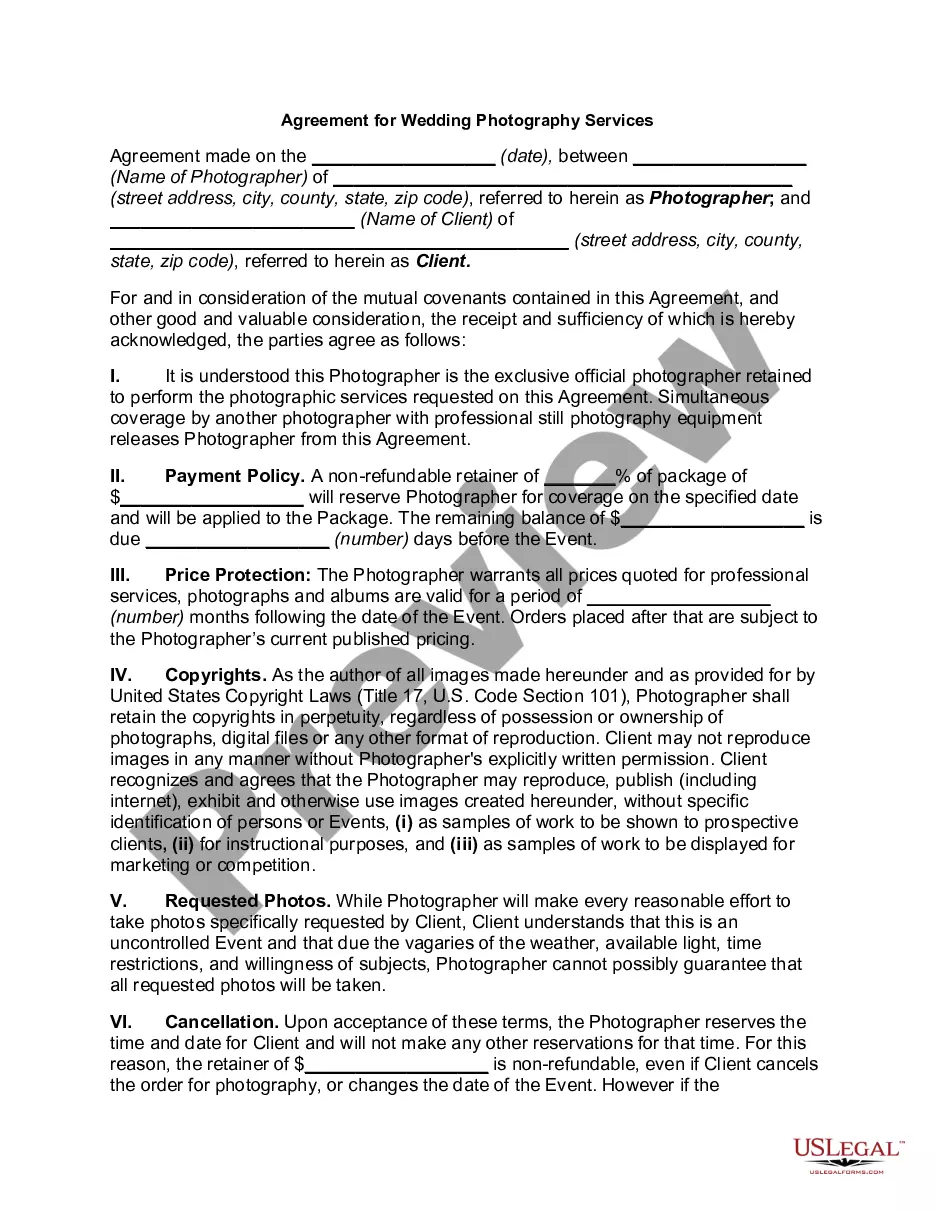

Get your form ready online
Our built-in tools help you complete, sign, share, and store your documents in one place.
Make edits, fill in missing information, and update formatting in US Legal Forms—just like you would in MS Word.
Download a copy, print it, send it by email, or mail it via USPS—whatever works best for your next step.
Sign and collect signatures with our SignNow integration. Send to multiple recipients, set reminders, and more. Go Premium to unlock E-Sign.
If this form requires notarization, complete it online through a secure video call—no need to meet a notary in person or wait for an appointment.
We protect your documents and personal data by following strict security and privacy standards.

Make edits, fill in missing information, and update formatting in US Legal Forms—just like you would in MS Word.

Download a copy, print it, send it by email, or mail it via USPS—whatever works best for your next step.

Sign and collect signatures with our SignNow integration. Send to multiple recipients, set reminders, and more. Go Premium to unlock E-Sign.

If this form requires notarization, complete it online through a secure video call—no need to meet a notary in person or wait for an appointment.

We protect your documents and personal data by following strict security and privacy standards.
Looking for another form?

How to fill out Agreement With Wedding Consultant, Planner Or Coordinator?
- Log in to your US Legal Forms account if you're an existing user. If you're new, create an account to start your journey.
- Search for the wedding template in the extensive library of over 85,000 forms and ensure it meets your jurisdictional requirements.
- Preview the form description to verify it matches your needs perfectly before proceeding further.
- Select the correct template and click the 'Buy Now' button. Choose your preferred subscription plan to gain access.
- Enter your payment information, either via credit card or PayPal, and confirm your purchase.
- Download your wedding template directly to your device, ensuring you can access it later in your profile under 'My Forms'. Be sure to save your work as you customize it.
Once you've downloaded your wedding template, you're equipped to move forward with your preparations. Utilize the resources available to assist you in filling out and finalizing your documents correctly.
Take advantage of US Legal Forms’ vast library and expert support to ensure your wedding plans go off without a hitch. Start today and let us help make your special day perfect!
Form popularity
FAQ
Inviting staff to your wedding can be both personal and professional with the right wedding template. Begin by crafting an invitation that includes all necessary event details while maintaining a friendly tone. Distribute the invites through an appropriate channel, such as email or printed cards, ensuring everyone receives them in a timely manner. A sincere invitation can foster a sense of community and shared excitement for your big day.
Writing a marriage invitation message begins with a warm and welcoming tone. Start with a declaration of your union, followed by essential details such as the date and venue. Use a wedding template to structure your message, ensuring it flows nicely and includes RSVP instructions. A thoughtful message makes your invitees feel appreciated and allows them to celebrate your love.
To invite a group of people to your wedding, start with a cohesive wedding template that allows you to address multiple guests at once. Clearly outline the details—date, venue, and dress code—so everyone knows what to expect. You can distribute these invitations through digital platforms or traditional mail, depending on your preference. A unified approach ensures your group feels connected to your special day.
Inviting team members using a marriage template can simplify the process. First, choose a wedding template that resonates with your style and includes essential information, such as date, location, and time. Next, personalize it by adding heartfelt messages or anecdotes about your journey. This attention to detail can make your team feel valued and included in your celebration.
To invite team members to your wedding, consider creating a personalized wedding template that captures the essence of your big day. Send out digital invitations through email or a wedding planning app, sharing the details and excitement of the event. Ensure to include RSVP information to help you plan better. Using an inviting template makes it easy to convey your enthusiasm and maintain professionalism.
The primary rule of thumb for wedding invitations is to provide clear, concise information about the event while adhering to traditional etiquette. Include the names of the couple, the date, time, and location of the ceremony. Consider sending invitations out 6-8 weeks prior to the big day. Utilizing a wedding template can also help you stay on track with all necessary details.
Filling out place cards for your wedding involves writing each guest's name clearly. Be sure to designate a specific table or seat number if applicable. If you have a larger wedding, consider using a wedding template for uniformity and to keep the process easy. This will ensure each guest feels welcomed and prioritized.
When formatting a wedding guest list, start by including names, addresses, and contact details for each guest. Group guests by family or relationship, making it easier to communicate RSVPs and seating arrangements. Using a wedding template can help you organize this list systematically, ensuring you don't miss anyone important.
Stuffing a wedding envelope requires careful organization of the contents. Place the invitation card in the envelope first, facing the opening, followed by the other materials like RSVP and any additional cards. Always double-check that the content is aligned neatly. Following a wedding template can provide specific guidance for a cohesive and elegant presentation.
To create wedding invitations properly, start by choosing a design that reflects your style. Use clear, readable fonts and follow traditional formatting rules. Send the invitations out at least six to eight weeks before your wedding date. A wedding template can simplify the design process while ensuring you meet all etiquette standards.