Copyright Logo Copy Without Logo
Description
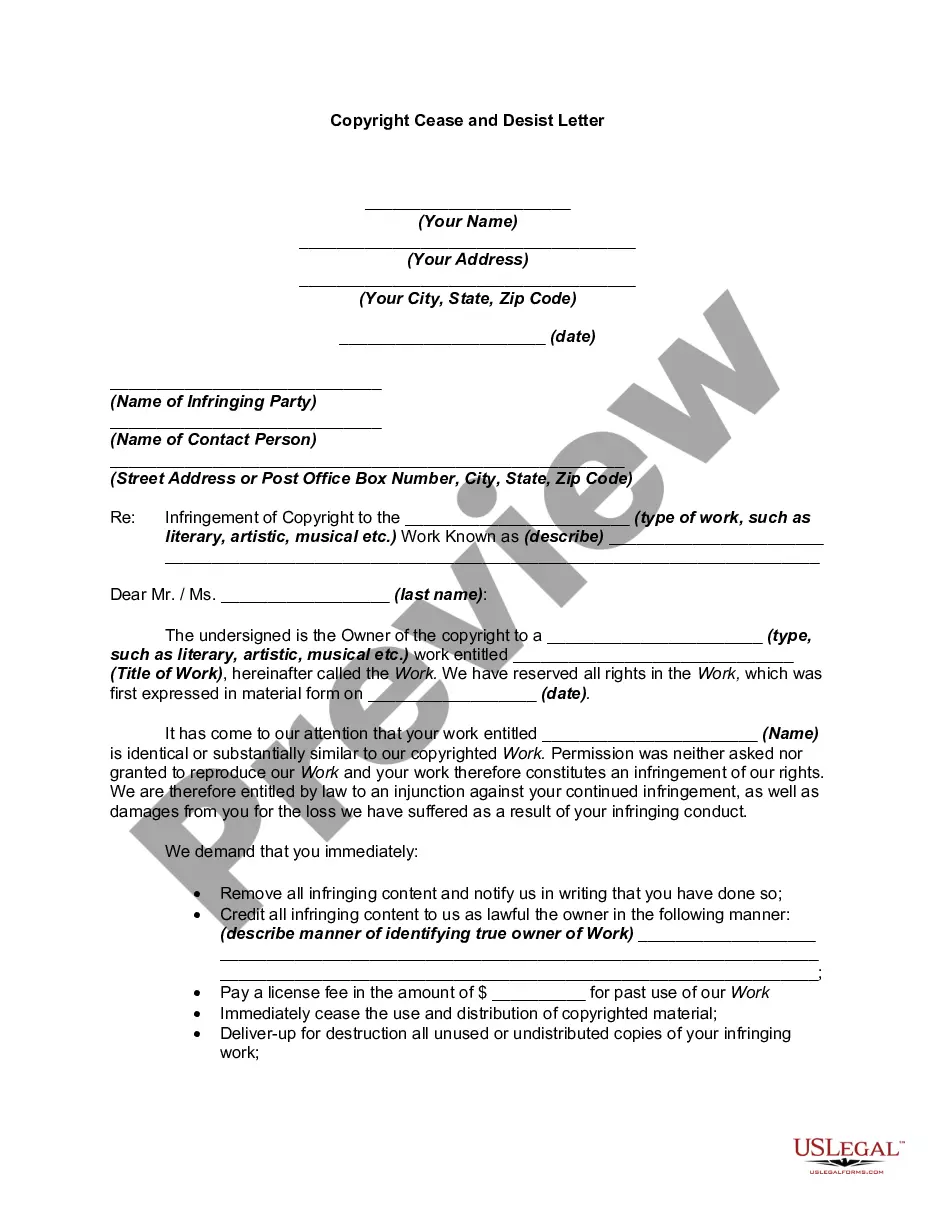

Get your form ready online
Our built-in tools help you complete, sign, share, and store your documents in one place.
Make edits, fill in missing information, and update formatting in US Legal Forms—just like you would in MS Word.
Download a copy, print it, send it by email, or mail it via USPS—whatever works best for your next step.
Sign and collect signatures with our SignNow integration. Send to multiple recipients, set reminders, and more. Go Premium to unlock E-Sign.
If this form requires notarization, complete it online through a secure video call—no need to meet a notary in person or wait for an appointment.
We protect your documents and personal data by following strict security and privacy standards.

Make edits, fill in missing information, and update formatting in US Legal Forms—just like you would in MS Word.

Download a copy, print it, send it by email, or mail it via USPS—whatever works best for your next step.

Sign and collect signatures with our SignNow integration. Send to multiple recipients, set reminders, and more. Go Premium to unlock E-Sign.

If this form requires notarization, complete it online through a secure video call—no need to meet a notary in person or wait for an appointment.

We protect your documents and personal data by following strict security and privacy standards.
Looking for another form?

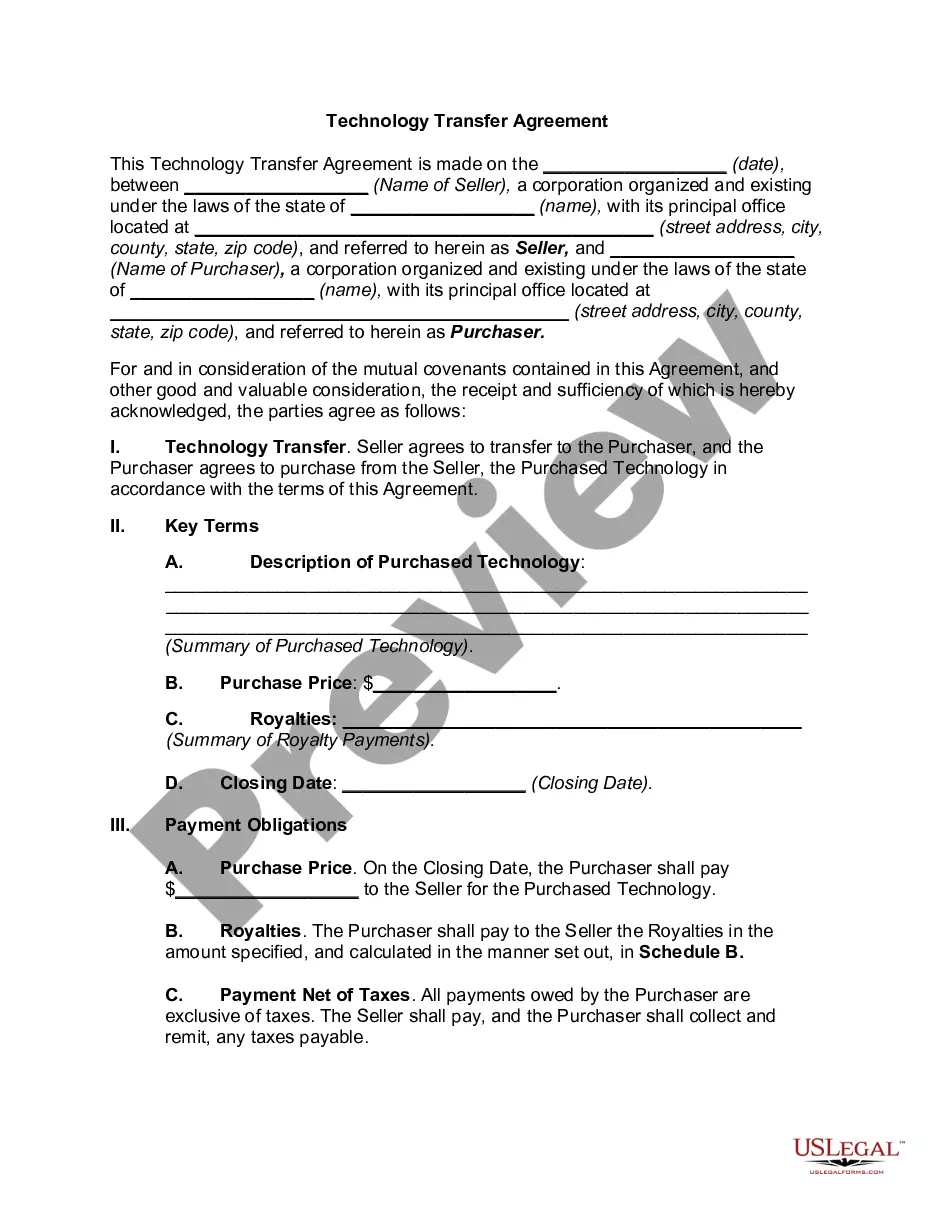

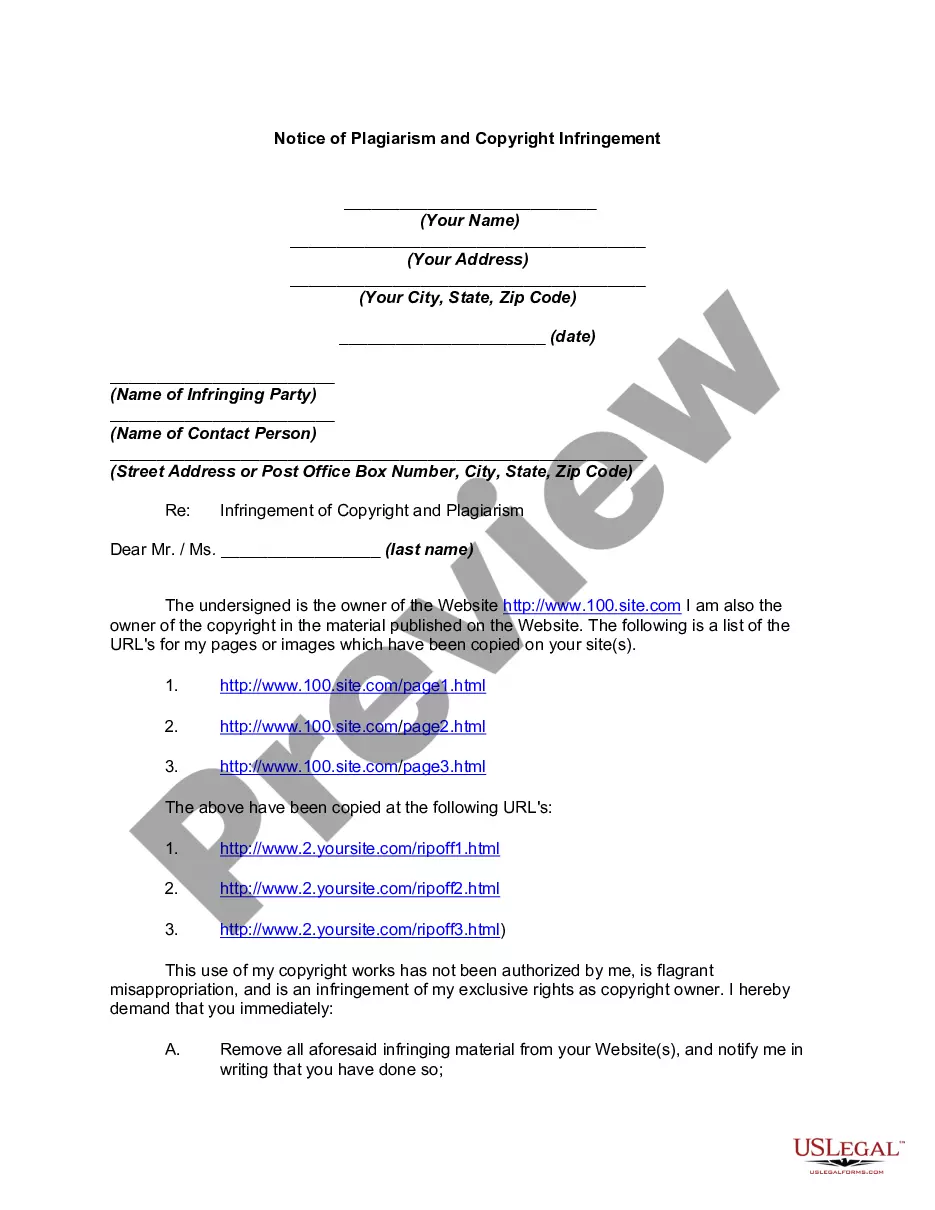
How to fill out Notice Of Plagiarism And Copyright Infringement?
Finding a reliable location to obtain the latest and suitable legal templates is a significant part of navigating bureaucracy.
Selecting the correct legal documents demands precision and care, which is why sourcing samples of Copyright Logo Copy Without Logo exclusively from trustworthy platforms, such as US Legal Forms, is crucial. An incorrect template can squander your time and delay the situation you are facing.
Eliminate the complications associated with your legal paperwork. Browse the extensive library of US Legal Forms to discover legal samples, evaluate their suitability for your situation, and download them right away.
- Use the catalog navigation or search bar to locate your sample.
- Review the form’s details to ensure it meets the requirements of your state and area.
- Check the form preview, if available, to confirm it is the document you are looking for.
- Return to the search and find the correct document if the Copyright Logo Copy Without Logo does not fulfill your needs.
- Once you are confident about the form’s appropriateness, download it.
- If you are a registered user, click Log in to verify and access your chosen templates in My documents.
- If you do not possess an account yet, click Buy now to acquire the form.
- Select the pricing plan that fits your requirements.
- Proceed to the registration process to complete your acquisition.
- Finish your purchase by selecting a payment method (credit card or PayPal).
- Determine the file format for downloading Copyright Logo Copy Without Logo.
- After obtaining the form on your device, you may modify it using the editor or print it to complete it manually.
Form popularity
FAQ
To type the ℗ symbol, which indicates phonorecord copyright, you need to use special character codes. On Windows, you can use 'Alt + 8499' on the numeric keypad. If you're on a Mac, you can access the character viewer to find and insert the ℗ symbol, allowing you to enhance your copyright logo copy without logo effectively.
Typing the letter 'C' inside a circle, which represents a copyright symbol, can be done with a simple keyboard shortcut. On most devices, you can type the copyright symbol using 'Alt + 0169' on Windows or 'Option + G' on Mac. This technique helps you create the copyright logo copy without logo easily in your documents.
Copying a copyright symbol is straightforward. You can find the symbol online, highlight it, and use 'Ctrl + C' on Windows or 'Command + C' on Mac to copy it. Once copied, you can paste it wherever you need, ensuring that the copyright logo copy without logo appears in your work without hassle.
To insert a copyright symbol in your document, you can use keyboard shortcuts. On Windows, press 'Alt' and type '0169' using the numeric keypad. On Mac, simply press 'Option' and 'G'. This method allows you to efficiently include the copyright logo copy without logo in your text.
If pushing the (@) button results in an unexpected symbol, it might be due to keyboard settings or shortcuts. Check if your keyboard layout is set correctly for your region. Alternatively, you can use the character map or copy the copyright logo copy without logo from a reliable source, ensuring you have the correct symbol when needed.
Choosing between TM (trademark) and R (registered trademark) for your logo depends on your status. Use TM if you are claiming a trademark but haven’t registered it yet. On the other hand, use the R symbol once your trademark is officially registered. Understanding these distinctions can help you effectively manage your copyright logo copy without logo.
Typing the copyright logo is straightforward. You can either use the keyboard shortcuts mentioned earlier or insert the symbol from the character map on your computer. If you're using a document or web editor, look for the insert symbol option, where you can find the copyright logo to include in your text as needed.
To type a copyright symbol, you can use a keyboard shortcut. On Windows, press 'Alt' and type '0169' using the numeric keypad. On a Mac, simply press 'Option' and 'G' together. This method allows you to easily create a copyright logo copy without logo.
The copyright symbol is denoted by the letter 'C' enclosed in a circle (©). This symbol signifies that the work is protected by copyright law. On the other hand, the letter 'R' in a circle (®) represents a registered trademark. Knowing the distinction between these symbols is vital for anyone involved in creating Copyright logo copy without logo, as it helps clarify ownership and rights.
The copyright symbol in plain text is represented as '(c)'. This representation is widely recognized and serves as a legal indicator of copyright ownership. When creating documents or digital content, including the copyright symbol in this format can help protect your work. Thus, it is crucial to understand how to use it effectively in your Copyright logo copy without logo.