Copyright Logo Copy With Image
Description
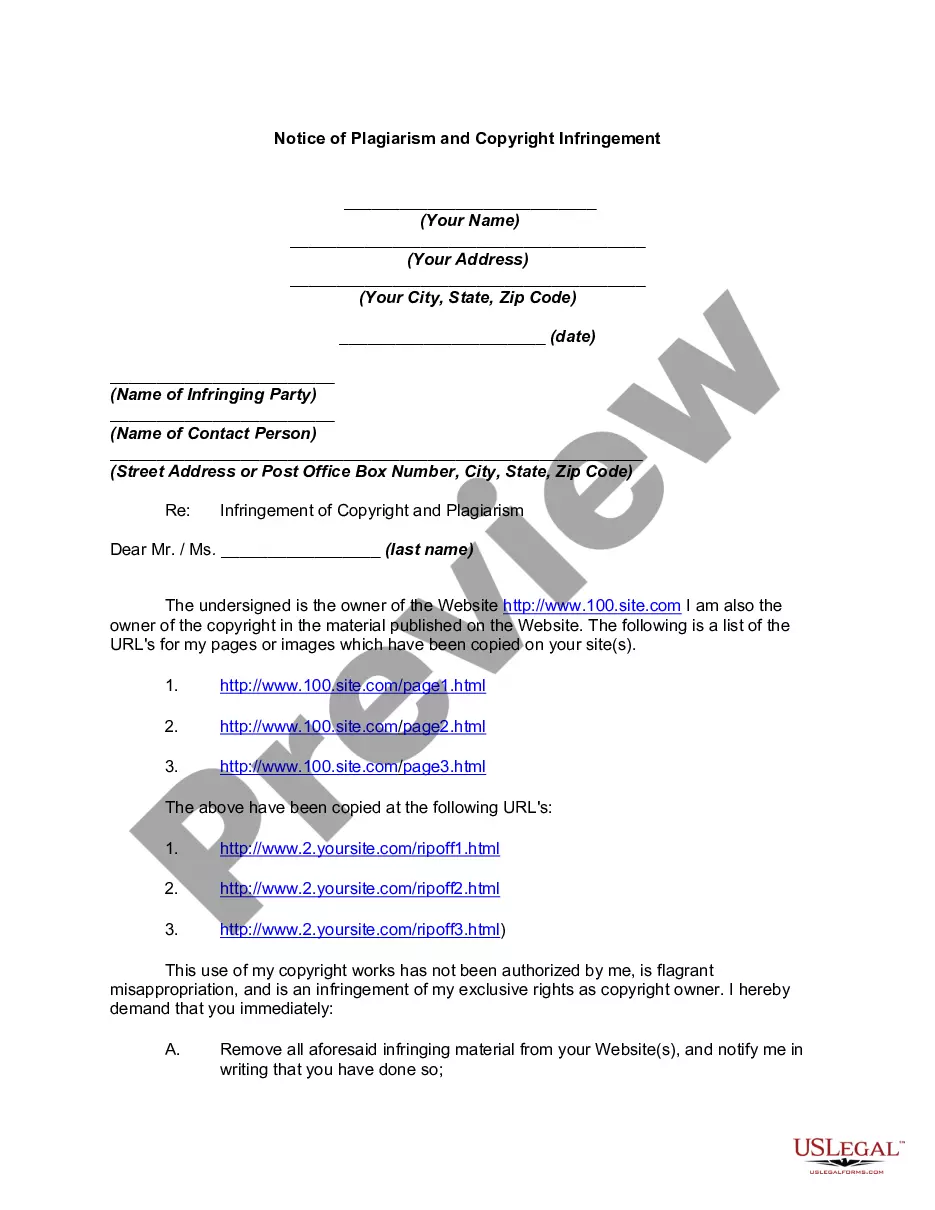
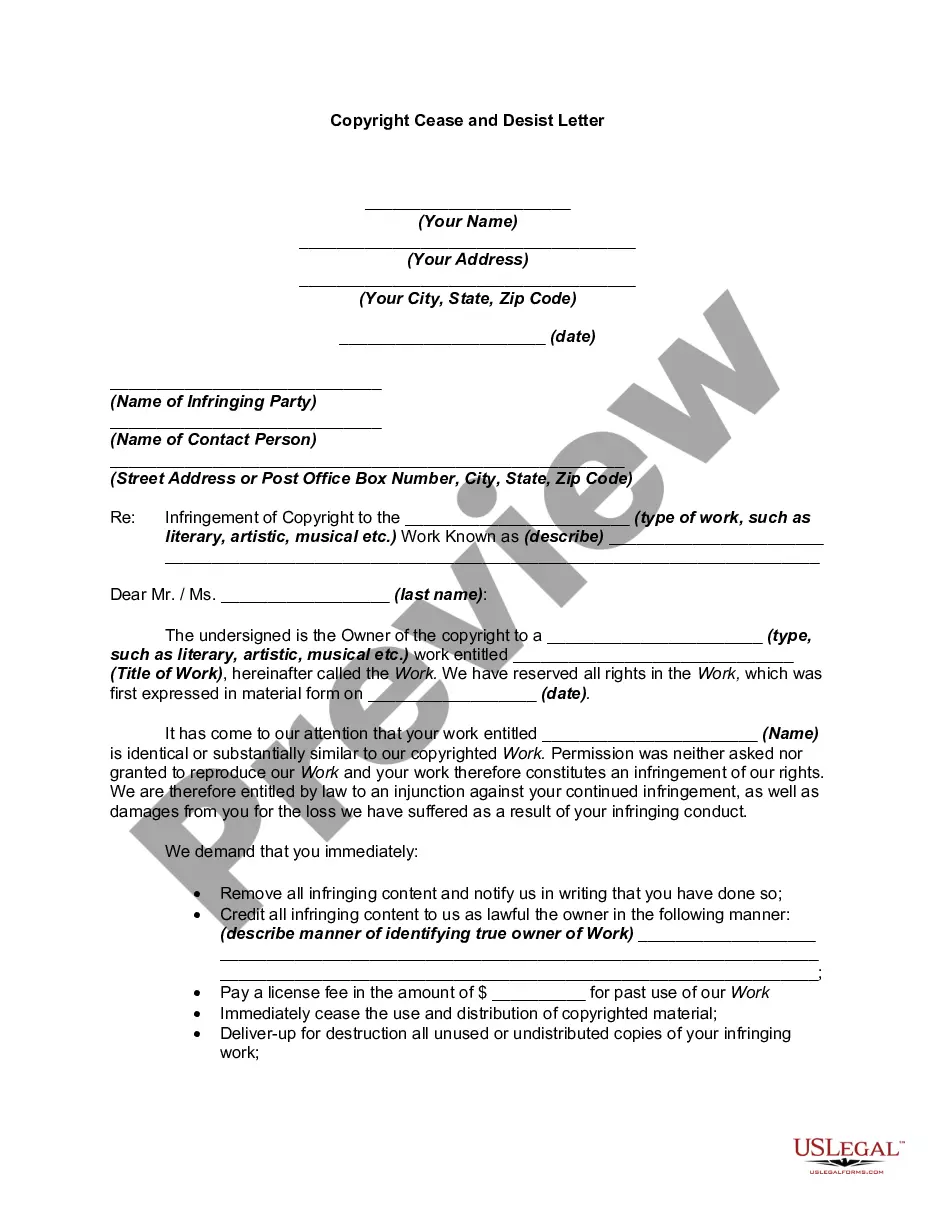

Get your form ready online
Our built-in tools help you complete, sign, share, and store your documents in one place.
Make edits, fill in missing information, and update formatting in US Legal Forms—just like you would in MS Word.
Download a copy, print it, send it by email, or mail it via USPS—whatever works best for your next step.
Sign and collect signatures with our SignNow integration. Send to multiple recipients, set reminders, and more. Go Premium to unlock E-Sign.
If this form requires notarization, complete it online through a secure video call—no need to meet a notary in person or wait for an appointment.
We protect your documents and personal data by following strict security and privacy standards.

Make edits, fill in missing information, and update formatting in US Legal Forms—just like you would in MS Word.

Download a copy, print it, send it by email, or mail it via USPS—whatever works best for your next step.

Sign and collect signatures with our SignNow integration. Send to multiple recipients, set reminders, and more. Go Premium to unlock E-Sign.

If this form requires notarization, complete it online through a secure video call—no need to meet a notary in person or wait for an appointment.

We protect your documents and personal data by following strict security and privacy standards.
Looking for another form?






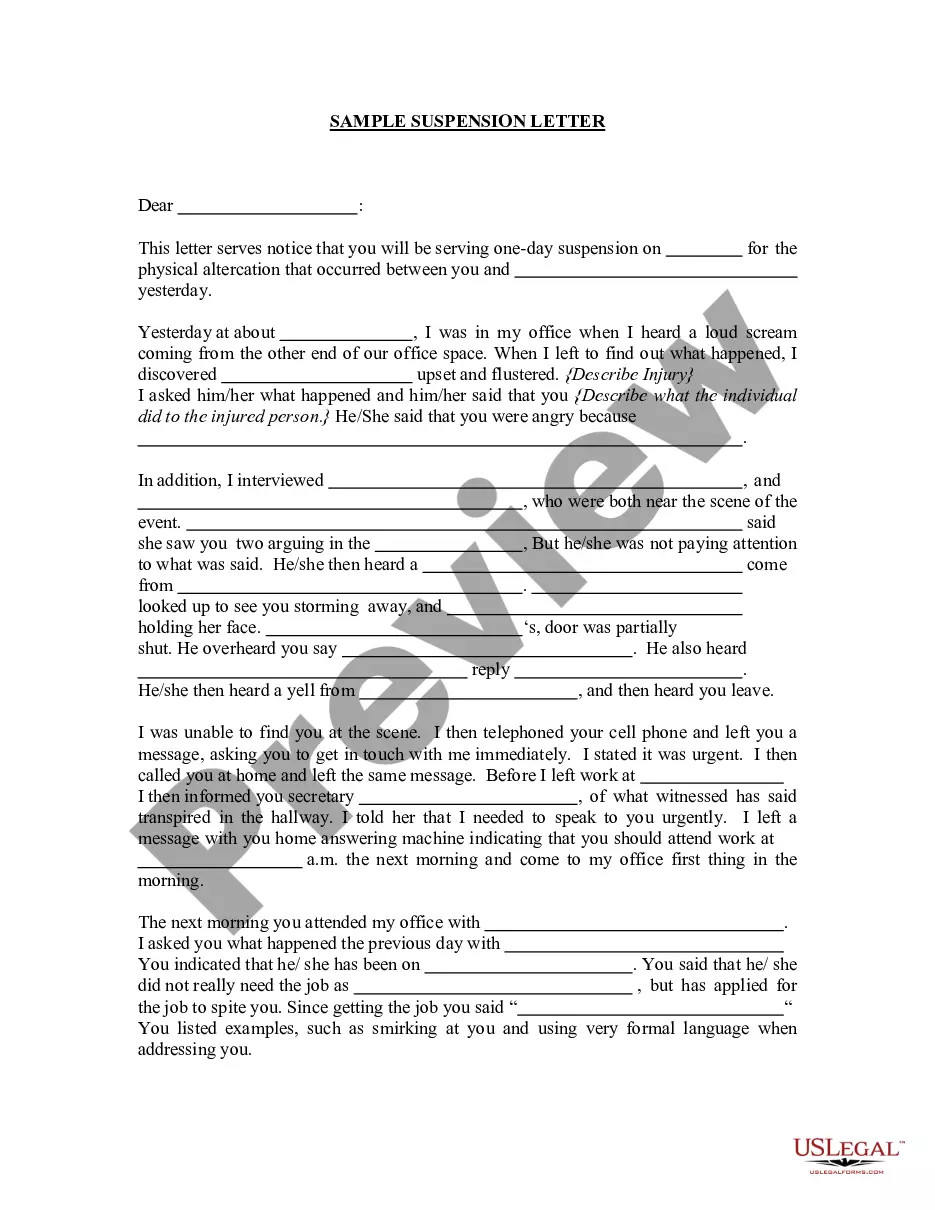

How to fill out Notice Of Plagiarism And Copyright Infringement?
Managing legal paperwork and processes can be an arduous addition to your daily routine.
Documents like Copyright Logo Copy With Image often require you to locate them and determine the most effective way to fill them out correctly.
As a result, if you are handling financial, legal, or personal affairs, utilizing a comprehensive and straightforward online repository of forms at your convenience will significantly help.
US Legal Forms serves as the leading online source of legal templates, providing over 85,000 state-specific forms along with various resources to help you fill out your documents with ease.
Is this your first time using US Legal Forms? Create and set up an account within minutes, granting you access to the form library and Copyright Logo Copy With Image. Next, follow the steps below to complete your form: Ensure you have the correct form using the Preview feature and reviewing the form details. Select Buy Now when ready, and pick the monthly subscription plan that fits your requirements. Click Download, then fill, sign, and print the form. US Legal Forms has 25 years of expertise assisting users in managing their legal documents. Locate the form you need today and simplify any procedure without difficulty.
- Browse the collection of relevant documents available to you with just one click.
- US Legal Forms supplies you with state- and county-specific forms accessible for download anytime.
- Streamline your document management processes with a premium service that allows you to create any form in minutes without additional or hidden fees.
- Simply Log In to your account, find Copyright Logo Copy With Image, and obtain it instantly through the My documents section.
- You can also access previously saved forms.
Form popularity
FAQ
Adding a copyright symbol to a photo is straightforward. You can use photo editing software to insert the © symbol along with your name and the year of creation. This practice reinforces your copyright logo copy with image, signaling to others that your work is protected. Including this symbol helps deter unauthorized use and promotes awareness of your ownership.
Writing a copyright disclaimer for a photo involves clearly stating your ownership rights. You can include a statement such as '© Your Name/Company, Year. All rights reserved.' This informs viewers that you retain copyright over the image, and they cannot use it without permission. For additional guidance, consider using resources from US Legal Forms to ensure your copyright logo copy with image is adequately protected.
To type the ℗ symbol, which indicates a sound recording copyright, you can use specific keyboard shortcuts. On Windows, hold down the Alt key and type 169 on the numeric keypad. On a Mac, you can use the character viewer to find and insert this symbol. Knowing how to incorporate ℗ alongside your copyright logo copy with image is crucial for protecting your audio works.
Typing the © symbol, or 'c' in a circle, is straightforward across different devices. On a Windows computer, you can use Alt+0169, while on a Mac, simply press Option+C. This technique allows you to quickly insert a copyright logo copy with image into any text or document, enhancing its professionalism.
To place a copyright symbol on a picture, you can use image editing software like Photoshop or online tools. Start by opening your image and selecting the text tool to add the copyright symbol ©. Position it where you want on the image, ensuring it does not obstruct important elements. This practice helps you protect your work with a copyright logo copy with image.
The (@) symbol is commonly referred to as the 'at' symbol. It is widely used in email addresses and social media handles. While it is not directly related to copyright, understanding its usage can enhance your digital communication skills. This knowledge is essential when discussing topics like copyright logo copy with image in online environments.
Inserting a copyright symbol can be done through various methods, depending on the platform you are using. For instance, in Microsoft Word, you can go to 'Insert', then 'Symbol', and choose the copyright symbol. Alternatively, you can type Alt+0169 on your numeric keypad for Windows or Option+G on a Mac. This allows you to effectively use the copyright logo copy with image in your documents.
To copy a copyright symbol, simply highlight the symbol © from a website or document, then right-click and select 'Copy'. You can also use keyboard shortcuts like Ctrl+C on Windows or Command+C on Mac. Once copied, paste it wherever you need by right-clicking and selecting 'Paste', or using Ctrl+V or Command+V. This process ensures you can easily use the copyright logo copy with image as needed.